


























What skills should I look for when hiring an Adobe InDesign expert?
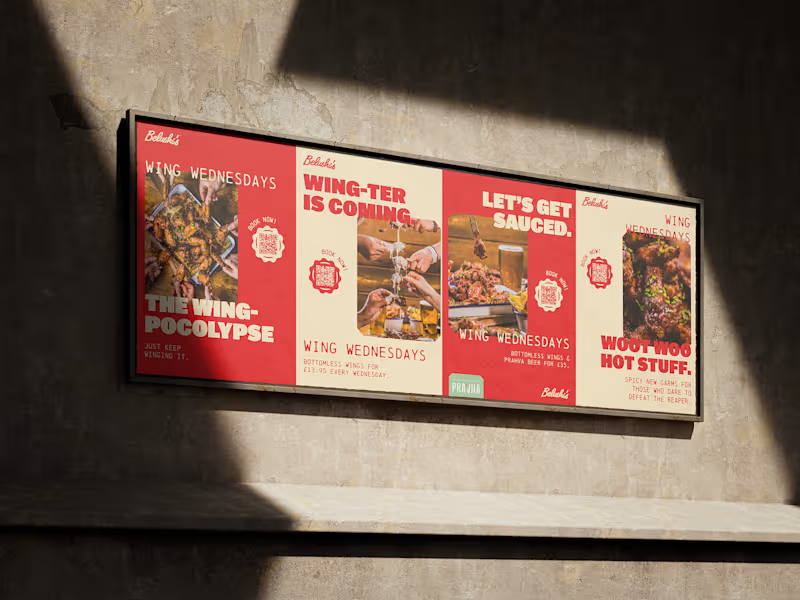
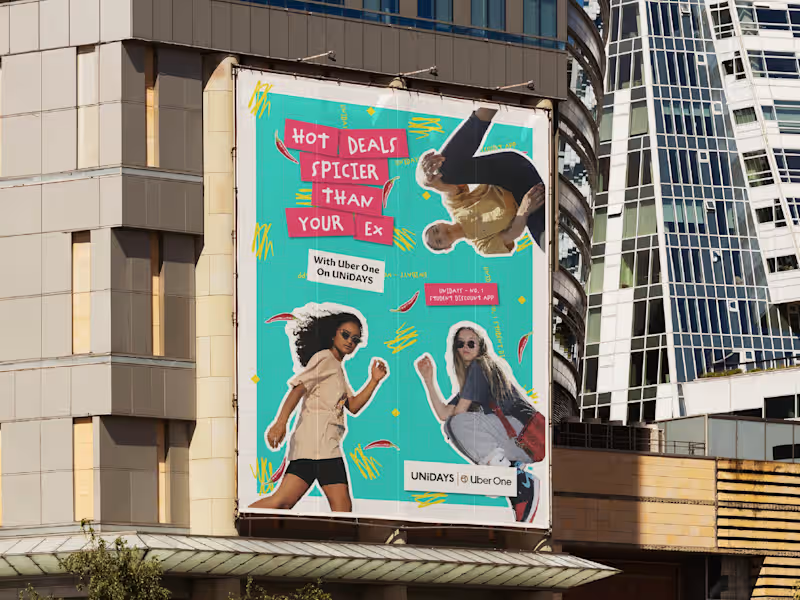
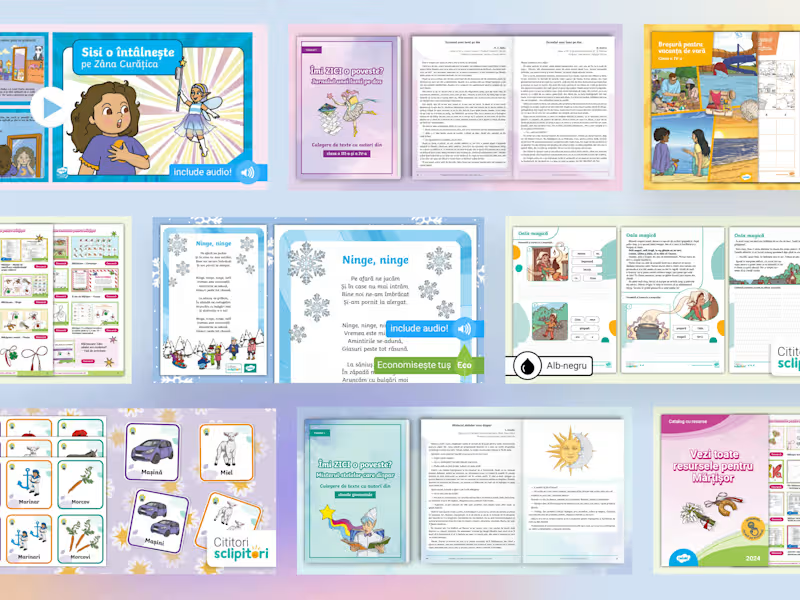
You should look for someone who knows how to use Adobe InDesign for creating layouts. They should have a portfolio that showcases their design style. It's also good if they can work well with other Adobe tools like Photoshop or Illustrator.
How can I know if an Adobe InDesign expert has the right experience for my project?
Check their past work to see if they've done projects similar to yours. Look for experience in creating the types of documents you need, like brochures or magazines. A freelancer who understands your project's needs will likely deliver better results.
What should I include in a project brief for an Adobe InDesign expert?
Your project brief should have a clear description of what you need. Include details like the type of document, the number of pages, and the style you want. The more specific you are, the better the freelancer can understand your vision.
How can I ensure a smooth start to a project with an Adobe InDesign freelancer?
Communication is key. Have a kickoff meeting to discuss the project and deliverables. Make sure the freelancer has everything they need, like brand guidelines or examples you like.
What should I consider when setting deadlines with an Adobe InDesign expert?
Consider the complexity of your project and how long it typically takes to complete similar work. Allow some extra time for revisions and feedback. Talk to the freelancer about realistic deadlines and make sure they agree.
How can I agree on deliverables with an Adobe InDesign expert?
Clearly define what you're expecting at the end of the project. This could be files ready for print or digital distribution. Written agreements help ensure everyone knows what’s expected.
What is the best way to communicate with an Adobe InDesign freelancer during a project?
Find a communication method that works for both you and the freelancer. Email, chat platforms, or project management tools can be effective. Regular check-ins can help keep the project on track.
How should I provide feedback on the designs created by an Adobe InDesign freelancer?
Give your feedback in a clear and constructive way. Focus on specific changes you want to see rather than general comments. This helps the freelancer know exactly how to adjust the work to meet your needs.
What are some red flags to watch out for when collaborating with an Adobe InDesign expert?
Watch out for missed deadlines without explanation or poor communication. If a freelancer doesn’t seem responsive or open to feedback, it might not be a good fit. Look for someone who is proactive and keeps you updated.
How can I assess the success of a project with an Adobe InDesign expert?
Measure success by how well the final product meets your project goals. Check that all deliverables were met and that the work aligns with your brand’s vision. Good projects should make you happy with the quality and creativity of the designs.
Who is Contra for?
Contra is designed for both freelancers (referred to as "independents") and clients. Freelancers can showcase their work, connect with clients, and manage projects commission-free. Clients can discover and hire top freelance talent for their projects.
What is the vision of Contra?
Contra aims to revolutionize the world of work by providing an all-in-one platform that empowers freelancers and clients to connect and collaborate seamlessly, eliminating traditional barriers and commission fees.