


























How do I define the scope of my project for an Adobe InDesign expert?
Start by making a list of what you want to accomplish. Think about the types of layouts or designs you need. Be clear on your goals so the expert knows what to create.
What should I include in a brief for an Adobe InDesign project?
Your brief should have all the details about your project. Include the purpose, style, and any important elements. This helps the expert understand your vision.
How can I ensure the project timeline is clear to the freelancer?
Decide when you want the project done by. Share key dates with the freelancer. Make sure you both agree on the timeline so there are no surprises.
How do I check the Adobe InDesign expert’s past work and experience?
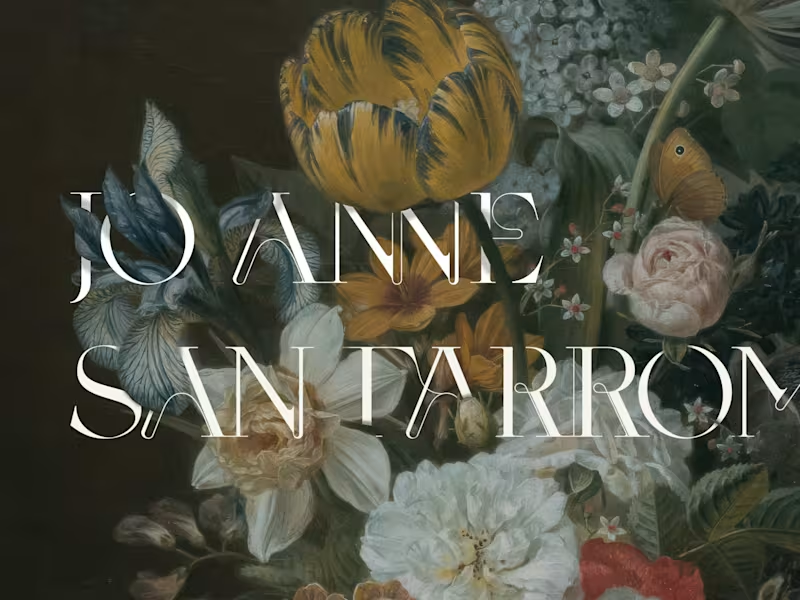
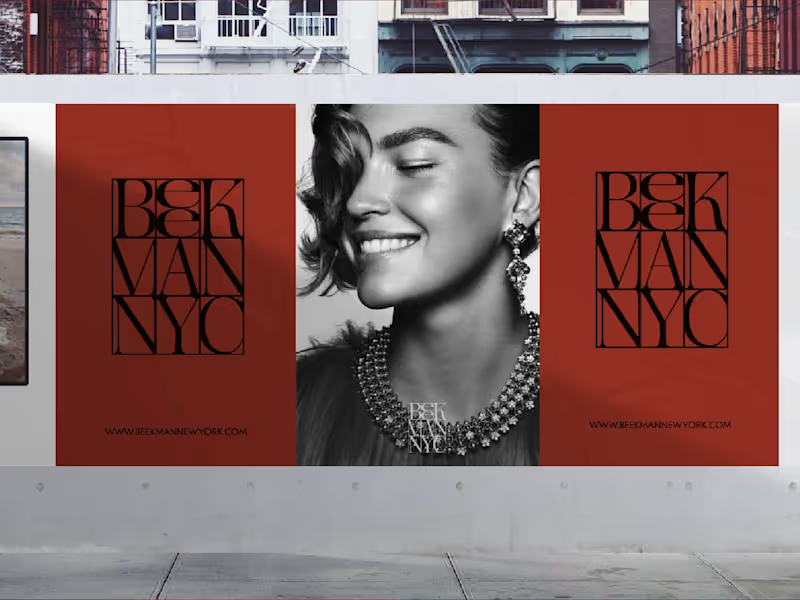
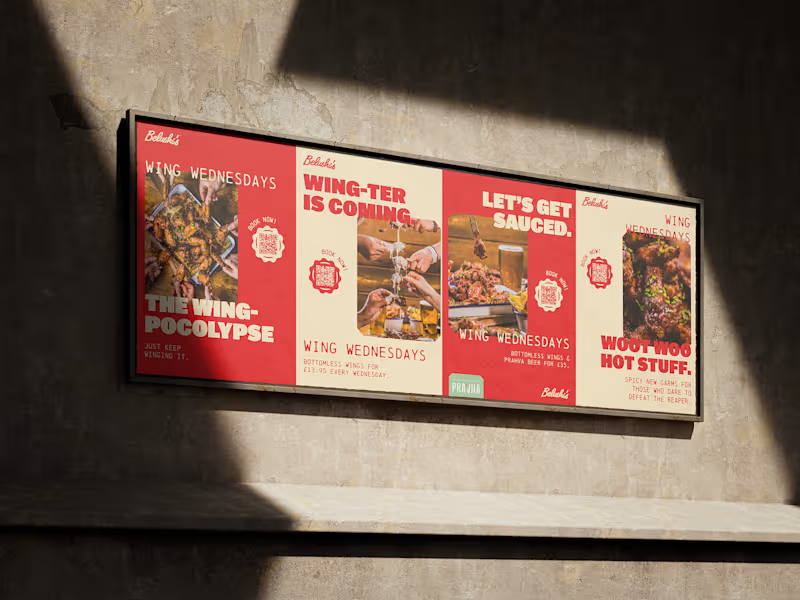
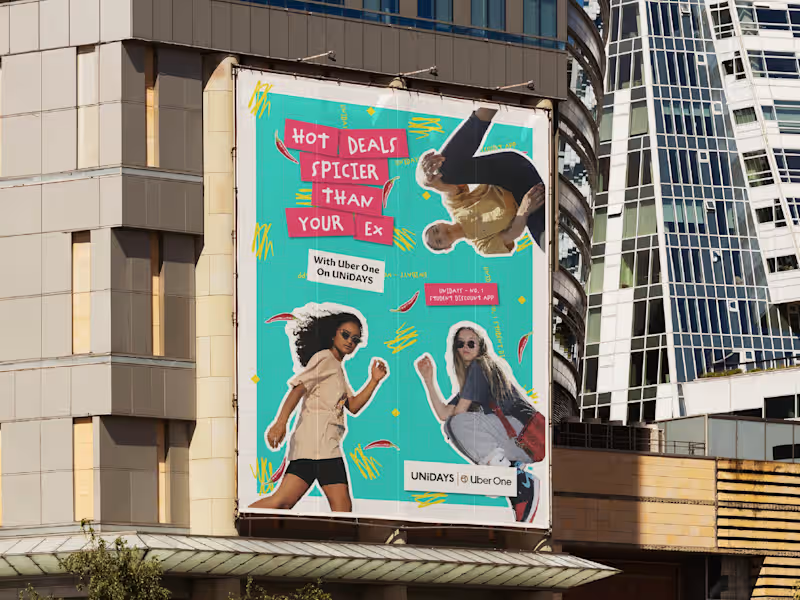
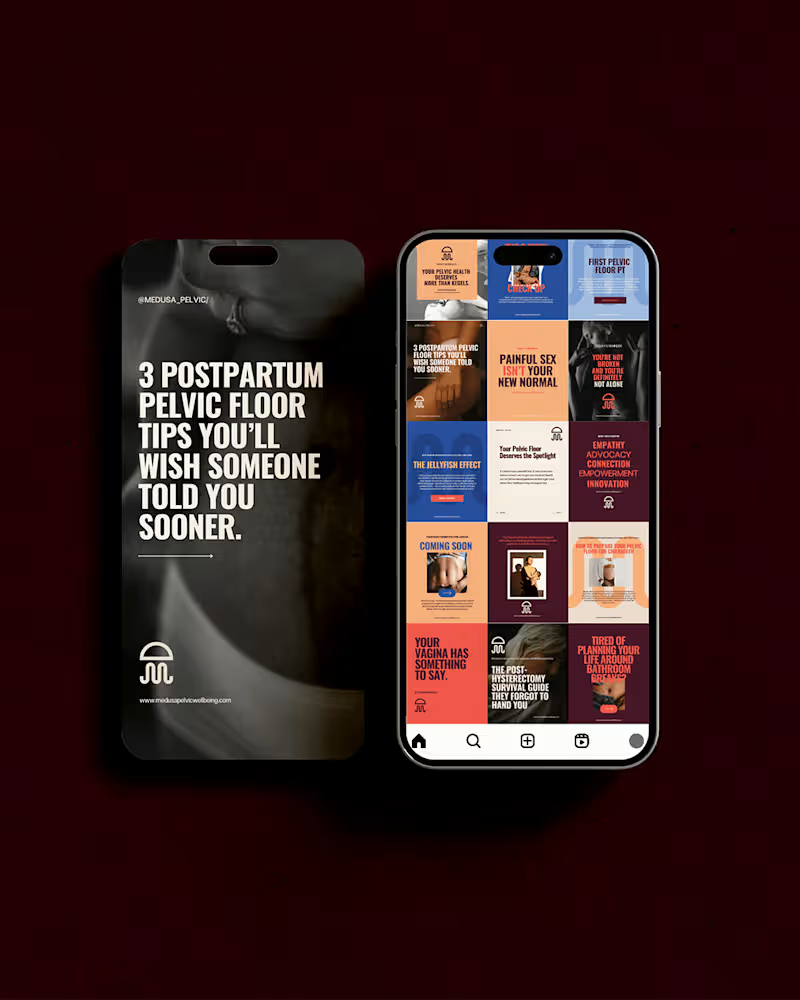
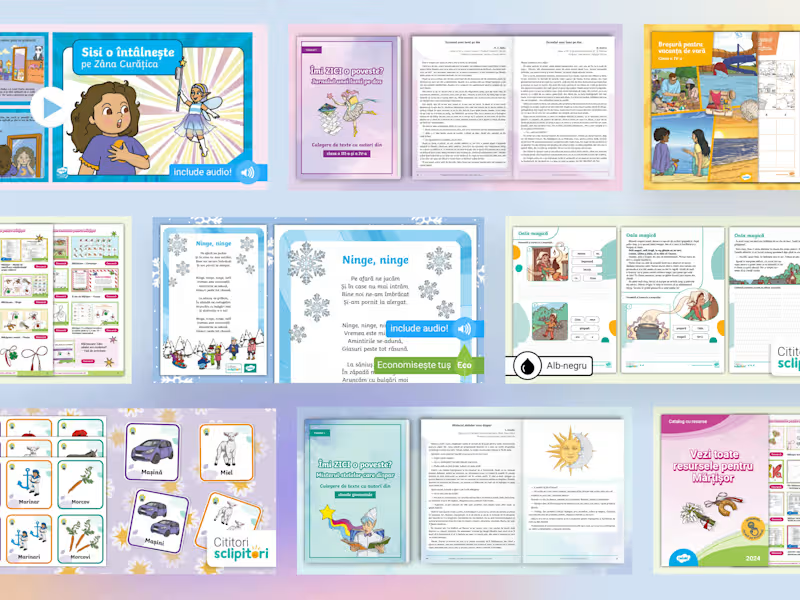
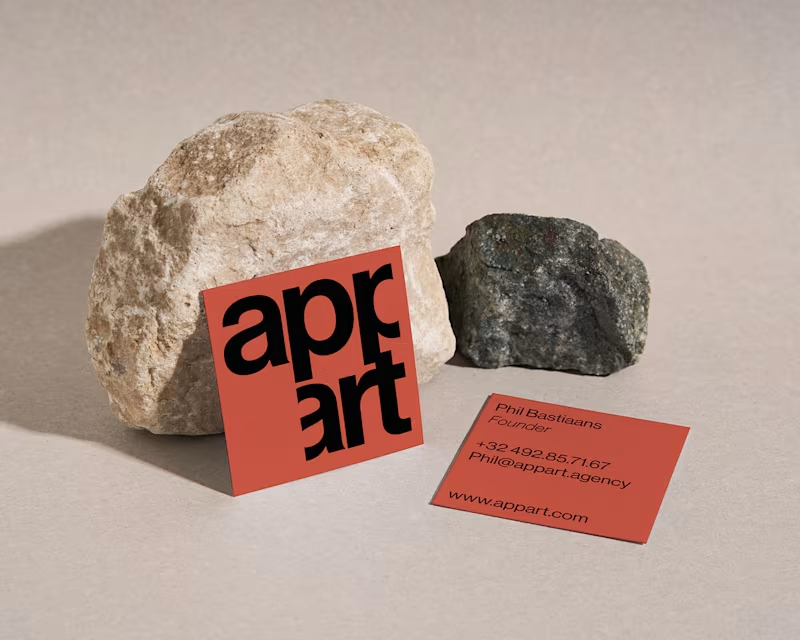
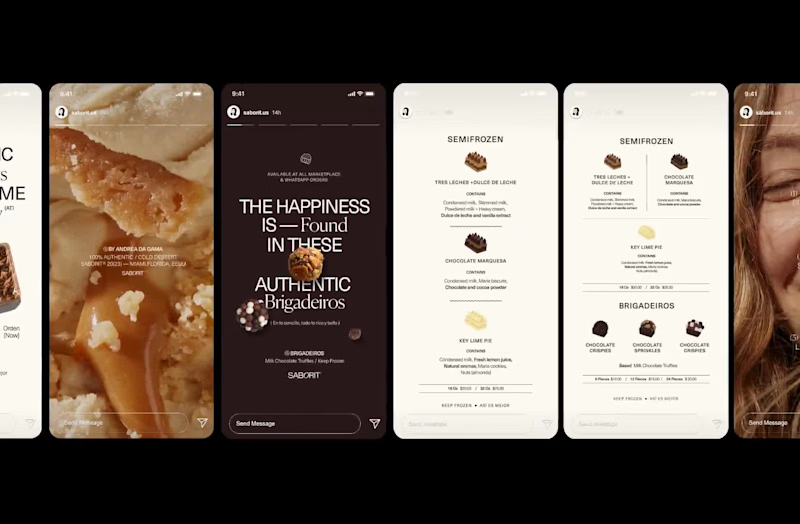
Look at their portfolio to see other designs they've made. Ask them about their experience with similar projects. This can help you know if they are a good fit.
How do I decide what deliverables to expect from an Adobe InDesign freelancer?
Think about the final pieces you need, like brochures or eBooks. Talk with the expert to agree on what they will deliver. This way, you're both on the same page.
What’s the best way to communicate with my Adobe InDesign freelancer?
Decide how often you want updates from the freelancer. Choose the best way to talk, like emails or video calls. Good communication helps the project go smoothly.
How do I handle feedback and revisions during the project?
Talk to the freelancer about how many changes you can request. Be clear and kind in your feedback so they know what to adjust. A smooth process helps get the result you want.
What are effective ways to track the progress of my Adobe InDesign project?
Ask the freelancer for regular updates on their work. You can use progress check-ins to see how things are going. This helps catch any issues early.
How can I ensure the final deliverables meet my quality expectations?
Review the designs carefully and compare them to the brief. Make sure everything matches what you wanted. A detailed check helps ensure quality.
What should I discuss with the freelancer before starting the InDesign project?
Talk about your goals, timelines, and deliverables. Discuss how you'll communicate and handle feedback. Having these conversations upfront makes the project go smoother.
Who is Contra for?
Contra is designed for both freelancers (referred to as "independents") and clients. Freelancers can showcase their work, connect with clients, and manage projects commission-free. Clients can discover and hire top freelance talent for their projects.
What is the vision of Contra?
Contra aims to revolutionize the world of work by providing an all-in-one platform that empowers freelancers and clients to connect and collaborate seamlessly, eliminating traditional barriers and commission fees.