





















What should I look for in a freelance Adobe InDesign expert's portfolio?
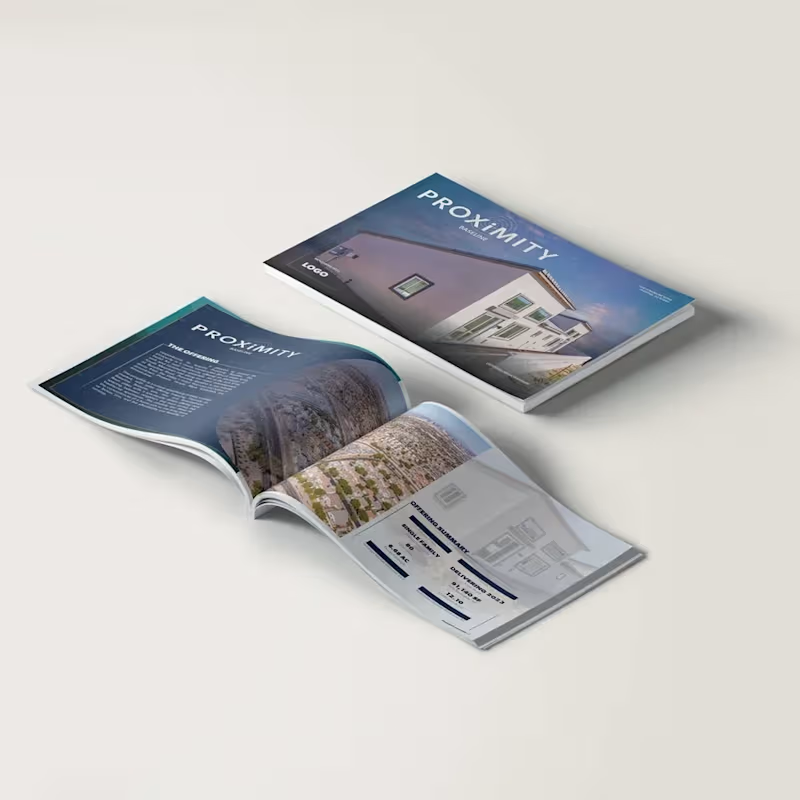
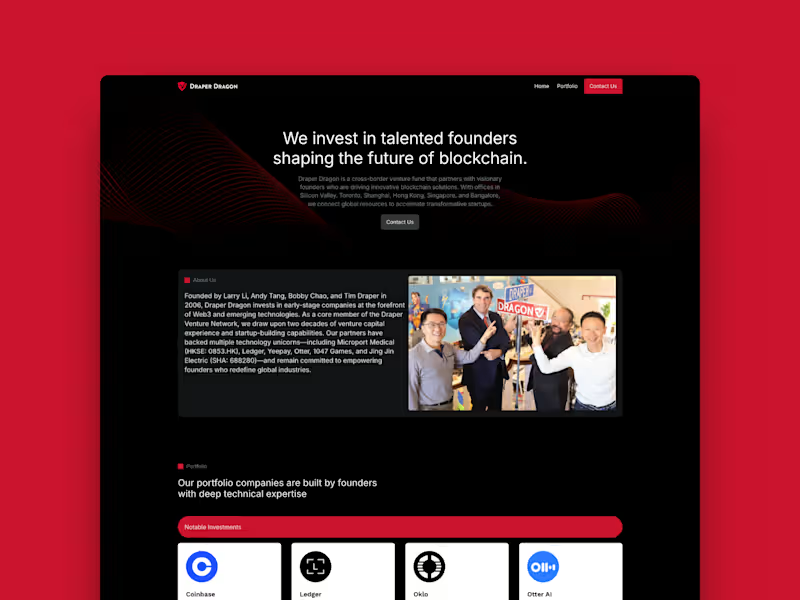
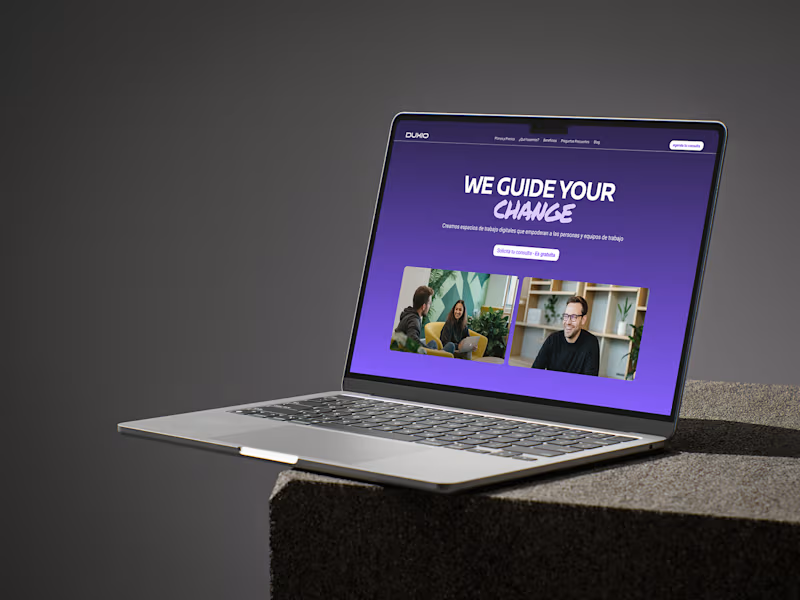
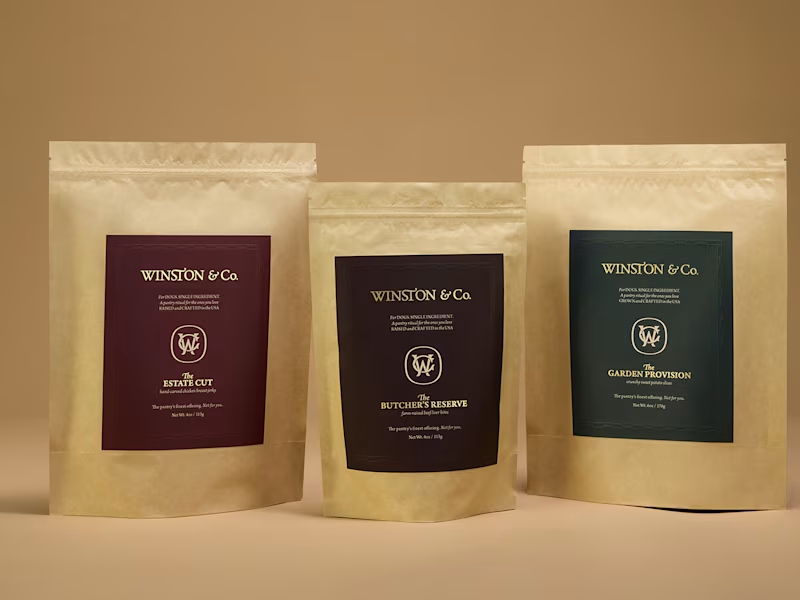
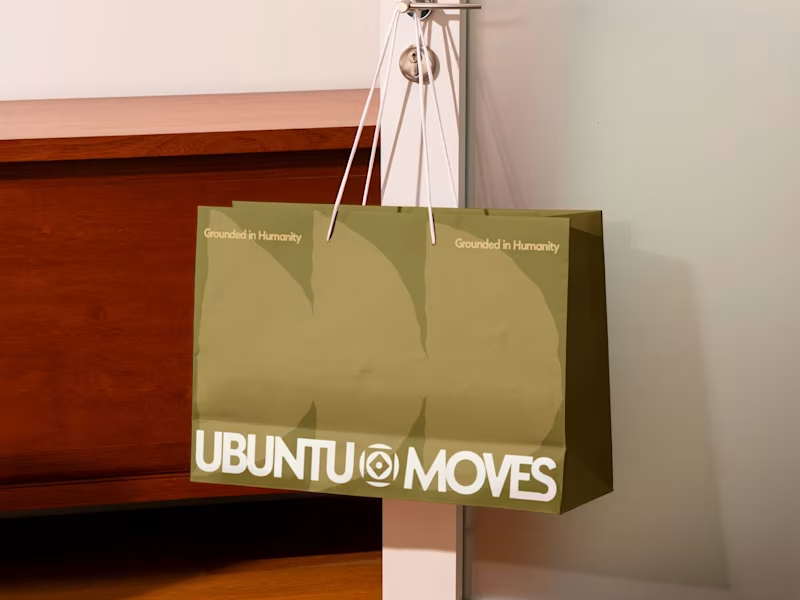
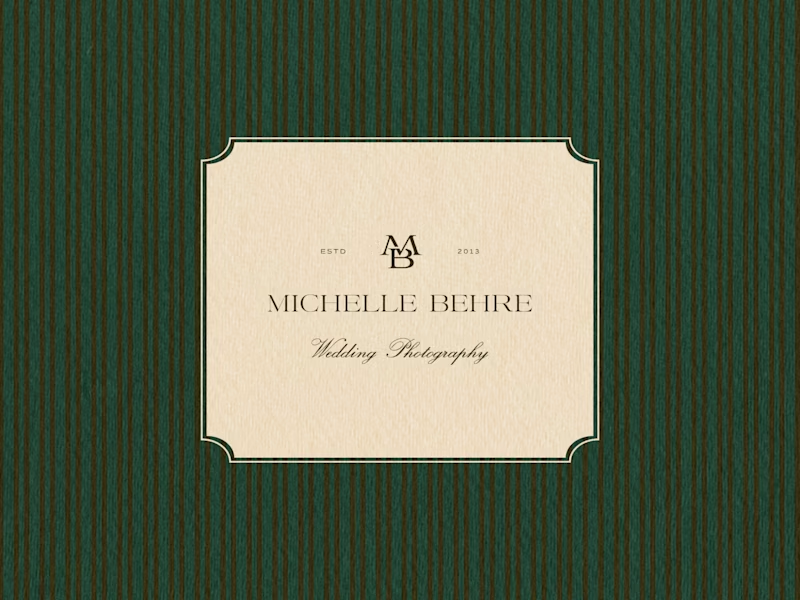
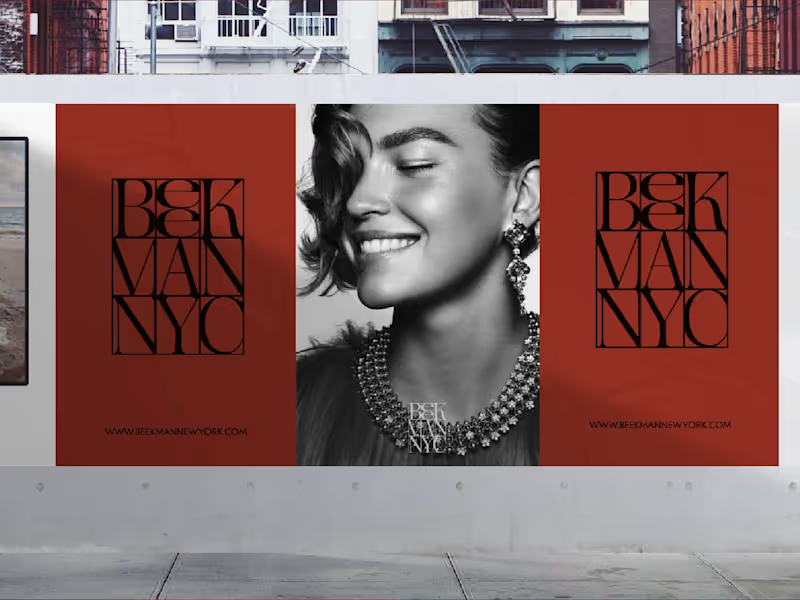
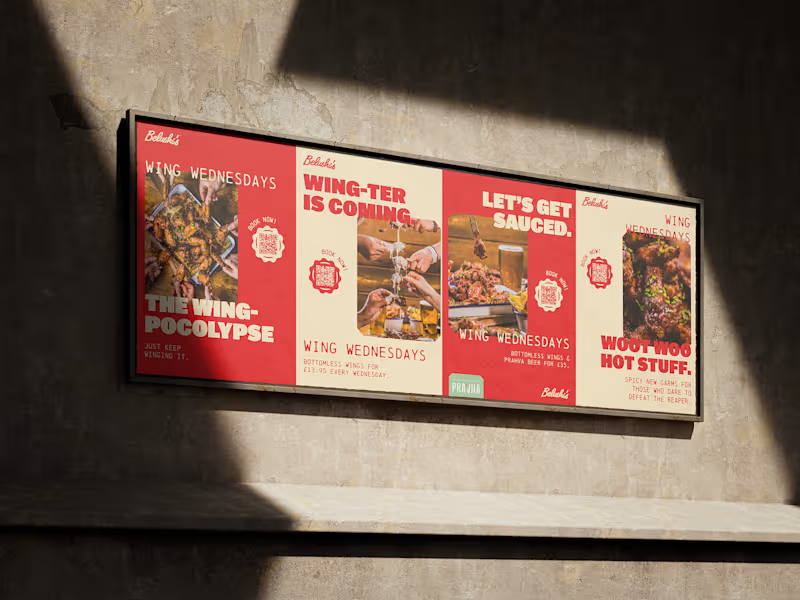
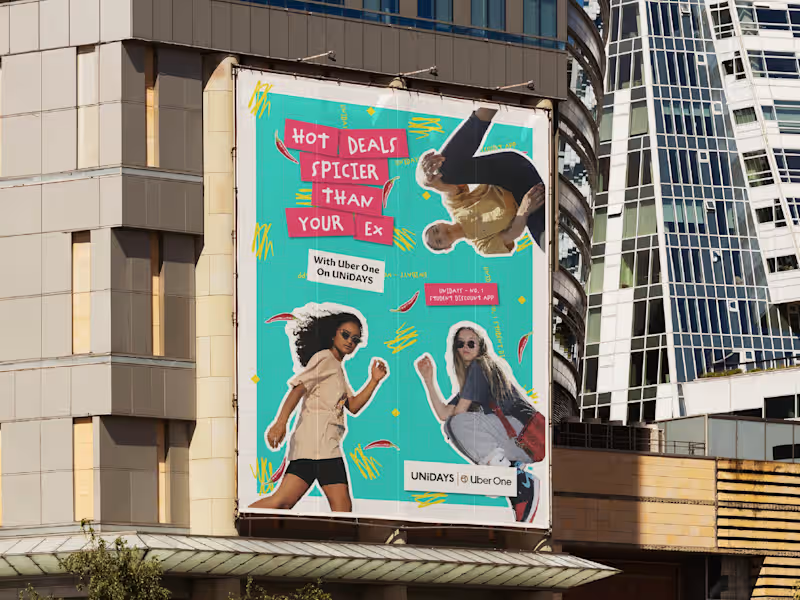
Check if their portfolio includes projects similar to yours, like brochures or eBooks. This shows they have done similar work before and can do it well. Look for clean and professional layouts with attention to detail. Make sure their style matches what you need for your project.
How can I define clear deliverables for my Adobe InDesign project?
Write down everything you want the freelance expert to create, like a magazine or poster. Be specific about size and style. Give examples or templates if you have them. This will help the expert know exactly what you want.
Why is it important to discuss deadlines with an Adobe InDesign expert before starting a project?
Agreeing on deadlines ensures the project is completed on time. It helps both you and the freelancer plan your schedules. Discussing a timeline will make sure everyone knows when they need to work. This helps the project run smoothly without surprises.
What details should I provide to help an Adobe InDesign freelancer understand my brand?
Share your brand's colors, fonts, and style guidelines. These help the expert create designs that fit your brand. You can also share examples of past work you liked. This will make sure your brand looks the same in everything the freelancer creates.
How can good communication with an Adobe InDesign freelancer improve the project process?
Regular updates keep everyone on the same page. You can ask questions if something is unclear, and the freelancer can show you their progress. This helps catch any problems early and makes sure you get what you want.
Why is it helpful to know how an Adobe InDesign expert organizes their work?
Understanding their workflow can help you know what to expect. It shows how they plan to tackle your project. This can tell you if the freelancer is experienced and organized. It also helps ensure the project goes smoothly.
How can I ensure that my project requirements are clear to an Adobe InDesign freelancer from the start?
Write down all the important details and share them with the freelancer. Include examples or any must-have elements. Having a meeting to discuss these details can help too. This helps prevent misunderstandings and ensures the freelancer knows exactly what you need.
What is the benefit of reviewing previous client feedback when hiring an Adobe InDesign expert?
Reading feedback can provide insights into the freelancer’s reliability and quality of work. Positive reviews show they have satisfied previous clients. This can give you confidence in their skills and professionalism.
Why is it important to discuss the use of Adobe's ecosystem with the freelancer?
Adobe InDesign works well with other Adobe tools like Photoshop and Illustrator. Ask if the freelancer can integrate these tools for your project. This can make your designs even better. It also shows that the freelancer knows how to use these tools together effectively.
What should I clarify about the format of the final deliverables with an Adobe InDesign expert?
Talk about the file types you need, like PDFs or InDesign files. Specify if you need high-resolution images for printing. Knowing what you want will help the freelancer prepare the files correctly. This ensures you can use them easily for your needs.
Who is Contra for?
Contra is designed for both freelancers (referred to as "independents") and clients. Freelancers can showcase their work, connect with clients, and manage projects commission-free. Clients can discover and hire top freelance talent for their projects.
What is the vision of Contra?
Contra aims to revolutionize the world of work by providing an all-in-one platform that empowers freelancers and clients to connect and collaborate seamlessly, eliminating traditional barriers and commission fees.






















![Cover image for SWAY THE YOUTH ® [ Brand Identity Design]](https://media.contra.com/image/upload/w_800,q_auto/xksgt3n0nervou7vwi3o.avif)