


























What should I look for in a freelance Adobe InDesign expert's portfolio?
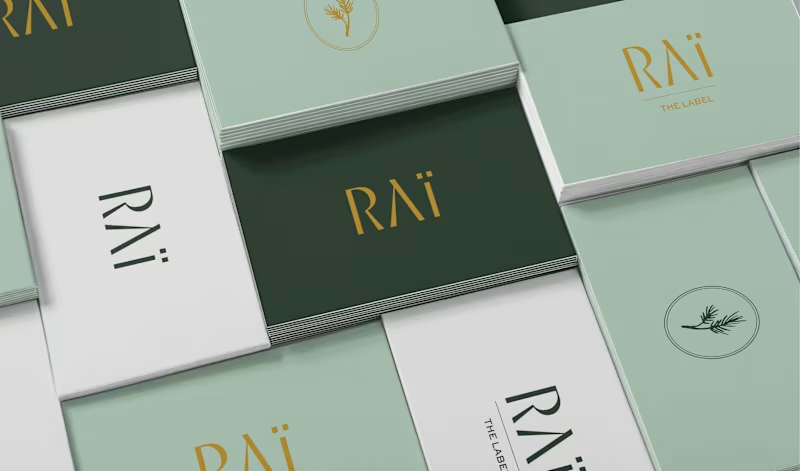
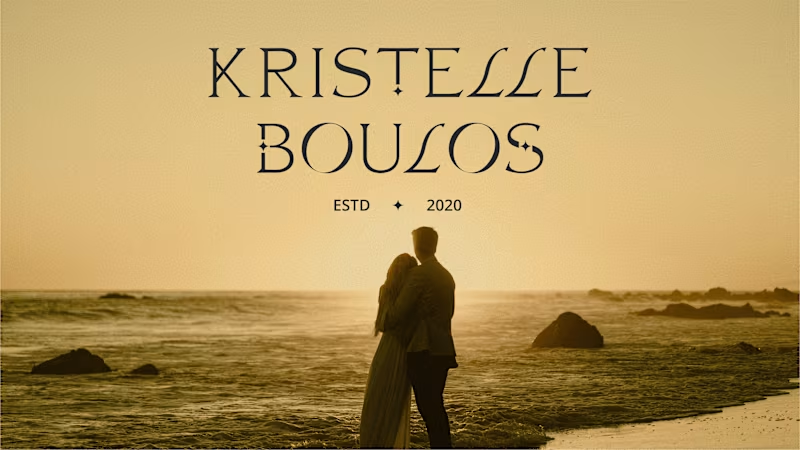
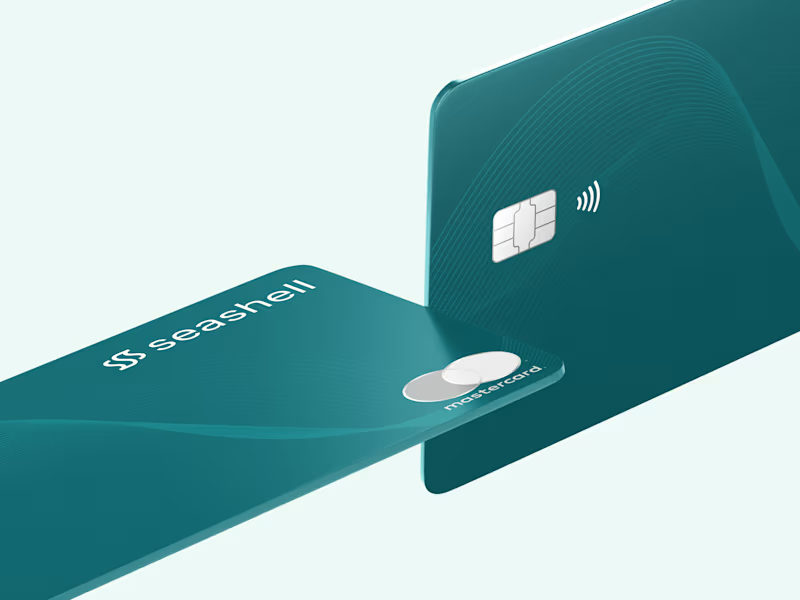
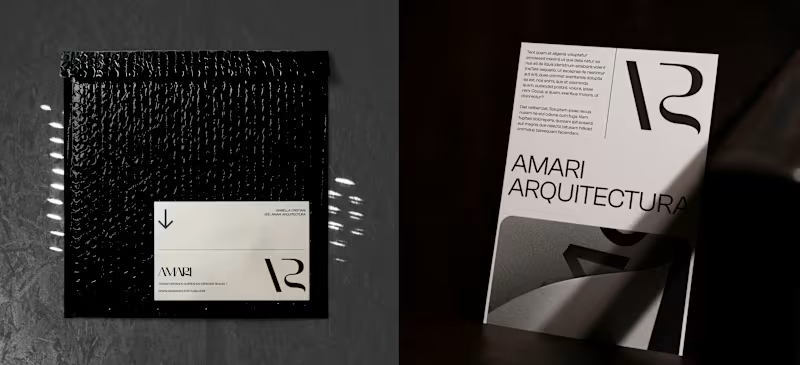
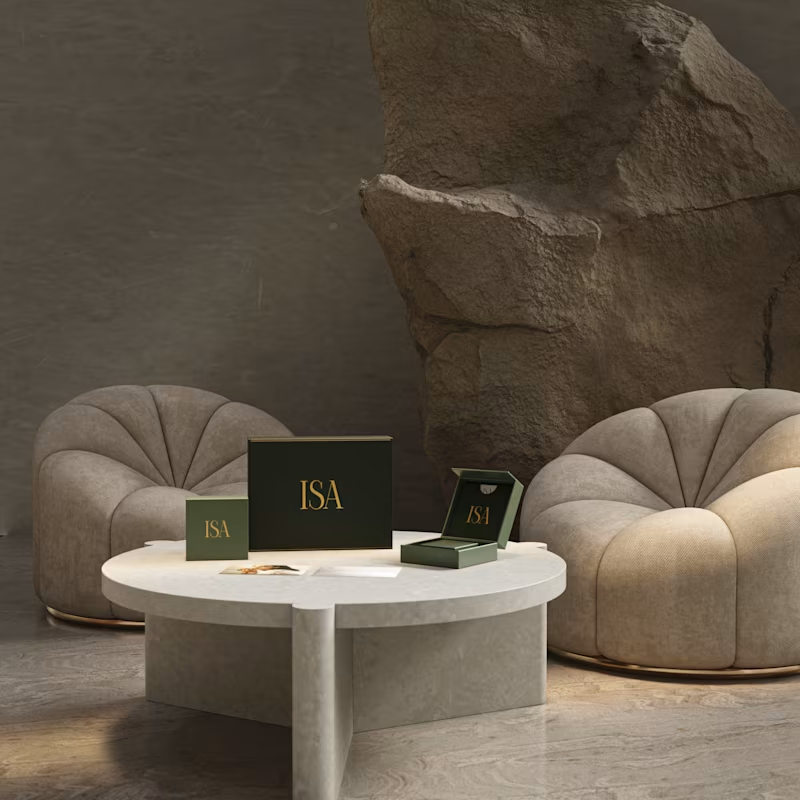
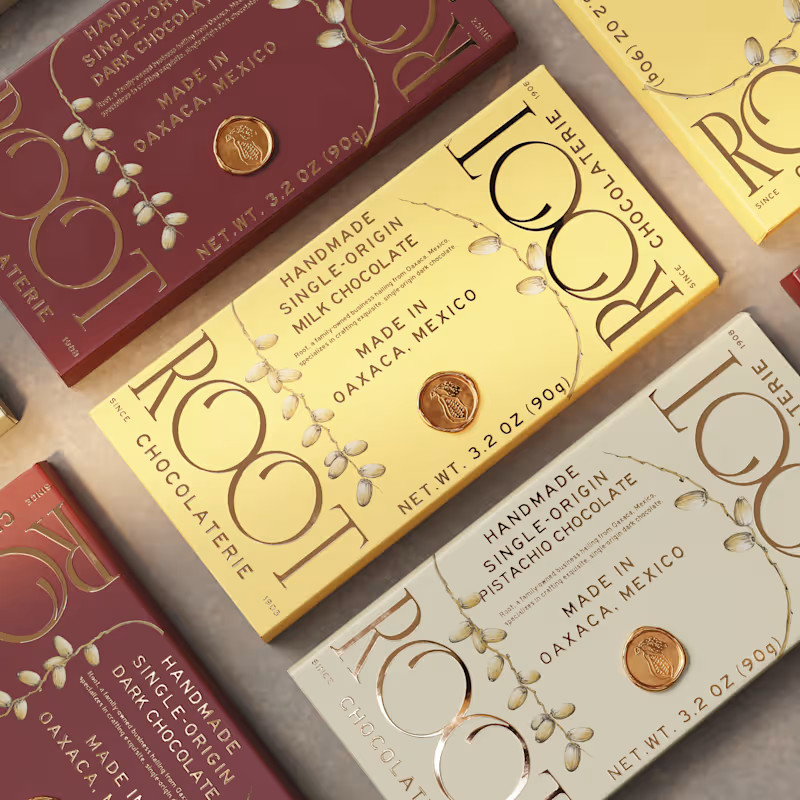
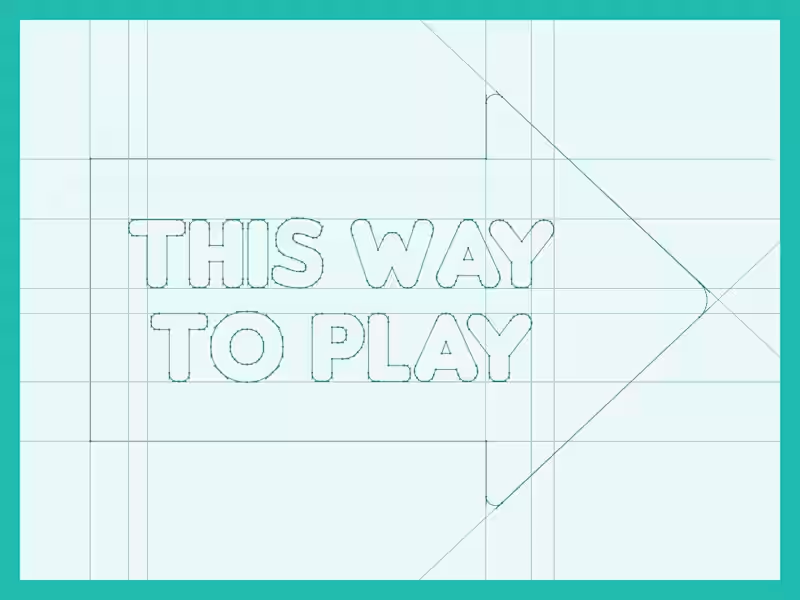
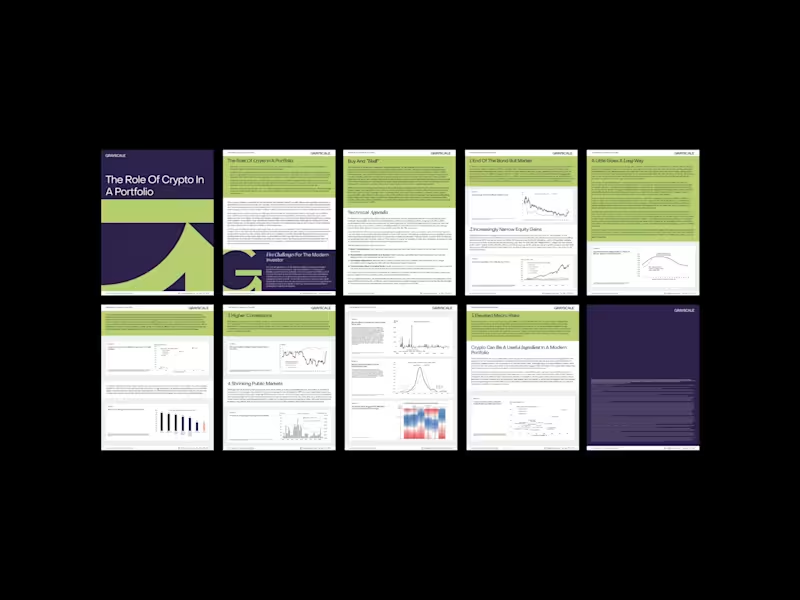
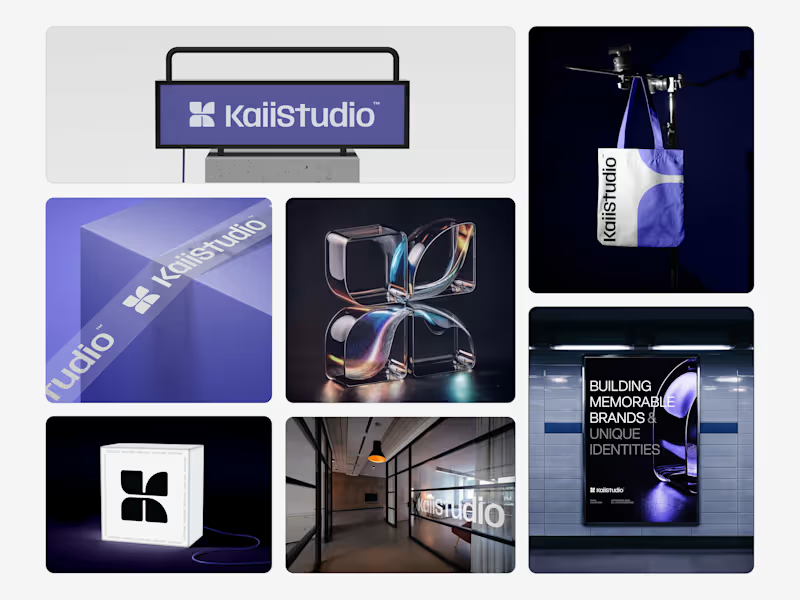
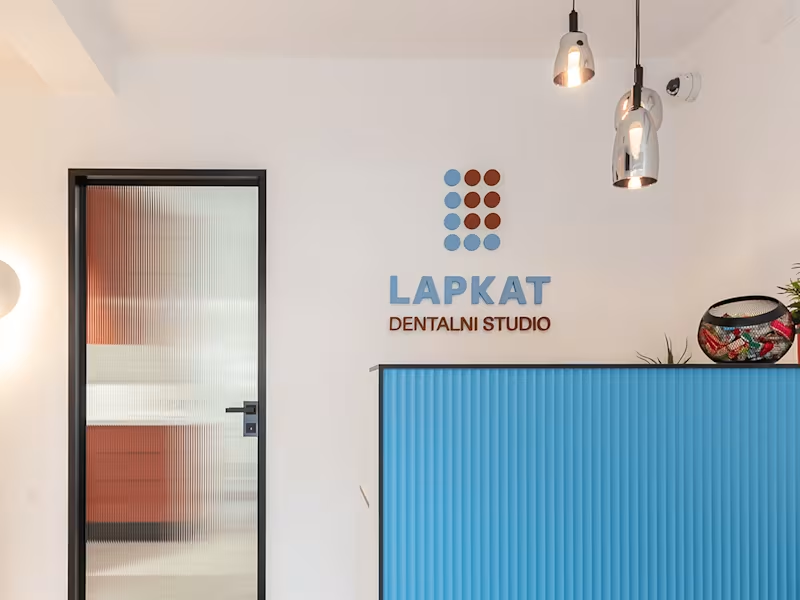
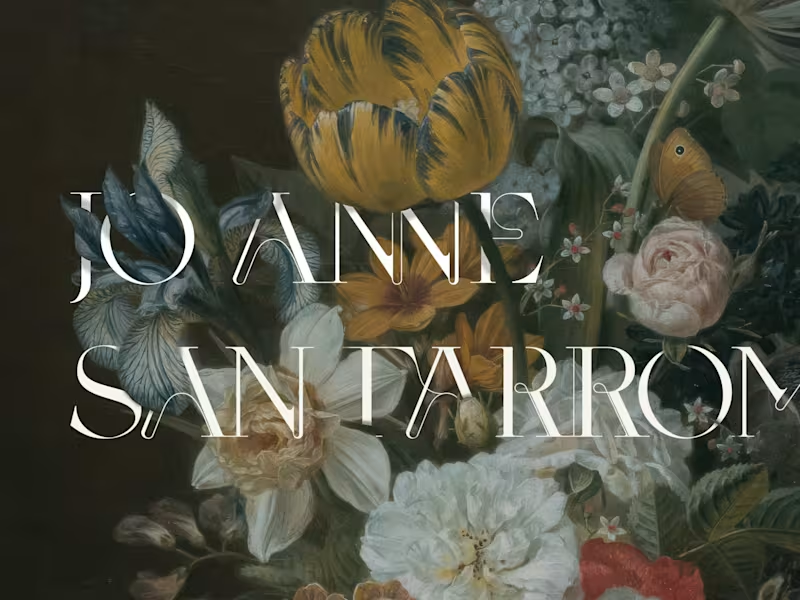
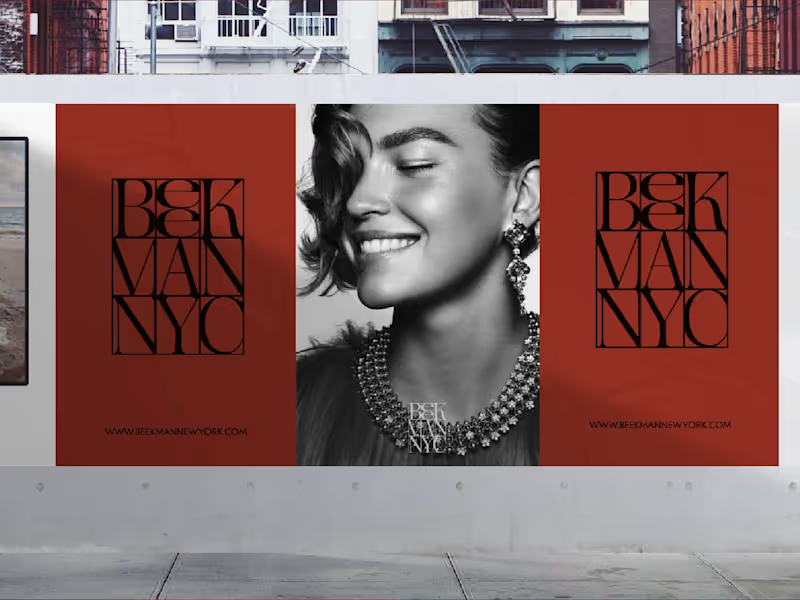
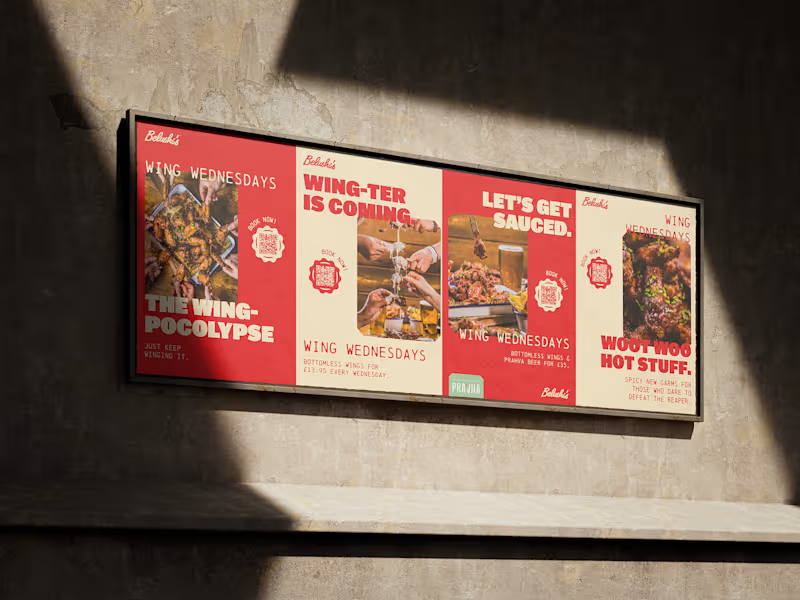
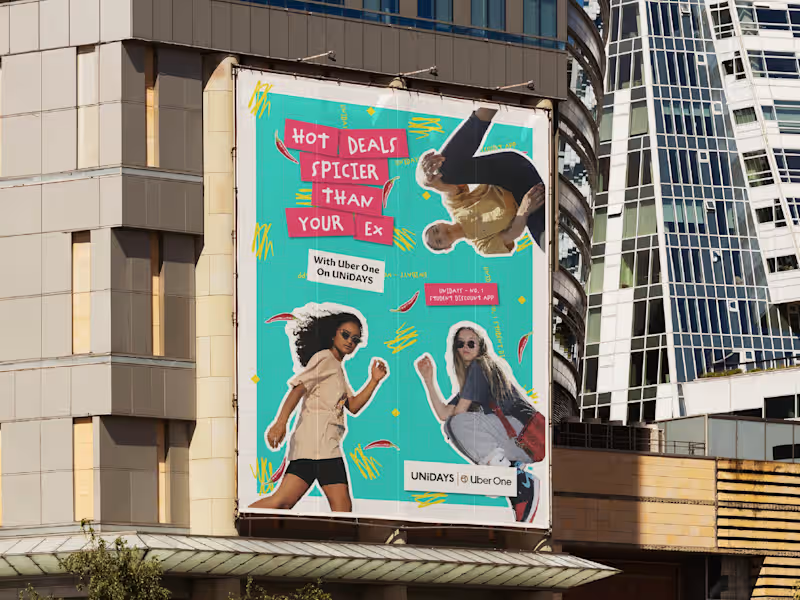
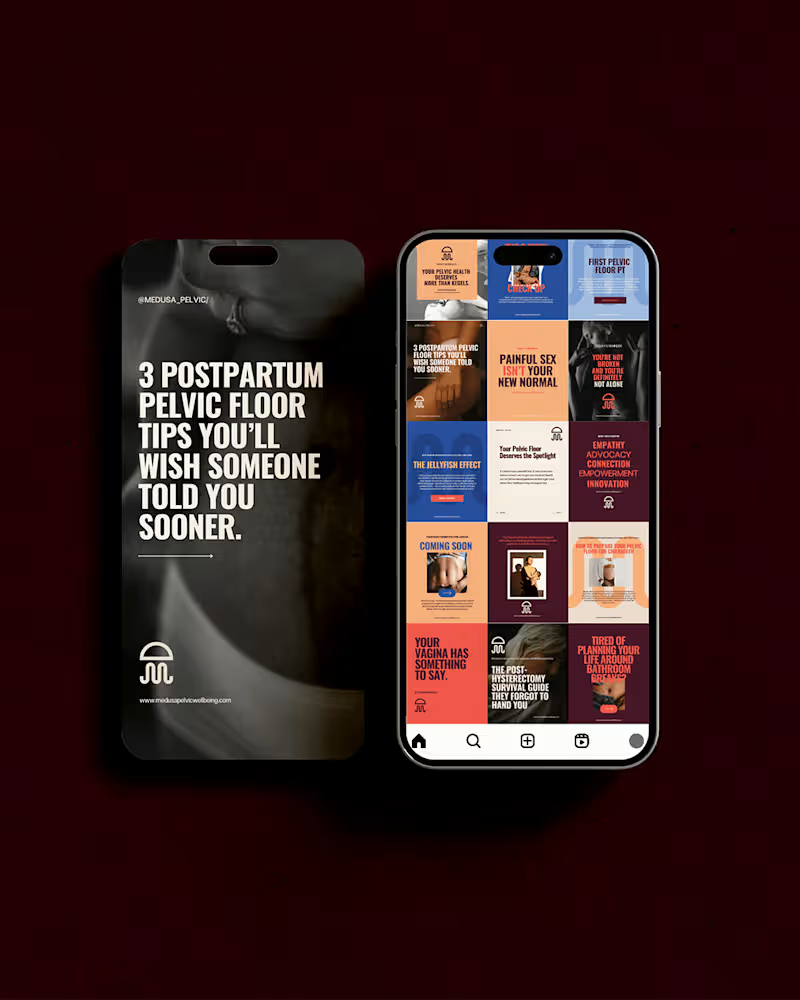
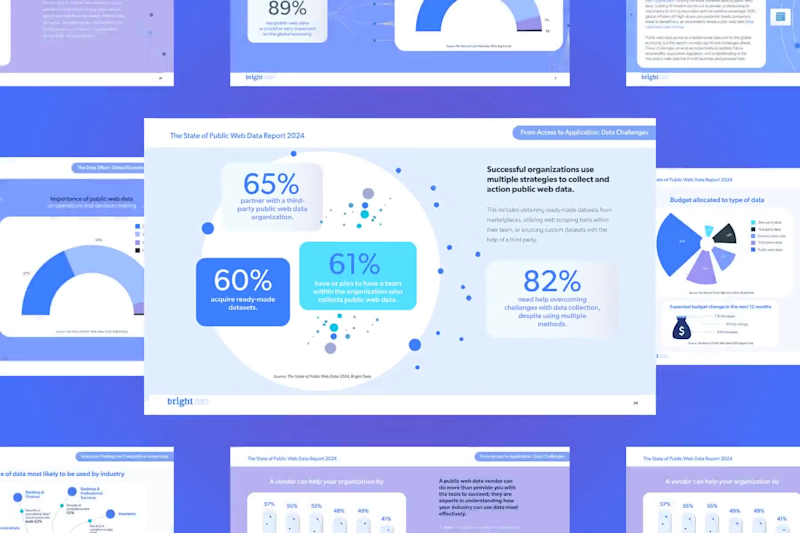
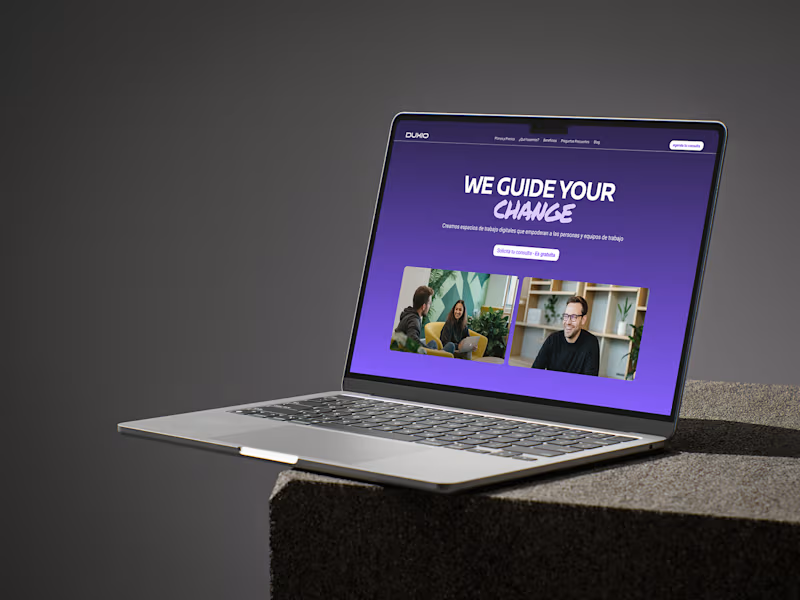
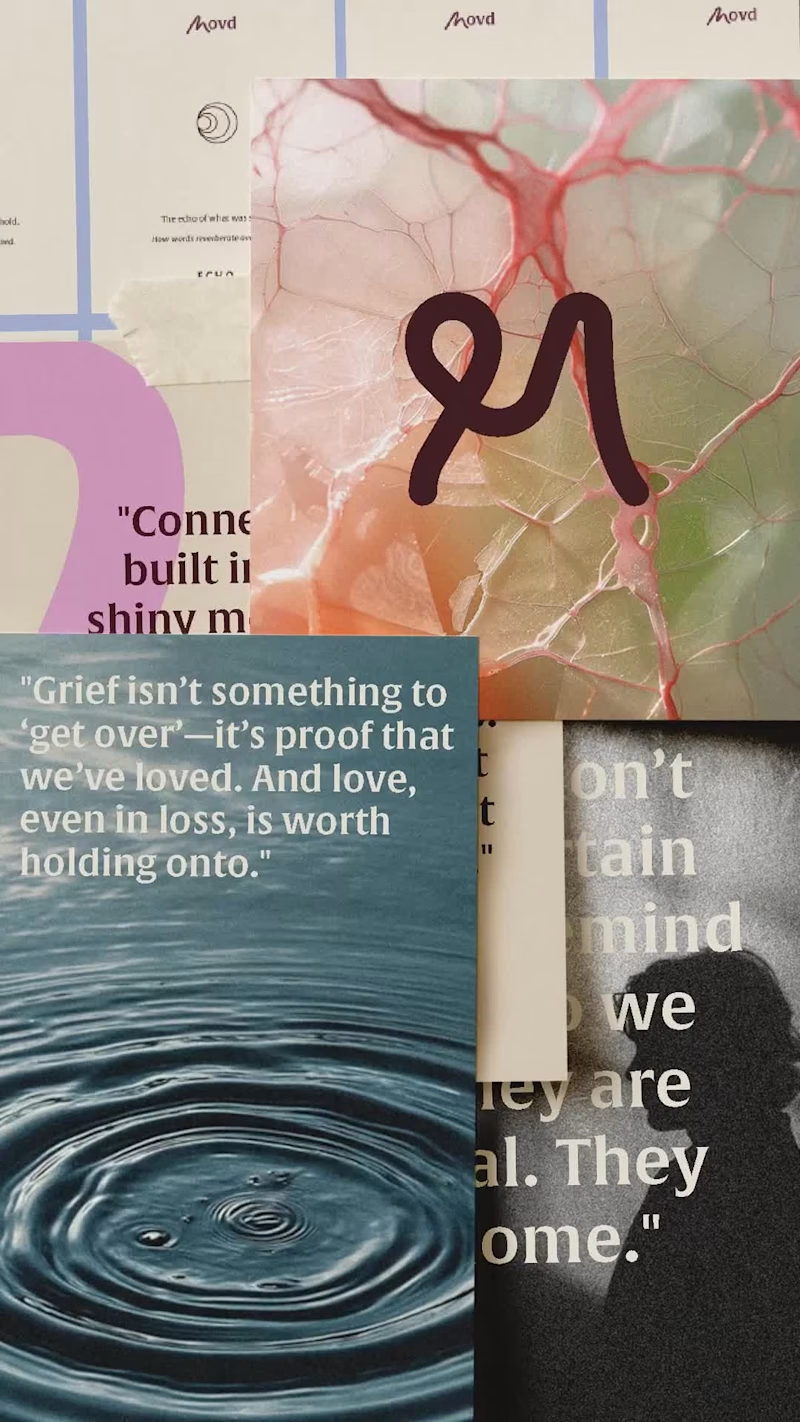
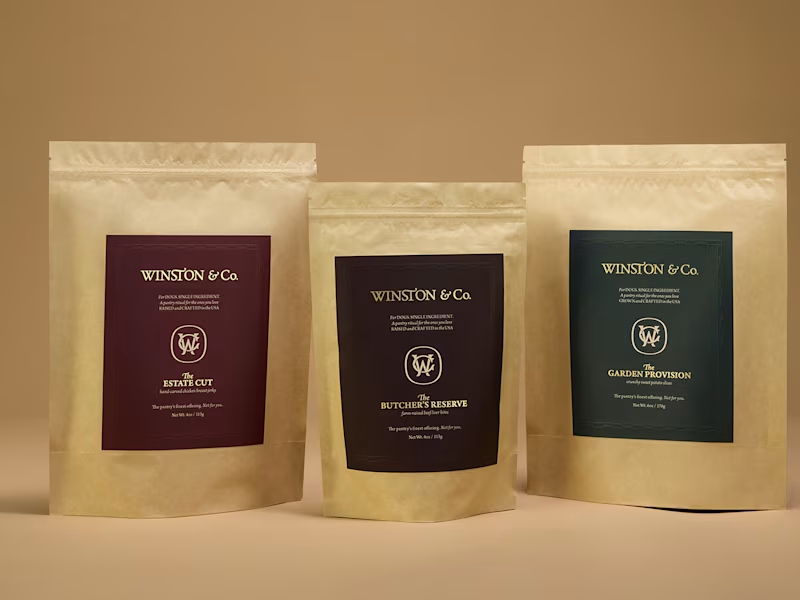
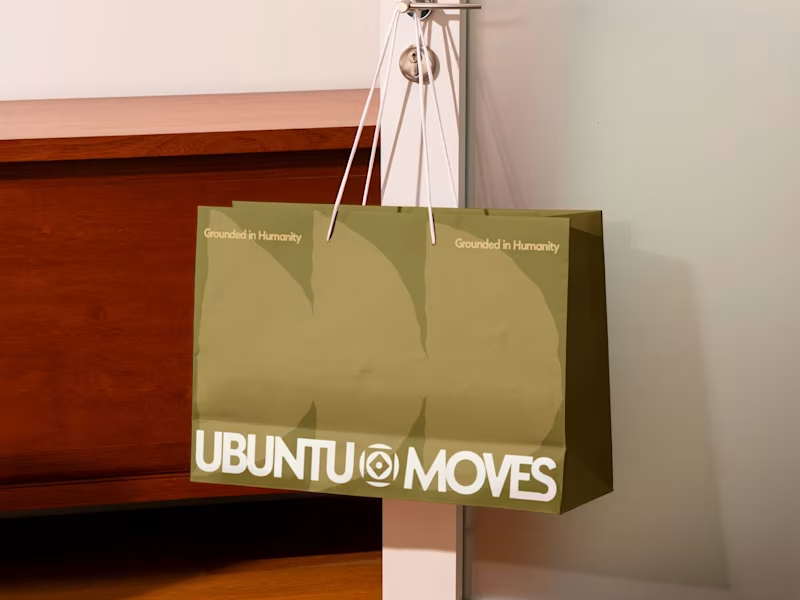
Look for projects similar to what you need. Check if their brochure, magazine, and poster designs appeal to you. Ensure their style matches your brand and goals.
How do I decide on the best Adobe InDesign specialist for my project?
Review their experience with similar projects. Consider their creativity and attention to detail. Make sure they have a professional approach and good communication skills.
What should I discuss with the freelancer regarding project timelines?
Agree on a clear timeline before starting the project. Ensure they can meet your deadlines without rushing. Discuss any buffer time needed for revisions.
How do I know if the Adobe InDesign expert understands my vision?
Ask for a sample or rough draft of their ideas. Check if they include your feedback in their designs. Look for enthusiasm in bringing your vision to life.
What type of files should the freelancer provide upon project completion?
Ensure you receive both print-ready and digital files. Ask for source files if you might need future edits. Confirm the file formats you need for your use.
How can I ensure a smooth design process with the freelancer?
Be clear about your project goals and expectations. Maintain open communication throughout. Provide feedback promptly to keep the project on track.
How do I assess the quality of the designs created?
Evaluate their creativity and adherence to your brand. Check the layout's readability and visual appeal. Make sure it's polished and professional-looking.
Why is it important to have regular check-ins with the InDesign freelancer?
Regular check-ins ensure the project stays on track. They allow for early feedback and adjustments. It strengthens collaboration and understanding.
What should the initial discussion with the freelancer include?
Discuss your project scope and goals clearly. Talk about timelines, deliverables, and expectations. Ensure they understand the project’s importance and requirements.
How do I ensure the freelancer uses Adobe InDesign effectively?
Ask about their experience and comfort with InDesign. Request examples of past work using the software. Ensure they keep up with the latest features and tools.
Who is Contra for?
Contra is designed for both freelancers (referred to as "independents") and clients. Freelancers can showcase their work, connect with clients, and manage projects commission-free. Clients can discover and hire top freelance talent for their projects.
What is the vision of Contra?
Contra aims to revolutionize the world of work by providing an all-in-one platform that empowers freelancers and clients to connect and collaborate seamlessly, eliminating traditional barriers and commission fees.