What should I include in the job description to hire a UI designer?
Be clear about what you need. Include details about your project, like the timeline and goals. Say what kind of design style you're looking for, if you have any examples. Give an idea of the tools you use or want the designer to use. A good job description helps you find the right person fast.
How can I ensure quality by checking the UI designer's portfolio?
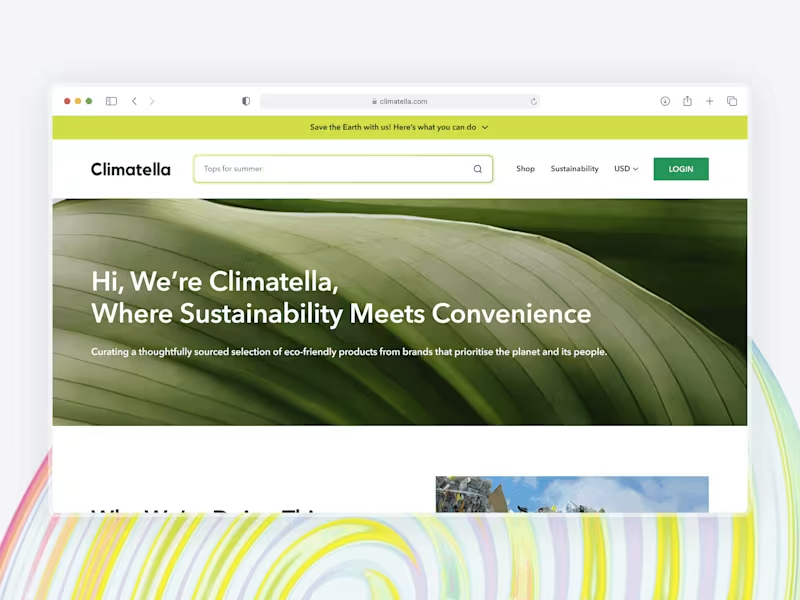
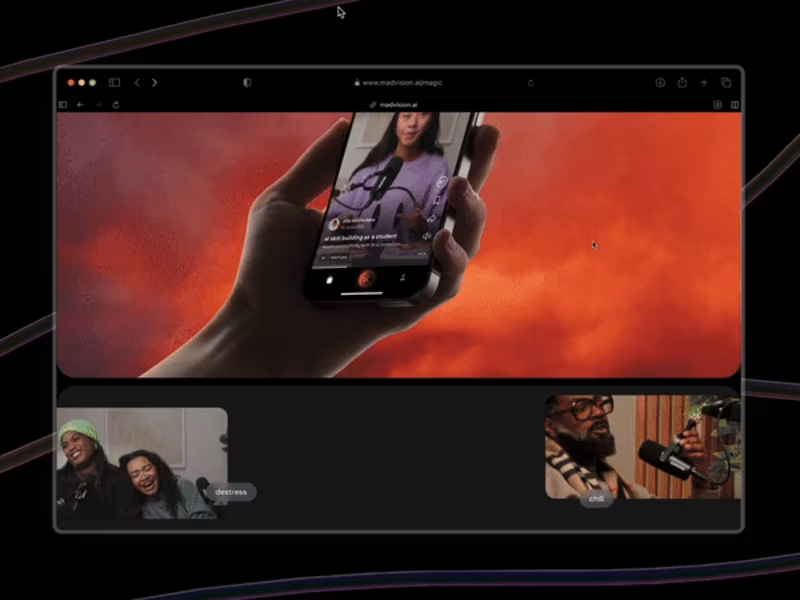
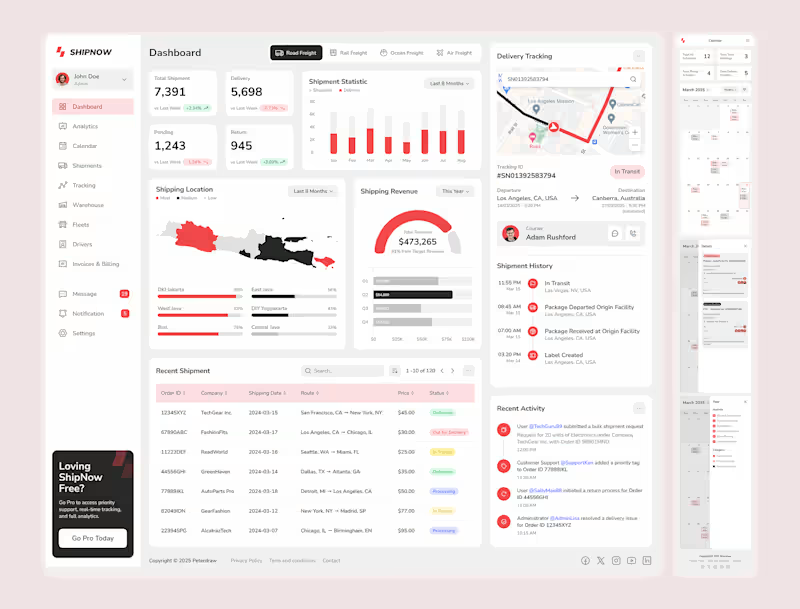
Look for past work that matches your project. See if their designs are easy to use and nice to look at. Check if they have worked on similar projects before. A strong portfolio shows they're skilled and can meet your needs. It's like a preview of what they can do for you.
What should I discuss in the first meeting with a UI designer?
Talk about your project goals and what you expect. Explain your brand and who your users are. Discuss how you will communicate and how often. Make sure you both understand the timeline and main milestones. It helps set a path so everyone knows what to do.
Which tools should I suggest the UI designer use?
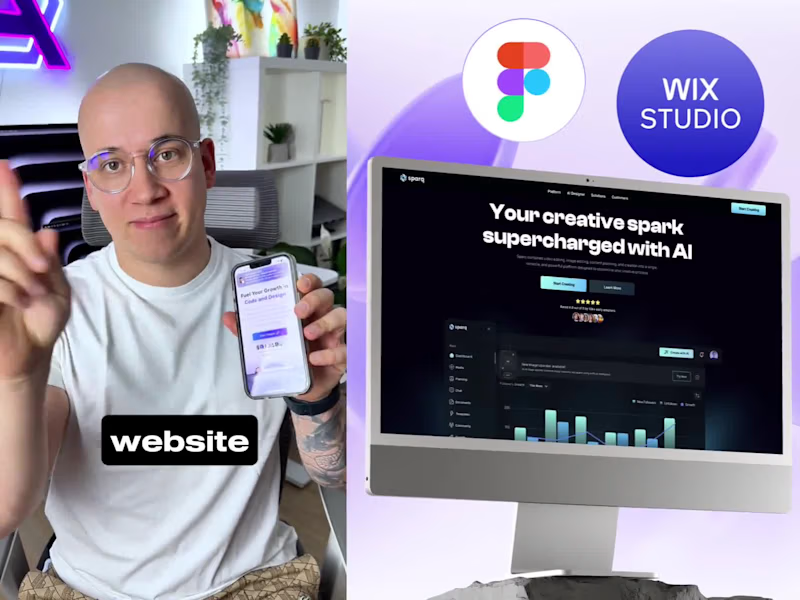
Consider the tools your team already uses. Common tools include Figma, Sketch, and Adobe XD. You might also think about collaboration tools like Slack or Asana. Make sure the designer is comfortable with these tools. It helps keep the project smooth and efficient.
How can I confirm the UI designer understands my brand?
Share your brand guide or style sheets. Discuss colors, fonts, and the overall vibe you want. See if the designer asks questions and gives ideas based on your brand. Understanding your brand helps them create a design that fits perfectly. Check early drafts to make sure they’re on the right track.
What deliverables should I expect from a UI designer?
Ask for wireframes, prototypes, and final design files. Make sure files are in formats everyone can use. Clear deliverables help track progress and meet your goals. It's good to agree on what you get and when you get it. This ensures the project stays on schedule.
Why is setting milestones important in UI design projects?
Milestones show progress and achievements. They help you know if the project is on track. You can review work at each milestone to make sure it meets your standards. It helps avoid misunderstandings and makes sure goals are met. Milestones make the project flow smoothly.
How do I handle feedback with a UI designer?
Be clear and specific about changes. Use examples or sketches if needed. Make sure feedback is given in a friendly way. This helps the designer improve the work quickly. Good feedback helps create better designs and a happy working relationship.
What is the best way to manage project timelines with a UI designer?
Use a shared calendar or project management tool. Agree on deadlines for each part of the project. Check-in regularly to track progress. This helps identify any problems early. Keeping an eye on timelines ensures the project is completed on time.
Why is it important to define the project scope with a UI designer?
The project scope tells what work will be done and by when. It stops the project from changing or getting too big suddenly. Make sure everything needed is in the scope. This keeps the project focused and manageable. A clear scope keeps everyone on the same page.
Who is Contra for?
Contra is designed for both freelancers (referred to as "independents") and clients. Freelancers can showcase their work, connect with clients, and manage projects commission-free. Clients can discover and hire top freelance talent for their projects.
What is the vision of Contra?
Contra aims to revolutionize the world of work by providing an all-in-one platform that empowers freelancers and clients to connect and collaborate seamlessly, eliminating traditional barriers and commission fees.