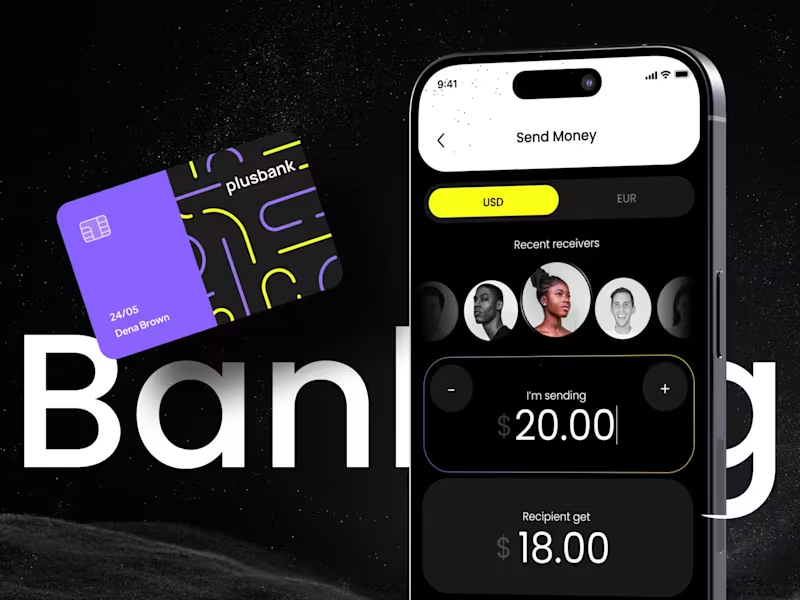
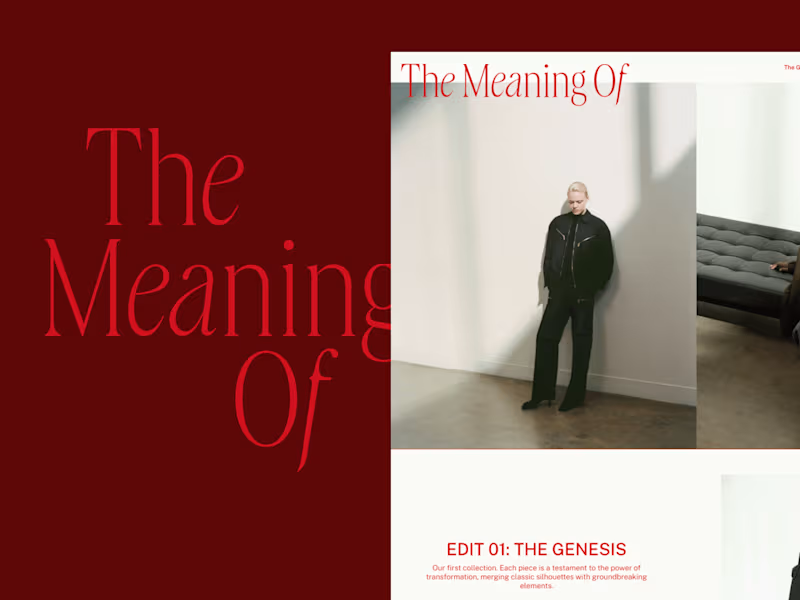
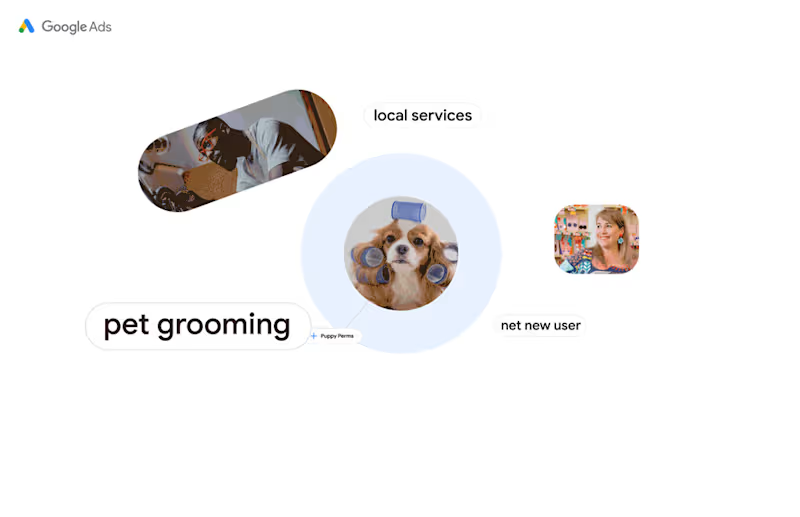
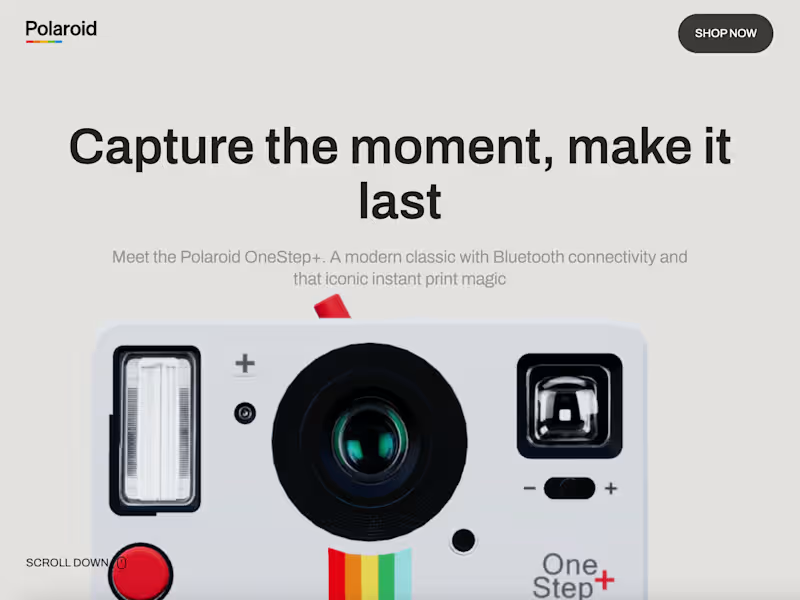
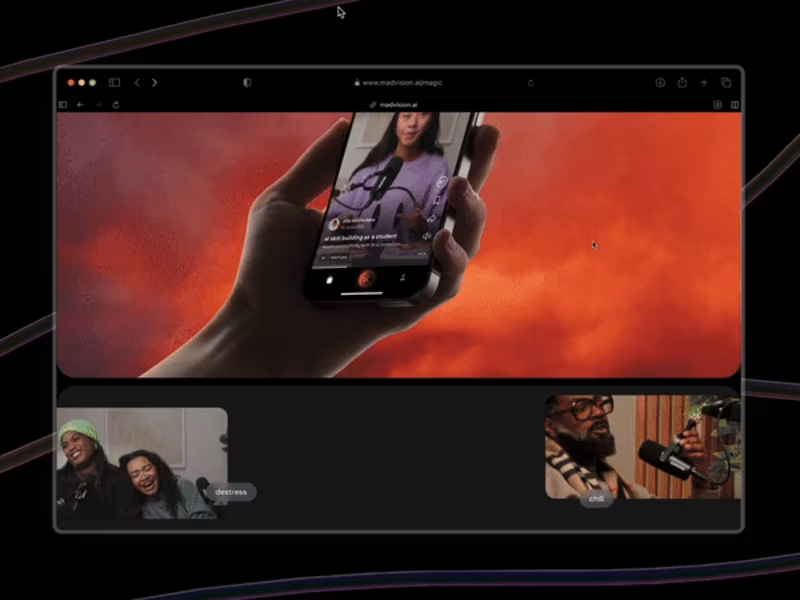
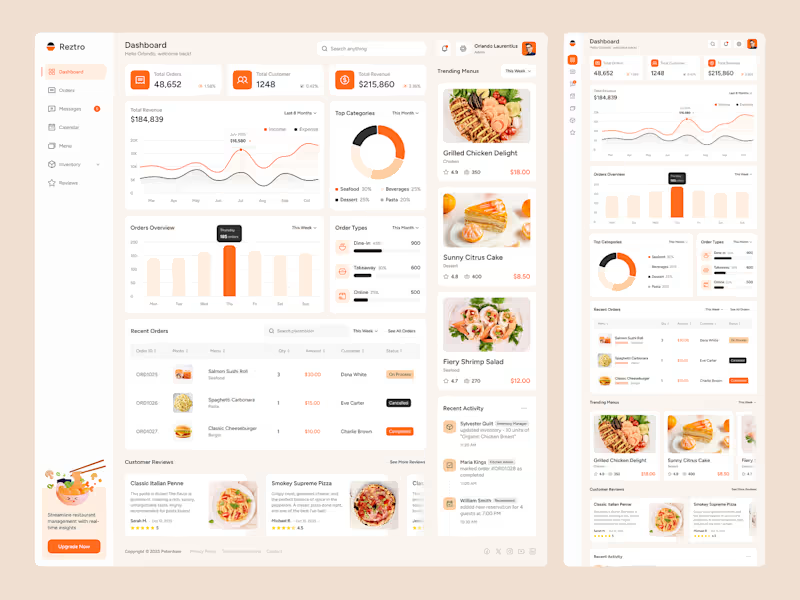
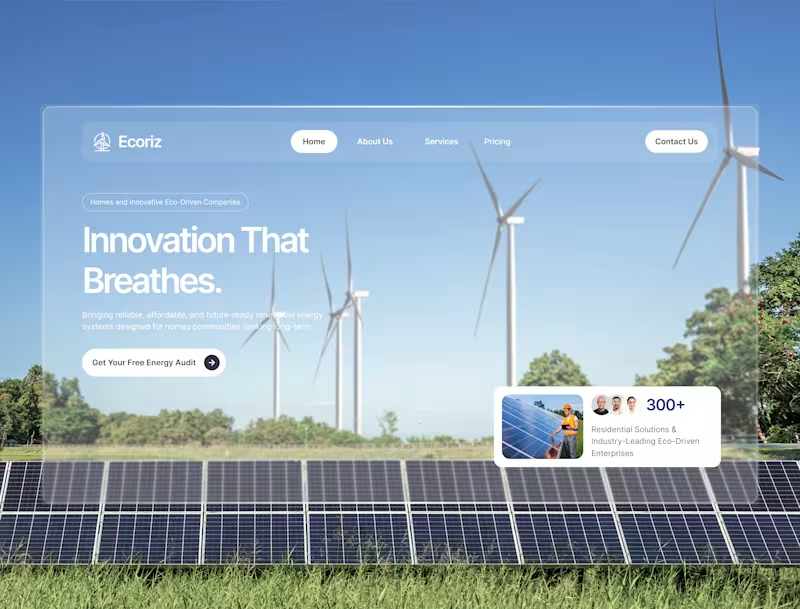
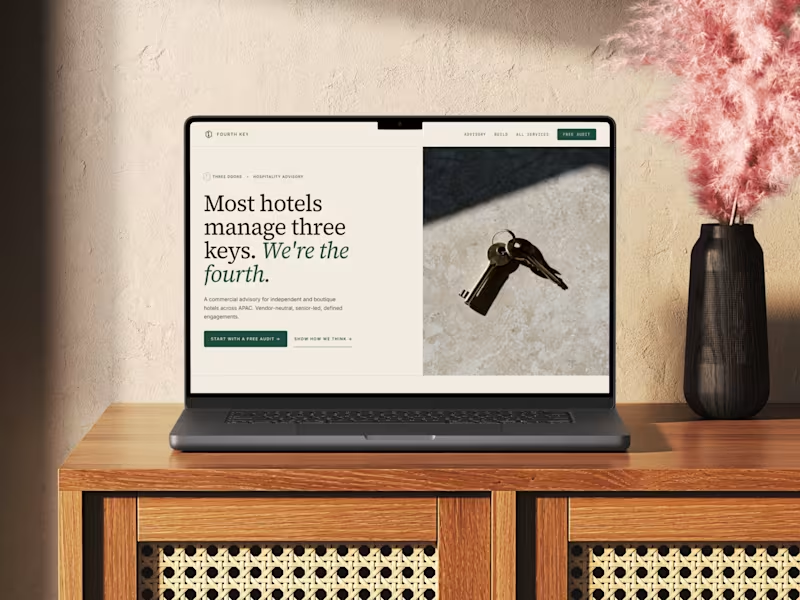
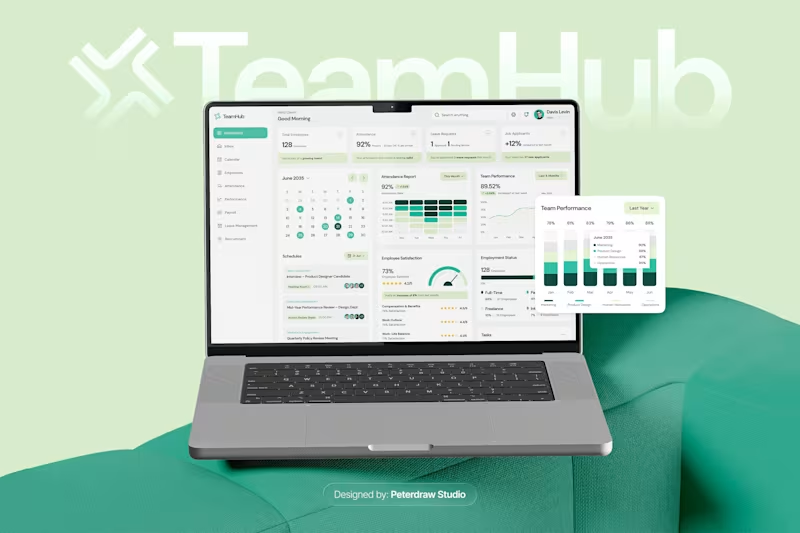
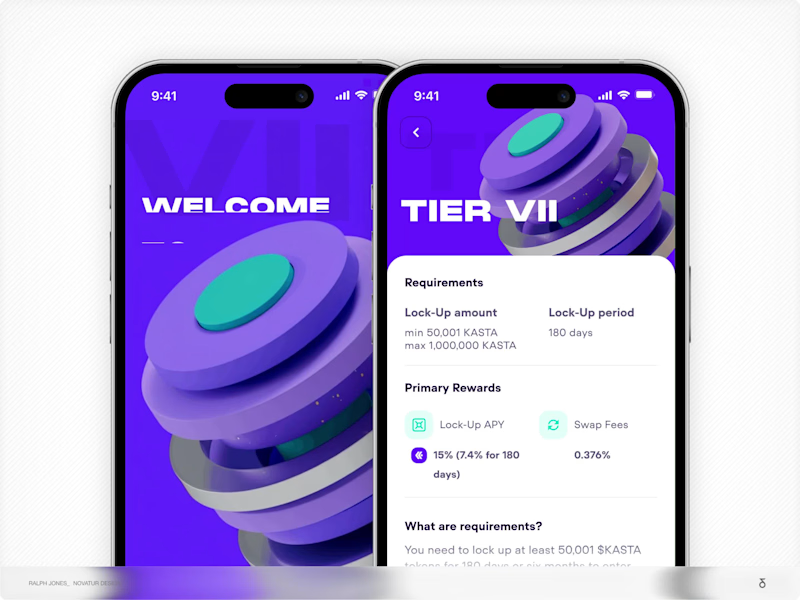
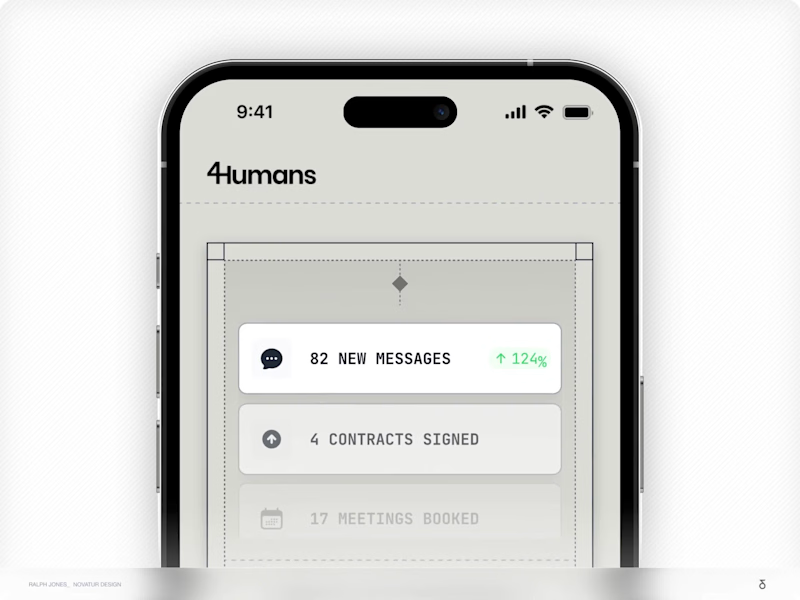
What should I look for in a UI designer's portfolio?
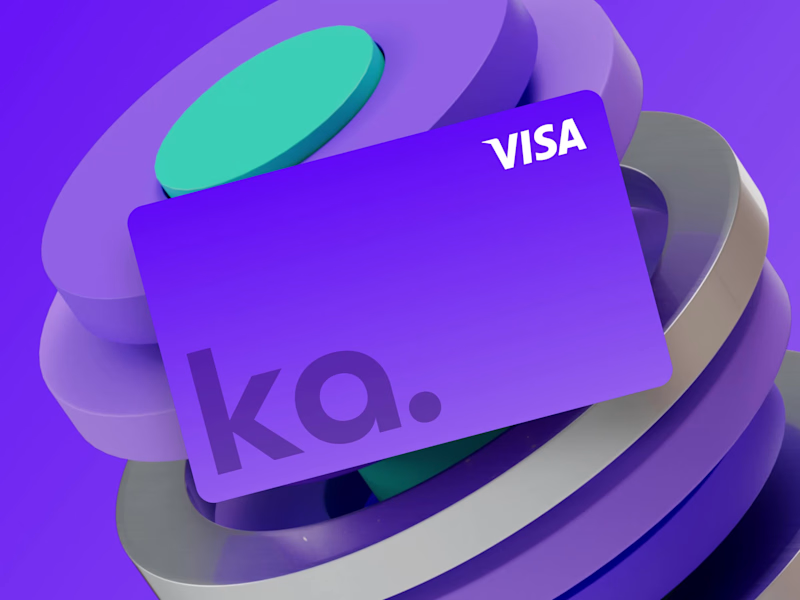
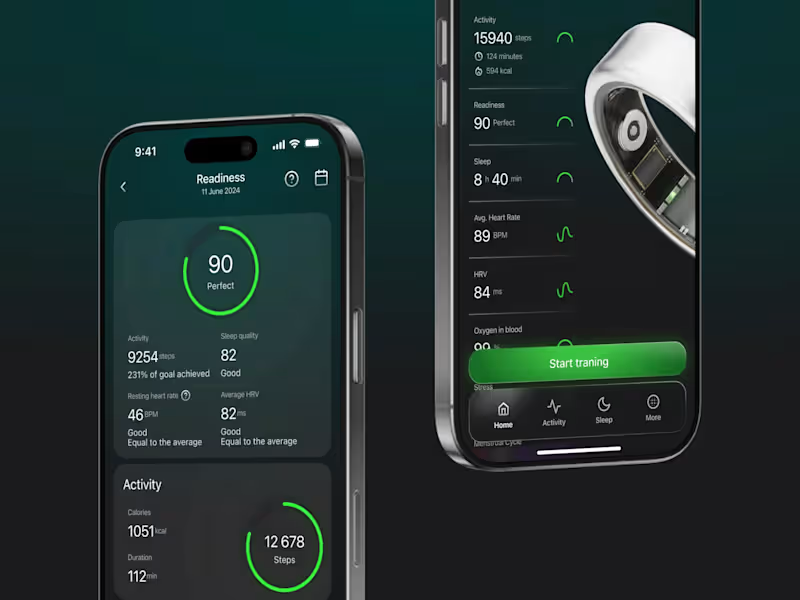
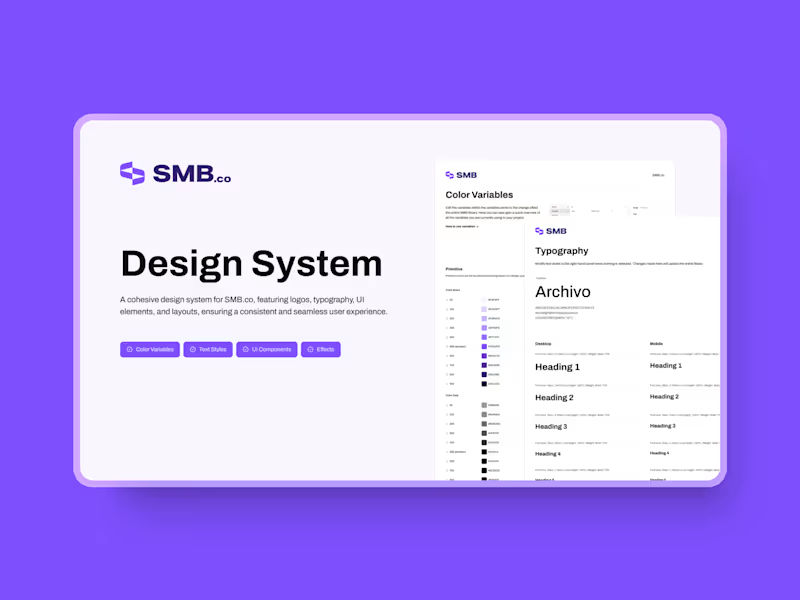
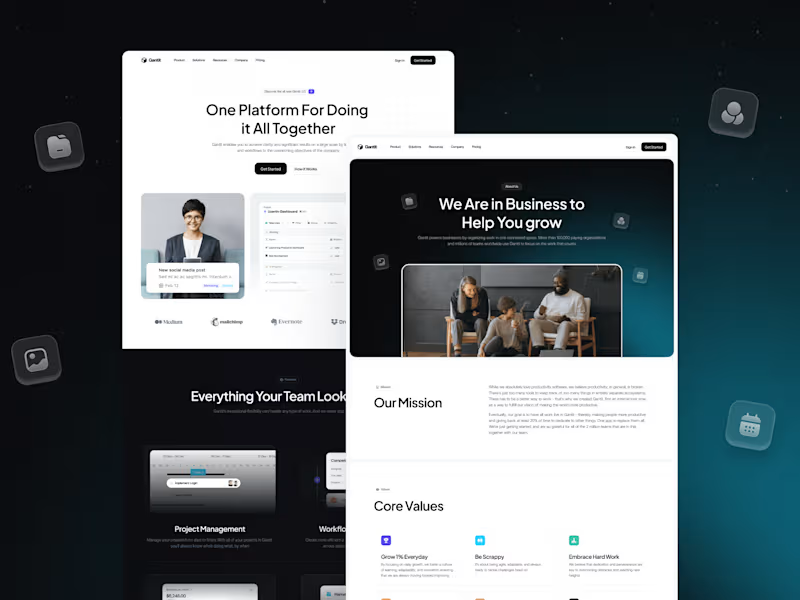
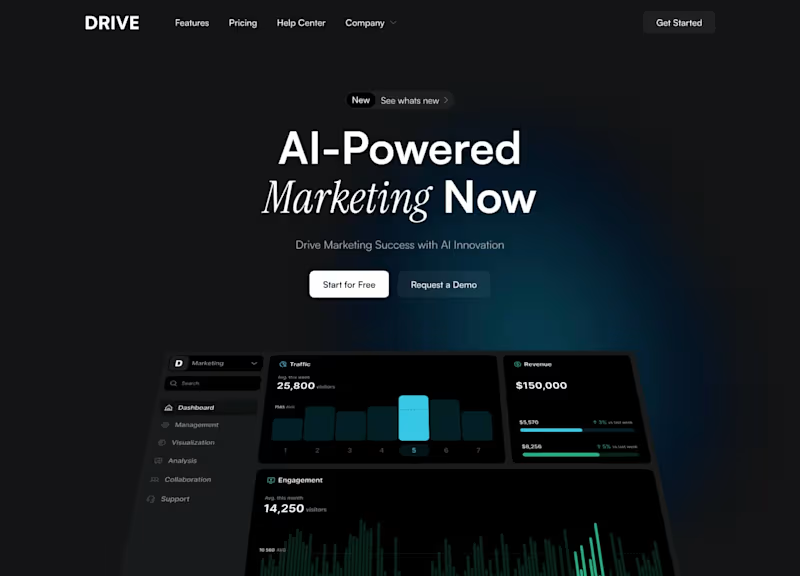
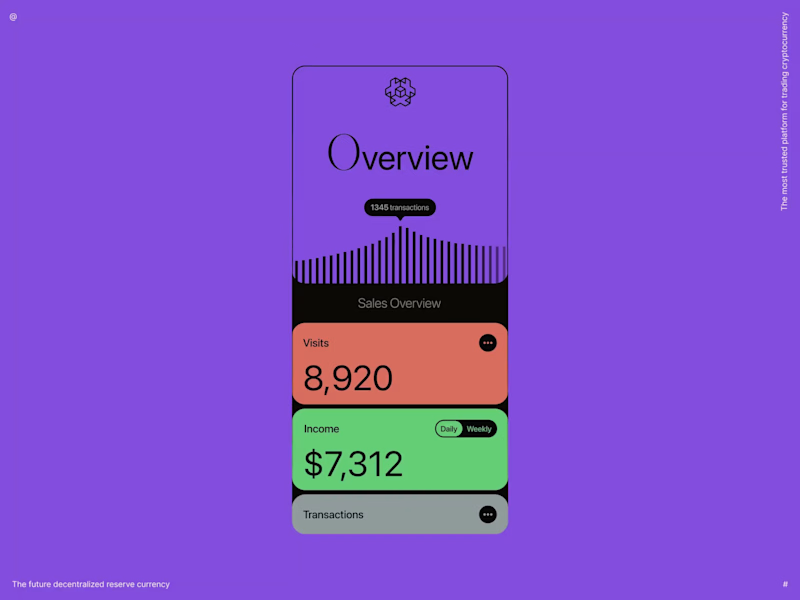
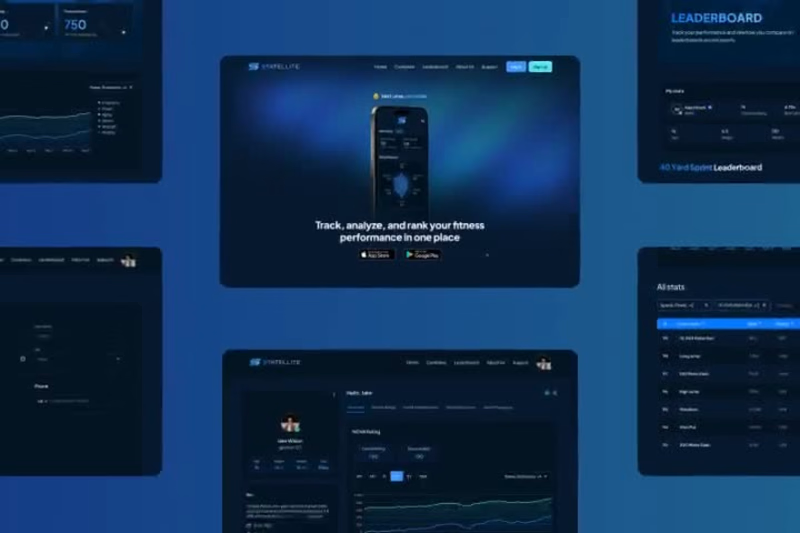
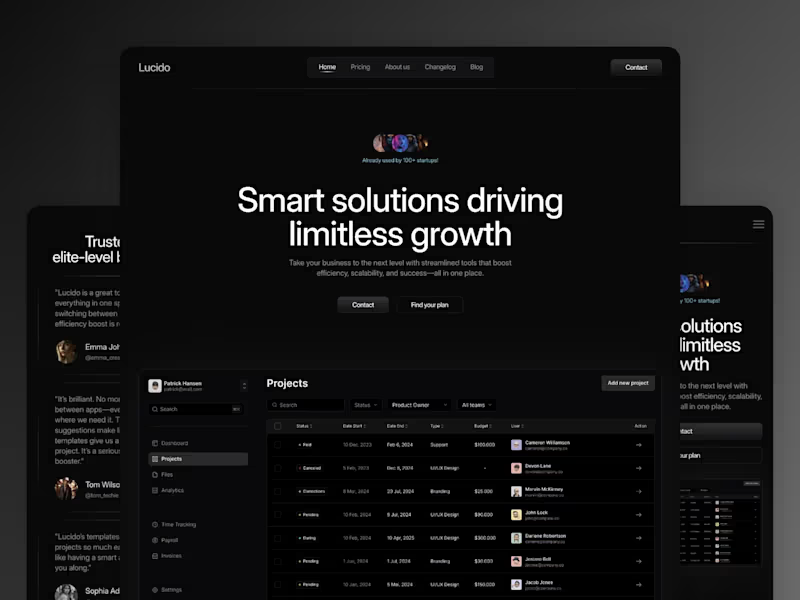
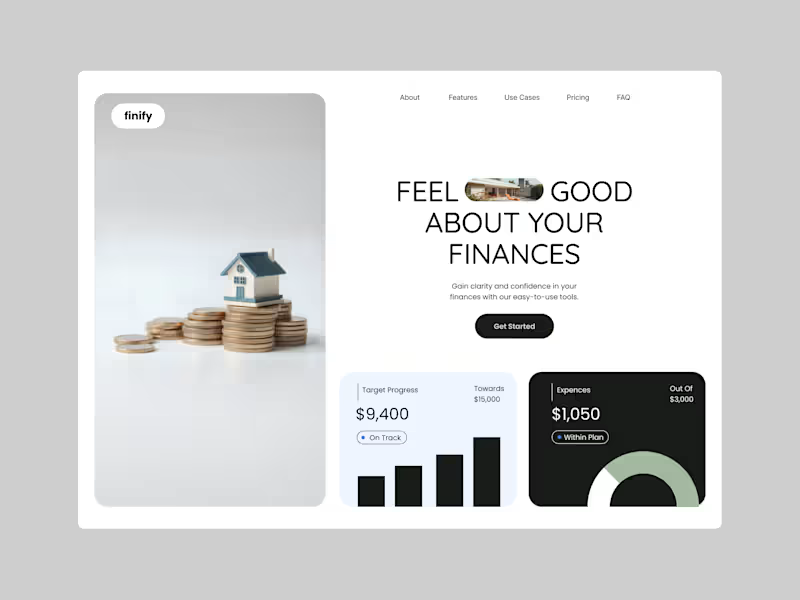
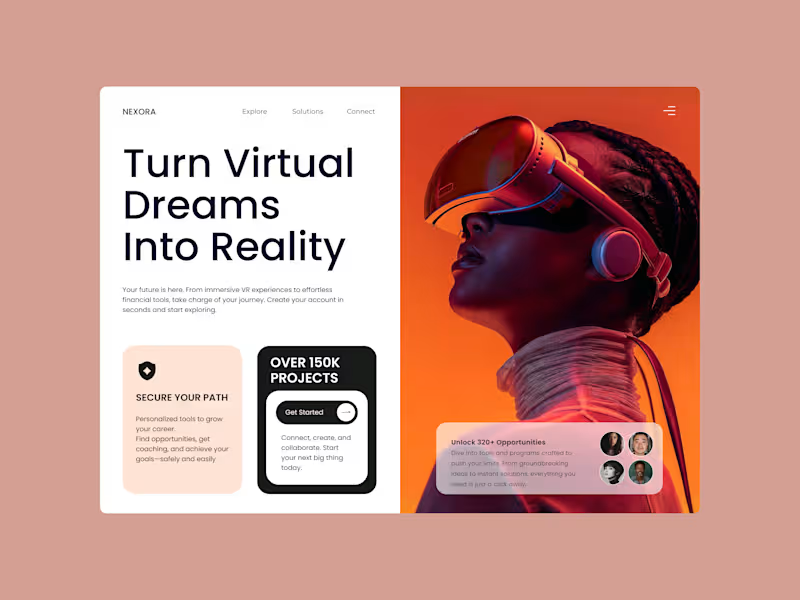
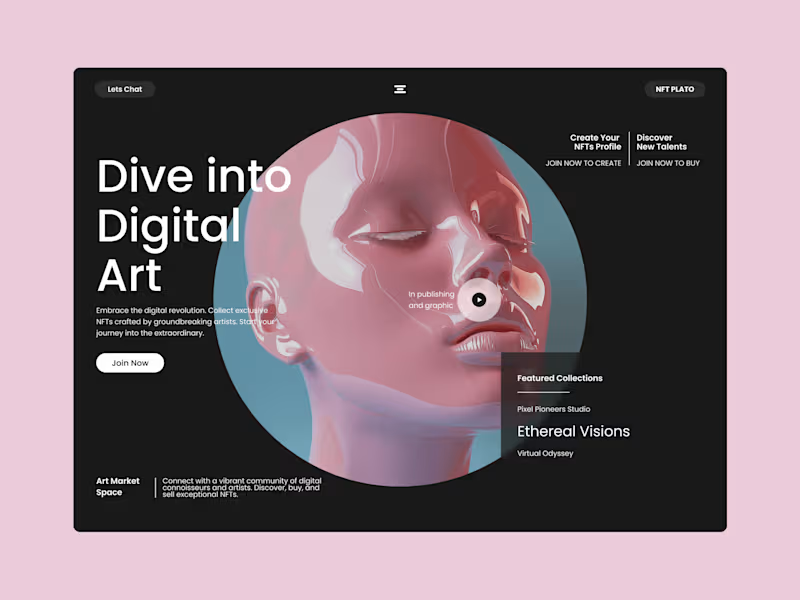
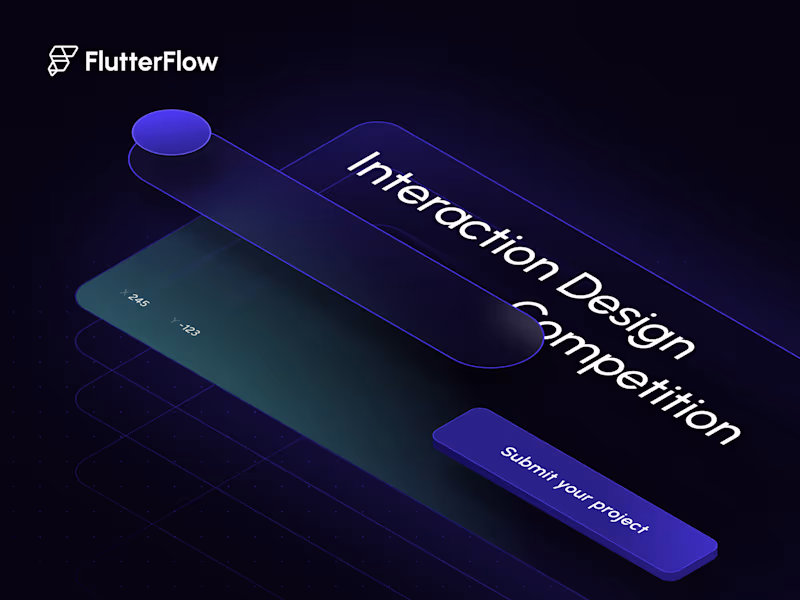
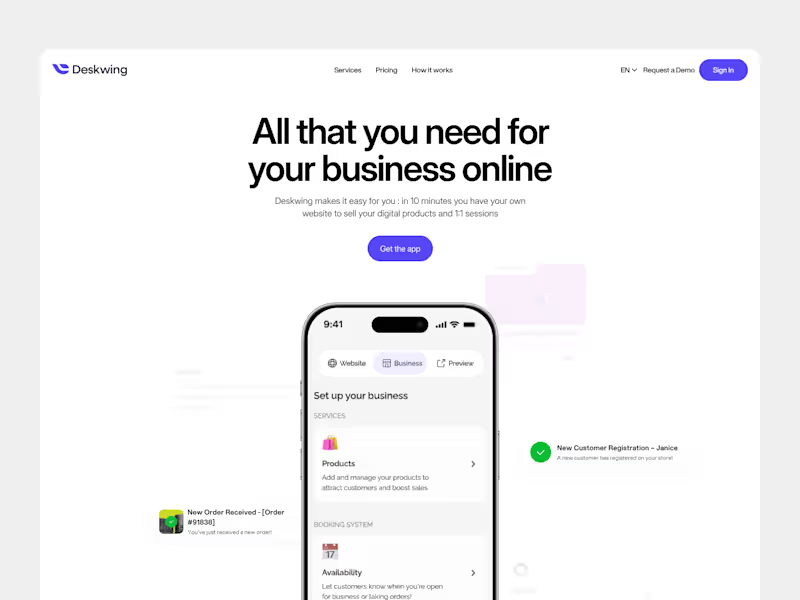
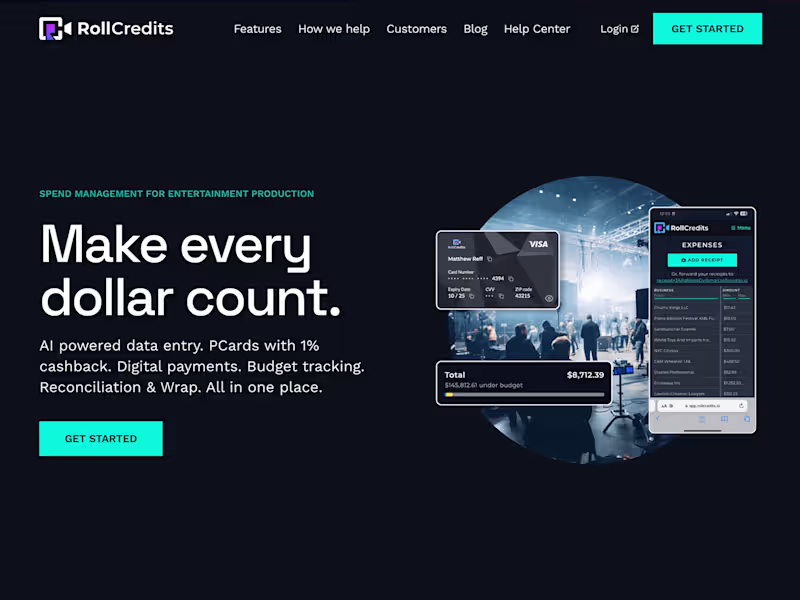
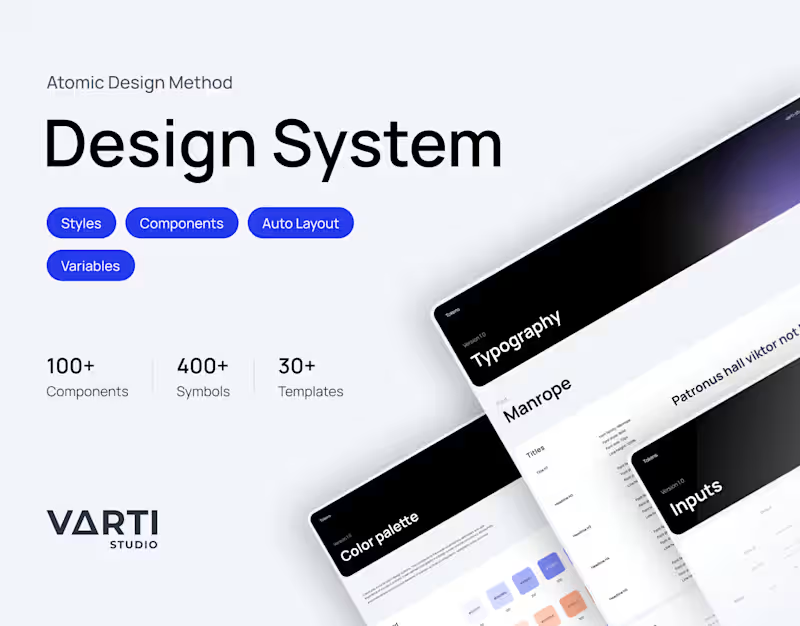
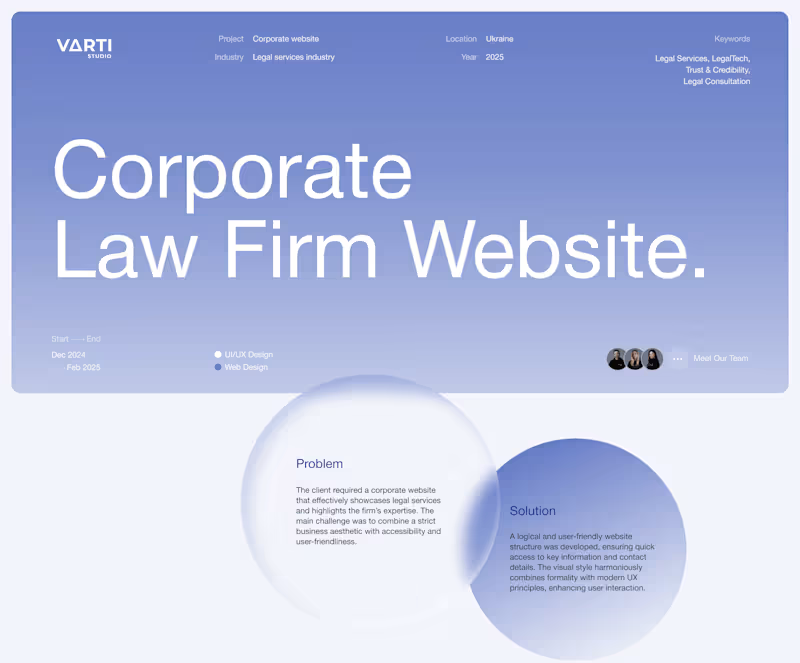
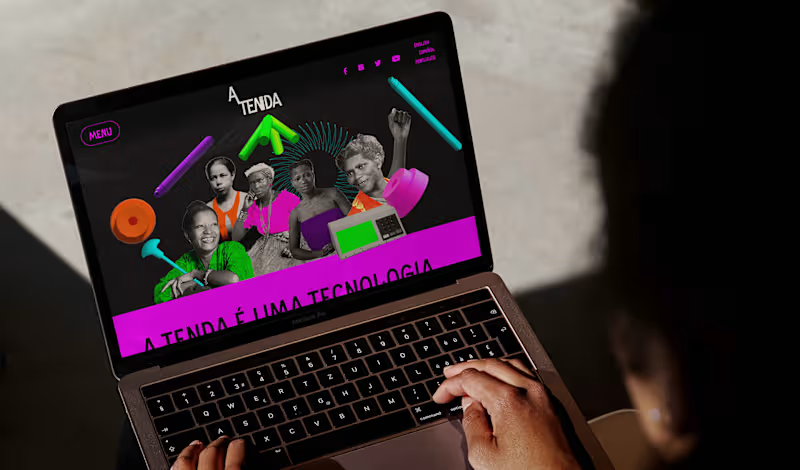
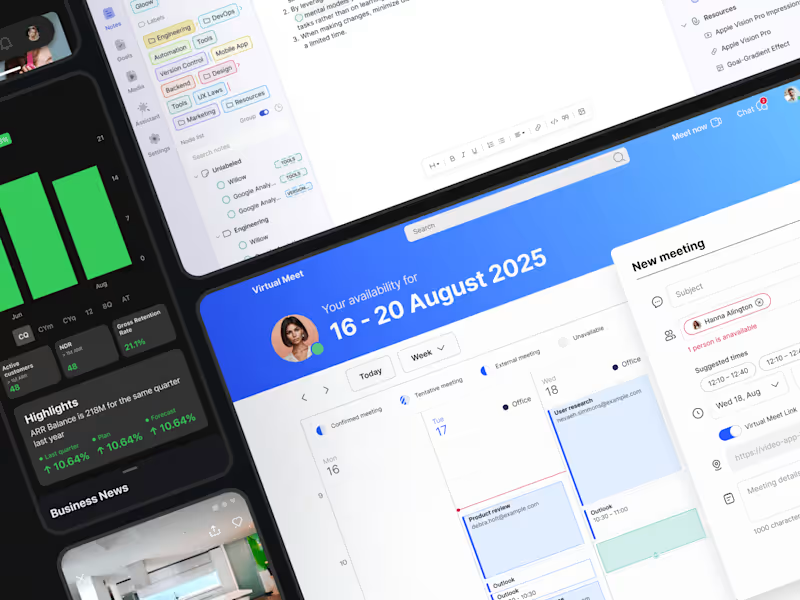
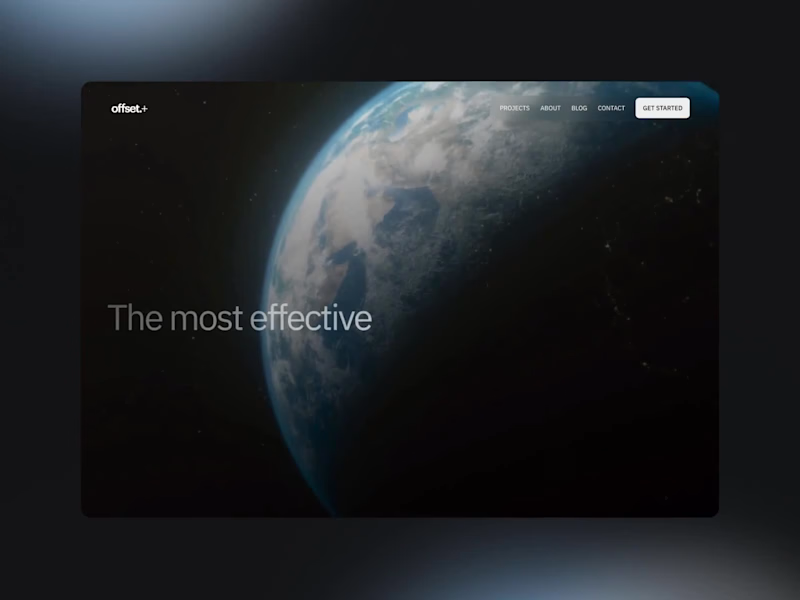
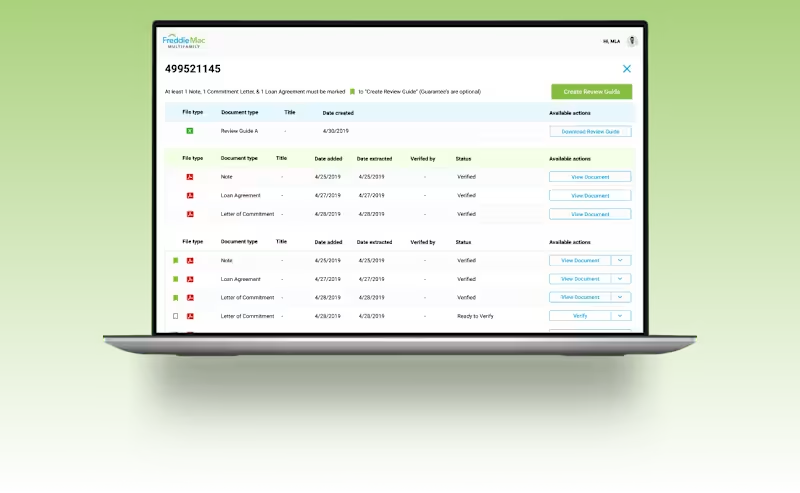
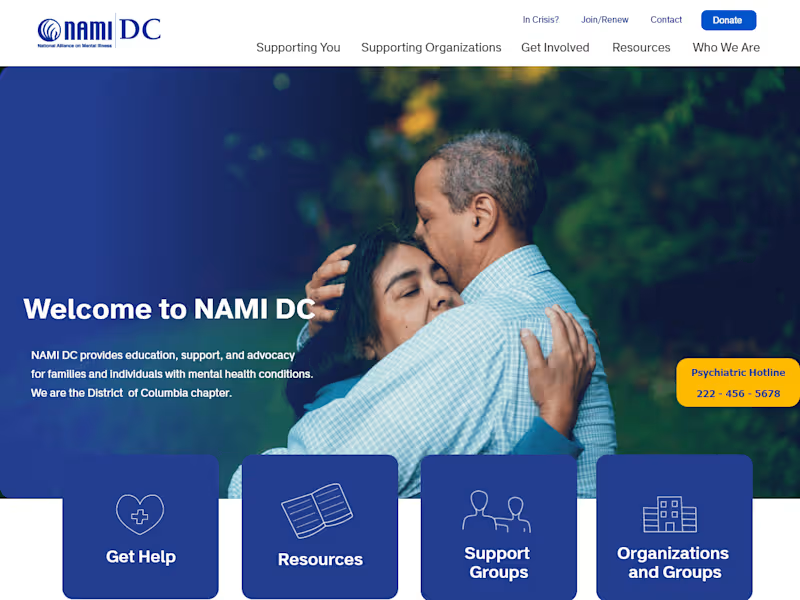
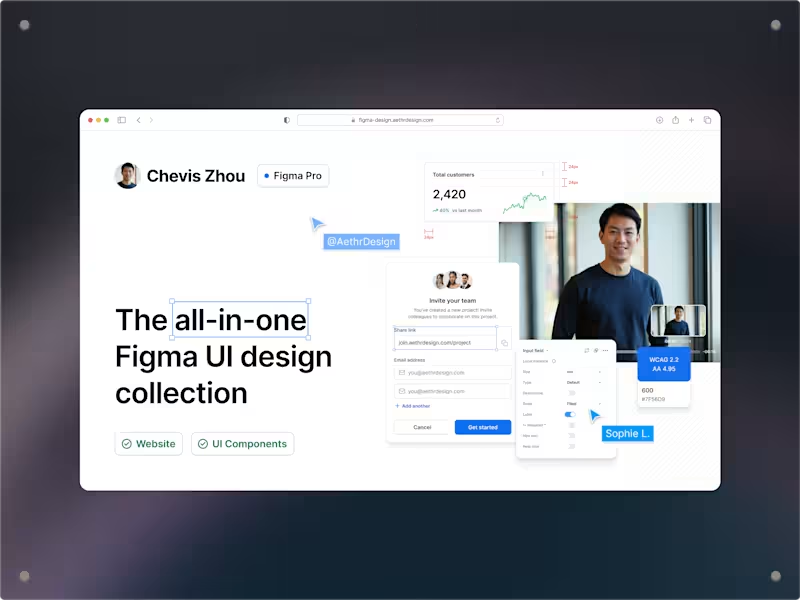
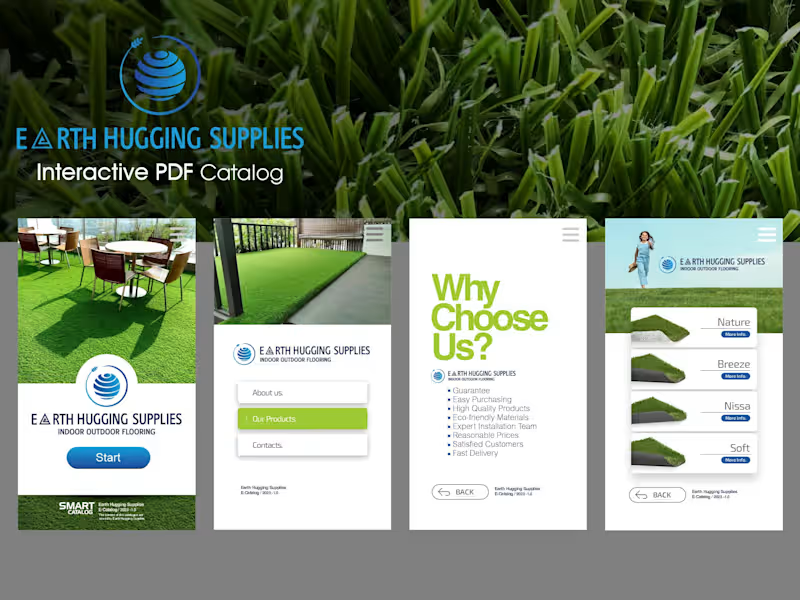
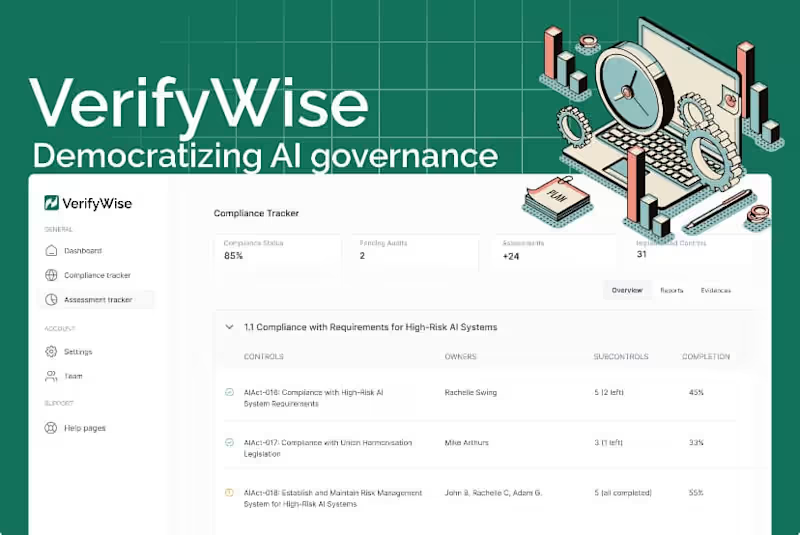
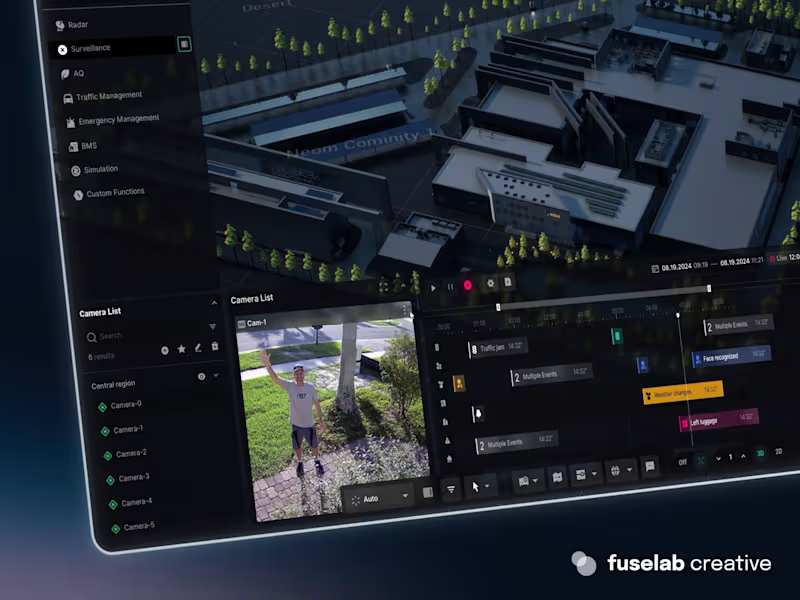
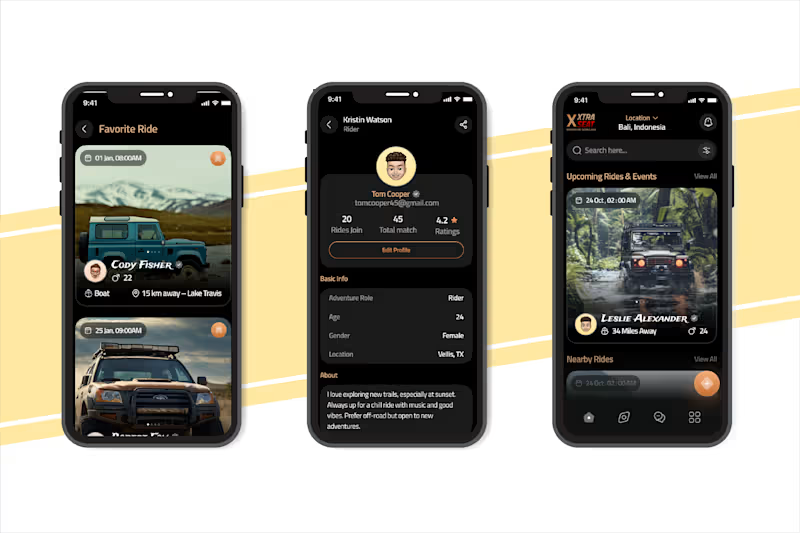
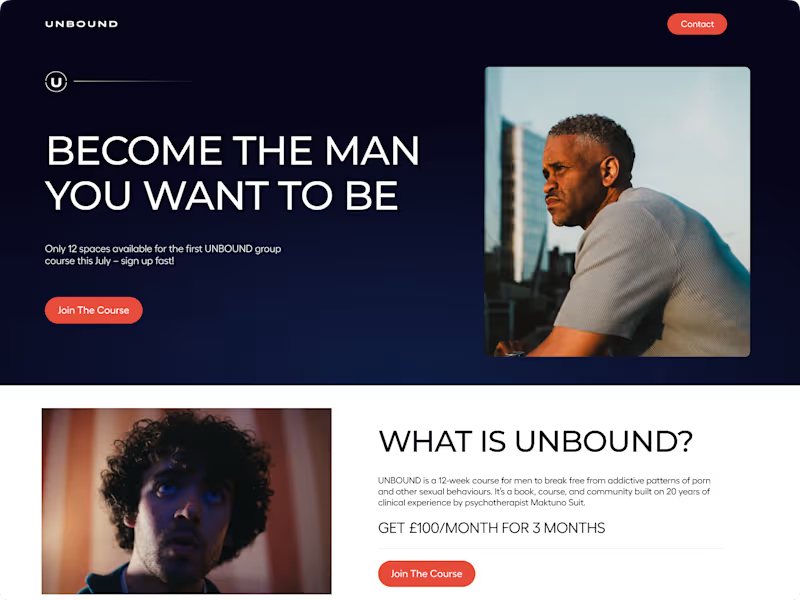
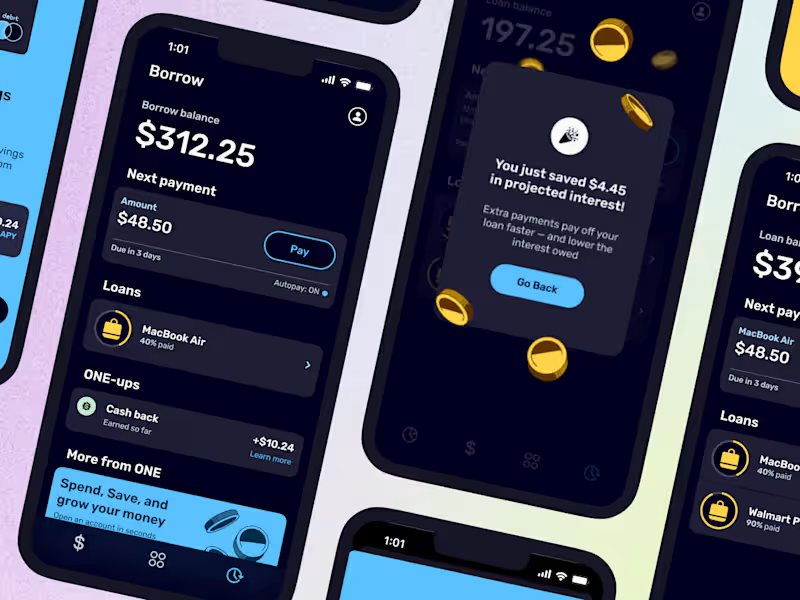
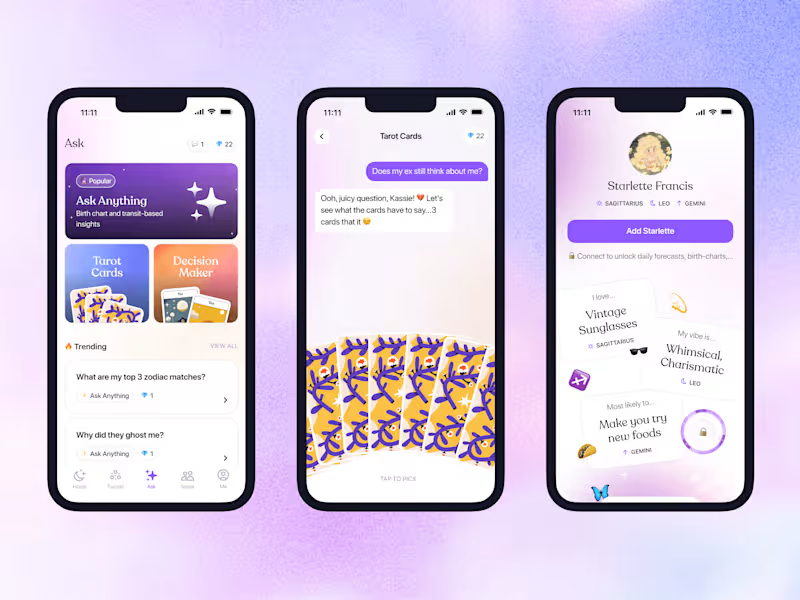
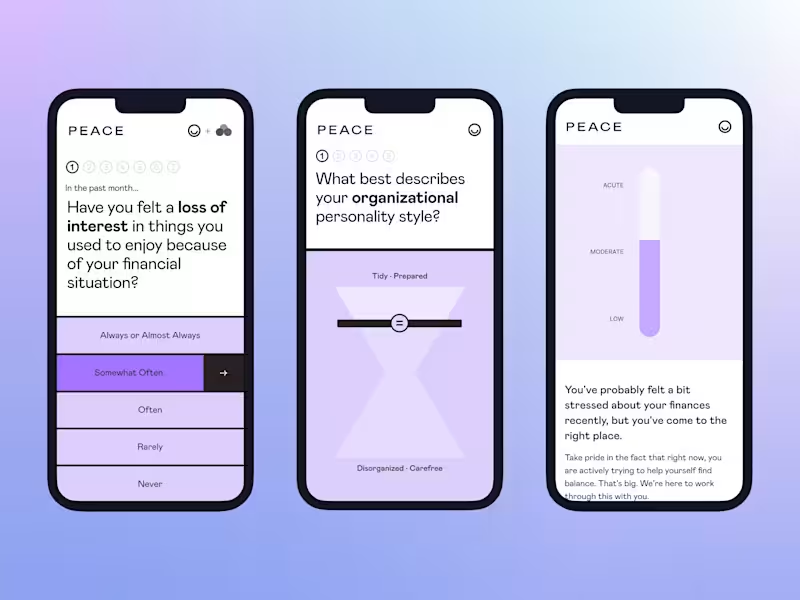
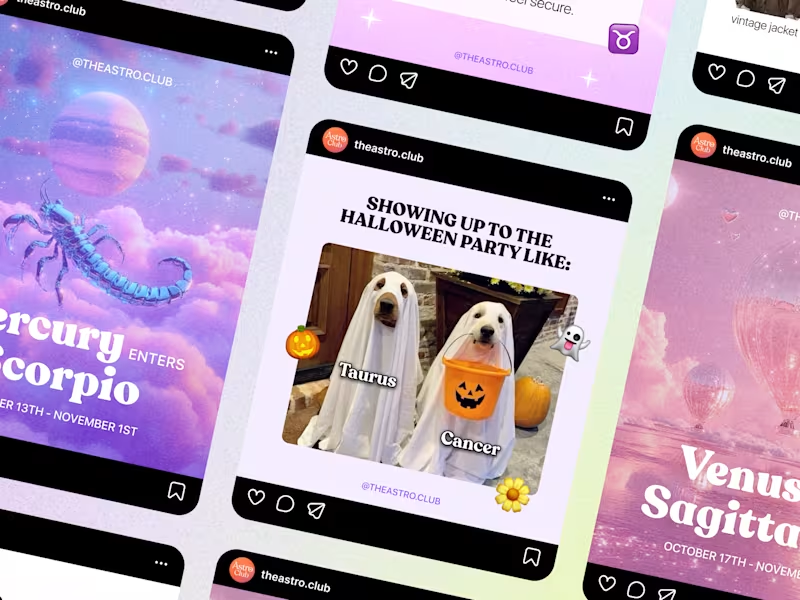
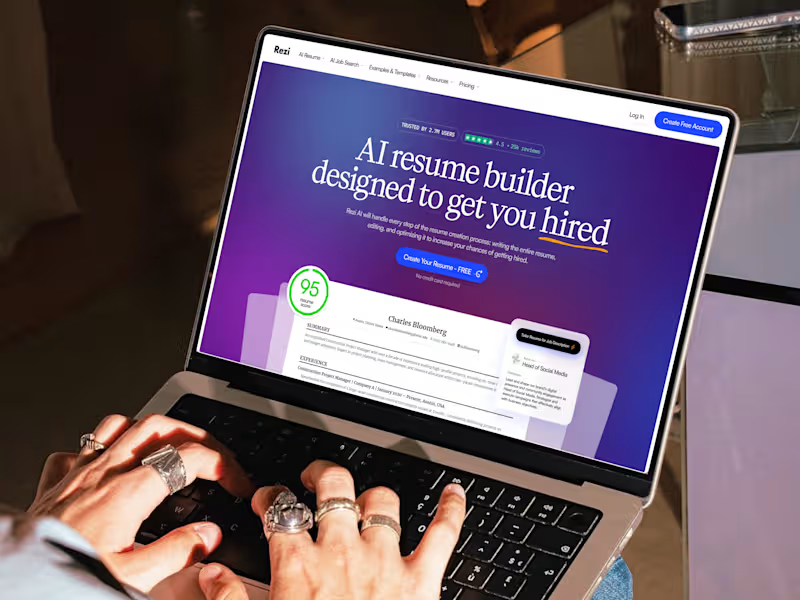
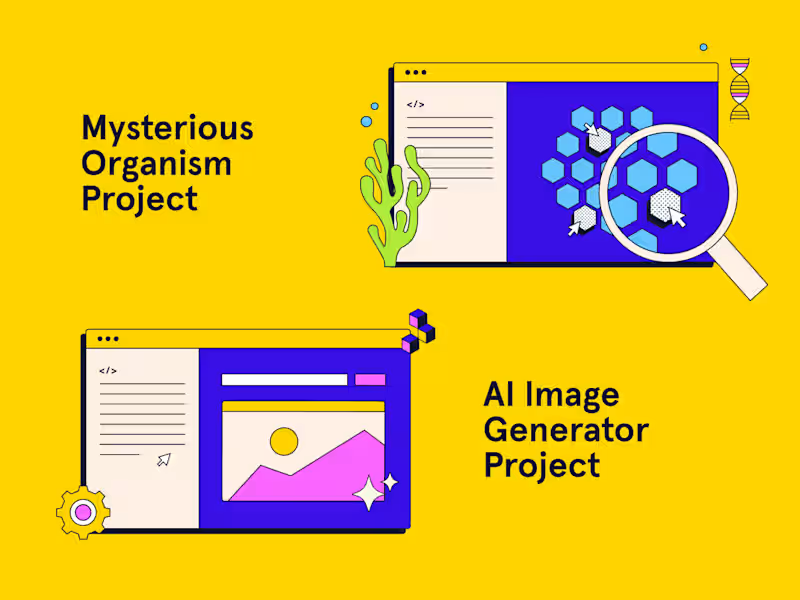
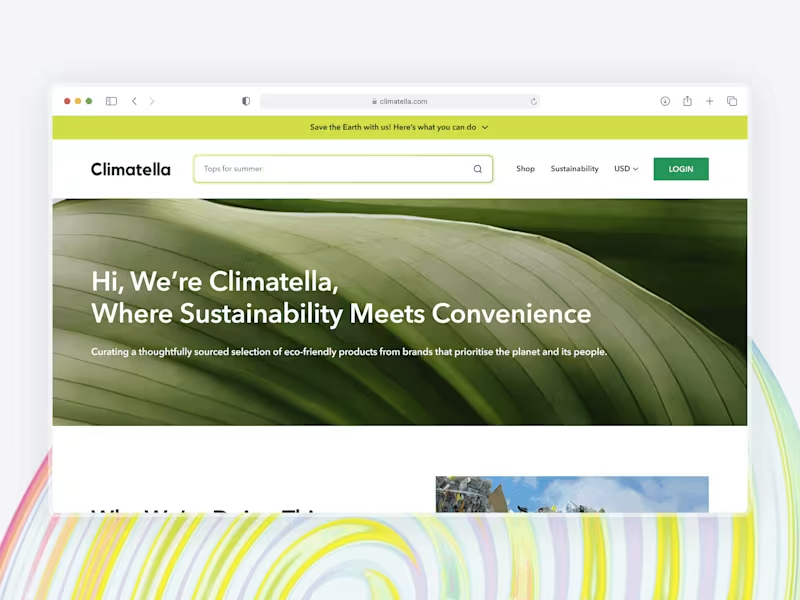
Check if the designer has worked on projects similar to yours. Look for clean, simple designs that help users navigate easily. Make sure their style matches what you envision for your project.
How can I make sure the UI designer understands my brand?
Share detailed information about your brand's colors, fonts, and overall look. Explain what feelings you want your brand to convey. Ask if they have experience with brand identity work.
What deliverables should I clearly define with my UI designer?
Specify mockups, wireframes, and final design files you'll need. Be clear about the number of design revisions allowed. Set expectations for design documentation if you need it.
How do I ensure the project timeline is realistic?
Discuss the time needed for each project phase with the designer. Be clear about any deadlines you have. Factor in time for revisions and feedback to avoid rushing.
What should I discuss during a kickoff meeting with a UI designer?
Cover the project goals and design requirements. Talk about the target audience and any competitors. Clarify the communication plan and preferred tools for updates and feedback.
How can I make sure we are aligned on the project scope?
Write down all the tasks the designer will handle. Discuss any features or elements that are most important. Review and agree on the project outline together.
What tools should I discuss with my UI designer?
Ask the designer about their preferred design software. Ensure they use collaborative tools that make sharing and feedback easy. Check that the file formats are compatible with your team’s tools.
How can I keep track of the project's progress?
Set up regular check-ins with the designer for updates. Use a project management tool for tracking tasks. Request milestone deliveries to review progress along the way.
What questions should I ask myself before hiring a UI designer?
Think about what your project's main goals are. Decide the tone and style you want in the designs. Work out a basic timeline and list the essential features you need.
How can I make sure feedback is constructive and clear?
Be specific about what you like and what needs improvement. Use examples if possible to illustrate points. Encourage open communication and patience to refine the designs collaboratively.
Who is Contra for?
Contra is designed for both freelancers (referred to as "independents") and clients. Freelancers can showcase their work, connect with clients, and manage projects commission-free. Clients can discover and hire top freelance talent for their projects.
What is the vision of Contra?
Contra aims to revolutionize the world of work by providing an all-in-one platform that empowers freelancers and clients to connect and collaborate seamlessly, eliminating traditional barriers and commission fees.