What information should I provide about my project when hiring a UI designer?
Share details like the purpose of your app or website and the users it will serve. Mention any existing brand guidelines or design styles you already have. This helps the designer understand your vision and create something that matches your needs.
How do I set clear objectives for my UI design project?
List the specific features and functions you want in your app or website. Decide on a timeline for the project so that the designer knows when you want it done. Talk about what success looks like for this project to make sure you're on the same page with your designer.
What should I include in the UI design brief to help the designer?
A good brief has a summary of your project and details about your target audience. You should also include examples of designs you like. This helps the designer understand your goals and can speed up the design process.
How many versions or revisions should I expect from a UI design project?
Talk with the designer about how many revisions they'll provide in the design process. This can help make sure the design improves with feedback. Knowing this upfront helps manage expectations and keeps the project on track.
What tools do UI designers typically use for design and collaboration?
UI designers often use tools like Sketch, Adobe XD, or Figma for design work. They might use Slack or Trello for communication and project management. It's helpful to know this so you can easily collaborate with them on the project.
How can I ensure the designer understands my brand’s look and feel?
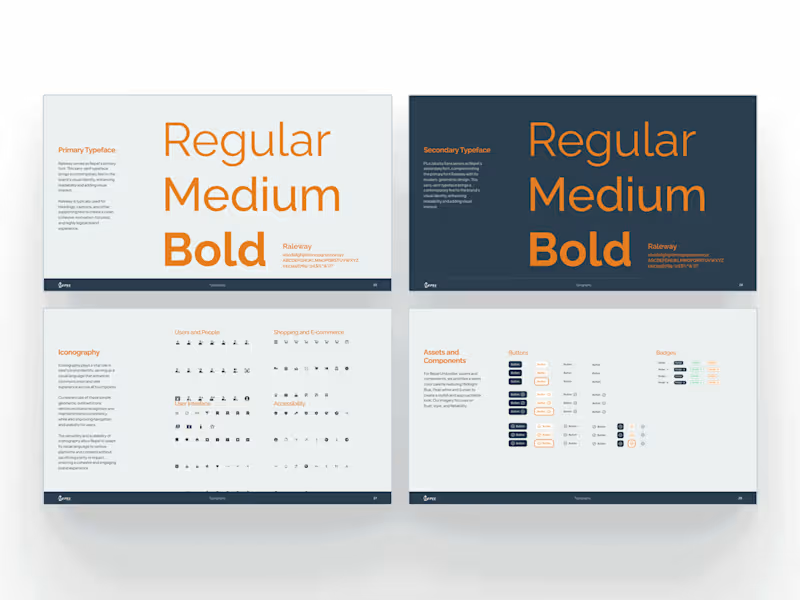
Provide the designer with brand assets like logos and color schemes that you use. Talk about any mood or tone you want your design to convey. This will help them create a design that fits well with your brand.
What should I consider regarding the design handoff process?
Ask about the type of files and formats you will receive at the end. Make sure the files can be easily used by your web developers. Discuss any support the designer will offer during the handoff.
How can I help the designer prioritize features during the project?
Give them a list of the most important features you need right away. Talk about any future plans or updates that might affect design decisions. This will help the designer focus on what matters most for your users.
What’s the best way to communicate feedback during the design process?
Set up regular check-ins to talk about progress and any questions. Be clear and specific with your feedback to help the designer make improvements. Having a good feedback process can lead to a better final design.
How do I know the designer’s style fits my project?
Look at their portfolio to see the kinds of projects they've done before. You can also ask for a small sample task to see how they approach your design challenge. This will give you a sense of whether their style aligns with what you’re looking for.
Who is Contra for?
Contra is designed for both freelancers (referred to as "independents") and clients. Freelancers can showcase their work, connect with clients, and manage projects commission-free. Clients can discover and hire top freelance talent for their projects.
What is the vision of Contra?
Contra aims to revolutionize the world of work by providing an all-in-one platform that empowers freelancers and clients to connect and collaborate seamlessly, eliminating traditional barriers and commission fees.