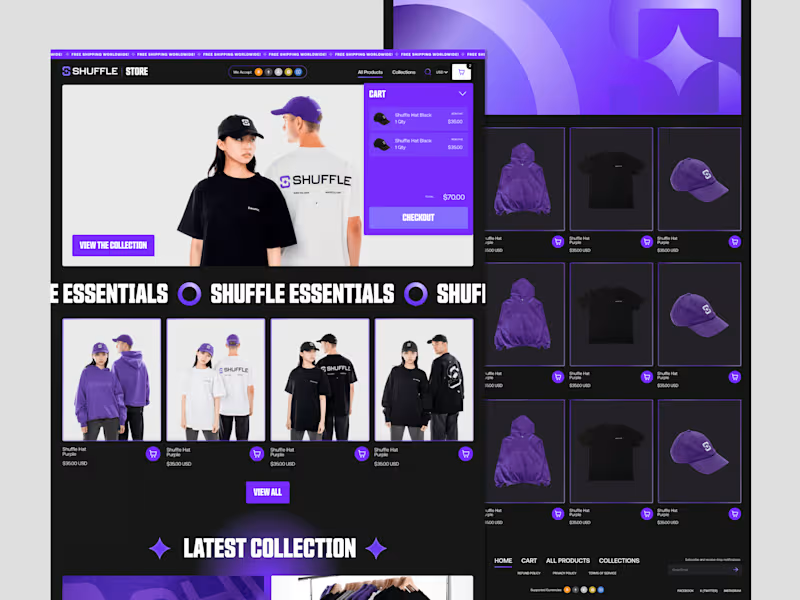
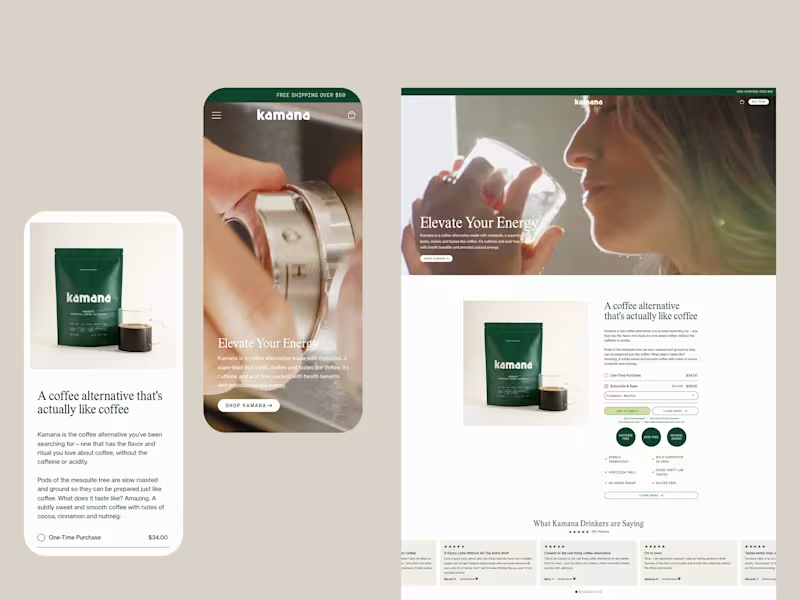
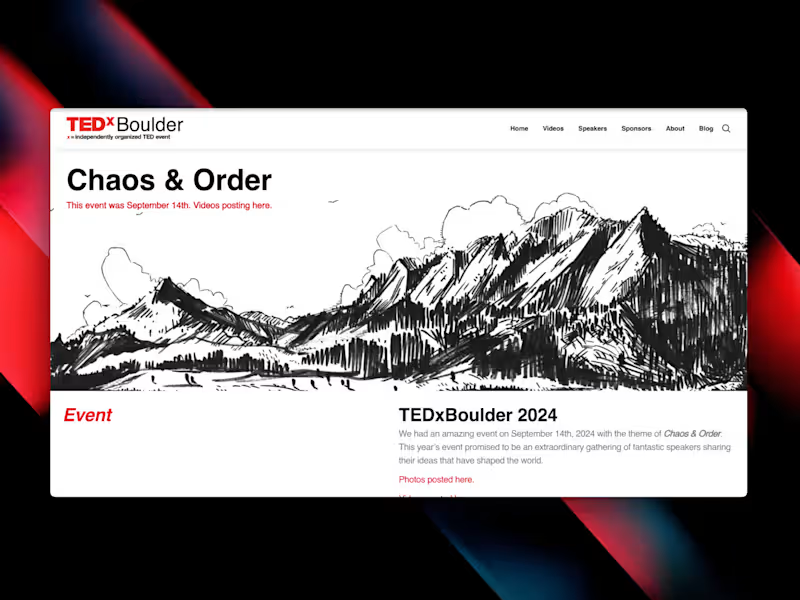
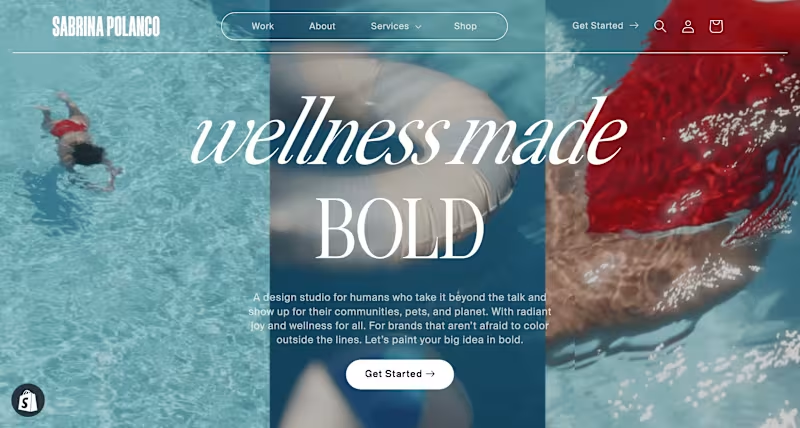
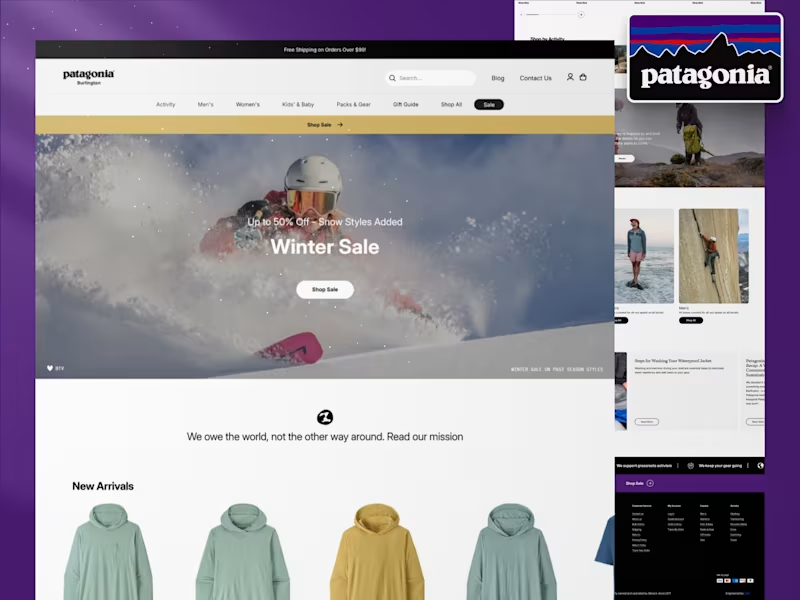
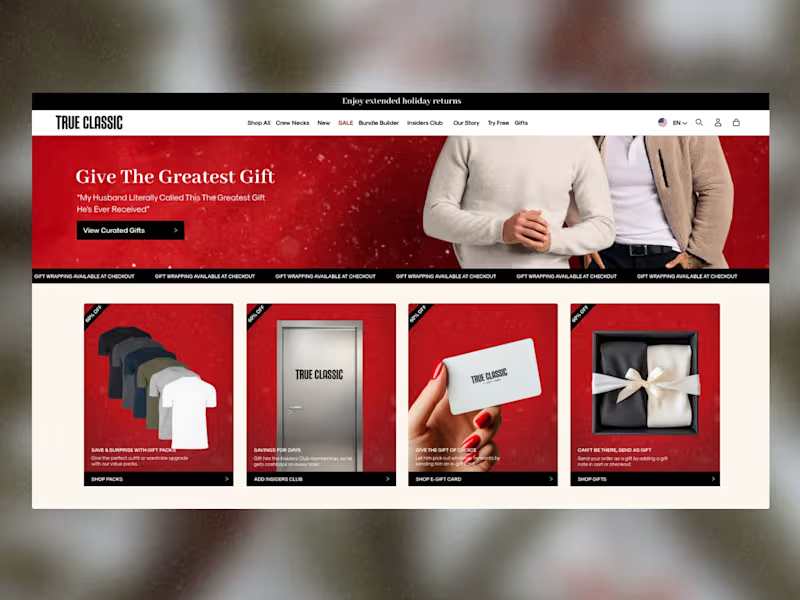
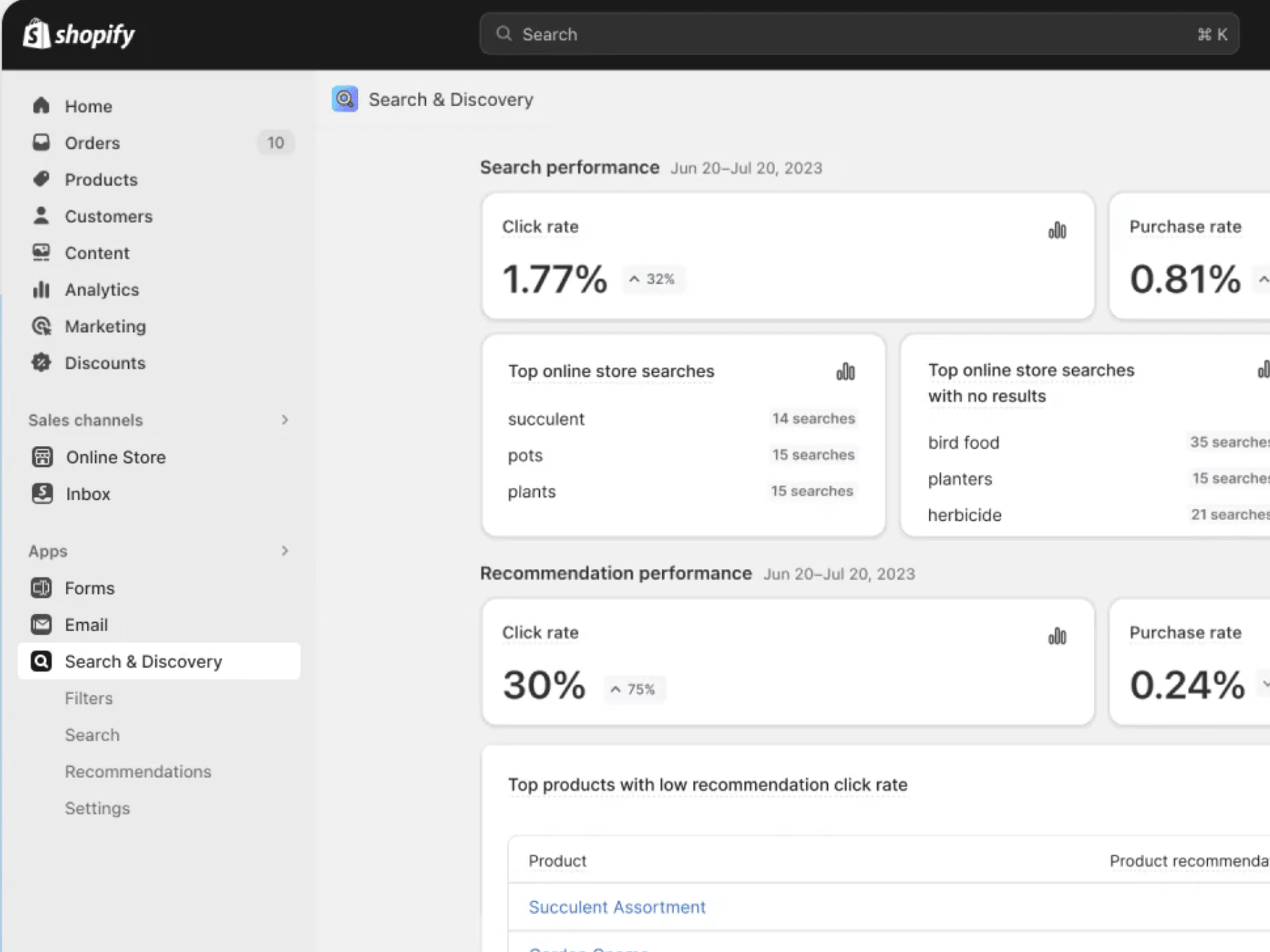
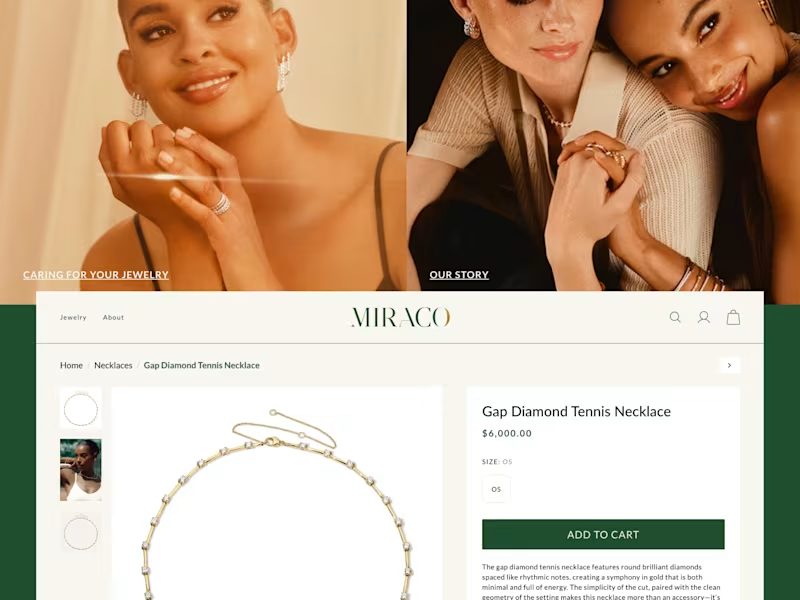
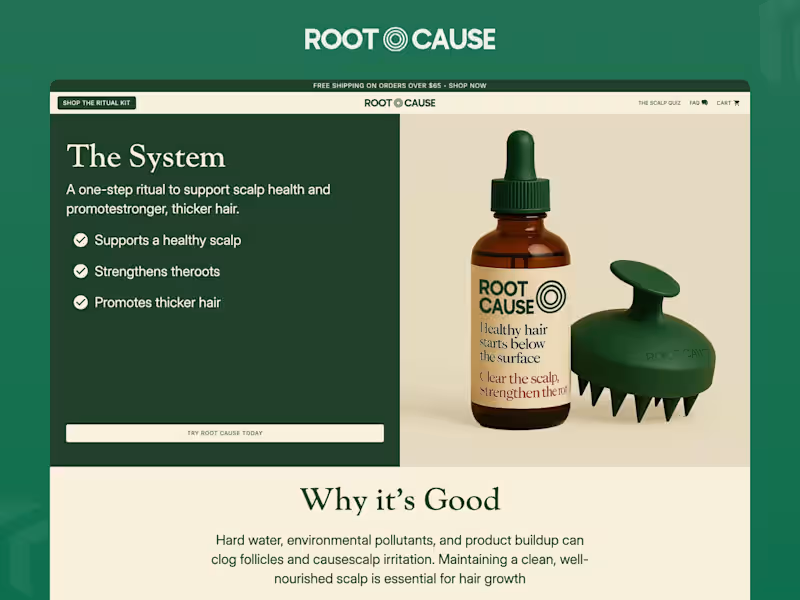
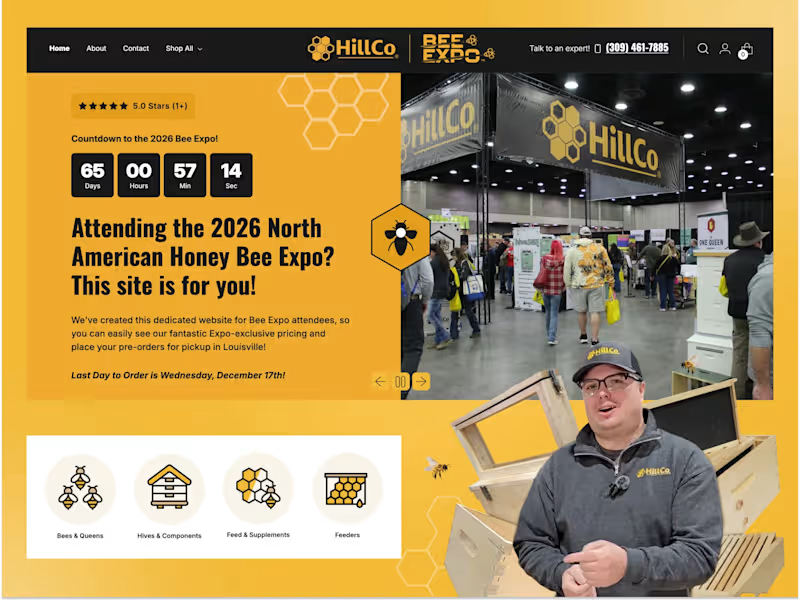
What will my Shopify store need to succeed?
Start by listing out your store's goals. Think about the products you want to sell and who will buy them. Make sure you understand the features your store needs, like a shopping cart and payment system.
How can I make sure the Shopify developer understands my project vision?
Make a list of features you want in your store. Create a project brief with details about your brand and products. Communication is key, so make sure to explain what you want clearly.
What should the timeline for my Shopify project look like?
Decide on a start and finish date for your store launch. Break down the project into smaller steps, like design, development, and testing. This helps keep track of progress and ensures your developer stays on schedule.
How do I choose the right Shopify theme?
Look for themes with the design and features you need. Consider mobile responsiveness, since many people shop on phones. Ask your developer for advice on themes that fit your business goals.
What’s the best way to check a developer's Shopify skills?
Look at the developer's past work on Shopify stores. Check for user-friendly designs and functionality. Read reviews or testimonials from other clients they’ve worked with.
How do I ensure the Shopify store is optimized for SEO?
Tell the developer to focus on fast-loading pages and mobile optimization. Make sure they use good keywords in product descriptions and titles. Ask them to set up a sitemap for better search engine indexing.
What security measures should my Shopify store have?
Ensure the developer uses secure payment gateways. Request features like SSL certificates for data protection. Having backups and regular updates is key to keeping the store safe.
How do I prepare content for my Shopify store?
Take high-quality photos of your products for the store. Write detailed and interesting product descriptions. Have your branding elements ready, like logos and brand colors.
How can I measure the success of my Shopify store?
Set up analytics tools to track visitors and sales. Pay attention to customer feedback and reviews. Review your goals to see if your store is meeting sales targets and customer satisfaction.
What sort of ongoing support do I need after launch?
Consider setting up a maintenance plan for tech updates and bug fixes. Plan for potential future enhancements like new features. Constancy is key, so know who to contact if any problems arise.
Who is Contra for?
Contra is designed for both freelancers (referred to as "independents") and clients. Freelancers can showcase their work, connect with clients, and manage projects commission-free. Clients can discover and hire top freelance talent for their projects.
What is the vision of Contra?
Contra aims to revolutionize the world of work by providing an all-in-one platform that empowers freelancers and clients to connect and collaborate seamlessly, eliminating traditional barriers and commission fees.