What should I look for in a freelance Google Docs expert on Contra?
Look for someone with strong experience using Google Docs for projects like yours. Check their profile for client testimonials and past work. This can show you if they are a good fit.
How can I ensure the freelancer is skilled with Google Docs?
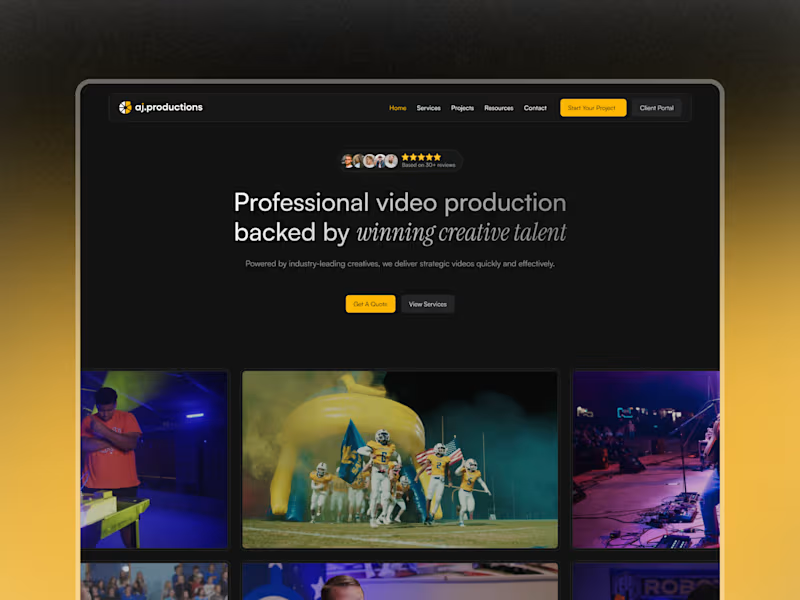
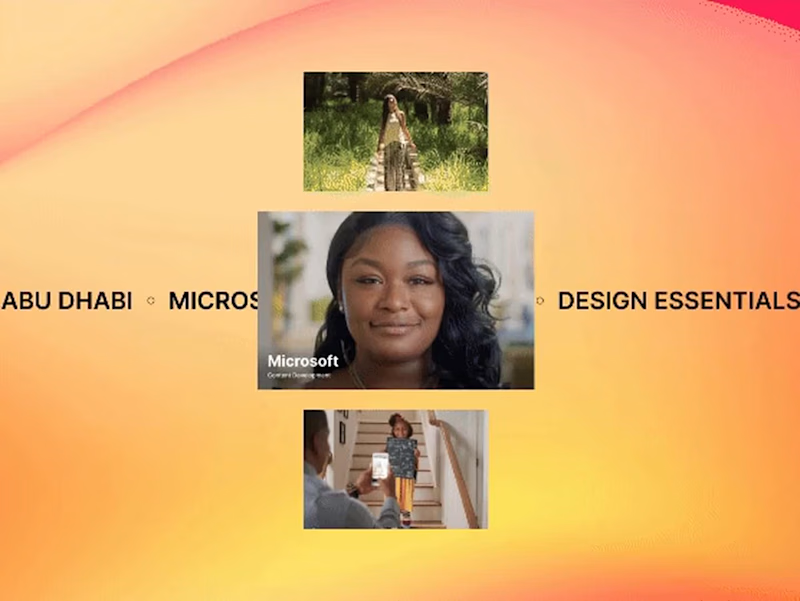
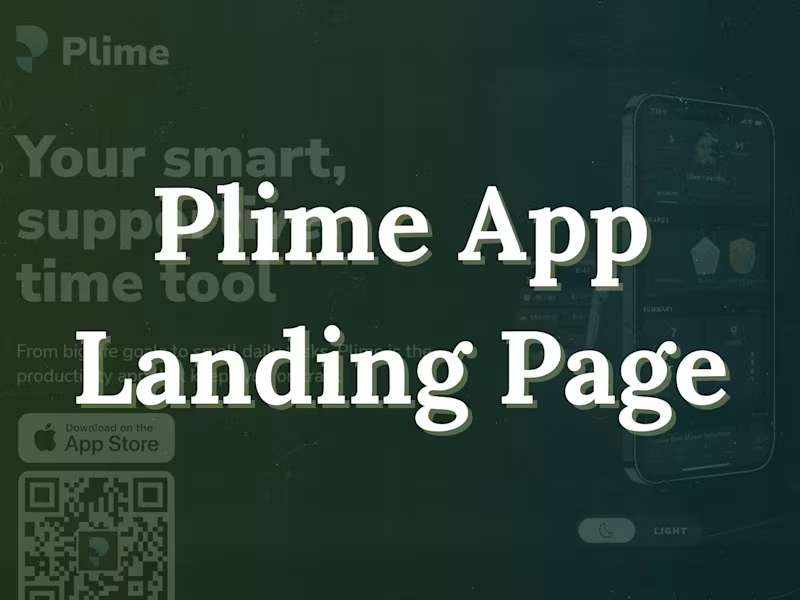
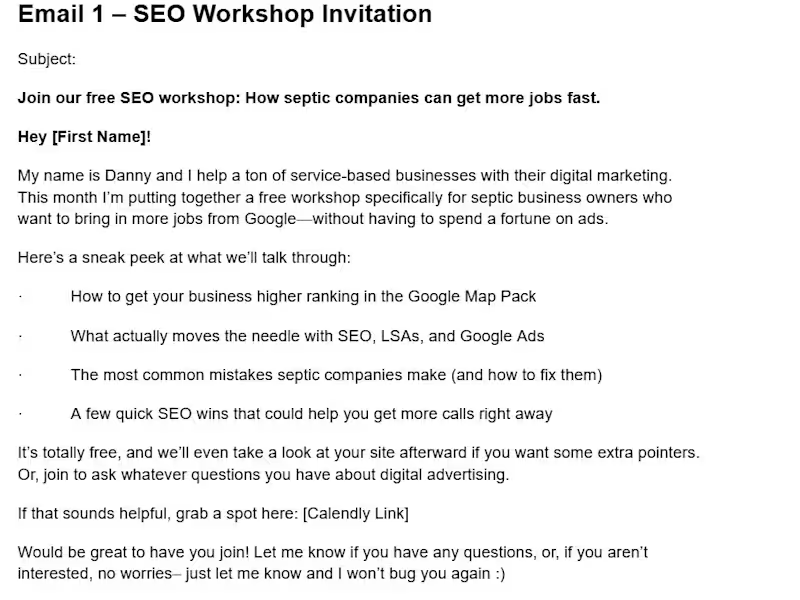
Check their portfolio for examples of work done in Google Docs. Look for projects similar to yours, like reports or presentations. This helps you see their skills in action.
How do I agree on project deliverables with a freelance Google Docs expert?
Discuss your needs clearly with the freelancer. Make a list of the documents and deadlines. This helps ensure both parties know what to expect.
What should be included in the project brief for a Google Docs freelance expert?
Include a clear description of the work needed. Detail any specific formats or styles you require. This helps the freelancer know exactly how to meet your needs.
How can I set clear deadlines with a Google Docs expert?
Agree on a timeline before the project starts. Put the deadlines in writing in your project brief. This helps keep the project on track.
What tools can I use to collaborate with a Google Docs freelancer?
Use Google Docs itself for real-time collaboration. Share the document and use comments for feedback. This makes it easy to work together effectively.
How do I keep track of progress on a Google Docs project?
Set regular check-ins with the freelancer. Ask for updates in the Google Docs itself. This keeps communication open and progress visible.
Why is clear communication important when hiring a Google Docs expert?
Clear communication helps avoid misunderstandings. It ensures everyone knows what to do and when. This leads to a smoother workflow and better results.
What should I do if I have feedback on the deliverables?
Provide feedback directly in the Google Docs using comments. Be specific about what needs to change. This helps the freelancer make the necessary adjustments accurately.
How can I finalize a project with a Google Docs expert?
Review the final document carefully. Confirm all required changes have been made. Once satisfied, mark the project as complete.
Who is Contra for?
Contra is designed for both freelancers (referred to as "independents") and clients. Freelancers can showcase their work, connect with clients, and manage projects commission-free. Clients can discover and hire top freelance talent for their projects.
What is the vision of Contra?
Contra aims to revolutionize the world of work by providing an all-in-one platform that empowers freelancers and clients to connect and collaborate seamlessly, eliminating traditional barriers and commission fees.