What should I look for in a creative designer's portfolio?
A creative designer's portfolio showcases their best work. Look for designs that match the style you want for your project. Check if they have experience in your industry or with similar projects. Quality and creativity are more important than quantity.
How can I check if a designer understands my project needs?
Talk with the designer about your project ideas. See if they can explain how they will make your ideas come true. Ask them to share their thoughts on your project vision. Clear communication shows understanding and is a good sign they can meet your needs.
How do I set clear project deliverables with a designer?
Create a list of all the things you want the designer to do. Include details like number of designs, style, and sizes. Ask the designer if they can add more suggestions based on their experience. This will help make sure that both of you agree on what will be delivered.
What's the best way to decide on a project timeline with a designer?
Start by choosing a final deadline for your project. Ask the designer how long each task might take to complete. Make a timeline that everyone agrees on with important dates. This will help keep the project on time and organized.
How do I ensure the designer's work aligns with my brand?
Share your brand's colors, styles, and message with the designer. Discuss the look and feel you want for the designs. Ask for example images that express your brand style. This will help make sure that the designer's work fits your brand perfectly.
How can I make communication easy with a creative designer?
Set up regular check-ins to talk about project updates. Decide on how you will communicate, like emails or calls. Make sure both you and the designer can easily reach each other. Good communication helps avoid misunderstandings and keeps everything on track.
What should I include in a creative brief for the designer?
A creative brief should explain what you want, who it's for, and why it matters. Include your project goals and any specific requirements. The more details you provide, the better the designer can meet your needs. A good brief makes the project start smoothly.
How do I prepare for the first meeting with a creative designer?
Think about what you want to share about your project. Write down important points and questions. Have samples or examples ready to show the designer. This preparation helps make the first meeting productive and sets a positive tone for the project.
What is an effective way to evaluate a designer's creativity and skill?
Look for creativity, originality, and skill in the designer's past work. Check how they use colors, shapes, and layouts. Provide a small task or ask how they would approach a part of your project. This will help you see if their creative style matches what you want.
Who is Contra for?
Contra is designed for both freelancers (referred to as "independents") and clients. Freelancers can showcase their work, connect with clients, and manage projects commission-free. Clients can discover and hire top freelance talent for their projects.
What is the vision of Contra?
Contra aims to revolutionize the world of work by providing an all-in-one platform that empowers freelancers and clients to connect and collaborate seamlessly, eliminating traditional barriers and commission fees.
Explore Artificial Intelligence projects by Creative Designers on Contra









Top services from Creative Designers on Contra
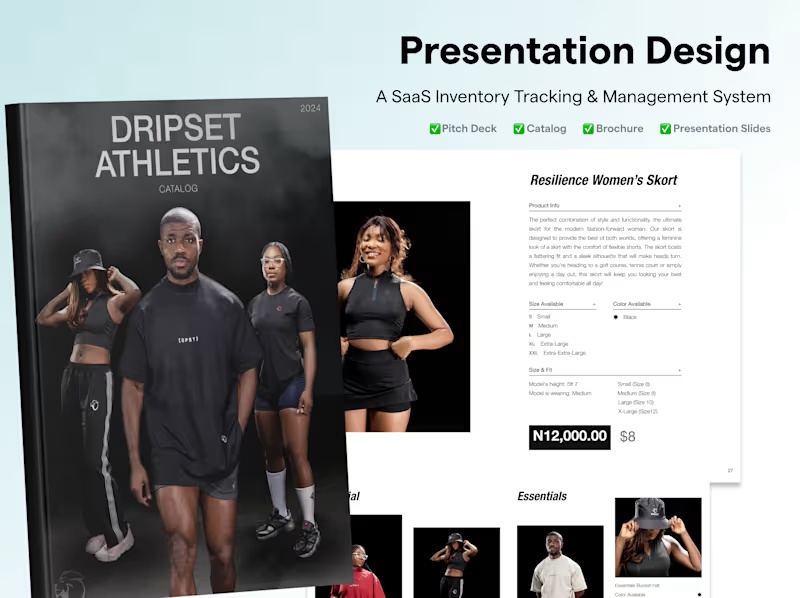

Adobe Photoshop
Creative Designer
Brand Designer
Pitch Deck, Presentation & Brochure Designer
Contact for pricing
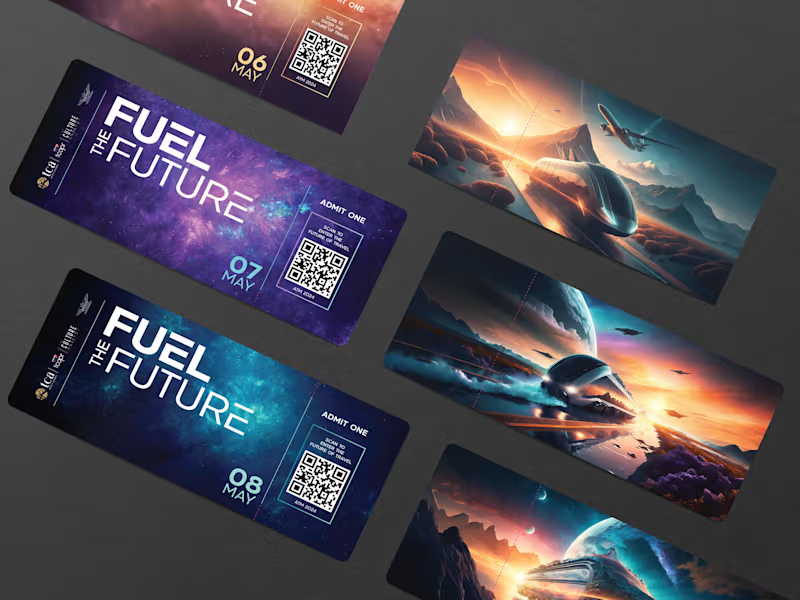

Adobe After Effects
Creative Director
Creative Designer
Omnichannel Creative Design Solutions
$25/hr
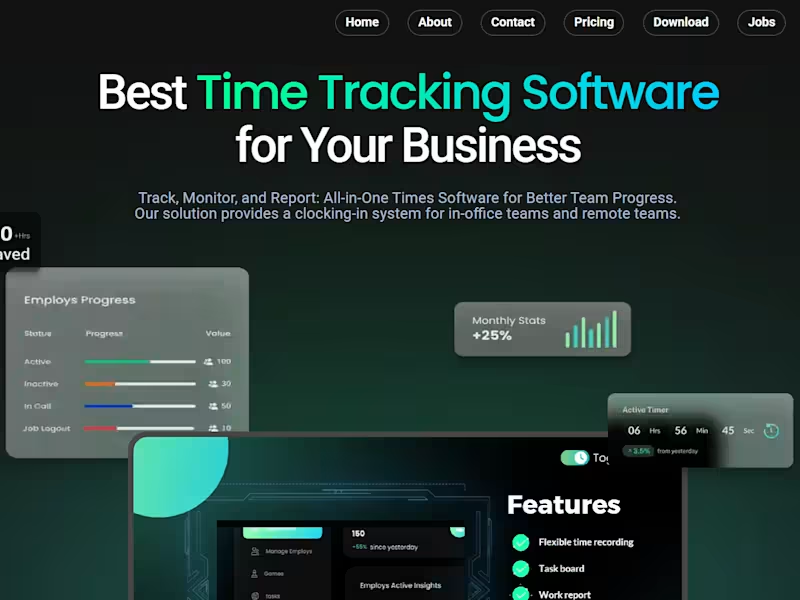

Canva
Frontend Engineer
Creative Designer
Modern & Stunning React Websites for High Performance
$100/wk