What should I check to see if a freelancer is good at Adobe Suite tools?
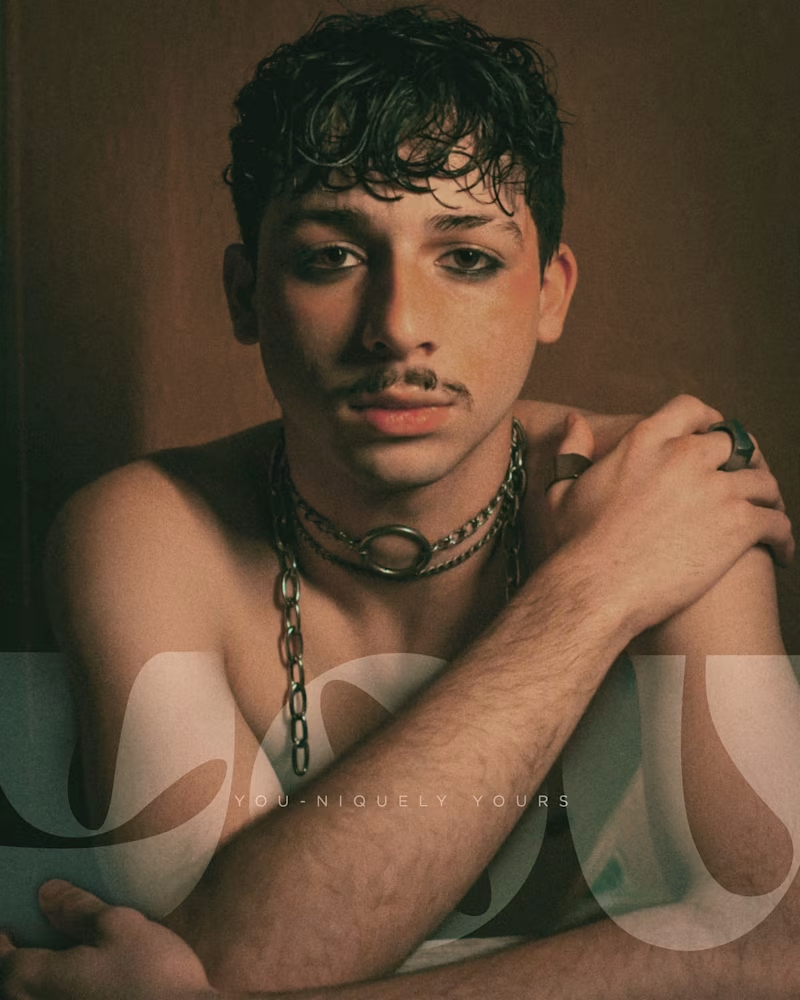
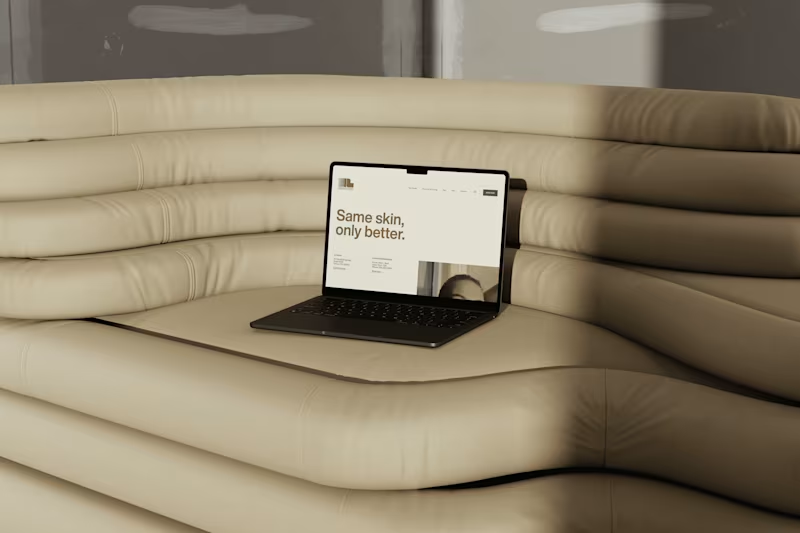
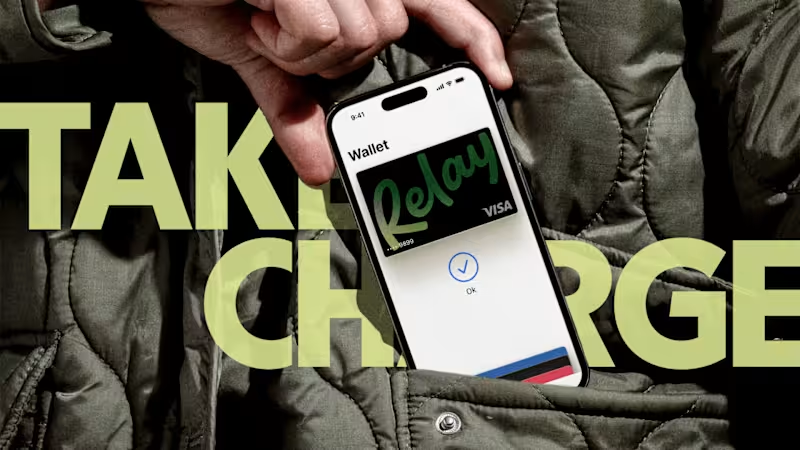
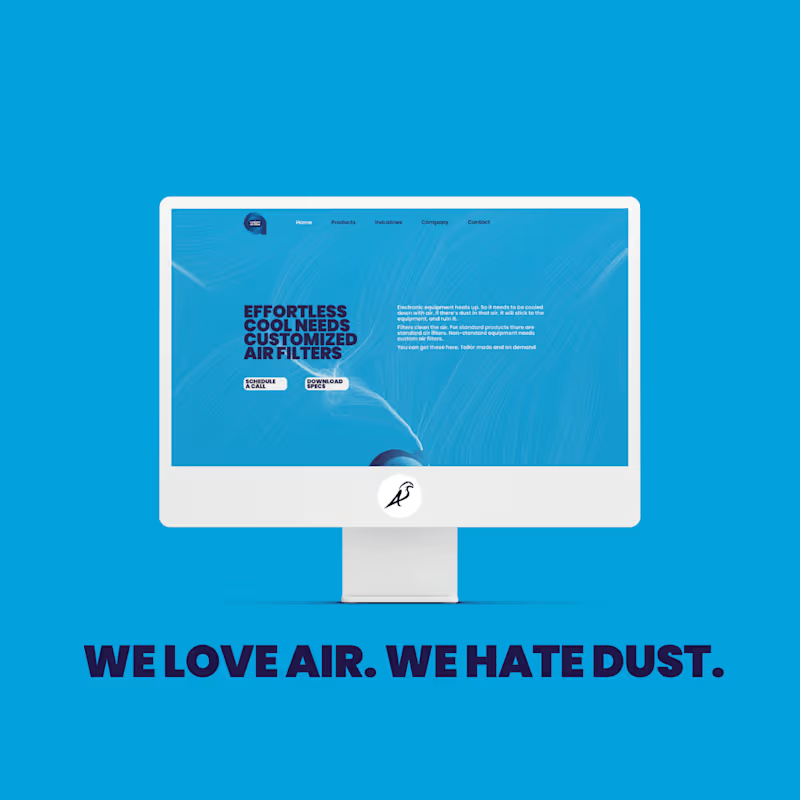
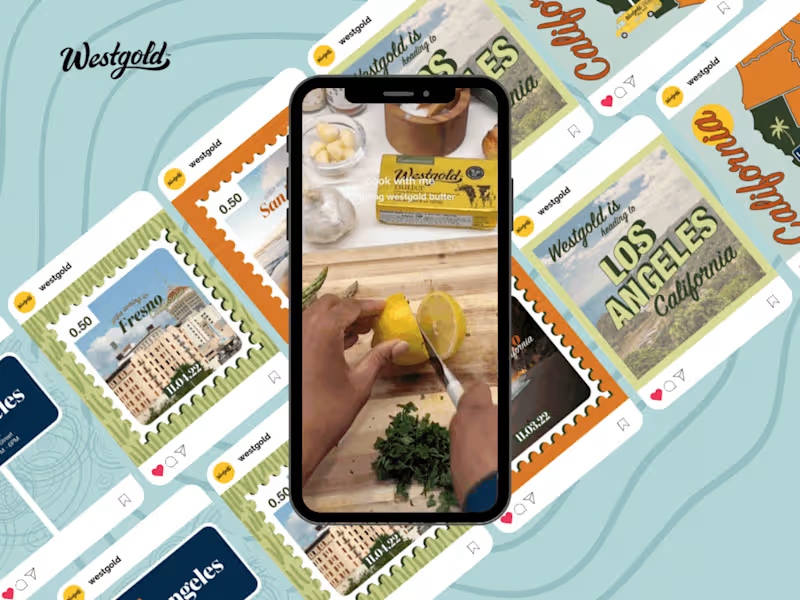
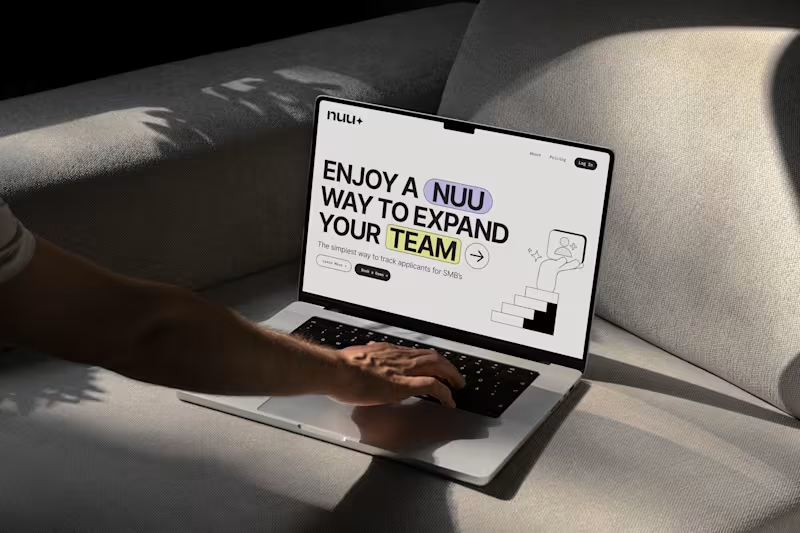
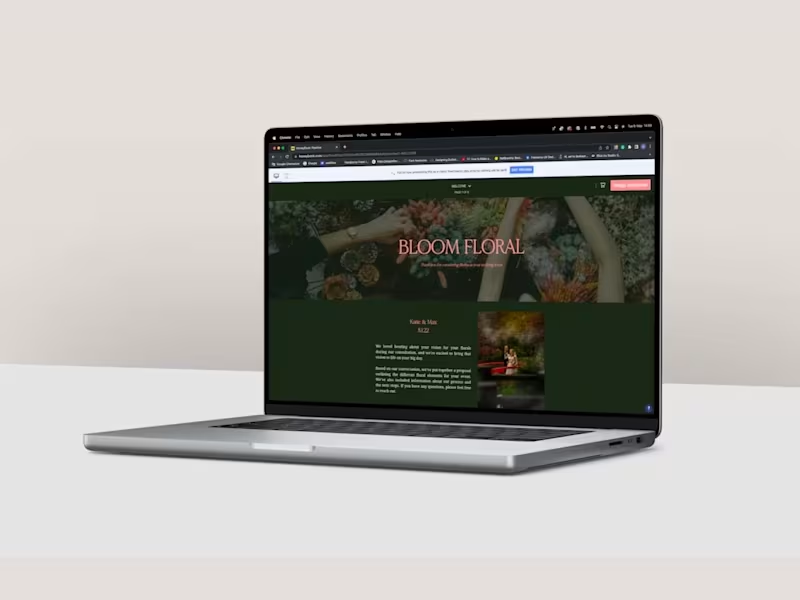
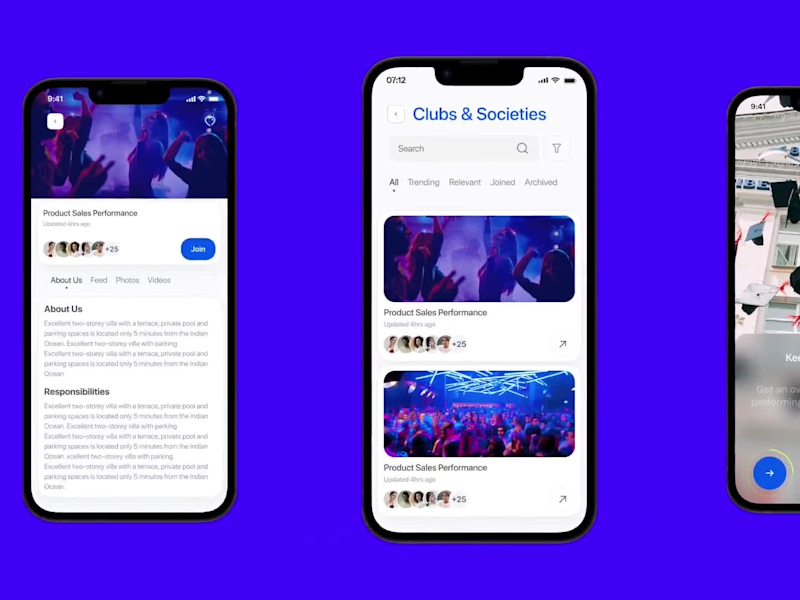
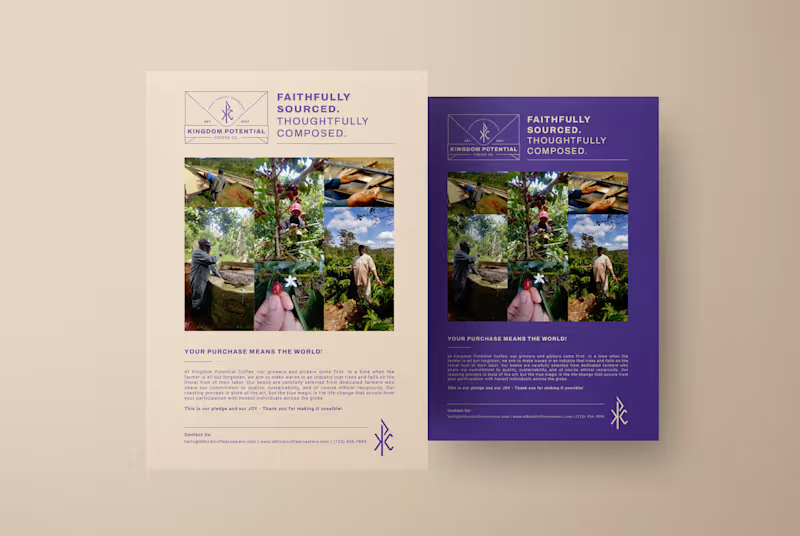
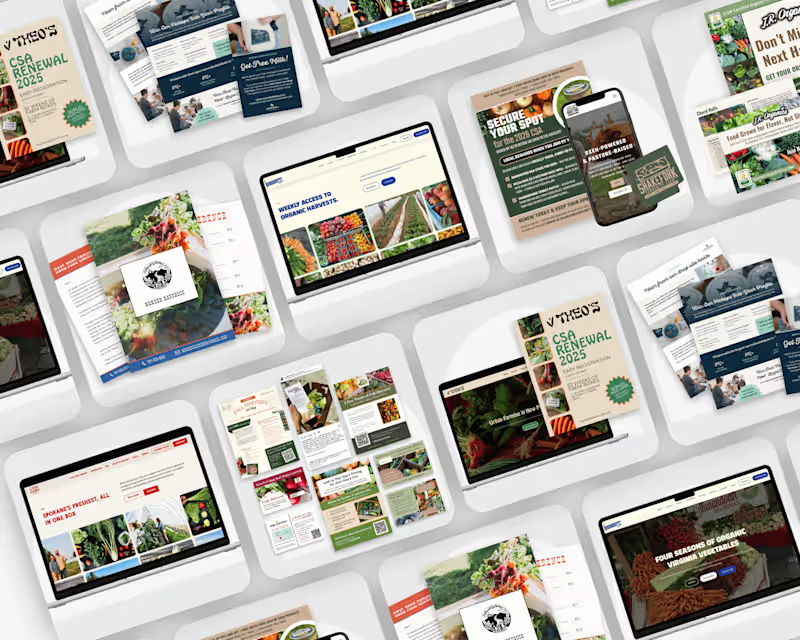
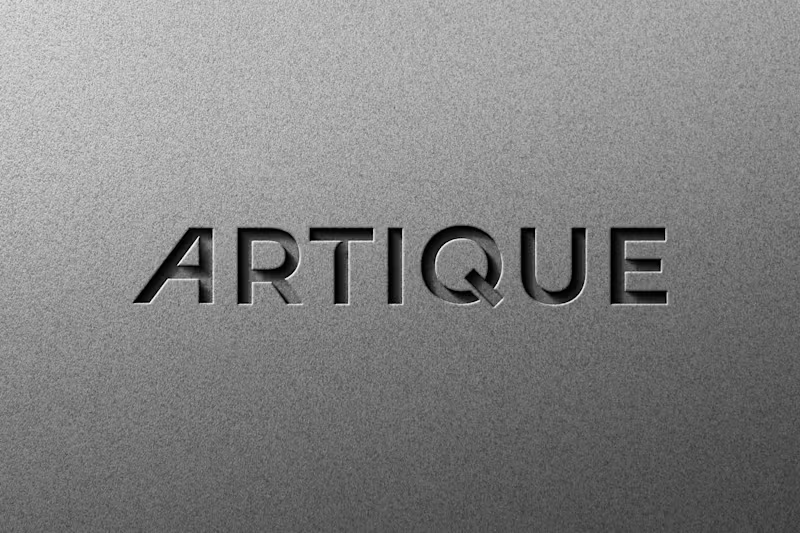
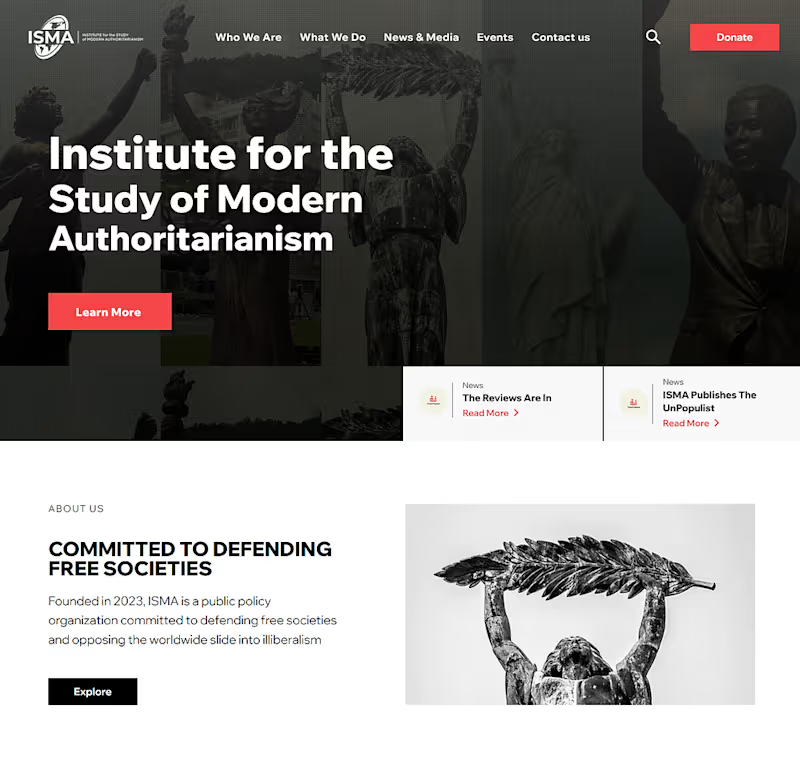
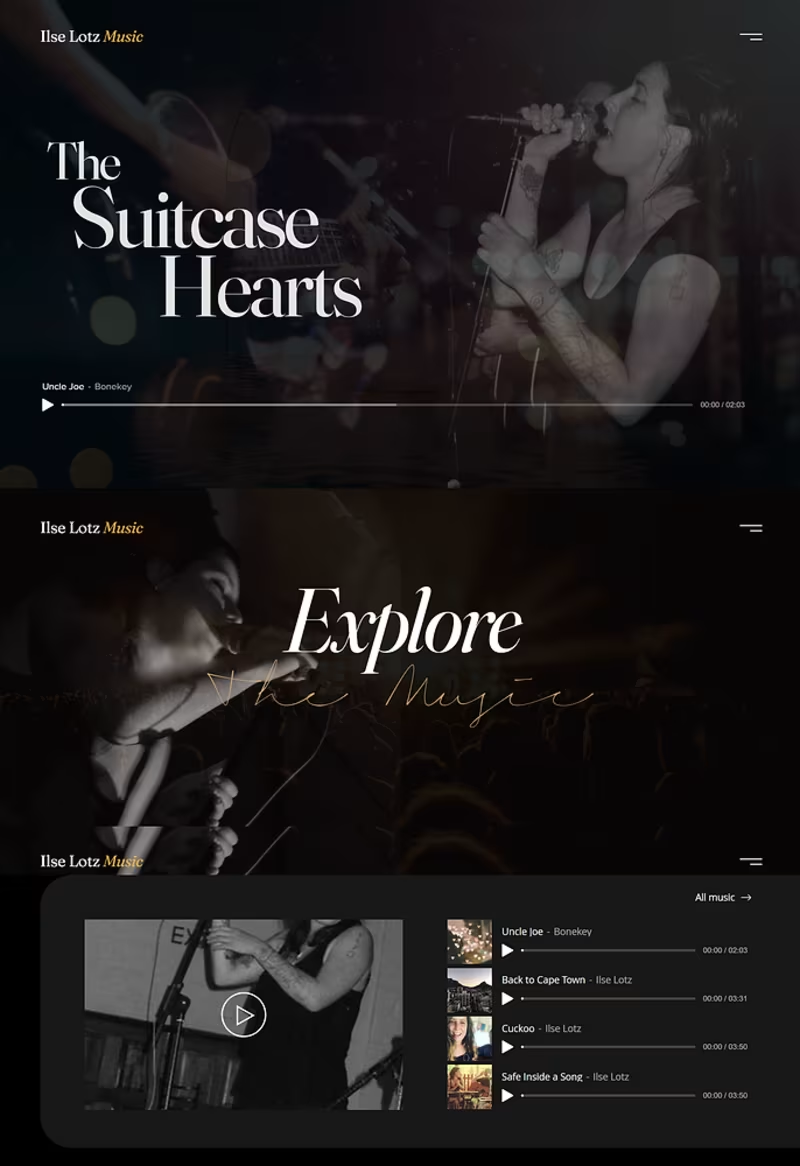
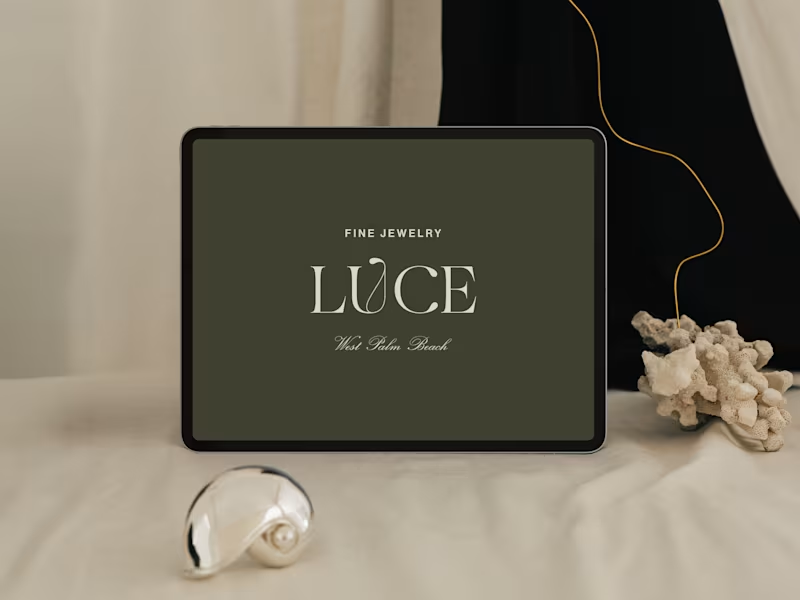
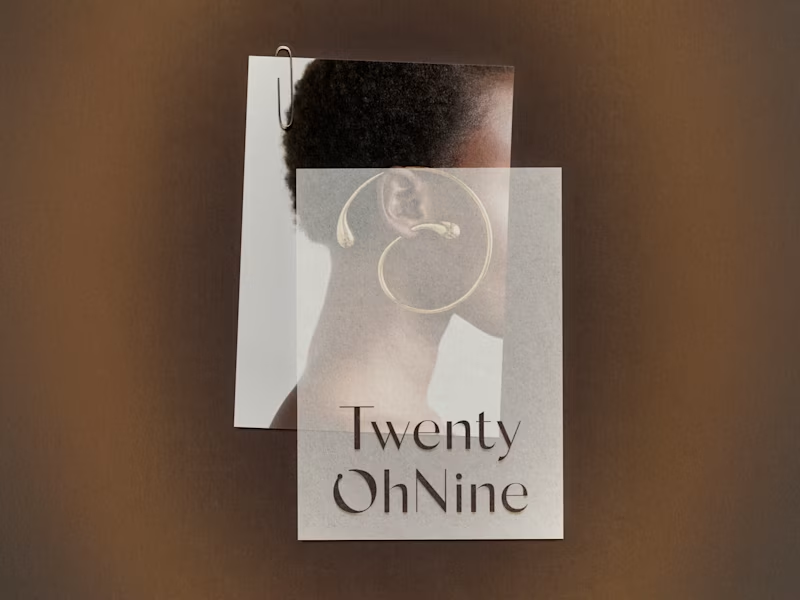
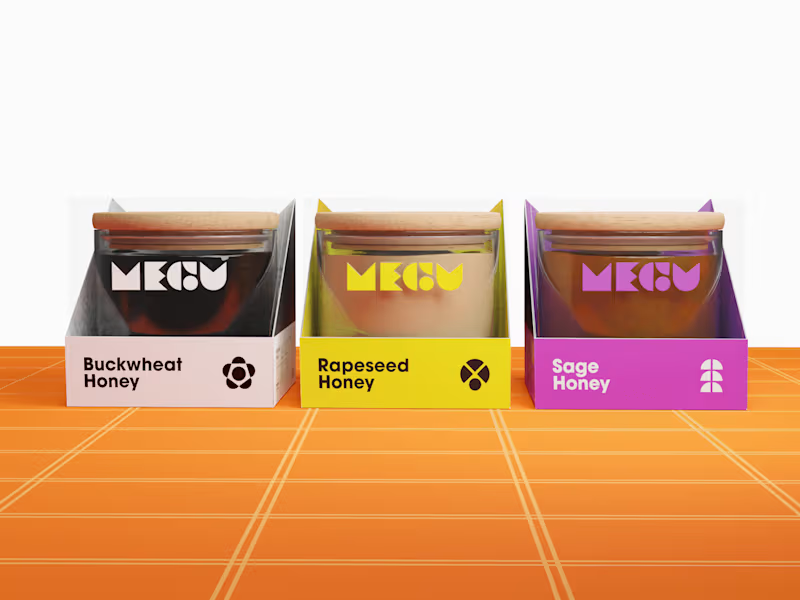
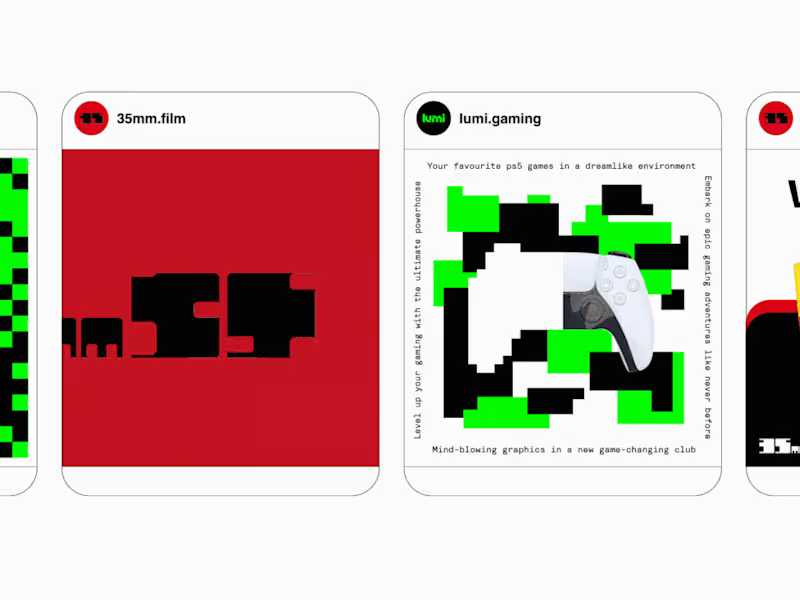
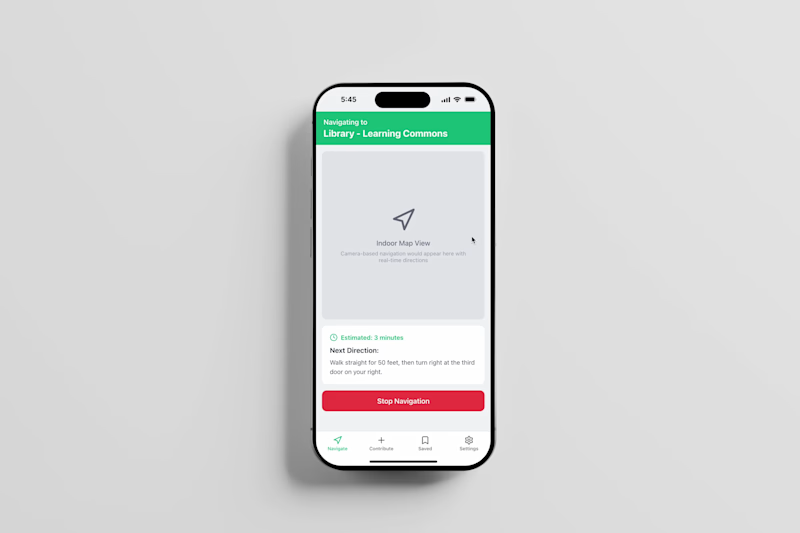
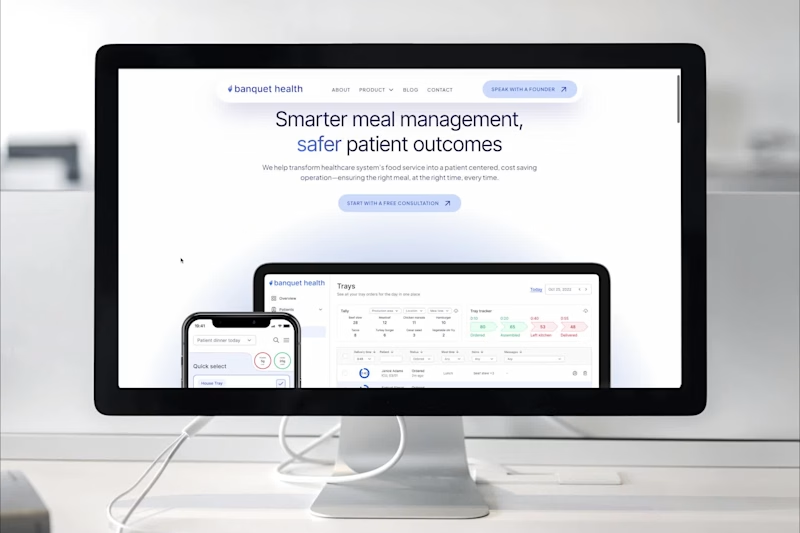
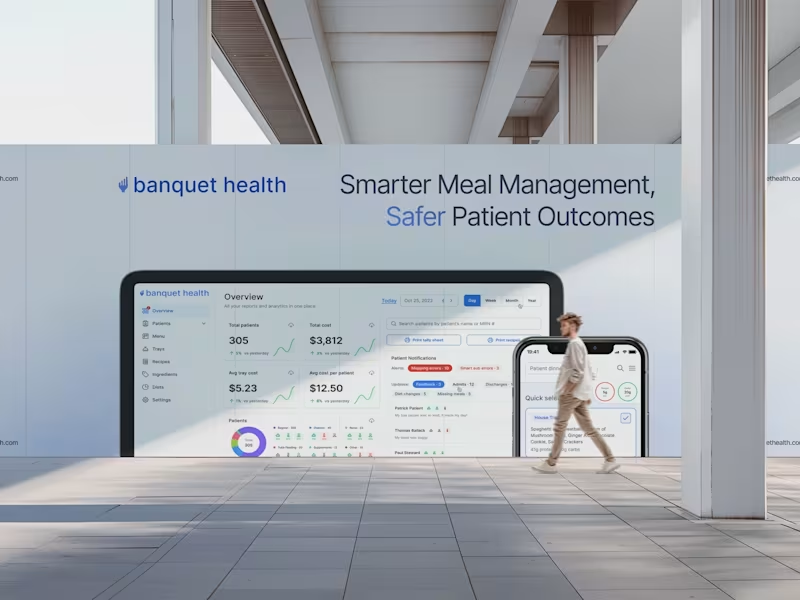
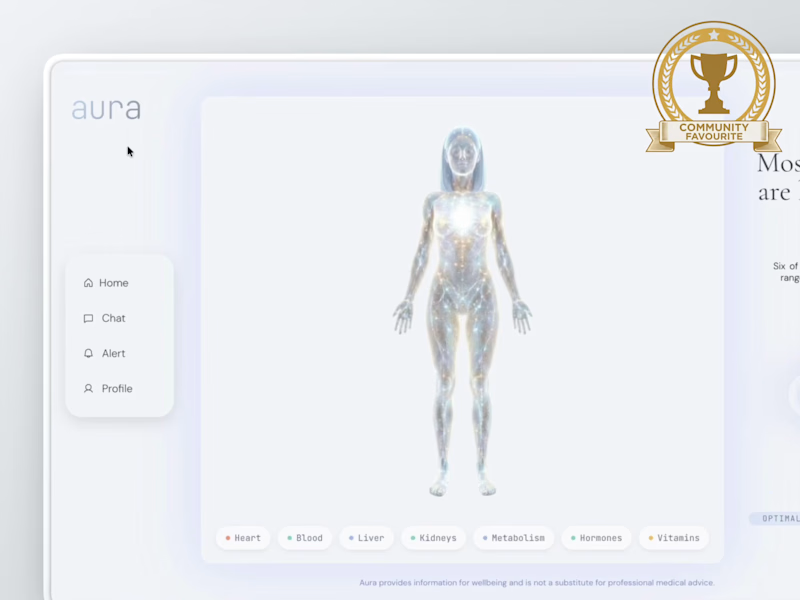
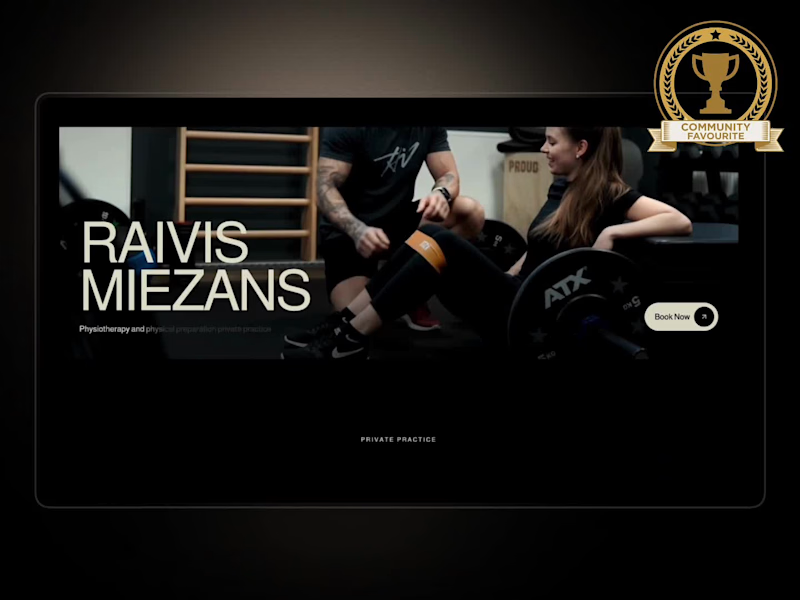
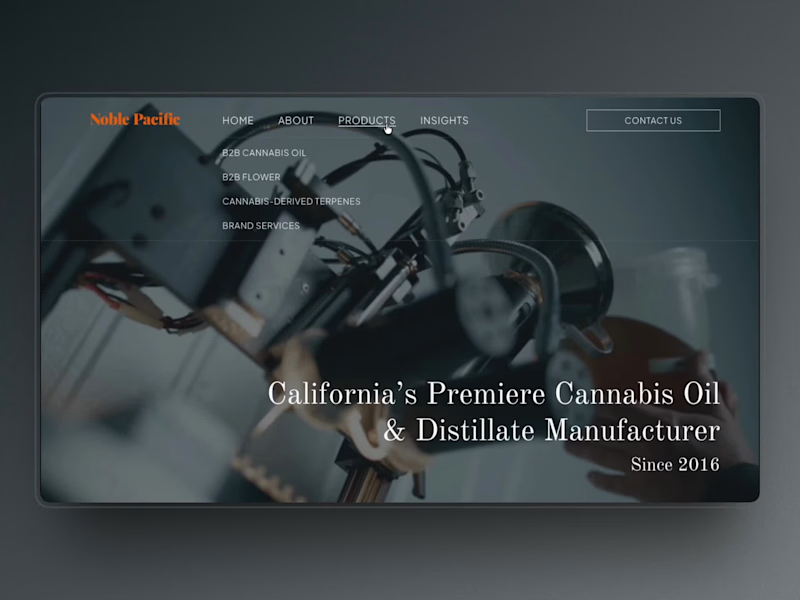
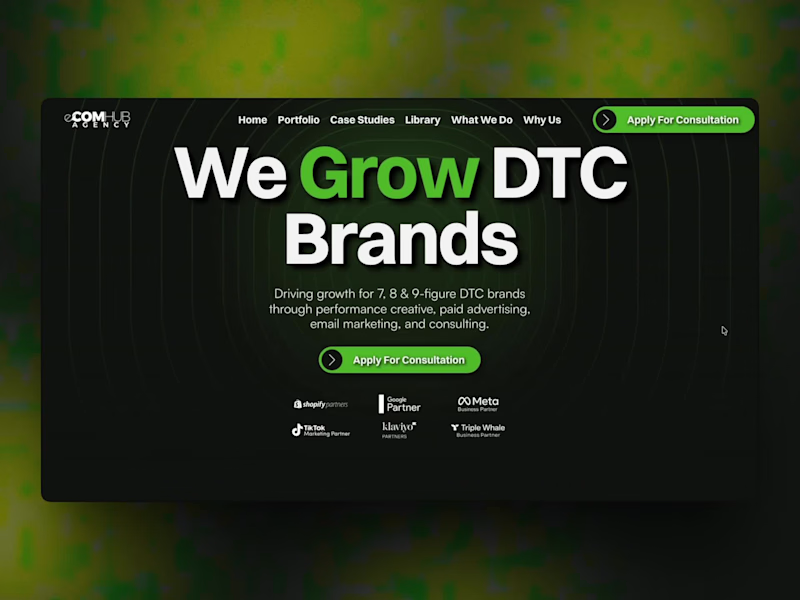
Look at their portfolio. It shows examples of their work with Adobe Suite. You can see if their style matches what you need. Check reviews from other clients. This tells you if they are reliable and do good work.
How do I explain my project clearly to a freelancer?
Write down what you need with details. Include the style, colors, and any logos. Show examples if you have them. This helps the freelancer understand your vision better. Be open to answering their questions, too.
How do I know what kind of Adobe Suite expert I need?
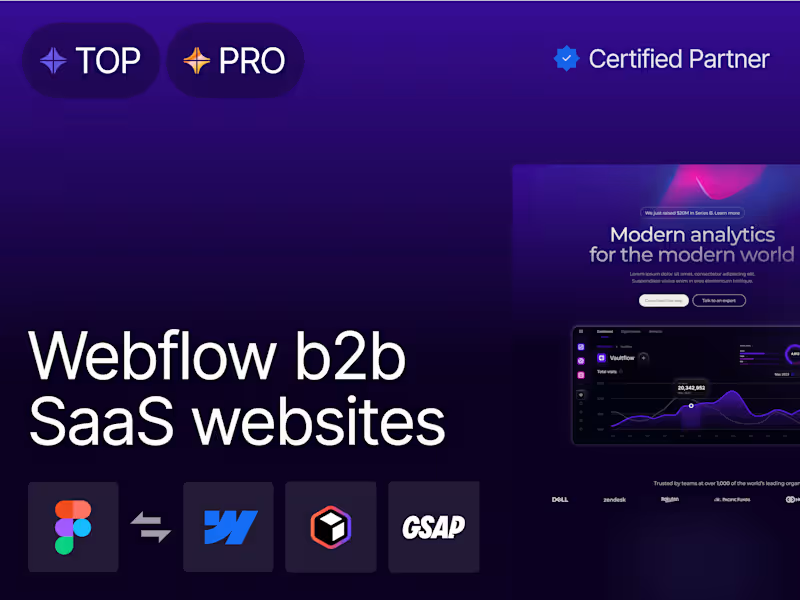
Think about your project needs. Do you need a logo, a video, or a website? Use this to search for experts in graphic design, video editing, or web development. The right expert will have skills in the Adobe tool you need most.
What's the best way to agree on project deliverables?
Write a list of everything you want from the project. Describe each deliverable in detail. Agree with the freelancer on what these deliverables should look like. This makes sure everyone knows what to expect.
How can I make sure the project starts on time?
Set clear timelines with your freelancer. Discuss when the project should begin and end. Make sure they can meet these dates. Use a calendar or tool to keep track of deadlines together.
What should I look for in a freelancer's past work?
See if their past work is similar to what you need. Check for quality, creativity, and attention to detail. This shows how well they know Adobe Suite tools. Feedback from past clients is also helpful.
How can I communicate well with a freelancer about my project?
Use clear and simple words to tell them what you want. Respond to their messages quickly. This helps everything go smoothly. It's also good to talk about how often you should update each other.
How do I determine if a freelance Adobe Suite expert is creative?
Look at the variety in their portfolio. Good creativity will show different styles and ideas. Check if they can work with your vision and add their own creativity. You want someone who can bring fresh ideas.
How can I keep track of a project's progress?
Ask the freelancer to update you regularly. This could mean weekly check-ins or updates at key project milestones. Use these updates to see if things are going as planned. Keeping in touch helps avoid surprises later on.
Who is Contra for?
Contra is designed for both freelancers (referred to as "independents") and clients. Freelancers can showcase their work, connect with clients, and manage projects commission-free. Clients can discover and hire top freelance talent for their projects.
What is the vision of Contra?
Contra aims to revolutionize the world of work by providing an all-in-one platform that empowers freelancers and clients to connect and collaborate seamlessly, eliminating traditional barriers and commission fees.