How can I identify a freelance Adobe Suite expert's past experience efficiently?
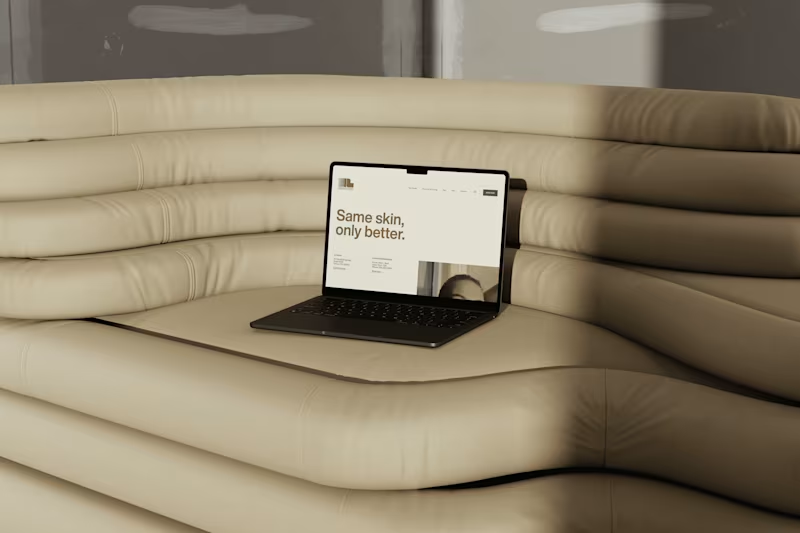
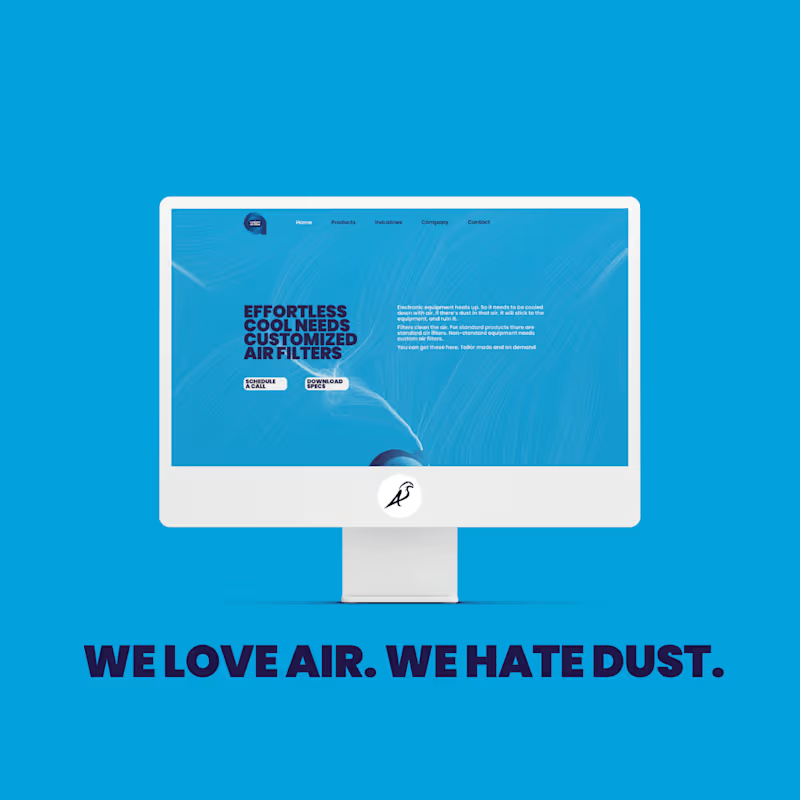
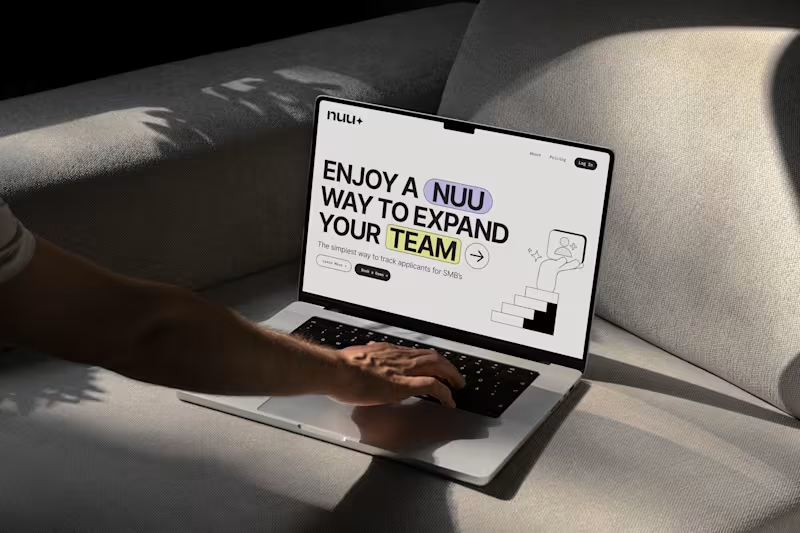
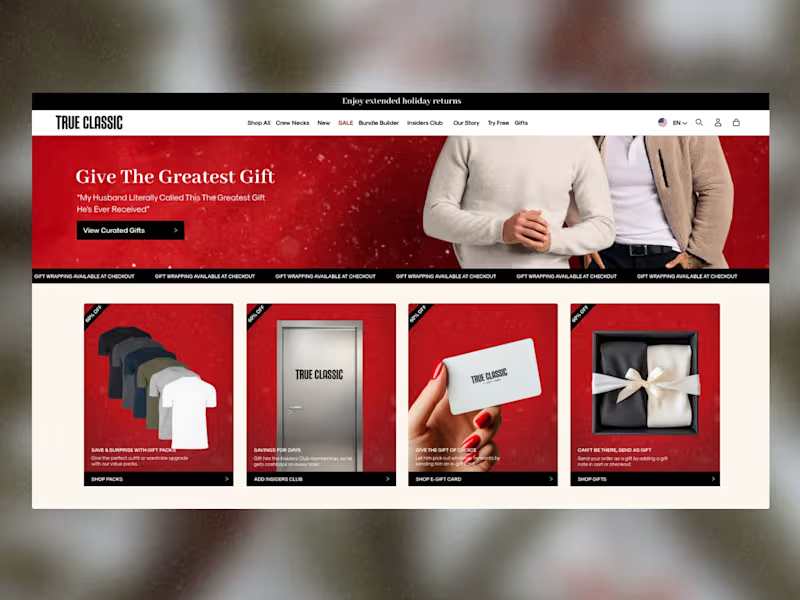
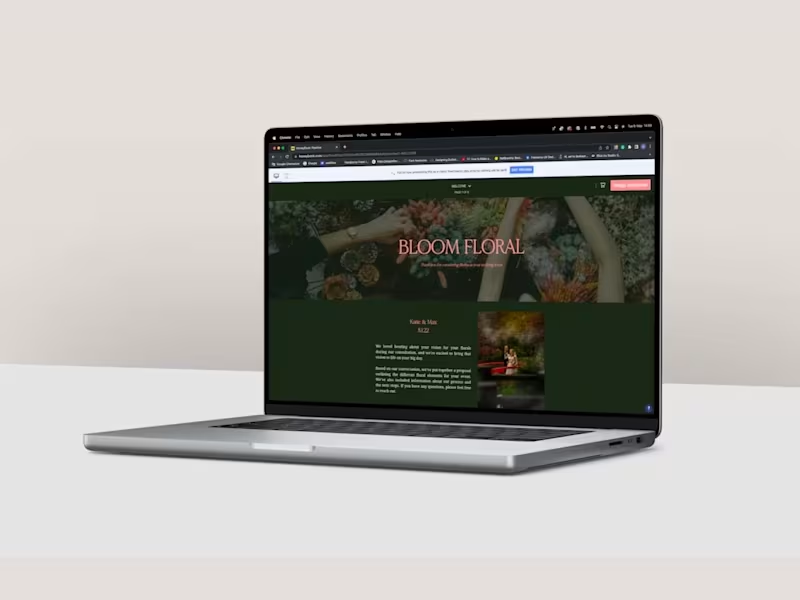
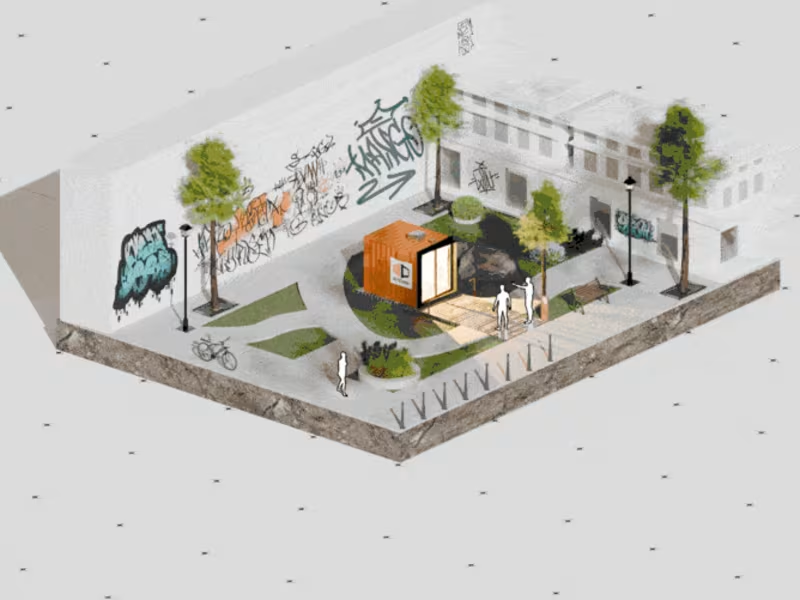
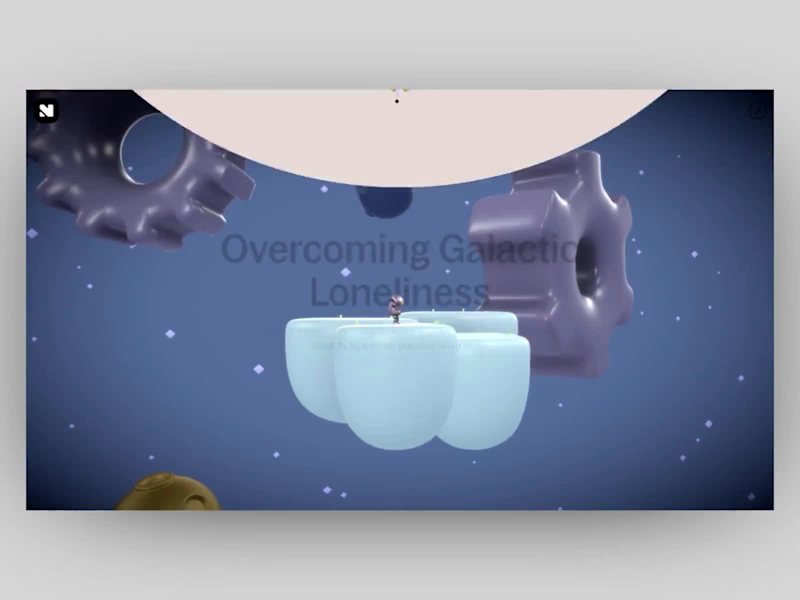
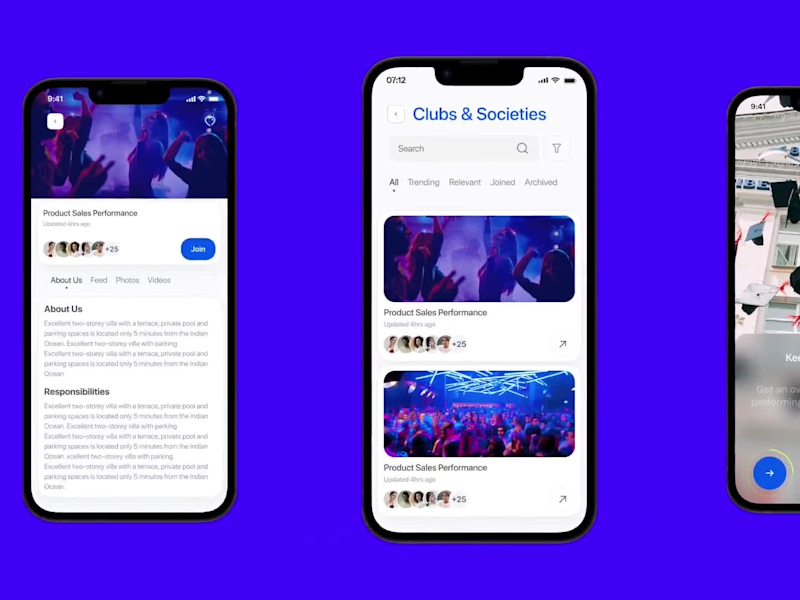
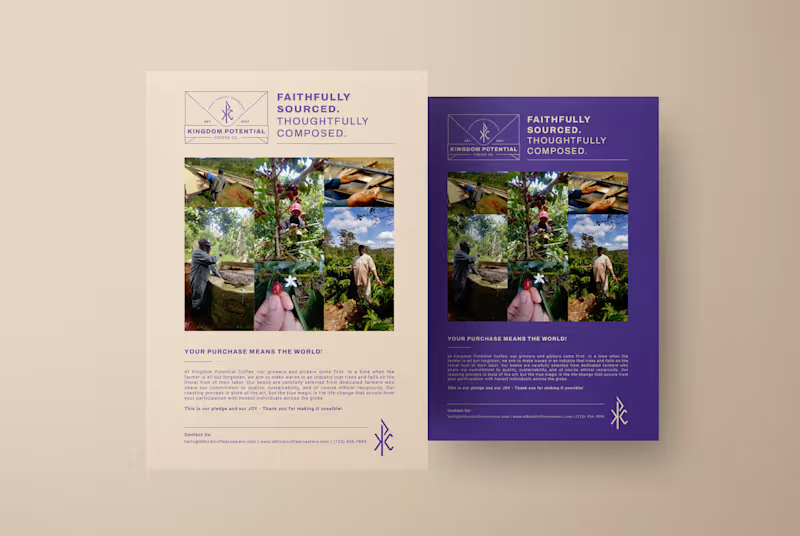
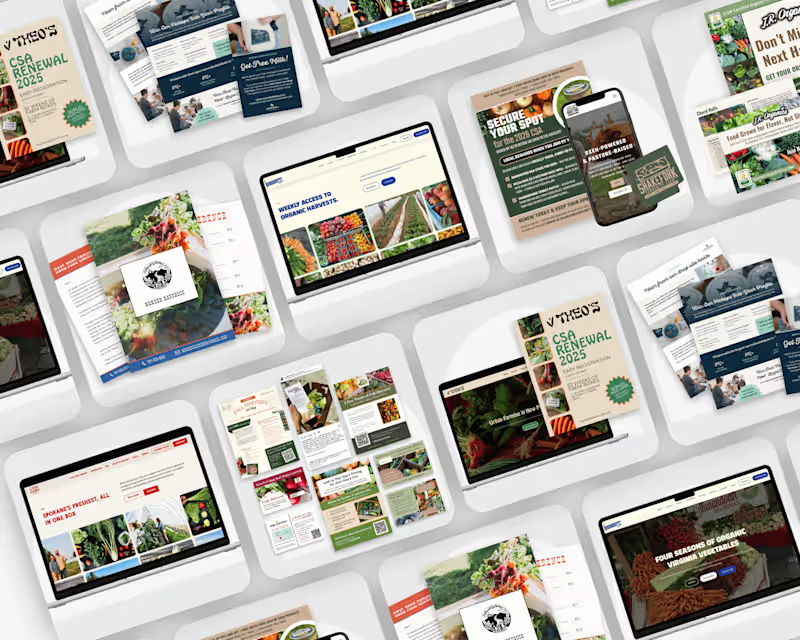
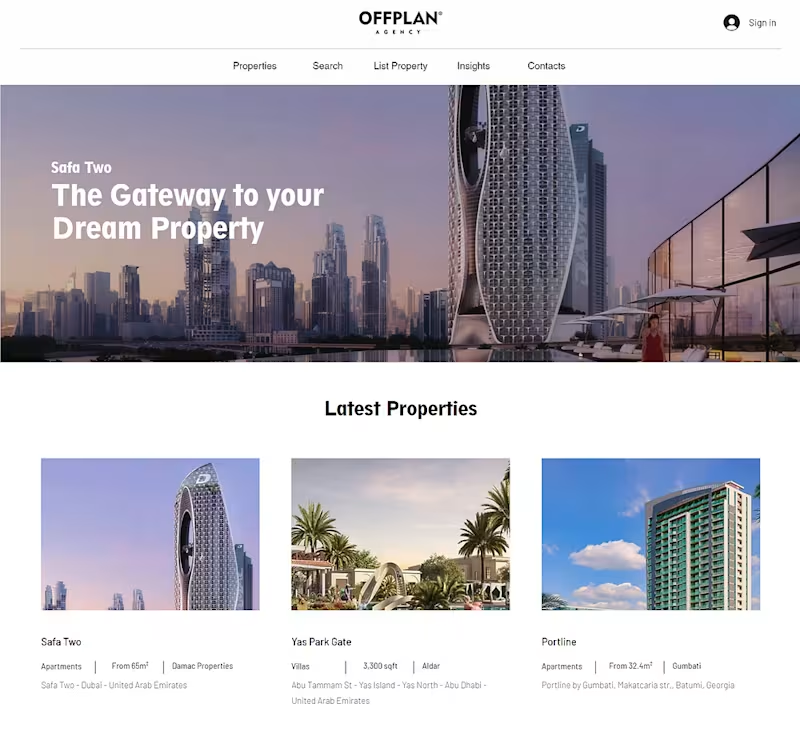
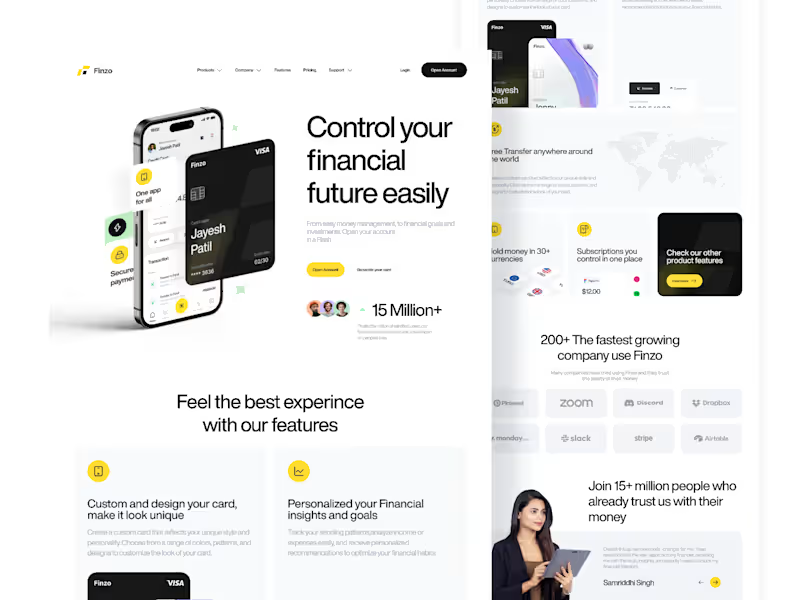
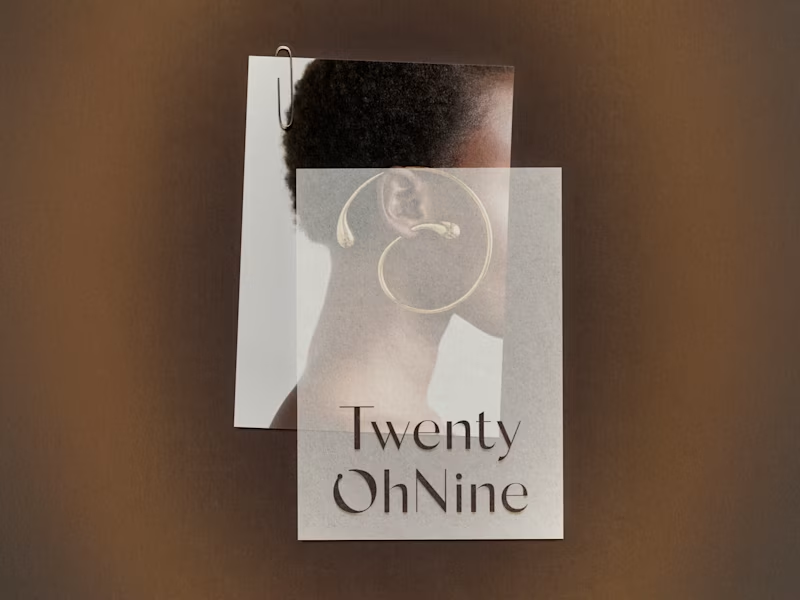
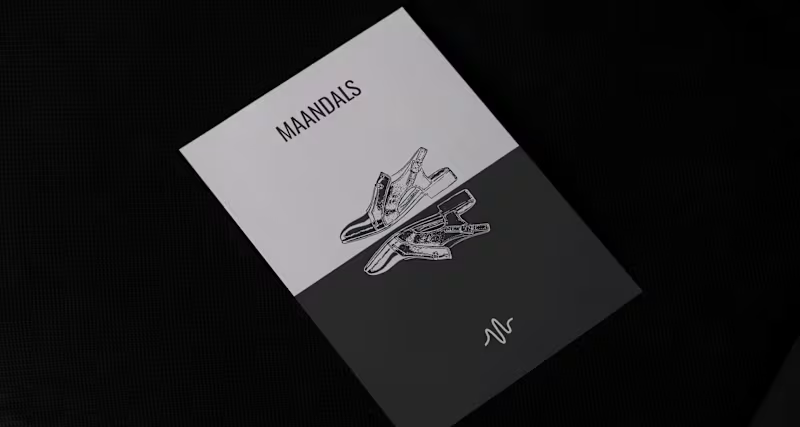
Look for the freelancer's portfolio or past projects. Check if they have done similar work to what you need. Seeing their past creations will help you understand if they have the right skills.
What specific skills should I look for in an Adobe Suite expert?
Make sure they know the Adobe Suite tools like Photoshop, Illustrator, or Premiere Pro. They should be able to create graphics, videos, or websites. Ask if they have done work like logos or web design before.
How can I ensure the project's deliverables are clear?
Talk with the freelancer about what you need. Write down the project steps and what the final result should look like. This will help everyone understand exactly what the tasks are.
How important is communication in a project with an Adobe Suite expert?
Communication helps you stay updated on the project's progress. It is essential to talk regularly about any changes needed. Good communication ensures the project goes smoothly and matches your expectations.
What should I consider about timelines with Adobe Suite projects?
Set a clear deadline for the project. Ask the expert how long they will need to work on your job. Having a timeline helps track progress and make sure everything is on schedule.
How do I make sure the Adobe Suite expert understands my brand or project vision?
Share details about your brand or what you want to achieve. Provide examples or inspiration for the project. This helps the freelancer create something that fits your style and needs.
What role does a project brief play in hiring an Adobe Suite expert?
A project brief is very important. It describes what you want the expert to create. A clear brief helps the freelancer understand your wants and avoid mistakes.
How should I manage feedback during an Adobe Suite project?
Plan regular times to give feedback on the freelancer's work. Be clear about what you like and what needs to change. This helps the project always be on the right track.
What should I include in my initial discussions with an Adobe Suite expert?
Talk about your project goals and the tasks needed. Discuss the tools and techniques they will use. This sets the stage for a successful project and ensures both sides are aligned.
Who is Contra for?
Contra is designed for both freelancers (referred to as "independents") and clients. Freelancers can showcase their work, connect with clients, and manage projects commission-free. Clients can discover and hire top freelance talent for their projects.
What is the vision of Contra?
Contra aims to revolutionize the world of work by providing an all-in-one platform that empowers freelancers and clients to connect and collaborate seamlessly, eliminating traditional barriers and commission fees.