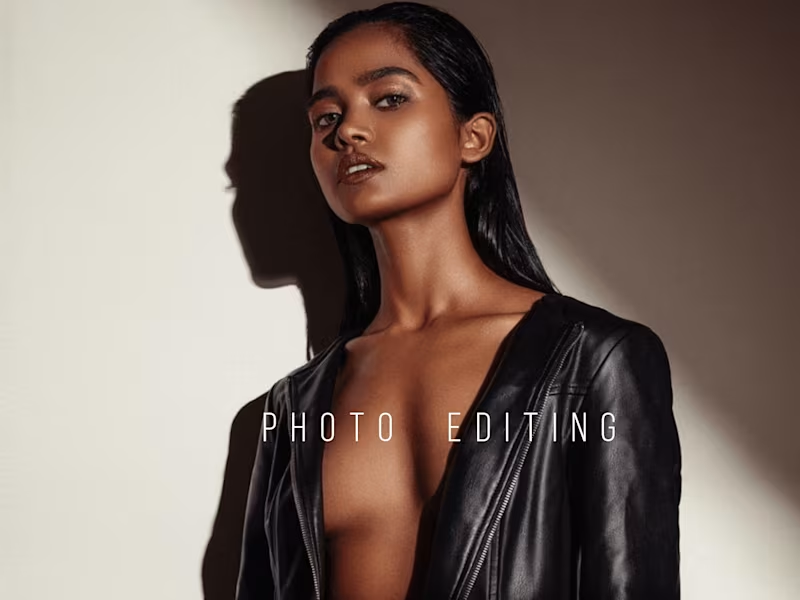




















What can Adobe Lightroom do to help my project?
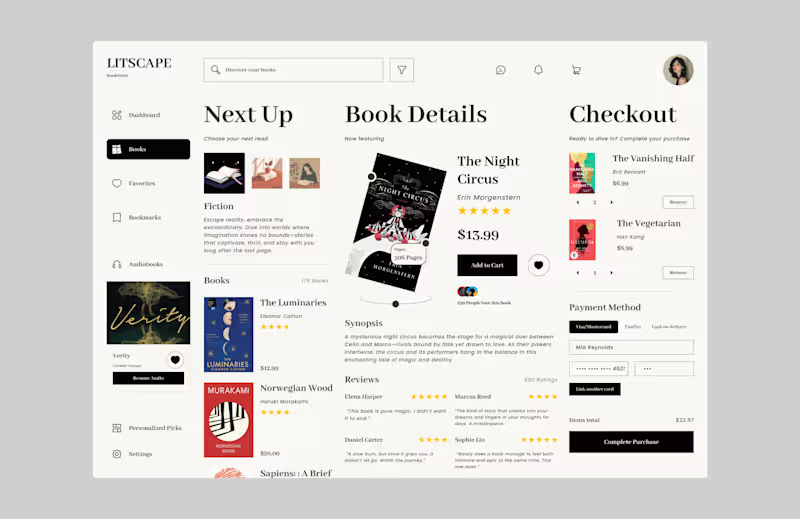
Adobe Lightroom is great for editing and organizing photos. It helps make pictures look amazing for things like photo albums or social media. It also keeps all your pictures in one place, making it easy to find and share them.
How do I know if an expert is right for my project?
Look at their past work and see if their style matches what you want. Ask for examples of projects similar to yours. Check if they have good reviews from other people.
What should I include in the project description?
Write down exactly what you need help with, like photo editing or creating an album. Be clear about how you want the final pictures to look. Mention any deadlines or special requests.
How do I and the expert agree on what will be delivered?
Talk to the expert about the final pictures you want to get. Write a list together of what they will do and what you will get. Make sure you both understand and agree before starting.
How is the project work usually started?
The expert might start by understanding your needs and gathering all the photos. They may show you some first ideas or drafts. Then, you both decide on the next steps together.
What questions should I ask the expert during our initial talk?
Ask about their experience with similar projects. Find out about their process and how they usually work. Talk about how you will stay in touch and get updates.
How can I make sure there is good communication?
Set up regular times to talk or get updates. Use any communication tools the expert is comfortable with. Make sure you understand each other about project needs and changes.
What should I do if I have questions during the project?
Keep communication open and honest. Don’t hesitate to ask the expert for updates or explanations. They are there to help and should be happy to answer.
How do I ensure the project is completed well?
Review the work as it's being done and give feedback. Make sure the expert knows if you want changes. Clear check-ins guarantee that everything is going as planned.
How can I let the expert know I am happy with their work?
Give them positive feedback and say thank you. You can also leave a nice review if you are really pleased! This helps others know they do great work too.
Who is Contra for?
Contra is designed for both freelancers (referred to as "independents") and clients. Freelancers can showcase their work, connect with clients, and manage projects commission-free. Clients can discover and hire top freelance talent for their projects.
What is the vision of Contra?
Contra aims to revolutionize the world of work by providing an all-in-one platform that empowers freelancers and clients to connect and collaborate seamlessly, eliminating traditional barriers and commission fees.