How do I decide the scope of my project for a video post-production editor?
Start by writing down everything you need for your video. Think about how long the video should be and what style you want. Be clear about any special effects or edits you need. This will help the editor understand exactly what you want.
What files should I give to the video post-production editor?
Make sure you give them all the videos and audio files for the project. If you have a script or storyboard, share that too. The clearer the information, the better they can do their job.
How do I choose the right editor for my video style?
Look at the editor’s portfolio to see if their previous work matches your vision. Check if they have experience in the type of video you need. This way, you'll know if their style fits with yours.
What should I include in the project timeline with the editor?
Decide on a deadline for the project and any important milestones along the way. Discuss when you want to see initial drafts and final versions. This helps both of you manage your time well.
How can I ensure good communication with the video editor?
Pick a way to chat that works for both of you, like email or a chat app. Regular check-ins can make sure you’re always on the same page. It helps to be clear and give feedback often.
What should I expect in the video post-production process?
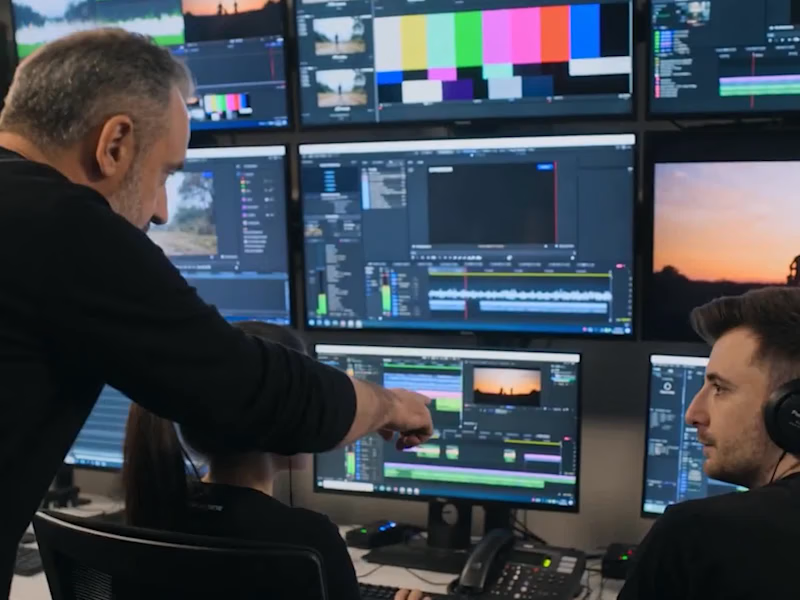
The editor will review and cut the video clips first. Then they add effects, fix colors, and include music or voice-overs. Finally, they share a version with you for feedback before finishing.
How can I discuss deliverables effectively with a video post-production editor?
Be specific about what you want in the final video. Discuss things like file format, video length, and quality. Clear details help the editor deliver exactly what you need.
What are common tools a video post-production editor might use?
Editors use software like Adobe Premiere Pro or Final Cut Pro to create amazing videos. It's helpful to know what tool they’ll use, so you can ensure it meets your needs. This also helps if you need to make changes later.
How do I give useful feedback to the video post-production editor?
Watch the video carefully and write down what you like or want to change. Be specific about time stamps and elements that need adjustment. This helps the editor make your video just right.
Who is Contra for?
Contra is designed for both freelancers (referred to as "independents") and clients. Freelancers can showcase their work, connect with clients, and manage projects commission-free. Clients can discover and hire top freelance talent for their projects.
What is the vision of Contra?
Contra aims to revolutionize the world of work by providing an all-in-one platform that empowers freelancers and clients to connect and collaborate seamlessly, eliminating traditional barriers and commission fees.