How should I describe my project to hire a UI designer?
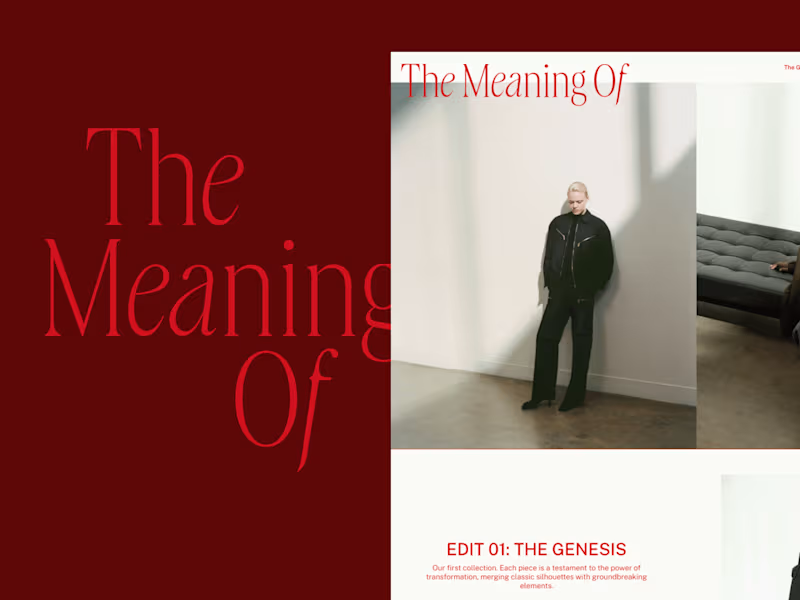
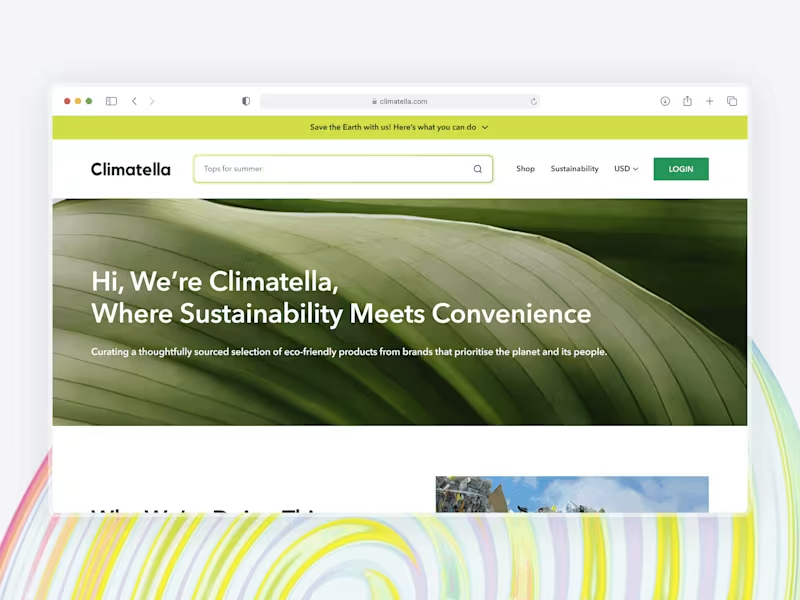
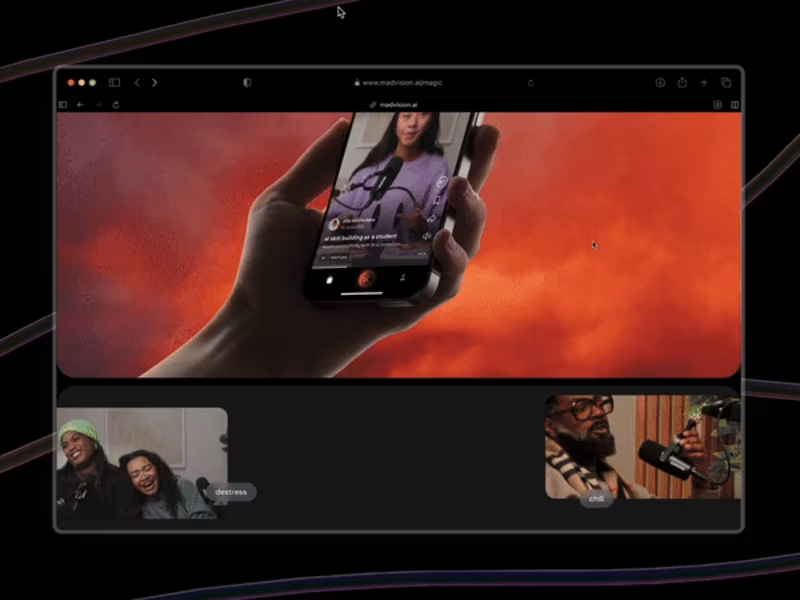
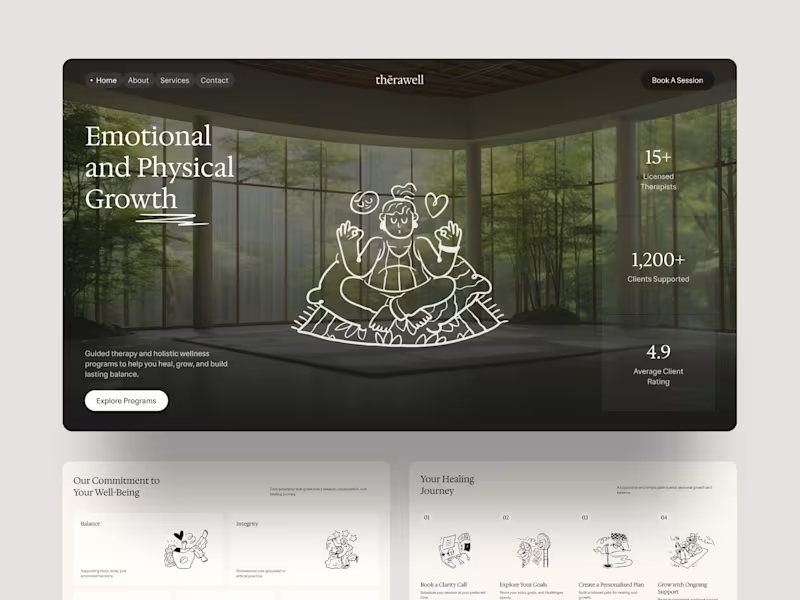
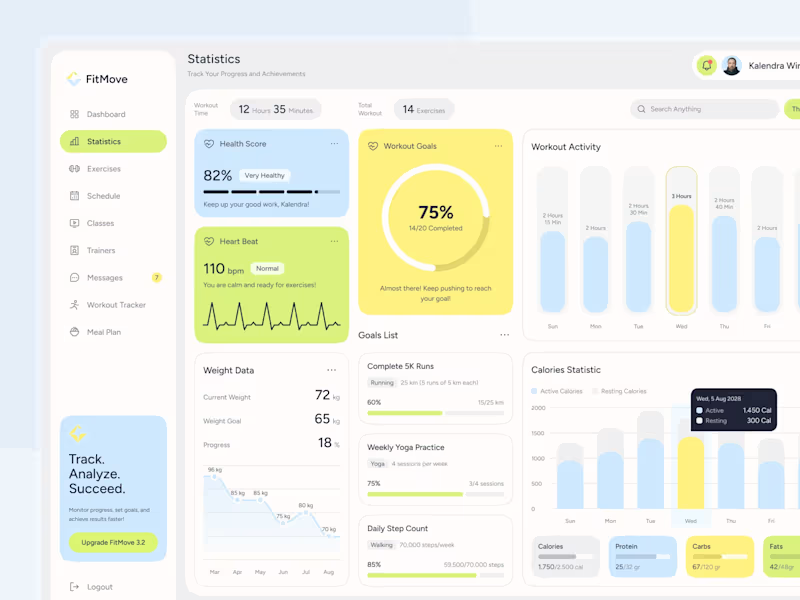
Start by writing down what your project is about. Include the goals you want to reach and the style you like. Share examples of apps or websites you admire. This helps the designer understand if they can match your vision. Clear descriptions make sure you find the right UI design expert.
What deliverables should I expect from a UI designer?
Deliverables are the things you get when the project is done. For a UI designer, this could be wireframes, mockups, or prototypes. Decide on file types and if you need source files. Make a list so both you and the designer know what to expect. This keeps everything organized.
How can I ensure the UI designer understands my brand?
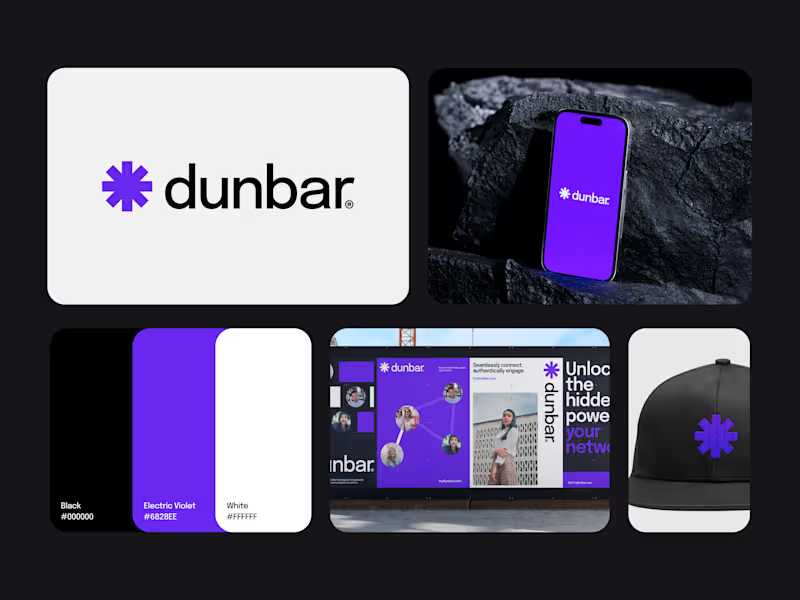
Share your brand guidelines with the designer. This includes your brand's colors, fonts, and style. If you have a logo or previous designs, show them too. Talk about the feeling or mood you want your brand to have. This helps the designer create work that matches your brand.
How do I determine a timeline for my UI design project?
Think about when you need the project done. Consider any important dates or launches. Talk with the designer about how long different tasks take. Agree on smaller deadlines for parts of the project. Clear timelines keep everything on track.
What is the best way to give feedback to a UI designer?
Give feedback in a positive and helpful way. Be specific about what you like or want to change. Use examples if you can. This helps the designer make adjustments that fit your needs. Good communication makes the project better.
Should I ask for a test project when hiring a UI designer?
Sometimes a small test project can be helpful. It shows you the designer's skills and style. Make sure it's a task that fits your project. Agree with the designer on what the test will be. This helps you see how well you work together.
How important is the designer’s portfolio in making my decision?
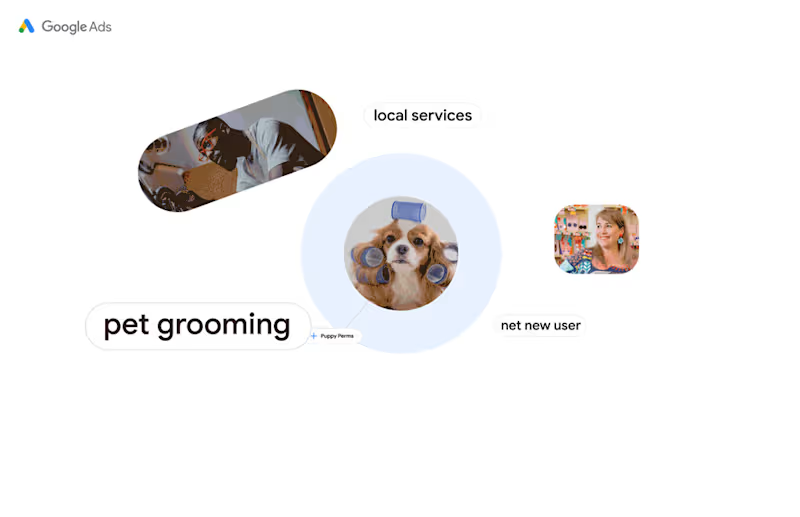
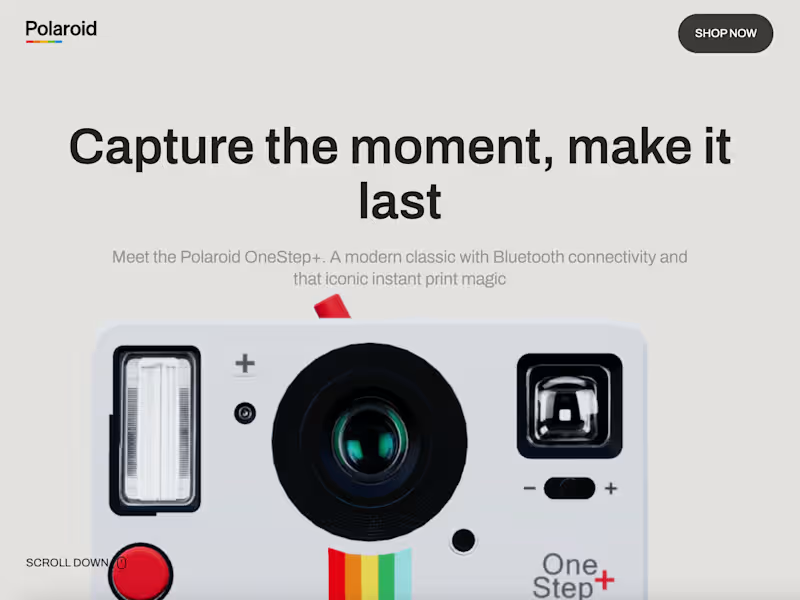
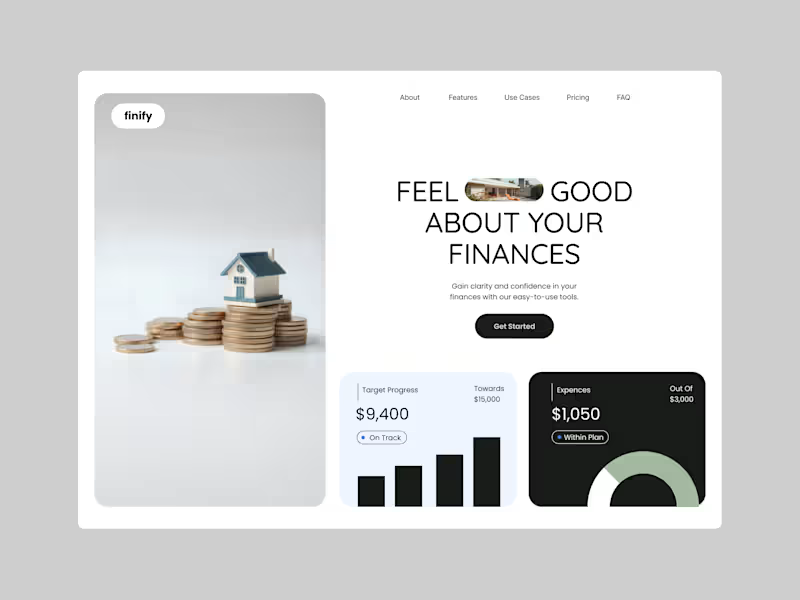
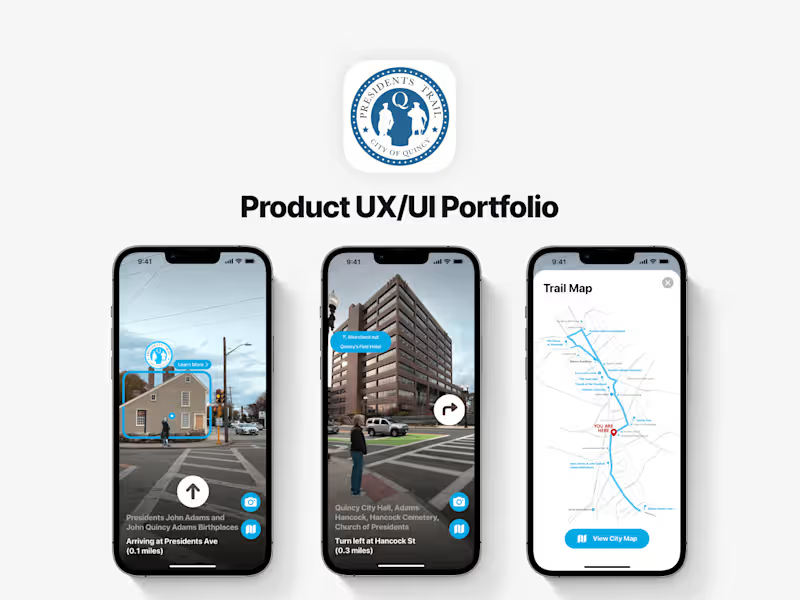
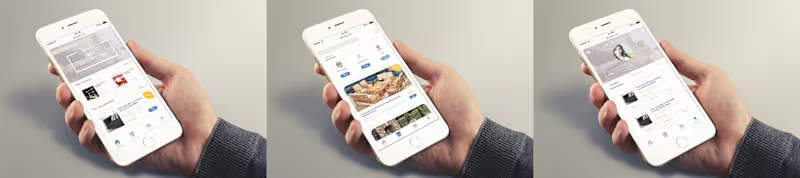
A portfolio shows you the designer's past work. Look for projects that are similar to yours. Pay attention to their style and the user experience. A strong portfolio helps you trust in their skills. It’s a useful tool in choosing the right UI designer.
What tools should I discuss with a UI designer?
Ask about the designer's favorite tools for design. Common tools include Sketch, Figma, or Adobe XD. Ensure these tools fit your needs or team. This helps with working smoothly together. It's good to know what they are comfortable with.
How do I handle changes once the project has started?
Talk about changes as soon as they come up. Make sure both you and the designer understand what’s different. Discuss if the changes affect the timeline. Agree on any updates to the project plan. Clear communication helps manage this smoothly.
Why should I have a kickoff meeting with a UI designer?
A kickoff meeting starts the project on the right foot. You can go over the project goals and timeline. Talk about how you’ll communicate and review designs. It helps both you and the designer understand what’s expected. This makes for a smoother project.
Who is Contra for?
Contra is designed for both freelancers (referred to as "independents") and clients. Freelancers can showcase their work, connect with clients, and manage projects commission-free. Clients can discover and hire top freelance talent for their projects.
What is the vision of Contra?
Contra aims to revolutionize the world of work by providing an all-in-one platform that empowers freelancers and clients to connect and collaborate seamlessly, eliminating traditional barriers and commission fees.