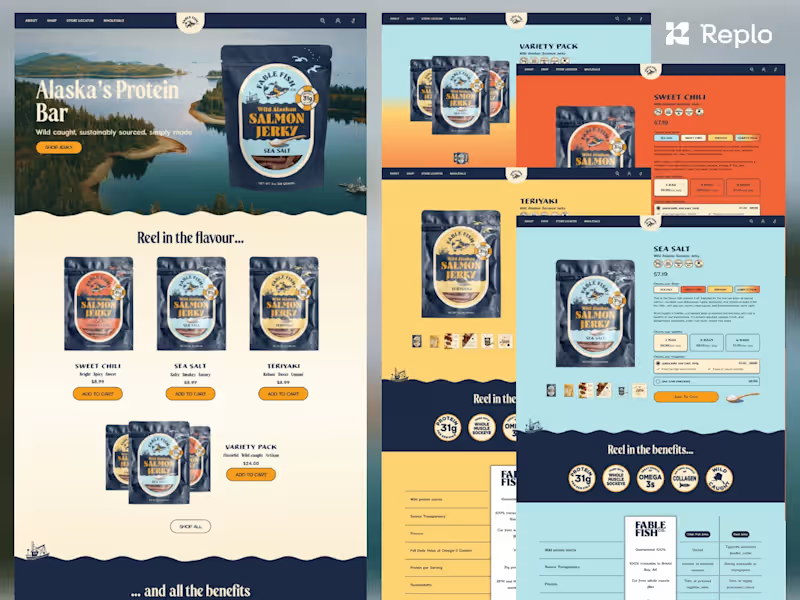
What skills should I look for when hiring a responsive design expert?
Look for someone with strong skills in HTML, CSS, and JavaScript. They should understand media queries and flexible layouts. It's also great if they know user experience (UX) principles.
How can I define the project scope for a responsive design project?
Start with what you need your website to do on different devices. Decide on the number of pages and any special features. Be clear about your goals and timelines.
What details should I include in the project brief?
Include your brand's style guide if you have one. Share your vision for how the website should look on different devices. Discuss any specific challenges or goals.
How do I assess a freelancer's previous work in responsive design?
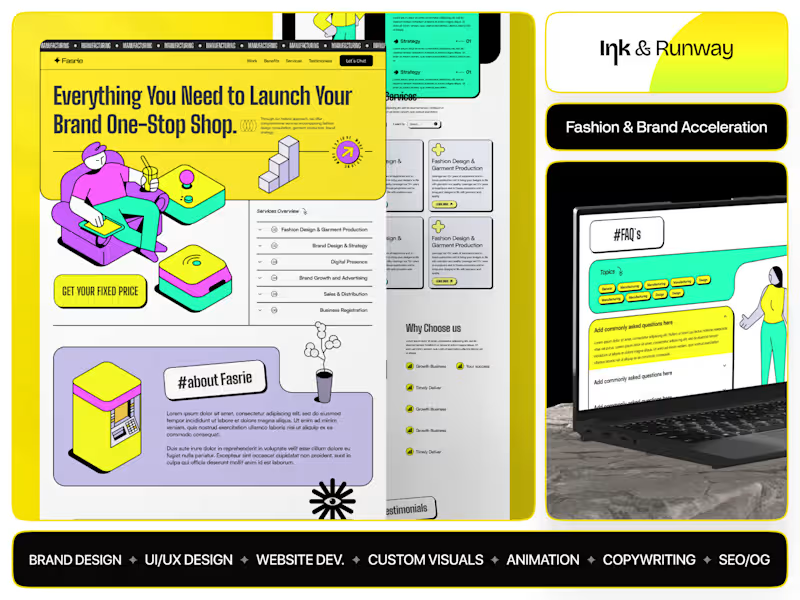
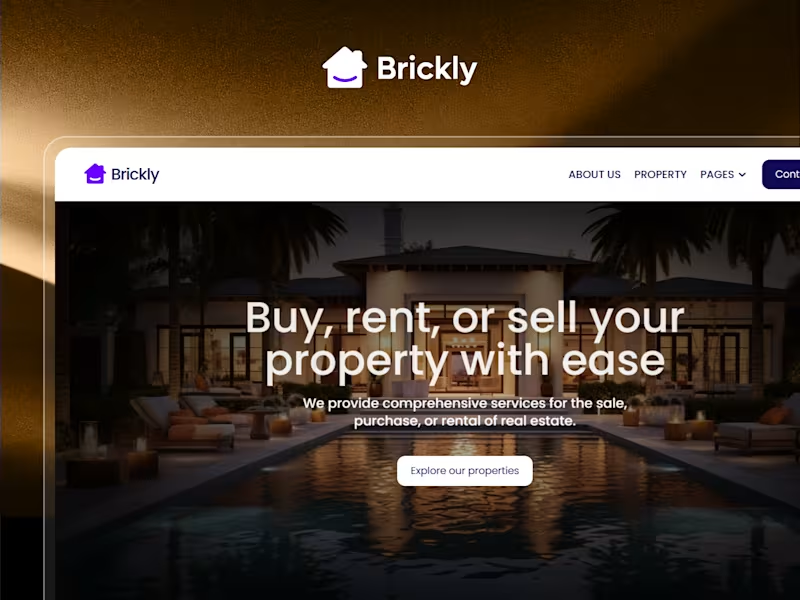
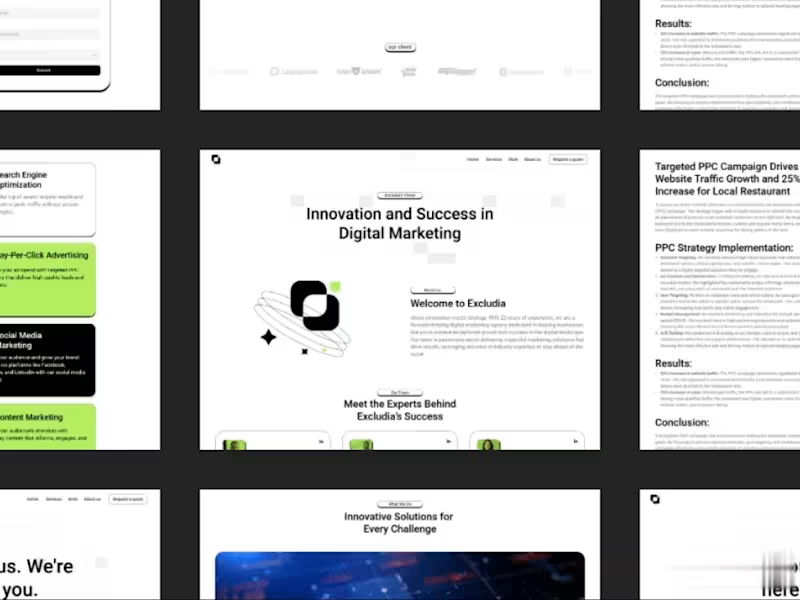
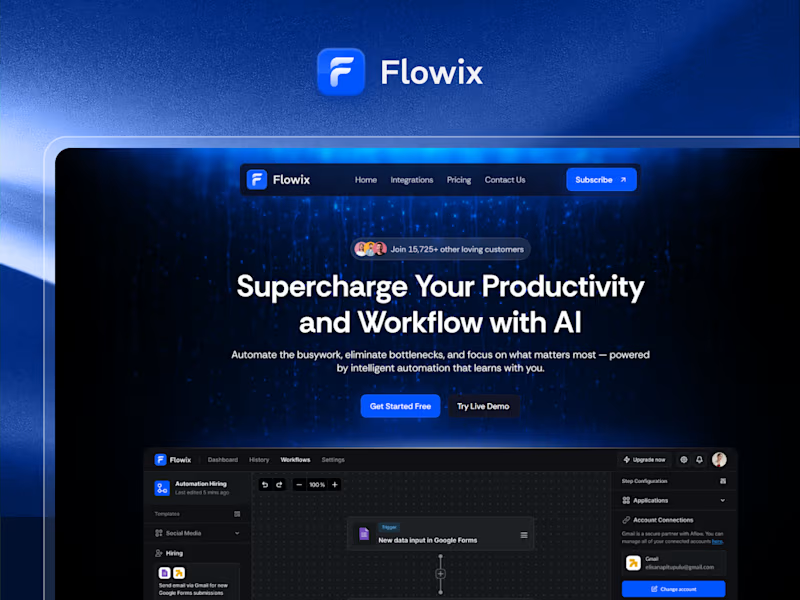
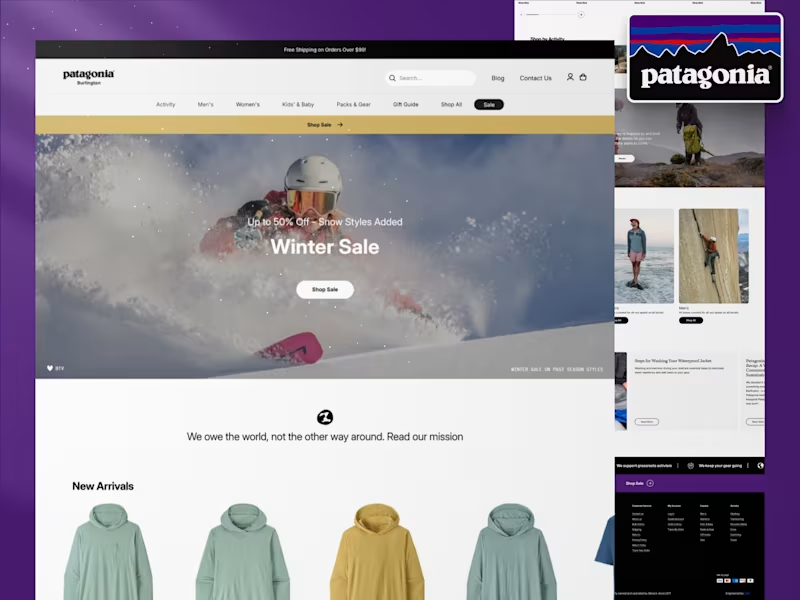
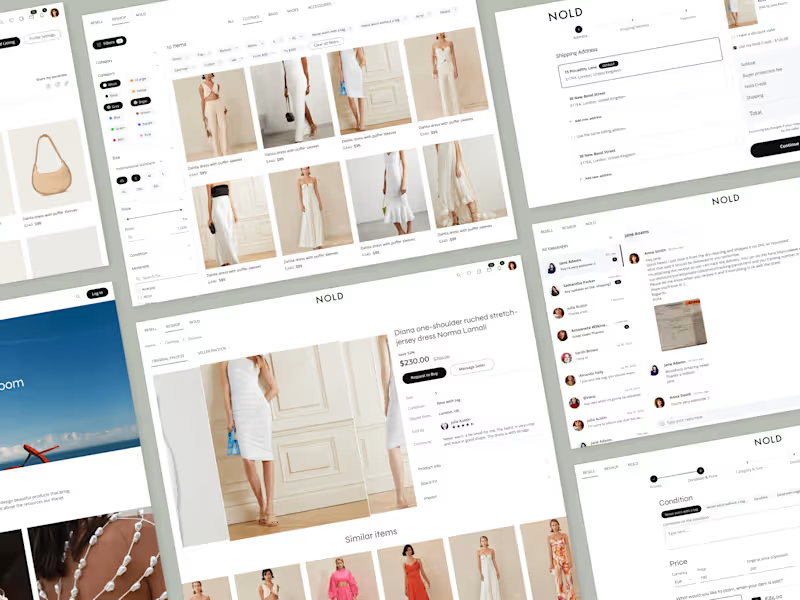
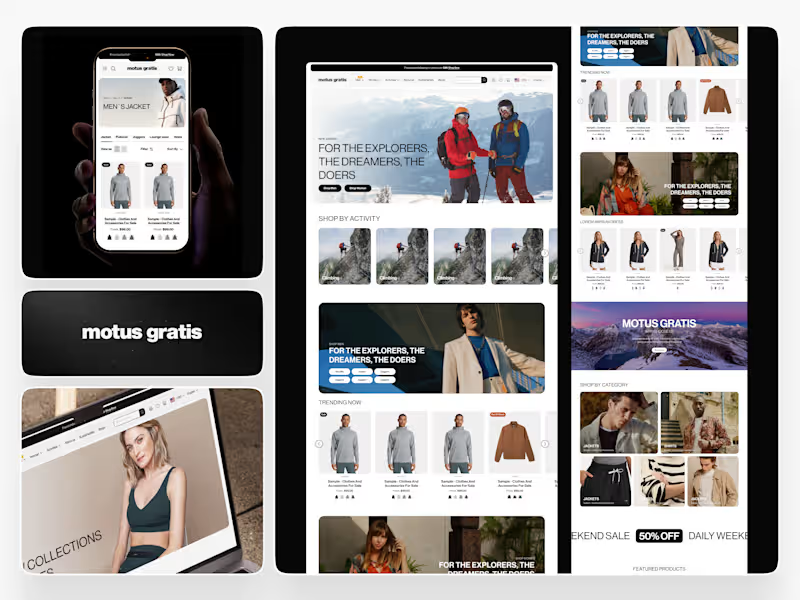
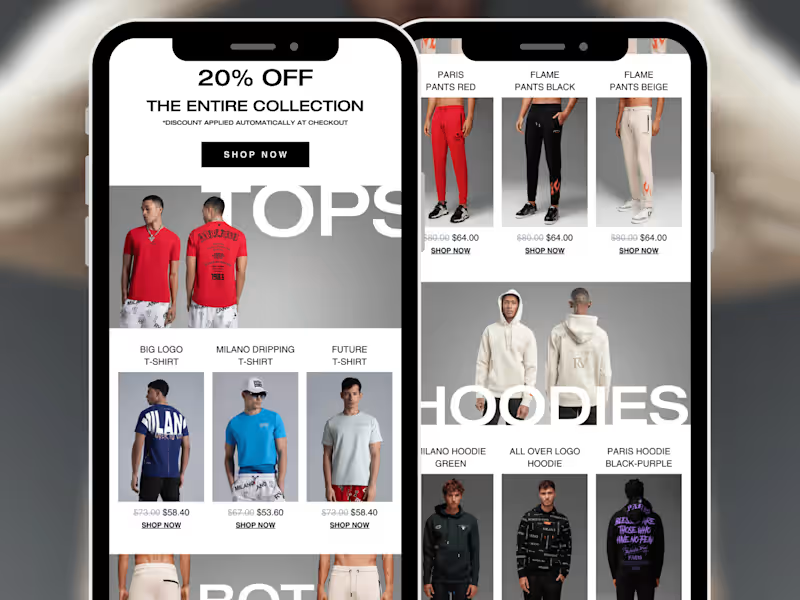
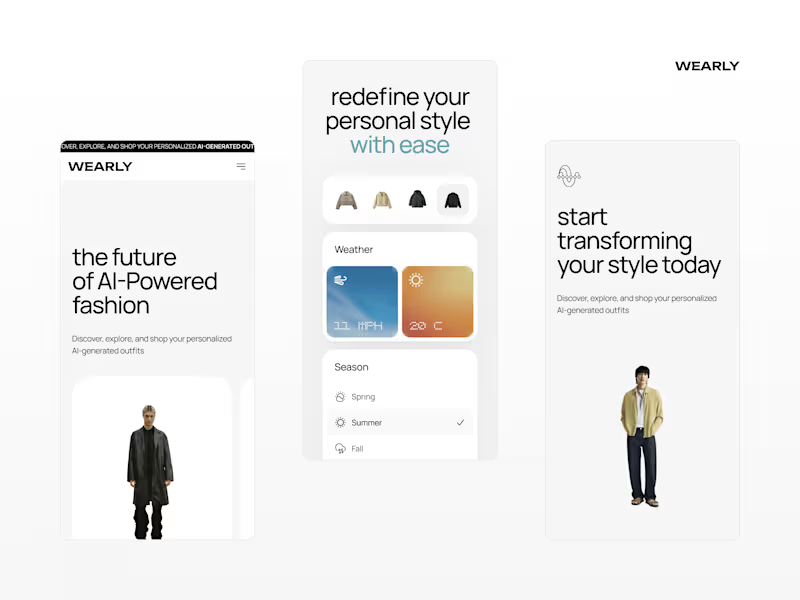
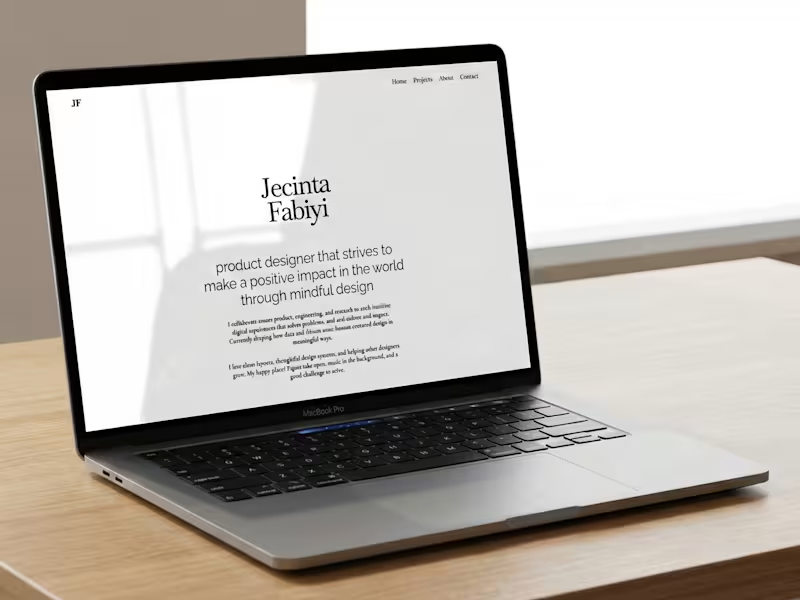
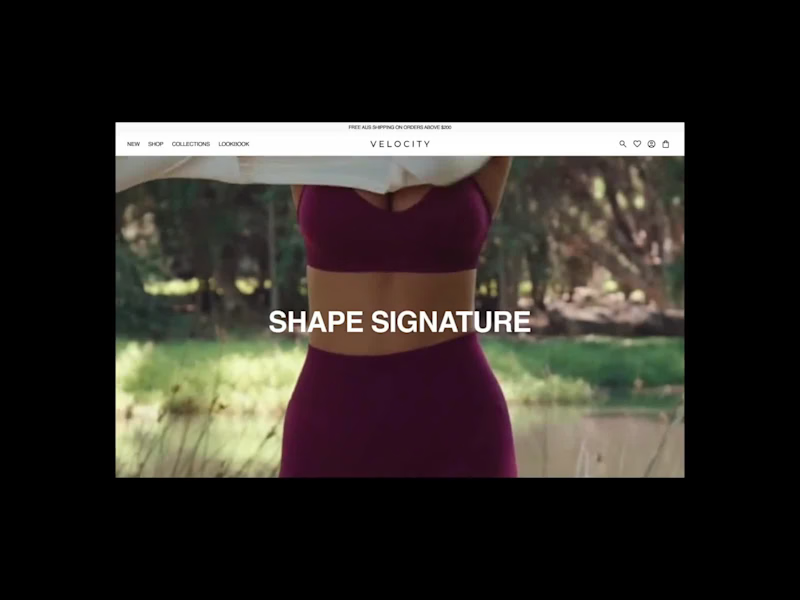
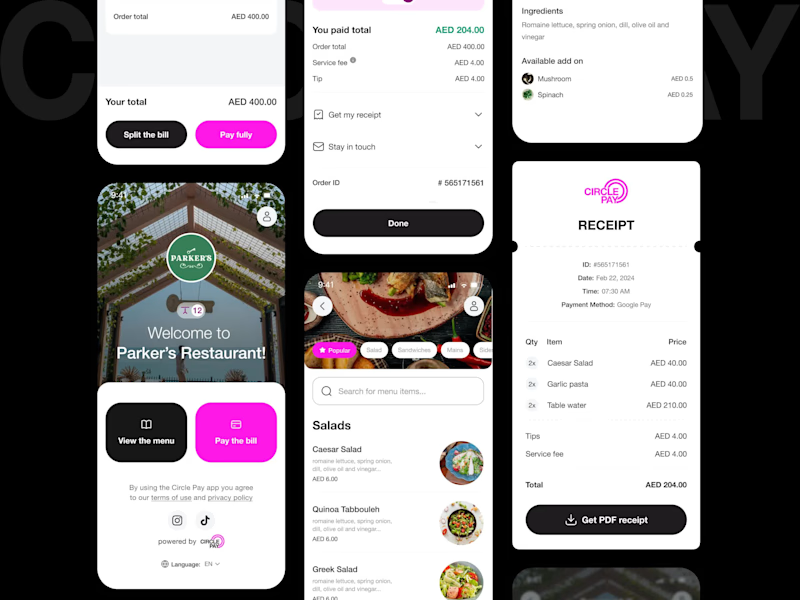
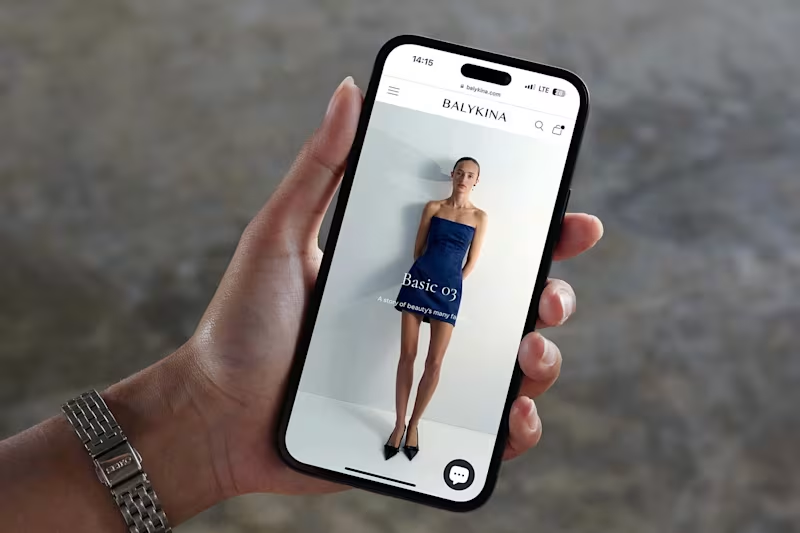
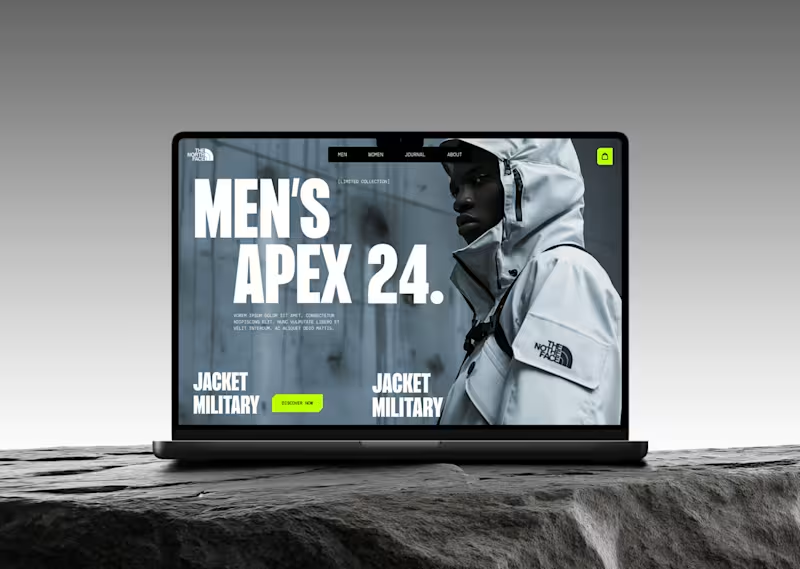
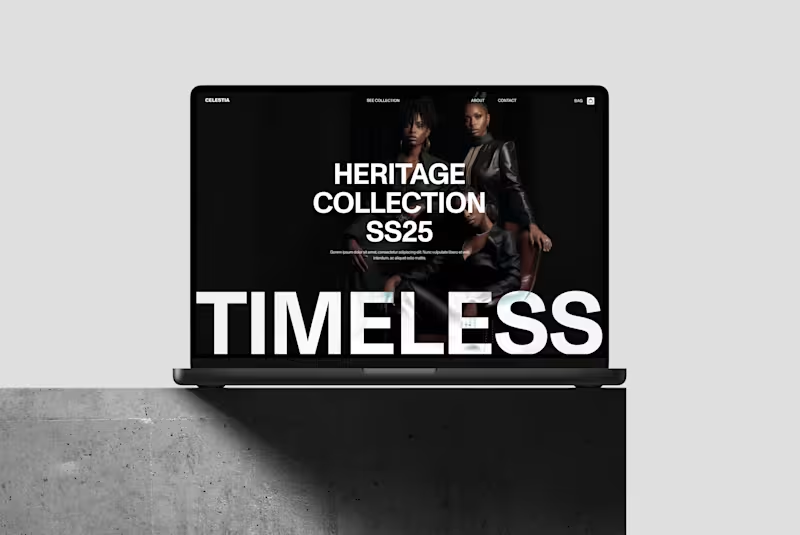
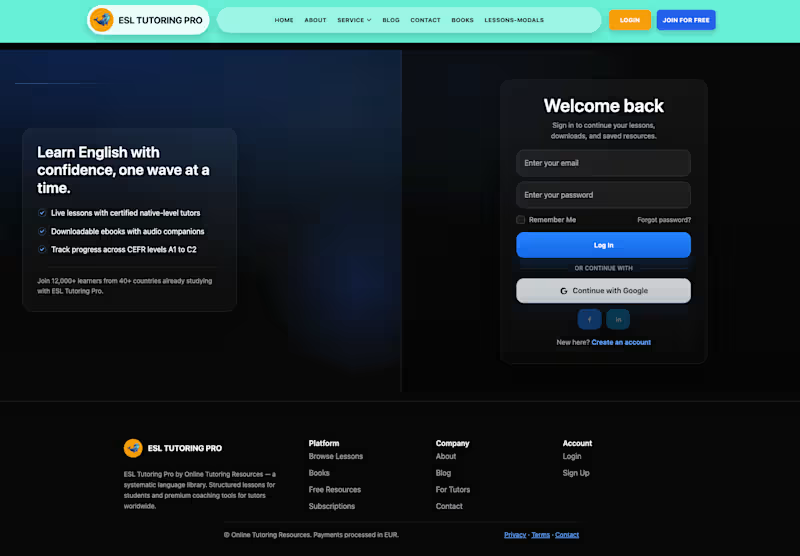
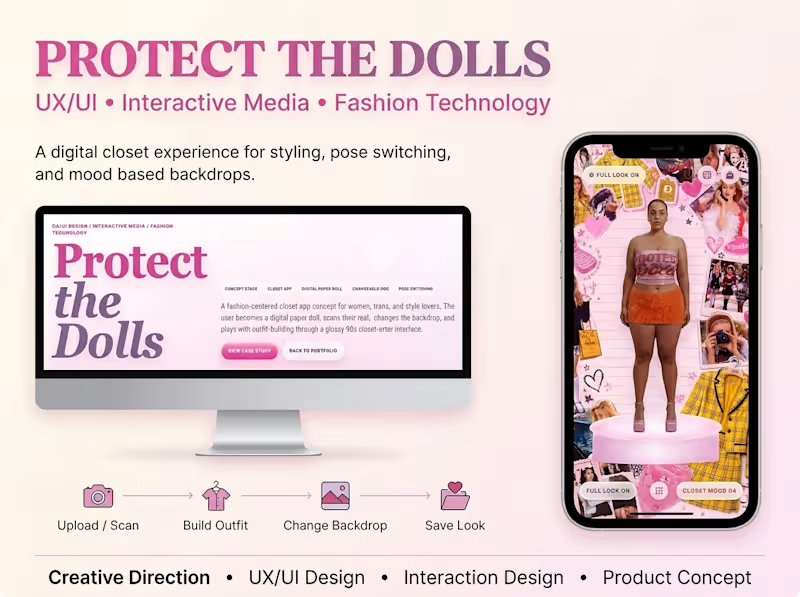
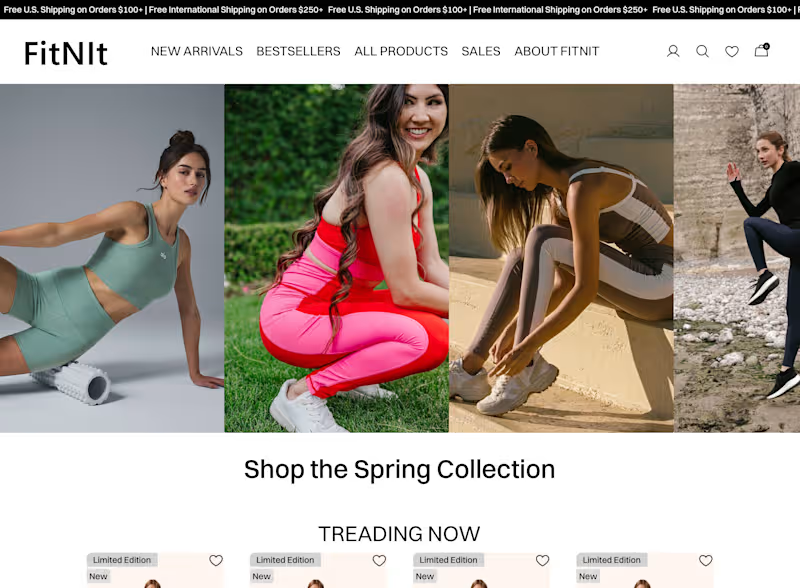
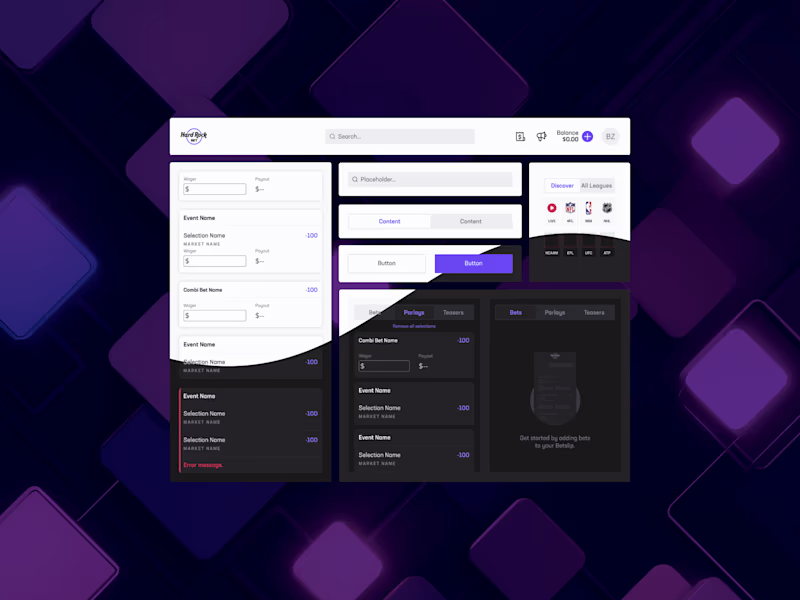
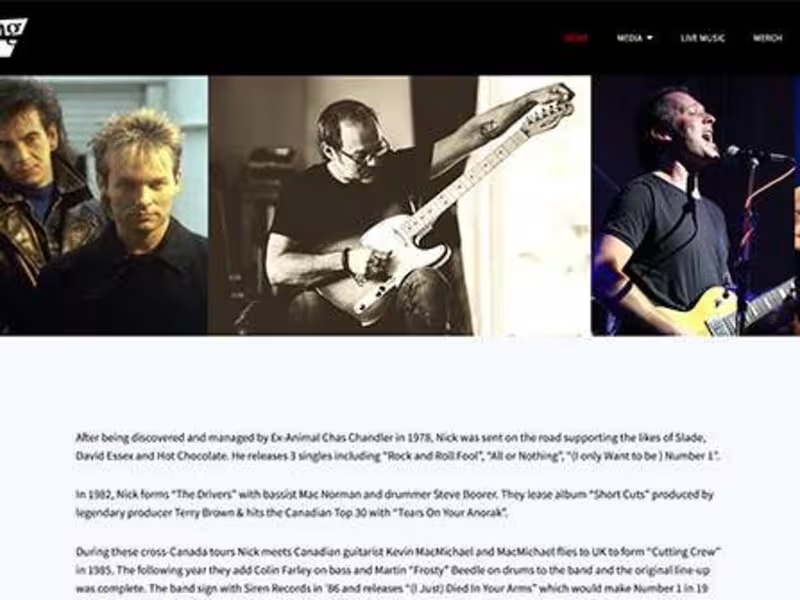
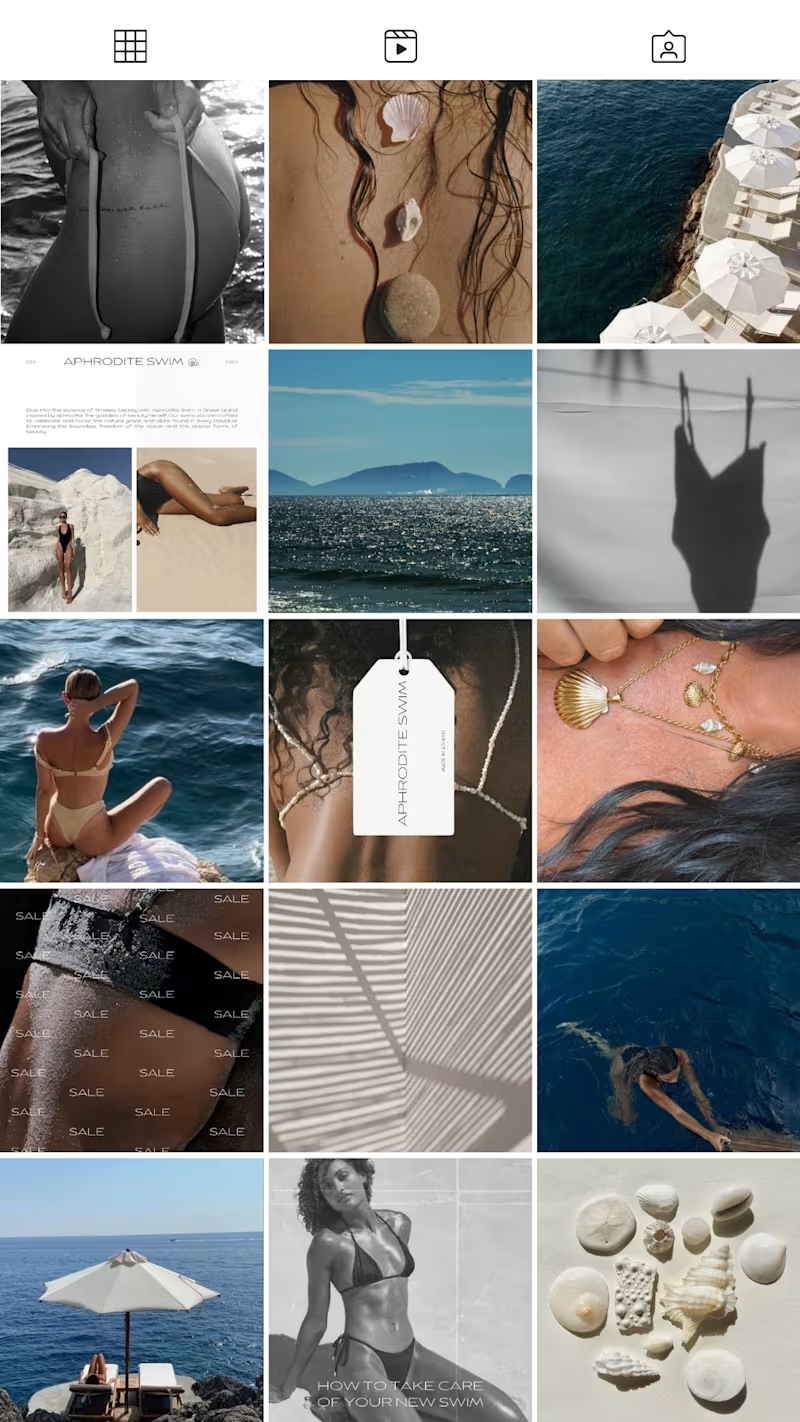
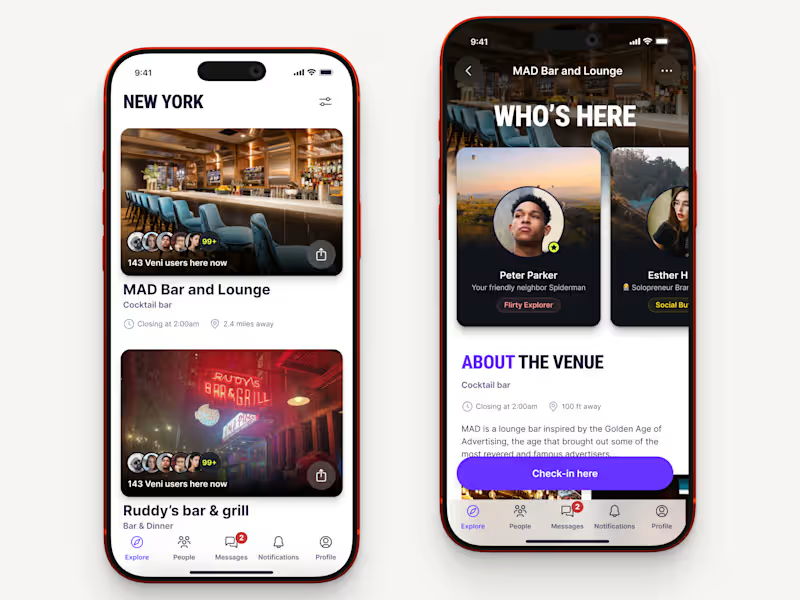
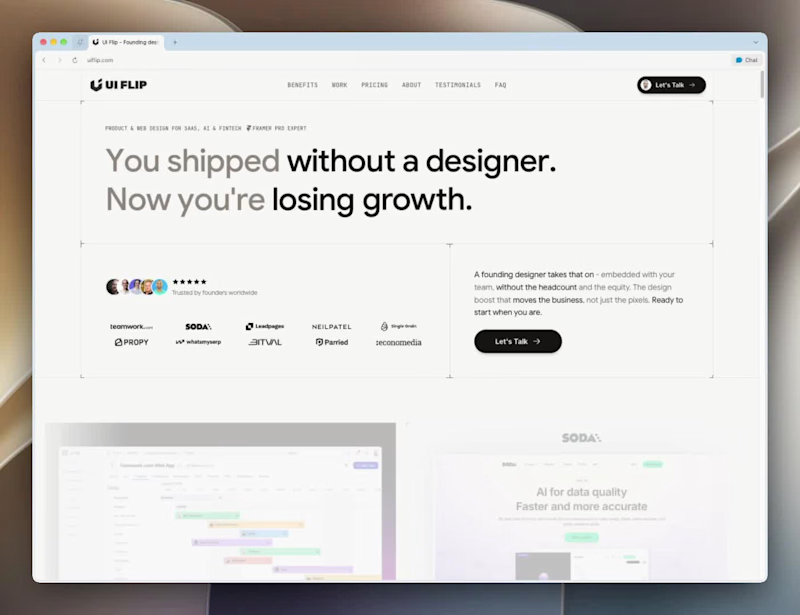
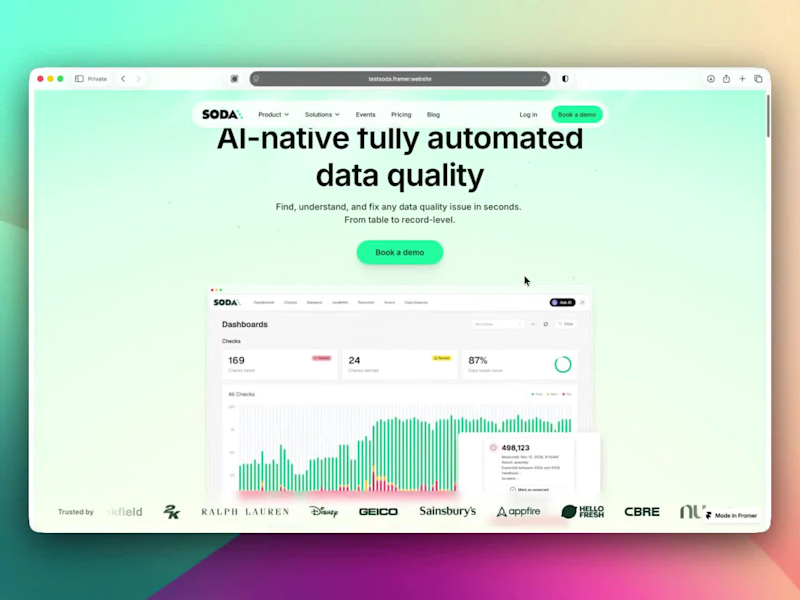
Look at their portfolio and case studies. Check if their designs work well on both small and large screens. Read reviews or feedback from their past clients too.
How can I ensure that the freelancer understands my vision?
Communicate clearly what you want from the start. Use sketches or wireframes to show your ideas. Regularly check in with them to ensure they’re on track.
What is the best way to set milestones for a responsive design project?
Break the project into smaller parts, like wireframes, first drafts, and final delivery. Set deadlines for each part. This keeps the project moving smoothly.
How can I track progress on a responsive design project?
Ask for regular updates and previews. Use project management tools to stay organized. Have weekly calls or meetings to discuss any changes.
What should I do if I need changes during the project?
Communicate your needs as soon as they come up. Be open to the freelancer’s feedback on the changes. Check if the change affects the timeline or deliverables.
How do I finalize the project once it's done?
Review the final design on different devices to ensure responsiveness. Give feedback and request minor tweaks if needed. Once satisfied, approve the final deliverables.
What should I prepare before the project starts?
Gather all necessary content, like text and images. Make sure any branding materials are ready. Have a clear idea of your current website's performance and desired improvements.
Who is Contra for?
Contra is designed for both freelancers (referred to as "independents") and clients. Freelancers can showcase their work, connect with clients, and manage projects commission-free. Clients can discover and hire top freelance talent for their projects.
What is the vision of Contra?
Contra aims to revolutionize the world of work by providing an all-in-one platform that empowers freelancers and clients to connect and collaborate seamlessly, eliminating traditional barriers and commission fees.