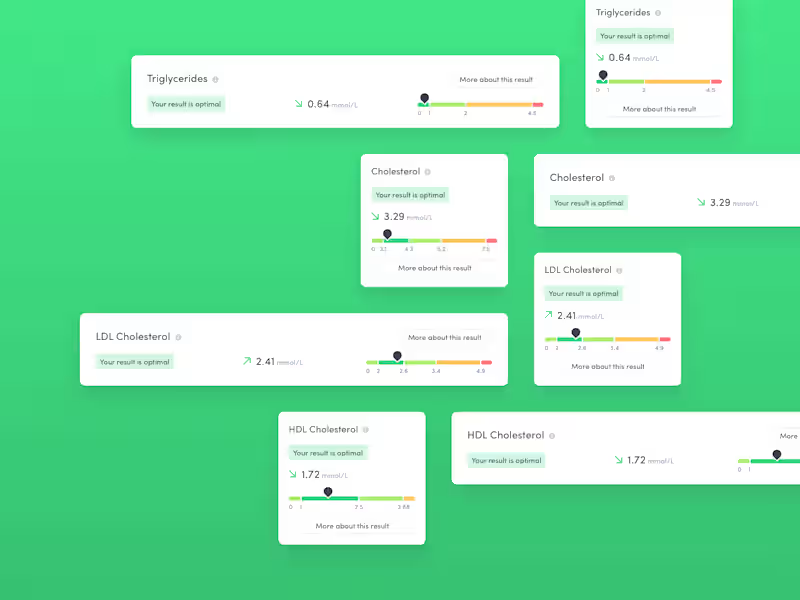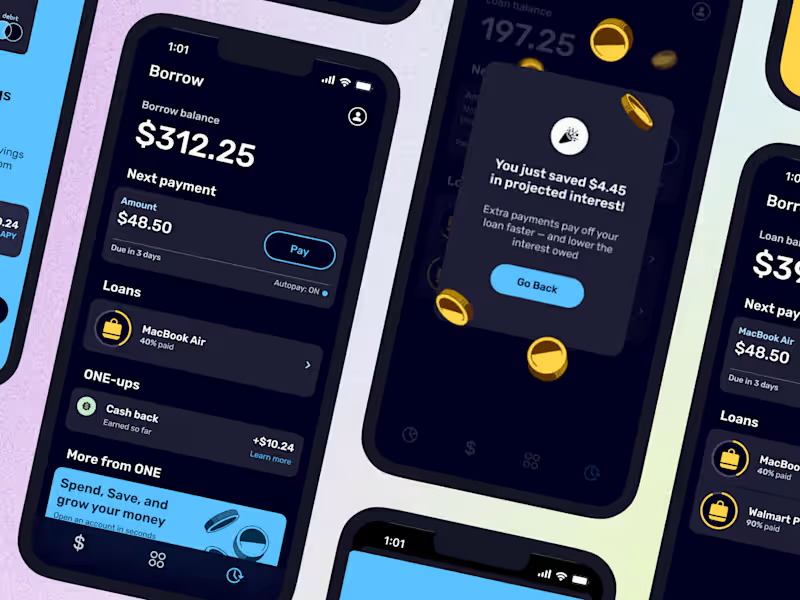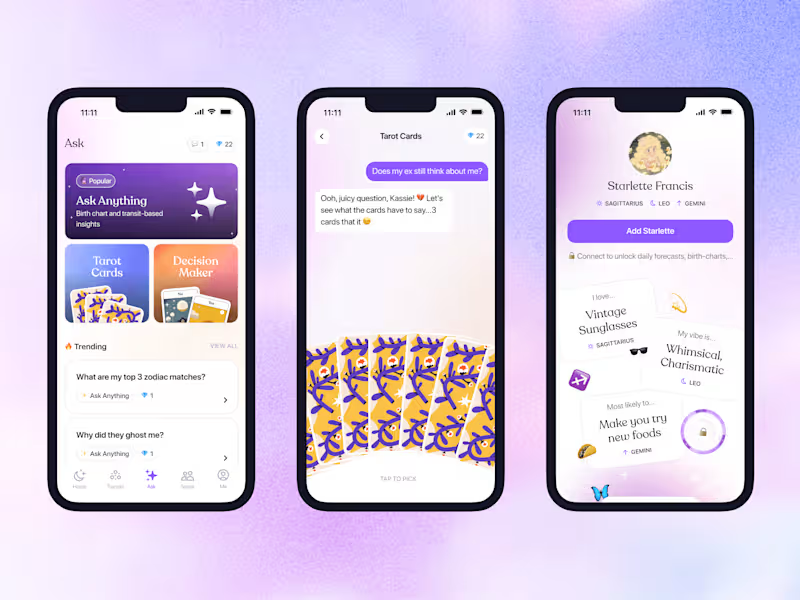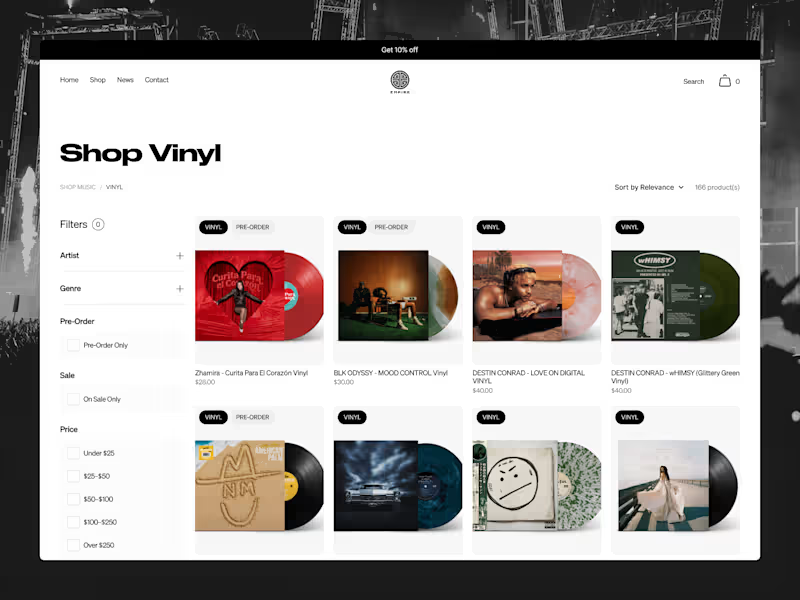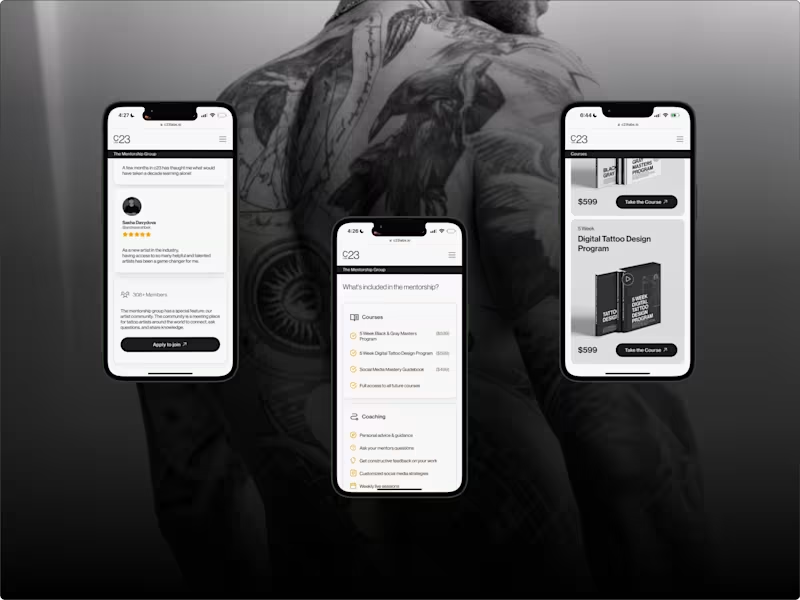















What should I consider in a freelancer's Miro portfolio?
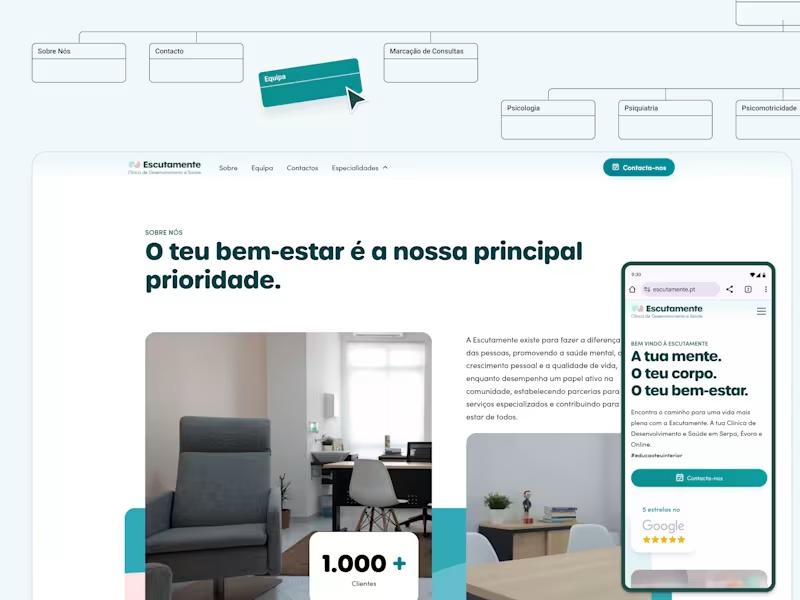
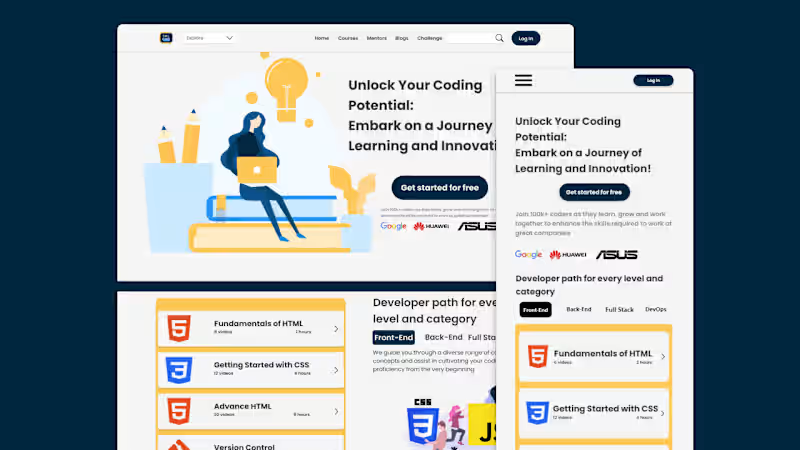
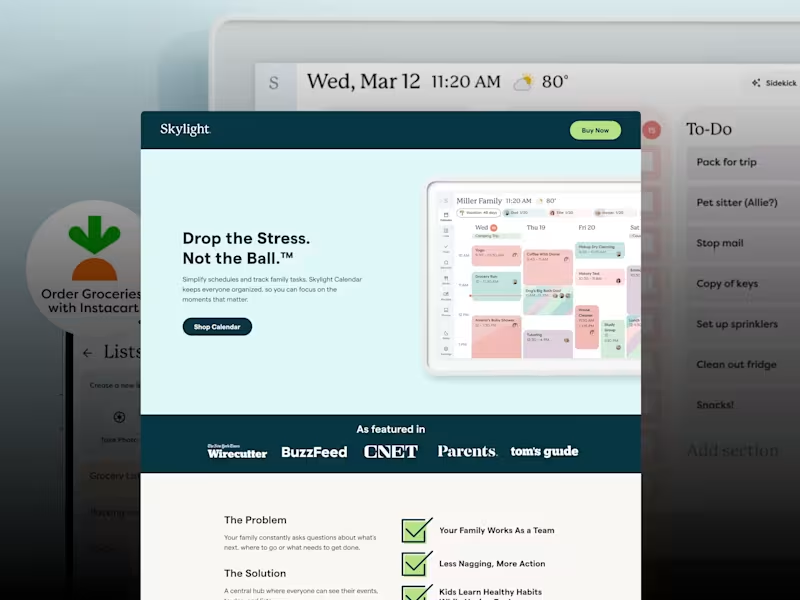
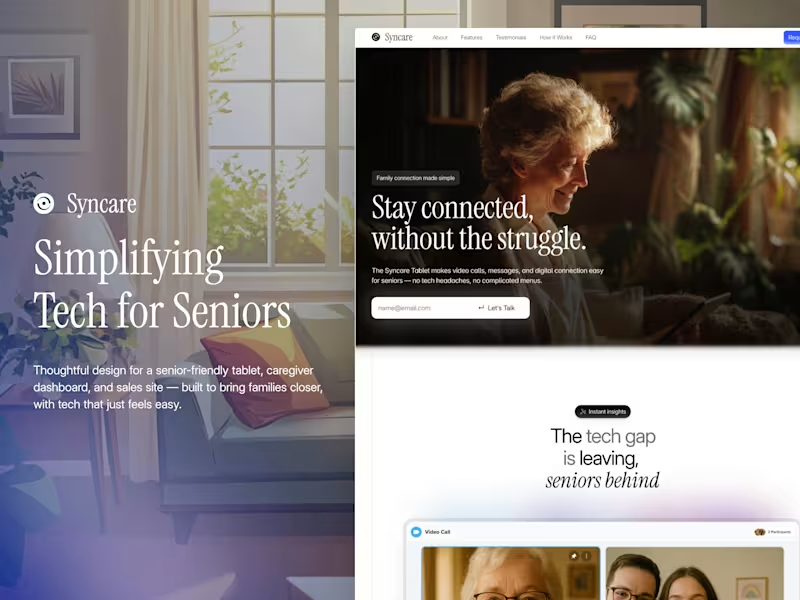
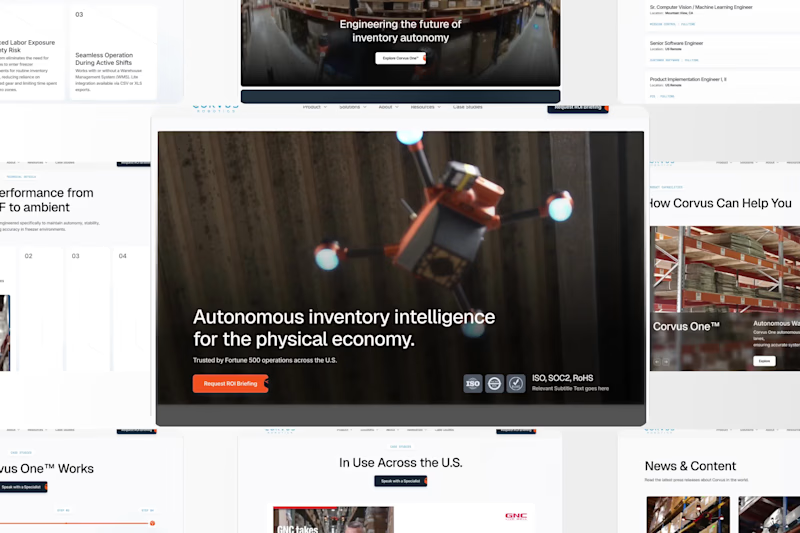
Look for past projects that show creativity with Miro. Check if they have made interactive diagrams or digital whiteboards. Their work should show how well they use Miro's tools to create great results.
How can I evaluate a freelancer's experience with Miro?
Ask about their past work using Miro for similar projects. Check if they've done workshops, mind maps, or flowcharts. Experience with different project types can show their flexibility and skill.
What details should I include in my project brief for a Miro expert?
Describe the project's goals and what you want to achieve with Miro. Mention any specific diagrams or visual plans you need. Clear instructions help the Miro expert understand your vision.
How can I agree on deliverables with a Miro freelance expert?
Discuss your project goals and preferred outcomes. Decide on specific deliverables like mind maps or project plans. Make sure both sides agree on what will be provided.
What is the best way to communicate with a Miro expert during a project?
Use clear and simple messages to share feedback. Set regular check-ins to discuss progress. This helps the Miro expert know if they're on the right track.
How can Miro be used for remote team collaboration?
Miro is great for creating shared spaces where teams can brainstorm together. It lets everyone add to a project at the same time. This makes teamwork easier even if everyone is not in the same place.
Why is it important to set clear timelines with a Miro expert?
Timelines help keep the project on track. They ensure deliverables are finished when you need them. Agreeing on a schedule makes it easier to manage expectations.
What should I discuss with a freelancer before starting a Miro project?
Talk about what you need the Miro expert to do for your project. Discuss any tools or designs you think are important. This helps both of you understand how the project will go.
How does Miro improve team brainstorming sessions?
Miro lets everyone share their ideas on a digital whiteboard. This can lead to more creative solutions because everyone can contribute. It's like having a meeting where everyone can easily add their thoughts.
Who is Contra for?
Contra is designed for both freelancers (referred to as "independents") and clients. Freelancers can showcase their work, connect with clients, and manage projects commission-free. Clients can discover and hire top freelance talent for their projects.
What is the vision of Contra?
Contra aims to revolutionize the world of work by providing an all-in-one platform that empowers freelancers and clients to connect and collaborate seamlessly, eliminating traditional barriers and commission fees.
![Cover image for Lum ✕ Skin care [Website]](https://media.contra.com/image/upload/w_800,q_auto/ibvazd7mwuwji6a9mxp0.avif)