

























What should I know about my project before hiring a PowerPoint expert?
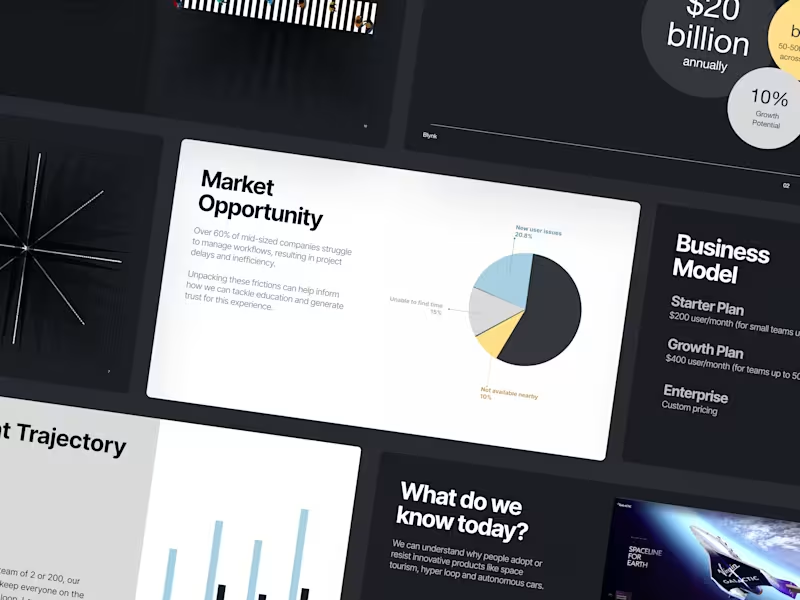
Before hiring a PowerPoint expert, you need a clear idea of what you want your presentation to show. Think about the main message or story you want to tell. Make notes about any graphics, charts, or multimedia you want to include. Preparing this will help guide the expert on exactly what to build for you.
How do I describe my project needs to a PowerPoint freelancer?
Describe your project by sharing what your presentation is about and who will see it. Explain any special features or animations you want. Share examples or drafts if you have them. This helps the expert know exactly what you’re looking for.
What should be included in the job post for a PowerPoint project?
In your job post, mention what the presentation is about and how many slides you need. Share any deadlines and important themes or graphics. Include any software or design styles you prefer. This helps the expert understand the scope and expectations.
How can I check if a PowerPoint expert has the skills I need?
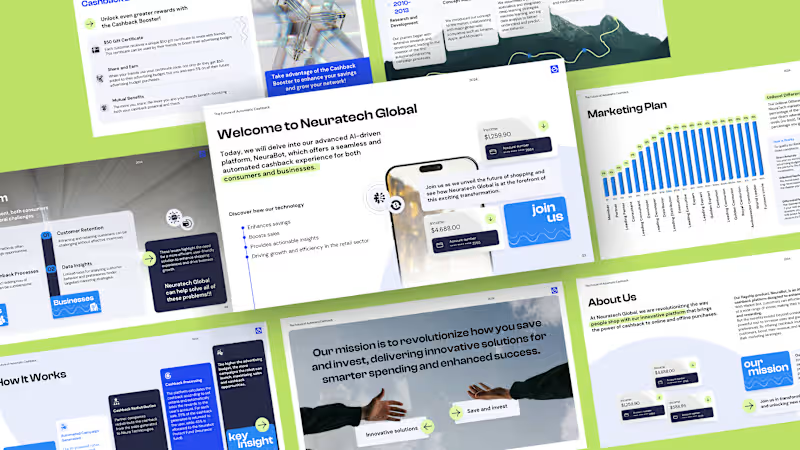
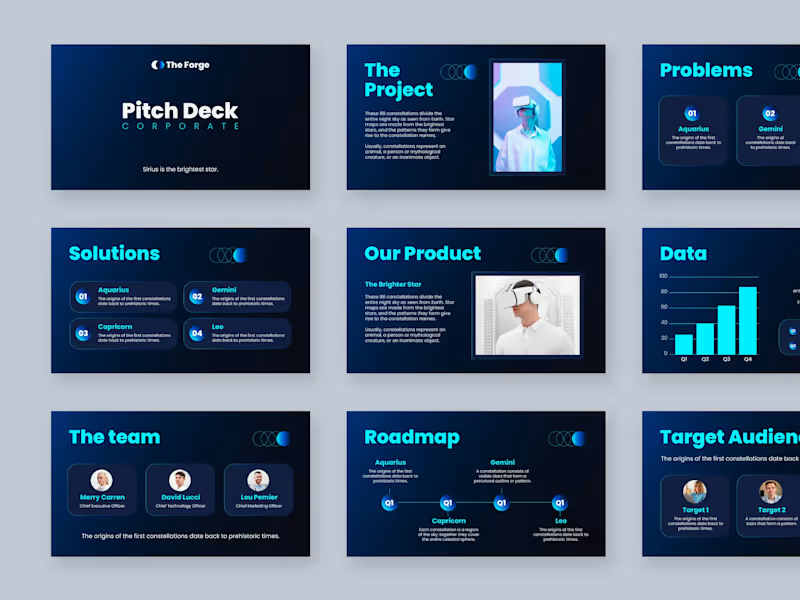
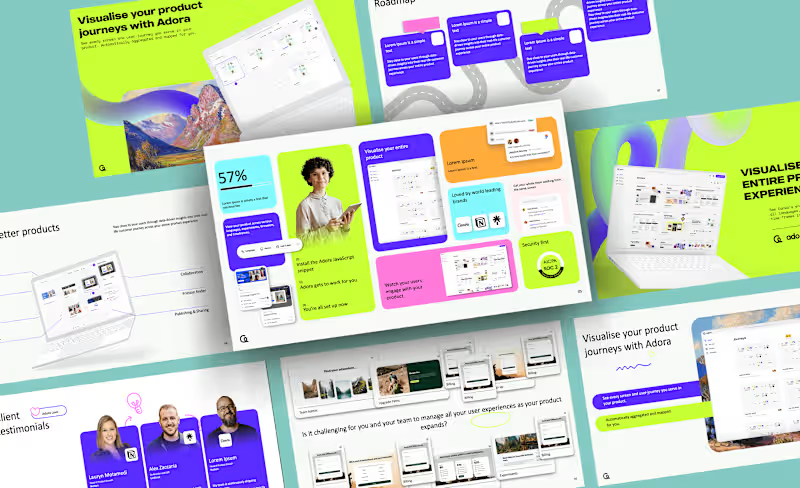
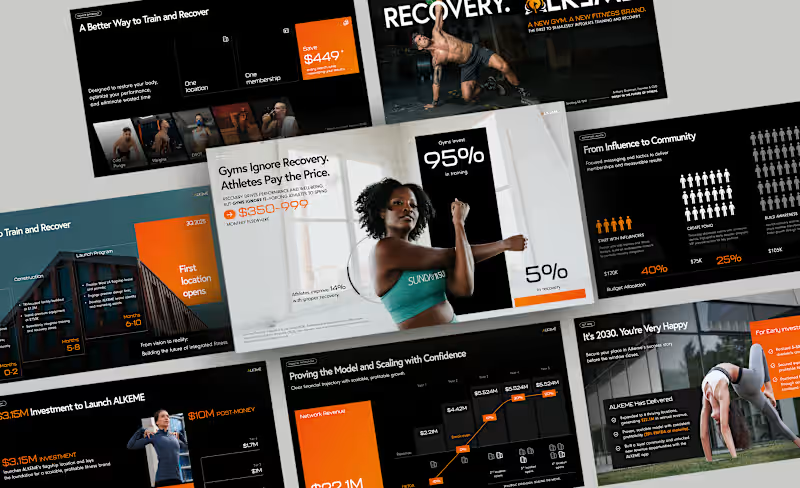
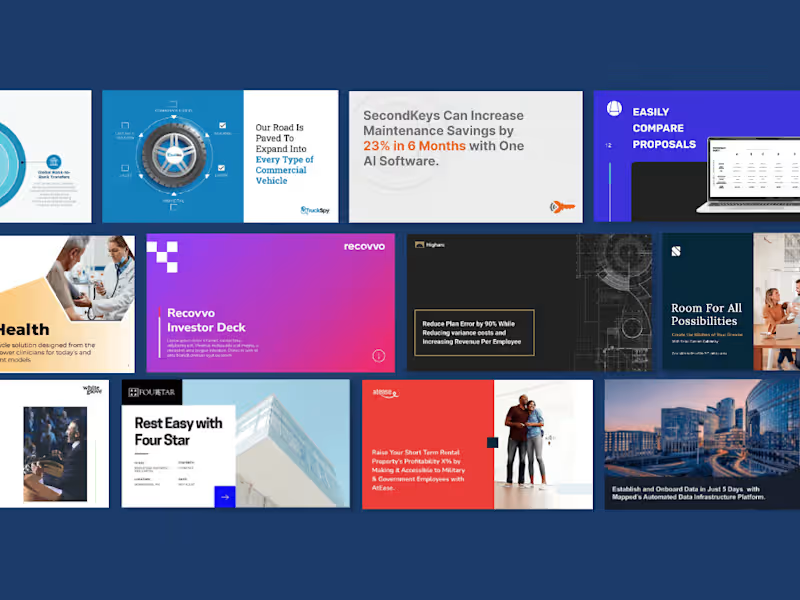
Look at examples of their past work or portfolio to see if their style matches what you want. You can also ask for feedback from their previous clients. This shows how well they've worked on similar projects before.
What expectations should I set for the finished presentation?
Agree with the expert on what the final presentation should include and how it should look. Define the quality and the types of elements like videos or animations. Setting expectations helps ensure the project meets your needs.
How can a timeline help manage my PowerPoint project?
Setting a timeline with your PowerPoint expert keeps the project on track. Discuss each step and set deadlines for drafts and final delivery. This helps both you and the expert manage time effectively and ensures timely completion.
What should I include in a feedback loop for my PowerPoint project?
Build time for reviews and revisions into your project plan. Share your thoughts and feedback at key stages, like after the initial draft. This helps refine the presentation to match your expectations and ensure you're happy with the final product.
Why should I discuss revisions upfront with a PowerPoint expert?
Discussing revisions upfront ensures you both understand how many changes are allowed and how they are handled. This helps avoid surprises and ensures that both you and the expert are on the same page about making adjustments if needed.
How critical is communication in a PowerPoint project?
Communication is key to a successful project. Regularly update the PowerPoint expert on any changes or new ideas. Good communication helps avoid misunderstandings and ensures the presentation meets your needs.
Why is it important to review the PowerPoint expert’s understanding of your project?
Reviewing the expert’s understanding ensures they know what you’re looking for in the presentation. This confirms that they are on the right path and that your goals will be met. A shared understanding leads to better results and a smoother project process.
Who is Contra for?
Contra is designed for both freelancers (referred to as "independents") and clients. Freelancers can showcase their work, connect with clients, and manage projects commission-free. Clients can discover and hire top freelance talent for their projects.
What is the vision of Contra?
Contra aims to revolutionize the world of work by providing an all-in-one platform that empowers freelancers and clients to connect and collaborate seamlessly, eliminating traditional barriers and commission fees.