How do I know if a freelancer is good at using Jitter?
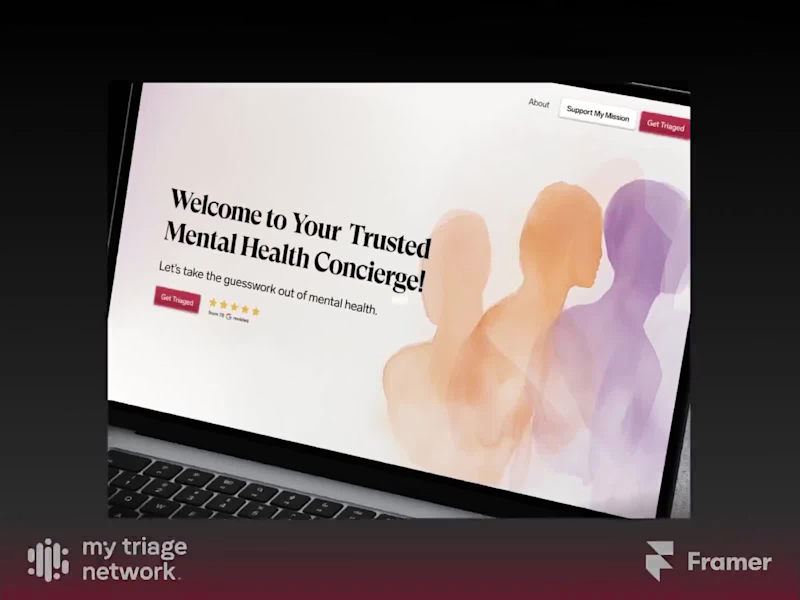
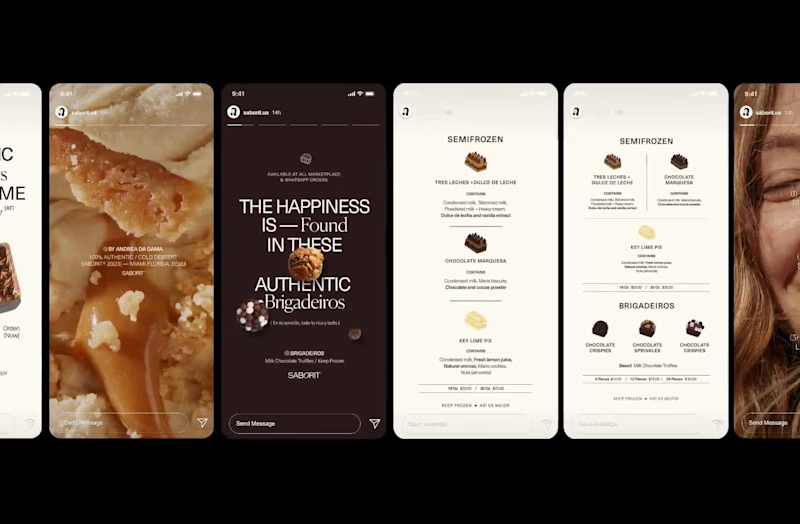
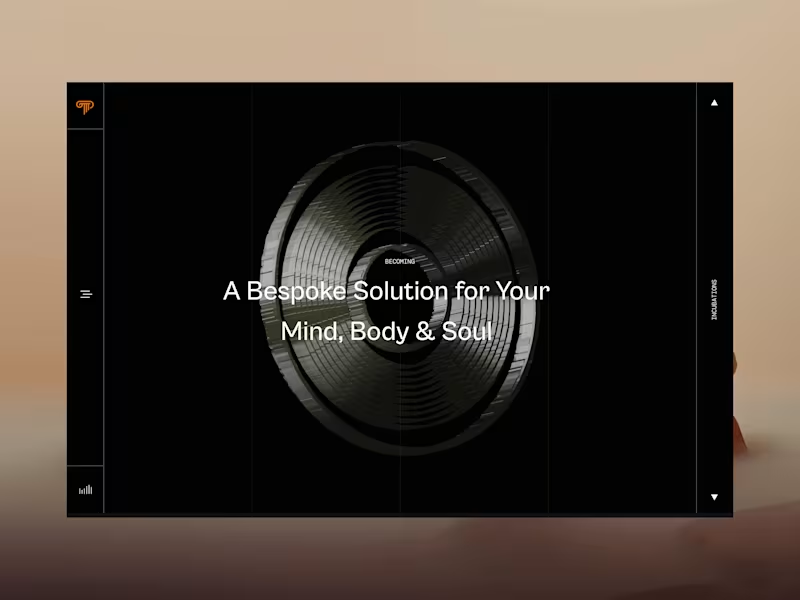
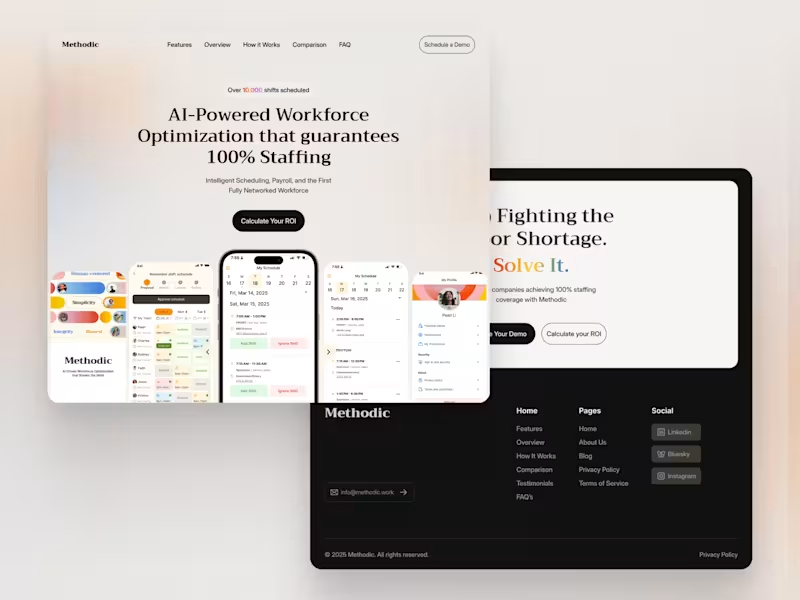
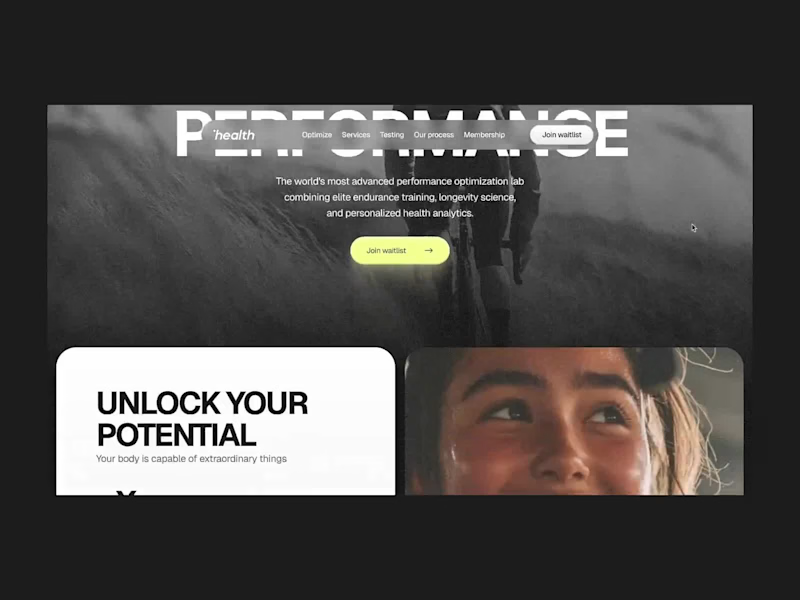
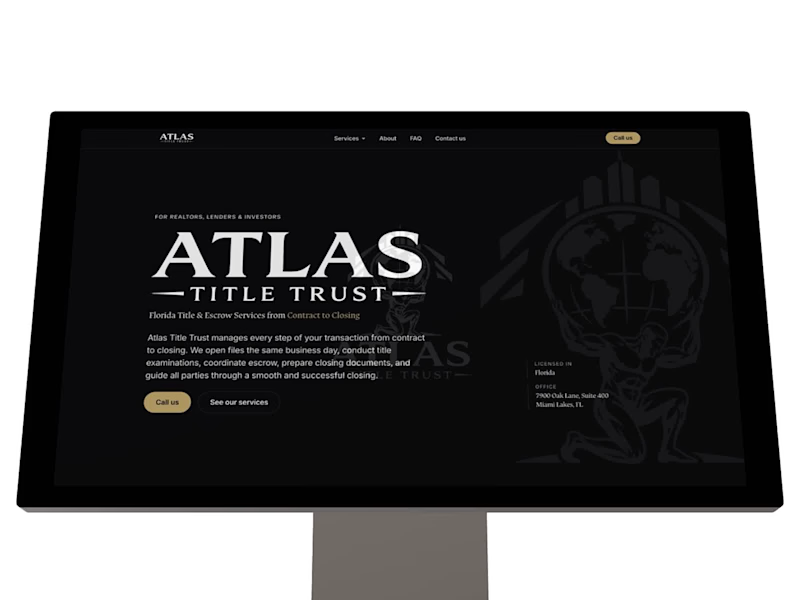
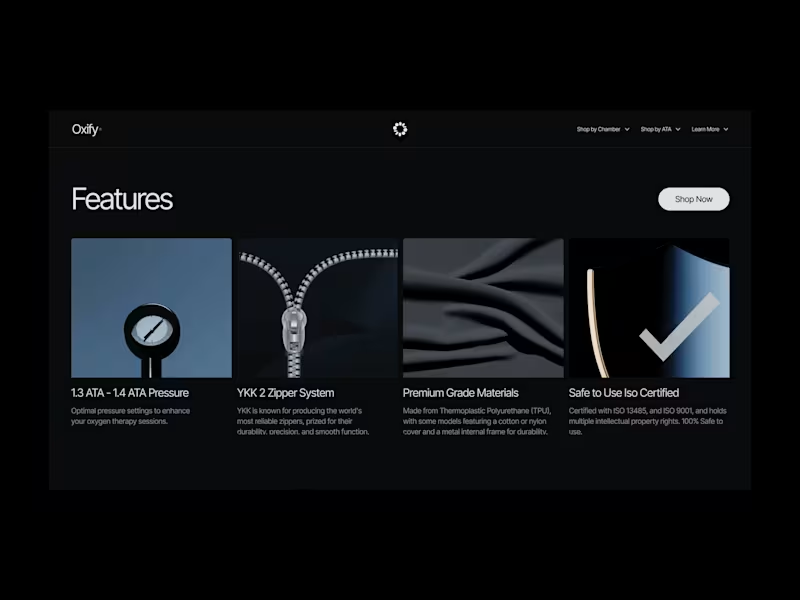
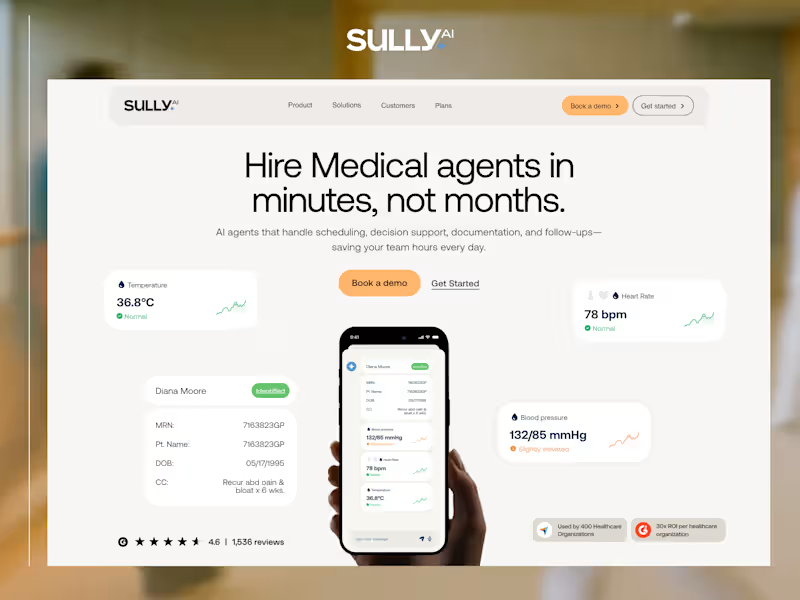
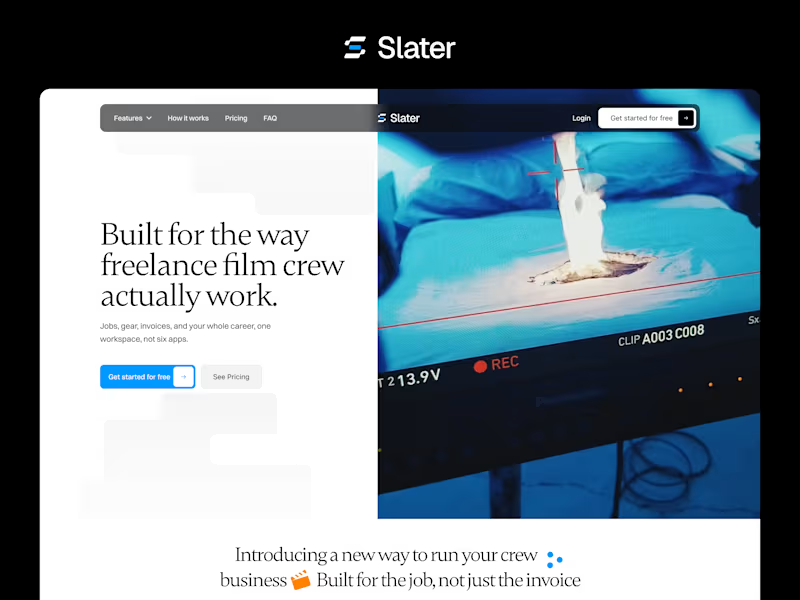
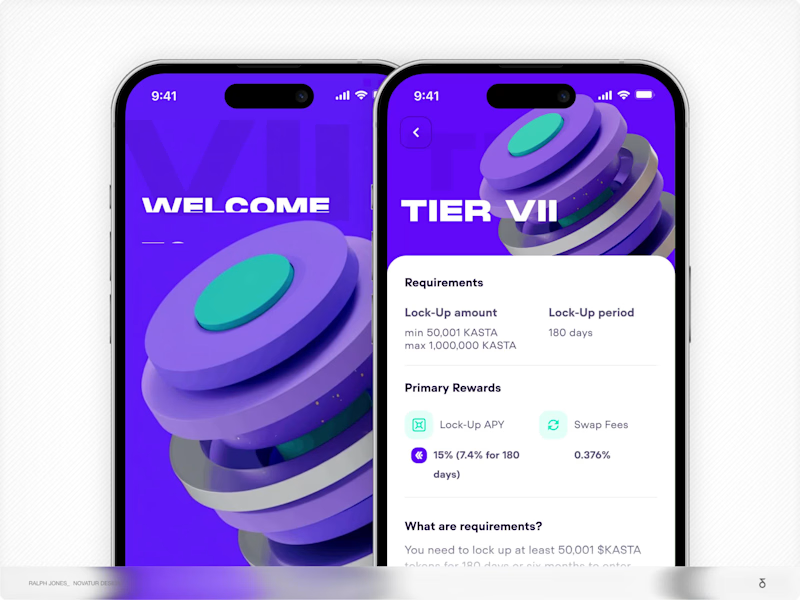
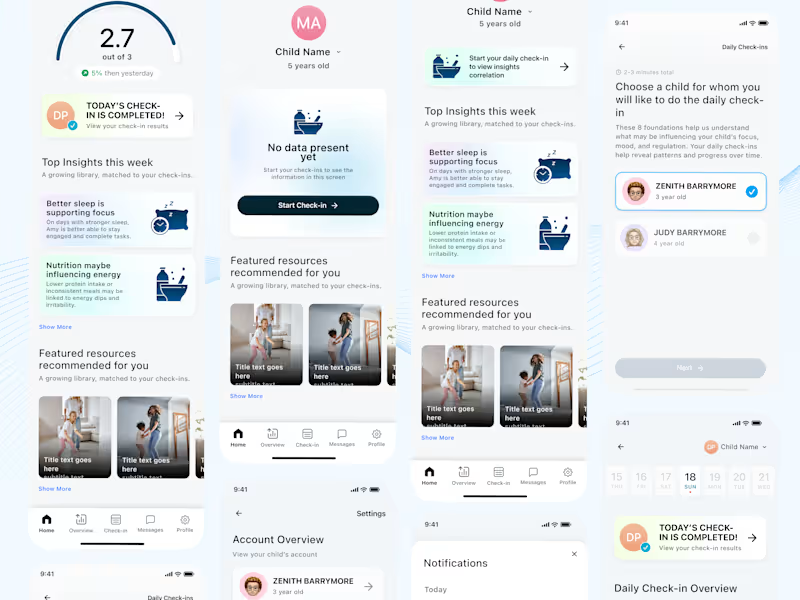
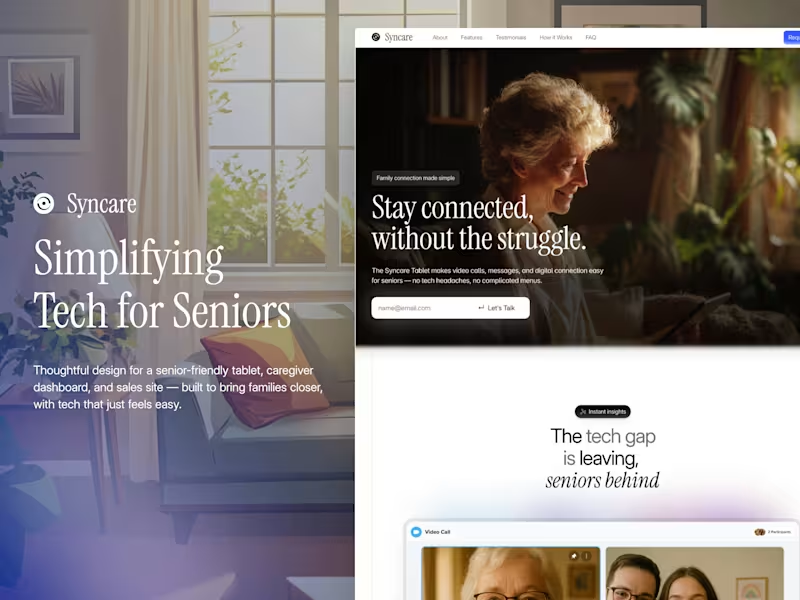
Check their portfolio. Look for examples of work they did with Jitter. See if their videos have cool and fun effects. They should make videos that capture attention. This will show if they are skilled.
What should I ask to understand a Jitter freelancer's style?
Look at past projects they made. See if their style matches what you need. Do they make videos that look fun and creative? It helps if their style is similar to your vision. This way, you know they will create something you'll like.
How can I ensure the deliverables meet my expectations?
Talk clearly about what you want in your videos. Discuss the Jitter effects you like. Ask for a sample or draft early in the project. This makes sure you both agree on the direction. Communication helps avoid surprises later.
How can I check a freelancer's expertise in using motion effects?
Ask them to explain some techniques they use. They should describe what makes their work unique. Watch their previous videos for dynamic effects. This shows if they understand using motion creatively. Their expertise will shine through in their explanation.
How should I plan the project timeline with a Jitter expert?
Discuss the time needed for each video. Set clear deadlines. Ask about their process so you know when to expect updates. Give them room for creativity, but agree on a final date. Planning helps everything go smoothly.
What tools do Jitter freelancers use besides Jitter?
They may use additional video editing software. This could help add special touches to projects. Knowing the tools shows their full capability. It also highlights their versatility. This means they can tackle different parts of your project well.
How can I help a Jitter expert understand my brand better?
Share your brand guidelines with them. Show them some examples of your past work. Explain what you like and don't like in videos. This gives them a clear picture of your brand's style. Understanding your vision helps them make the right creative decisions.
How do I ensure the Jitter freelancer adapts well to changes?
Talk about flexibility in the project plan. Be open to trying different Jitter effects. Agree on how to handle feedback and changes. Flexibility means they can adjust easily if needed. This makes the project smoother for both of you.
What makes a Jitter freelancer's project management skills good?
Look for freelancers who communicate well. They should provide regular updates. Good organization helps in managing time and tasks. This is key to keeping the project on track. Effective project management makes collaboration stress-free.
What is the best way to give feedback to a Jitter freelancer?
Be clear and specific with your feedback. Point out exactly what you like or want changed. Use examples when possible. This helps them understand your vision better. Clear communication leads to better results.
Who is Contra for?
Contra is designed for both freelancers (referred to as "independents") and clients. Freelancers can showcase their work, connect with clients, and manage projects commission-free. Clients can discover and hire top freelance talent for their projects.
What is the vision of Contra?
Contra aims to revolutionize the world of work by providing an all-in-one platform that empowers freelancers and clients to connect and collaborate seamlessly, eliminating traditional barriers and commission fees.