What skills should I look for when hiring a Google Slides expert?
Seek someone who is great at design and knows how to use Google Slides. They should have a creative eye. Good communication skills are important so they understand your needs.
How do I check if a freelancer has the right Google Slides experience?
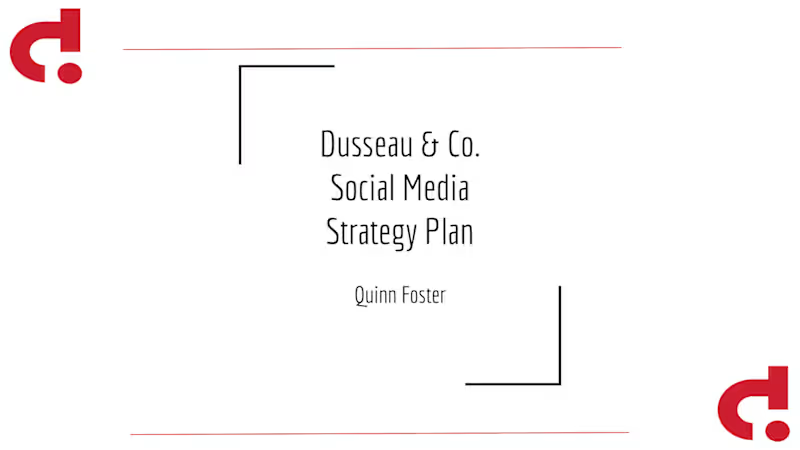
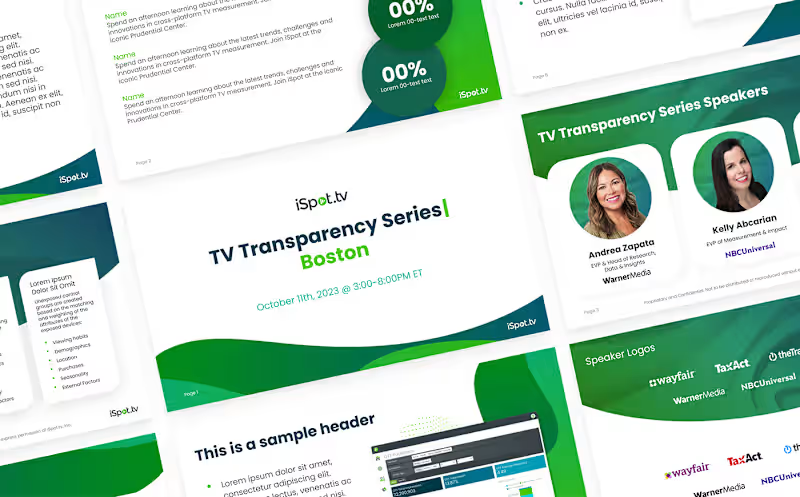
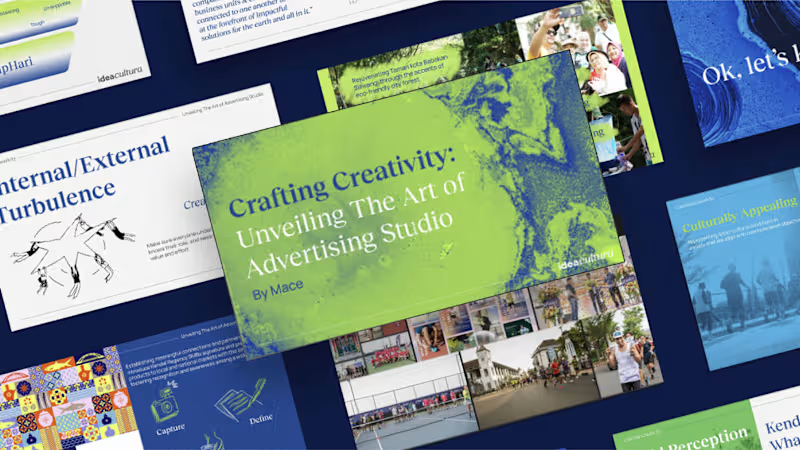
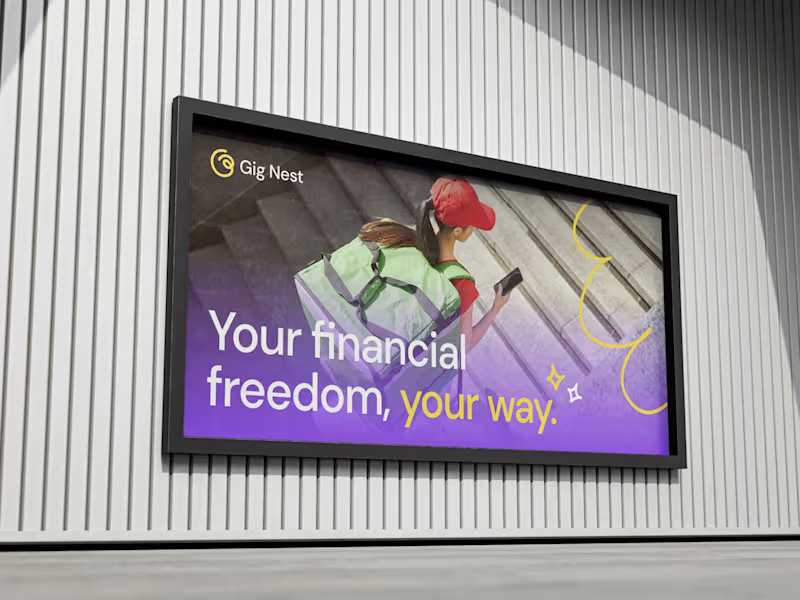
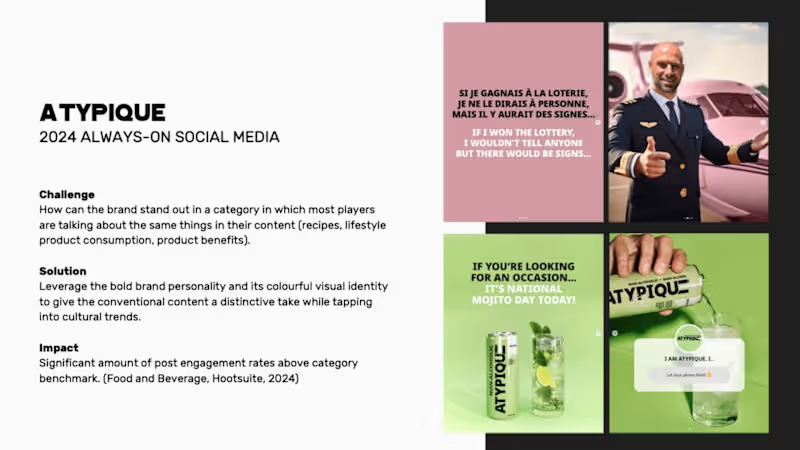
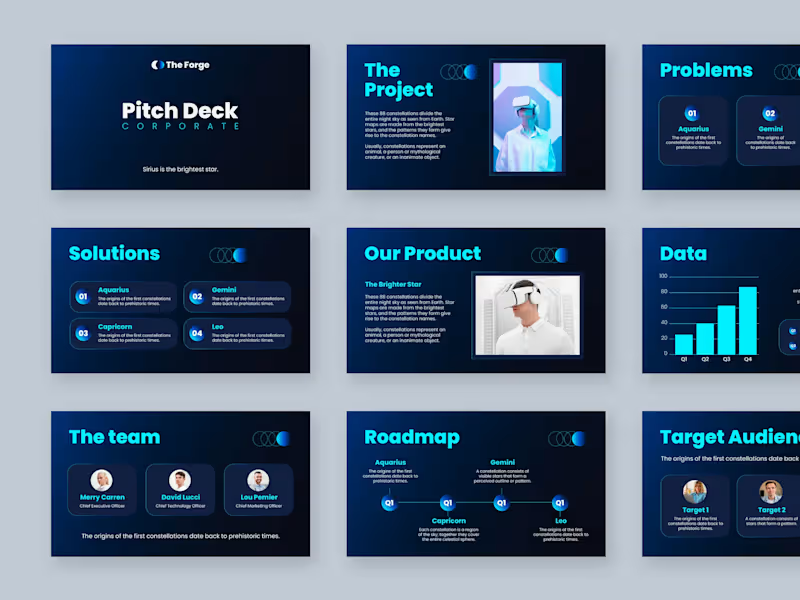
Ask to see their previous work in Google Slides. Look for projects similar to yours. Check how well they use colors and how clear their slides are.
Why is it important to agree on deliverables with a Google Slides expert?
Clearly defining deliverables helps everyone know what to expect. It ensures the project is on the right track. This way, the freelancer knows exactly what to create.
How can I ensure good collaboration when working with a Google Slides expert?
Use shared tools like Google Drive to keep everything organized. Have regular check-ins to see how things are going. Good communication helps the project succeed.
What should be included in the project timeline with a Google Slides expert?
Decide when you want the first draft and final slides done. Set dates for feedback and revisions. Make sure both sides agree on the timeline.
How can I discuss design preferences with a Google Slides expert?
Share examples of presentations you like. Talk about colors, fonts, and styles you prefer. This way, the freelancer understands your vision better.
Why is feedback important for completing a Google Slides project?
Feedback helps the freelancer know what changes to make. It ensures the final presentation meets your expectations. Regular communication makes this process easier.
What is a good way to make sure the project goals are clear?
Write down what you want to achieve with the slides. Discuss these goals with the freelancer. Having clear goals helps keep everyone focused.
How should I approach the initial meeting with a Google Slides expert?
Be ready to talk about your project and your goals. Discuss your timeline and any specific needs. This meeting sets the stage for a successful project.
How can I ensure the Google Slides presentation matches my brand?
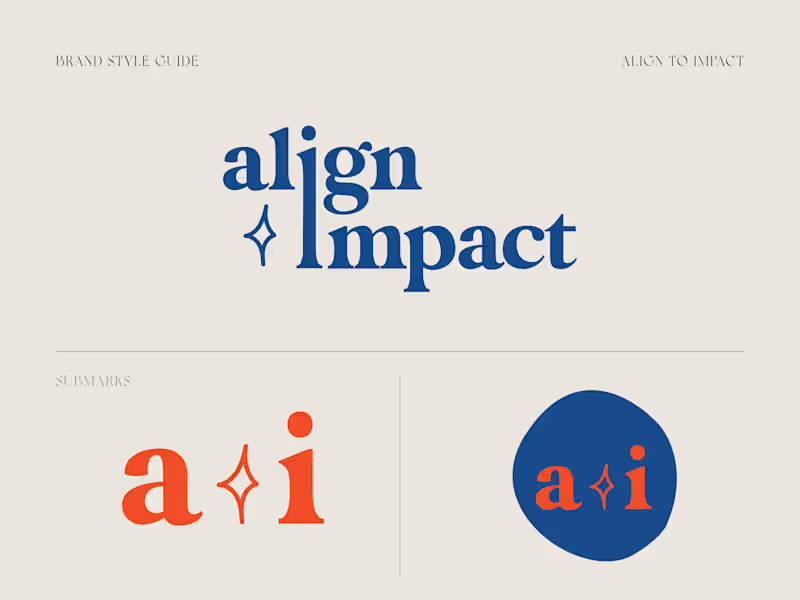
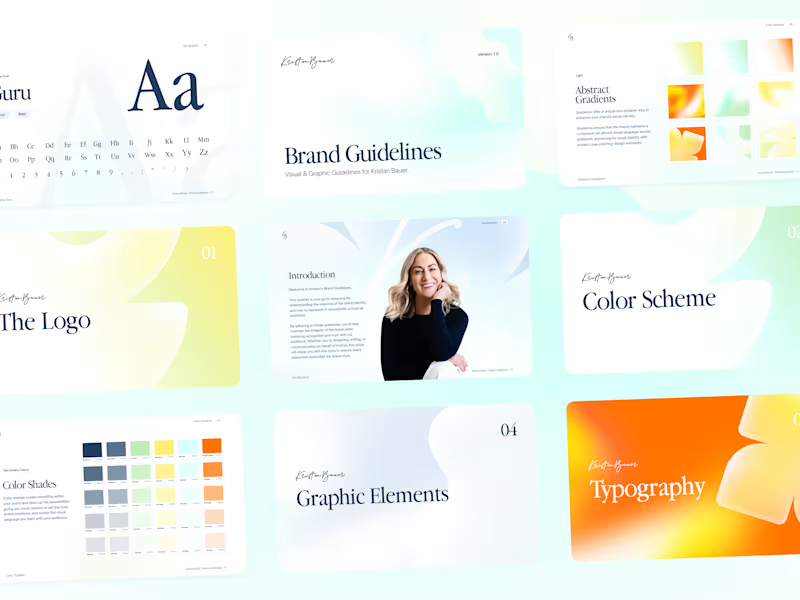
Share your brand guidelines with the freelancer. Discuss specific colors, fonts, and logos to use. This ensures the presentation looks professional and on-brand.
Who is Contra for?
Contra is designed for both freelancers (referred to as "independents") and clients. Freelancers can showcase their work, connect with clients, and manage projects commission-free. Clients can discover and hire top freelance talent for their projects.
What is the vision of Contra?
Contra aims to revolutionize the world of work by providing an all-in-one platform that empowers freelancers and clients to connect and collaborate seamlessly, eliminating traditional barriers and commission fees.