


























What skills should a 'Google Sheets' expert have?
A Google Sheets expert needs to know how to use formulas and functions to handle data. They should be good at creating charts and graphs and organizing information in a clear way. They must also know how to work together with others using the cloud features of Google Sheets.
How can I explain my project needs to a 'Google Sheets' expert?
Start by telling them what you want to achieve with your project. Be clear about the kind of data you need help with and your final goal. This helps the expert understand your needs and how best to use Google Sheets to help you.
What should I include in the project brief?
Describe your project in detail, like what data needs to be analyzed or tracked. Include any specific features you want, like graphs or pivot tables. Make sure to tell them about any deadlines.
How can I make sure the expert understands my expectations?
Have a clear discussion about your goals and deadlines. Use simple examples to show what you mean. It's important to share documents that outline your expectations for final deliverables.
What types of projects should I expect a 'Google Sheets' expert to handle?
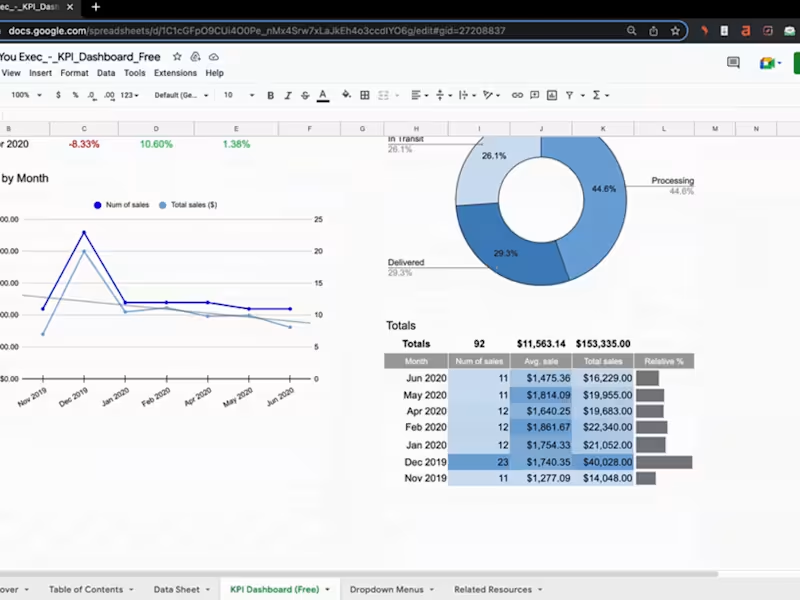
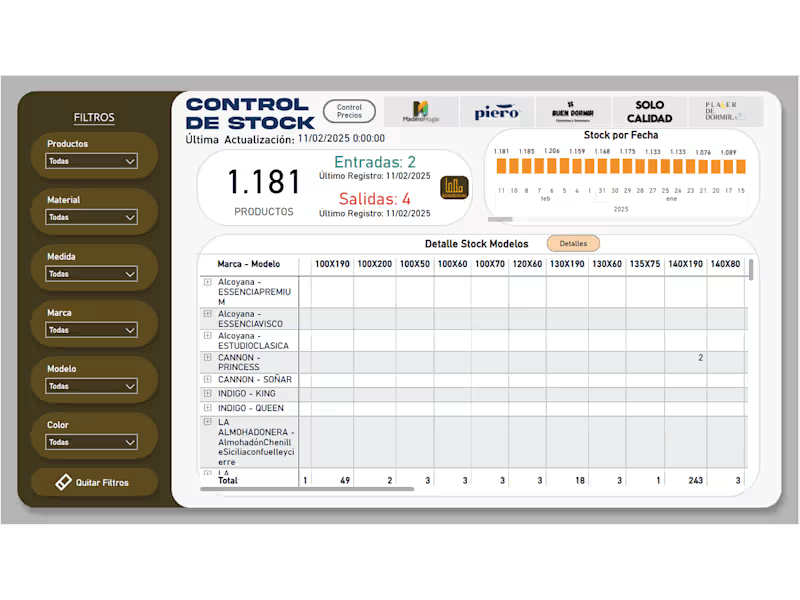
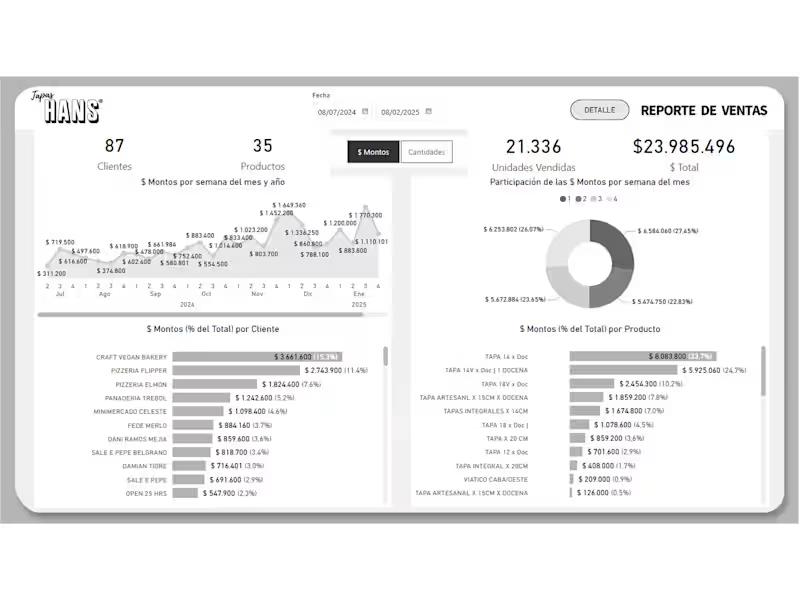
They can work on projects like creating financial reports, tracking budgets, or making project plans. Google Sheets experts can also make dashboards to visualize data trends. This helps you see information easily and make smart decisions.
How long does it usually take to complete a 'Google Sheets' project?
The time depends on how detailed your project is. Simple projects might take a few days, while bigger ones could take weeks. It's good to talk about the timeline when you start the project.
What is a good way to agree on deliverables with a 'Google Sheets' expert?
You can write a list of all the tasks and outputs you need. Be specific about what the final result should look like. This helps both you and the expert know what to expect at the end.
How do I ensure quality work from a 'Google Sheets' expert?
Ask for examples of their previous work to see their skill level. Set check-in points during the project to review progress. You can also request feedback stages to make sure the work meets your standards.
How can I make use of Google Sheet’s collaborative features with the expert?
You can share your Google Sheets file with the expert online. This way, you can see their updates in real-time and give your feedback. It's a good way to work together and make changes easily.
What tools on Contra help manage a 'Google Sheets' project?
Contra provides tools to help you hire the right expert. You can use Contra's features to keep track of tasks and communicate easily. This makes it simple to manage your project from start to finish.
Who is Contra for?
Contra is designed for both freelancers (referred to as "independents") and clients. Freelancers can showcase their work, connect with clients, and manage projects commission-free. Clients can discover and hire top freelance talent for their projects.
What is the vision of Contra?
Contra aims to revolutionize the world of work by providing an all-in-one platform that empowers freelancers and clients to connect and collaborate seamlessly, eliminating traditional barriers and commission fees.
Explore Google Sheets Office Administration projects on Contra
















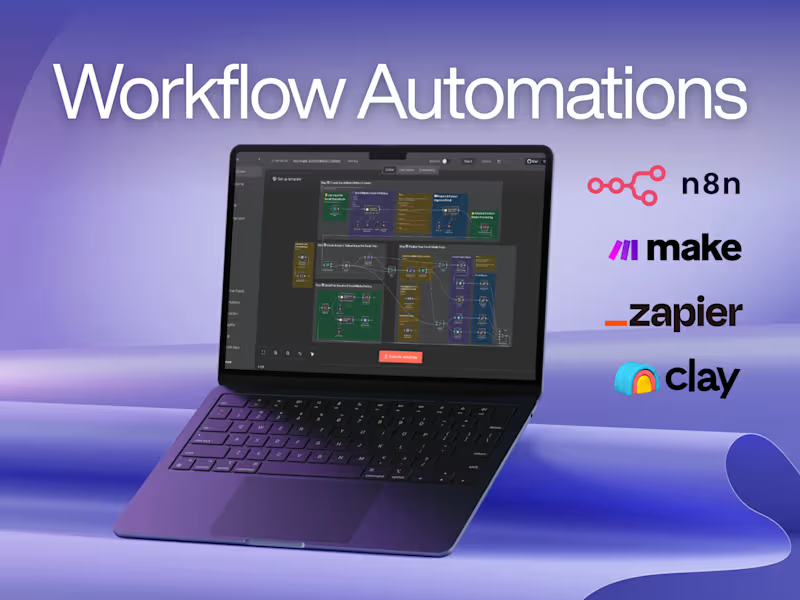


Top services from Google Sheets freelancers on Contra
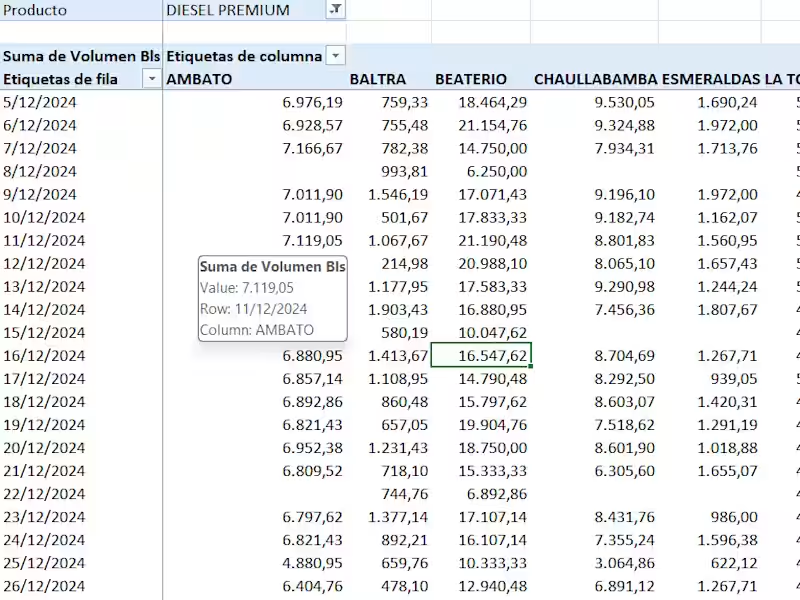

Gmail
Personal Assistant
Executive Assistant
+5
Organized and Reliable Virtual Assistant | Helping You Save Time
$5/hr
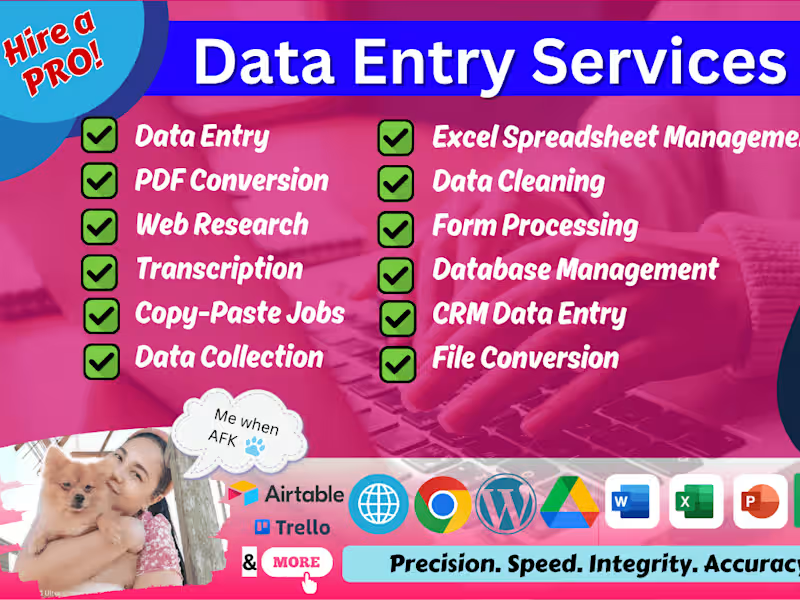

Google Docs
Data Entry Specialist
Database Administrator
+5
Accurate Data Entry & Admin Support
Contact for pricing

Gmail
Virtual Assistant
Personal Assistant
+3
Virtual Assistant
Contact for pricing