How can I check if the Adobe XD expert understands my project needs?
Ask for a small sample or outline before starting the main project. This helps you see if the expert gets your ideas. It should match your goals and look like what you imagine.
What should I include in my design brief for the Adobe XD expert?
Write a clear and simple list of what you want. Include the style, colors, and features you like. This helps the expert understand your vision better.
How do I decide on the project timeline with the Adobe XD expert?
Discuss when you need the project done and what steps are needed. Make sure the timeline is realistic for both of you. This helps to plan the work smoothly.
How can I ensure good communication with the Adobe XD expert?
Set up regular check-ins to talk about the project's progress. Use simple and clear language during updates. This keeps everyone on the same page.
What should I do to agree on the design deliverables with the Adobe XD expert?
List the exact items you expect to receive, like prototypes and design specs. Make sure the expert understands each deliverable. This avoids any surprises later.
How can I make sure the Adobe XD expert uses the latest design trends?
Ask if they are familiar with new styles and tools in design. They should know current trends in UX and UI design. This ensures your project looks modern.
How do I verify the Adobe XD expert’s past work quality?
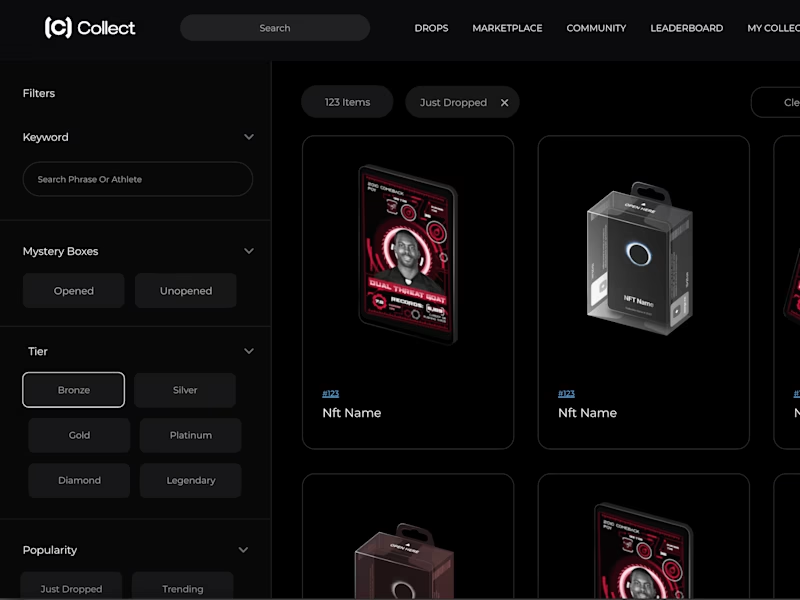
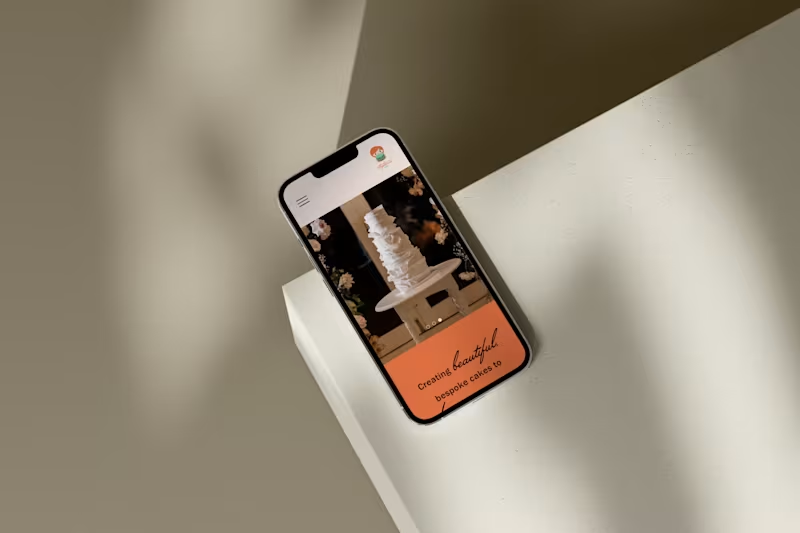
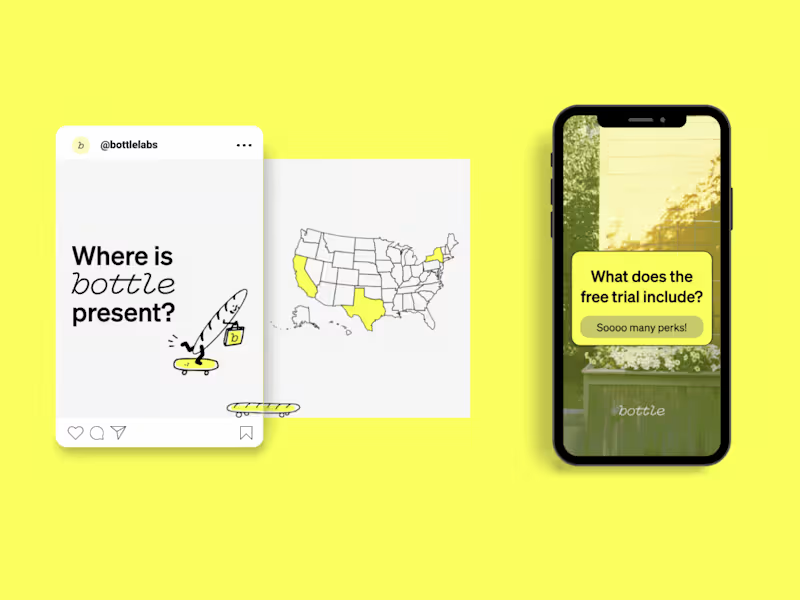
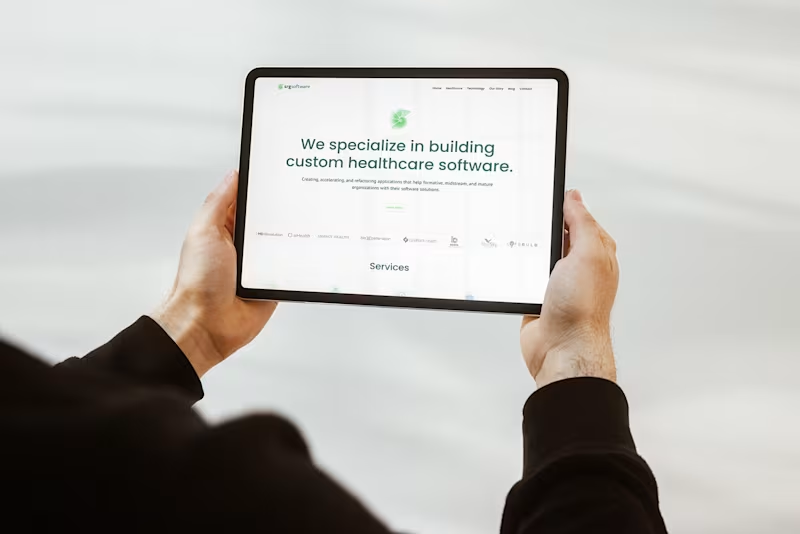
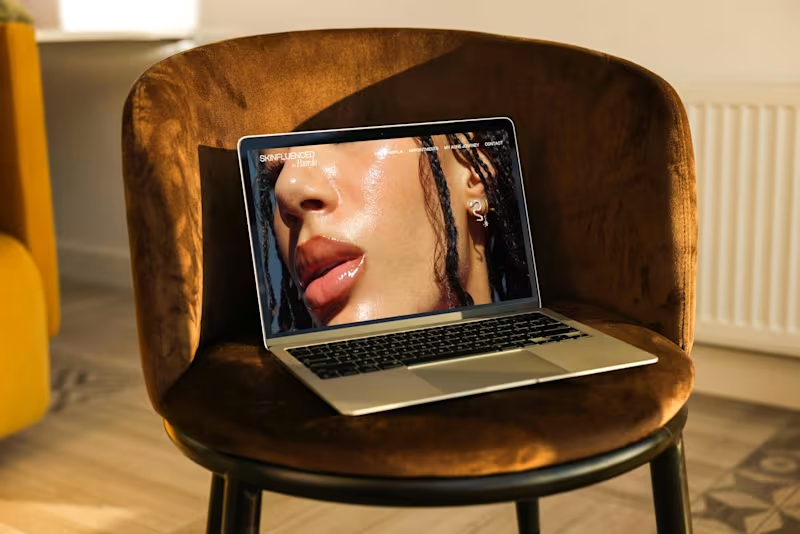
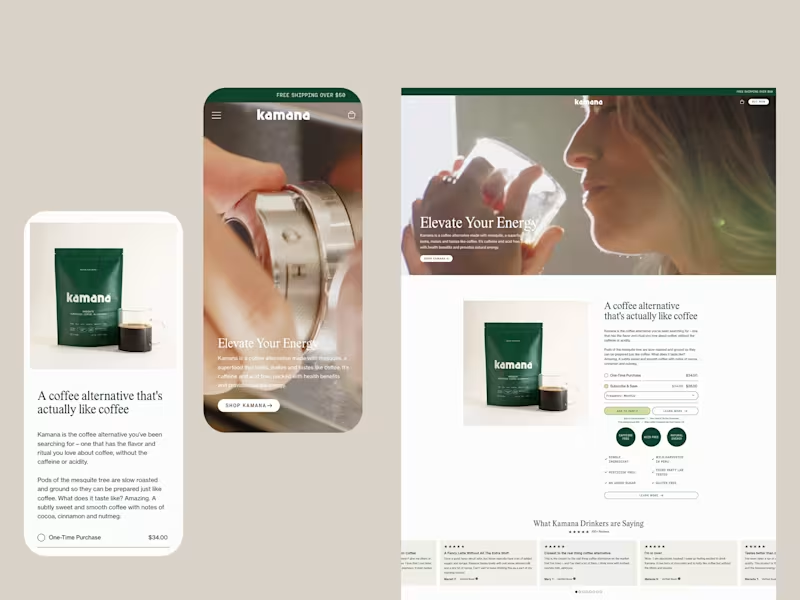
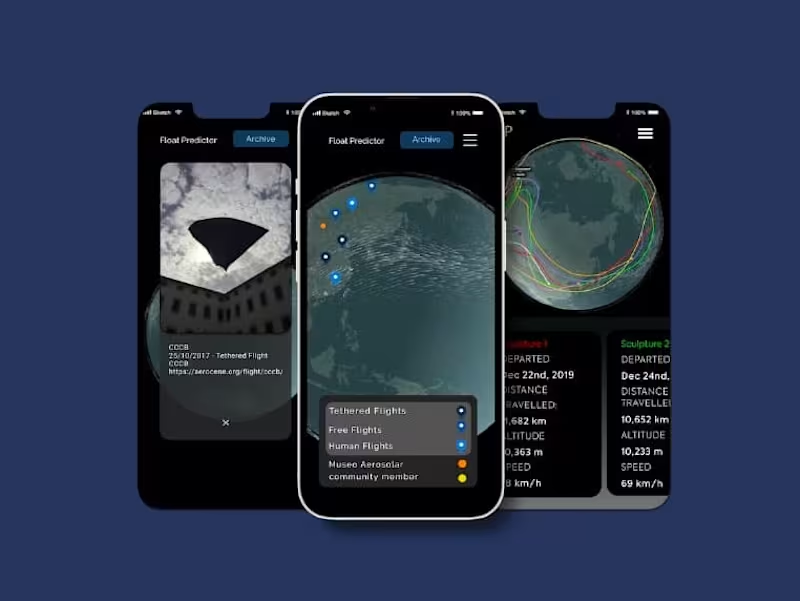
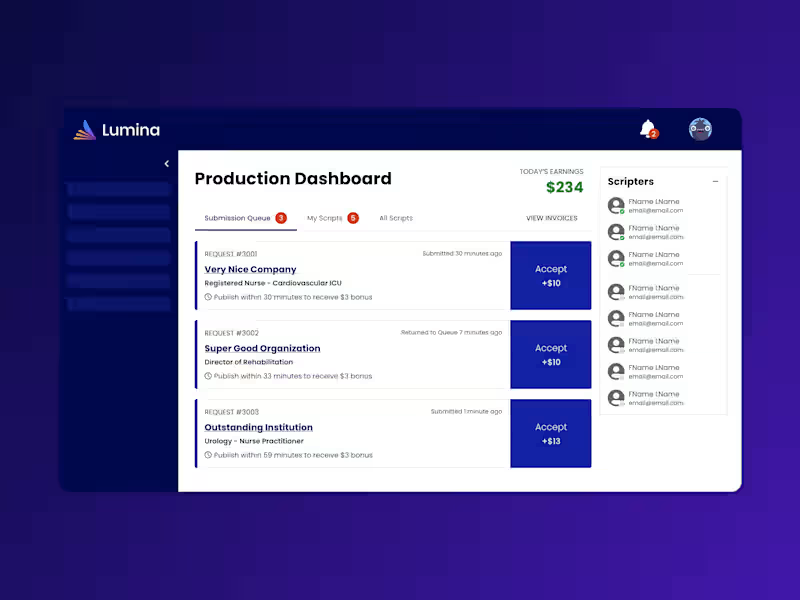
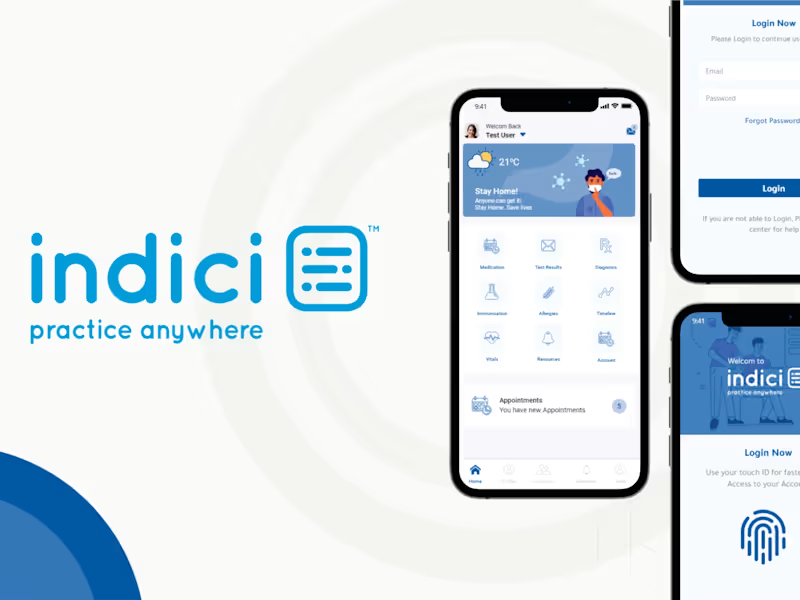
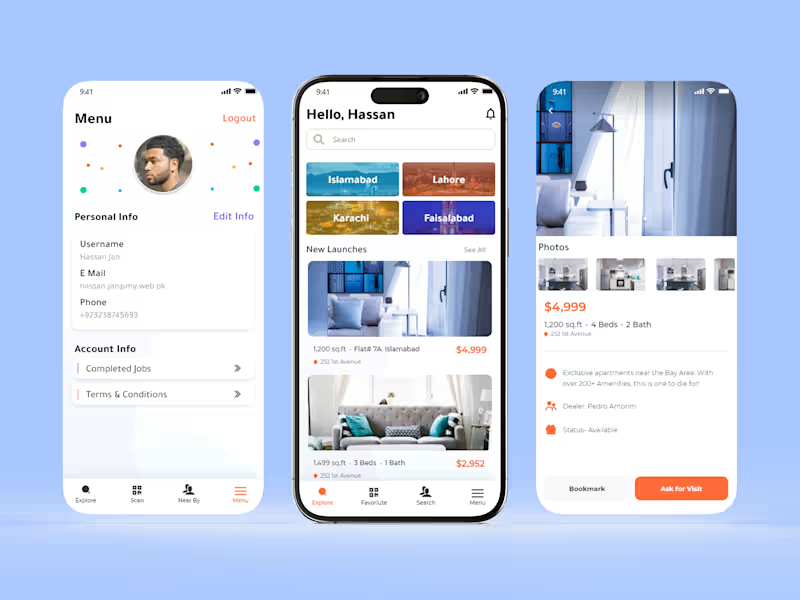
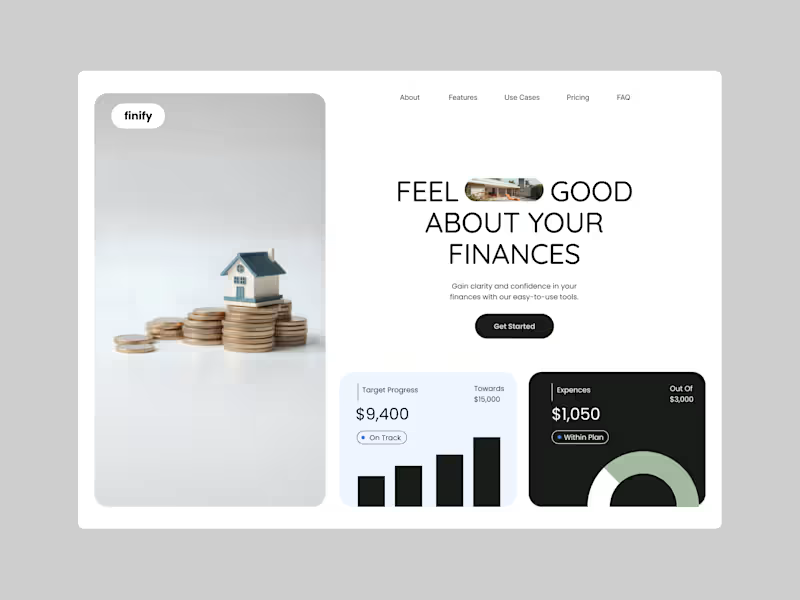
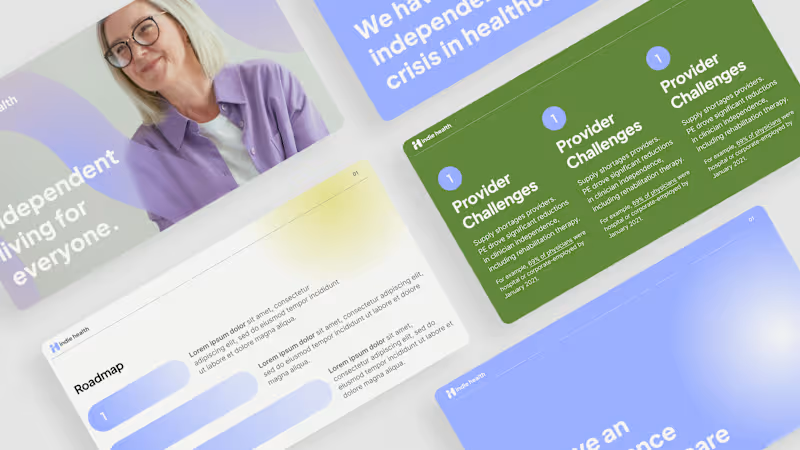
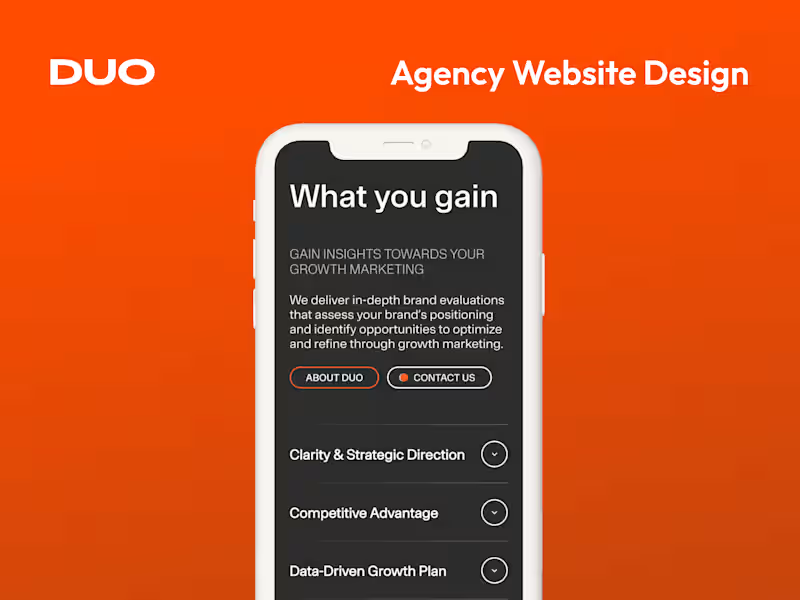
Request examples of their previous projects. Look for high-quality designs similar to your needs. This helps you judge their style and skill.
How should I handle feedback on the Adobe XD designs?
Be specific about what you like or want to change. Use kind and clear words when giving feedback. This helps the expert improve the design quickly.
What should I ask about the Adobe XD expert’s process?
Ask how they plan, design, and make changes. Their process should fit well with how you like to work. This helps the project go smoothly.
How can I ensure the Adobe XD expert follows project guidelines?
Share any brand rules or styles they need to follow. Check that their work matches these guidelines. This keeps your designs consistent and on point.
Who is Contra for?
Contra is designed for both freelancers (referred to as "independents") and clients. Freelancers can showcase their work, connect with clients, and manage projects commission-free. Clients can discover and hire top freelance talent for their projects.
What is the vision of Contra?
Contra aims to revolutionize the world of work by providing an all-in-one platform that empowers freelancers and clients to connect and collaborate seamlessly, eliminating traditional barriers and commission fees.