How can I verify the skills of a Procreate expert?
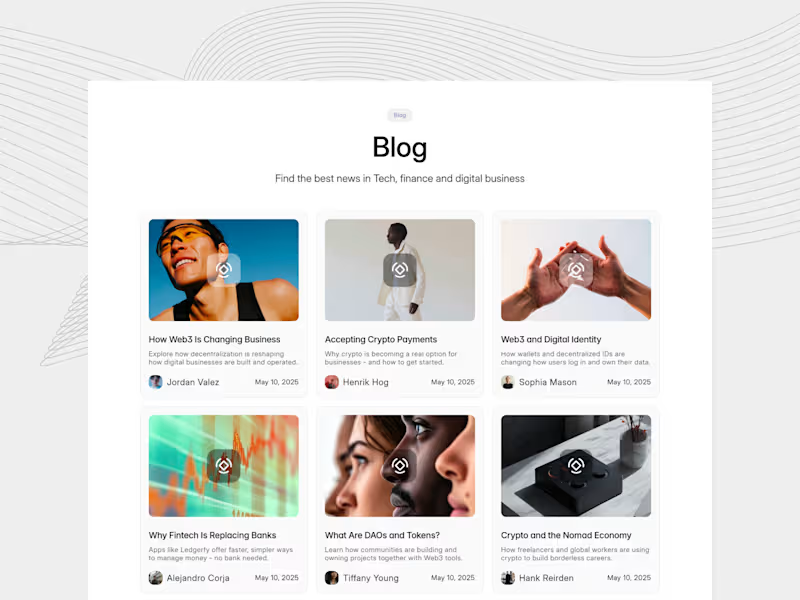
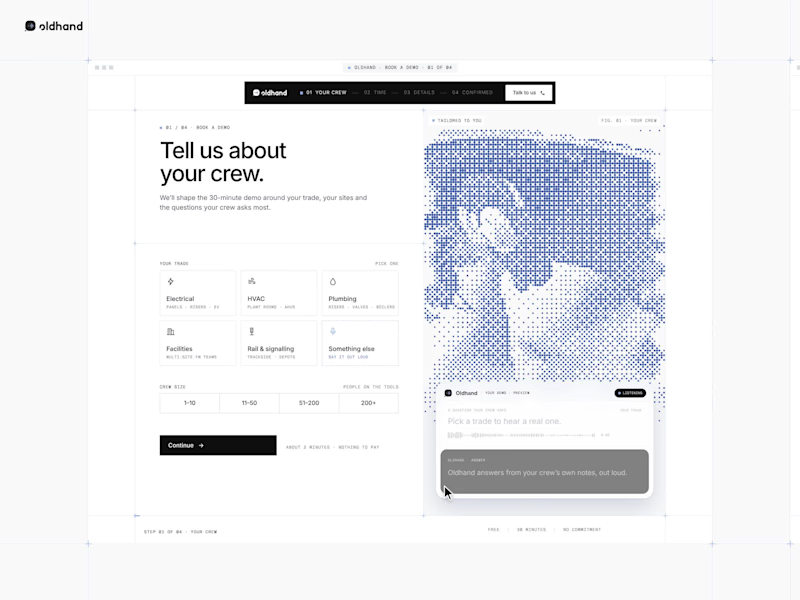
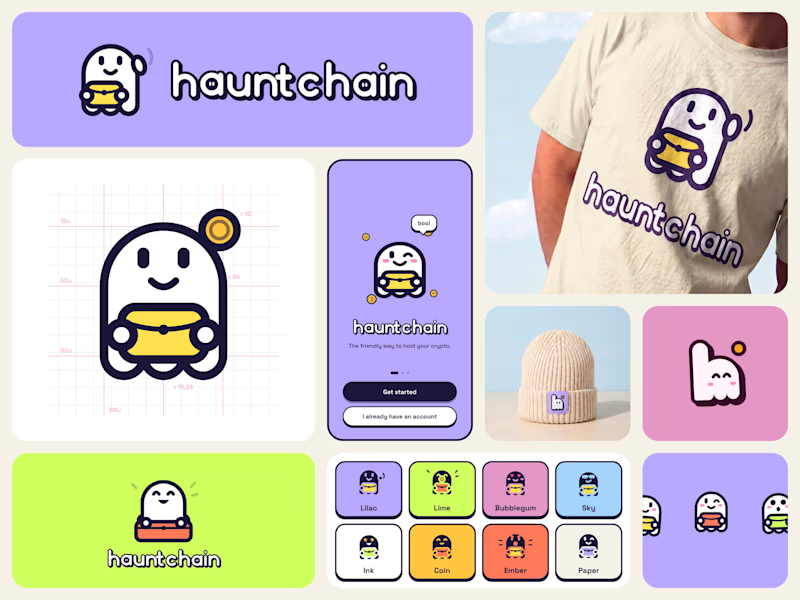
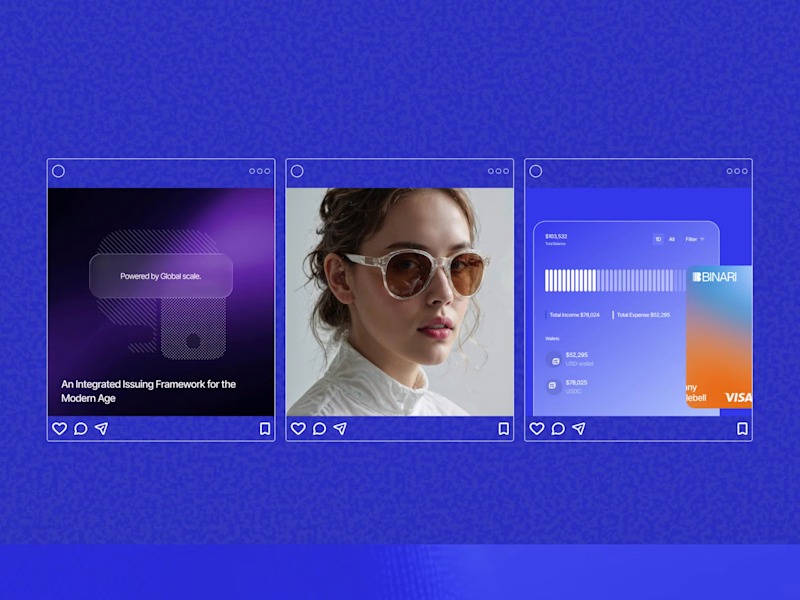
You can ask the freelancer for their portfolio of past work. Look for completed projects that showcase their ability to use Procreate effectively. A strong portfolio helps you see if their style fits your needs.
What should I include in the project brief for a Procreate expert?
Start by explaining what you want to achieve with the project. Include specific details about the style, colors, and any deadlines. The clearer your descriptions, the easier it is for the expert to understand your vision.
How can I set clear deliverables with a Procreate expert?
List all tasks and final products you expect from the project. Be specific about formats, sizes, and any revisions. Clear deliverables help both you and the expert stay on the same page.
What timeline should I discuss with a Procreate freelancer?
Talk about when you need the project finished and if there are any key milestones. It helps to know the freelancer's availability, too. Planning together creates a balanced schedule for your project.
How do I make sure style preferences are communicated to a Procreate expert?
Share examples or references that match your preferred style. You can also discuss any particular techniques you like. Visual references help the expert understand and match your taste.
Why is it beneficial to discuss the use of layers in Procreate with my freelancer?
Layers in Procreate help organize and structure digital artwork. By discussing the use of layers, you can ensure easy editing and clear visual communication. It's a great way to keep the project flexible for adjustments.
How important is it to talk about file formats with a Procreate expert?
File formats determine how you use the final artwork. Talk to the freelancer about what formats you need, like PSD, JPEG, or PNG. This ensures you get files that meet your intended use.
Should I ask about the Procreate tools and techniques the freelancer uses?
Yes, knowing about the tools and techniques helps understand their approach. It can also give you confidence in their skills. Plus, it might spark ideas for how to enhance your project.
Who is Contra for?
Contra is designed for both freelancers (referred to as "independents") and clients. Freelancers can showcase their work, connect with clients, and manage projects commission-free. Clients can discover and hire top freelance talent for their projects.
What is the vision of Contra?
Contra aims to revolutionize the world of work by providing an all-in-one platform that empowers freelancers and clients to connect and collaborate seamlessly, eliminating traditional barriers and commission fees.