How do I decide what I need from a Microsoft Word expert?
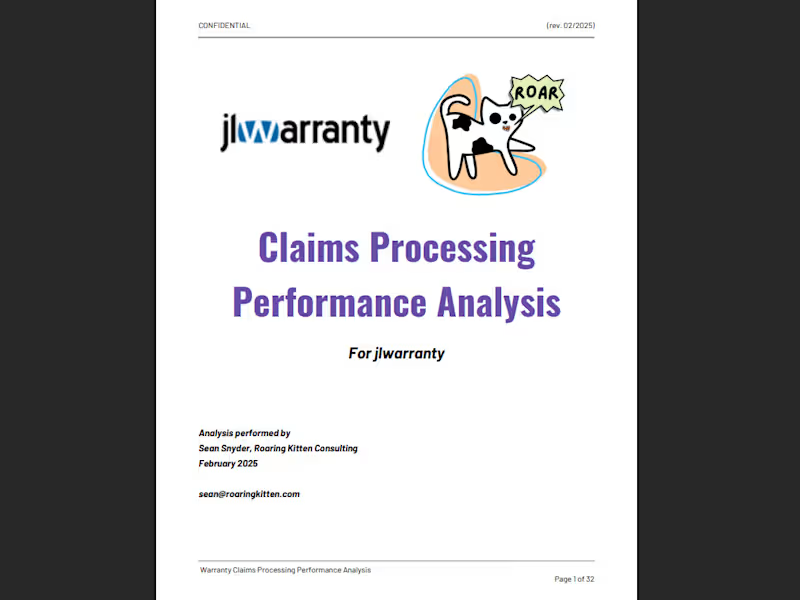
First, identify the type of document you need, like a report or resume. Think about any special features or styles you want, like tables or images. Make a list of clear goals and share it with the expert so they know what to do.
How can I assess the expertise of a Microsoft Word freelancer?
Check their past work to see if they have made documents like yours. Look at any certifications or courses they have completed in using Microsoft Word. Reviews from other clients can tell you how well they perform on similar jobs.
What should I include in the job description for a Microsoft Word expert?
Clearly describe what you want in the document, like graphics or special fonts. Include deadlines and any other important details you need the expert to follow. A good job description helps the freelancer know exactly what you expect.
How do I ensure good communication with my Microsoft Word freelancer?
Set up a schedule for regular updates to see how the work is going. Use an easy way to talk, like email or a chat service, to stay in touch. Make sure everyone knows how often you need updates and feedback.
What kinds of documents can a Microsoft Word expert create for me?
An expert can make reports, resumes, letters, and many other types of documents. They can add things like charts or tables if needed. Ask them if they have special skills for different kinds of projects to better fit your needs.
How do I agree on deliverables with a Microsoft Word expert?
Write down what you want the final document to look like, including any special formatting or revisions. Talk about what needs to be finished by each deadline. This way, both you and the freelancer know what to expect.
What tools does Contra provide when working with a Microsoft Word freelancer?
Contra helps with tools for managing projects and communicating with your freelancer. It makes it easy to track progress and share feedback. You can use Contra’s tools to keep everything organized and on schedule.
How should I handle revisions with a Microsoft Word expert?
Make a list of changes you want and share it with the freelancer clearly. Agree on how many rounds of revisions will happen. This keeps everything clear, and the expert knows exactly what to improve on your document.
What should I expect during the onboarding process with a Microsoft Word expert?
Onboarding helps you and the freelancer agree on what is needed and expected. You can introduce them to your project and any special tools you want them to use. This ensures that everyone understands the goals and deadlines from the start.
How do I set a timeline for a Microsoft Word project?
Look at how complex your document is and estimate the time it might take to complete. Discuss with the freelancer to agree on a realistic timeline. This helps the expert manage their work effectively and ensures your project gets done on time.
Who is Contra for?
Contra is designed for both freelancers (referred to as "independents") and clients. Freelancers can showcase their work, connect with clients, and manage projects commission-free. Clients can discover and hire top freelance talent for their projects.
What is the vision of Contra?
Contra aims to revolutionize the world of work by providing an all-in-one platform that empowers freelancers and clients to connect and collaborate seamlessly, eliminating traditional barriers and commission fees.