


























How do I choose the best 'Microsoft Word' expert for my project?
First, think about what you need for your project. Do you need someone to write, format, or design a document? Look for experts who have done similar work before. Check their profiles and see their past projects and reviews.
What type of experience should the expert have?
A good expert should have lots of experience using Microsoft Word. They should know how to do advanced things like formatting or designing documents. Ask if they have worked on projects like yours before.
How do I know if the expert understands my project needs?
You should describe your project clearly. The expert should ask good questions about your project needs. They should explain how they can help and what steps they will take to make sure you are happy.
What types of deliverables can I expect?
Deliverables might be things like reports, proposals, or presentations. They should be well formatted and easy to read. Make sure you and the expert agree on what the final work will look like.
How will we agree on a timeline for the project?
You and the expert should discuss how long the project will take. Set dates for when different parts of the work should be done. Make sure the timeline is realistic and that both of you agree to it.
How can we communicate effectively during the project?
Choose how you want to talk: email, chat, or calls. Decide how often you will check in with each other. Good communication helps the project go smoothly.
What tools or methods will be used for collaboration?
You might use online collaboration tools to share documents. Agree on which tools you both will use. Make sure you both know how to use them well.
How do I ensure quality in the final documents?
Ask for samples or drafts as the work progresses. Give feedback on these drafts to the expert. This helps make sure the final work meets your expectations.
How should we handle revisions or changes to the project?
Decide upfront how many changes can be made. Clearly define what counts as a 'revision.' Having this plan helps prevent misunderstandings.
What should be included in the 'Microsoft Word' expert's contract?
The contract should explain the project steps, deadlines, and pay. It should also state what happens if things need to change. Make sure you both agree before starting.
Who is Contra for?
Contra is designed for both freelancers (referred to as "independents") and clients. Freelancers can showcase their work, connect with clients, and manage projects commission-free. Clients can discover and hire top freelance talent for their projects.
What is the vision of Contra?
Contra aims to revolutionize the world of work by providing an all-in-one platform that empowers freelancers and clients to connect and collaborate seamlessly, eliminating traditional barriers and commission fees.
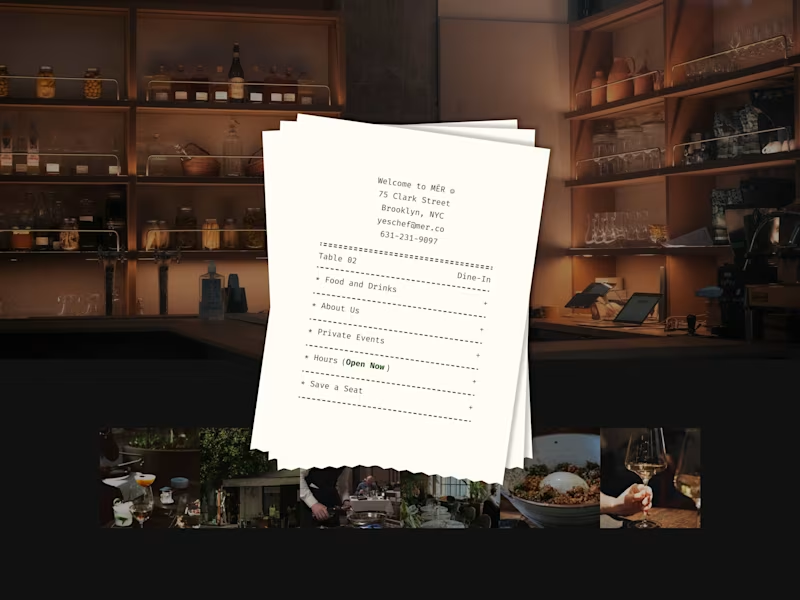
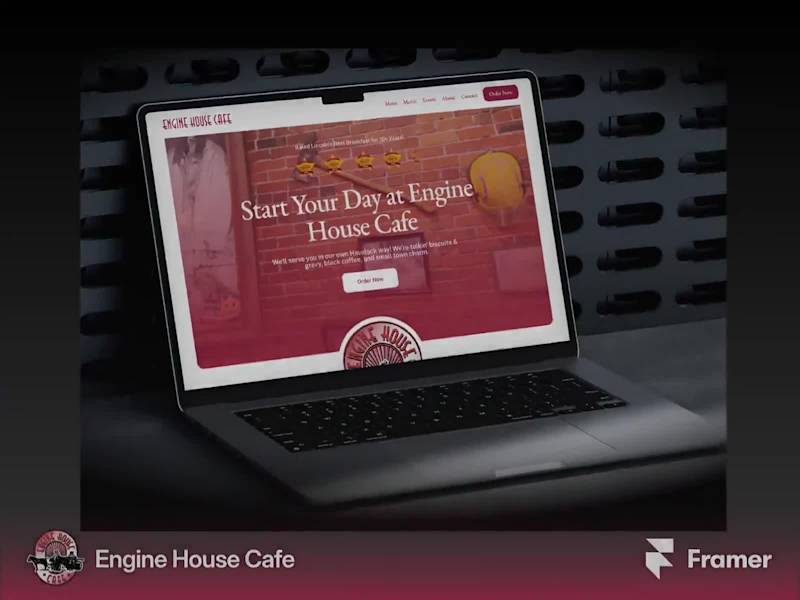
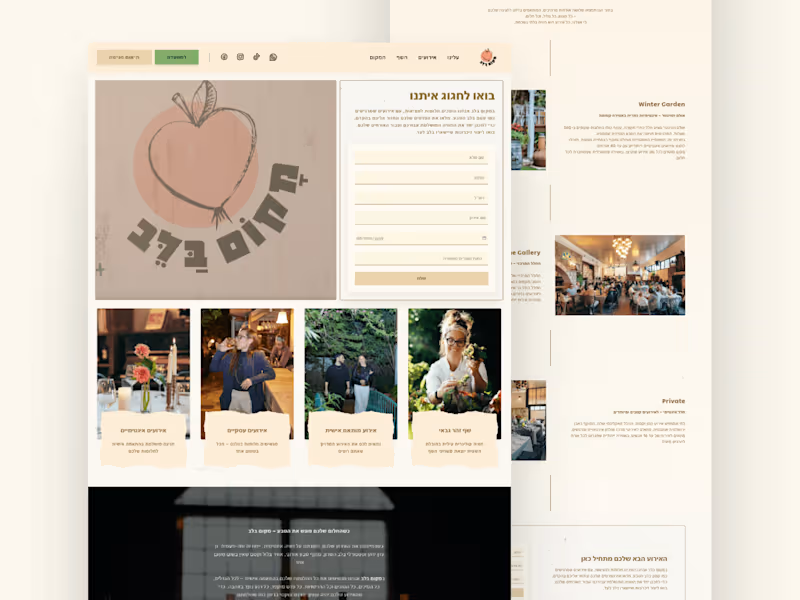
Explore Microsoft Word Restaurants projects on Contra































Top services from Microsoft Word freelancers on Contra

Google Docs
Content Writer
Author
+3
Custom Copy & content writing service of your choice
Contact for pricing

Google Docs
Business Analyst
Brand Strategist
+5
Acquire More Customers with a Growth-Driven Local SEO Strategy
Contact for pricing

Google Docs
Author
Article Writer
+4
SEO editing and optimisation
Contact for pricing