How can I define the project's goals for a Microsoft PowerPoint expert?
Start by clearly understanding what you need. Think about the message or story you want your presentation to tell. Write down key objectives and end goals. Use simple words and examples to explain your vision to the expert. Make sure they feel confident about what's expected.
What information should I provide to help the PowerPoint expert get started?
Give your expert all the important details they need. Share any content, pictures, or videos that need to be included. Discuss color schemes, fonts, and style preferences. Clear and complete information helps the expert create a better presentation faster.
How do I ensure the expert understands my brand style?
Talk to your expert about your brand's personality. Share brand guidelines or examples of past presentations. Discuss any special logos, colors, or fonts that should be used. This will help keep the presentation in line with your brand's style.
What is the best way to set clear timelines for the PowerPoint project?
Create a simple schedule with specific dates. Decide on a final deadline and key milestones. Share these dates with your expert and ask if they're realistic. It's important to include enough time for feedback and any changes you might want to make.
How should I communicate my feedback to the PowerPoint expert?
Be open and honest but also kind when sharing feedback. Use examples to show what you like or want to change. Be specific so the expert knows exactly what adjustments to make. Good communication helps both of you reach the project's goals.
What details should I include in the project agreement with a Microsoft PowerPoint expert?
List all tasks and expectations clearly. Include deadlines, project milestones, and any resources you'll provide. Talk about the final deliverables and their format. This ensures everyone agrees on what's needed before work begins.
What are effective ways to check the progress of a PowerPoint presentation project?
Arrange regular check-ins or updates with your expert. These can be quick chats or emails to see how things are going. Ask them to share parts of the presentation at different stages. It keeps you informed and gives you a chance to give feedback along the way.
How can I ensure the PowerPoint presentation meets my audience's needs?
Describe your audience to the expert, including their interests and needs. Talk about how the presentation should connect with them. Ask if there are ways to make the slides more engaging for your audience. This helps tailor the presentation to the right people.
What should I do to prepare for the final presentation review with my freelance expert?
Plan to go through the presentation together. Look for areas that might need improvements or changes. Make notes on anything that catches your eye. Use this time to ensure the final product is just right before it's completed.
Who is Contra for?
Contra is designed for both freelancers (referred to as "independents") and clients. Freelancers can showcase their work, connect with clients, and manage projects commission-free. Clients can discover and hire top freelance talent for their projects.
What is the vision of Contra?
Contra aims to revolutionize the world of work by providing an all-in-one platform that empowers freelancers and clients to connect and collaborate seamlessly, eliminating traditional barriers and commission fees.
Explore Microsoft PowerPoint Education projects on Contra







![Cover image for [SEO Blog Writing] O que é o SINEPE?](https://media.contra.com/image/upload/q_auto:good,w_800/hnxwl6zzcfeopaqisxhv.avif)


Top services from Microsoft PowerPoint freelancers on Contra
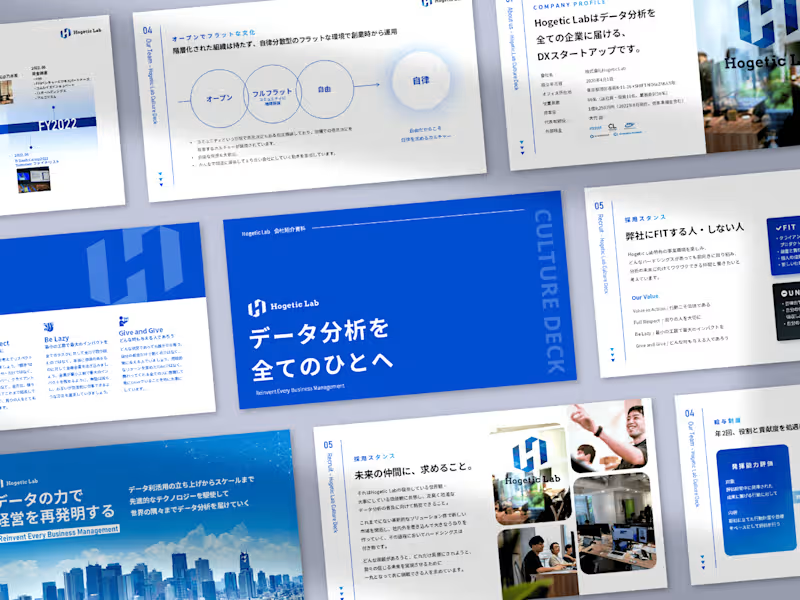

Adobe Illustrator
Presentation Designer
Graphic Designer
Professional PowerPoint Presentation Design for Your Business
Contact for pricing
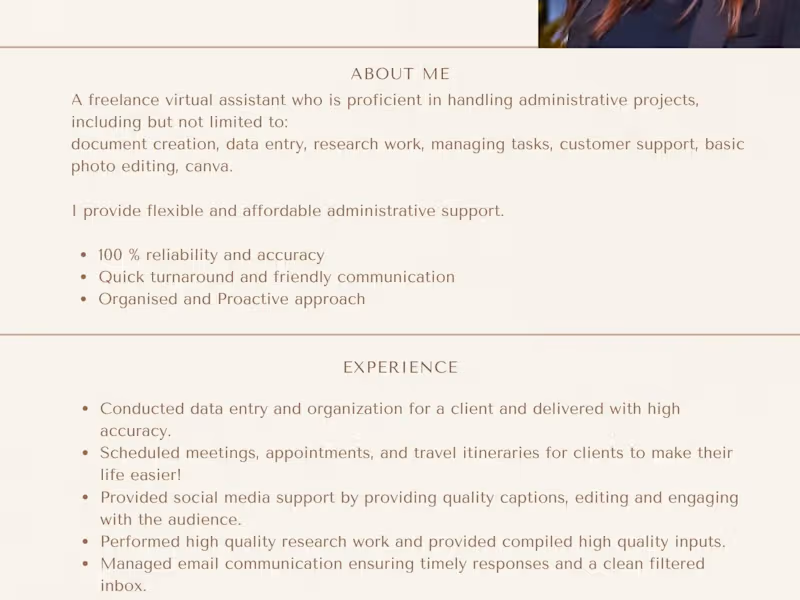

Google Docs
Researcher
Data Entry Specialist
Professional Data Entry & Research Specialist
Contact for pricing
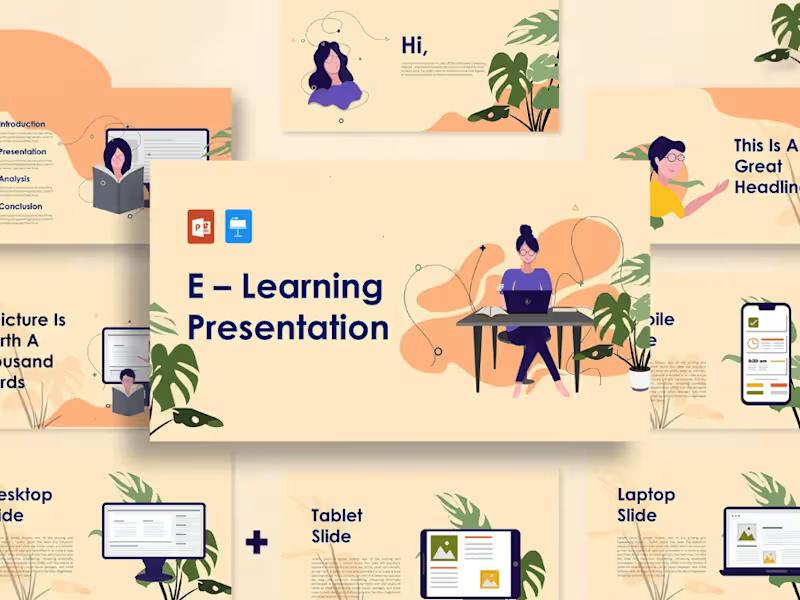

Camtasia
Presentation Designer

Canva
Professional Presentation and Training Design
Contact for pricing