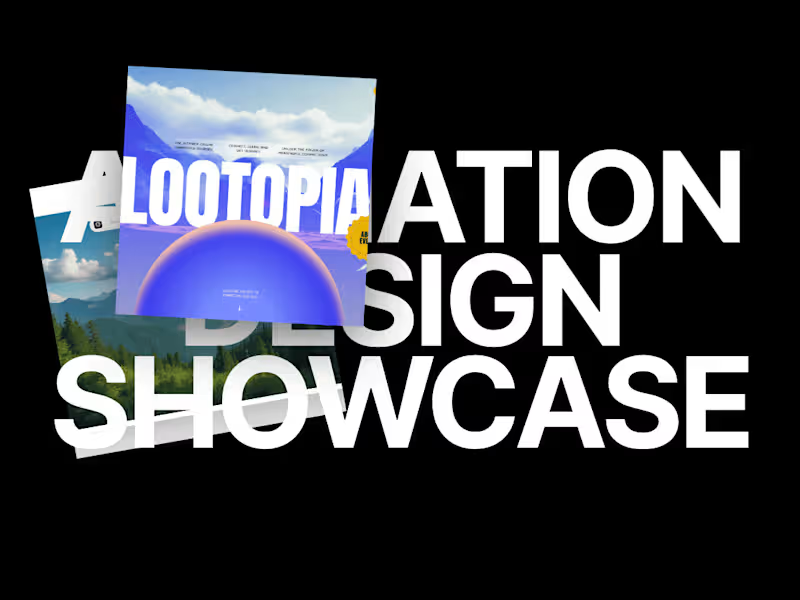
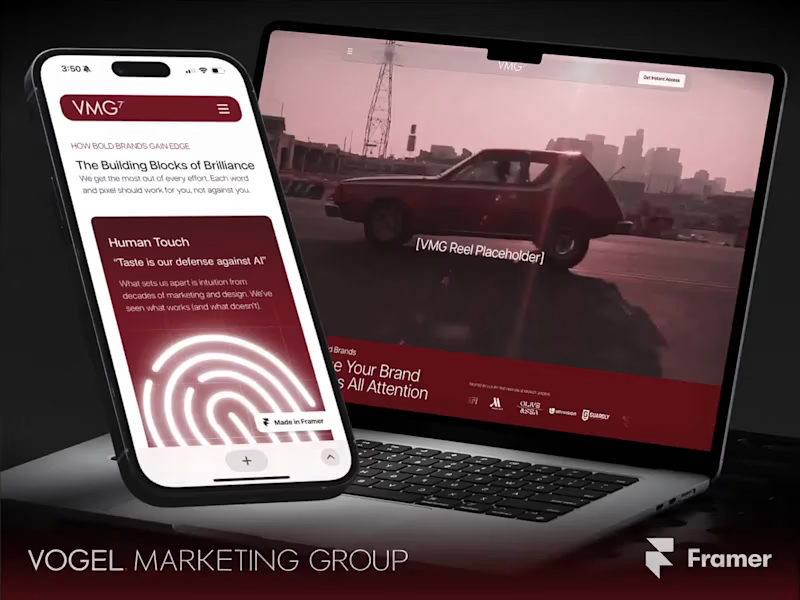
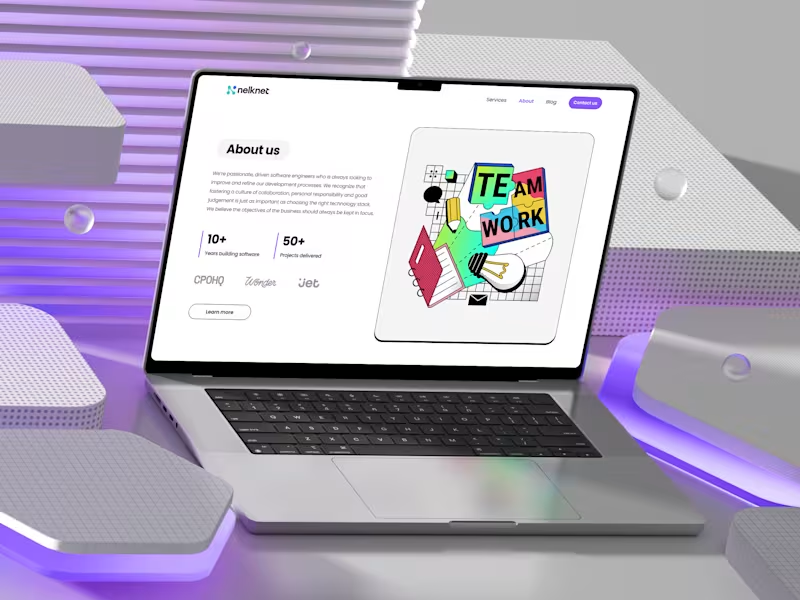
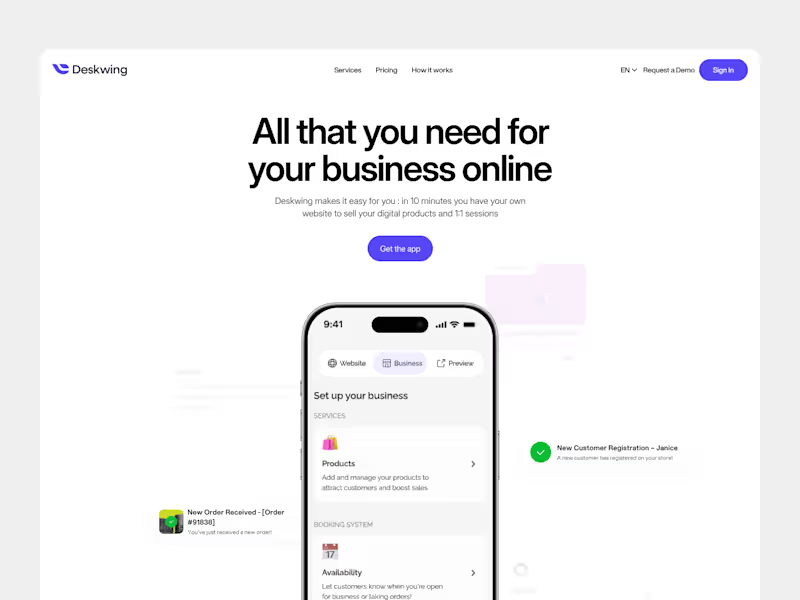
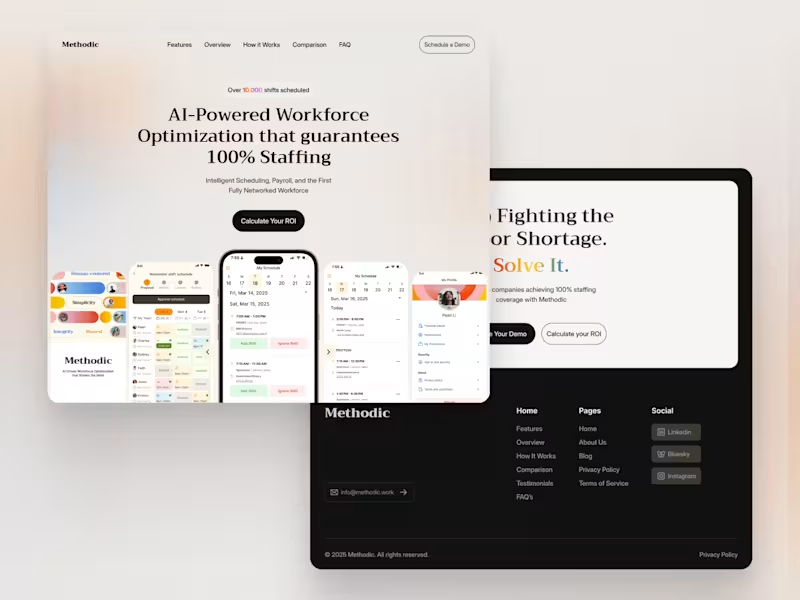
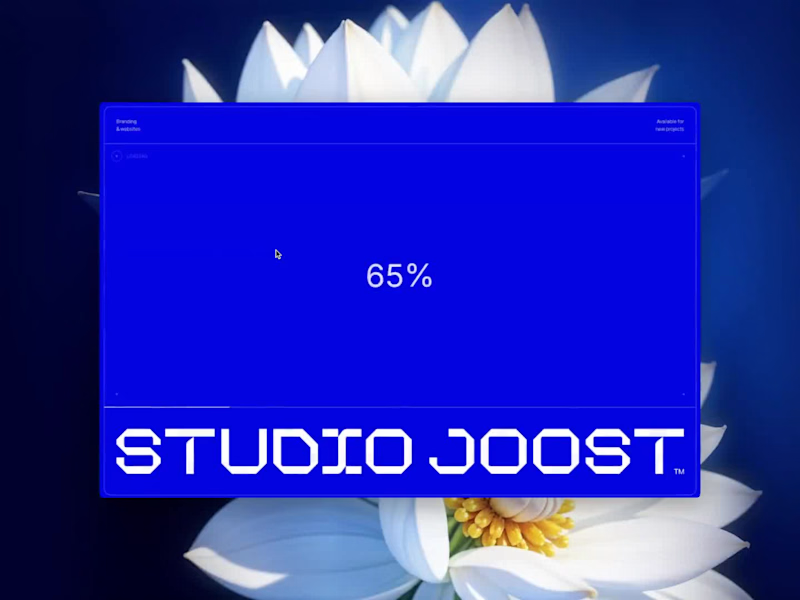
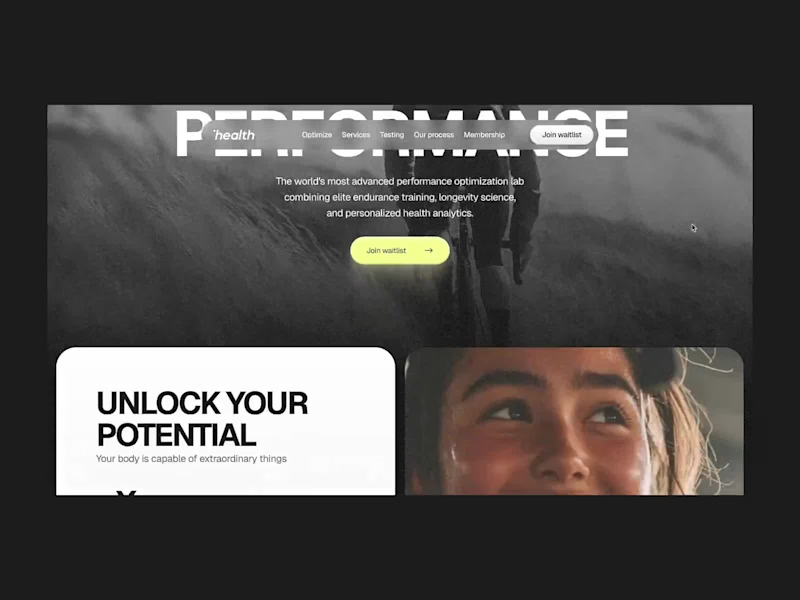
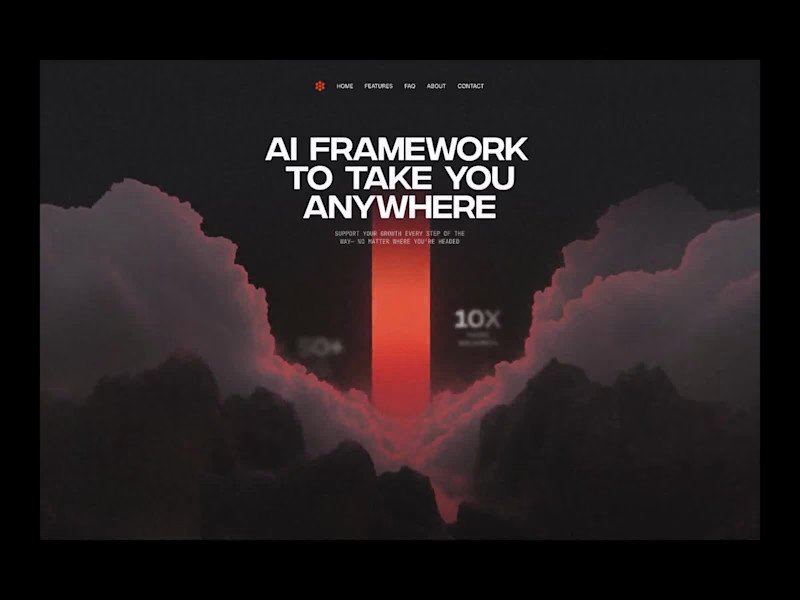
What should I check in a freelancer’s portfolio when hiring a Jitter expert?
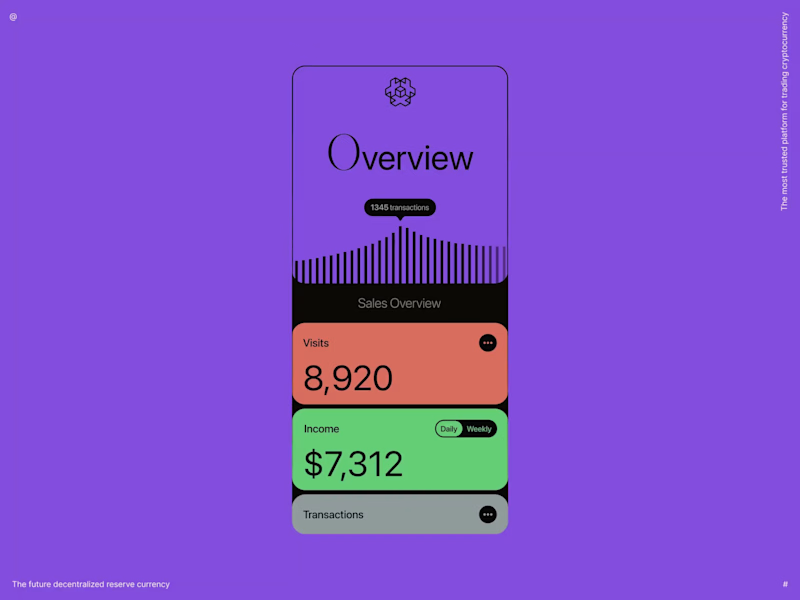
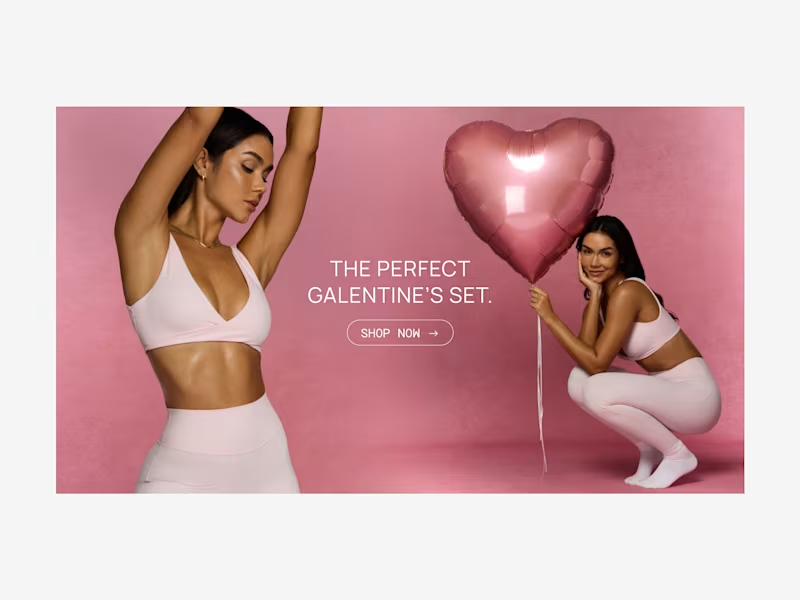
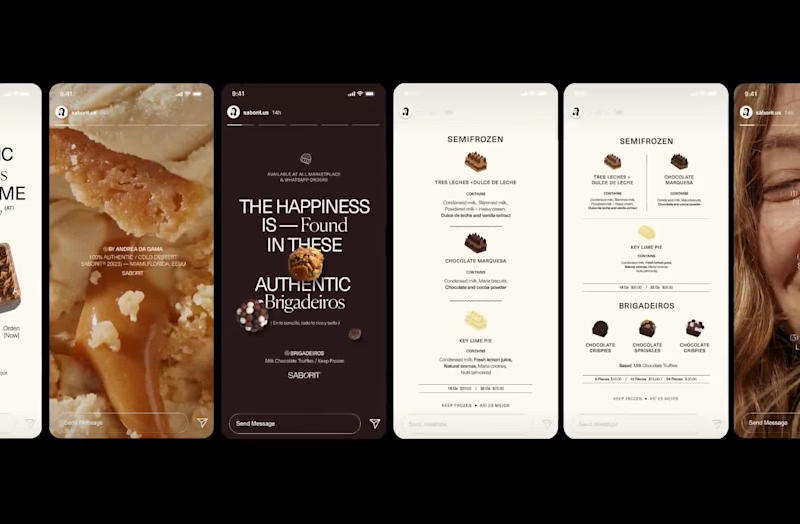
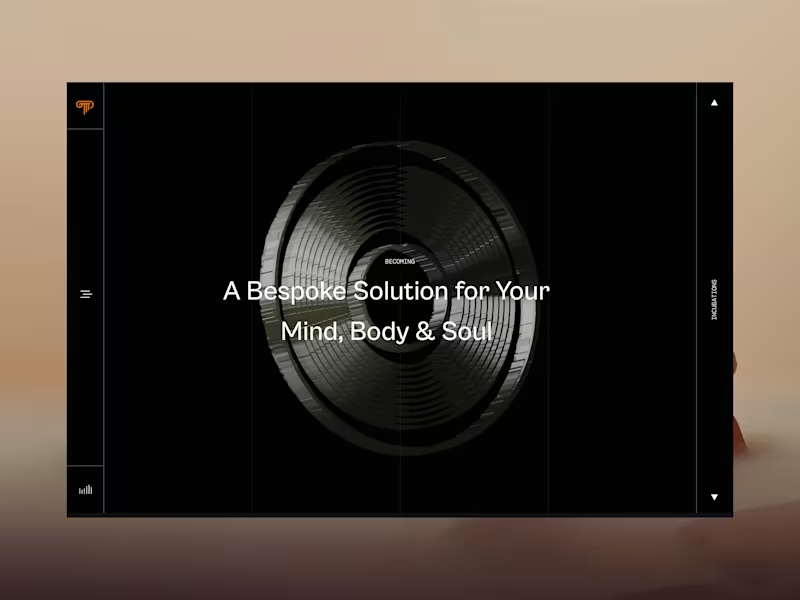
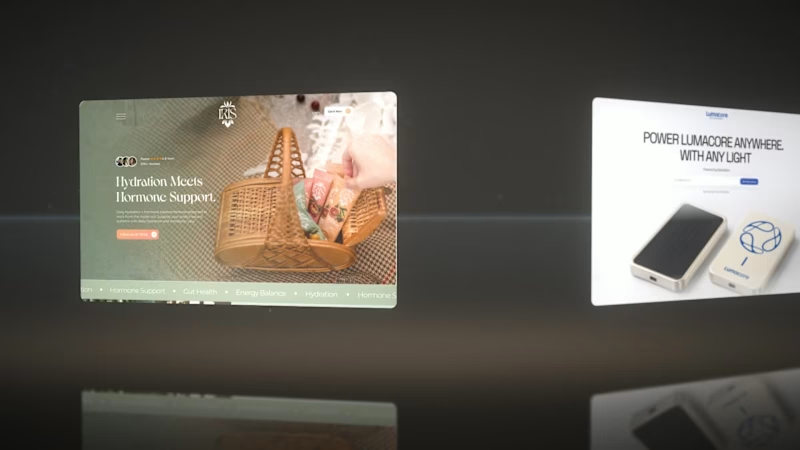
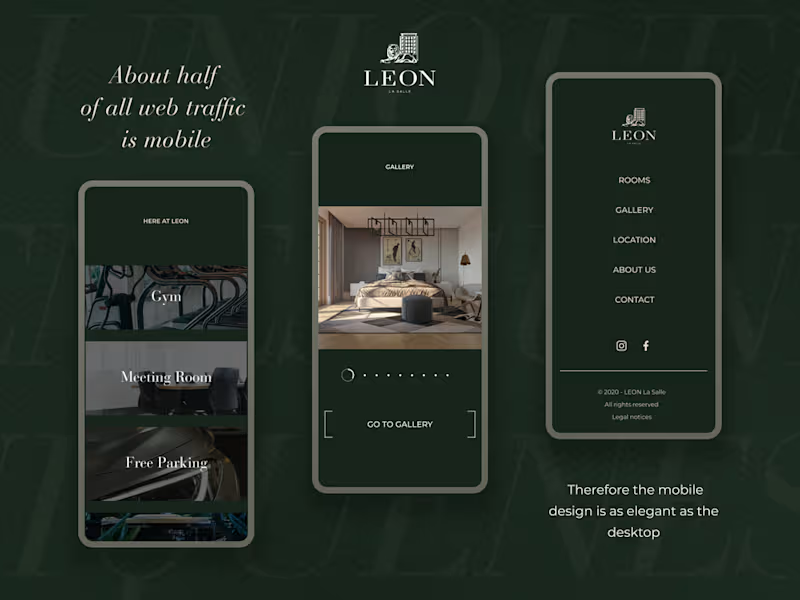
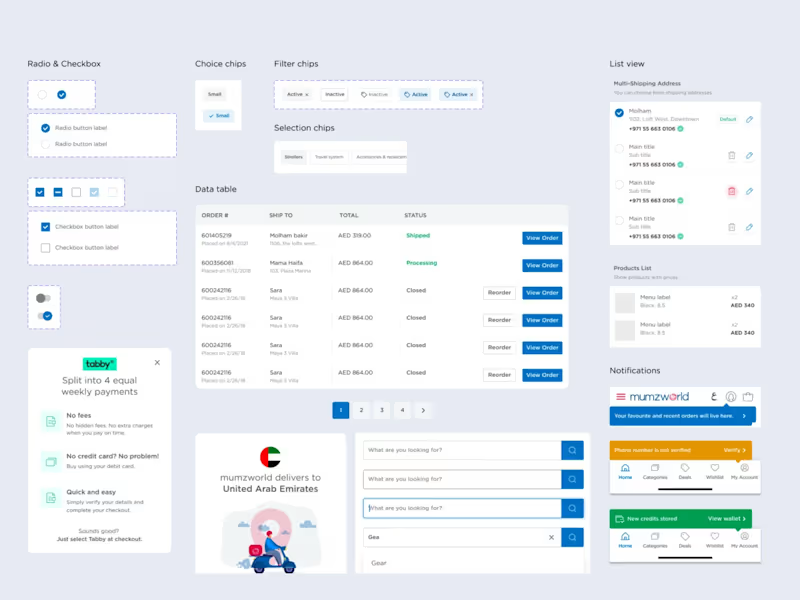
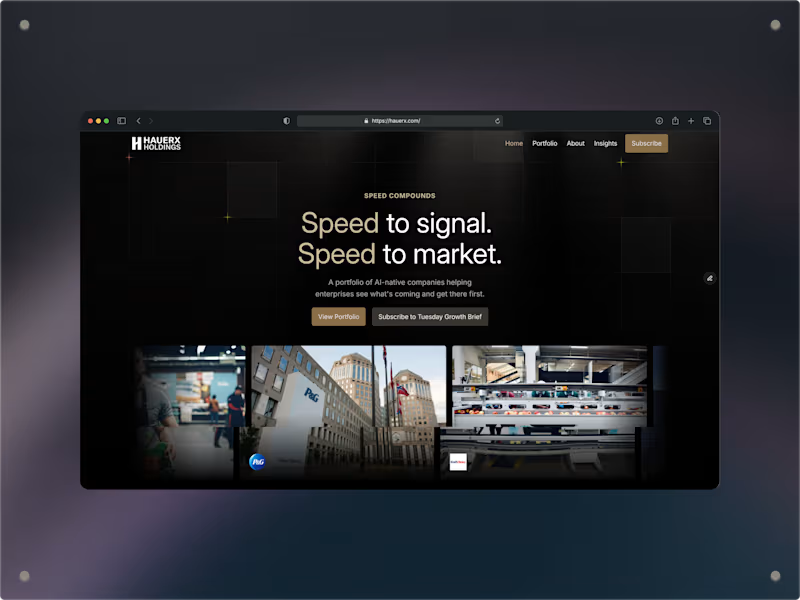
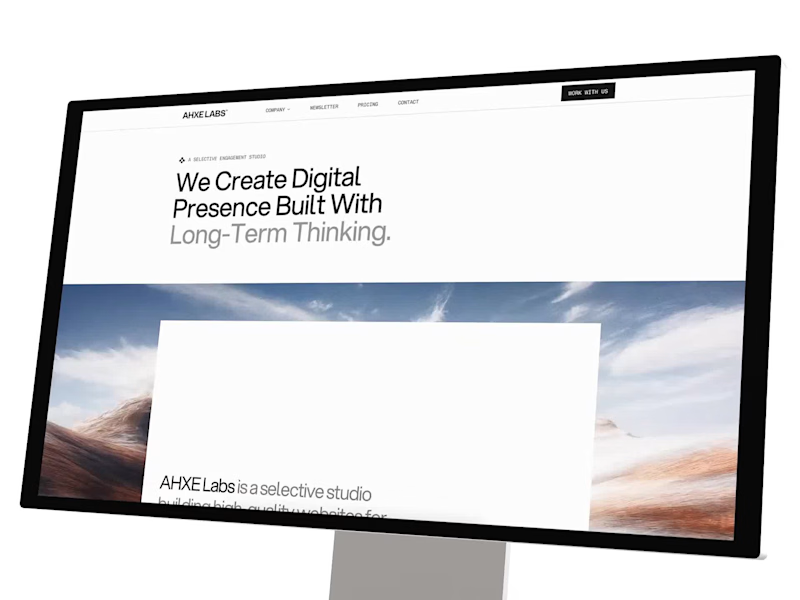
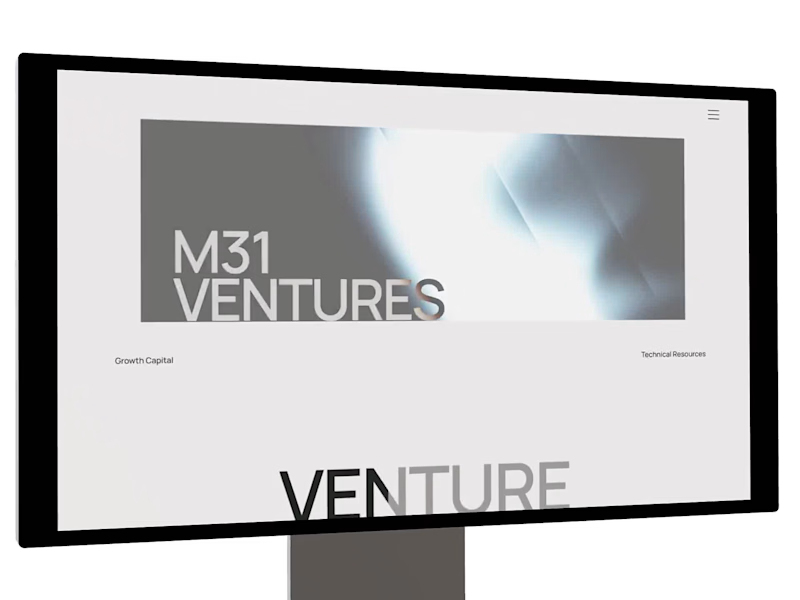
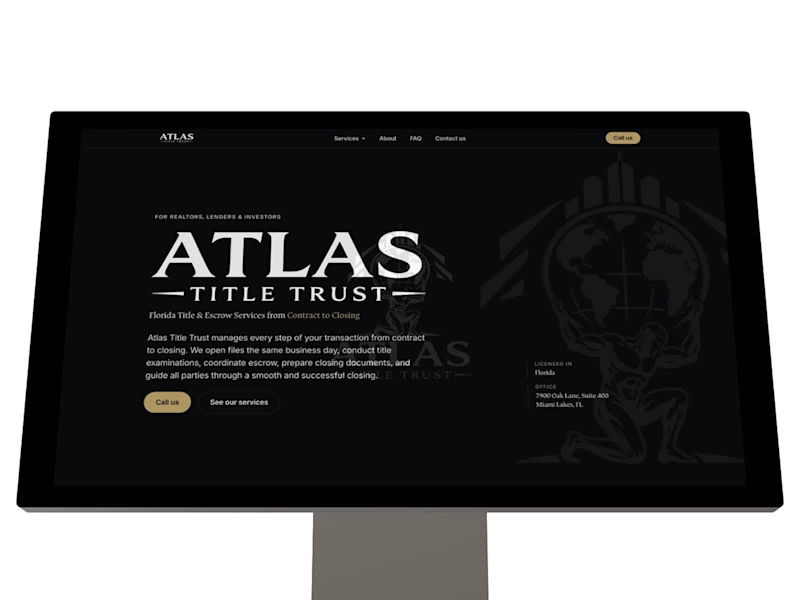
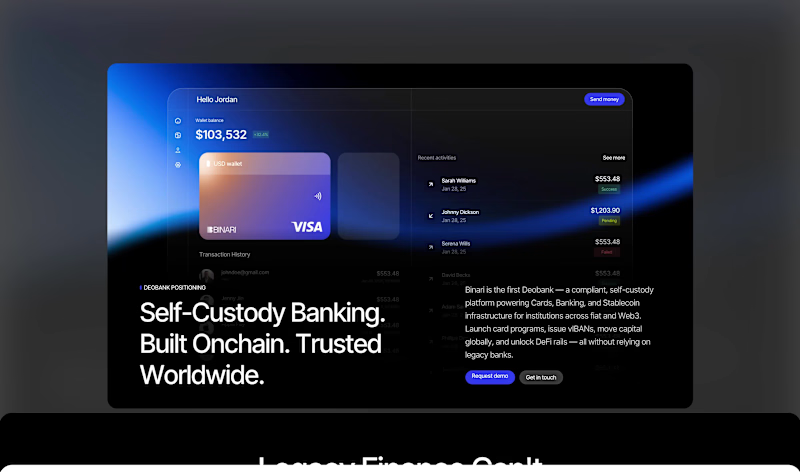
Look for examples where they used the Jitter tool to make fun effects in videos. See if they have done similar work to what you need. Make sure their style matches what you like for your project.
How can I be sure the freelancer is skilled with Jitter?
Check if they mention using Jitter in past projects. Ask them about their experience specifically with Jitter. Look for reviews or testimonials from other clients about their Jitter work.
What deliverables should I discuss with a Jitter expert before starting?
Talk about what type of video you need, like a social media clip or an ad. Be clear about the style and effects you want. Make sure you agree on how long the final video will be.
How can I make sure the freelancer understands my project needs?
Make a list of what you want in your video. Share examples or ideas about the style you like. Ask the freelancer to explain back to you what they plan to do, to make sure both of you understand.
What is important to include in a project timeline with a Jitter expert?
Decide on when you want the project to start and finish. Set milestones for each step, like first drafts or revisions. This helps keep the project moving on time.
How can I ensure quality results from my Jitter freelancer?
Ask for drafts or previews to review before the final video. Provide feedback on what you like or want changed. Make sure you communicate clearly and check each change satisfies your needs.
What tools can help in communicating with a Jitter expert during the project?
Use video calls to talk face to face about your project. Share your feedback through a chat or email. These help get comments and changes communicated quickly.
How can I establish a good working relationship with a Jitter freelancer?
Be open and clear about your expectations from the start. Give feedback in a nice way and listen to their ideas too. Good communication makes the process smooth and enjoyable for both.
How can I discuss and agree on any revisions needed for the project?
Talk about how many times you want to review the video before finalizing. Make a plan for when and how you give feedback. Discuss how the freelancer will handle changes and updates.
Who is Contra for?
Contra is designed for both freelancers (referred to as "independents") and clients. Freelancers can showcase their work, connect with clients, and manage projects commission-free. Clients can discover and hire top freelance talent for their projects.
What is the vision of Contra?
Contra aims to revolutionize the world of work by providing an all-in-one platform that empowers freelancers and clients to connect and collaborate seamlessly, eliminating traditional barriers and commission fees.