


























How can I understand the skills a 'Google Sheets' expert needs?
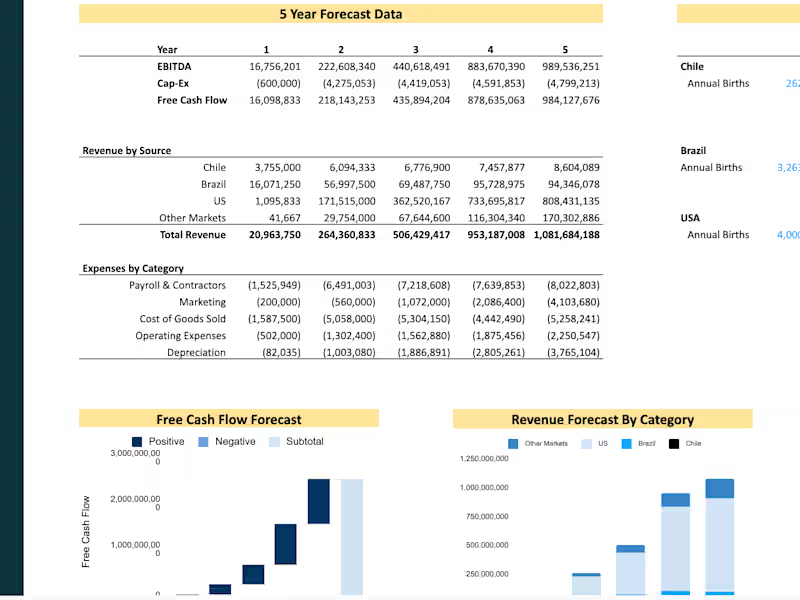
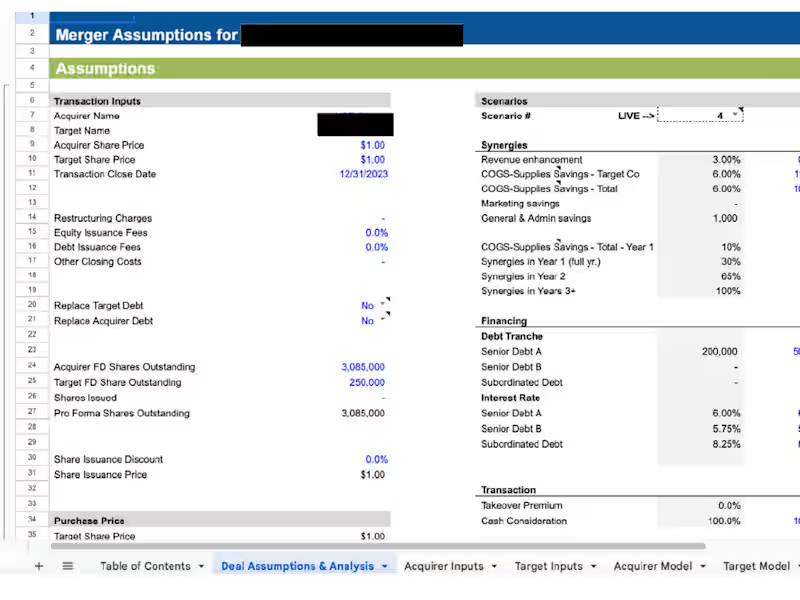
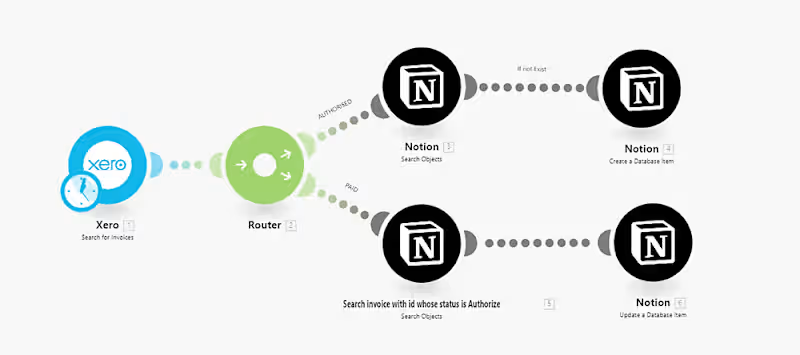
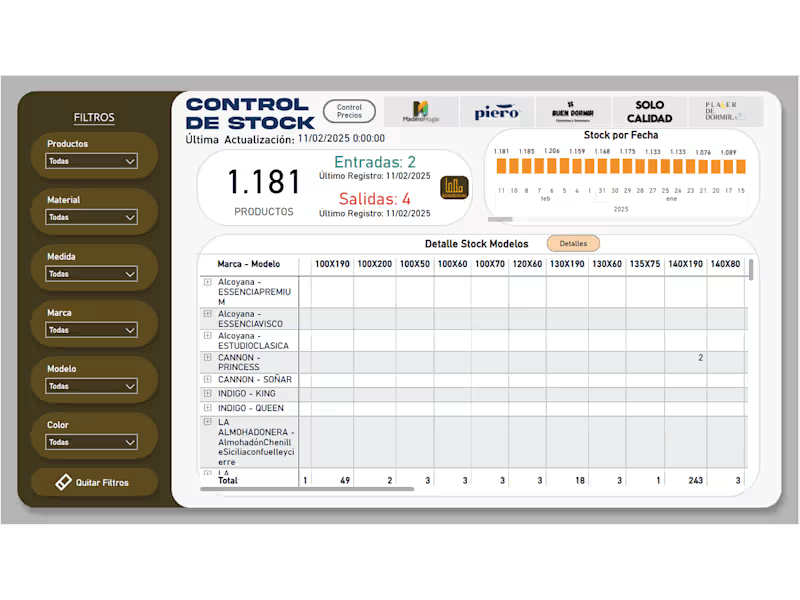
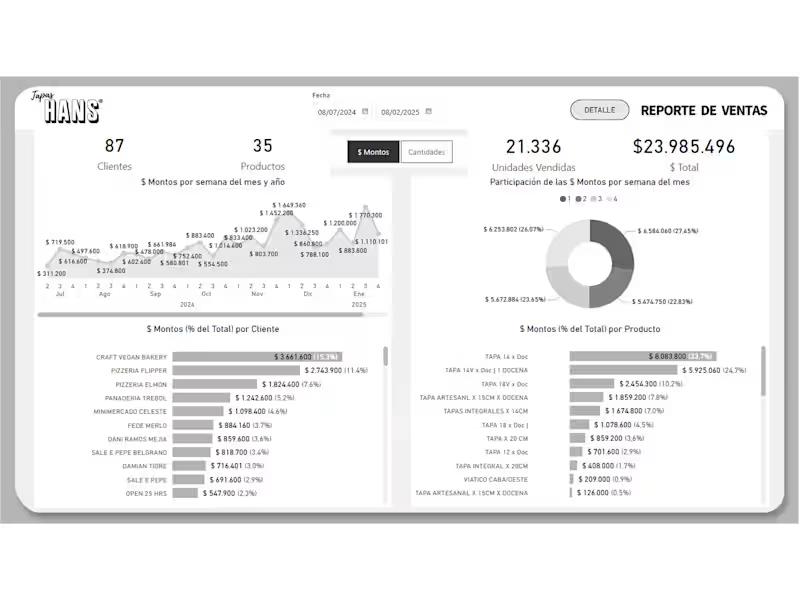
Look for someone who knows how to use formulas, charts, and data tools in Google Sheets. They should also understand how to connect and integrate data from other sources. Check if they have experience creating financial reports, project plans, or data dashboards.
What should I include in the project brief for a 'Google Sheets' expert?
Mention the main goal of the project and what you need in terms of data or analysis. Share any specific functions or features you want in the Google Sheets, like dynamic charts or interactive dashboards. Include deadlines and any sample data they can use to get started.
How do I assess the quality of a 'Google Sheets' expert’s previous work?
Ask for examples of past Google Sheets projects they've completed. Look at how clean and organized their sheets are and the complexity of the functions used. Check if they can explain why they chose certain tools or methods to meet a project’s needs.
What are the benefits of real-time collaboration in Google Sheets projects?
Real-time collaboration means everyone can view and edit the document at the same time. This helps in getting instant feedback and making changes quickly. It keeps everyone aligned, reducing misunderstandings and speeding up the project.
How can I make sure a 'Google Sheets' project stays on track?
Regular check-ins and updates help keep the project on track. Setting clear milestones and deadlines from the start ensures everyone knows what to aim for. Use the shared features of Google Sheets for easy access and reviewing.
What are the key features in Google Sheets that enhance project management?
Features like pivot tables, data validation, and conditional formatting make managing data easier. The ability to link to external data sources can enrich your analysis. Commenting and suggest changes features help in effective communication during the project.
How can I prepare data for a 'Google Sheets' expert to use?
Organize your data clearly in tables and label the columns and rows. Make sure your data is accurate and clean, without missing values or errors. Providing data in a CSV or Excel format can make it easier for the freelancer to import it into Google Sheets.
What type of projects are best suited for a 'Google Sheets' expert?
Projects like budget tracking, data visualization, and simple database management are well-suited. Google Sheets experts can also help in creating automated reports or KPI dashboards. Any task that requires handling and analyzing data benefits from their expertise.
How do I ensure the security of data shared with a 'Google Sheets' expert?
Make use of Google Sheets' sharing settings to control who can view or edit the document. Avoid sharing sensitive information unless necessary, and require secure passwords. Ensure the expert follows best practices in data protection and confidentiality.
Who is Contra for?
Contra is designed for both freelancers (referred to as "independents") and clients. Freelancers can showcase their work, connect with clients, and manage projects commission-free. Clients can discover and hire top freelance talent for their projects.
What is the vision of Contra?
Contra aims to revolutionize the world of work by providing an all-in-one platform that empowers freelancers and clients to connect and collaborate seamlessly, eliminating traditional barriers and commission fees.