

Contra - A professional network for the jobs and skills of the futureDiscover

Standout projects

Standout projects

More projects we love that are making waves across the web
Cover image for Did you know a tornado
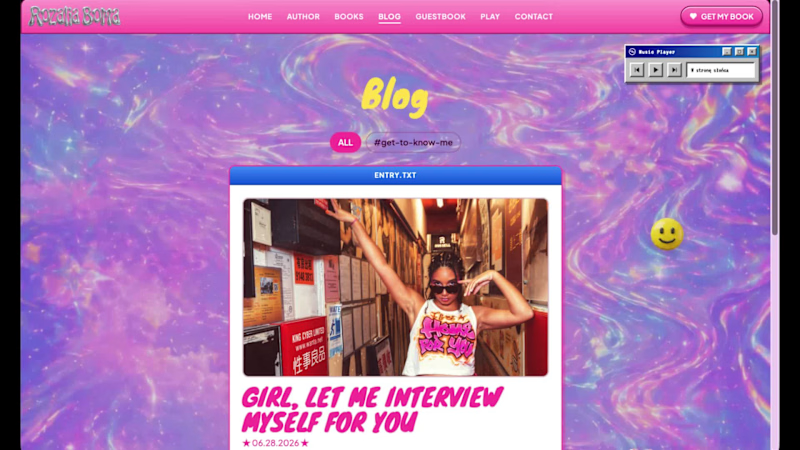
Did you know a tornado formed the year you were born? Not a real one. A data one. Type your birth year. Watch the storm react - the speed, the color, the rage of it - all driven by the exact CO₂ levels recorded that year. 🌪️Live Site - https://thedatatornado.figma.site 🎨Figma Make - https://www.figma.com/make/onDJsdMQ3PQV2B8xkSzHKn/TheDataTornado (https://www.figma.com/make/onDJsdMQ3PQV2B8xkSzHKn/TheDataTornado?t=AdZGoKLchp7v8avG-1) 📋FigJam Board - https://www.figma.com/board/2P5FGzsc6faOl2a2JK2GDo/TheDataTornado (https://www.figma.com/board/2P5FGzsc6faOl2a2JK2GDo/TheDataTornado?node-id=0-1&t=fECFM44dgxDR2x3C-1) 💻GitHub Repo - https://github.com/isumenuka/Thedatatornado 🔬 The Problem Climate change is the most documented crisis in human history. Scientists have been collecting data for over 65 years. But most people feel nothing when they see the numbers - because a wall of data doesn't make you care. That is a design problem. The Data Tornado is my answer. ⚙️ How It Was Built I started in FigJam - mapping the full app structure, severity color system (Stable → Elevated → Critical → Extreme), and the 65-year climate timeline before touching any build tool. In Figma Make, I loaded my complete design guidelines first - colors, fonts, spacing rules - so every generated output matched my vision from the first prompt. That one step eliminated hours of corrections. The MCP connector was the most critical technical piece: a custom live pipeline to NOAA's servers, pulling real CO₂ and temperature readings automatically every time someone opens the app. No downloading. No pasting. Always live. The hero background video was generated entirely in Figma Weave - I set a start frame and end frame, and Weave generated the full atmospheric storm footage between them. The Figma Agent handled precision edits throughout -clicking directly on individual elements, repositioning buttons, aligning sections, without touching anything else. Supabase powers the share cards, news gallery, and live data caching. GitHub handles deployment. 🛠️ Tools Used → FigJam: full app structure, severity system & data flow diagrams → Figma Make: prompt-to-code app with custom NOAA MCP connector → Figma MCP: live pipeline direct to NOAA's climate API → Figma Weave: AI video generation for the hero storm background → Figma Agent: precision element-level UI edits throughout the build → Supabase: backend for share cards, news & data caching → GitHub: deployment and version control ✨ Key Feature - Birth Year Telemetry Enter your birth year. The app instantly generates your personal climate log -the exact CO₂ concentration the year you arrived in the world, your temperature anomaly then vs. now, your severity level at birth vs. today. It stops being a global statistic. It becomes yours. Most people go quiet when they see their own number.
37
54
1.5K
Cover image for KeyDash  (https://mind-cinch-79522553.figma.site/)is a web-based
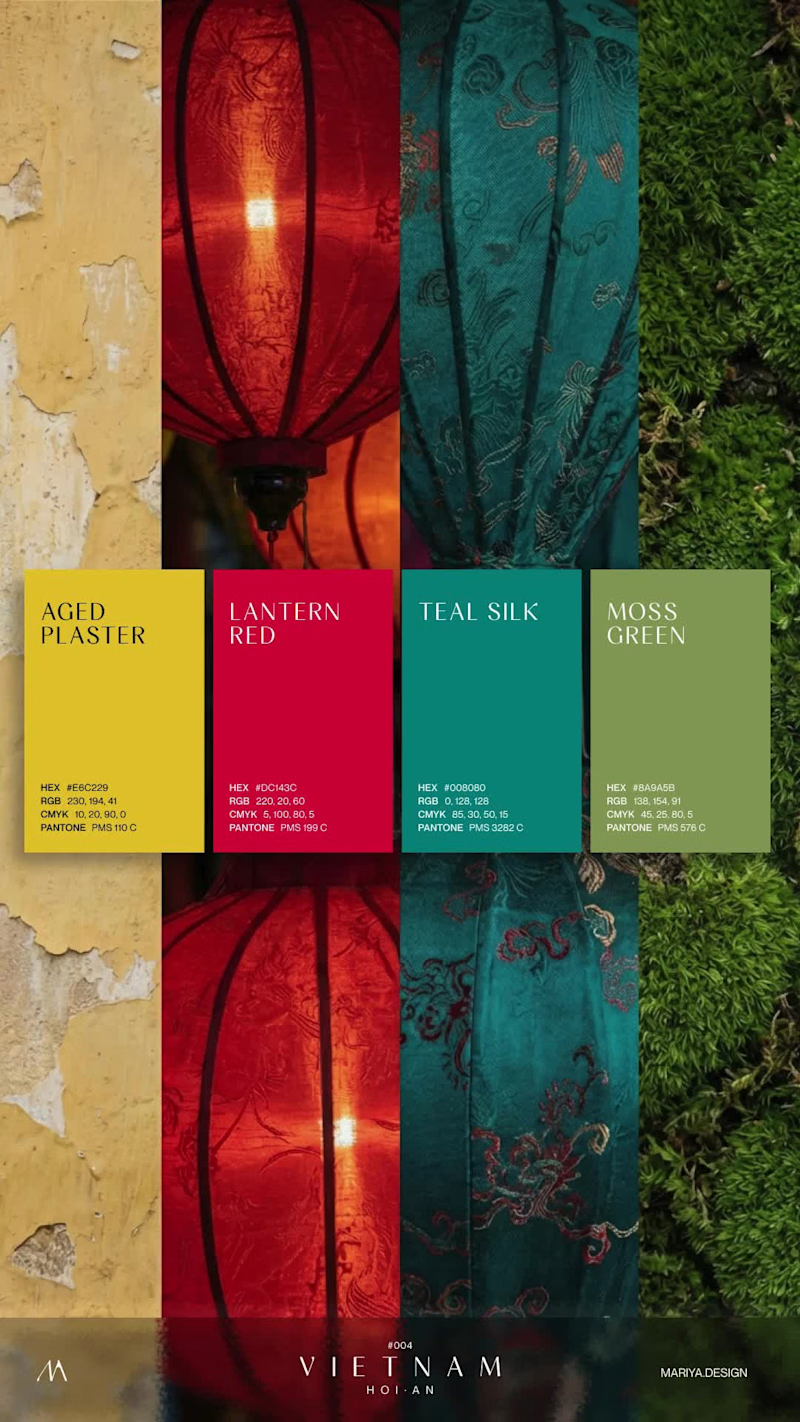
KeyDash (https://mind-cinch-79522553.figma.site/)is a web-based typing game built for the Config Makeathon using Figma Make. The idea came from a simple problem: typing practice is useful, but it can feel repetitive and not very motivating. I wanted to explore how a clean typing-test interface could be combined with a playful game mechanic. In KeyDash (https://mind-cinch-79522553.figma.site/), players type random English words while a pixel-art runner tries to stay ahead of a human chaser. Every correct word increases the lead, while mistakes and slow typing make the chaser get closer. Players can choose difficulty, time duration, character, and map before starting a run. During gameplay, KeyDash (https://mind-cinch-79522553.figma.site/)tracks WPM, accuracy, time, correct words, combo, and lead distance. At the end, players get a result screen with their final WPM as the main score, plus supporting stats and shareable results. I used Figma Make to design and build the working prototype, iterating through the interface, gameplay logic, result screen, and visual style directly from prompts and refinements. Try the live project here: https://mind-cinch-79522553.figma.site/ View the Figma Community file here: https://www.figma.com/community/file/1646235222942005244/keydash-arcade-typing-game-built-with-figma-make LinkedIn post: https://www.linkedin.com/posts/dayensptr_configmakeathon-configmakeathon-ugcPost-7470173128632156160-e3C6/ Threads post: https://www.threads.com/@dayen.dev/post/DZX9FDvjB0X?xmt=AQG07t78aZVsV95iKgbAUrEogrmWWOziR99DQ64r6qkuww Instagram post: https://www.instagram.com/reel/DZX_ISwpF4Z/ KeyDash (https://mind-cinch-79522553.figma.site/)— Type fast. Stay ahead.
35
66
3.2K
Cover image for Here is my submission for
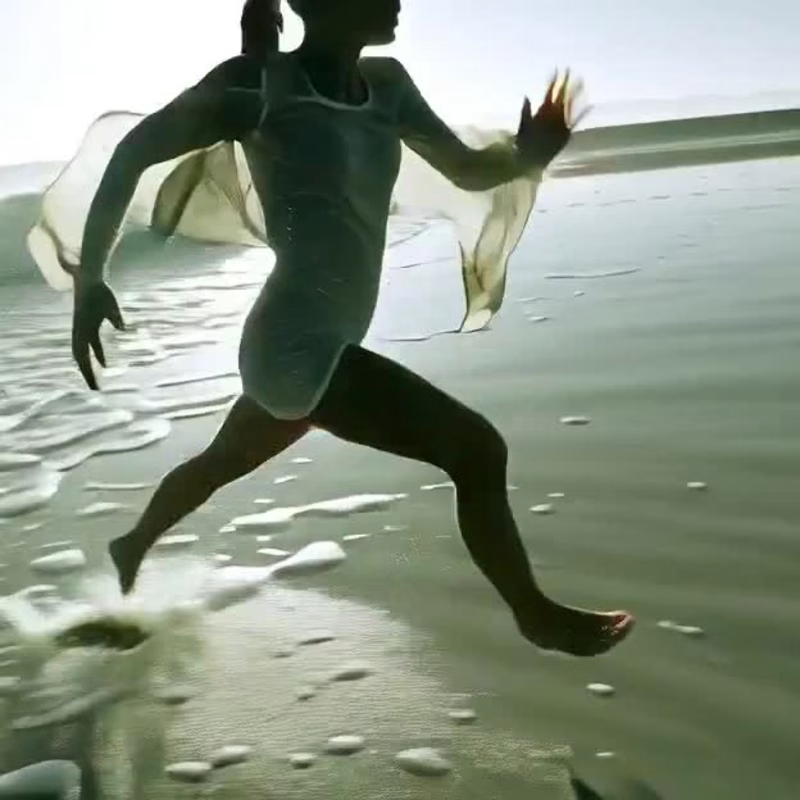
Here is my submission for the #makeathon FocusDock is a calming focus timer designed for work, study, reading, and deep focus sessions. https://detach-lime-09329627.figma.site/ The idea started from a simple problem: most focus timers are functional, but they don’t feel personal or emotionally engaging. I wanted to create a timer that feels more like a small ritual, choosing your environment, placing your clock, setting the mood, and starting a focused session with intention. With FocusDock, users can: Choose a focus duration Pick from different illustrated desk, shelf, and table backgrounds Select a clock style Place the clock naturally inside the scene Start a clean, distraction-free focus session Use ambient sounds or music to support concentration The design direction is soft, calm, and minimal, using 2D illustrated backgrounds with clear surfaces where the clock can sit naturally. The goal is to make the clock feel like an object inside the workspace, not just a floating timer UI. I’m using Figma’s suite of tools to explore the visual system, generate the interface direction, and build the interactive prototype with Figma Make. A big part of the challenge is making the experience feel polished: smooth transitions, thoughtful placement, responsive layouts, and a focus flow that feels simple but meaningful. For me, this project is about turning time management into a calmer, more intentional experience. social post: https://x.com/sir_hsn/status/2063623301201858694?s=20
13
19
1.7K
Cover image for I’m happy to take part
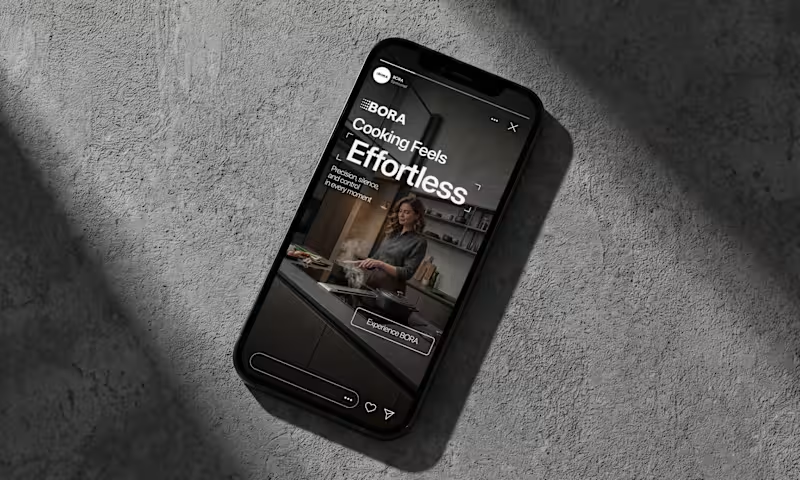
I’m happy to take part in this challenge and share my project created with Google Stitch ❤️‍🔥 For this challenge, I designed a marketing landing page for a sleep improvement app that helps users build better sleep habits 😴 [𝗪𝗼𝗿𝗸𝗳𝗹𝗼𝘄]I used Google Stitch throughout the whole design process: - Imported my design system from Figma - Added visual references - Generated the first version of the interface with prompts - Improved the content and layouts using AI edits - Added animations and interactions to complete the experience [𝗞𝗲𝘆 𝗦𝘁𝗶𝘁𝗰𝗵 𝗙𝗲𝗮𝘁𝘂𝗿𝗲𝘀 𝗨𝘀𝗲𝗱] In this project, I explored several Stitch features: - Design imports - AI editing - Prompt-based UI generation - Animations and motion 𝗘𝘅𝗽𝗲𝗿𝗶𝗲𝗻𝗰𝗲 🤩 I really enjoyed working with Stitch. The workflow felt intuitive and easy to understand, making it simple to move from ideas to polished screens. Creating and updating layouts was fast, and the AI-powered editing significantly accelerated the design process. I also appreciated how seamlessly Stitch worked with my existing design assets, allowing me to combine my design system with AI-generated concepts and iterate efficiently 𝗟𝗶𝗻𝗸𝘀 Prototype: https://stitch.withgoogle.com/preview/14073781857777698748?node-id=10b283821f014ccab41648d62b15bf7e&raw=1 Project File: https://stitch.withgoogle.com/projects/14073781857777698748 Workflow Video (the same video as the one attached) : https://drive.google.com/file/d/1y1NIdNjLn1JM2S_s2wYpn0jR1nB-nyoj/view?usp=sharing 😇 𝗦𝘂𝗽𝗽𝗼𝗿𝘁 𝗠𝘆 𝗦𝘂𝗯𝗺𝗶𝘀𝘀𝗶𝗼𝗻 😇 If you enjoyed this project and found the workflow demonstration valuable, I would greatly appreciate your support. Thank you for taking the time to review my submission ❤️
105
137
6.8K