How can I define the project goals for a Microsoft Word expert?
To set clear goals, first decide what you need. Are you creating a report, a resume, or something else? Make sure to write down what you want in the document. This helps the expert understand your needs.
What skills should I look for in a Microsoft Word expert?
Ensure the expert knows advanced Word tools like styles and templates. It's good if they work well with others, too. Check if they can help with smart writing and design.
How can I check a freelancer's past work with Microsoft Word?
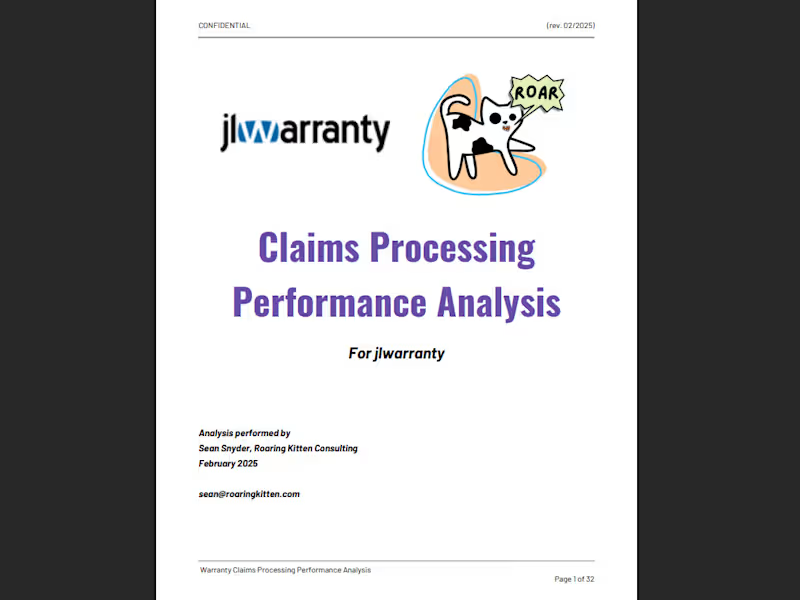
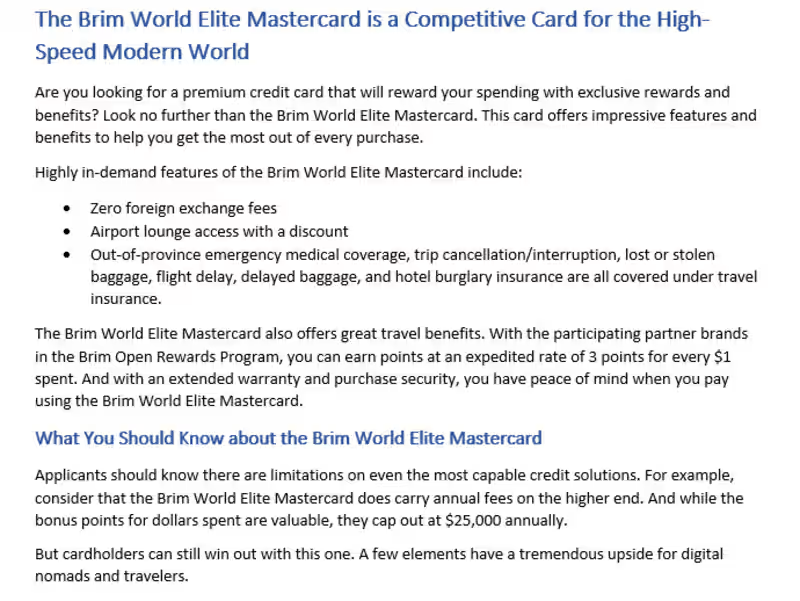
Ask to see documents they've created before. Look for clean formatting and good design. This shows they know how to use Word well.
How do I establish a timeline with a Microsoft Word expert?
Discuss how long the project should take. Set smaller goals with deadlines. This helps the expert stay on track.
What communication tools should we use during the project?
Decide on a way to talk, like email or chat. This helps you share updates easily. Regular check-ins are good for keeping things on track.
How can I ensure the Microsoft Word expert understands my brand style?
Share your brand guidelines early. Show examples of work you like. This helps the expert match their work to your style.
What details should I include in the project brief?
Write down the project goals and deliverables. Share any files or references needed. This gives the expert a clear path to follow.
How can I set clear deliverables for the Microsoft Word project?
List what you want to get in the end, like a finished document. Be specific about things like word count or format. This sets clear expectations for the expert.
How do I review and approve a Microsoft Word expert's work?
Plan to check drafts along the way. Give feedback clearly so the expert can make changes. This makes sure you're happy with the final document.
What feedback tools are effective for a Microsoft Word project?
Use comments in Word to give feedback. This is easy for the expert to see and understand. Keep feedback positive and helpful.
Who is Contra for?
Contra is designed for both freelancers (referred to as "independents") and clients. Freelancers can showcase their work, connect with clients, and manage projects commission-free. Clients can discover and hire top freelance talent for their projects.
What is the vision of Contra?
Contra aims to revolutionize the world of work by providing an all-in-one platform that empowers freelancers and clients to connect and collaborate seamlessly, eliminating traditional barriers and commission fees.