
















What should I look for in a motion designer’s portfolio?
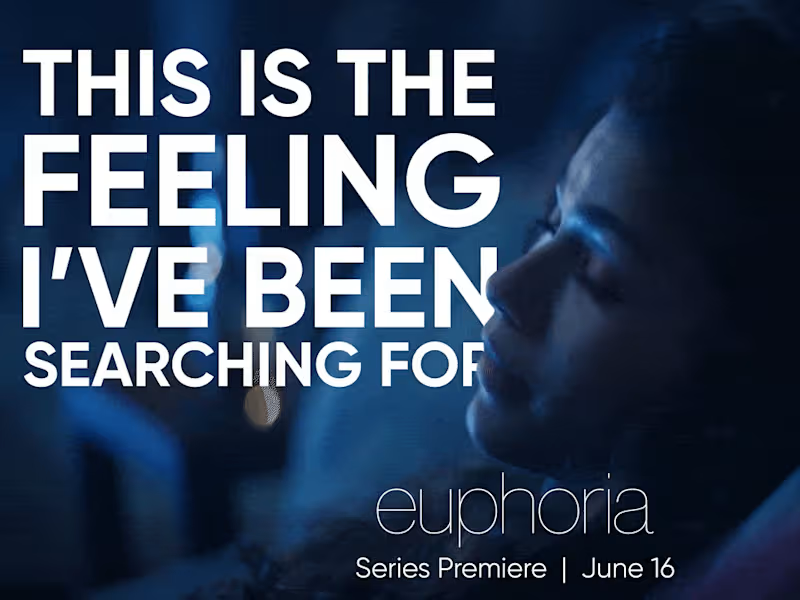
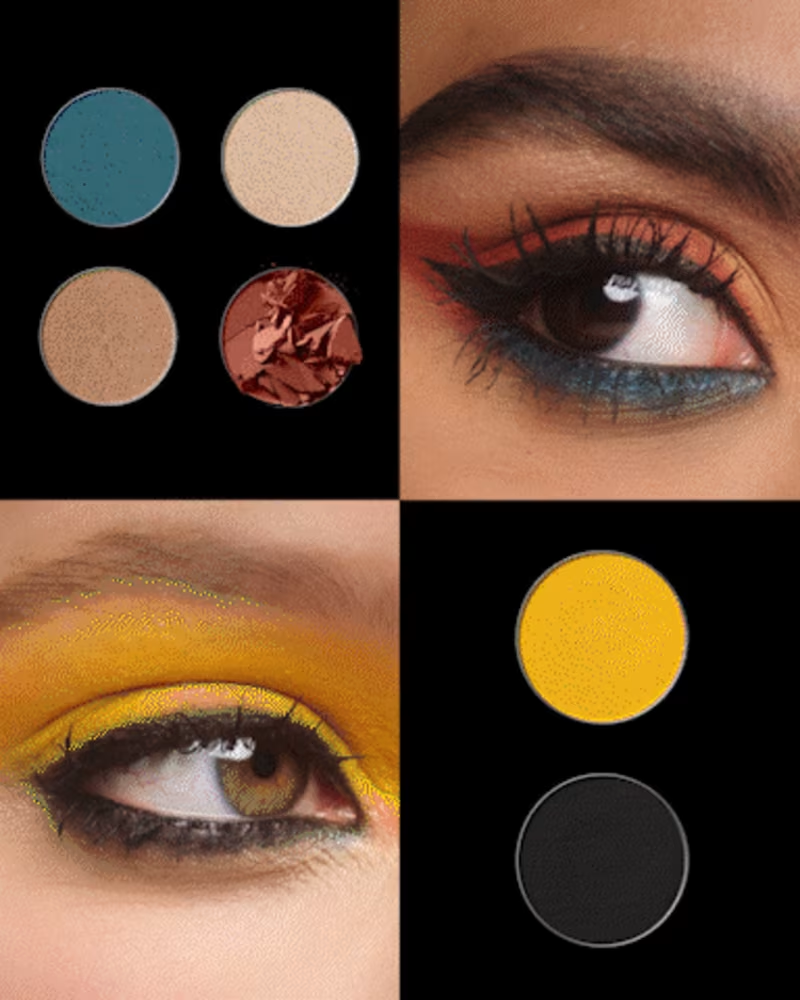
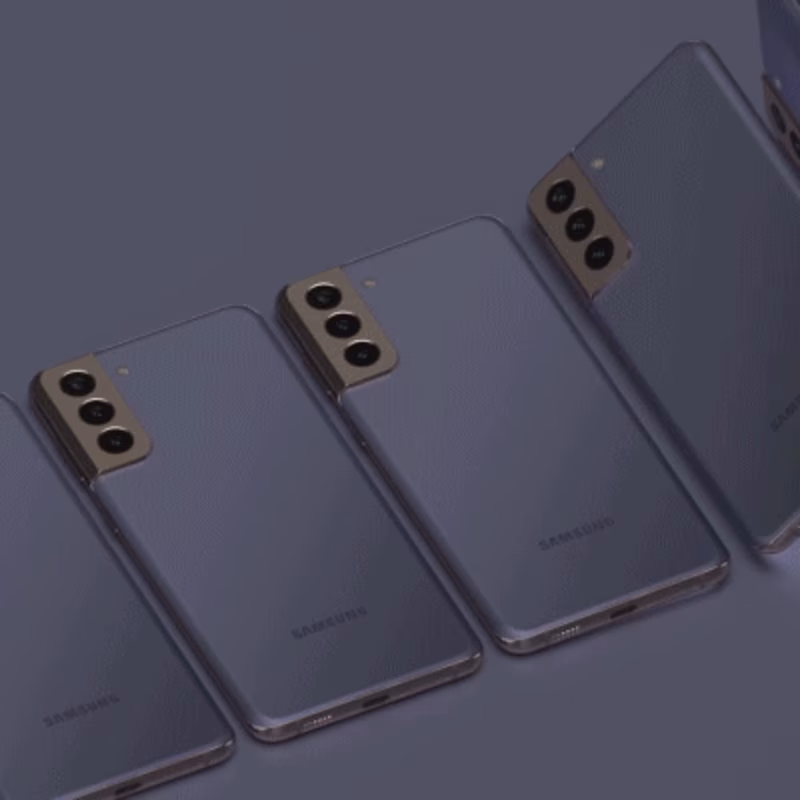
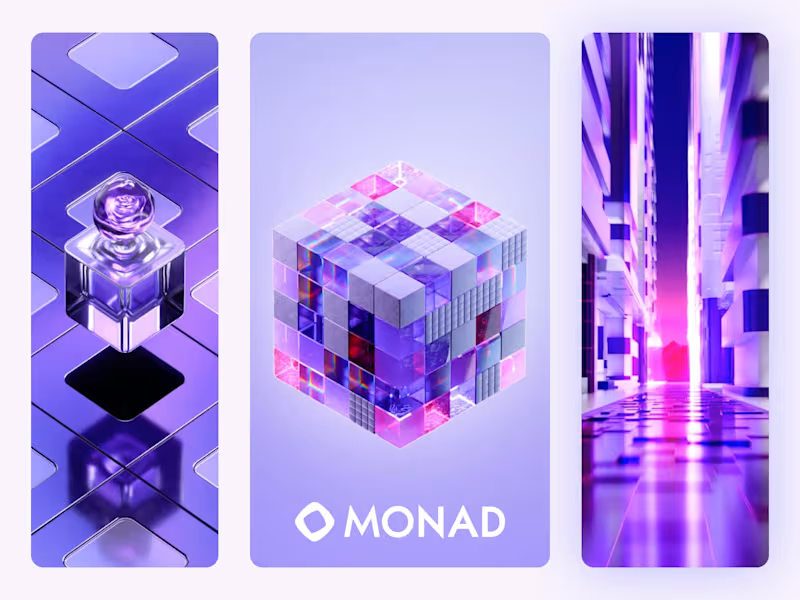
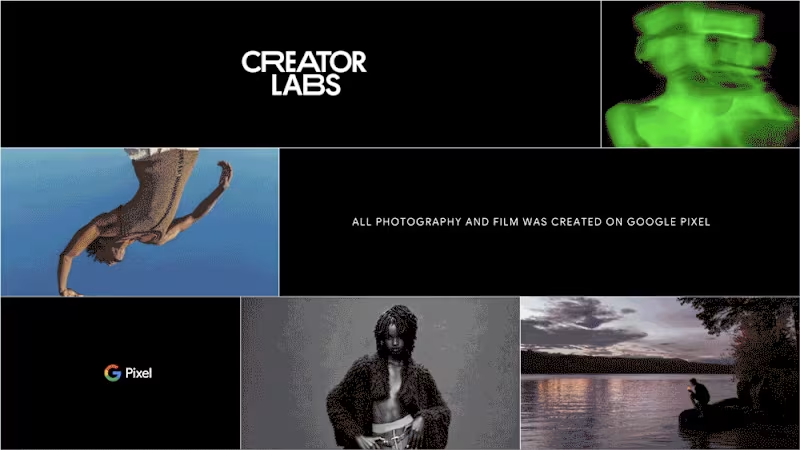
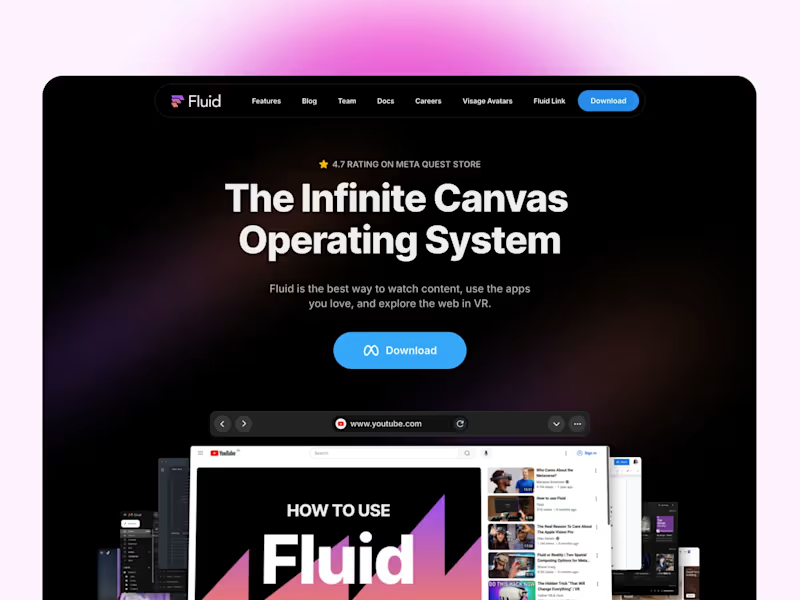
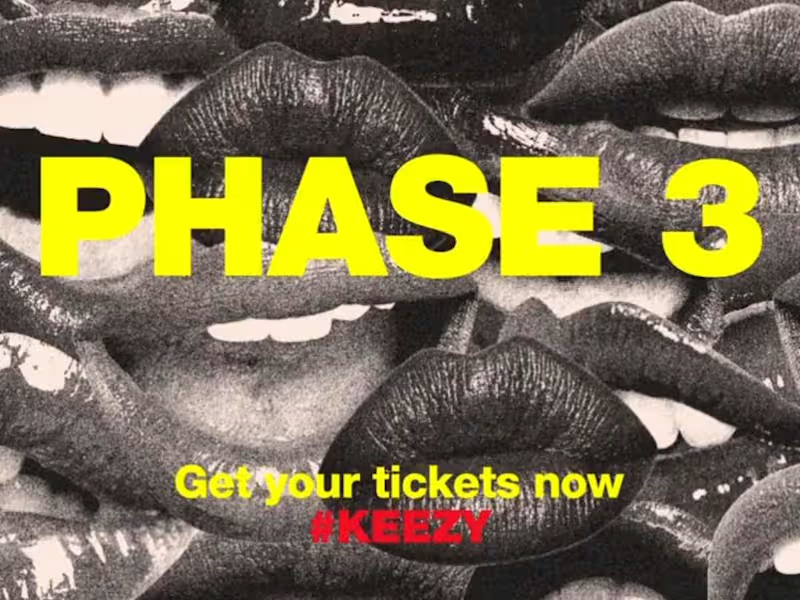
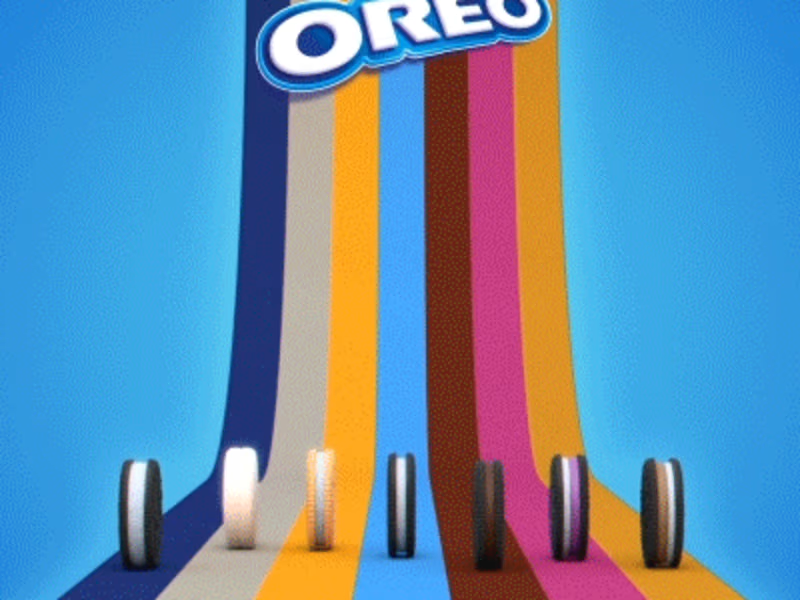
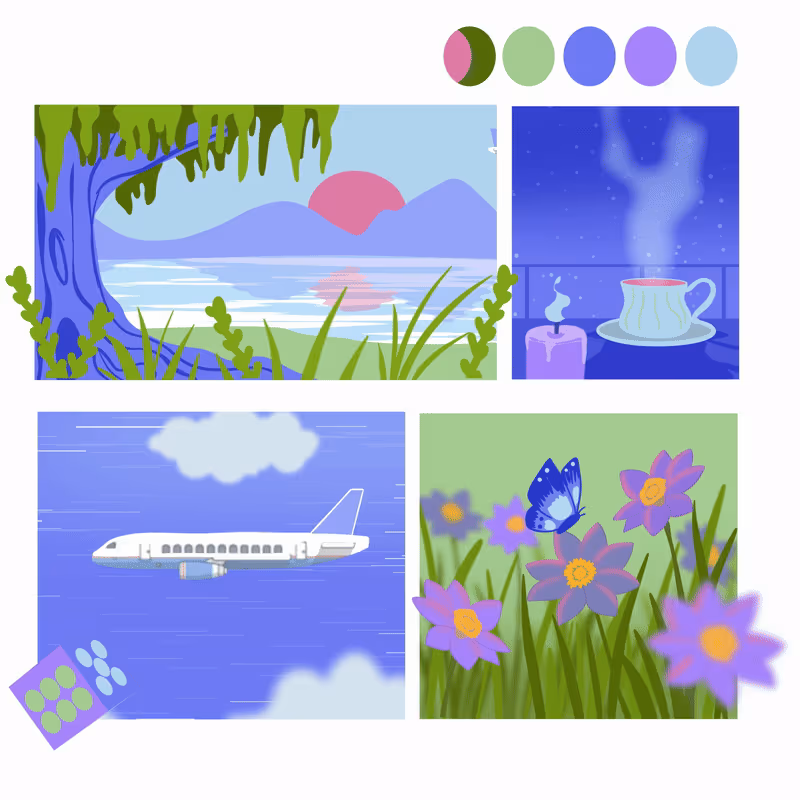
Start by checking if their style matches what you want. Look at their past work to see if they have done similar projects. Pay attention to how they use color and movement.
How can I tell if a motion designer has the right technical skills?
Ask them about the software tools they use. Make sure they know industry standards like Adobe After Effects. Look for completed projects that show creativity and technical skill.
What’s important to discuss about project timelines?
Start by asking how long the designer thinks the project will take. Make sure their timeline matches yours. Agree on key dates for drafts and the final delivery.
Why is it important to agree on project goals early on?
Decide together what you want to achieve with the project. This will help the designer understand what’s most important to you. Clear goals make it easier to measure success.
What should I clarify about the project scope?
Make a list of what needs to be done. Check if the designer agrees with this list. This helps prevent any misunderstandings about what will be delivered.
How do I ensure the final deliverables meet my needs?
Agree on the file formats you need. Make sure the designer knows if the work needs to be used online or offline. This way, you get exactly what you want.
How should I approach revisions and feedback?
Set aside time to review drafts and give feedback. Make sure the designer knows how many revisions are included. The clearer your feedback, the better the final result will be.
What’s the best way to communicate with a motion designer?
Agree on the best way to contact each other, like email or video calls. Set regular check-ins to talk about the project’s progress. This makes it easy to stay on the same page.
Why is it crucial to set a clear budget at the start?
Discuss what you’re willing to pay before work begins. Make sure it includes all project costs. This helps avoid any surprises later.
How can I make the onboarding process smooth for a motion designer?
Give the designer everything they need to start, like brand guidelines or files. Make sure they know who to contact if they have questions. A smooth start helps them do their best work.
Who is Contra for?
Contra is designed for both freelancers (referred to as "independents") and clients. Freelancers can showcase their work, connect with clients, and manage projects commission-free. Clients can discover and hire top freelance talent for their projects.
What is the vision of Contra?
Contra aims to revolutionize the world of work by providing an all-in-one platform that empowers freelancers and clients to connect and collaborate seamlessly, eliminating traditional barriers and commission fees.