
















What should I look for in a motion designer's portfolio?
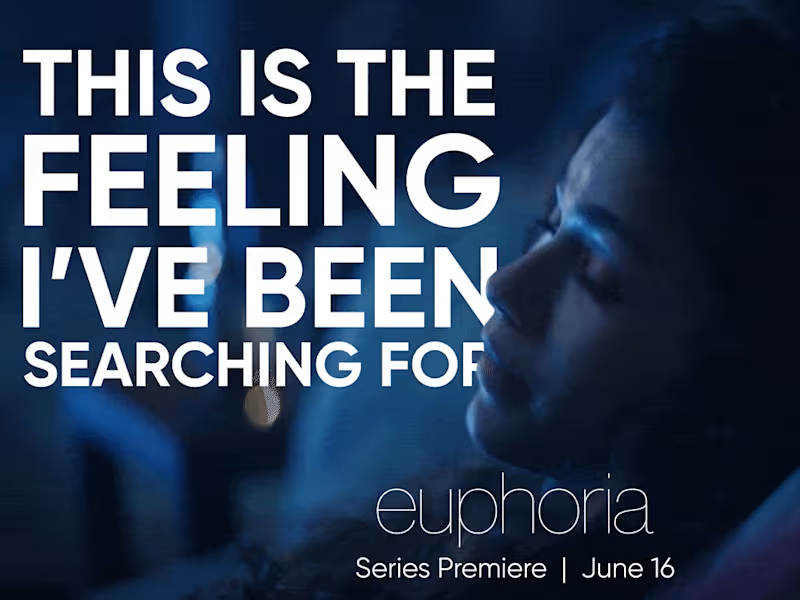
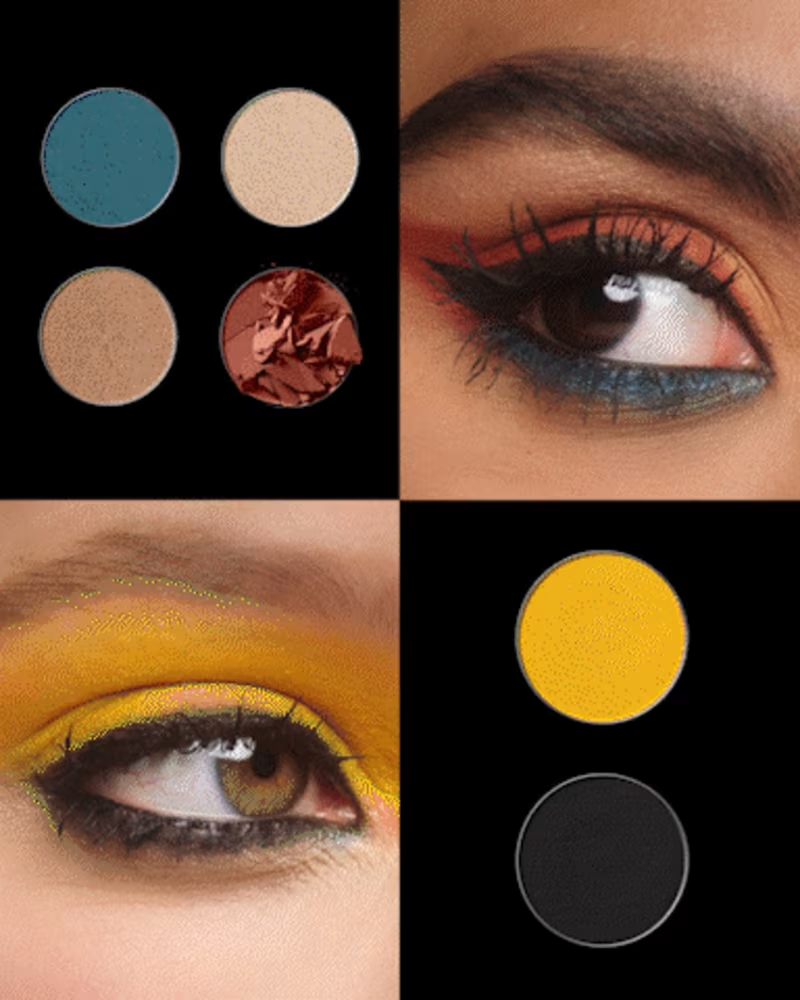
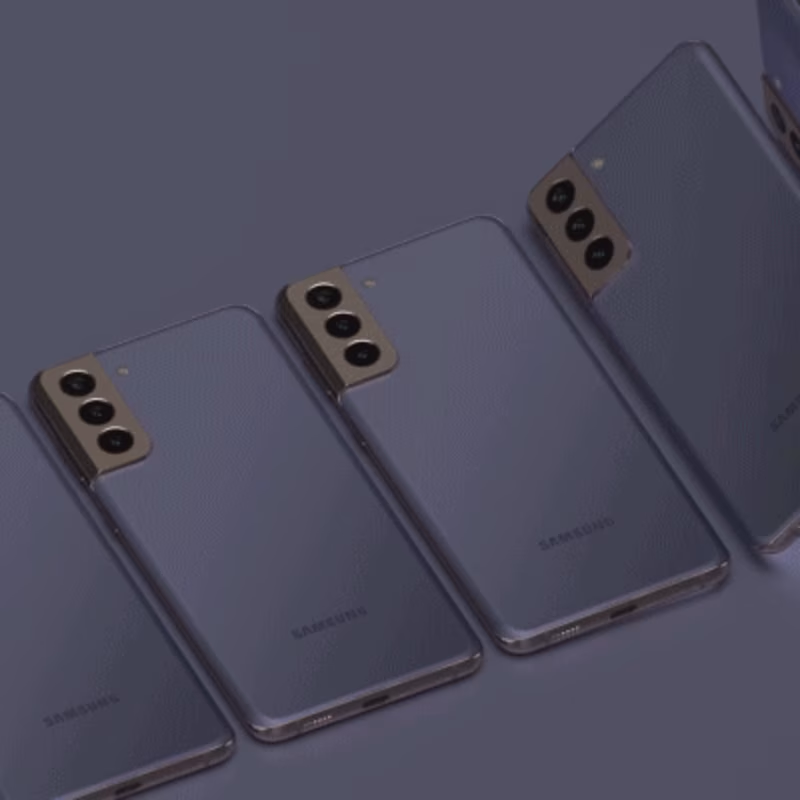
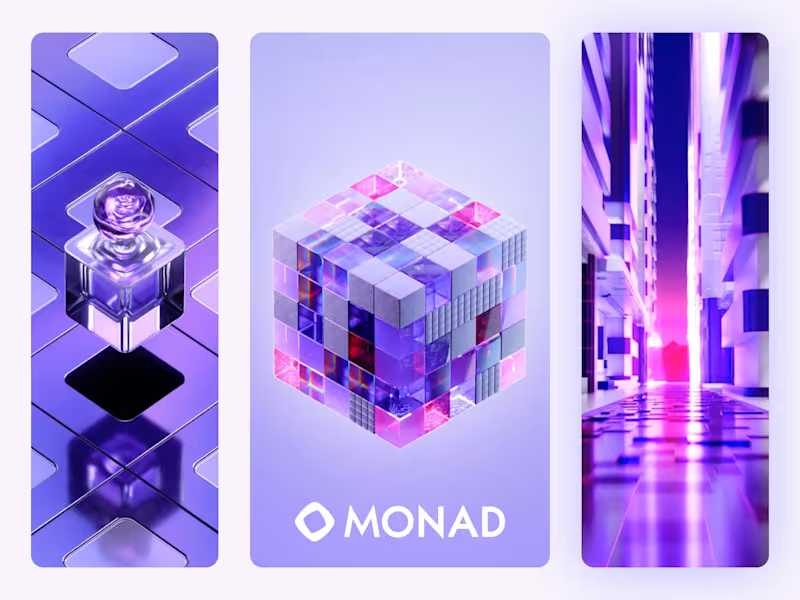
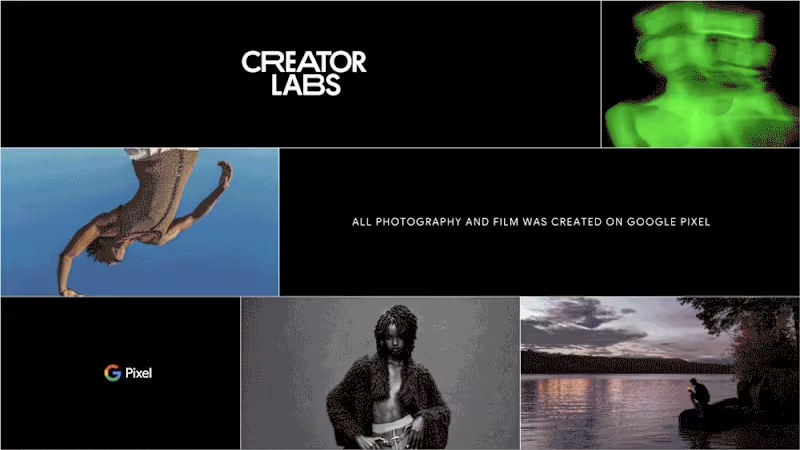
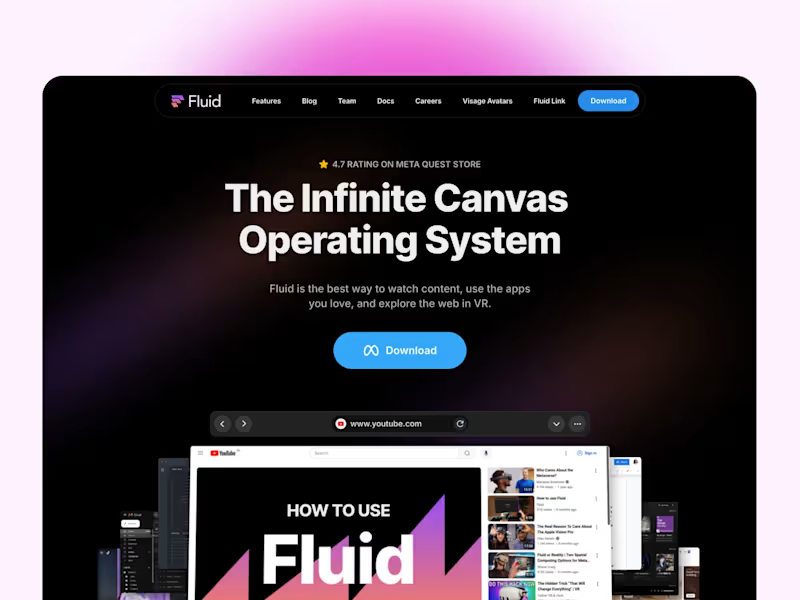
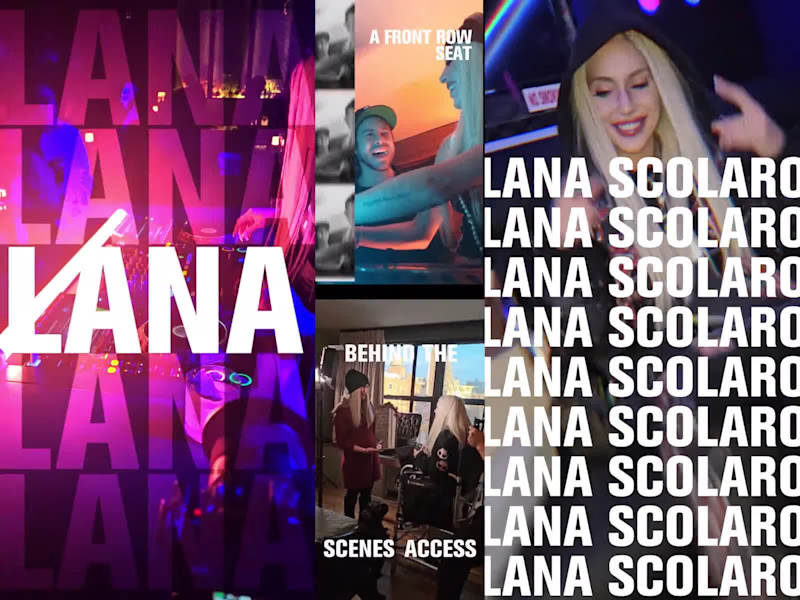
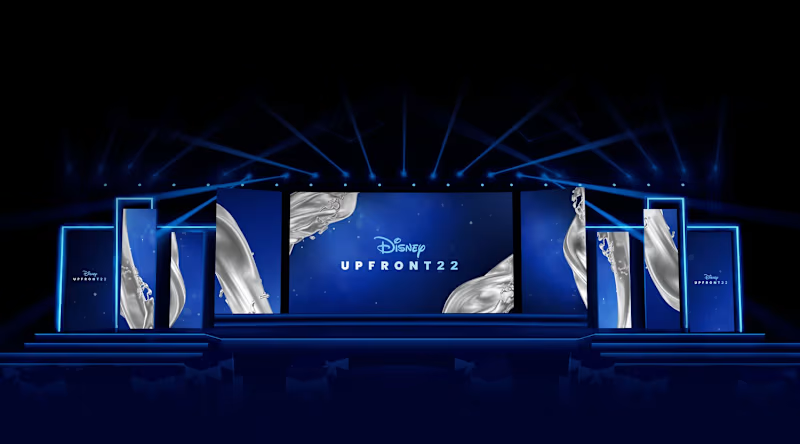
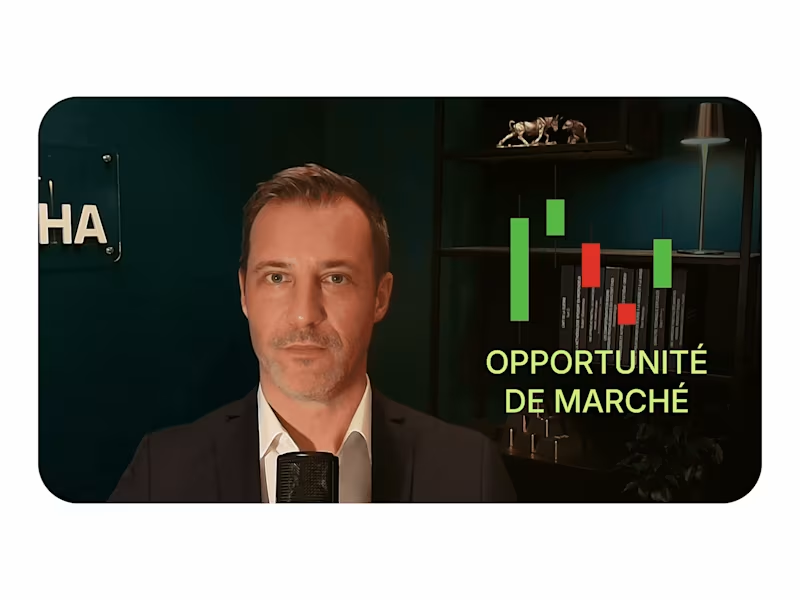
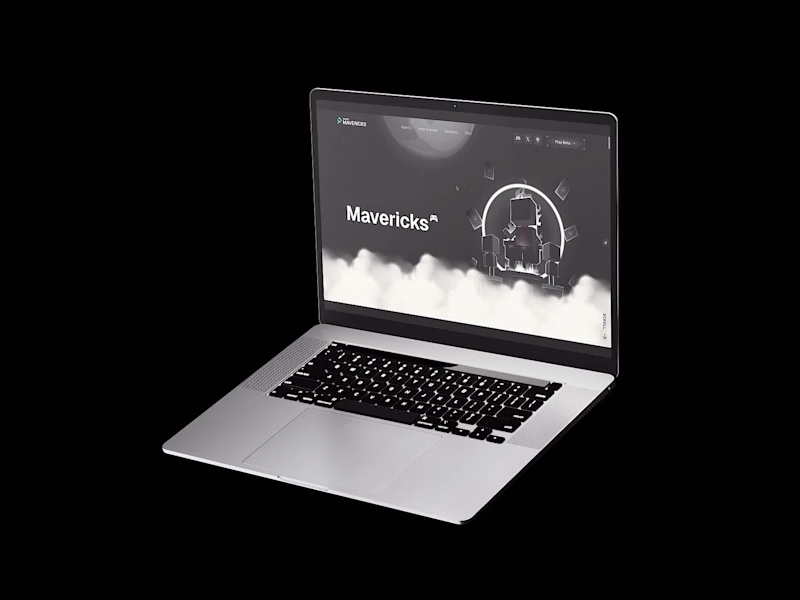
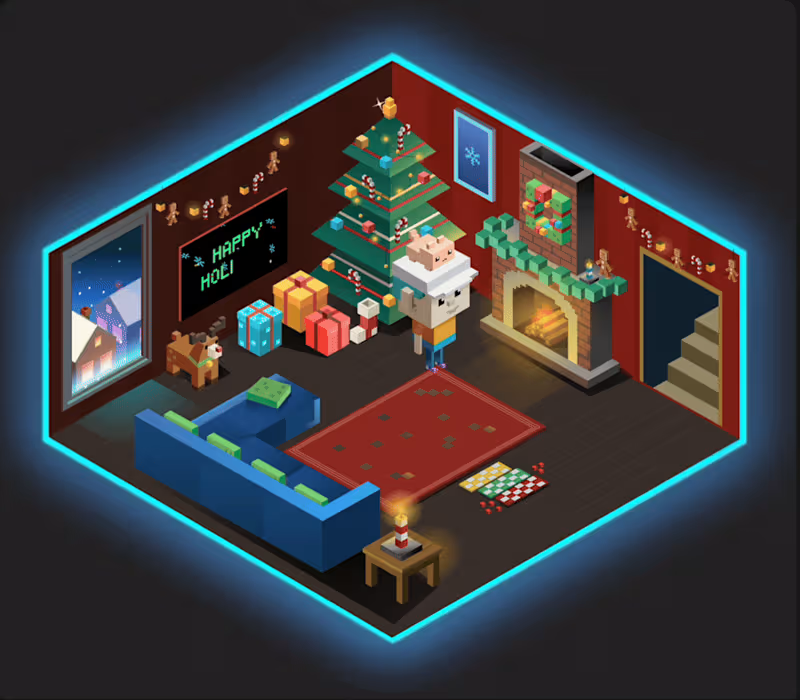
Check if their work style matches what you like. Look for projects similar to yours, like animations or videos. Pay attention to motion graphics that tell a good story.
How do I define the project scope for a motion design job?
Write down what you need the motion designer to do. Include things like animations, visuals, and any specific styles. Share detailed project timelines and expected results.
What tools and software should a motion designer use?
Common tools include Adobe After Effects and Cinema 4D. Make sure your hired designer uses the tools you prefer. These tools help them create great animations and effects.
How can I evaluate a motion designer's communication skills?
See how quickly they respond to your messages. Check if they explain their ideas clearly and understand your needs. Good communication helps avoid misunderstandings.
What do I need to provide the motion designer to start the project?
Share all necessary files such as logos and branding kits. Provide content and scripts for the motion. Clear information helps the designer start quickly and do their best work.
How can I ensure the motion design project stays on schedule?
Set clear timelines and deadlines from the start. Frequent check-ins via messages or calls help track progress. Using checklists can ensure important tasks are not missed.
What is a good review process for motion design drafts?
Set a schedule for reviewing drafts and providing feedback. Be specific about what you like and want changed. A structured review process helps improve the final results.
Which deliverables should I expect from a motion designer?
Ask for files in the format you need, like MP4 or MOV. Make sure you know how revisions and final edits will be handled. Clear expectations for deliverables lead to better outputs.
How can I build a productive relationship with the motion designer?
Give positive feedback and appreciate good work. Be honest and respectful in your communication. Strong relationships lead to successful projects and maybe future collaboration.
Who is Contra for?
Contra is designed for both freelancers (referred to as "independents") and clients. Freelancers can showcase their work, connect with clients, and manage projects commission-free. Clients can discover and hire top freelance talent for their projects.
What is the vision of Contra?
Contra aims to revolutionize the world of work by providing an all-in-one platform that empowers freelancers and clients to connect and collaborate seamlessly, eliminating traditional barriers and commission fees.