How can I check their Google Sheets skills?
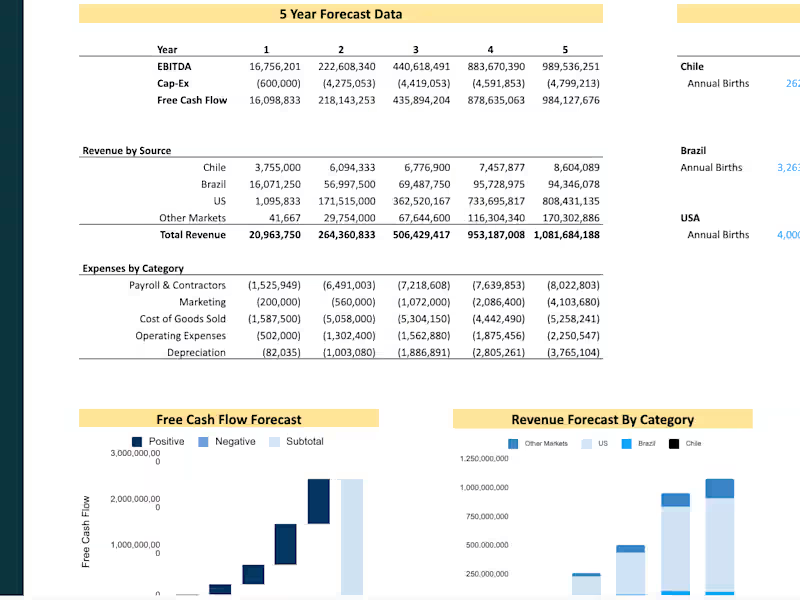
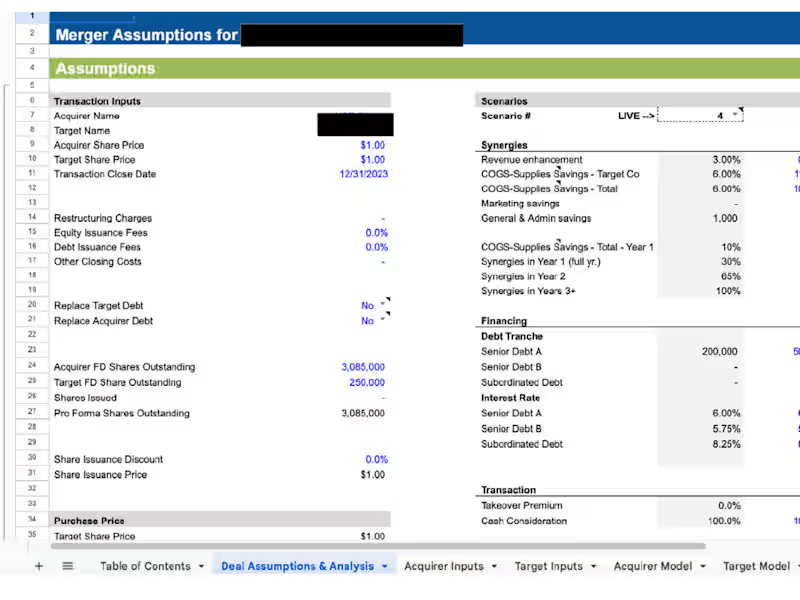
You can ask for examples of their past work to see how they use Google Sheets. Look for projects similar to what you need, like budgeting or data analysis. This helps you understand their skill level.
What should I discuss during a project kickoff with them?
Start by sharing your project goals and why you need a Google Sheets expert. Discuss the timeline and any important deadlines. Make sure you both agree on how the work will be done together.
How do I determine if their communication style fits my needs?
Ask them how they prefer to communicate, like emails or video calls. You want someone who responds quickly and clearly. Good communication prevents misunderstandings.
How do I ensure they understand the project requirements?
Give them all the details about the project and ask them to repeat it back to you. This ensures they understand what you want. It's important to have everything written down and agreed upon.
What should I include in the project plan?
A good project plan includes the tasks needed to complete the project. Also, add deadlines and who is responsible for each task. This plan helps you and the freelancer stay organized.
How do we set up a shared Google Sheet to start the project?
Create a new Google Sheet and share it with the freelancer using their email. Set the permissions you want, like allowing them to edit or just view. This sheet will be where you both track work.
How can I discuss deliverables with them?
List out what you expect to receive, like reports or dashboards. Be clear about the format and any specific details they need to include. This helps avoid surprises when the project is finished.
How do I evaluate their expertise during the hiring process?
Besides looking at their past work, you can give them a small task related to your project. This test gives you insight into their problem-solving skills and expertise. It's a practical way to see how they work.
What agreement should we reach before the work begins?
Agree on the scope of the project, timelines, and deliverables. Also, decide on how you will handle any changes to the project. Having a clear agreement helps avoid confusion later.
Who is Contra for?
Contra is designed for both freelancers (referred to as "independents") and clients. Freelancers can showcase their work, connect with clients, and manage projects commission-free. Clients can discover and hire top freelance talent for their projects.
What is the vision of Contra?
Contra aims to revolutionize the world of work by providing an all-in-one platform that empowers freelancers and clients to connect and collaborate seamlessly, eliminating traditional barriers and commission fees.