How do I ensure smooth communication with a ChatGPT expert?
Set regular times to talk or check in with the expert. Be clear and polite in your messages. Open communication helps the project run more smoothly.
What steps should I take to finalize my project with a ChatGPT expert?
Review the work to ensure it meets your standards. Discuss any last edits or changes with the expert. Confirm everything is complete before marking the project as done.
How can I build a good working relationship with a ChatGPT expert?
Be respectful and clear about your needs. Appreciate their efforts and provide positive feedback. A good relationship can lead to successful future projects.
What should I look for in a ChatGPT expert's profile on Contra?
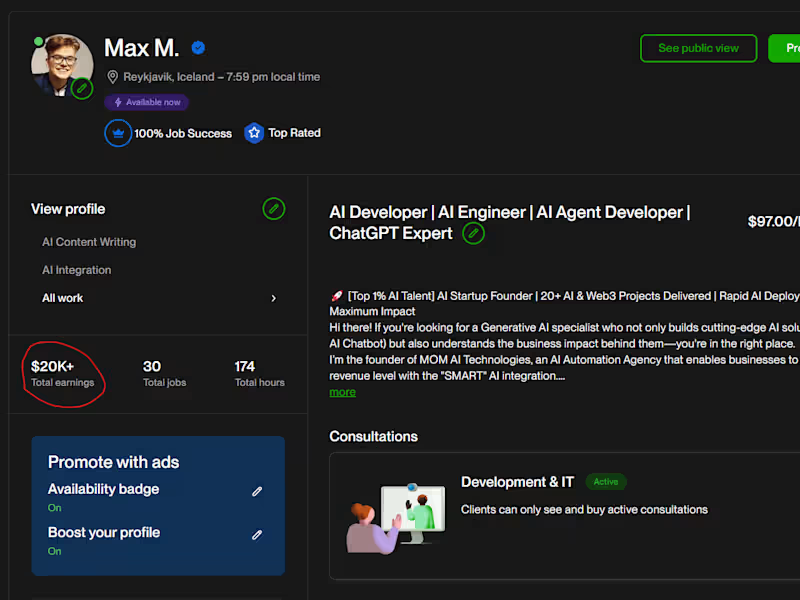
Check if they have experience with tools like ChatGPT. Look for examples of projects they’ve done using AI. Read reviews from other clients to see how well they’ve done in the past.
How can I decide what tasks a ChatGPT expert should do?
Think about what you need help with, like writing articles or creating social media posts. See if the expert has done similar tasks before. Make sure they can handle tasks you find difficult or time-consuming.
How do I explain my project to a ChatGPT expert?
Write a clear description of what you want. Include details about the type of content or support you need. Share any specific goals for the project, like driving more website visitors.
What information helps a ChatGPT expert start the project?
Provide example content if possible. Tell them your style and tone preferences. Share any deadlines and special instructions to help them get started quickly.
How can I agree on deliverables with a ChatGPT expert?
Talk about what you expect from the project. Make a list of what the expert will provide, like a number of blog posts or draft scripts. Agree on a timeline for when each part should be completed.
Why is it important to discuss project changes for a ChatGPT expert?
Changes can affect the project's timeline and quality. Make sure the expert knows how to handle changes. Regular check-ins can help manage updates smoothly.
Who is Contra for?
Contra is designed for both freelancers (referred to as "independents") and clients. Freelancers can showcase their work, connect with clients, and manage projects commission-free. Clients can discover and hire top freelance talent for their projects.
What is the vision of Contra?
Contra aims to revolutionize the world of work by providing an all-in-one platform that empowers freelancers and clients to connect and collaborate seamlessly, eliminating traditional barriers and commission fees.