How can I identify a skilled Adobe XD expert when hiring?
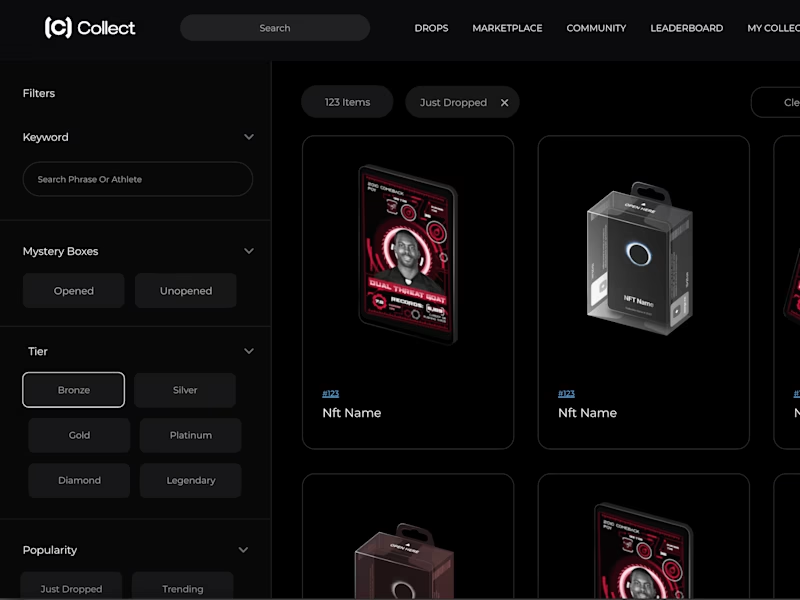
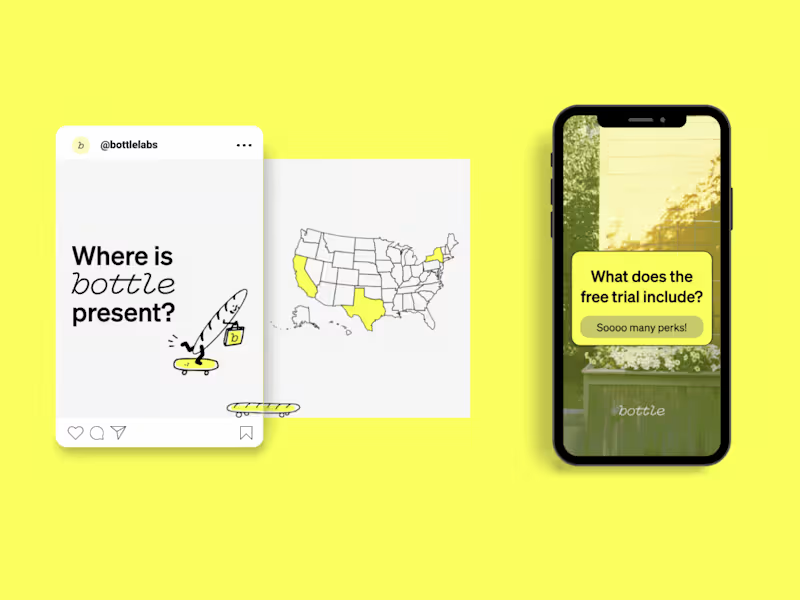
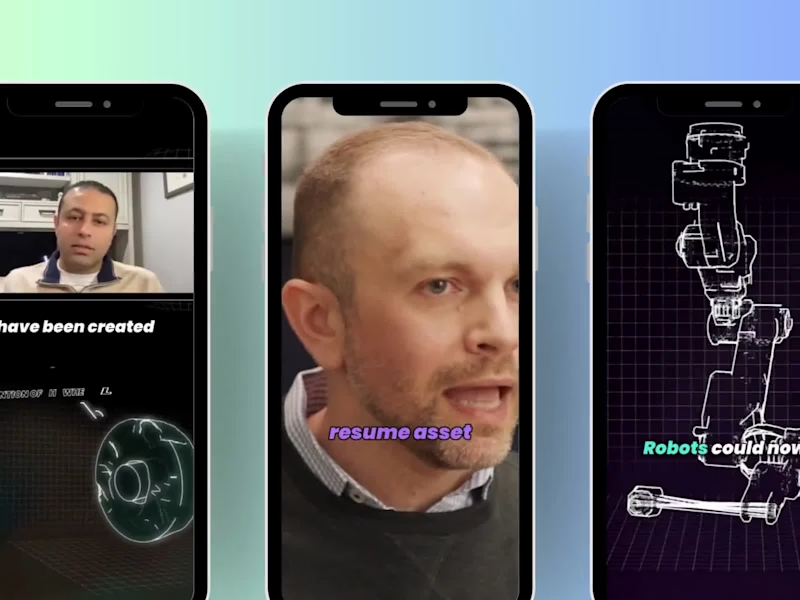
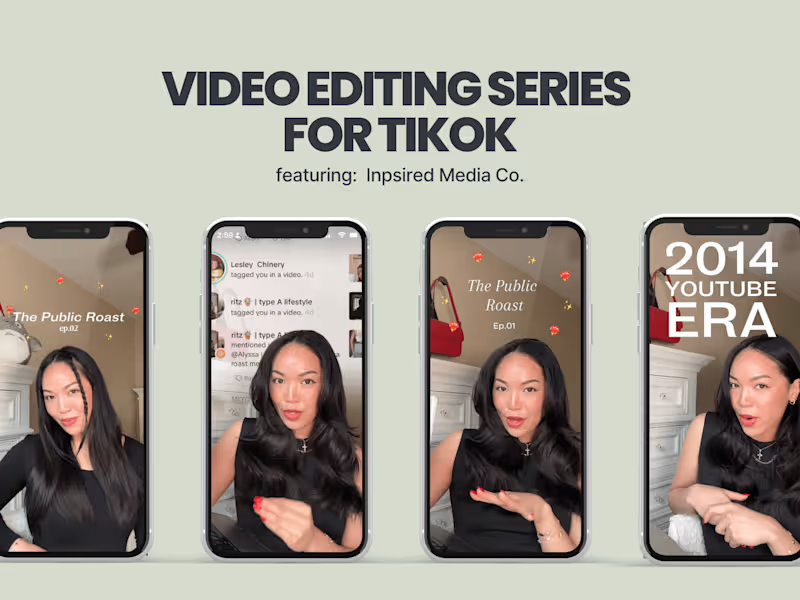
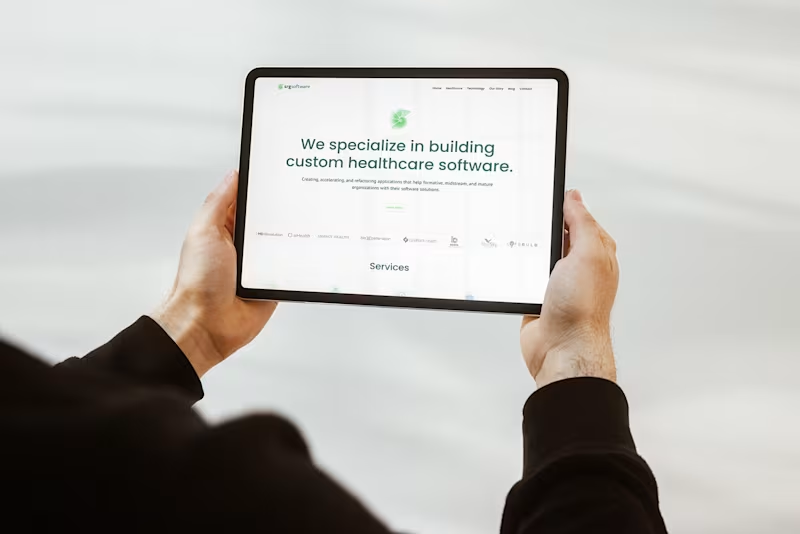
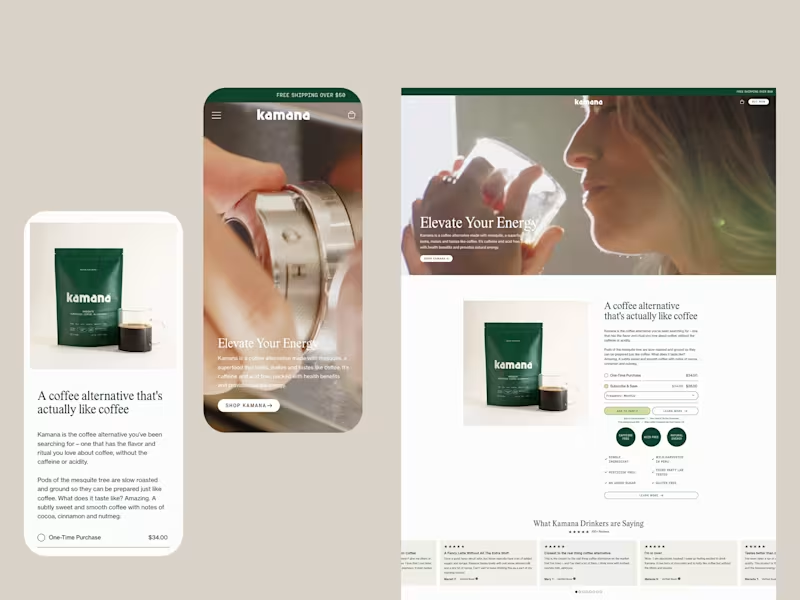
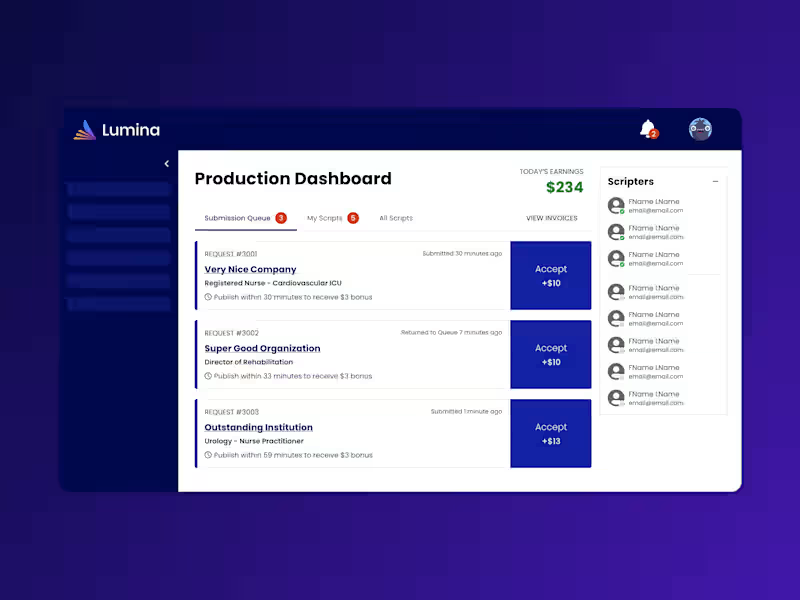
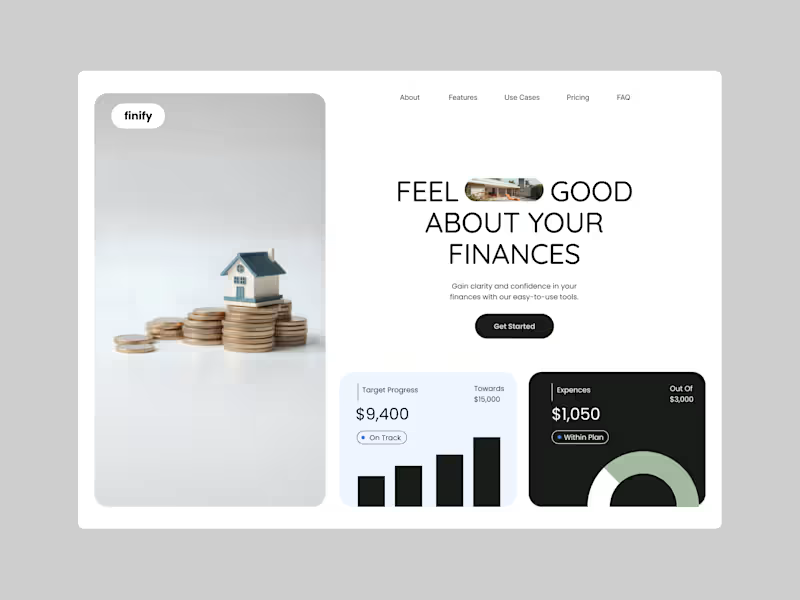
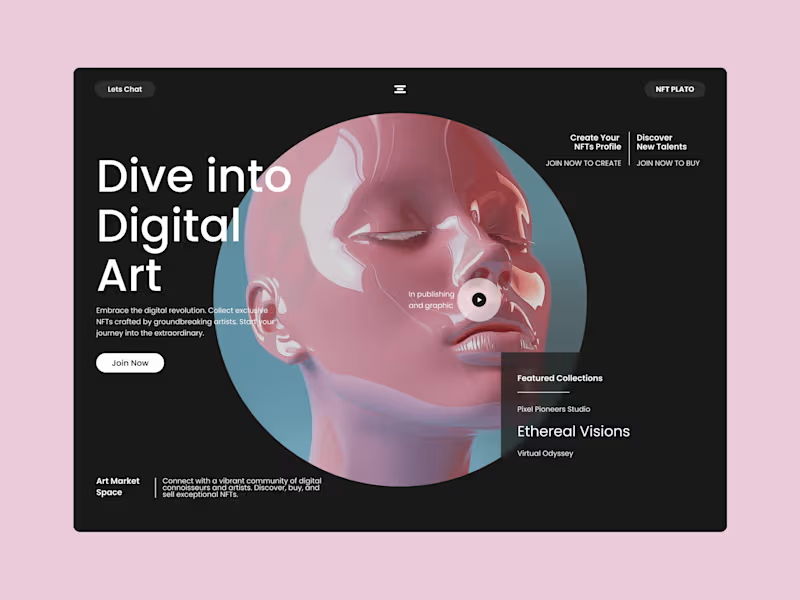
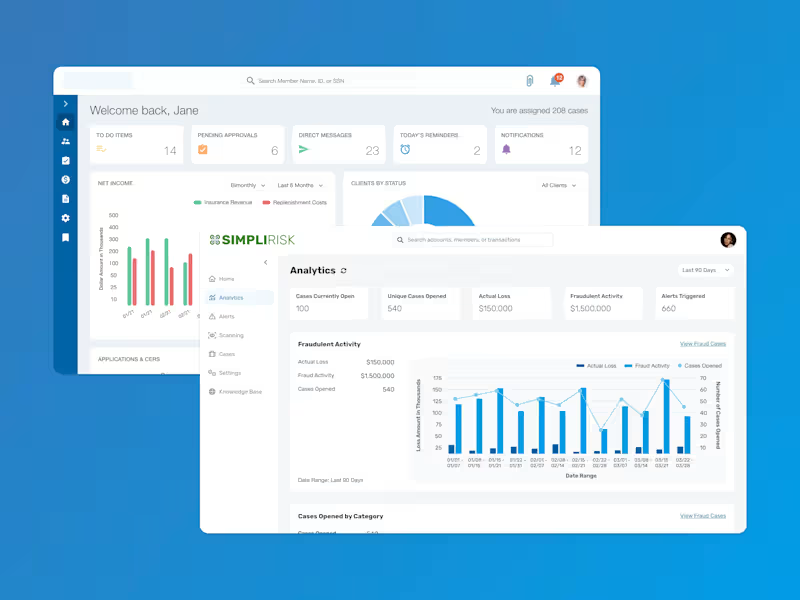
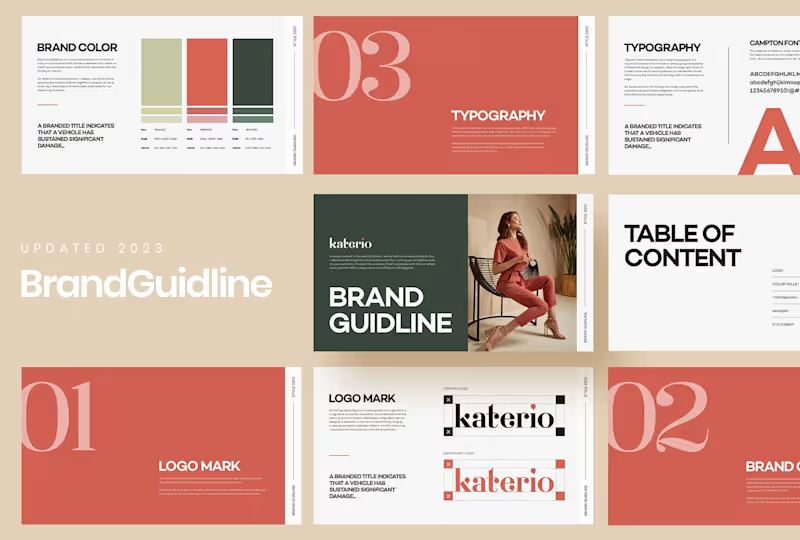
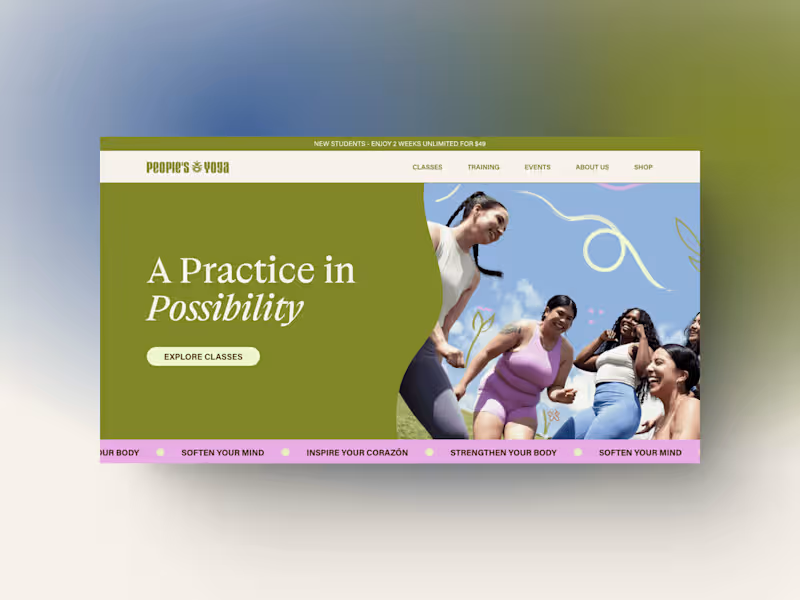
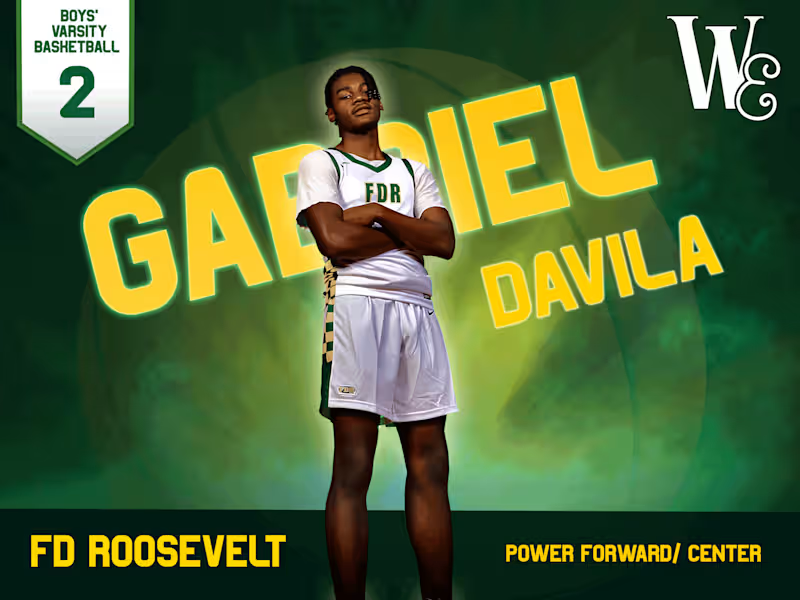
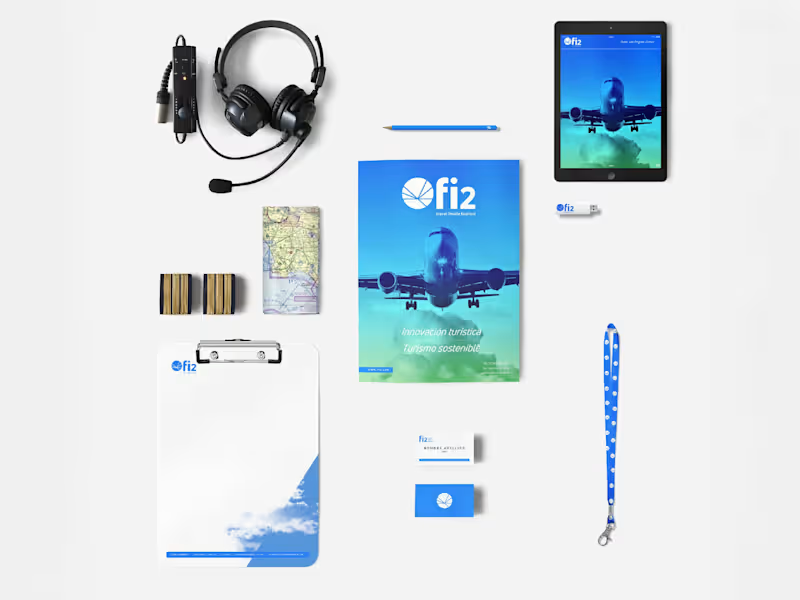
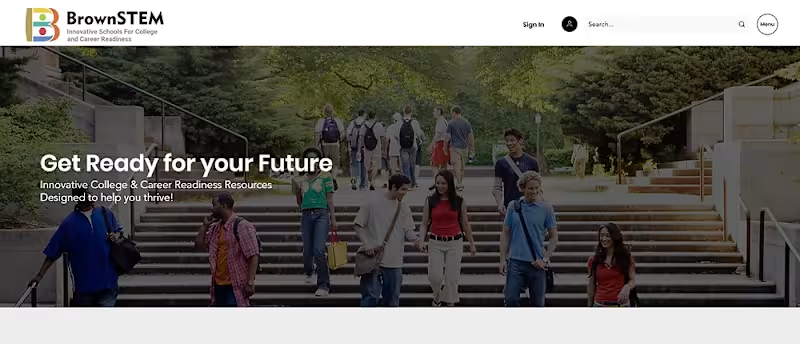
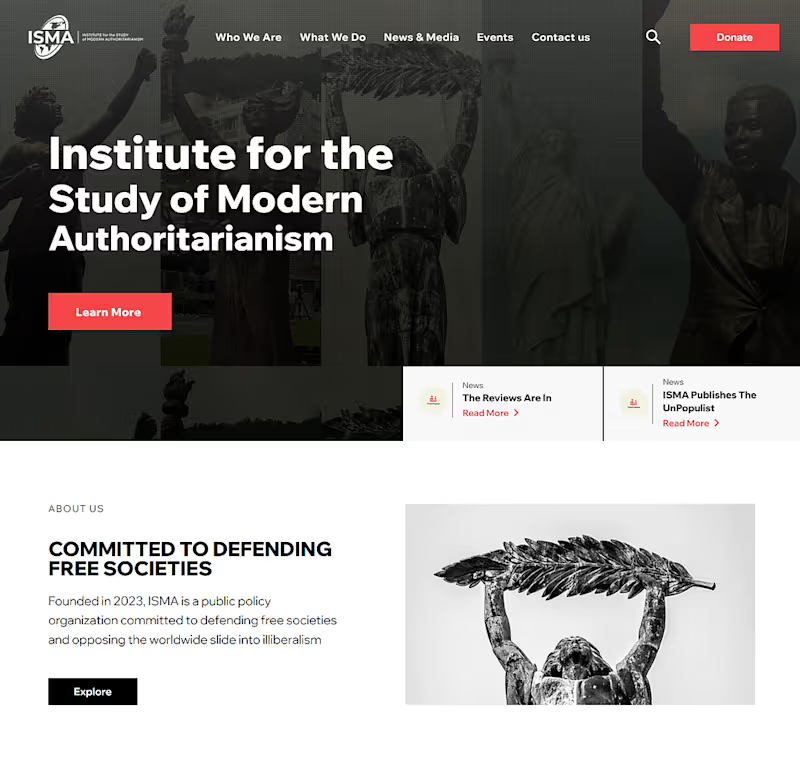
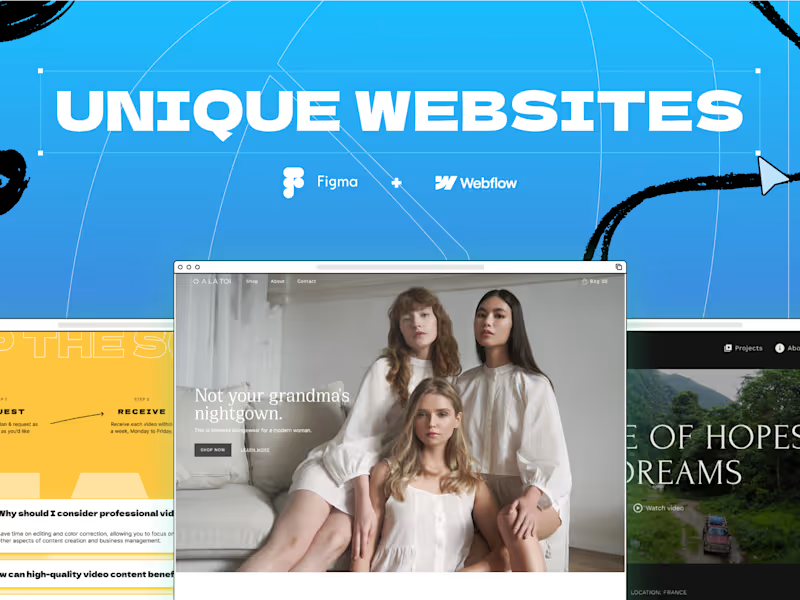
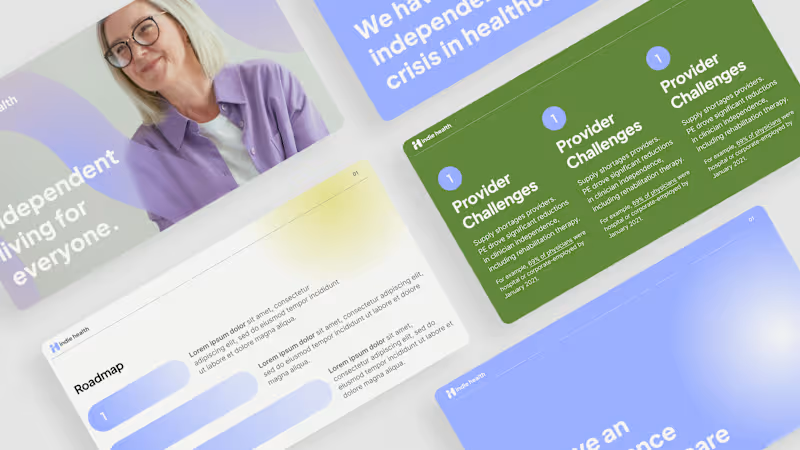
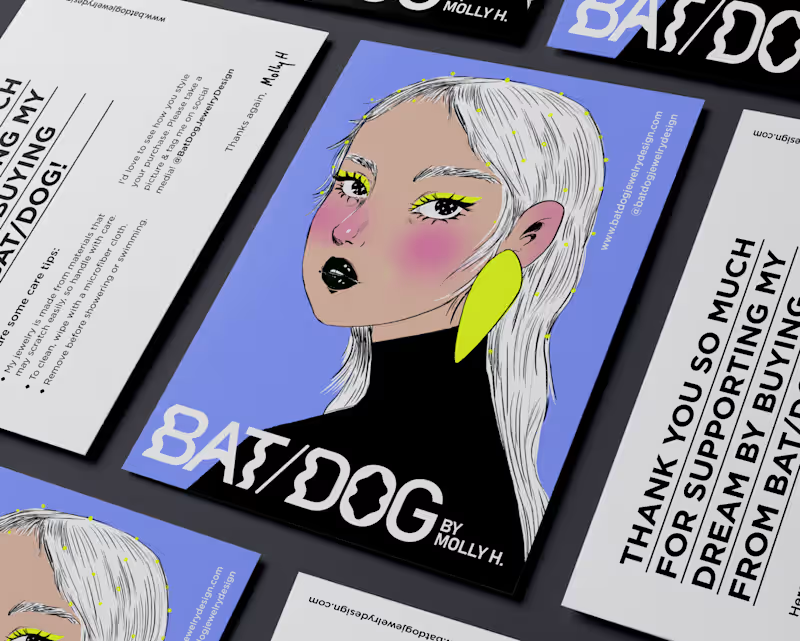
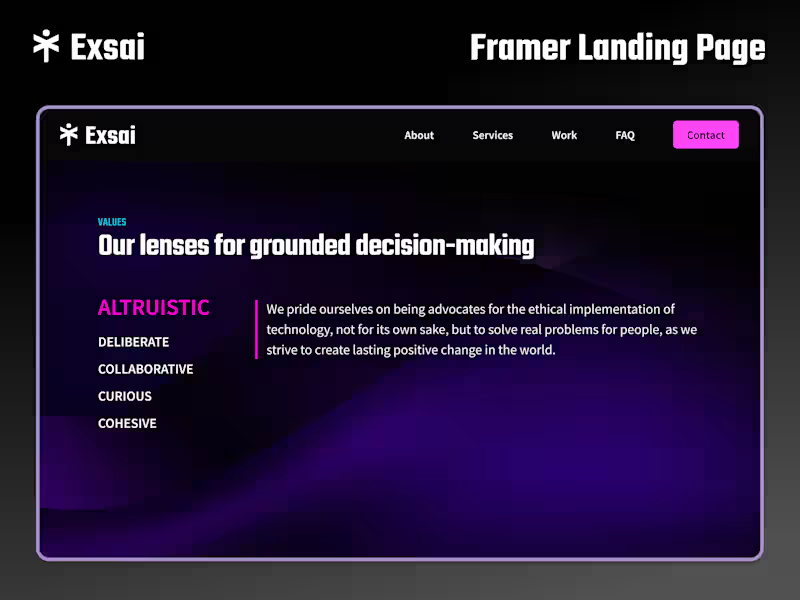
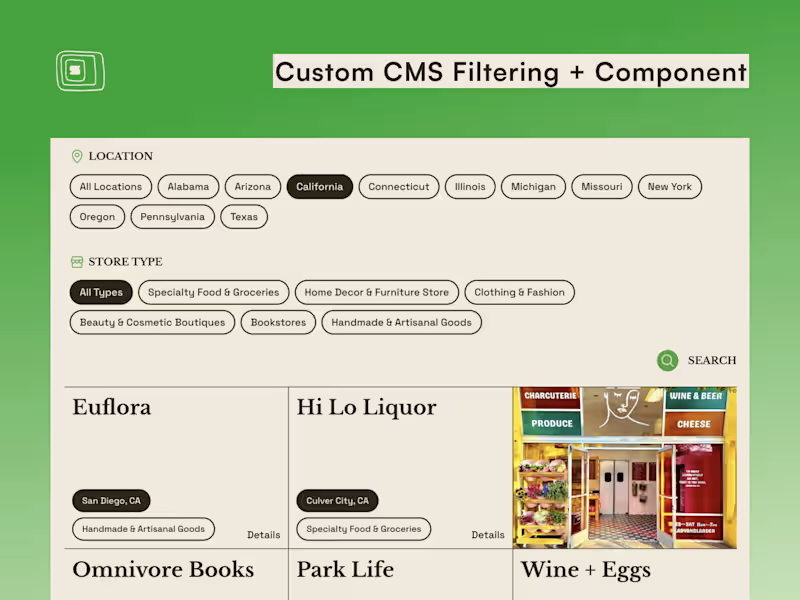
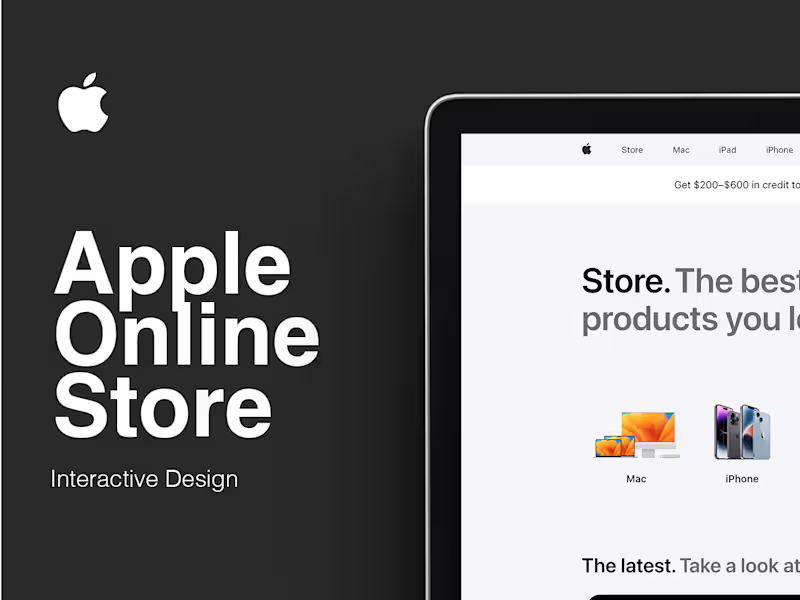
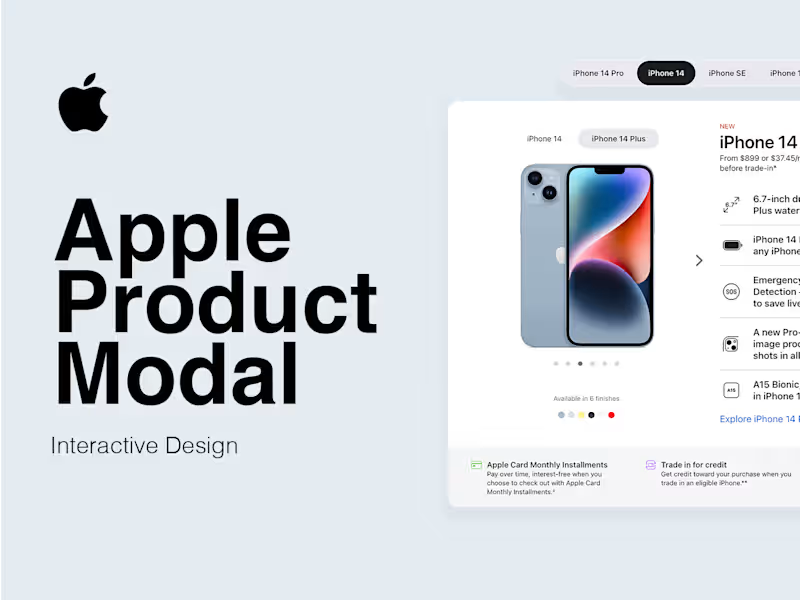
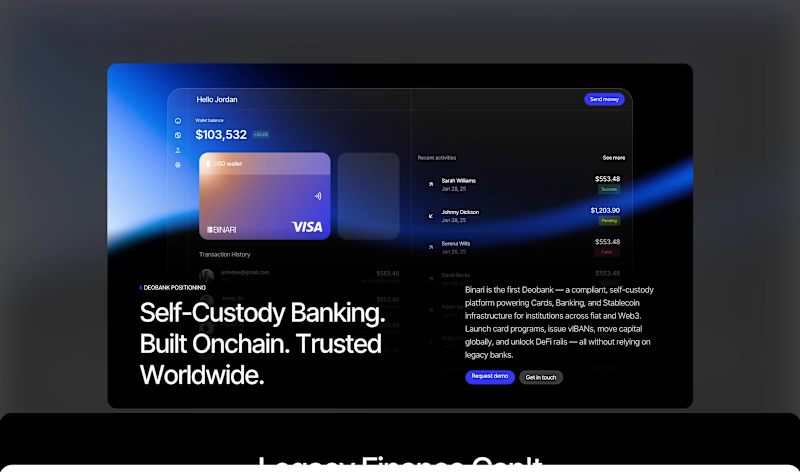
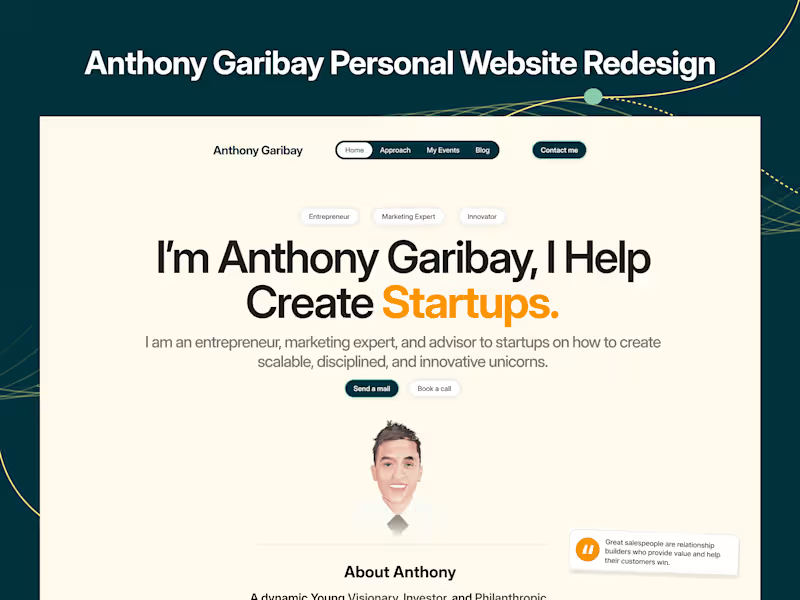
Look at their portfolio. An Adobe XD expert will have samples of design projects like app designs and website mockups. Check if their work shows creativity and user-friendly design.
What should I include in the job description for an Adobe XD project?
Describe your project clearly. Include the type of design you need, like a website or app prototype. Mention any specific requirements or tools to be used in Adobe XD.
How do I determine if the Adobe XD projects delivered meet high standards?
Review the prototypes they provide. A high-quality Adobe XD project should have clear layouts and interactive elements. Check if the design matches your vision and is easy for users to navigate.
What questions should I ask about their previous Adobe XD experience?
Ask about specific projects they have worked on using Adobe XD. Understand their experience with similar designs or industries. Inquiring about their typical design process can also give insights into their expertise.
How can I ensure smooth communication during the Adobe XD project?
Set regular check-ins to discuss progress and any concerns. Agree on communication tools and response times. Clear communication ensures everyone is on the same page throughout the project.
What should I do to agree on deliverables with the Adobe XD freelancer?
List all the necessary deliverables like prototypes and design specs. Set clear deadlines and milestones. Having everything written down helps both you and the freelancer stay organized.
How do I start the project once I've hired an Adobe XD expert?
Provide all necessary details and resources the freelancer needs to start. Share any existing brand guidelines or design inspirations. Setting expectations early helps get the project off to a good start.
How can I give feedback on Adobe XD designs effectively?
Be specific about what you like or don't like. Use examples to show your point. Constructive feedback helps the freelancer make the right adjustments.
What should I do if I want updates during the Adobe XD project?
Ask the freelancer to send updates at agreed intervals. This could be through email or a platform like Contra. Quick updates help track progress without overwhelming you or the freelancer.
Who is Contra for?
Contra is designed for both freelancers (referred to as "independents") and clients. Freelancers can showcase their work, connect with clients, and manage projects commission-free. Clients can discover and hire top freelance talent for their projects.
What is the vision of Contra?
Contra aims to revolutionize the world of work by providing an all-in-one platform that empowers freelancers and clients to connect and collaborate seamlessly, eliminating traditional barriers and commission fees.