What skills should I look for when hiring a Google Docs expert?
When looking for a Google Docs expert, find someone who's good at typing and writing. They should know how to use all the tools in Google Docs. It's also important they know how to share and edit documents well. Ask if they can work on documents with other people at the same time.
How do I ensure the expert understands my project needs?
Before hiring, clearly explain what you want the expert to do with Google Docs. You can make a list of what you need in the document. Share examples if you have any. This helps the expert know exactly what you're looking for.
How can I make sure timelines are clear?
When you hire, tell them how fast you need the work done. You can make a schedule and ask them to follow it. Keep in touch to know how the work is going. This way, everyone knows when the work should be finished.
What should I include in our project agreement?
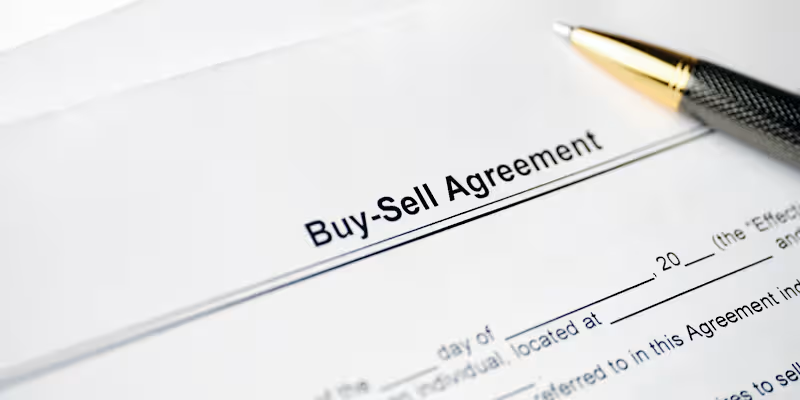
Write down everything you decide with the expert, like what they will do in Google Docs. Include the timeline, and what the final document should look like. This agreement helps make sure everything is clear. You can both look back on it if you forget something.
How do I evaluate the expert’s past work?
Ask to see samples of documents they've made before. Look for ones similar to what you need. See if the documents are well-organized and easy to read. You can also read reviews from their past clients.
What kind of feedback process should I set up?
Decide how often you want to give feedback. You can set up meetings or message each other. Make sure to talk about what you like and what needs to change. This helps the document look just the way you want.
Why is it important to test communication before hiring?
Before you hire, have a small chat or call with the expert. This helps you see how well you can understand each other. Good communication makes working together much easier. It ensures smooth progress on the project.
How do I set clear project goals from the start?
Tell them what you want the final document to do or say. Write down any must-have parts and share them. This ensures the expert knows what's most important. Clear goals help everyone stay on track.
What technology setup is needed for seamless collaboration?
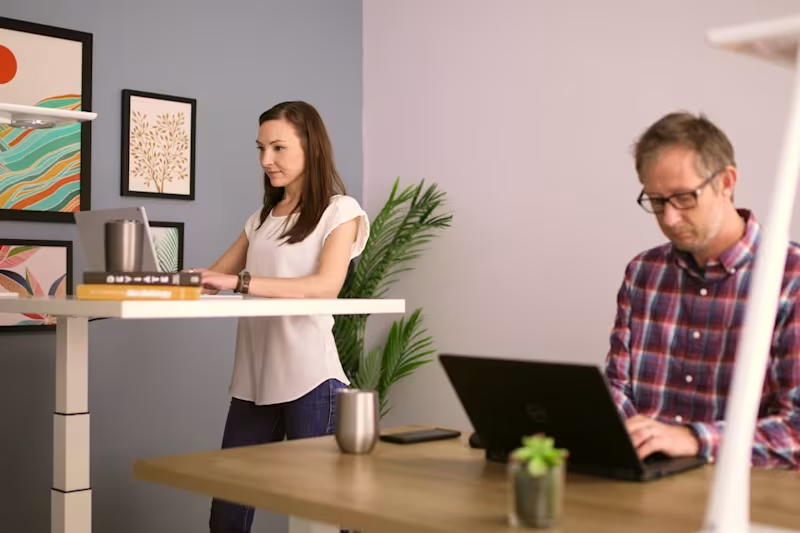
Both of you should have a reliable internet connection. Make sure you both know how to use Google Docs. You might need to use email or a messaging app to stay connected. This setup helps you work together without any problems.
Who is Contra for?
Contra is designed for both freelancers (referred to as "independents") and clients. Freelancers can showcase their work, connect with clients, and manage projects commission-free. Clients can discover and hire top freelance talent for their projects.
What is the vision of Contra?
Contra aims to revolutionize the world of work by providing an all-in-one platform that empowers freelancers and clients to connect and collaborate seamlessly, eliminating traditional barriers and commission fees.