


























How can I ensure the 'Wix' expert understands my project needs?
Share clear details about your website’s purpose and goals. Provide examples of websites you like. This helps the expert understand your vision. Regular updates allow you to ensure the project is on track.
What should I include in the project brief for a 'Wix' expert?
Describe the look and feel you want for your site. Clarify any special features like booking systems or online stores. Set a timeline for when you need the site ready. This brief will guide your expert's work.
How can I set clear deliverables for a 'Wix' project?
List tasks like designing pages or setting up a blog. Define the number of pages or any special functions required. Agree on design drafts and revisions. Clear deliverables avoid confusion.
How do I choose the right 'Wix' design layout with the expert?
Ask the expert to show different Wix templates. Discuss which designs fit your brand and goals. Choose a layout that matches your style. This choice is crucial for the site’s success.
How can I ensure there’s a mutual understanding of the timeline?
Discuss how long each step will take. Set deadlines for drafts and final delivery. It’s important to agree on the timeline early in the process. This ensures everyone stays on schedule.
What are key things to review during the project updates?
Check the site’s design and functionality at each step. Review how pages look and how buttons work. Provide feedback quickly to avoid delays. Regular reviews help the project flow smoothly.
How can I collaborate with the 'Wix' expert on content placement?
Share content like text and images early in the process. Discuss where each piece goes on the website. Placement affects how users engage with the site. A smooth collaboration improves the site's effectiveness.
How can I ensure a smooth start to the project with the 'Wix' expert?
Schedule a kick-off meeting to introduce the project. Discuss the main goals and steps to follow. Having a plan ensures everyone knows their role. This meeting sets the tone for successful collaboration.
How can I make sure the 'Wix' website works on mobile devices?
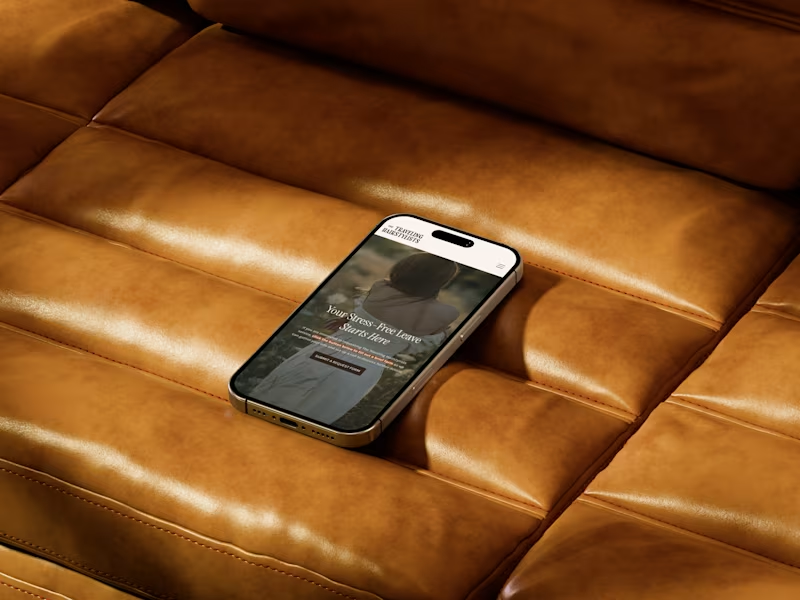
Ask the expert to test the site on different devices. Ensure that mobile users have the same easy experience as desktop users. Mobile responsiveness is crucial for reaching more people. A responsive site attracts more visitor engagement.
Who is Contra for?
Contra is designed for both freelancers (referred to as "independents") and clients. Freelancers can showcase their work, connect with clients, and manage projects commission-free. Clients can discover and hire top freelance talent for their projects.
What is the vision of Contra?
Contra aims to revolutionize the world of work by providing an all-in-one platform that empowers freelancers and clients to connect and collaborate seamlessly, eliminating traditional barriers and commission fees.