What should I consider when choosing a freelance Microsoft Word expert on Contra?
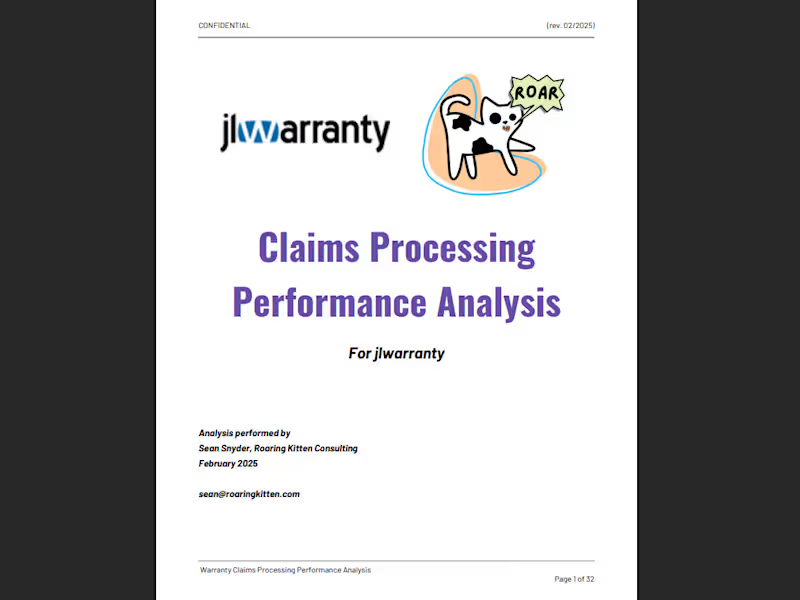
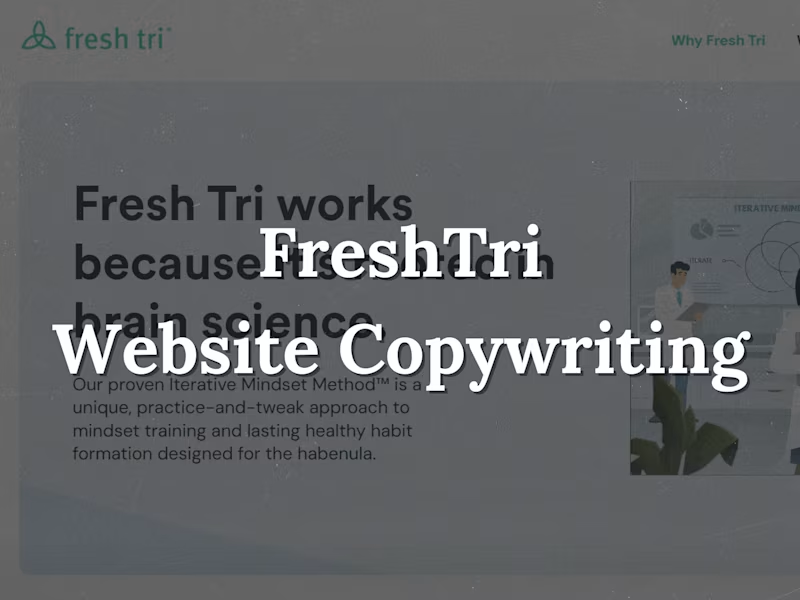
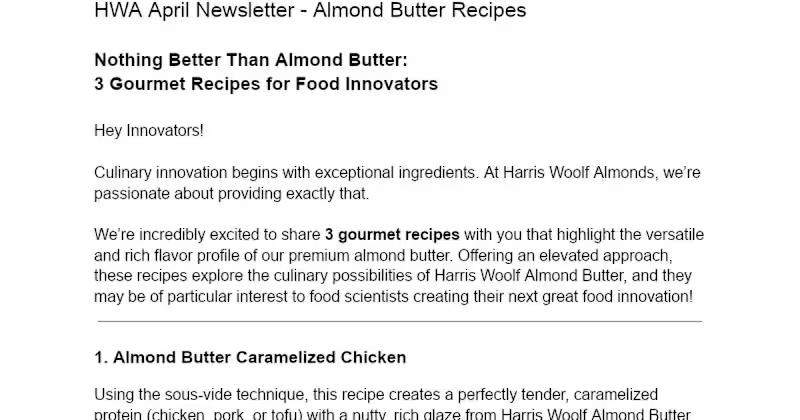
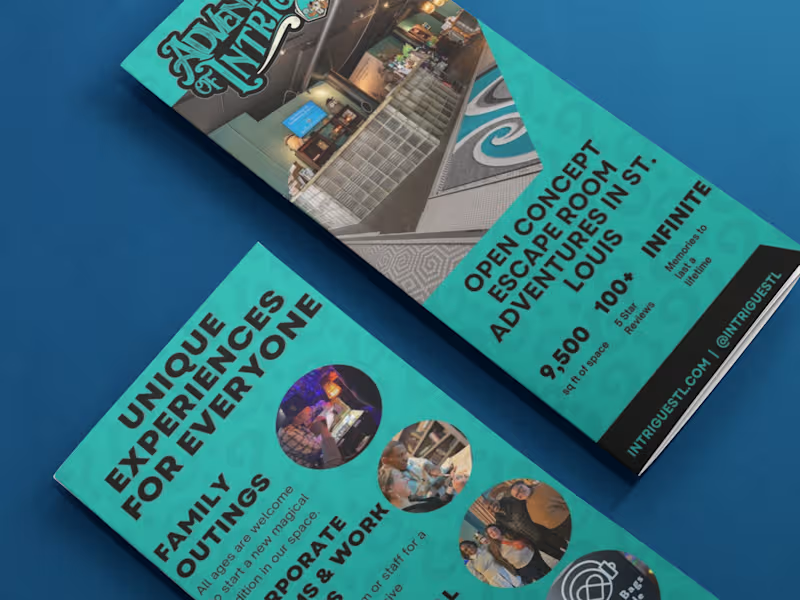
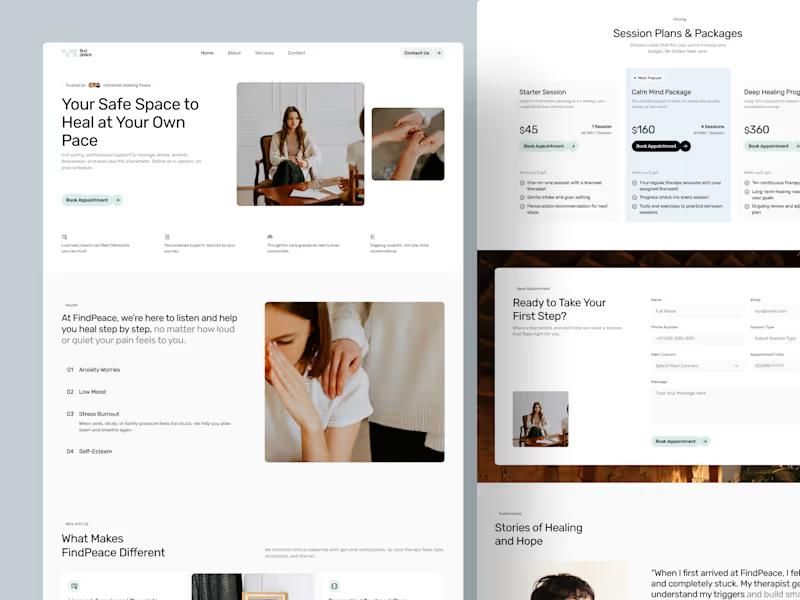
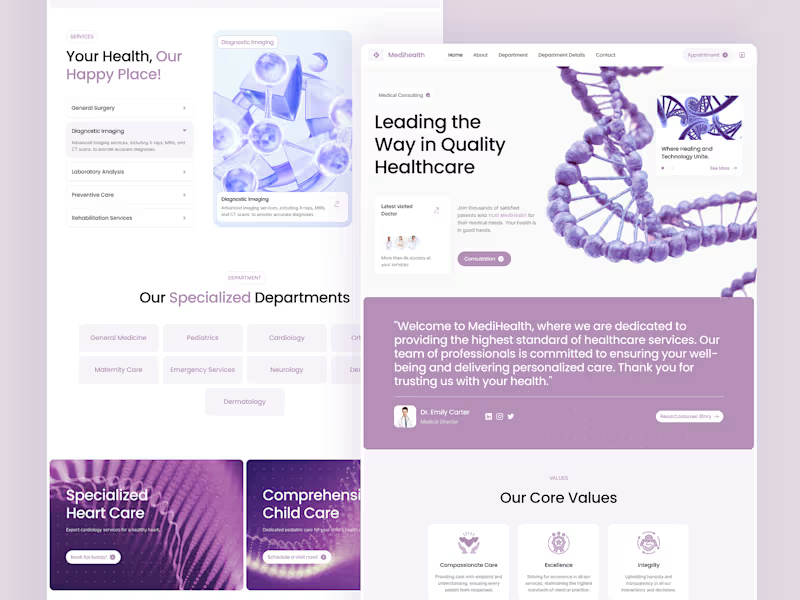
Check the freelancer's past experience with Microsoft Word projects. Look at their portfolio for examples of documents they've created, like reports or resumes. This will help you see if they can make your document look nice.
How do I know if a freelancer is skilled with Microsoft Word features?
Ask for examples of how they've used advanced Word features before. Look for things like smart writing tools and design templates. This will show you if they know how to use all the fancy bits in Word.
What deliverables should I expect from a Microsoft Word freelancer?
Clearly discuss what you need at the end of the project. This could be a well-formatted report or a neat resume. Make sure both you and the freelancer agree on what the finished project will look like.
How can I make sure the freelancer will meet my document design needs?
Share any templates or design styles you like with the freelancer. See if they can create a similar style in Microsoft Word. This helps ensure they can match your vision for the document.
What is the best way to check a freelancer's collaboration skills using Microsoft Word?
Find out if they've worked on team projects before. Ask if they're familiar with Word's track changes and comment features. This can show you if they're good at working with others on documents.
Why is it important to set project timelines with a Microsoft Word freelancer?
Timelines help keep the project on track and make sure you get your document on time. Discuss deadlines and make a schedule with the freelancer. It helps everyone know when things are due.
How do I ensure the freelancer understands my project requirements?
Clearly explain what your document needs to include and any special formatting. Providing detailed instructions helps the freelancer know your expectations. This can lead to a better final product.
How can I confirm the freelancer is capable of meeting my project goals?
Discuss your project goals clearly and listen to the freelancer's ideas. Ask them how they plan to achieve these goals using Microsoft Word. This ensures you're both on the same page.
What should I prepare before starting a project with a Microsoft Word freelancer?
Gather any content, images, or information you want included in your document. Share these with the freelancer at the start of the project. This makes the process smoother and faster.
How do I communicate effectively with a Microsoft Word freelancer on Contra?
Keep communication clear and regular with the freelancer. Use Contra's messaging tools to share updates and feedback. This helps the project run smoothly and successfully.
Who is Contra for?
Contra is designed for both freelancers (referred to as "independents") and clients. Freelancers can showcase their work, connect with clients, and manage projects commission-free. Clients can discover and hire top freelance talent for their projects.
What is the vision of Contra?
Contra aims to revolutionize the world of work by providing an all-in-one platform that empowers freelancers and clients to connect and collaborate seamlessly, eliminating traditional barriers and commission fees.