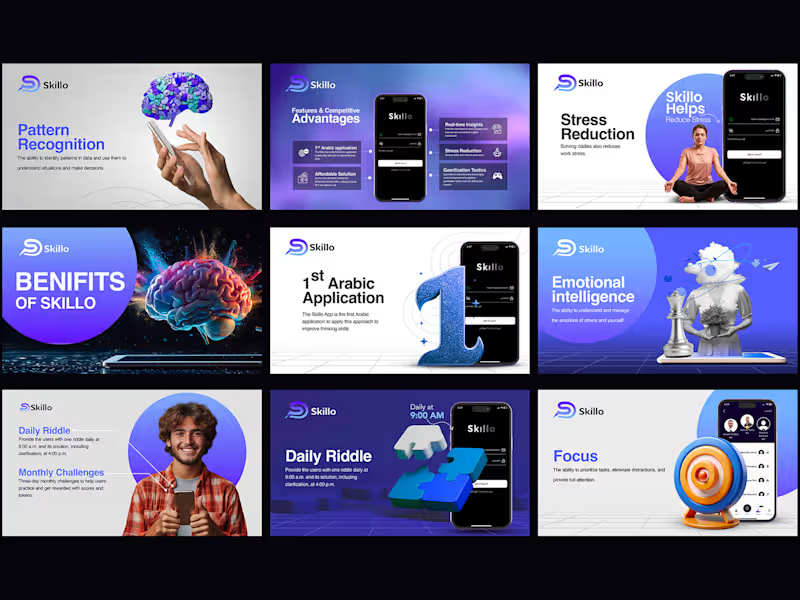
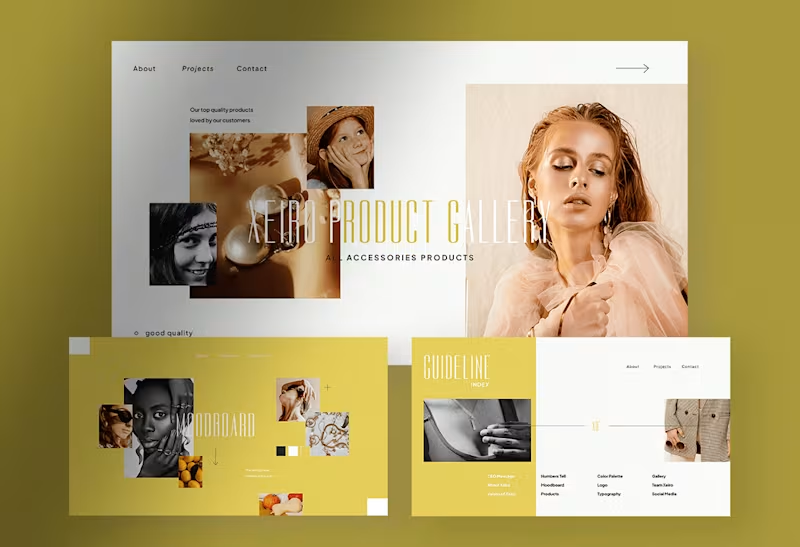
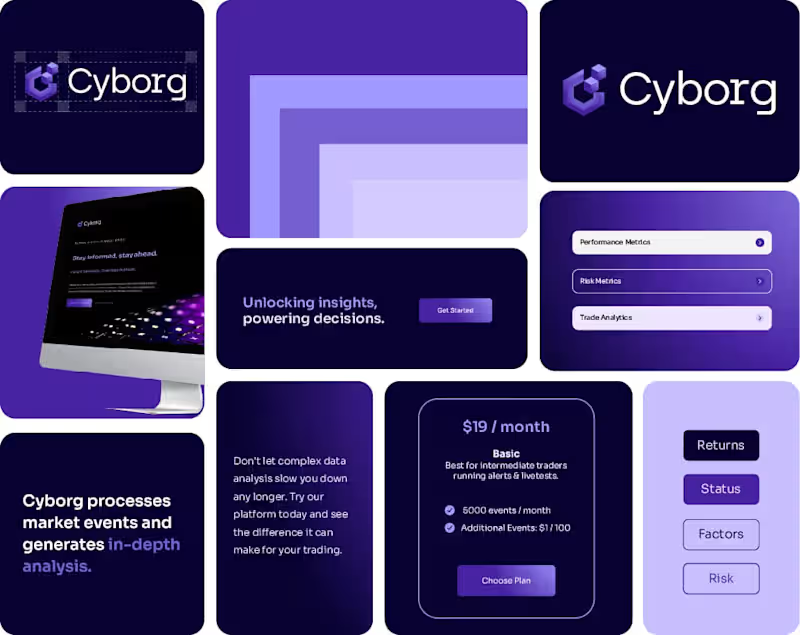
How can we define the project's goals with our Microsoft PowerPoint expert?
Setting clear project goals is important. Clearly tell the freelancer what you want the presentation to achieve. This might include showing new products, explaining a plan, or training employees. The expert will then know how to create slides that meet your needs.
How can we ensure the PowerPoint design matches our brand?
It’s good to share your brand colors, logos, and any design ideas you like with the expert. This helps them create slides that match your company’s look. You can also ask them to show you some design samples before they start.
What should we include in our agreement with the PowerPoint expert?
A good agreement should include what you expect the expert to deliver. This could be the number of slides, deadline, and any special features like animations. It keeps everything on track and ensures both sides understand the goals.
How do we discuss deadlines with a PowerPoint freelancer?
Talk about when you need the presentation finished. Make sure to agree on a time that works for both of you. You can also set smaller deadlines for parts of the project, like drafts or design approvals, to stay on schedule.
What types of feedback should we provide to our PowerPoint expert?
Give feedback about what you like and what needs changing as they work on the slides. Be specific, like saying if a picture should be bigger or text color changed. This helps them make corrections quickly and get the presentation just right.
How important is it to communicate regularly with our PowerPoint professional?
Regular updates keep everyone in the loop. Schedule check-ins to discuss the project progress. This can be once a week or after big parts of the project are done. Good communication makes sure everyone is happy with the results.
How do we set expectations for revisions with our PowerPoint freelancer?
Before starting, talk about how revisions will work. Decide on how many changes you can make at different stages. This way, everyone knows the process and timelines for making adjustments to the slides.
How can we ensure our PowerPoint project meets our quality standards?
Provide examples of other presentations you like or standards you follow. This helps the expert know what you consider good quality. Being clear about your standards from the start makes sure everyone knows what to aim for.
How do we decide on the multimedia elements for our PowerPoint project?
Mention if you want videos, animations, or sounds in the presentation. The expert can suggest the best ways to include them. This makes your slides more engaging and matching your project’s purpose.
What should we prepare before our first meeting with our PowerPoint specialist?
Gather any content you want in the presentation, like text and images. Think about your goals, timeline, and design preferences. Having these ready makes the first meeting go smoothly, letting the expert understand your vision quickly.
Who is Contra for?
Contra is designed for both freelancers (referred to as "independents") and clients. Freelancers can showcase their work, connect with clients, and manage projects commission-free. Clients can discover and hire top freelance talent for their projects.
What is the vision of Contra?
Contra aims to revolutionize the world of work by providing an all-in-one platform that empowers freelancers and clients to connect and collaborate seamlessly, eliminating traditional barriers and commission fees.