























How can I make sure the Google Docs expert understands my project goals?
Share a clear plan with your hired Google Docs expert. Tell them what you want to achieve with your document. This helps the expert use their skills to meet your needs.
What should I include in my project brief for a Google Docs expert?
A good project brief should include all necessary details. Include the project's purpose and due date. Be clear about the work the expert needs to complete.
What should I know about real-time collaboration in Google Docs?
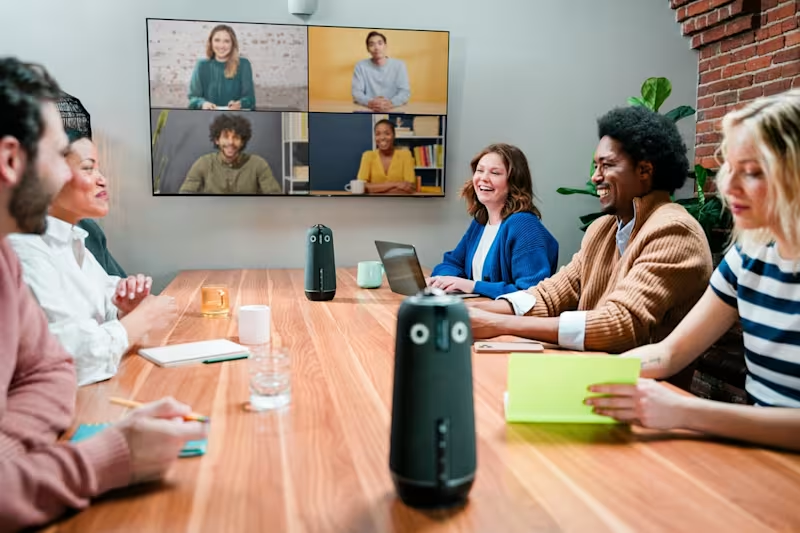
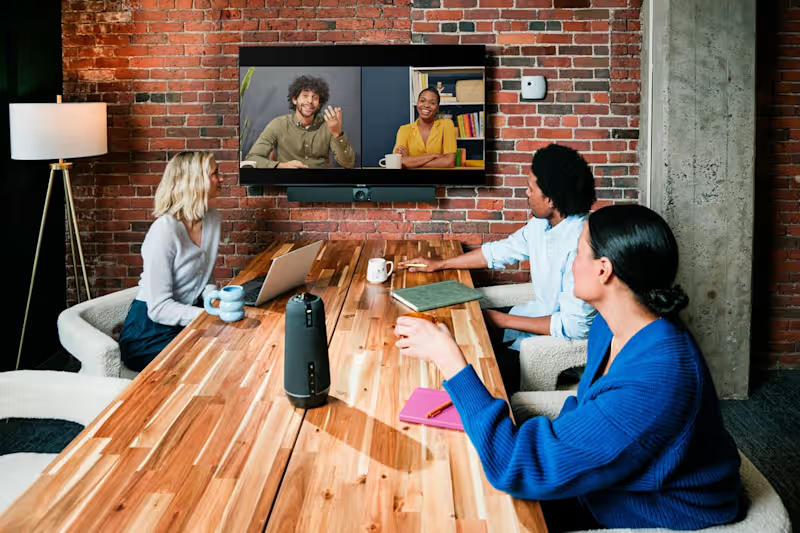
Google Docs lets multiple people work at the same time. Discuss collaboration needs with your Google Docs expert. Set rules for how you can work together smoothly.
How can I communicate effectively with my Google Docs expert?
Keep your communication simple and clear. Use a mix of emails and chat tools for updates. Regular check-ins help keep the project on track.
What are the key skills to look for in a freelance Google Docs expert?
Look for strong writing and formatting skills in your expert. Experience with Google Docs features is important. Ask about their past projects to learn more.
How do I agree on deliverables with a Google Docs expert?
Discuss and list all the expected outcomes of the project. Agree on what documents and versions will be delivered. This avoids confusion later on.
How can I ensure my Google Docs expert is familiar with Google Workspace tools?
Ask if they have used Google Workspace tools before. This includes Drive, Sheets, and Slides. Knowing these tools can help work easier.
How can I track the progress of my Google Docs project?
Work with your expert to set a progress timeline. Use Google Docs to view and check changes. This keeps everyone informed of project status.
What should I do if I need to change the project scope?
Talk about changes with your expert as soon as possible. Make sure to update the project brief and timeline. Clear communication helps manage new expectations.
How can feedback be effectively shared on Google Docs?
Use the commenting feature in Google Docs for feedback. Encourage your expert to do the same. This keeps feedback organized and easy to follow.
Who is Contra for?
Contra is designed for both freelancers (referred to as "independents") and clients. Freelancers can showcase their work, connect with clients, and manage projects commission-free. Clients can discover and hire top freelance talent for their projects.
What is the vision of Contra?
Contra aims to revolutionize the world of work by providing an all-in-one platform that empowers freelancers and clients to connect and collaborate seamlessly, eliminating traditional barriers and commission fees.