What should I look for in a freelance Google Docs expert?
Look for someone who knows how to use Google Docs well. They should be able to create, edit, and format documents easily. Also, check if they have experience collaborating with others.
How can I make sure the freelancer understands my project needs?
You should explain your project clearly. Tell them what kind of documents you need and what they are for. It's good to make a list of tasks they need to do.
What is the best way to discuss project deliverables with a freelancer?
Make a list of all the things you need from the project. Share this list with the freelancer. Then, talk with them to make sure they understand and agree to it.
How do I ensure the freelancer sticks to deadlines?
Set clear deadlines for each part of the project. It's important to discuss these dates with the freelancer. Make sure they agree and can meet the deadlines.
What should I do to start the project smoothly with a freelance Google Docs expert?
First, have a meeting to talk about the project. Give the freelancer all the information they need. Agree on a plan and start date with them.
Why is good communication important when working with a Google Docs expert?
Good communication helps the project run smoothly. It makes sure everyone understands what to do. It also helps solve problems quickly if they happen.
How can I ensure quality work from a freelance Google Docs expert?
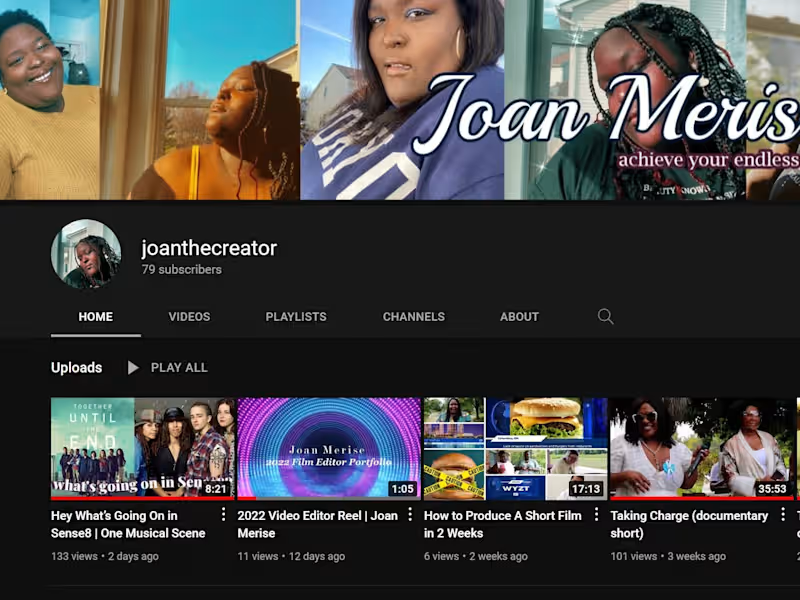
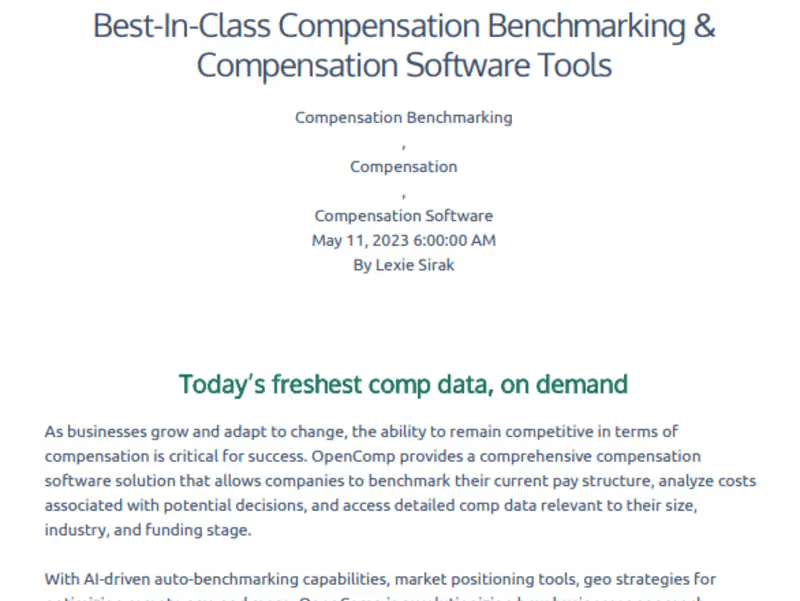
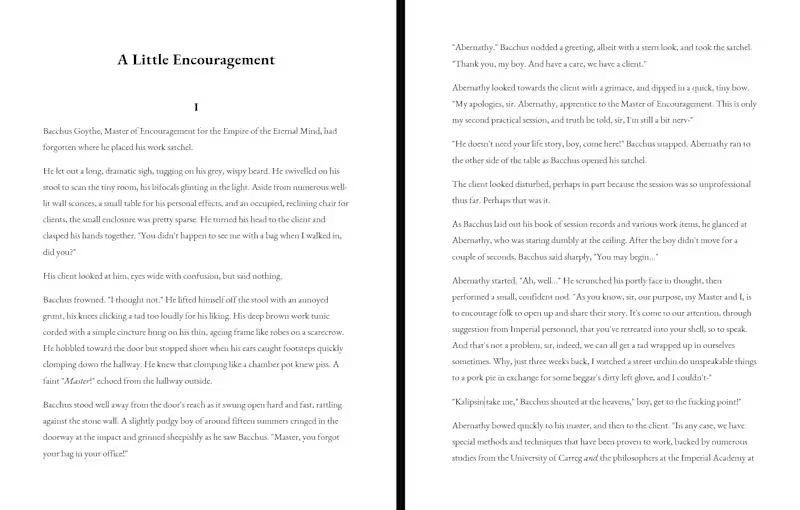
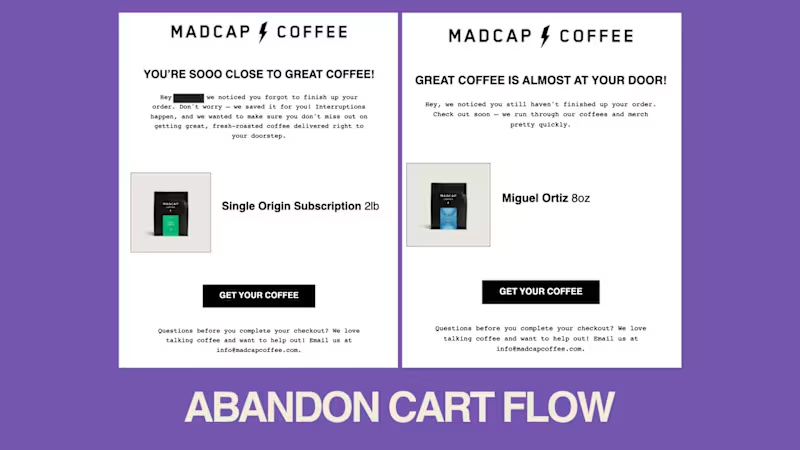
Ask for samples of their past work. Check the quality and style of those documents. Make sure their work meets your standards.
What technology tools should a freelance Google Docs expert be familiar with?
They should know Google Docs really well. It's also good if they know other Google Workspace tools. These tools help with collaboration and organizing documents.
Why is it important to establish clear project goals?
Clear goals help everyone know what to achieve. When goals are clear, fewer mistakes happen. It also helps track the project progress.
How do I handle feedback and corrections during the project?
Use Google Docs to give and receive feedback. You can add comments directly in the document. Discuss feedback with the freelancer to make sure changes are understood.
Who is Contra for?
Contra is designed for both freelancers (referred to as "independents") and clients. Freelancers can showcase their work, connect with clients, and manage projects commission-free. Clients can discover and hire top freelance talent for their projects.
What is the vision of Contra?
Contra aims to revolutionize the world of work by providing an all-in-one platform that empowers freelancers and clients to connect and collaborate seamlessly, eliminating traditional barriers and commission fees.