How do I know if a Canva expert is right for my project?
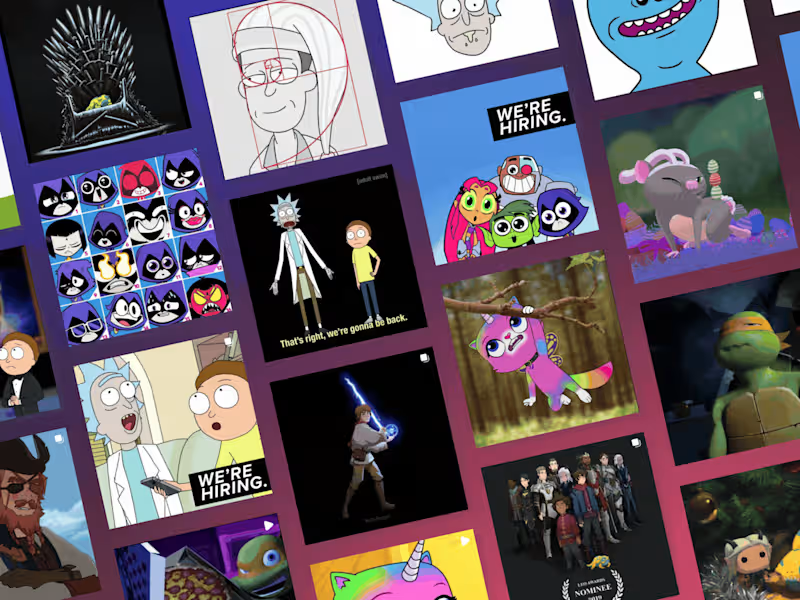
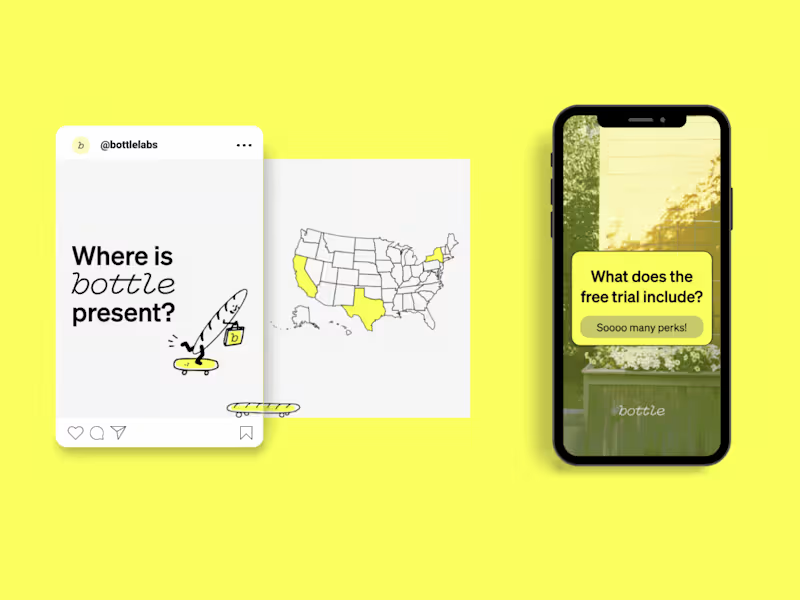
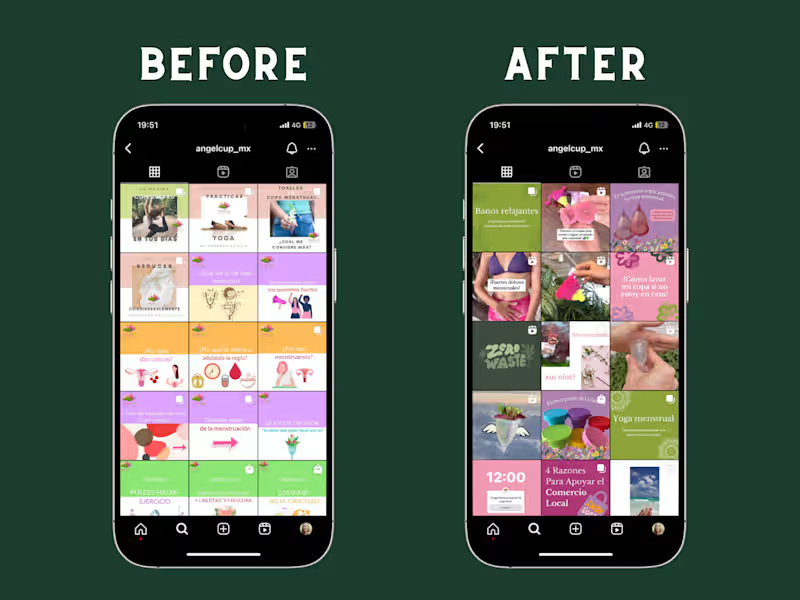
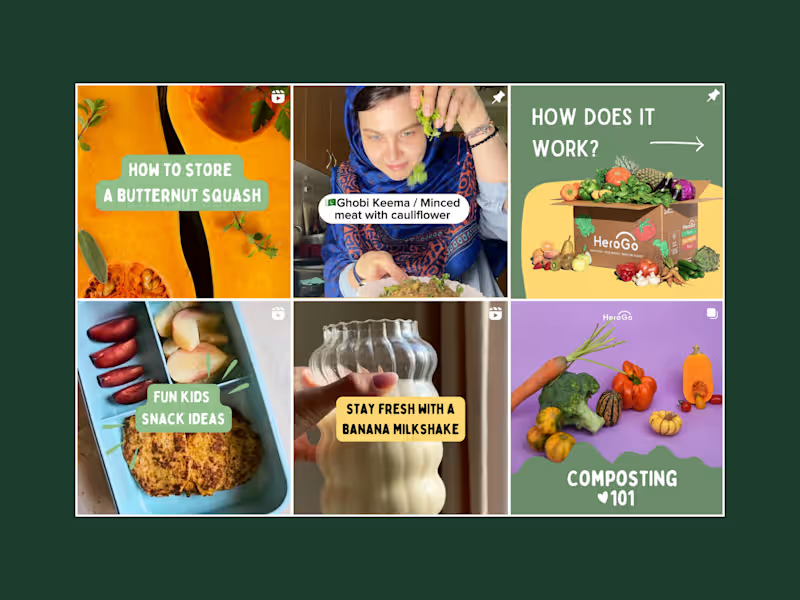
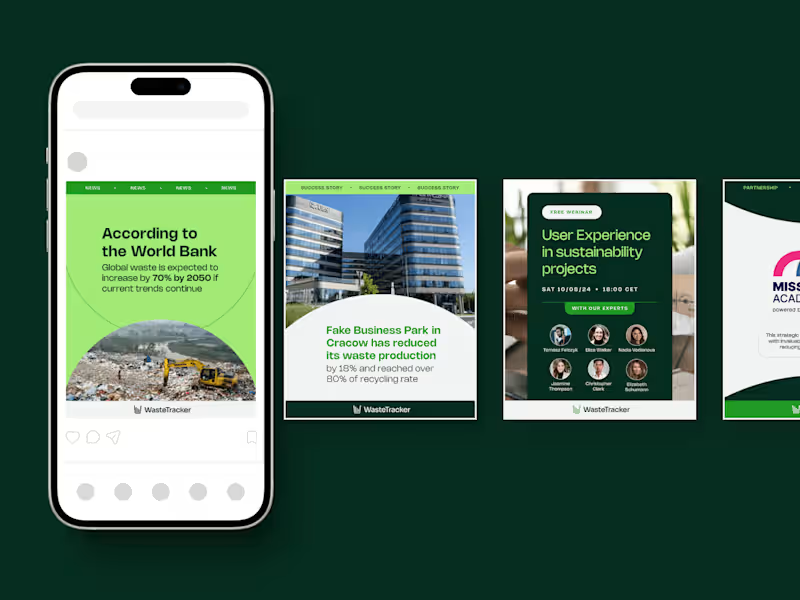
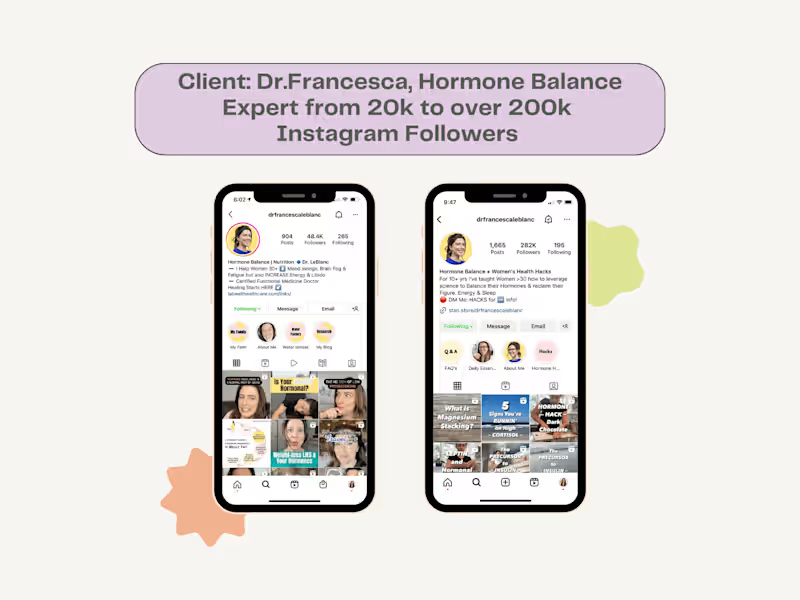
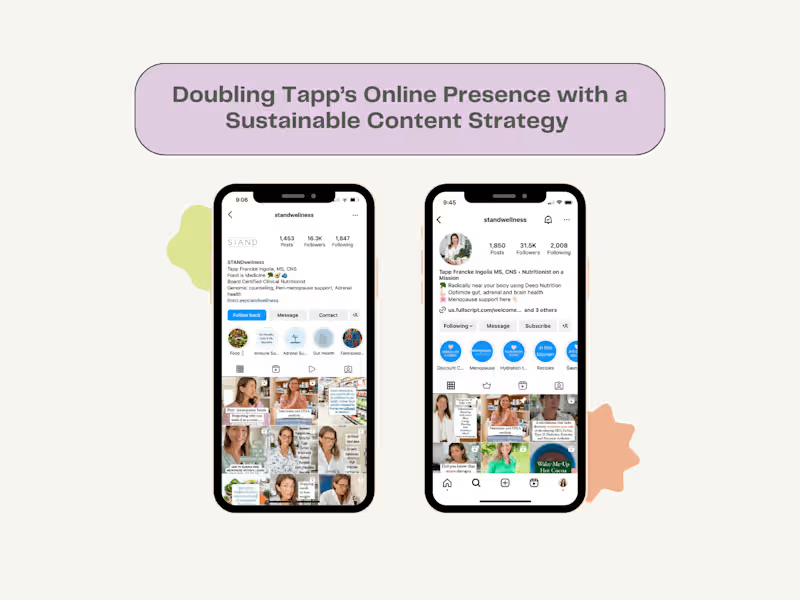
Look at their past work and reviews from other clients. See if their style matches what you need for your project. This helps you find someone who can make designs you will love.
What should I include in my project brief for a Canva expert?
Write what you need in a simple way. Include details like colors, logo, and what you want people to feel when they see the design. This helps the Canva expert know exactly what to create.
How can I ensure we have the same vision for the project?
Have a call or chat to discuss your ideas and see examples. Use pictures or sketches to show what you like. This makes sure you and the Canva expert understand each other well.
What is the best way to agree on deliverables with a Canva expert?
List all you want and decide on what should be done by when. Agree on what the expert will deliver, like social media images or infographics. This helps to keep everything clear and on track.
How do we set a timeline for a Canva project?
Talk about when you need each part done. Make a schedule with steps and deadlines. This lets both you and the Canva expert plan and work smoothly.
What files should I ask for as final deliverables?
Ask for files you can use easily, like JPEGs or PNGs. Also, ask if you can have the original Canva files. This way, you can make edits if needed in the future.
How can I give feedback that helps a Canva expert?
Be honest and specific about what you like or want to change. Use clear examples to explain your thoughts. This helps the Canva expert to make the perfect design for you.
What should I do if I want to change something during the project?
Tell the Canva expert as soon as possible about the change. Keep communication open and friendly. This way, the expert can make adjustments and keep everything on track.
How important is communication when working with a Canva expert?
Communication is very important. Regular updates help you see progress and make any changes early. This helps to make sure the project ends successfully without problems.
How can I prepare for a project review meeting with a Canva expert?
Have notes of what you want to discuss. Include things you like and changes you need. This helps make the meeting useful and keeps everyone focused on finishing the project well.
Who is Contra for?
Contra is designed for both freelancers (referred to as "independents") and clients. Freelancers can showcase their work, connect with clients, and manage projects commission-free. Clients can discover and hire top freelance talent for their projects.
What is the vision of Contra?
Contra aims to revolutionize the world of work by providing an all-in-one platform that empowers freelancers and clients to connect and collaborate seamlessly, eliminating traditional barriers and commission fees.