How do I define my website needs before hiring a WordPress expert on Contra?
Start by listing what you want your website to do. Think about features like blogs, shopping carts, or photo galleries. Write down any design ideas or color themes you like. Be clear on whether you need ongoing maintenance after the site is built. This helps the WordPress expert understand what you want.
What should I look for in a WordPress expert's portfolio?
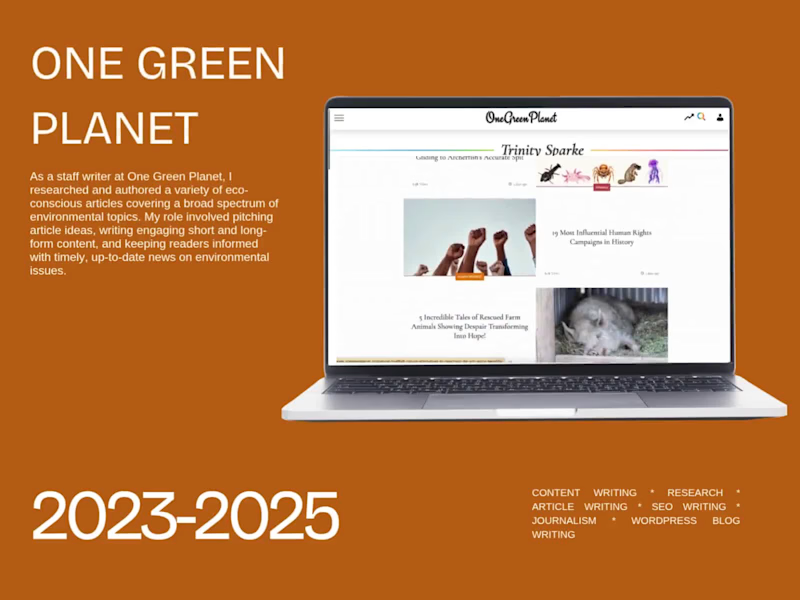
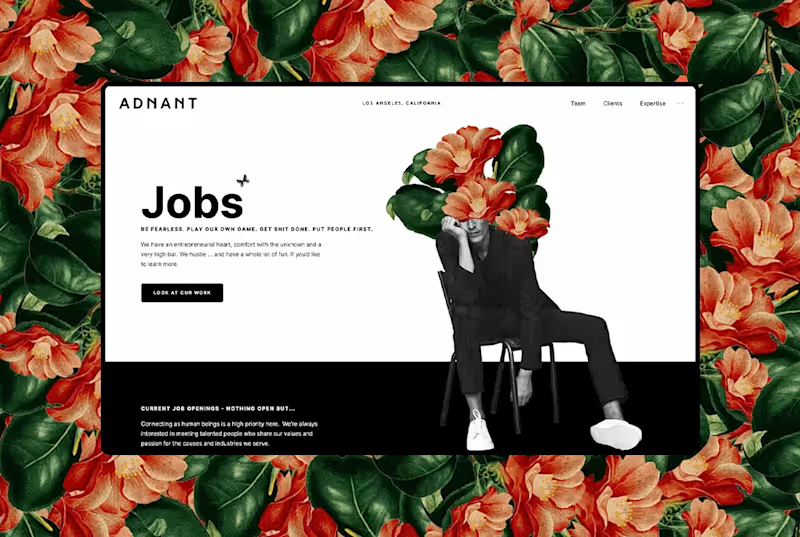
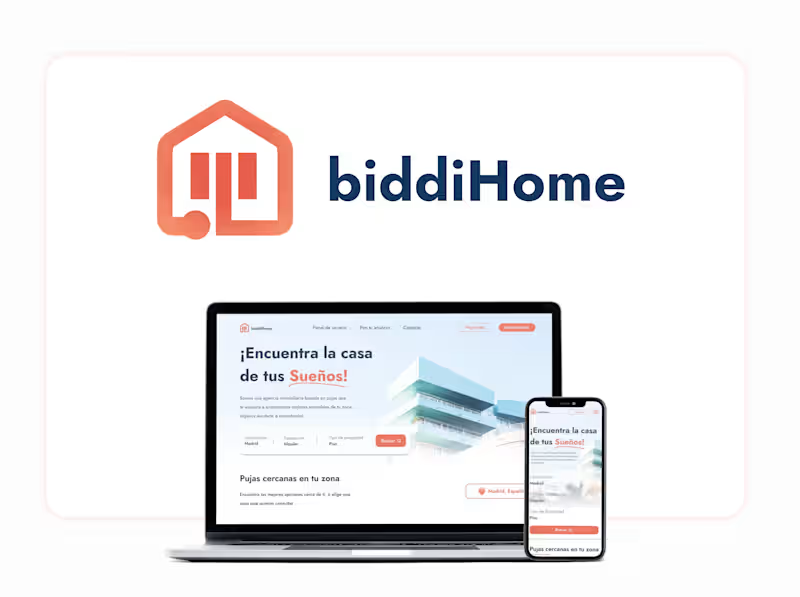
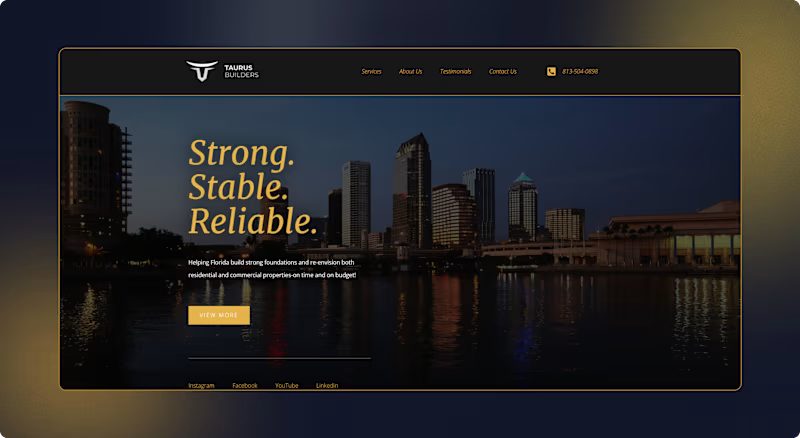
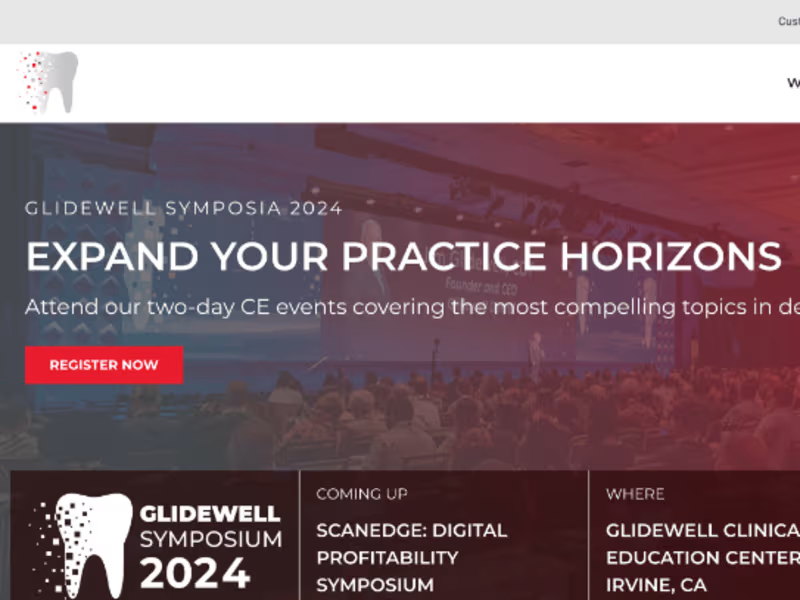
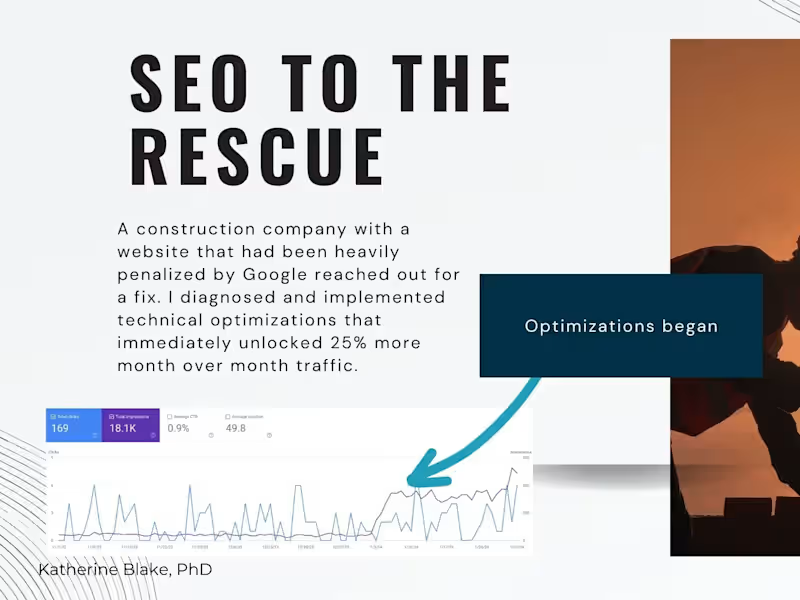
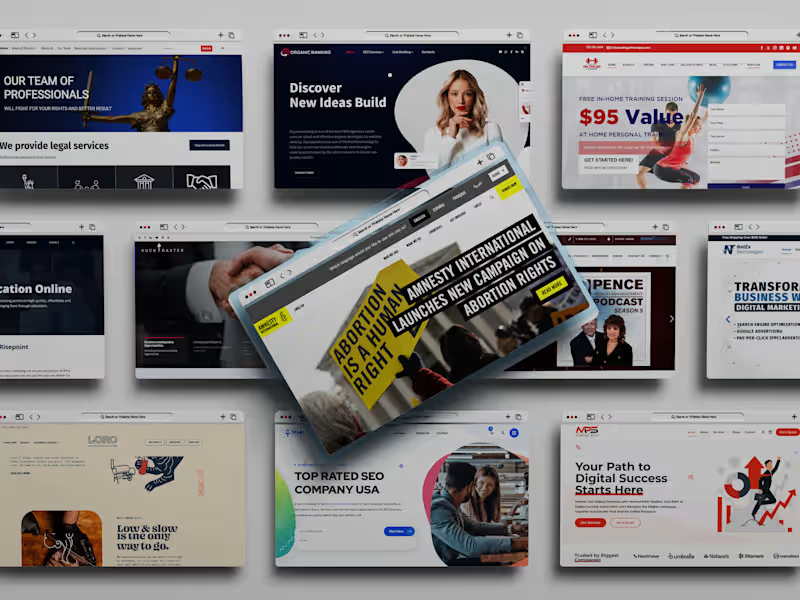
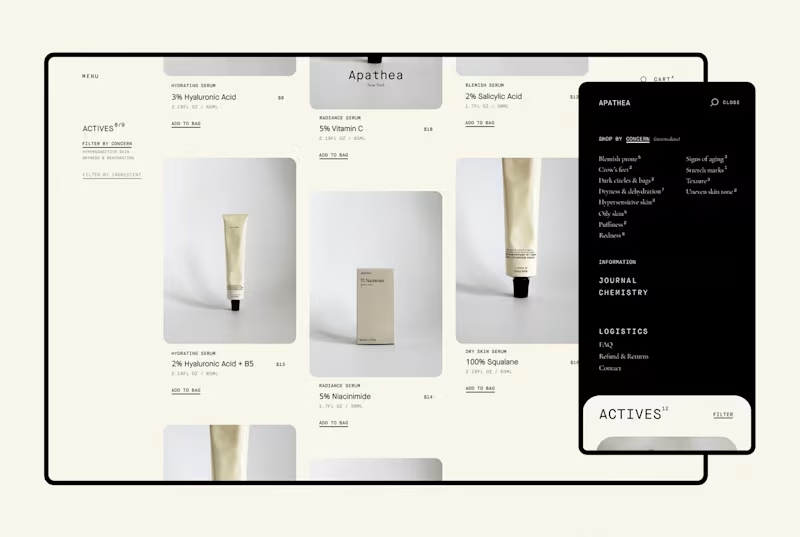
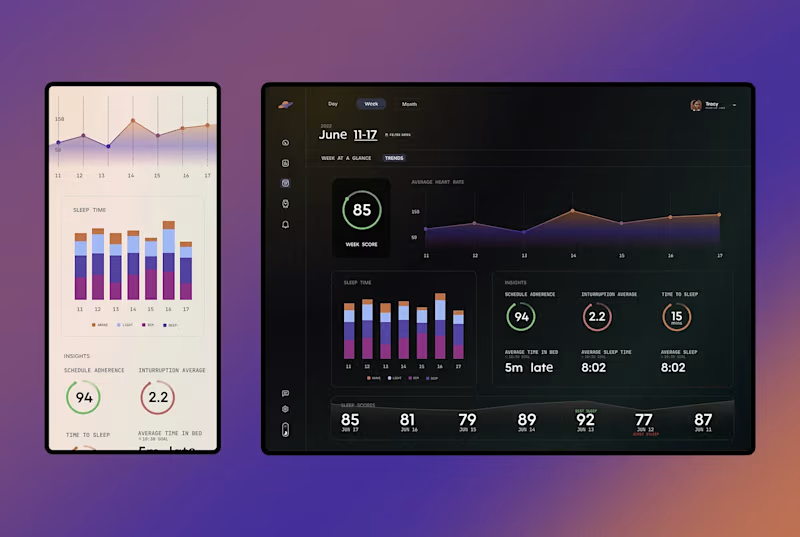
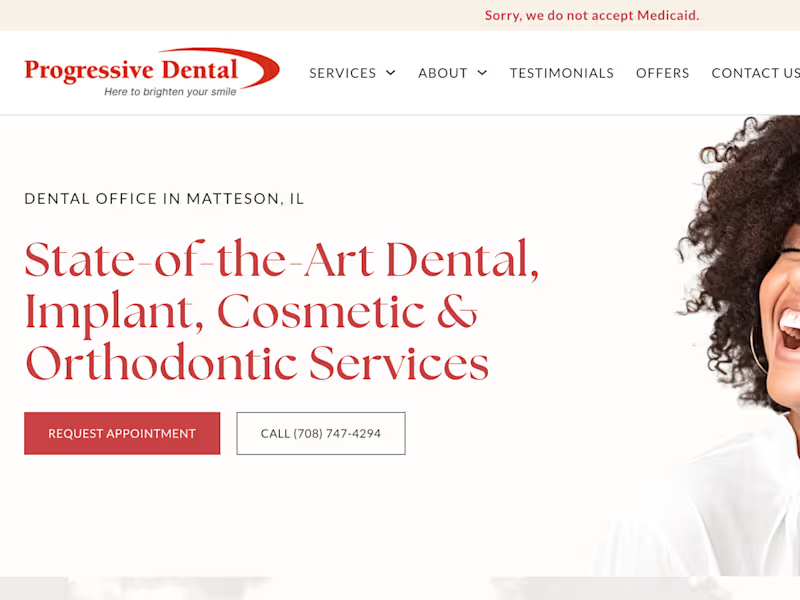
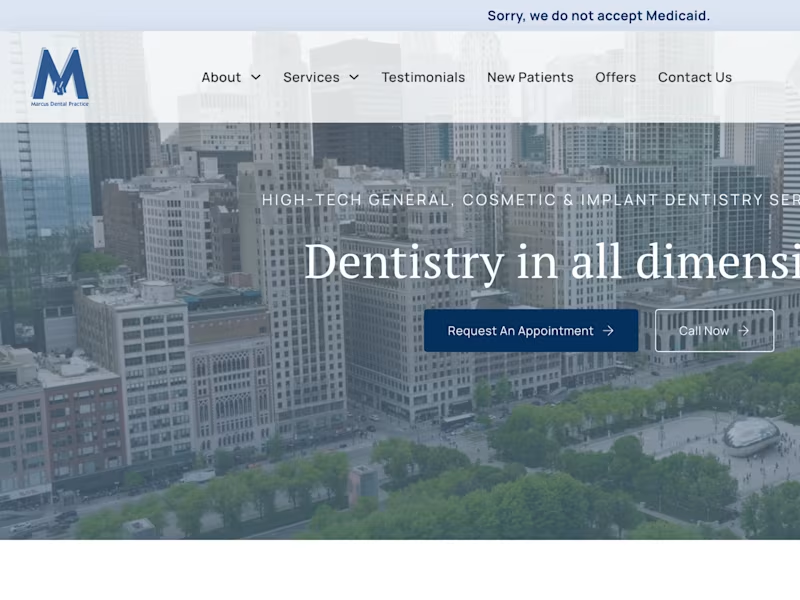
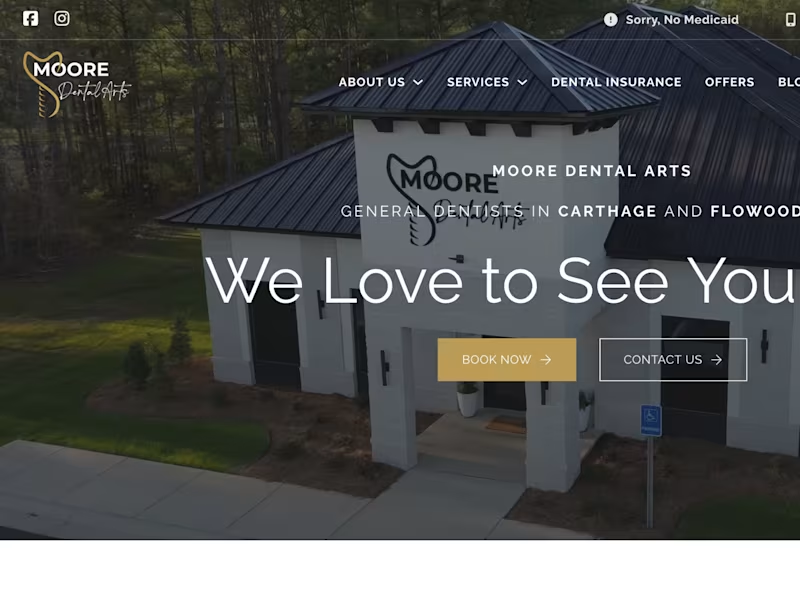
Check if they have experience with similar projects to yours. Look for a variety of styles and designs to see their range of skills. Make sure their past work is user-friendly and looks professional. Their portfolio should show their understanding of WordPress tools and themes. This helps you see if their style matches your needs.
Why is it important to discuss a project timeline with a WordPress expert?
A project timeline helps ensure everyone knows what to expect. Discuss how long the expert thinks the work will take. Make sure they understand any important dates you have. This helps prevent delays and makes sure your website is ready on time. It also helps the WordPress expert manage their time effectively.
What details should I include in the project brief for a WordPress expert?
Include a summary of your project goals and any specific features you need. Mention any preferences you have for design, like colors or logos. Outline your target audience and any examples of sites you like. Provide details about your deadline and budget constraints. A clear brief helps the WordPress expert understand your vision.
How can I ensure good communication with my WordPress expert?
Set up a preferred method of communication, like email or video calls. Decide how often you will check in, such as weekly updates. Be clear about your feedback process for their work. Good communication helps make sure the project stays on track. It also ensures any questions are answered quickly.
What tools can a WordPress expert use during the project?
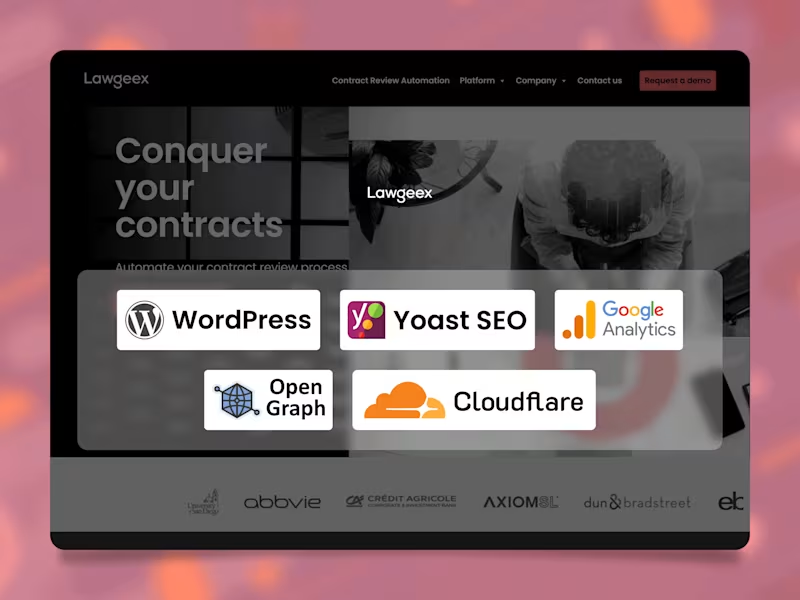
A WordPress expert might use plugins to add features to your site. They may use themes to style your website without needing to code from scratch. Check if they need access to any third-party tools. Knowing what tools they use can help you understand the process. This ensures they have what they need to work efficiently.
How do I evaluate the deliverables from a WordPress expert?
Look at whether the site meets all your requirements. Test any features to make sure they work as expected. Check the design against your preferences for colors and layout. Make sure the website is user-friendly and responsive on different devices. Reviewing these factors ensures the work aligns with your expectations.
Why is it important to agree on post-project support with a WordPress expert?
Discussing post-project support helps you plan for any future website changes. Agree on whether updates or maintenance are included. Decide if you will pay extra for continued support. Post-project support makes sure your website stays updated and secure. It also gives you peace of mind after the site goes live.
Who is Contra for?
Contra is designed for both freelancers (referred to as "independents") and clients. Freelancers can showcase their work, connect with clients, and manage projects commission-free. Clients can discover and hire top freelance talent for their projects.
What is the vision of Contra?
Contra aims to revolutionize the world of work by providing an all-in-one platform that empowers freelancers and clients to connect and collaborate seamlessly, eliminating traditional barriers and commission fees.