Level up brands via websites, socials, emails, & AI content

Level up brands via websites, socials, emails, & AI content

CPG packaging design, strategy & brand identity
CPG packaging design, strategy & brand identity
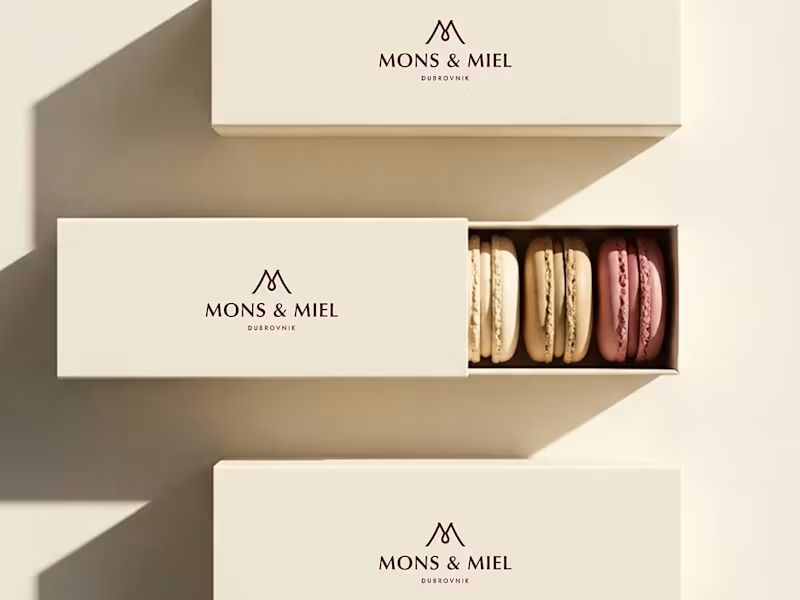
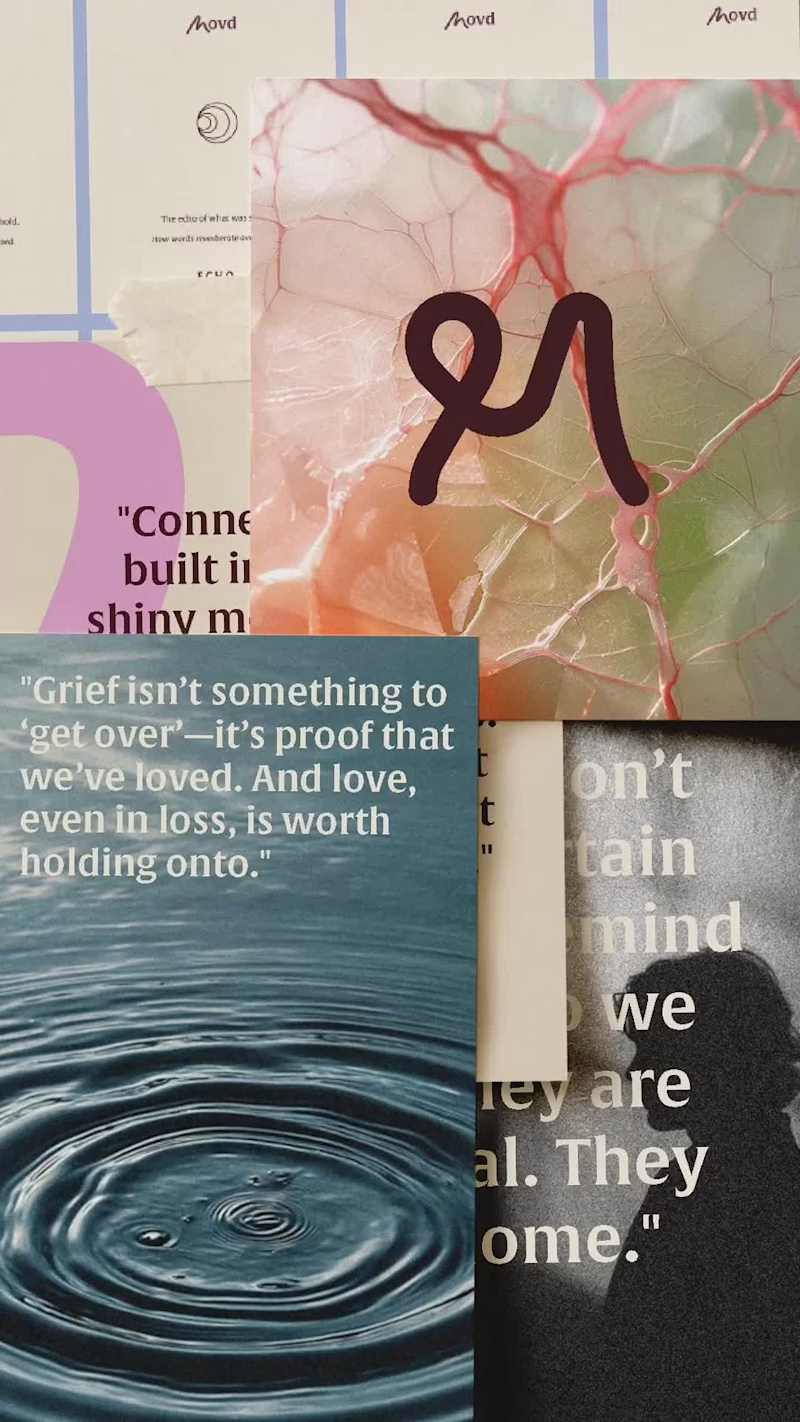
MOVD is a podcast about movement, creativity, and the stories that shape how we live and work. The hosts wanted a visual identity that felt grounded but alive, something that moved with purpose.
I created the full brand identity including the logo, typography, and color direction. The design balances clarity and rhythm to reflect thoughtful conversations and flow.
To shape the brand’s visual tone, I developed a photography direction in Midjourney that explored texture, motion, and atmosphere. The imagery feels human, curious, and calm.
The final identity is cohesive, modern, and expressive of what MOVD stands for - movement, meaning, and connection.
11
38
3.7K

Ethereal Filmmaker | Photographer | Creative Direction | AI

Ethereal Filmmaker | Photographer | Creative Direction | AI

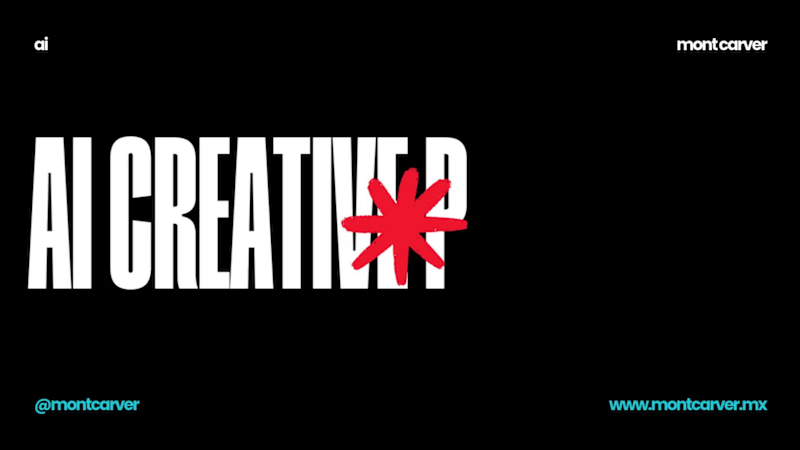
☆:.。. AI CREATIVE PORTFOLIO .。.:☆
Hi, I’m Mont Carver, filmmaker + photographer working at the intersection of image, tech + emotion. This video is a quick flip-through of my AI creative portfolio (designed in Canva) featuring: AI fantasy characters, fashion/editorial worlds, product + beauty-style visuals, and AI video experiments, plus a peek at my exhibitions + background.
I use AI as a creative studio tool (concept → art direction → image + motion), then polish everything with a cinematic eye: composition, texture, color, rhythm. If you need campaign visuals, social content, moodboards, pitch decks, or experimental imagery/video, let’s build something that feels unreal (in the best way).
✦ available for: brands / music / art projects / creative direction / AI image + video
✧ let's work together☆
3
22
841
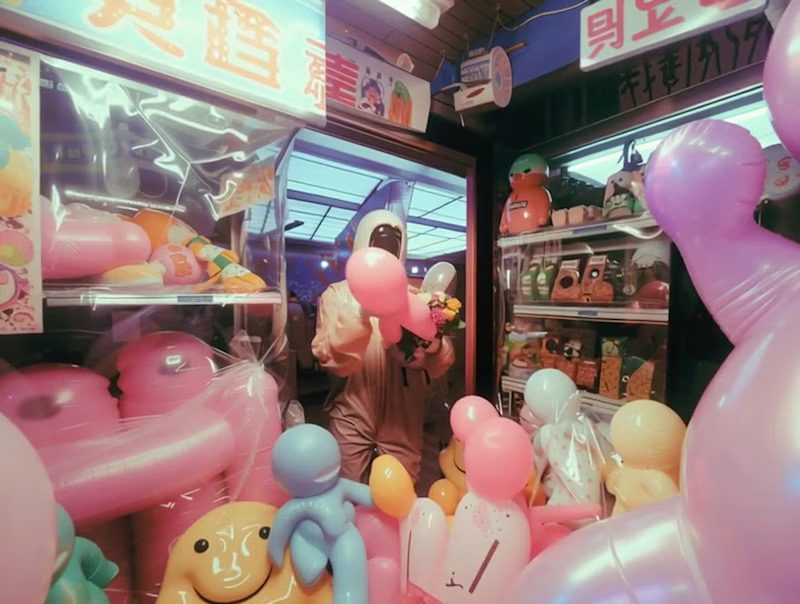
AI Video Experiments (Midjourney) ✿
A set of short-form visual loops created with Midjourney, exploring dreamy Y2K / sci-fi moods, glossy textures, and surreal “cinematic stills” brought into motion. Each piece starts as prompt-driven image-making, then becomes a video through curation, sequencing, and subtle animation—like tiny trailers for worlds that don’t exist (yet) ♡
✧₊˚ What I did: concept + prompt crafting, visual direction, curation, edit + motion
Tools: Midjourney + video editing 。☆✿
#MidjourneyArt #CreativeAI #GenerativeAesthetics #AIVisuals #VisualResearch #MoodboardToMotion #ExperimentalCinema #DigitalFashion #SurrealPortrait #Y2KCore #ArtFilm #VideoEditing #ContraCreator
2
19
770
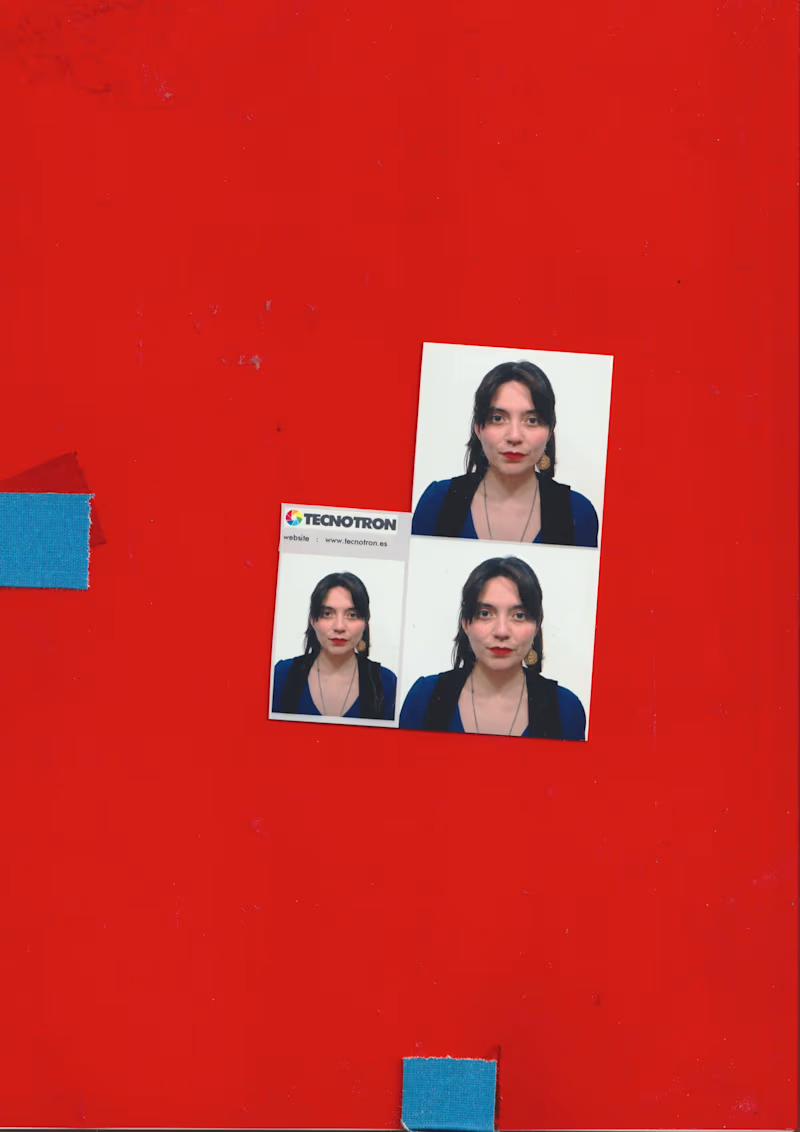
Hey Contra fam ✿✿✿✿✿ jumping on #contraquest ✿
I’m Mont Carver ♡ a Mexico City–born creative based in Madrid. I work across video editing, filmmaking, photography, and AI-assisted visual art (yes, I love a good hybrid workflow ♡).
I’m obsessed with story + mood + rhythm ♡ whether it’s a cinematic short-form edit, an actor character study, a beauty campaign BTS, or Midjourney experiments turned into motion ✧₊˚
This year I’m here to collaborate more, learn faster, and make work that feels real and weirdly beautiful ★
Say hi + tell me what you do! ୨୧
#contraquest #freelancerlife #videoeditor #filmmaker #photographer #visualartist #aivisuals #midjourney #madridcreatives
2
6
2.5K

Web & Brand Design, Development + Growth for Businesses
Web & Brand Design, Development + Growth for Businesses
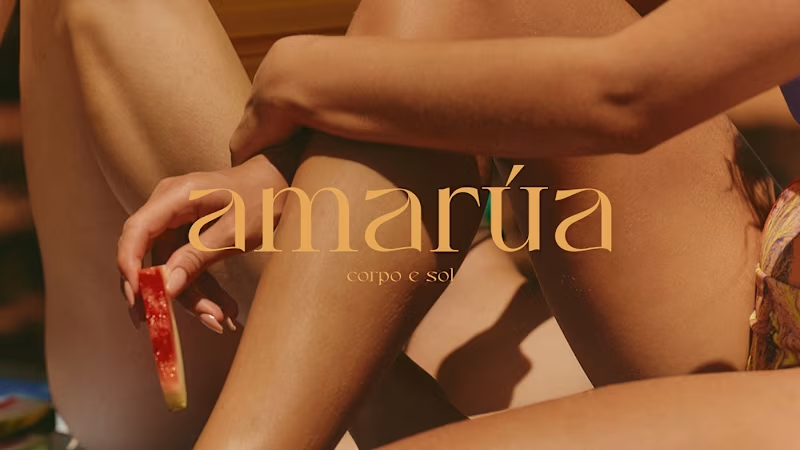
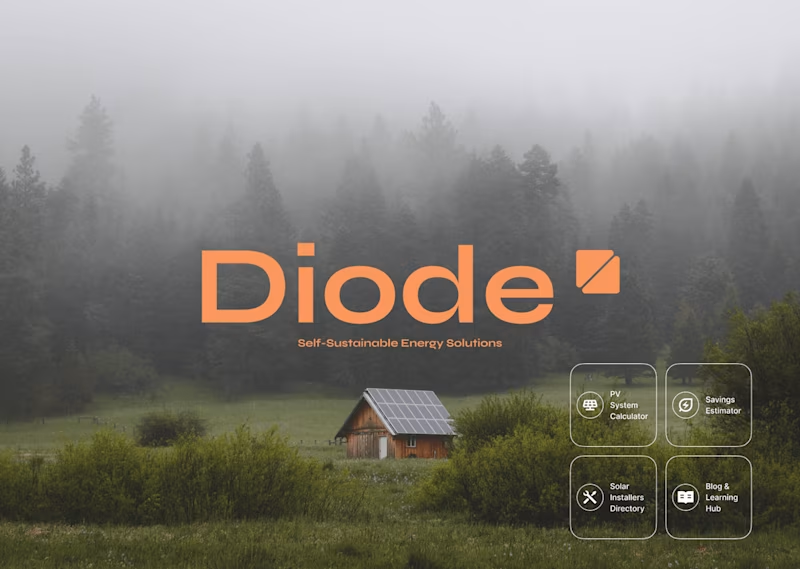

Branding for design-lead brands in interiors & construction

Branding for design-lead brands in interiors & construction


Editorial Brand & Squarespace Website Designer
Editorial Brand & Squarespace Website Designer
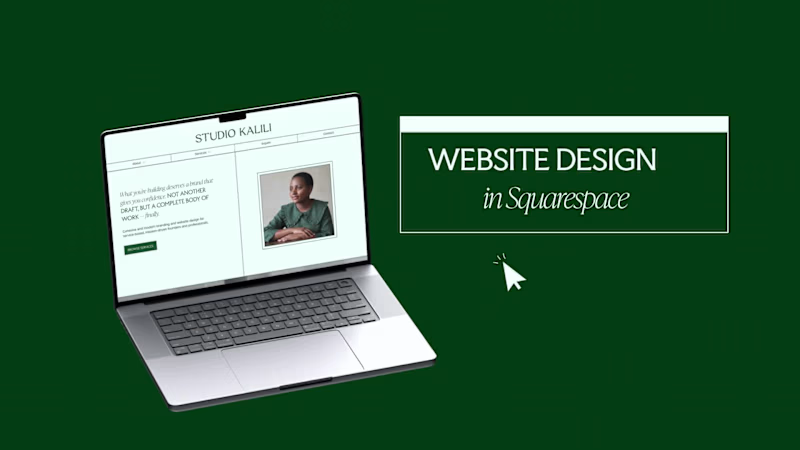
For this design, I brought the Studio Kalili website to life using Squarespace's Finish Layer by layering in subtle animation across the page to turn a static layout into something that feels considered and dynamic without overwhelming the content.
The most intentional use of Finish Layer is the two-image interaction illustrating the core idea behind the studio's work: closing the gap. One image enters from the left, the other from the right, moving quickly at first and then easing as they meet in the center — fast enough to catch attention, slow enough to let the reader stay with the copy.
From there, hover states on buttons, text, and large images, plus scroll-triggered entrances, guide the eye down the page and give every interactive element a small, deliberate moment of response.
Squarespace's Finish Layer was used to add polished interactions across the website, creating a more dynamic browsing experience. Each interaction supports the overall experience while preserving the calm, editorial character of the Studio Kalili brand.
View the Website design (https://www.studiokalili.com/)
View the LinkedIn social post (https://www.linkedin.com/posts/studiokalili_squarespace-webdesign-squarespacechallenge-activity-7486227627586985984-xTF2?utm_source=share&utm_medium=member_desktop&rcm=ACoAAC0qqAIBrHjQpLqMtnXAZ6GpFg1uZwP7LTs)
14
37
2.2K

Creating fun commercials for the design community.
- $100k+
- Earned
- 1x
- Hired
- 5.0
- Rating
- 571
- Followers
Creating fun commercials for the design community.
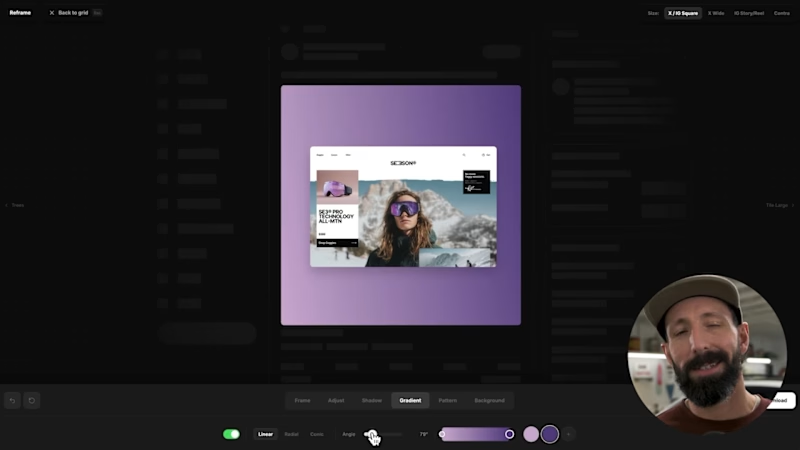
After I finish a design project,
the last thing I want to do is open Figma again just to make a post image.
I usually default to a plain screenshot.
That's why I built Reframe. (Entirely in Figma Make for the Makeathon!)
Paste any image - and an entire grid of layout options generates instantly.
Pick one. Edit. Copy. Post.
No extra layout.
No extra steps.
Give it a try!
https://reframeit.figma.site
3
12
823


55+ million views for clients

55+ million views for clients