
Strategic Design+Motion for converting websites & product UI
- $25k+
- Earned
- 7x
- Hired
- 5.0
- Rating
- 34
- Followers
Strategic Design+Motion for converting websites & product UI


Beautiful bespoke websites that convert


Beautiful bespoke websites that convert



CRO & Growth expert for DTC E-com Brands | Shopify & Replo

CRO & Growth expert for DTC E-com Brands | Shopify & Replo
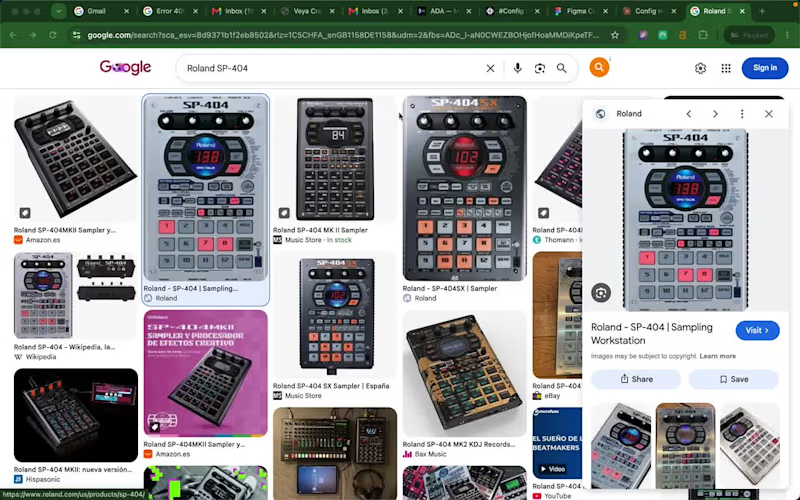
🎹 🎶 PadLab: an SP-404 sampler that lives in your browser
I used to make beats on a Roland SP-404. Chop a sample, lay down a drum loop, play melodies over the top, resample, repeat. It's one of the most fun ways to make music there is. The problem is you need the hardware in front of you, you need the space to set it up, and if an idea hits while you're away from your gear, it's gone by the time you get back.
So I built the thing I wished existed: a browser-based SP-404 that captures that exact workflow, with nothing to buy and nothing to install. Open a tab and you're making beats.
The problem it solves
Hardware samplers are expensive and they tie you to a desk. Beginners can't justify the cost to find out if they even like sampling. Producers with ideas on the move have nowhere to put them. PadLab lowers the barrier to basically zero. If you want to learn the SP-404 workflow, capture a quick idea, or just mess around, you can do it from any laptop.
What it does
It's a faithful recreation of the SP-404 feel, not just the look. The core of it is built around two things the real hardware nails and most software forgets:
Chop. Load a drum break or a sample, slice it on the waveform (tap in time or auto-detect the hits), and each slice lands on its own pad ready to play. This is the heart of sampling and it's the most satisfying part to use.
Quantised recording. Hit record, get a one bar count-in, and your performance is captured locked to the beat. No mouse fumbling, no dead air at the start of your loop. Everything is keyboard driven so your hands stay on the pads the way they would on real hardware. Then you layer loops, resample them down, arrange them on a timeline, and export straight into your DAW.
How I built it (this is the fun part)
This project was as much about the workflow as the app. Here's the actual pipeline.
I started in Claude with the Figma MCP connected, and used it to turn my rough idea into a proper project brief before touching Make. That's where the thinking happened: the visual direction, typography, colour system, the UI layout, how the SP-404 workflow should map to a screen. Doing this planning up front meant I got the structure right early and conserved my AI budget for the complex build later instead of burning it re-prompting from scratch.
From there, using the Figma MCP, we built the design system straight into Figma, made a sample UI, and assembled a reference board packed with in-depth build specs. Then I spun up a new Figma Make project and imported that whole design board as context, so Make started with a fully briefed understanding of what it was building rather than a one-line prompt.
Then came the real work: a prototype first, then feature by feature, wiring each one up, testing, debugging, repeating. Seventy-four versions in total. Make's Plan feature was key for working through the complex tasks and integrations (the audio engine, quantised recording, the chop tool), and I leaned on higher-power models like Opus inside Make to push through the gnarly debugging and problem areas.
So the flow was: Claude + Figma MCP to plan and design, a spec-rich reference board to brief Make, then Make to build and iterate. Designing the hardware visually, briefing it thoroughly, and watching it become real playable software across 74 passes is a way of building that didn't exist a year ago.
🌐 Try it live: https://spill-size-79673265.figma.site/
(https://spill-size-79673265.figma.site/)🔗 Working file: https://www.figma.com/make/l5Izmvzog8il3W3IxUWyLS/PADLab--Sampler-Emulator---Digital-Audio-Workstation
(https://www.figma.com/make/l5Izmvzog8il3W3IxUWyLS/PADLab--Sampler-Emulator---Digital-Audio-Workstation)🎨 Figma Community: https://www.figma.com/community/file/1649544820794263929/padlab-physical-sampler-emulator-audio-workstation
Built for the Config Makeathon with Figma Make + MCP. #ConfigMakeathon @figma
Have fun!
2
4
383


Brand systems & product UI for serious builders
Brand systems & product UI for serious builders
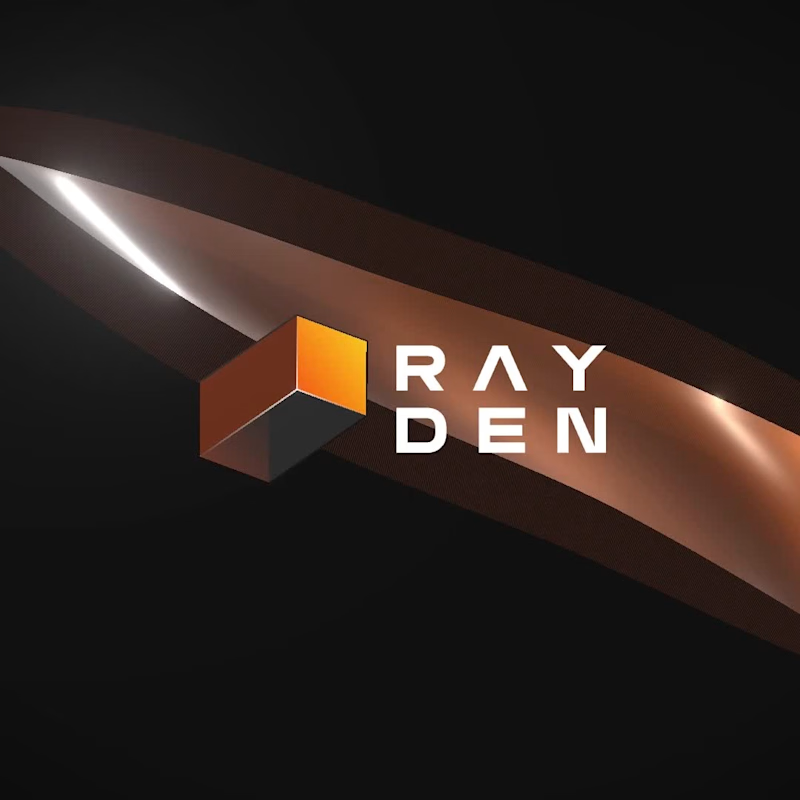
Built something for people who care about the last 10% of their product's UI.
Rayden UI is a collection of beautifully designed React components you can copy, customise and ship.
✅ Multiple visual flavours.
✅ No bloated dependency stack.
✅ No fighting someone else’s design decisions.
✅ Just components with character, built to become yours.
Here’s Rayden UI in motion. ⚡
rayden-ui.dev (http://rayden-ui.dev)
0
78

Last week, I had this sudden urge to revisit and refresh the experience of my framer plugin, Lyba (https://www.framer.com/community/marketplace/plugins/lyba/). So far, I've given it a decent overhaul, reworking some of the ux, surfacing some flows with significant bottlenecks and potential points of friction. I will did get to think about the product beyond features and pixels.
What is Lyba (https://lyba.io)?
I'm so glad you asked: It's a review layer for framer websites built for freelancers and agencies.
Instead of collecting feedback across emails, Slack, WhatsApp and screenshots, you share one link. Your clients pin comments straight onto the live site, you resolve them in context, and each round of review ends with a signed-off approval — not a forty-email thread.
The goal is simple:
Make reviewing a website as smooth as designing one.
Still plenty to improve, but I’m excited about where it’s heading.
1
3
241


Building Websites & Brands - Fast | 5 Star Rating on Clutch

Building Websites & Brands - Fast | 5 Star Rating on Clutch


Your Digital Swiss Army Knife
Your Digital Swiss Army Knife



Website & Brand Designer at Rotary Studio


Strategic Design, Visionary Logos, Framer Mastery
- $1k+
- Earned
- 1x
- Hired
- 9
- Followers
Strategic Design, Visionary Logos, Framer Mastery


