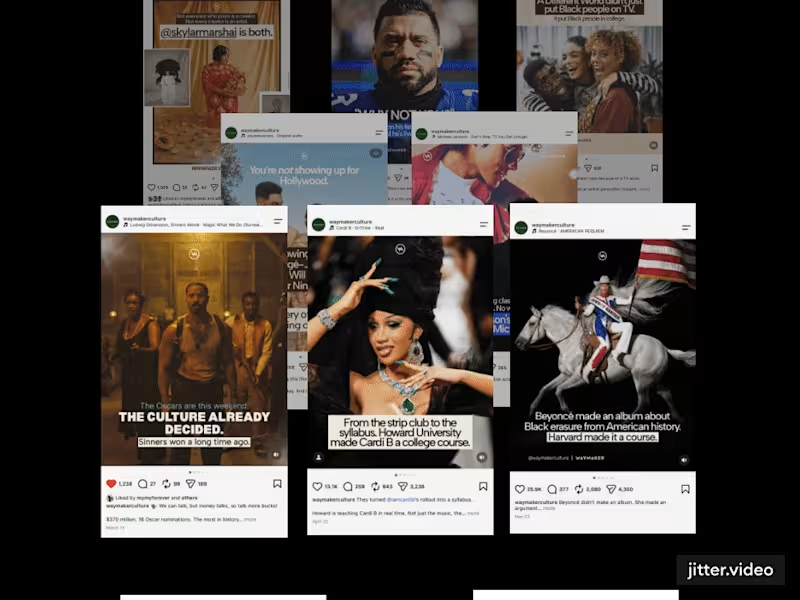
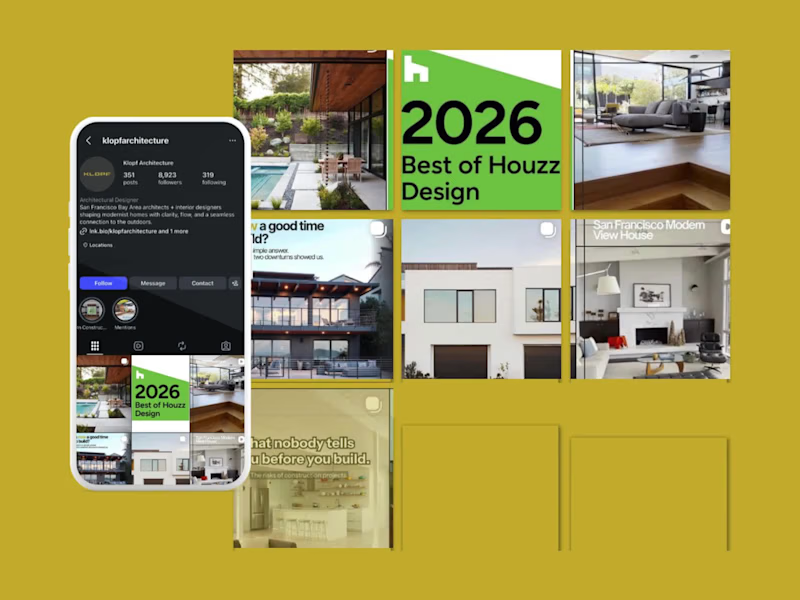
What should I look for in a social media manager's portfolio?
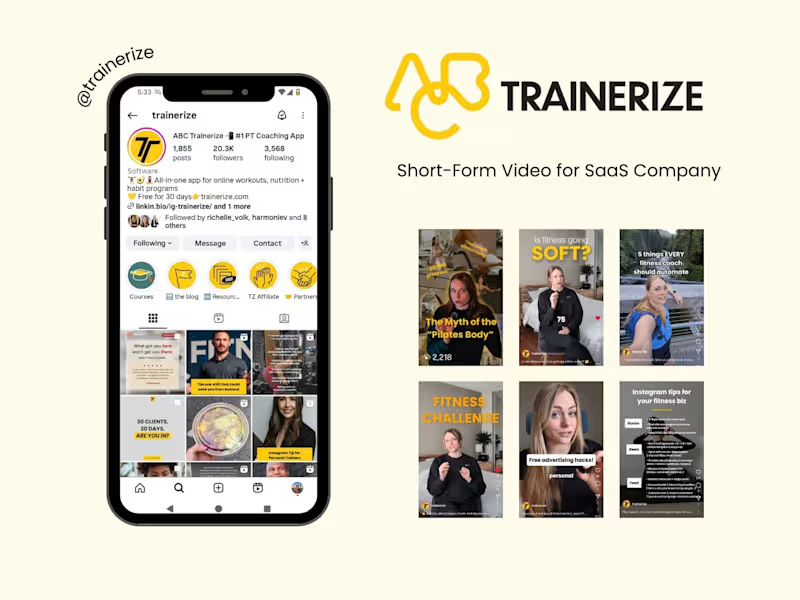
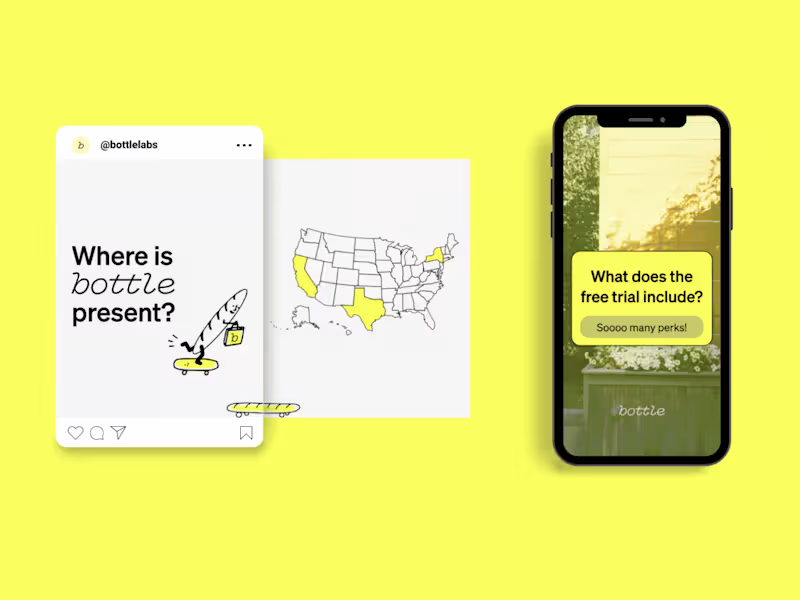
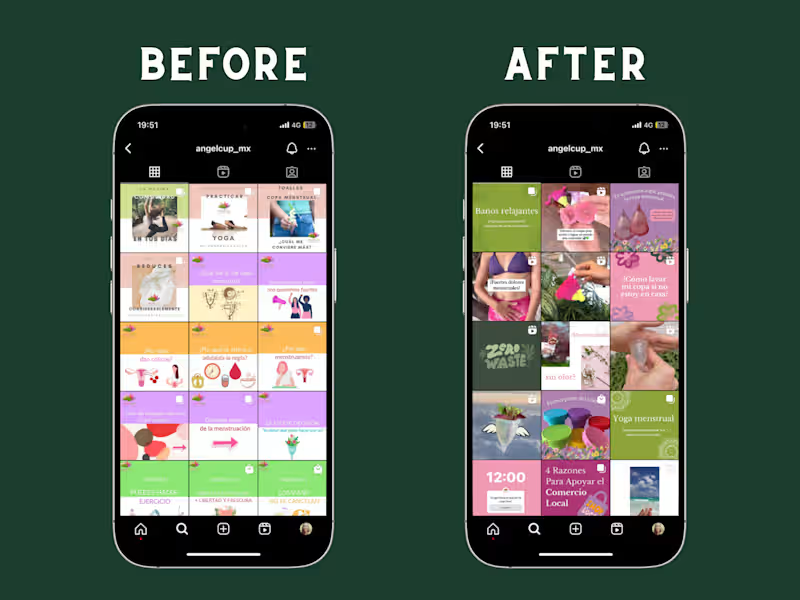
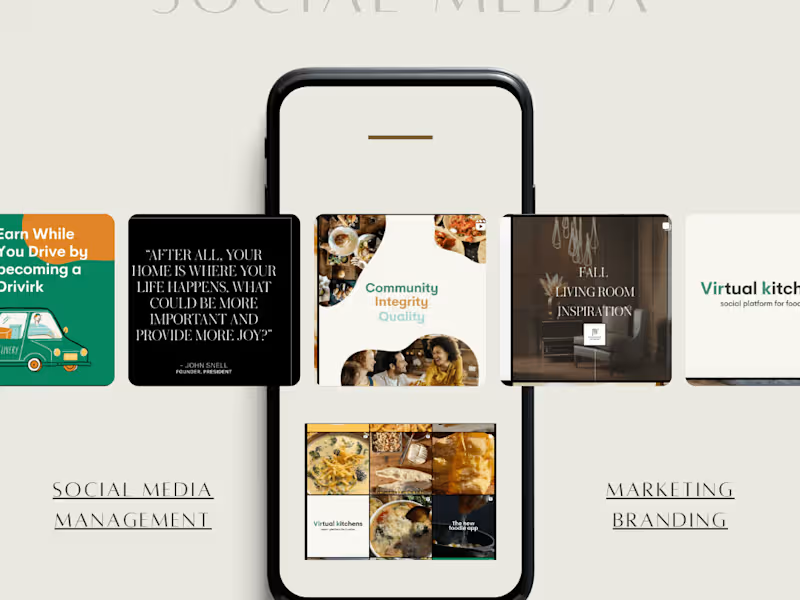
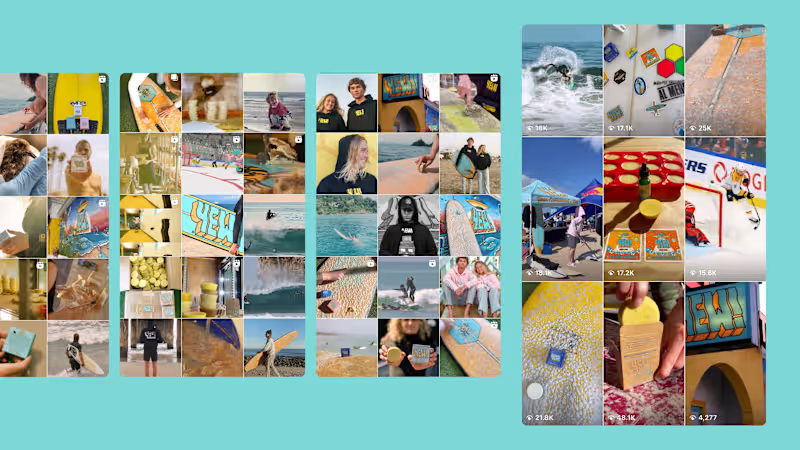
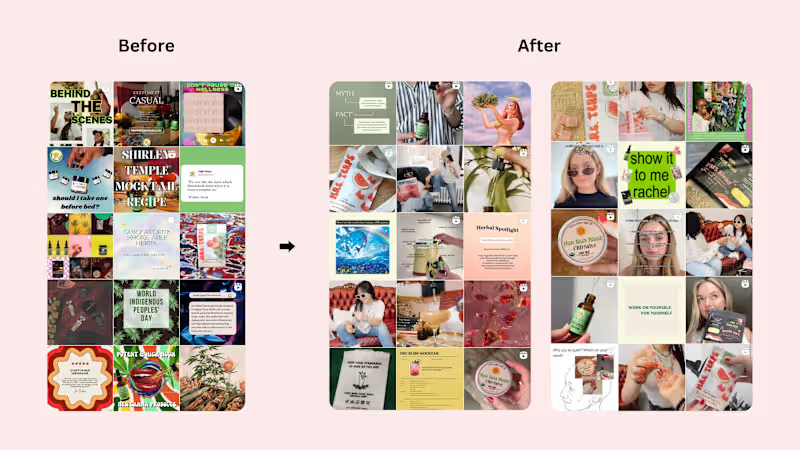
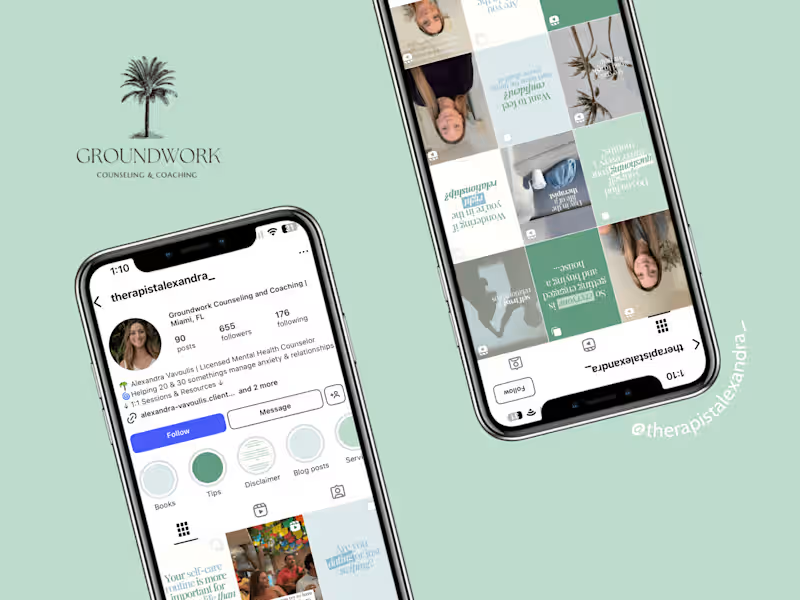
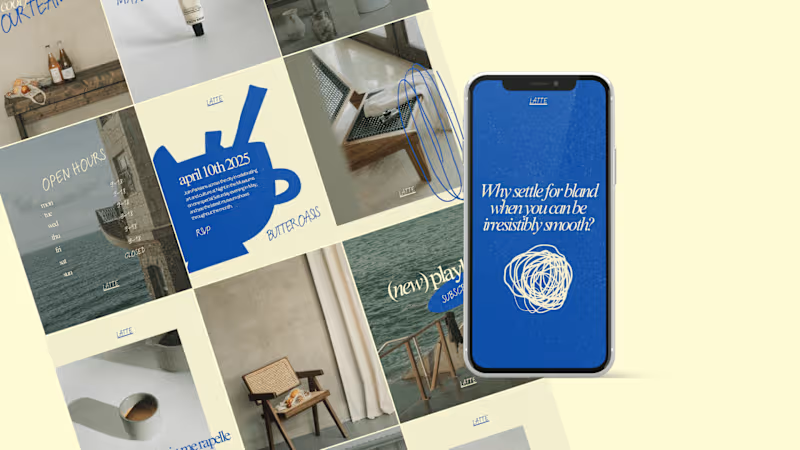
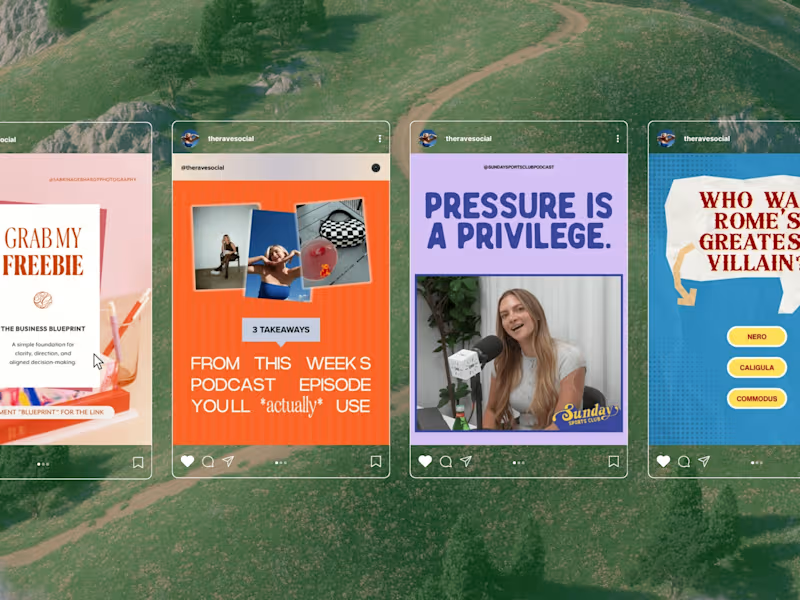
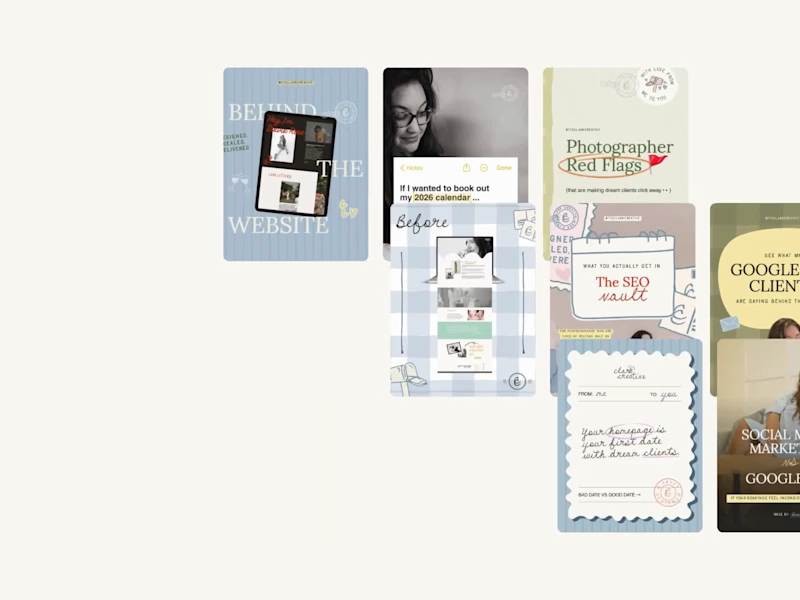
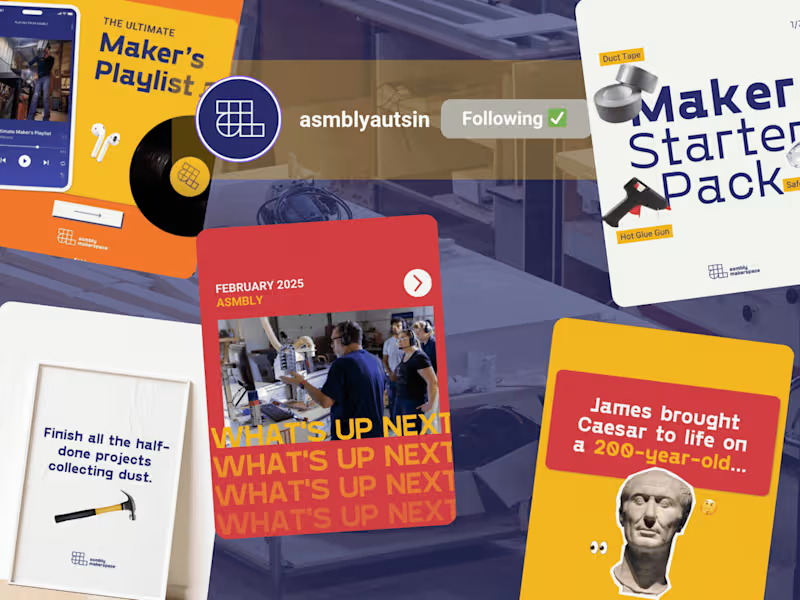
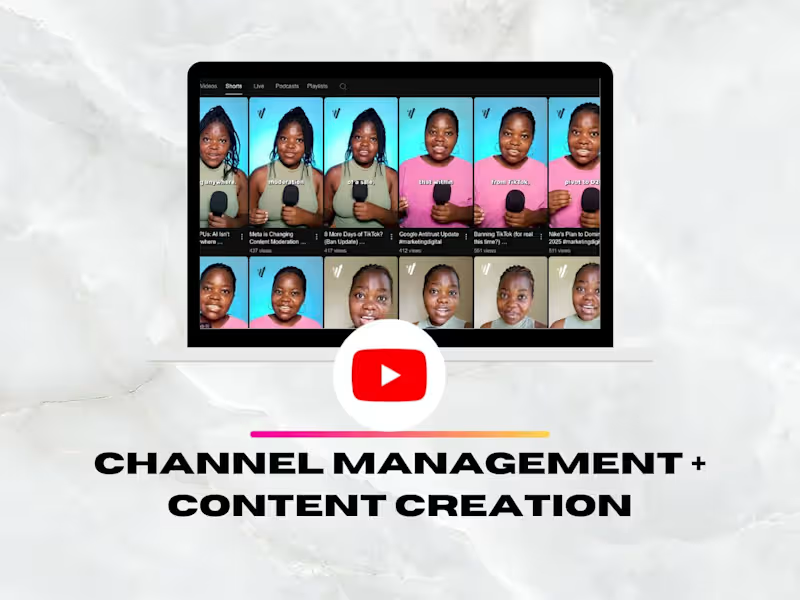
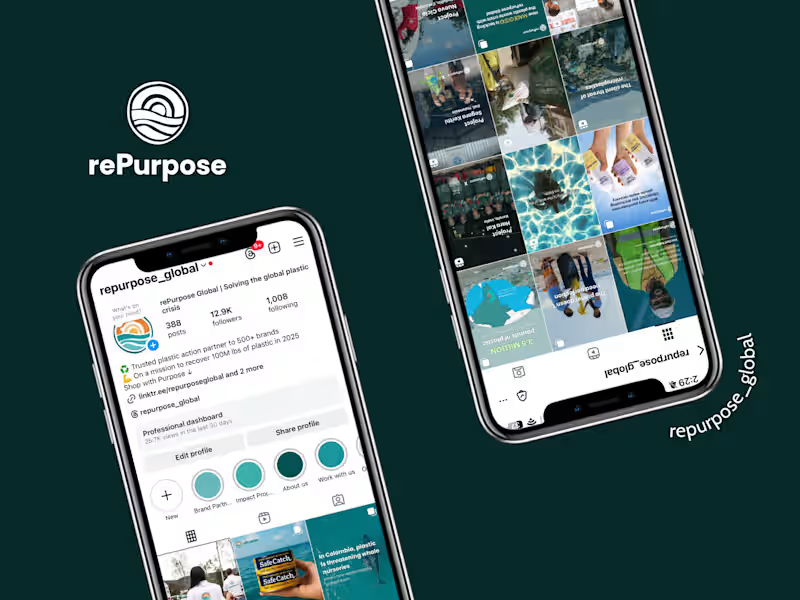
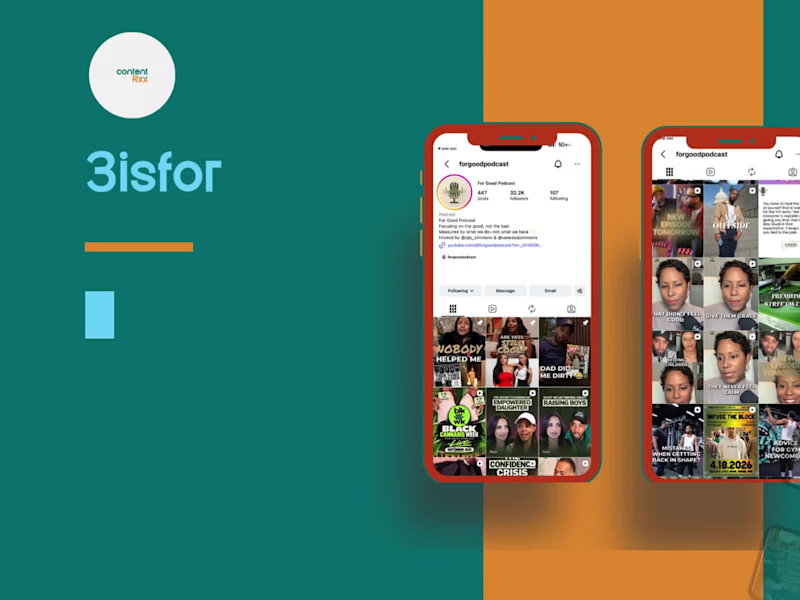
Look for examples of their previous work on platforms like Instagram or Facebook. See if they have any posts that look cool or got lots of likes. Check if they worked with businesses like yours before.
How do I decide what social media goals to set before hiring?
Think about what you want to achieve, like more followers or more clicks on your website. Make a list of these goals. A social media manager can help turn these into a plan.
How should I communicate what makes my brand special to a social media manager?
Make a list of your brand's best features. Share any colors or designs that you love. Explain how you want your brand to make people feel.
What details should I include in my project brief?
Include the goals you have, like posting twice a week. Share important brand information and key dates. Be clear about what you expect and by when.
How do I evaluate if a social media strategy is good?
Check if it matches your goals, like getting more followers or likes. Make sure it fits naturally with your brand’s style. It should have a clear plan for each step.
How can I ensure smooth onboarding for a social media manager?
Give them a guide about your brand and past social media work. Share passwords and tools they might need. Set a first meeting to talk about getting started.
What timeline should I set for deliverables?
Think about when you want results, like a monthly report. Discuss realistic timelines with your social media manager. Make sure both of you agree on these dates.
How do I determine the right platforms for my business?
Consider where your customers hang out, like Instagram or Twitter. Look at platforms where similar brands are active. Ask your social media manager for advice based on data.
How can I measure the success of a social media management project?
Track changes in followers, likes, or comments after posting. Use tools that show how much people engage with your posts. Compare these numbers to your goals.
What tools should I provide a freelance social media manager for smooth work?
Share access to scheduling apps like Buffer. Provide image editing tools similar to Canva. Ensure they have login details for your social media accounts.
Who is Contra for?
Contra is designed for both freelancers (referred to as "independents") and clients. Freelancers can showcase their work, connect with clients, and manage projects commission-free. Clients can discover and hire top freelance talent for their projects.
What is the vision of Contra?
Contra aims to revolutionize the world of work by providing an all-in-one platform that empowers freelancers and clients to connect and collaborate seamlessly, eliminating traditional barriers and commission fees.






![Cover image for Le Bounce Events LLC [ Branding & Social Media ]](https://media.contra.com/image/upload/q_auto:good,w_800/vh5aoml6zqelejqdc8p1.avif)