How do I check a freelancer's experience with Adobe Illustrator?
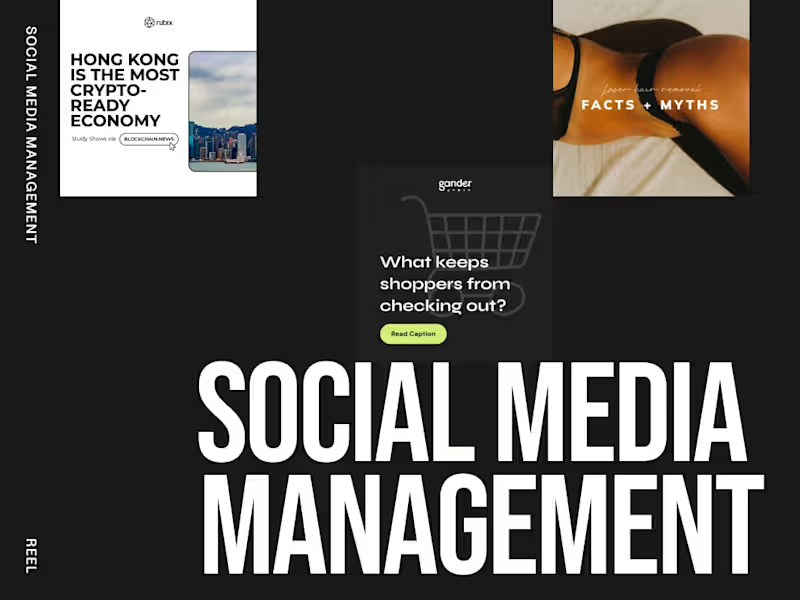
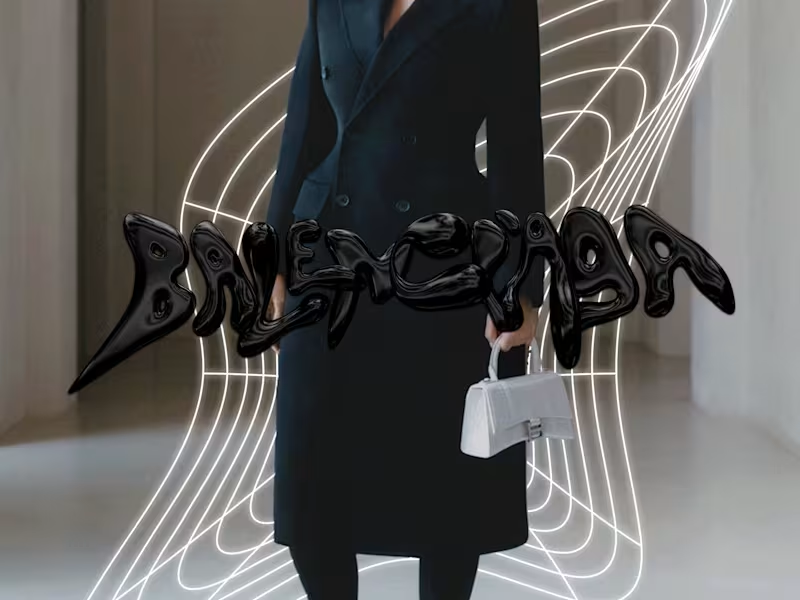
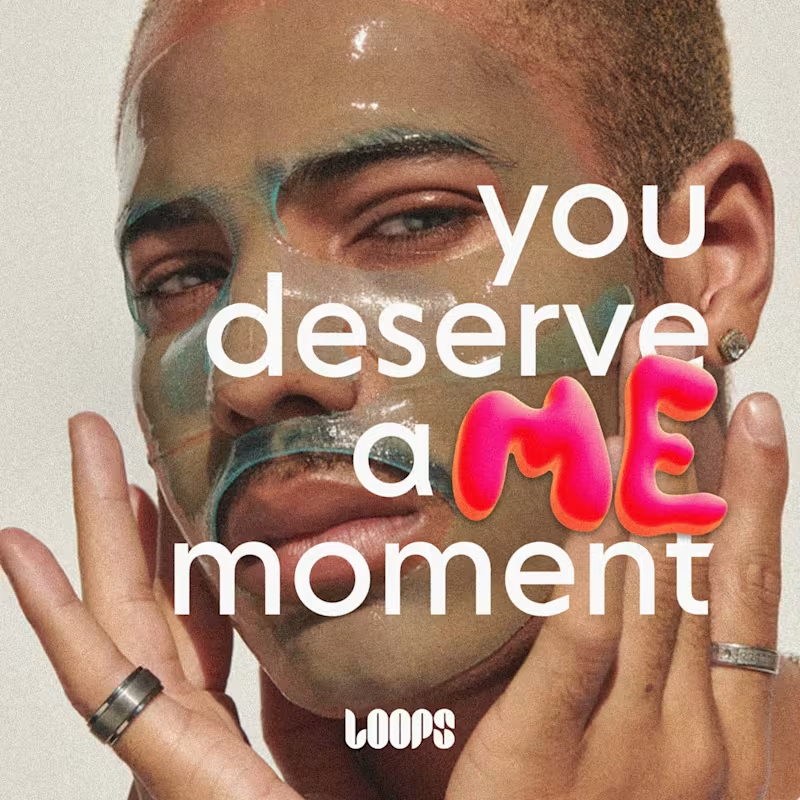
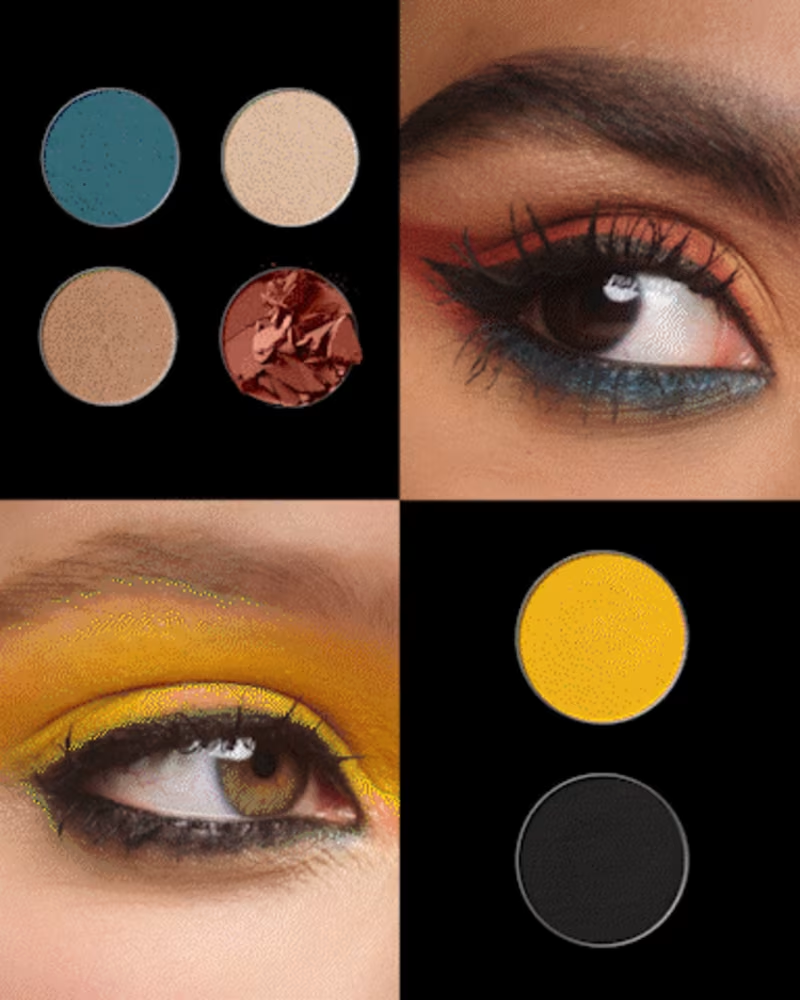
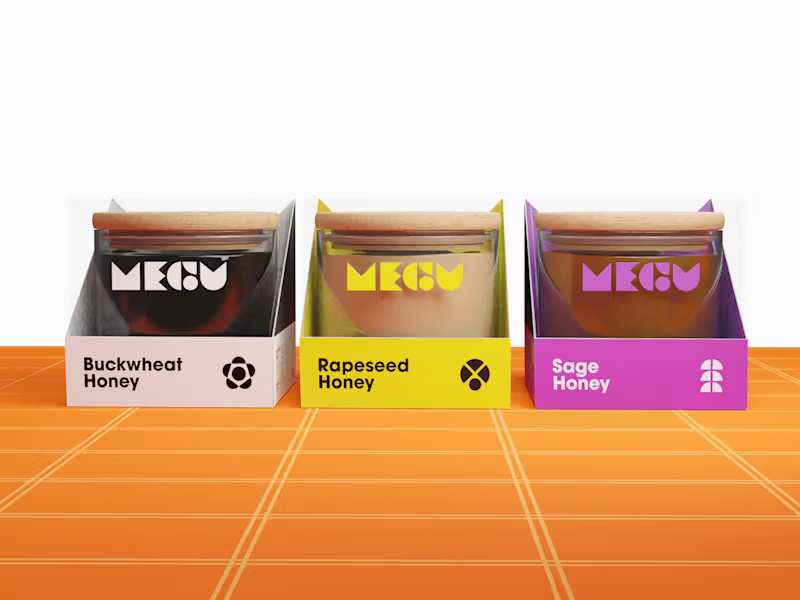
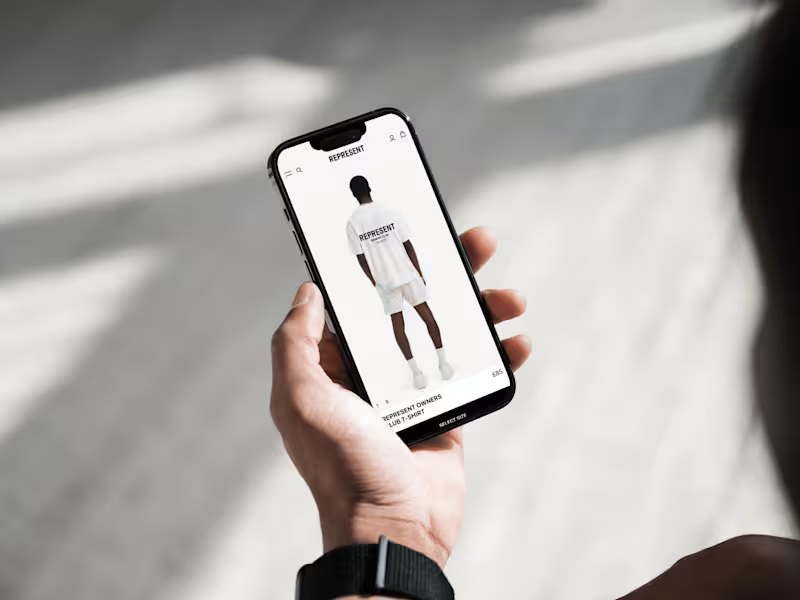
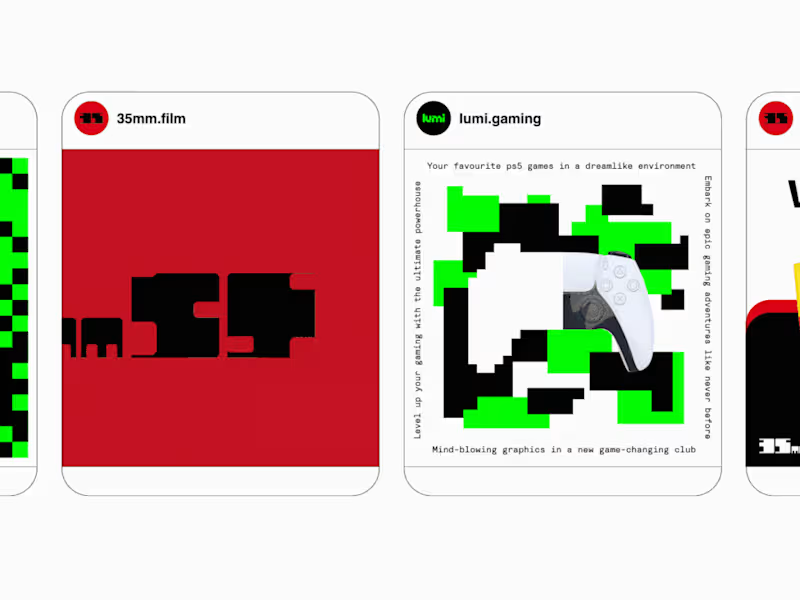
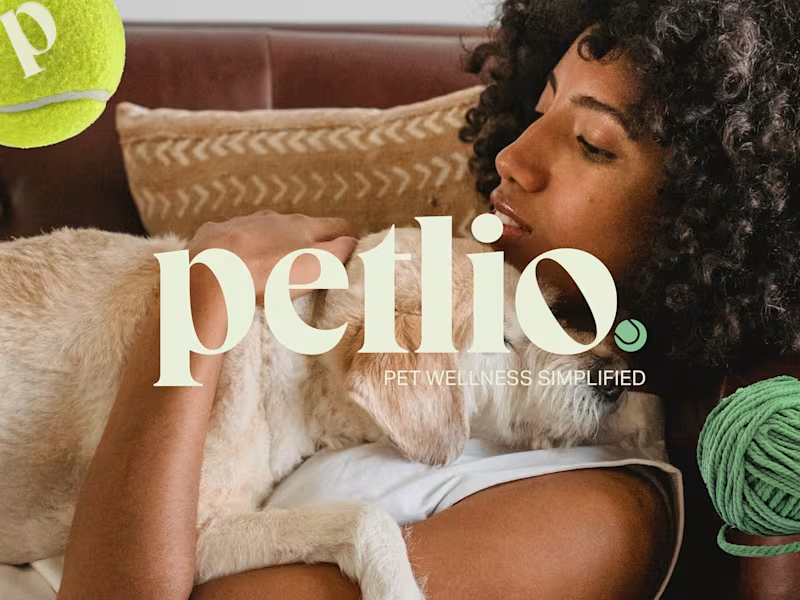
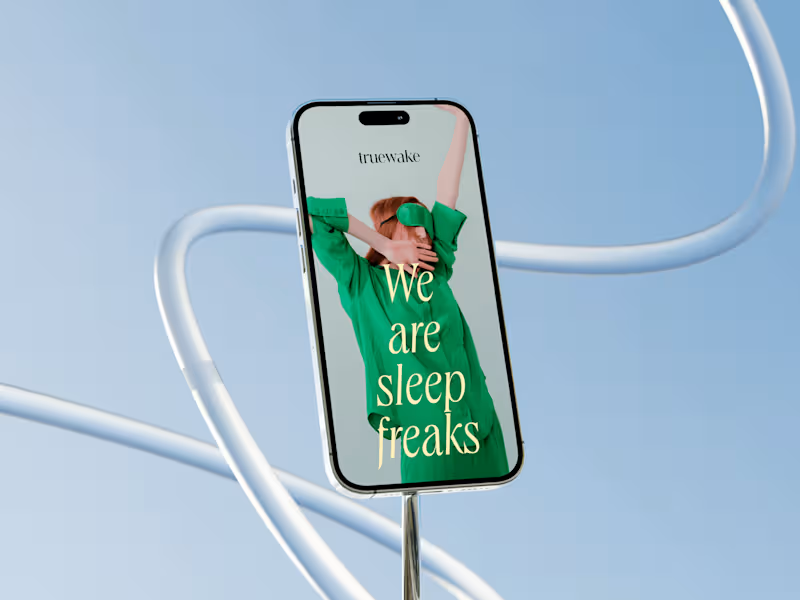
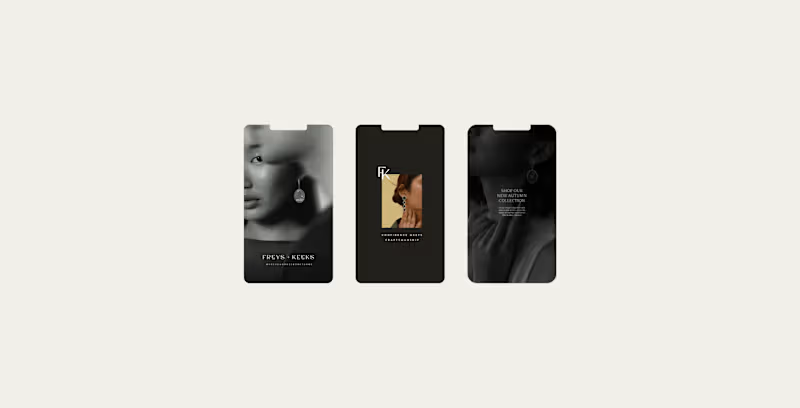
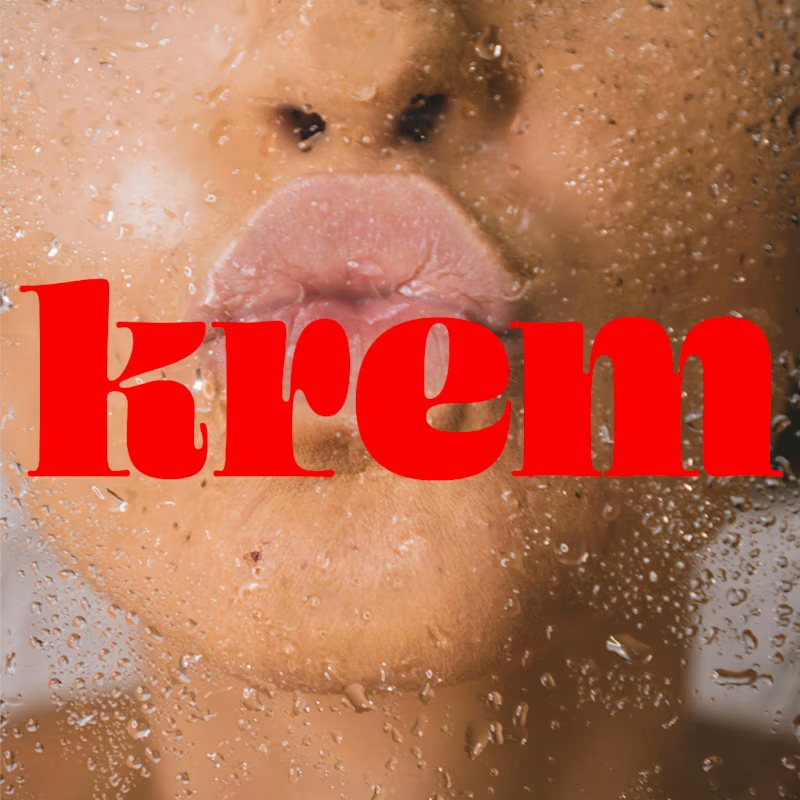
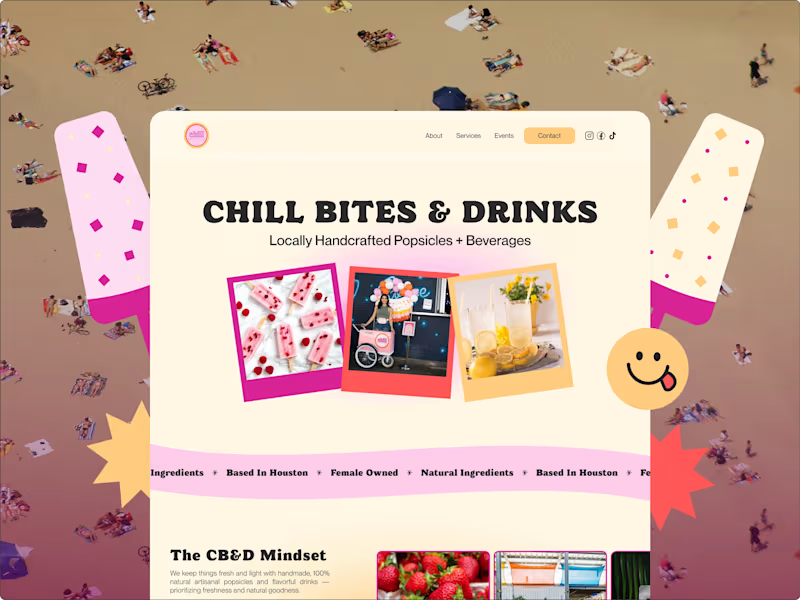
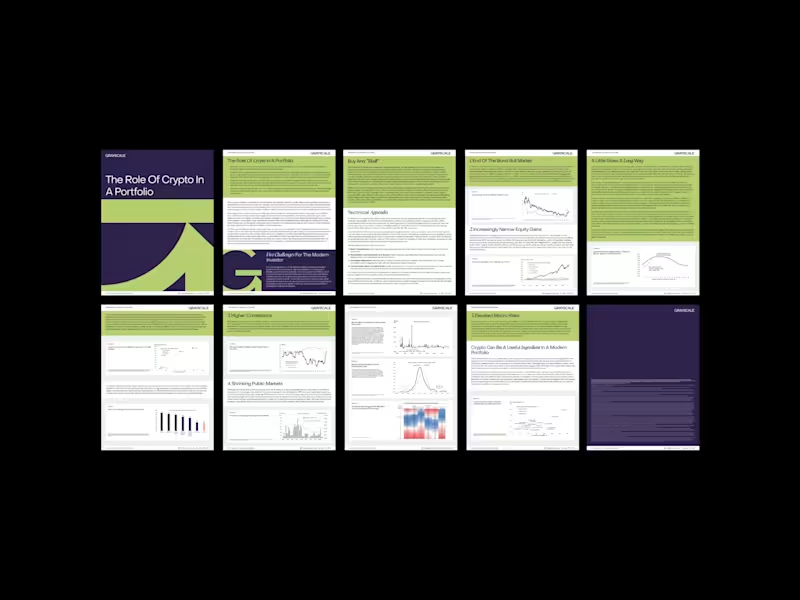
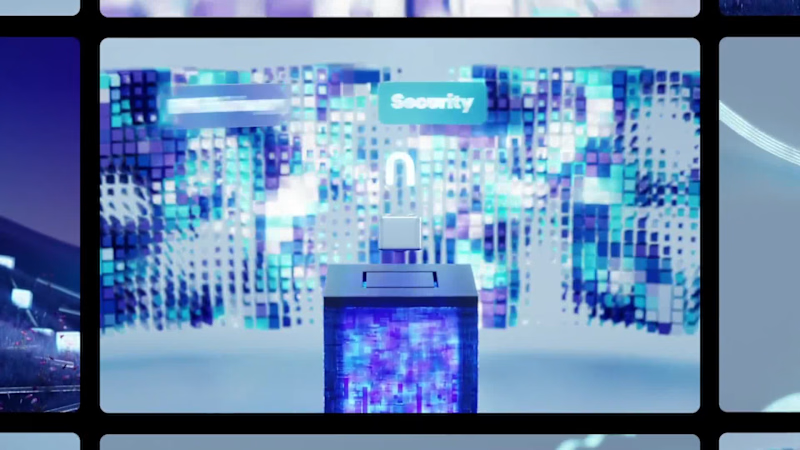
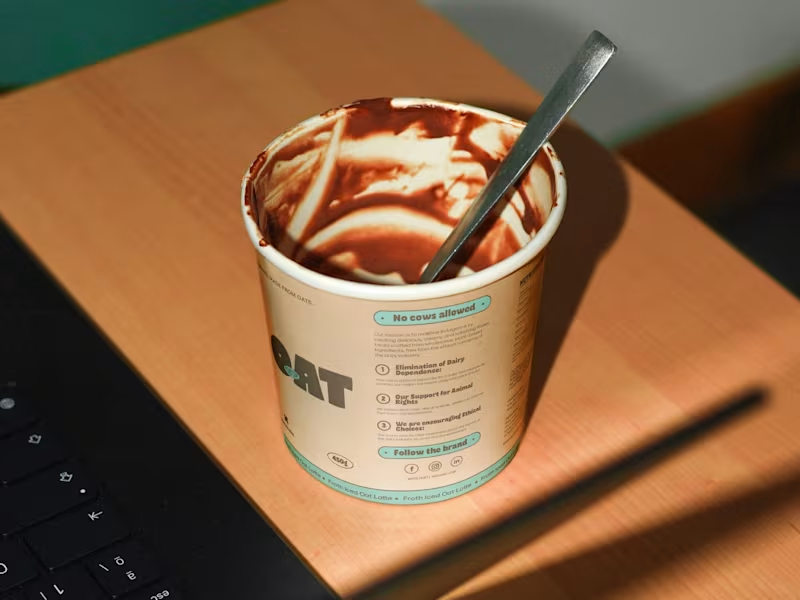
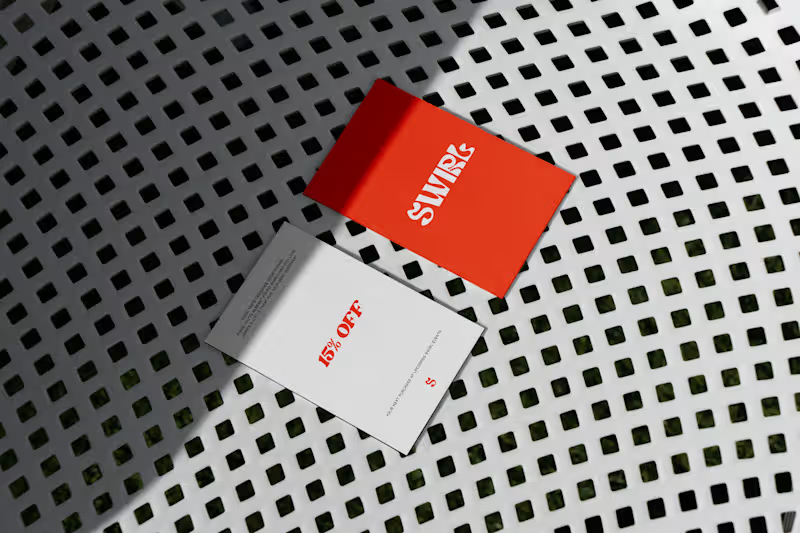
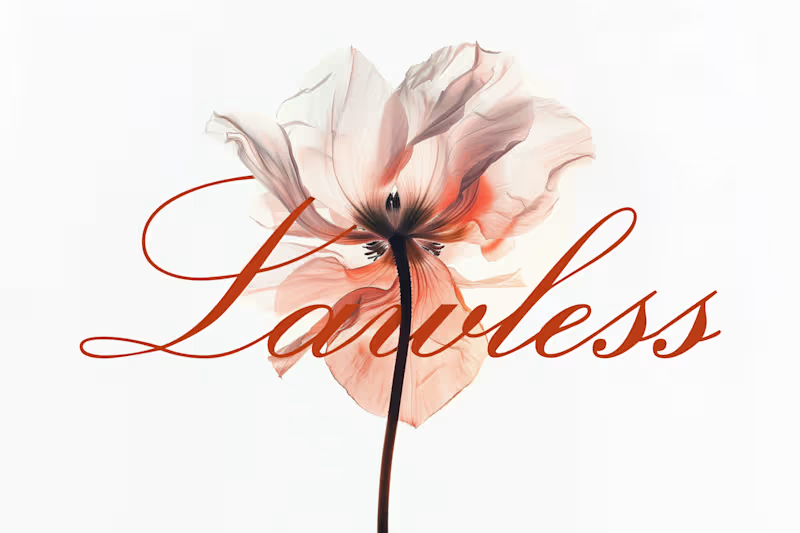
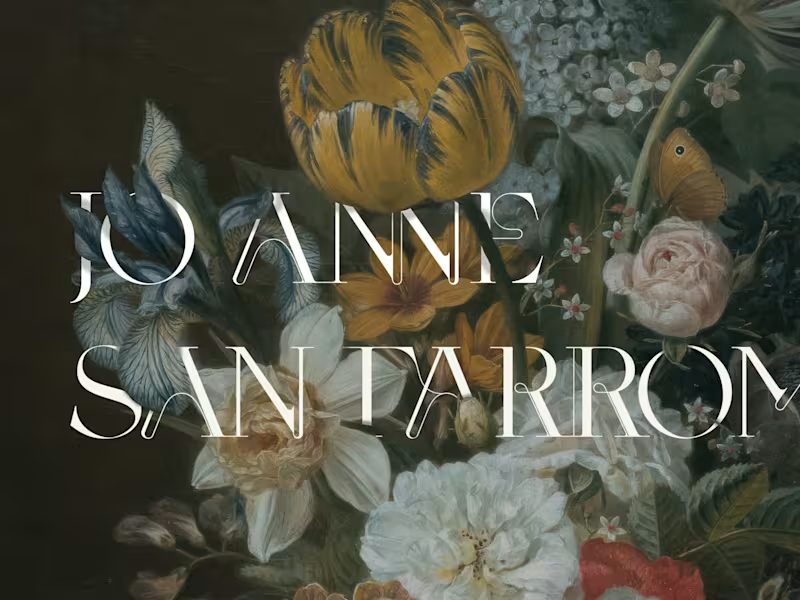
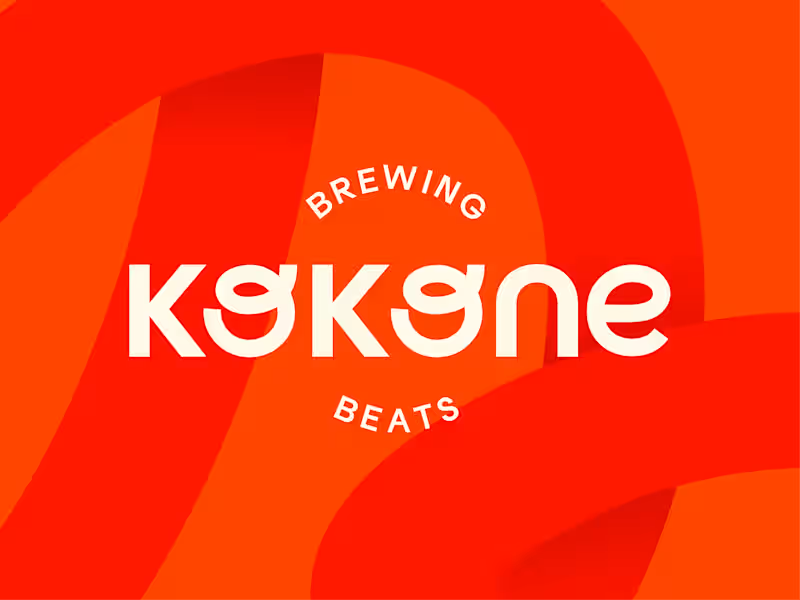
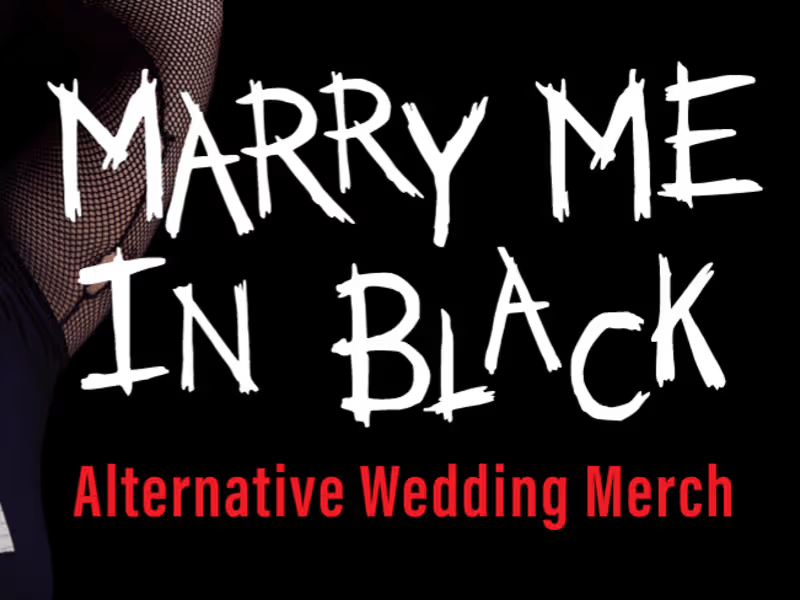
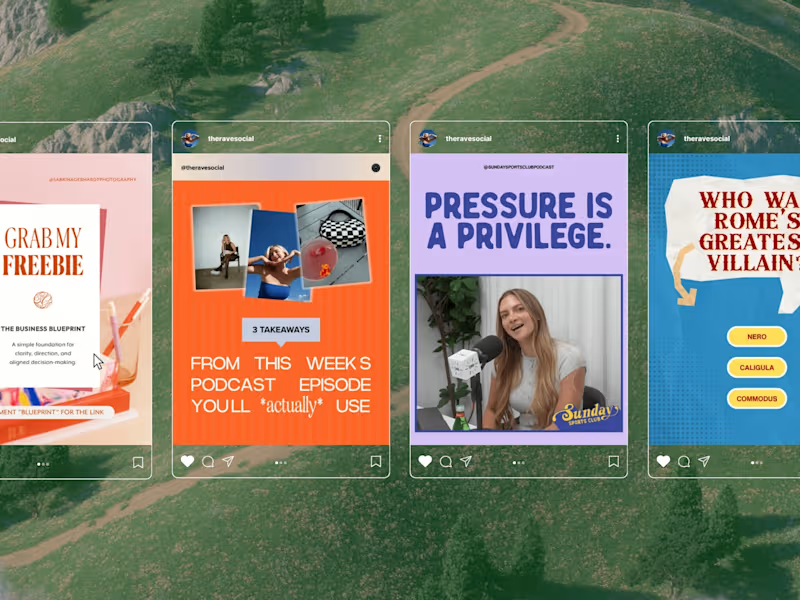
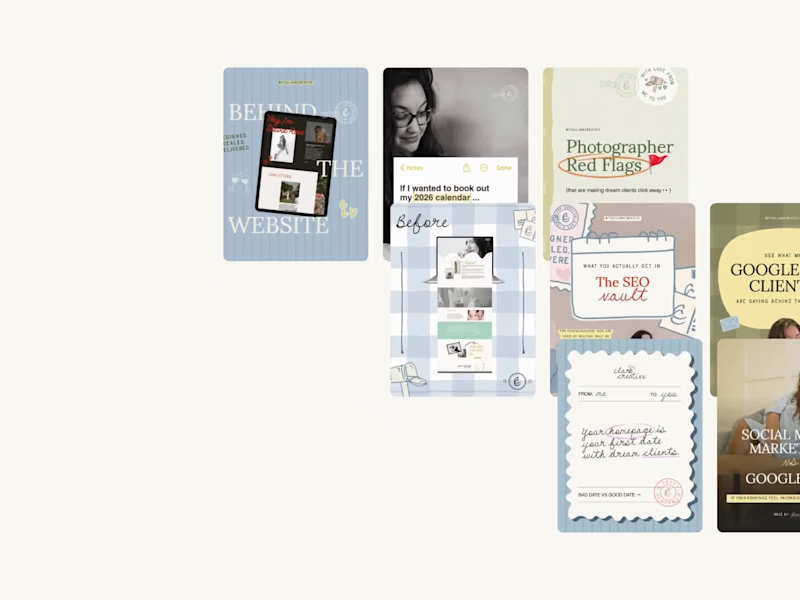
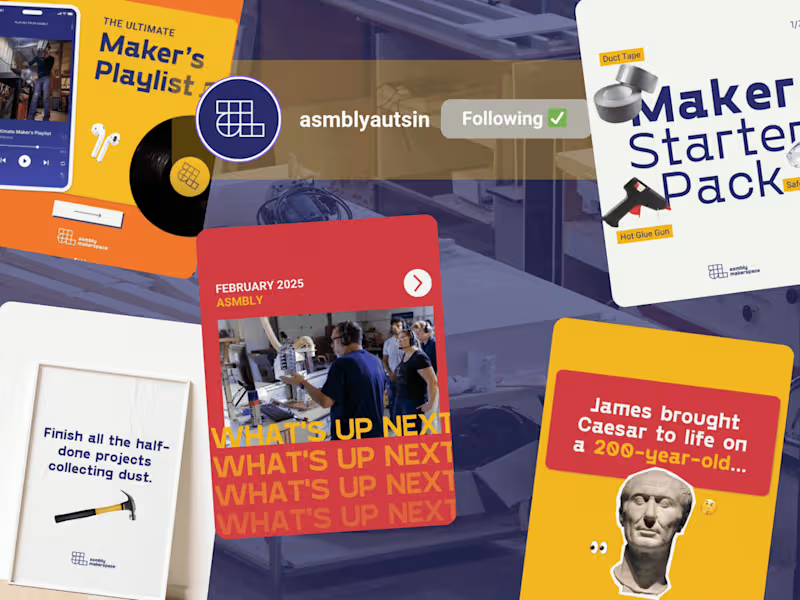
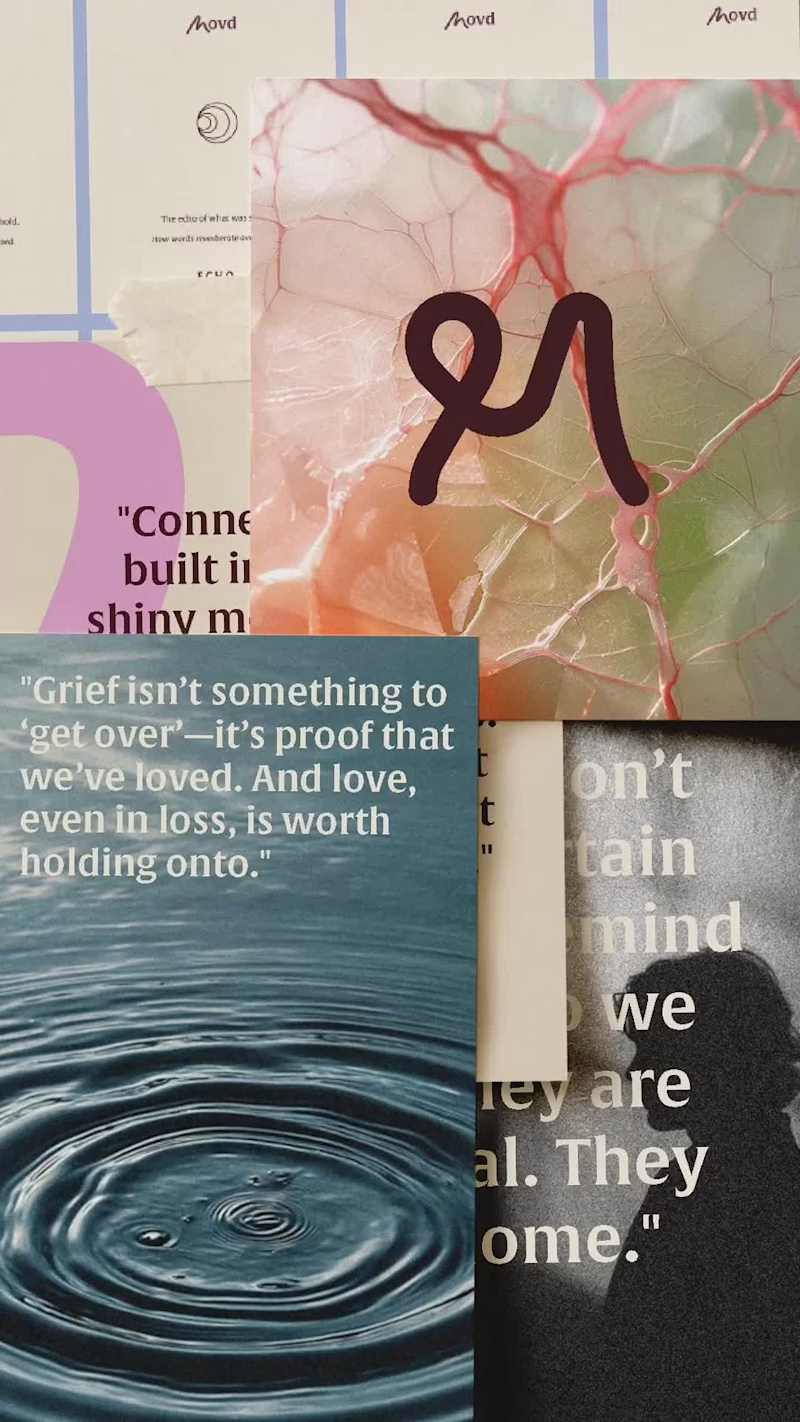
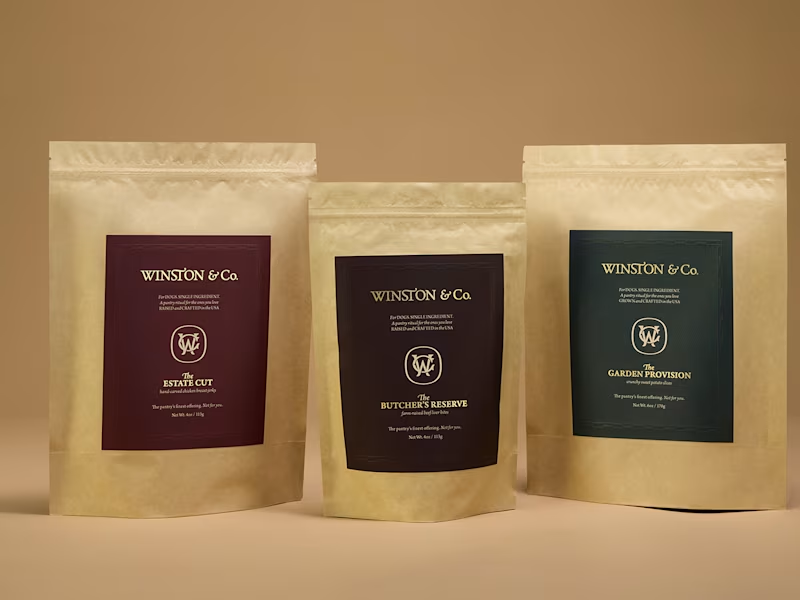
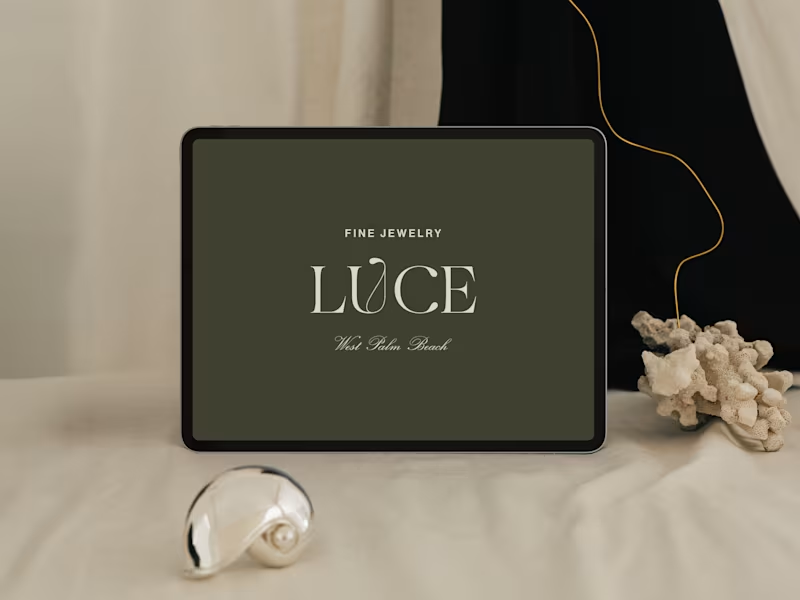
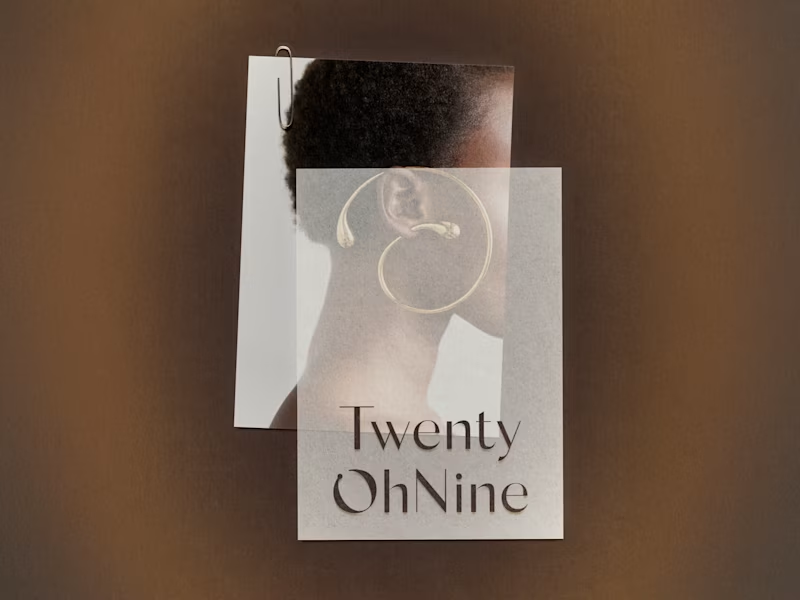
Look at their portfolio. A good Adobe Illustrator expert will have examples of logos, illustrations, and graphics they've made. Check for a variety of styles to see their skill range.
How can I ensure the freelancer understands my project needs?
Share a clear project brief with details. Include what kind of designs you like and what you need. Ask if they have done similar projects before.
How should I discuss project timelines with a freelancer?
Ask about their usual project timeline for similar work. Be clear about your deadline. Make sure they can deliver on time and set check-in points.
What should I look for when agreeing on deliverables?
List out exactly what you need the freelancer to deliver. Be specific about file formats and the number of revisions. Confirm they can provide everything you need.
What's the best way to communicate with a freelance graphic designer?
Decide on the best way to communicate, like via email or chat. Settle on how often you will check in. This helps in sharing updates and feedback quickly.
How can I help the freelancer understand my design preferences?
Show them examples of designs you like. Talk about colors, styles, and any themes you want. This helps them create designs that fit your taste.
How should I handle feedback for a freelance designer?
Provide clear feedback that's easy to understand. Be specific about what changes you want. This helps the freelancer make the right adjustments.
What should I do to make the project process smoother?
Be organized and clear about what you need. Share all the information they need upfront. This saves time and helps the designer get started faster.
How do I ensure I get the right version of the design files?
Confirm the delivery of files in the formats you need, like SVG or PDF. Ask for final versions and editable files. This way, you always have what you need.
How can I measure the success of a freelance designer's work?
Set clear objectives and goals for the project. Use these to see if the designs meet your needs. Good designs will help your business look great!
Who is Contra for?
Contra is designed for both freelancers (referred to as "independents") and clients. Freelancers can showcase their work, connect with clients, and manage projects commission-free. Clients can discover and hire top freelance talent for their projects.
What is the vision of Contra?
Contra aims to revolutionize the world of work by providing an all-in-one platform that empowers freelancers and clients to connect and collaborate seamlessly, eliminating traditional barriers and commission fees.