Freelancers using Framer in Vienna
Freelancers using Framer in Vienna
Sign Up
Post a job
Sign Up
Log In
Filters
2
Projects
People
Projects we love
Projects we love
Standout projects making waves around the web
View more
Message
3
Paula Gibert
pro
AxiDerm: clinical decision-support app for vets
1
3
28
Message
1
Lauri Lännenmäki
pro
no-code.supply — A Store for Very Good Websites
1
44
Message
1
Yutong Hu
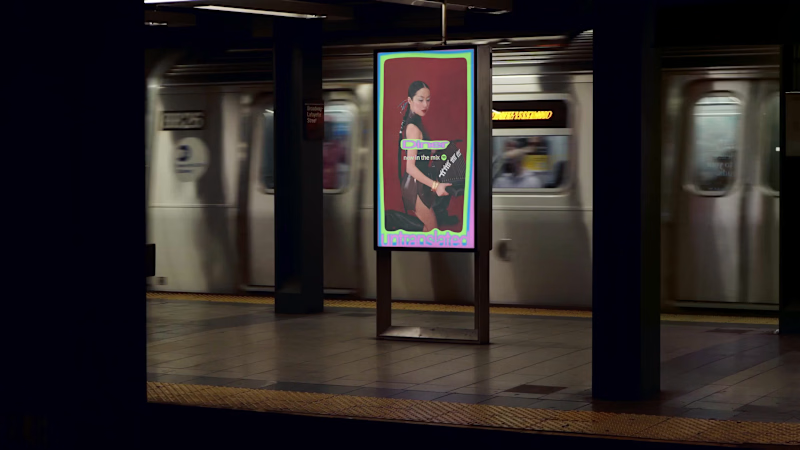
Untranslated
1
15
Message
37
Jon Howell
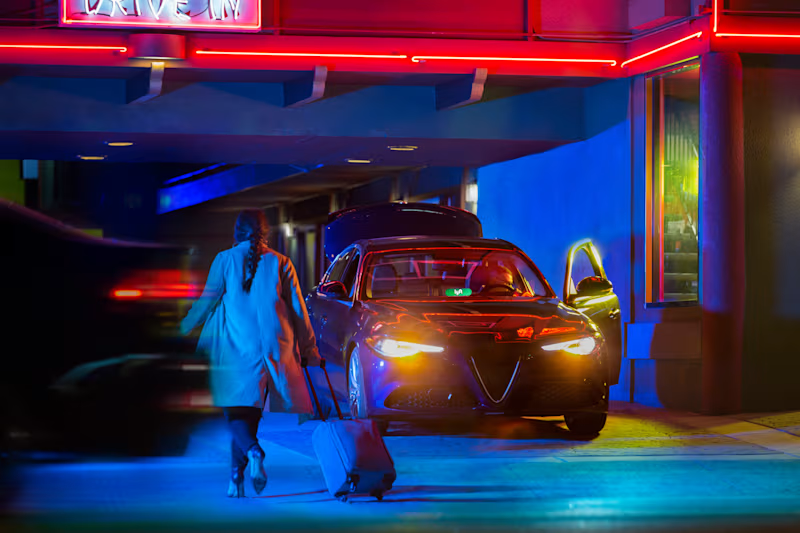
Lyft Pink
37
974
Web design projects using Framer
Framer
The best modern websites built on the leading web design tool, Framer
View more
Message
5
Julia Ibri
pro
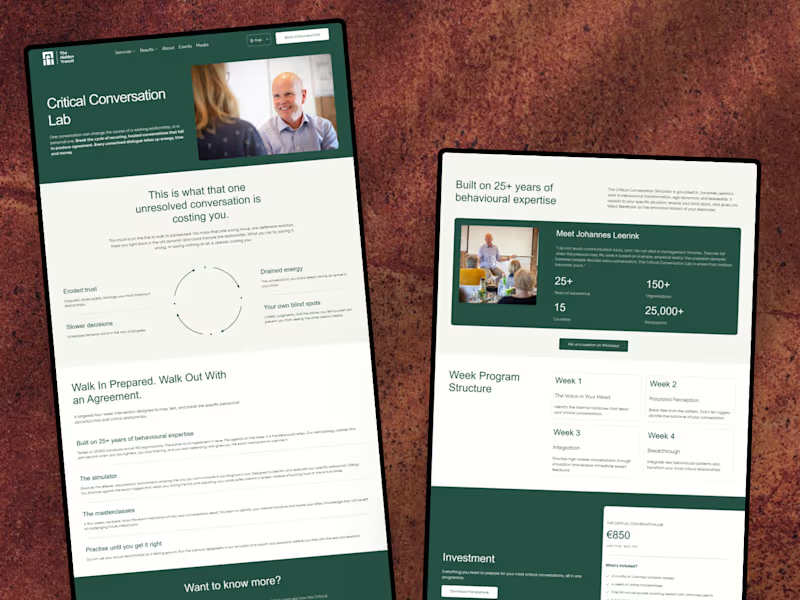
The Hidden Transit — Conversion-Focused Landing Page
5
21
Message
2
Kyle Panilan
max
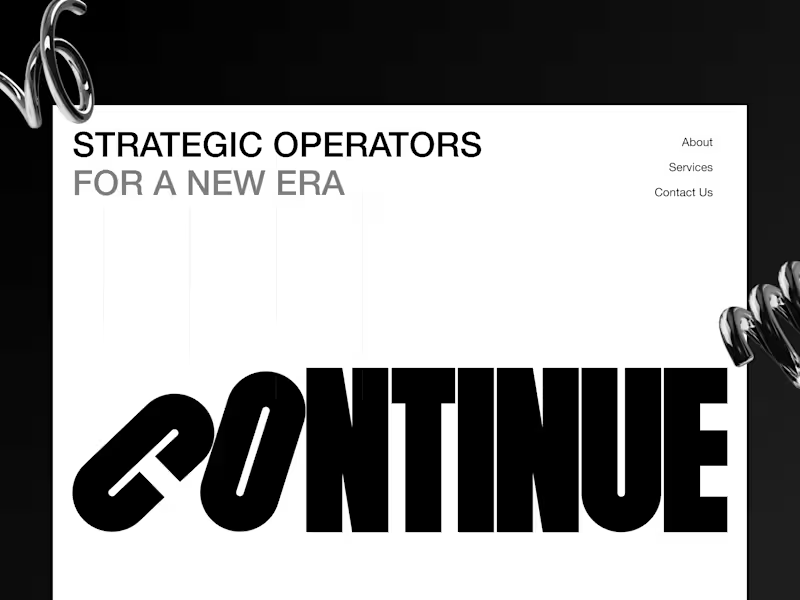
Continue Landing Page: Framer Website Development
2
37
Message
0
Tanish Mittal
pro
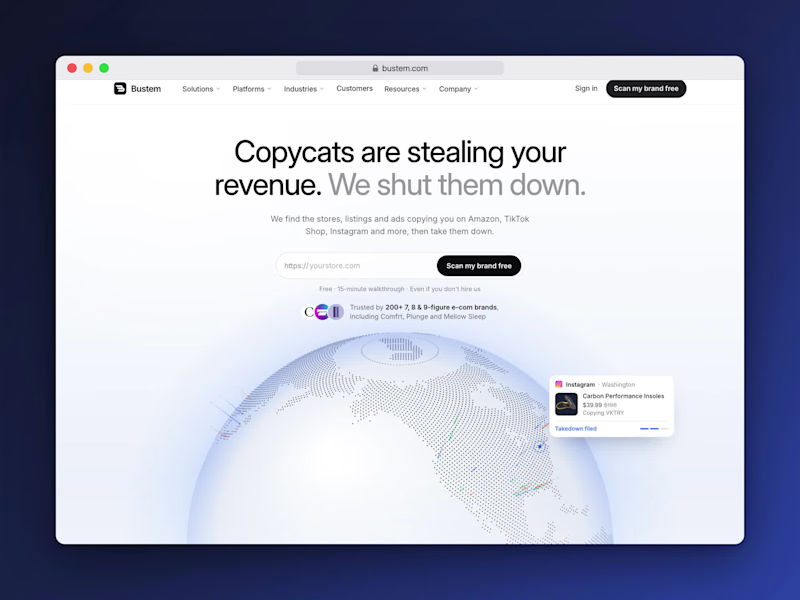
Bustem // A 51-Page Brand Protection Website in Framer
0
7
Message
44
Kyle Panilan
max
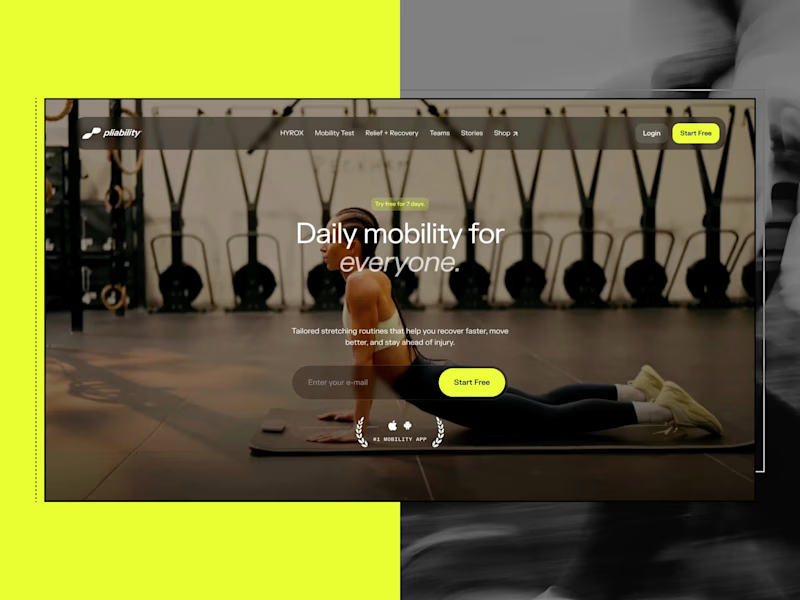
Framer Website for pliability: the #1 Mobility App in the World
1
44
813
AI projects
AI
New projects from the best AI creators
View more
Message
0
Jeannie Kho
pro
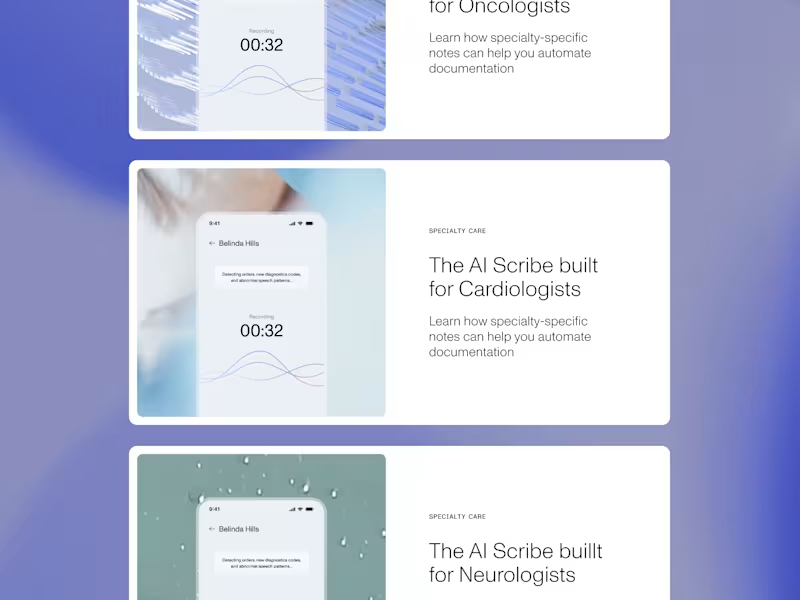
Brand Refresh for DeepScribe AI
0
20
Message
7
Karina Bondarenko
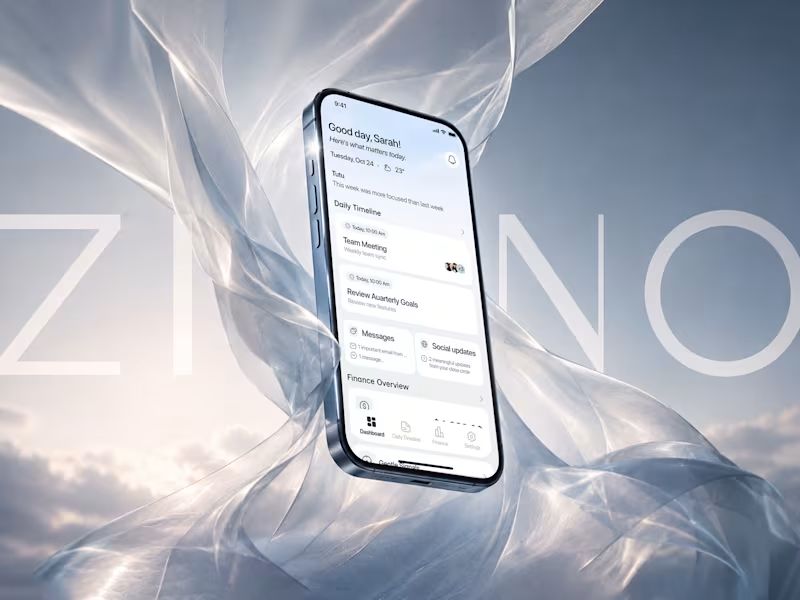
Zino: AI-Powered Productivity Platform for Focused Workflows
7
43
Message
12
Stacy · Heed Collective
pro
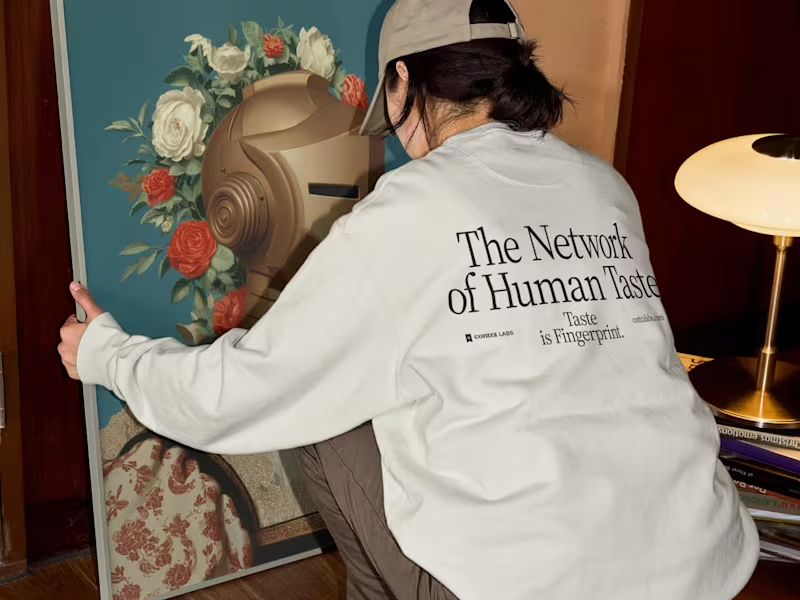
Brand Identity & Web Design · Contra Labs
1
12
81
Message
1
Ralph Jones
max
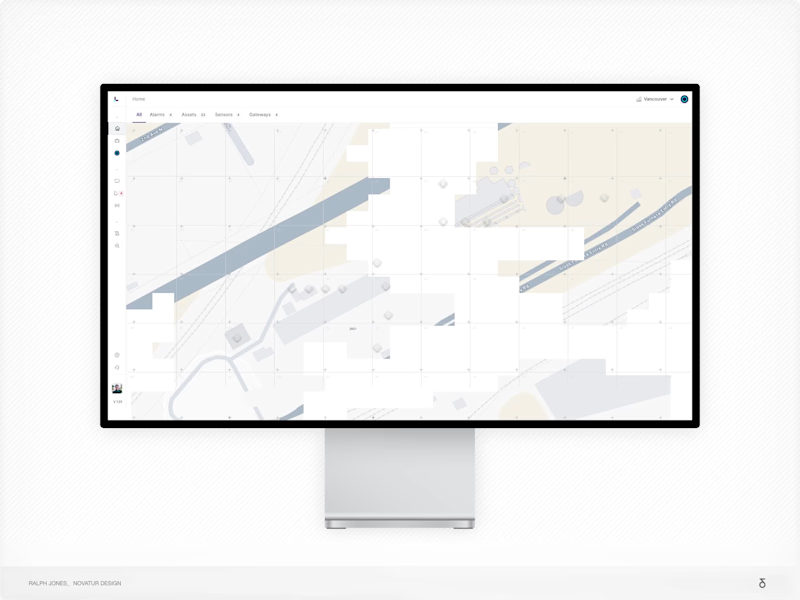
Strategy-Led Redesign for Industrial IoT Platform with AI
1
21
Brand design projects
Brand design
Bold visual identities and branding systems created by top independent designers
View more
Message
0
Paula Gibert
pro
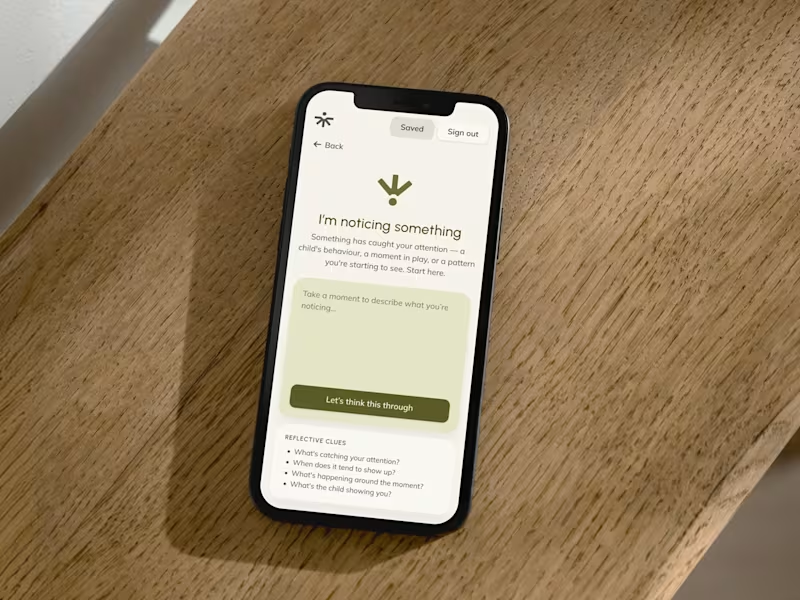
The Pedagogy Coach: brand and product design
1
0
15
Message
0
Lindsey Morgan
pro
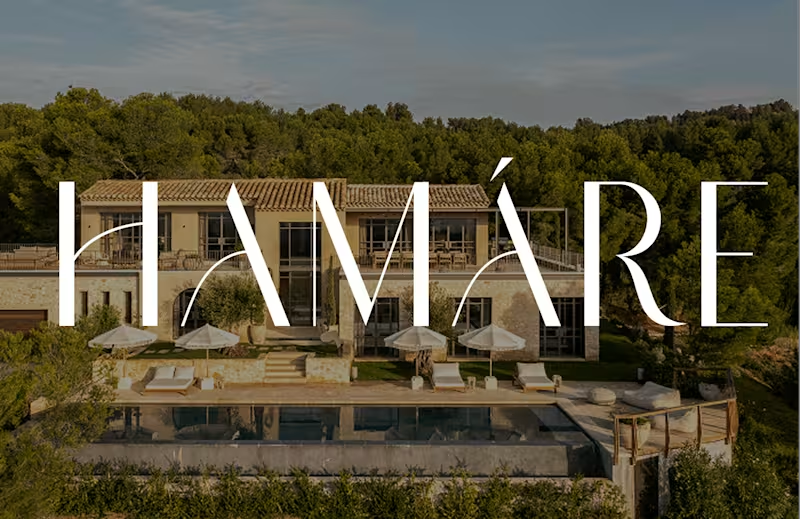
HAMÁRE Brand and Digital Ecosystem Development
0
11
Message
0
Serena Tyrrell
max
Poetic Brand Identity Design for Little Poppy June
0
13
Message
1
Kris Anfalova
pro
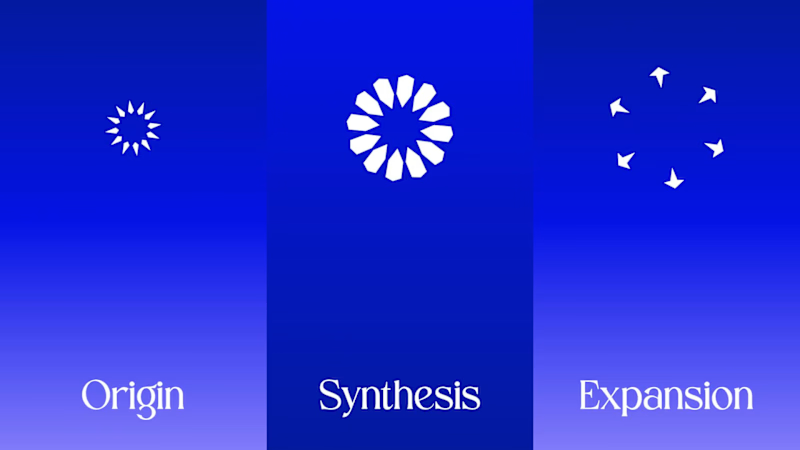
Cobalt Brand Identity Design
1
13
Video editor projects
Video editing
Creative video edits made using today’s best editing tools
View more
Message
1
Krystyna Zeljukina
pro
Motion Graphics for Brand Identity Video | Optyo
1
16
Message
4
Alexandru Köllo
max
The Courier: VFX-Driven AI Sci-Fi Short Film
4
35
Message
16
Jen Lai
pro
Gritzy | Social Media + OOH Animations
16
300
Message
15
Mykola Malyhin
pro
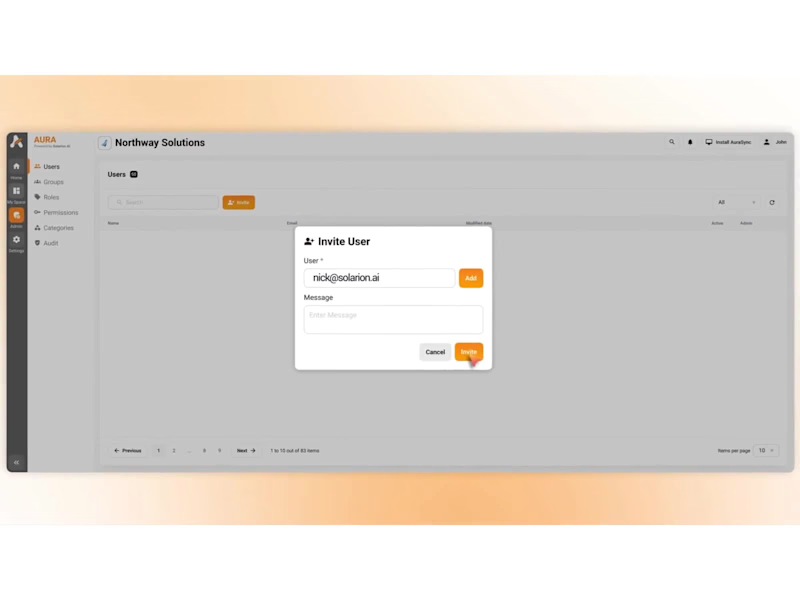
Aura | AI SaaS Explainer Video & Real UI Product Demo
15
146
Standout projects
Standout projects
More projects we love that are making waves across the web
Message
24
Sulman Cheema
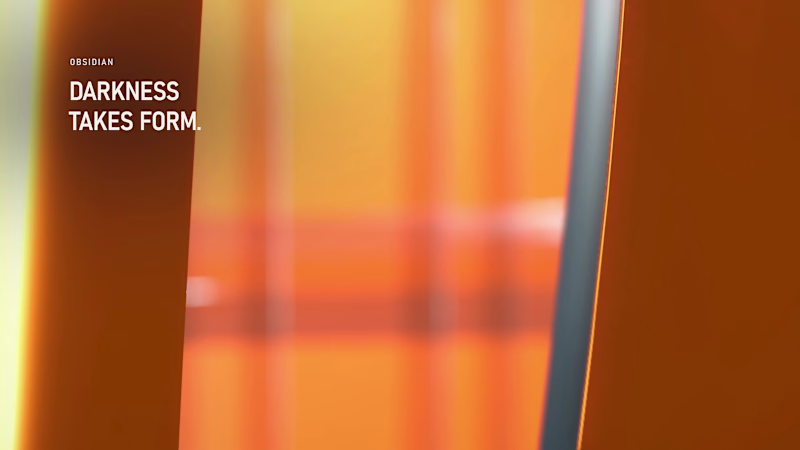
Dark luxury, Halloween edition. 🖤 Obsidian textures, spectral glass, liquid-orange lighting and kinetic typography—fully in their element. Around 6.5 GB of production data shaped into one 20-second reel, built with Antigravity, Blender and FFmpeg.
10
24
402
Message
2
Maia Anderson Rembert
pro
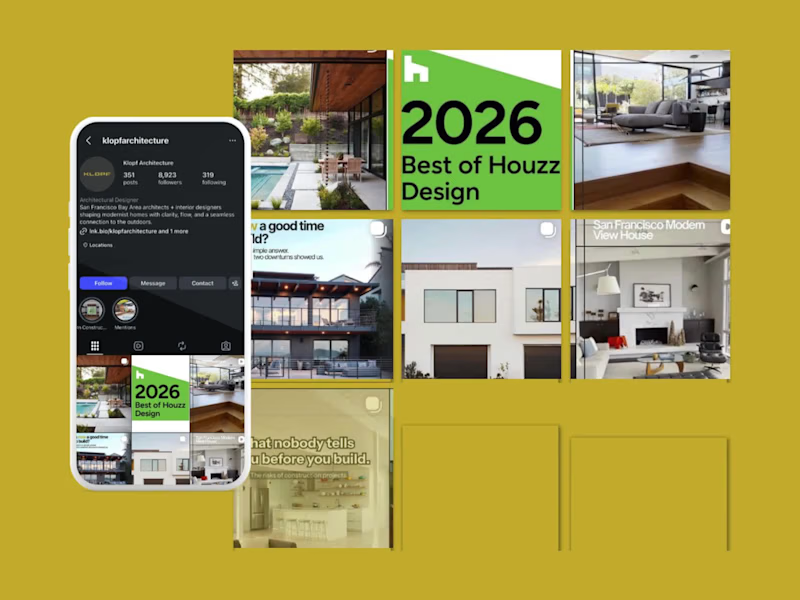
Social Media Strategy & Management for Klopf Architecture
2
64
Message
18
Jonathan Moore
pro
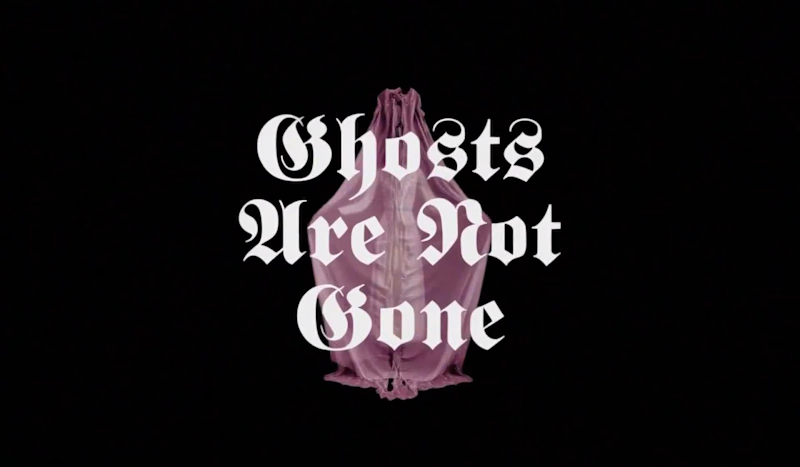
A Halloween type study. One line, eight typefaces, eight ghosts. Each frame holds the same words and composition while the letterform, palette and figure change, from blackletter to dot-matrix to brush script. I designed every frame in Figma, then used AI image-to-video to hallucinate the transitions between them, so the type melts, drips and reforms into the next face while the ghost dissolves into smoke and re-forms. The result loops like a bad dream that keeps changing its mind. Made for 31 October.
3
18
504
Message
17
Rashmi Saini
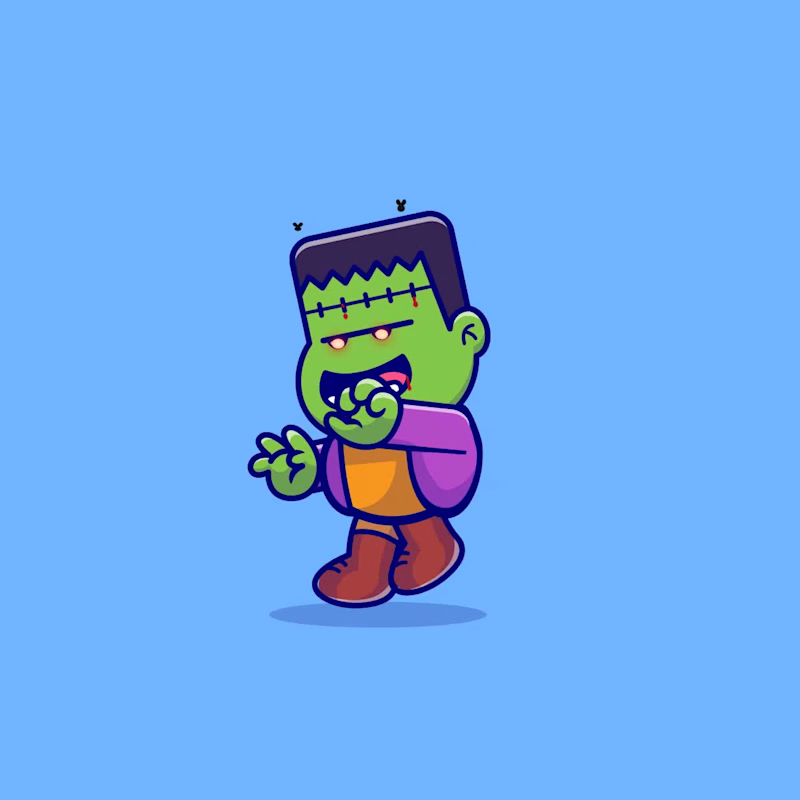
When the Halloween party says “come as you are” 🧟♂️ Animated in Lottie Creator ✨
1
17
215
Message
42
Al Razi Siam
pro
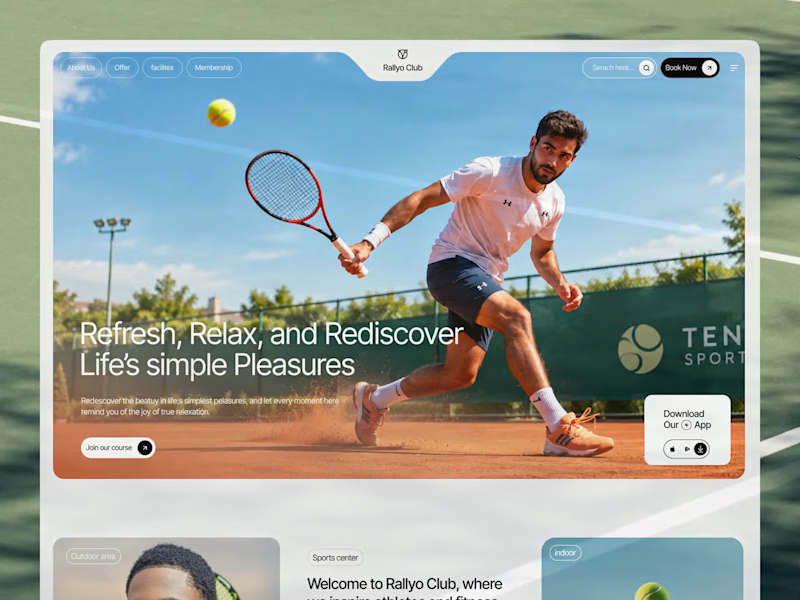
If your members pay premium. Your website should look like it. Animation really changes the way you look at a website. The premium is in the details. 🤌 Hero section with animation for a Tennis Sports Club Membership Platform. Full landing page WIP; gonna share it very soon.
30
42
773
Message
31
Shezaan Ansari
pro
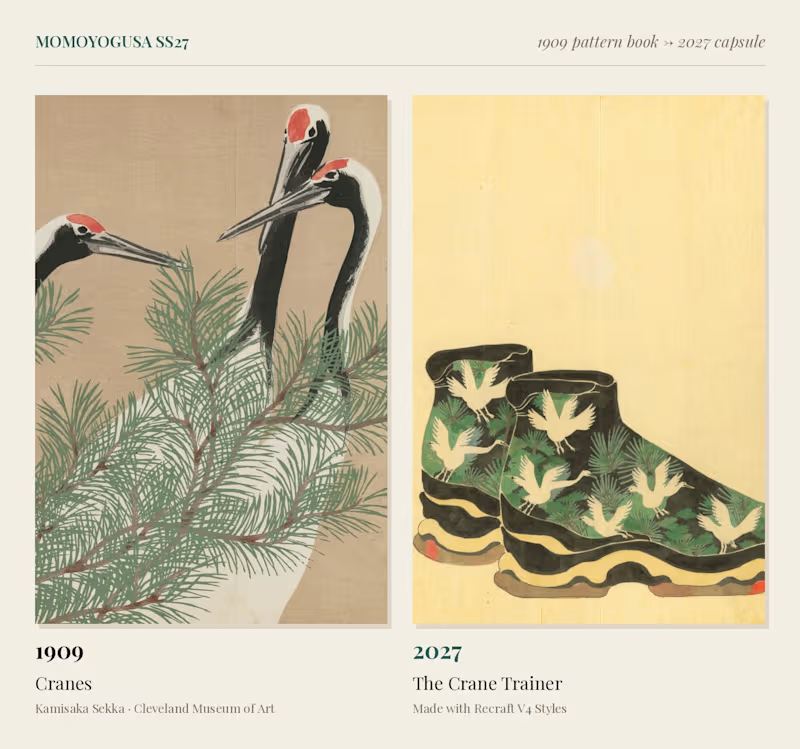
Momoyogusa SS27: A 1909 Pattern Book Art-Directs a 2027 Capsule In 1909, Kyoto designer Kamisaka Sekka published Momoyogusa ("A World of Things"), three volumes of woodblock-printed patterns so flat and graphic they still look modern a century later. I trained a Recraft V4 Style on eight plates from the Cleveland Museum of Art's public-domain copy, keeping Sekka's flat colour fields, metallic accents and empty paper grounds. Then I handed him a 2027 brief: a streetwear capsule. His winter river became a quilted puffer, his cranes climbed onto chunky trainers, his peonies bloomed on headphones, and his dancers came back in matching tracksuits. A pattern book from 1909, working as a fashion house's design studio.
17
31
1.6K
Message
54
Nathaniel Dada
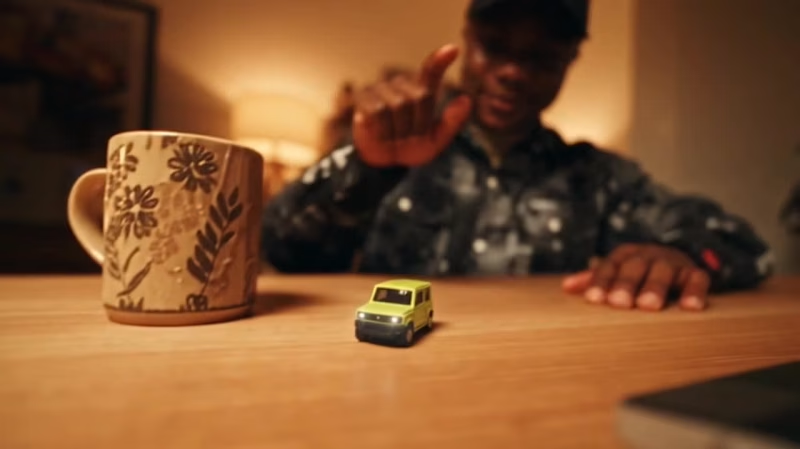
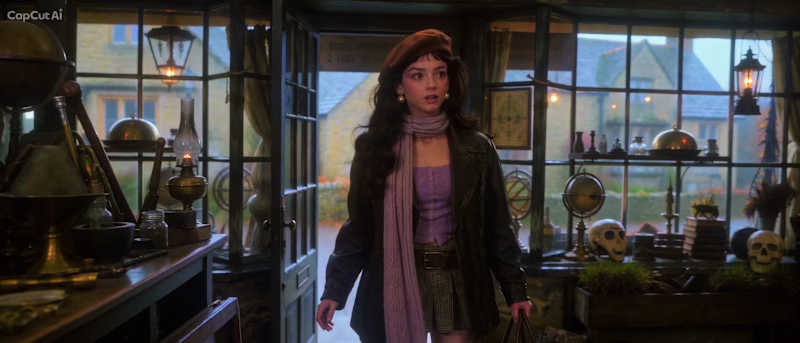
When we were kids, we don't need much. Just a little imagination. Remember that feeling? With what we have as a kid we can travel anywhere, anytime including CAPCUT WORLD LA. #CapCutWorld #CapCutWorldLA @CapCut
41
54
3.4K
Message
35
stressa
Stressa here (again)! for my second entry, I wanted to make another little cinematic adventure, but this time it’s about Stressella’s frens going to CapCut World LA 🦆✨ It all started when these little guys had been hearing about CapCut World NONSTOP. Every day, it’s CapCut World this, CapCut World that. And honestly? They got a little TOO invested lol. And off they went. No proper travel plans, no tickets, just an expired Wishing Dust and colossal yellow duck with a propeller helmet. They flew through the clouds, startled half the birds in Cornwall, splashed down in Marina del Rey, and started running through LA like they had an actual appointment to keep. I wanted to turn all that CapCut World hype into a chaotic little adventure, with cinematic scenery, ridiculous characters, and the kind of journey that absolutely did not need a 12-metre duck but got one anyway. This was alsoooo genuinely so much fun to make! I hope you have as much fun watching it as I did creating it! wml 🤞🥹
10
35
1K
Message
64
stressa
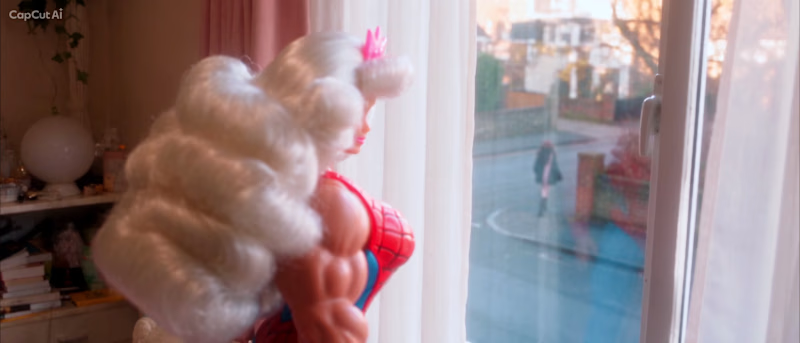
Stressa here! For my entry I wanted to make a little cinematic adventure about: Stressella goes to CapCut World LA! So, she books a free trial with a rather shady 100-year-old teleportal agent. Of course the old lady mistakes her for Cinderella and sends her through the wrong portal. Stressella ends up at a victorian ball in Cinderella universe, running away before she even gets to dance with Prince Charming. Luckily, her Fairy Godmother shows up and gives her a star to travel through space and time to LA. I chose a star because I wanted her to look like a fallen star landing right in front of the Audrey Irmas Pavilion for CapCut World LA. I thought it'd be a fun way to turn a simple trip to LA into a chaotic fairytale adventure. Honestly wish I had another 30 seconds to let Stressella meet Prince Charming. Just imagined their ridiculous little banter 😭 This was genuinely so much fun to make, and I hope you have as much fun watching it as I did creating it! Thank you so much for the opportunity to join this challenge and bring this little story to life. Wishing everyone the best of luck, and can't wait to see what everyone has created! 🤞😋
46
64
3.2K
Message
127
Leo Anthonio
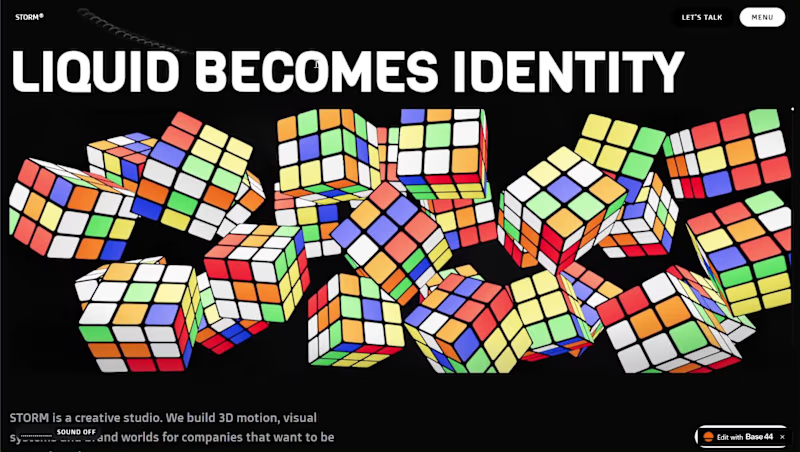
i built a semi-3D interactive website with @Base44 for a Creative Production Studio, called STORM STUDIO,. that drafts 3D Digital unique experience for Brands. STROM STUDIO specializes indesign, motion, 3D and Technology, working together to turn ambitious ideas into immersive digital experiences. At STORM STUDIO, We create 3D visual storytelling and interactive web experiences that help brands stand out. STORM STUDIO - https://stormstudio.base44.app also, check it out on mobile, to get the full mobile experience my walkthrough process will be below in my comment section
48
127
4.9K
Message
44
Denisa Georgiana Voicu
pro
Working on hero section layouts
22
44
765
Message
4
Muhammad Muhsin
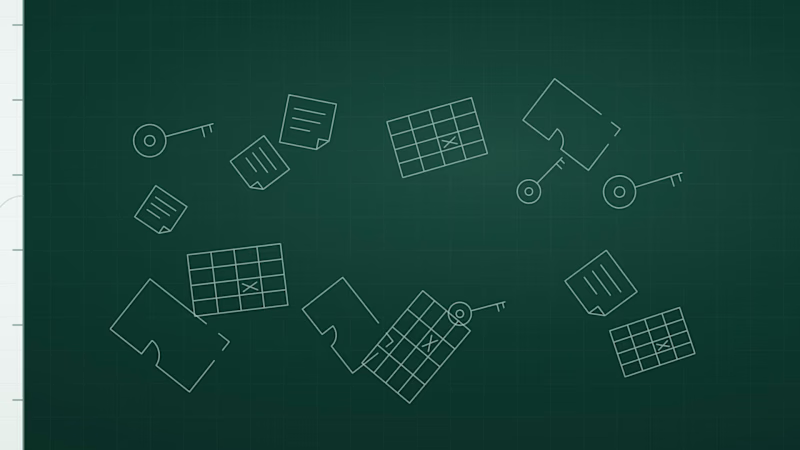
I started this self-initiated project with a simple challenge: how do you make a rental-property brand feel connected to its world without reaching for the usual roofline or building icon? I kept coming back to two ideas: access and space. A key represents the first; a floor plan represents the second. I brought them together in a compact symbol: a key whose head contains three rooms. From there, I wanted the idea to do more than sit beside a wordmark. The rooms became a repeating pattern, the geometry informed the icon set, and the same shape guided a small logo animation. I also built out the wider identity across color, typography, product screens, social assets, and physical touchpoints, with guidelines to keep it consistent. The part I found most interesting was making one idea work at different scales, from a tiny app icon to a broader visual system while keeping the result calm and clear. Plotvera is a concept project, so the applications are illustrative rather than launch materials. I made it to explore how a focused brand idea can carry through an entire system. See the identity and design system (https://plotvera.lovable.app/) I’d love to know: which detail makes the idea click for you. The key, the rooms, or the way the symbol carries into the system?
1
4
143
Message
18
Jonathan Moore
pro
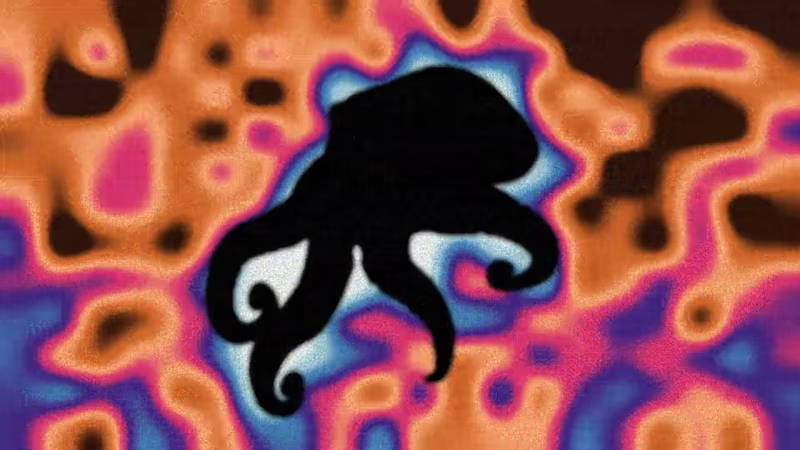
A motion study for AEONIS, a concept health optimisation and longevity clinic. The octopus can regrow its own limbs, so it became the brand’s subject: a living case for repair and renewal. I modelled and animated the turn in Blender, then rebuilt every frame as its own print: thermal heat maps, negative scans, overcast silhouettes, paper studies, mist and colour bleed. Each image changes on twos like stop motion, so the octopus turns continuously while its look never settles. AEONIS is a fictional brand created for this piece.
7
18
703
Message
39
Alex Lombrozo
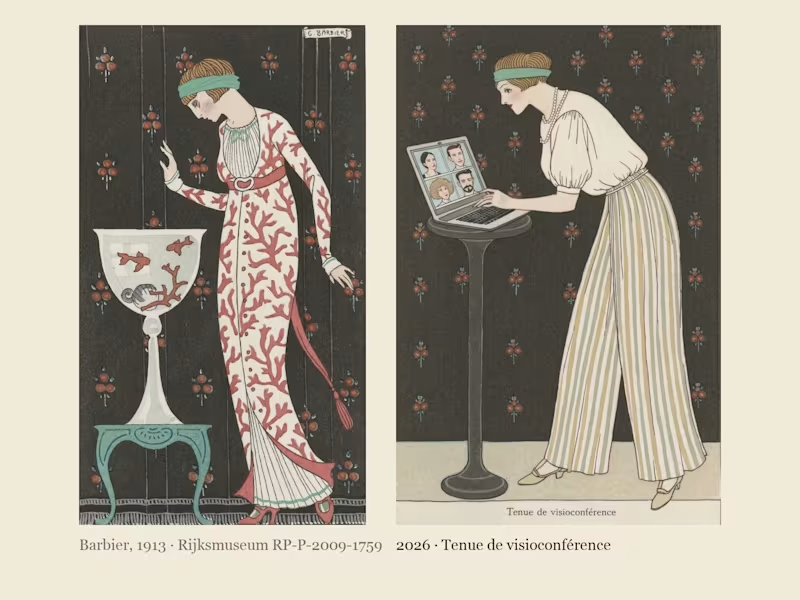
Costumes Parisiens 2026: George Barbier's Paris fashion plates of 1913, dressed for the way we live now. In 1913 George Barbier drew the latest Paris fashion for the Journal des Dames et des Modes: flat stencil colour, one elegant figure per plate, and a caption announcing the look, like "Robe d'intérieur" or "Manteau de théâtre". I found his Costumes Parisiens plates at the Rijksmuseum, where they are in the public domain, cropped ten of them down to the bare stencil and built a Recraft V4 Style from them. Costumes Parisiens 2026 keeps his poses and his captions and dresses them for how we actually live now: a silk blouse over pyjama trousers for the video call, a red delivery backpack worn over a fur-trimmed coat, a theatre coat embroidered with 99 unread badges, a necklace of charging cables, earbuds worn as pearl drops, a ring light carried like a parasol. Same magazine, a hundred and thirteen years later; only the accessories have changed.
18
39
4.1K
Message
67
Artem Prokhorov
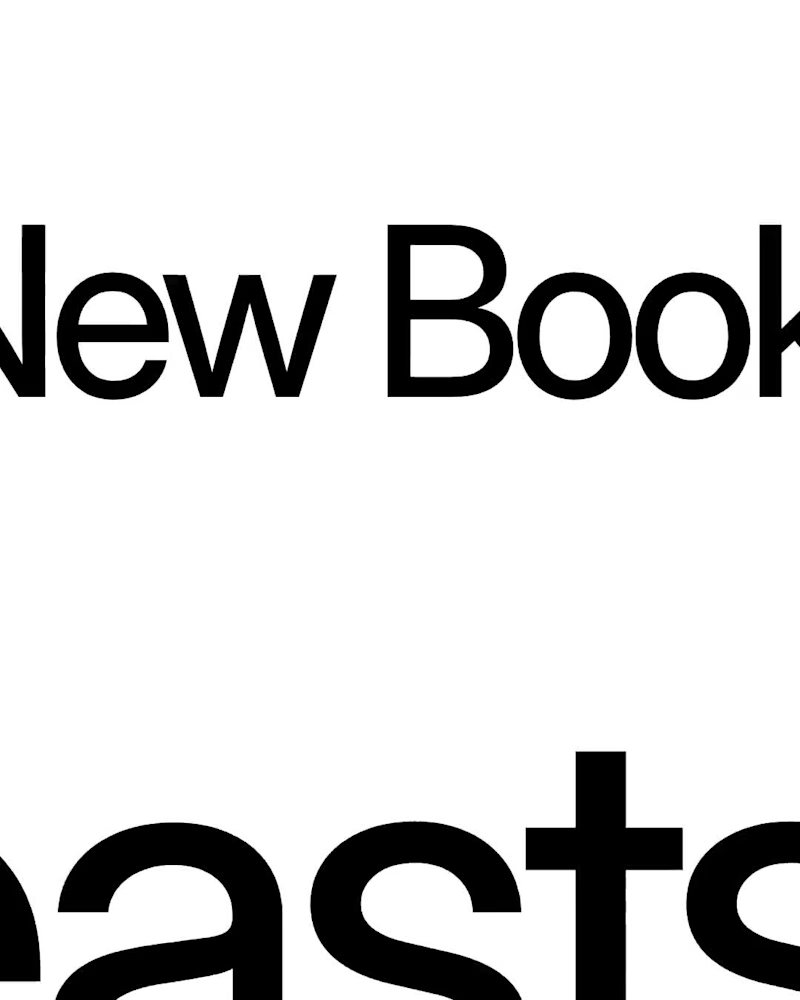
The New Book of Beasts A Medieval Bestiary of Modern Human Nature What if medieval bestiaries described the habits of modern people instead of mythical creatures? For the Recraft × Contra Styles Challenge, I created Illuminated Bestiary, a custom Recraft Style inspired by public-domain illustrations from 13th–15th-century manuscripts. I used historical references from the Public Domain Image Archive to explore medieval animal anatomy, ornamental details, ink drawings, and muted natural pigments. Then I applied the style to eight imaginary beasts, each representing a familiar modern behavior: overthinking, people-pleasing, doomscrolling, procrastination, ghosting, perfectionism, attention-seeking, and impostor syndrome. The result is a collection of creatures that look like they belong in a centuries-old manuscript, even though their habits are very much our own. Recraft project (https://www.recraft.ai/project/d06723de-c5da-43bb-99c5-75e5272d81e4) Custom Style (https://www.recraft.ai/styles/322e5547-e4ac-4689-baed-db70dc04d9a3) Historical Sources (https://<https://pdimagearchive.org/>) Social Post (https://www.linkedin.com/feed/update/urn:li:activity:7519324821240045569/)
23
67
3.8K
Message
3
Francisc Toth
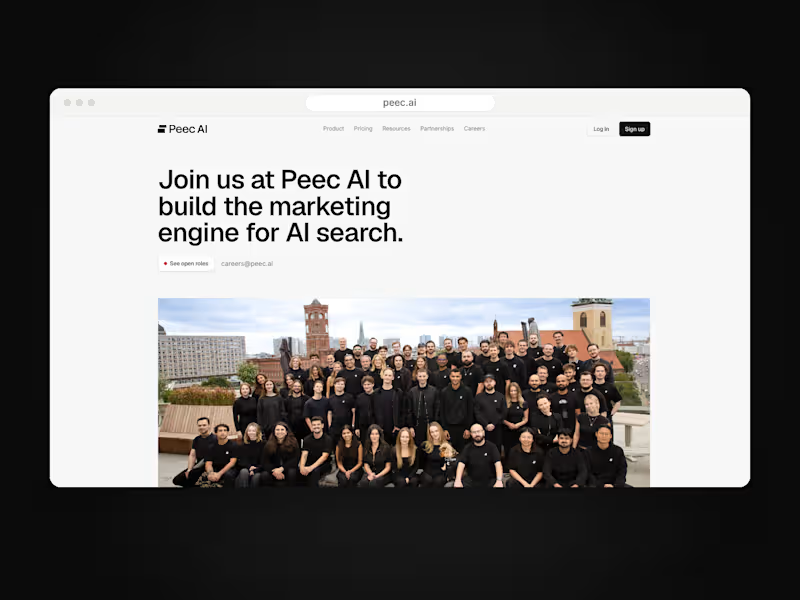
Peec AI is a Berlin AI-search analytics startup. On a 7+ month Framer retainer I design and build their marketing site as an embedded website team: careers page connected to Ashby, pricing with currency switching, product pages like Actions, a three-step lead qualification funnel, the CMS blog and changelog, and long-form report pages, plus ongoing maintenance and speed work. peec.ai
1
3
79