How should I define the scope of my Webflow project?
Start by identifying what you want your website to do. Write down all the features, like contact forms or animation effects. This will help your Webflow developer understand your needs.
What qualifications should I look for in a Webflow developer?
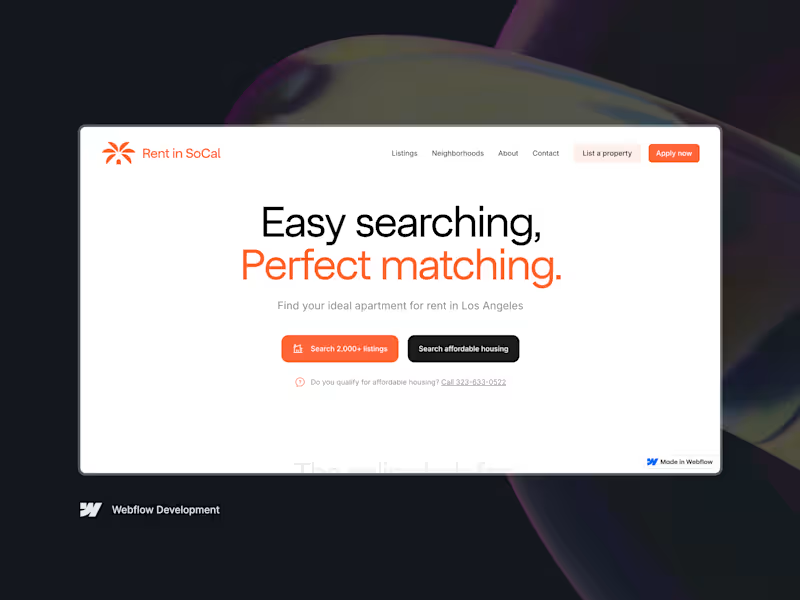
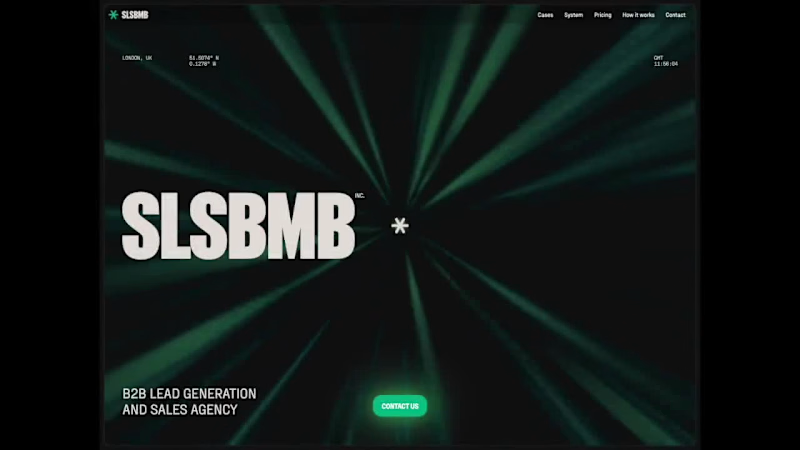
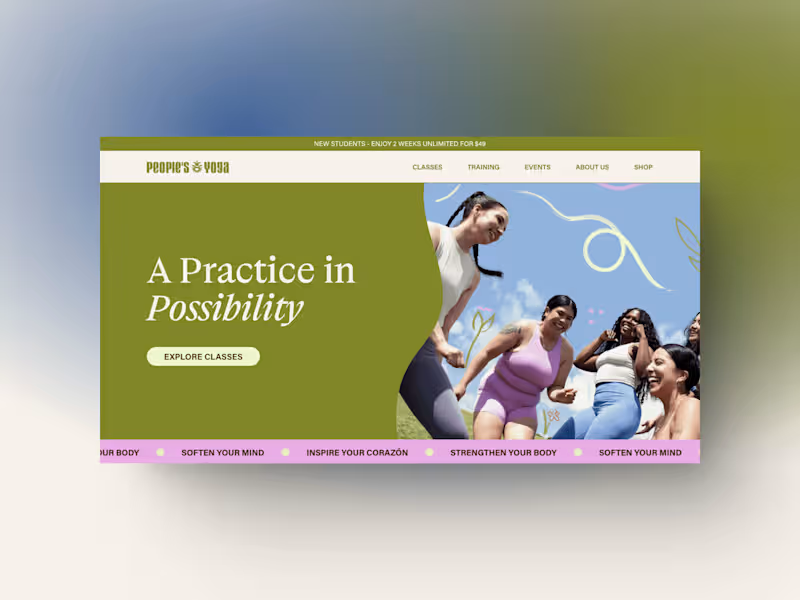
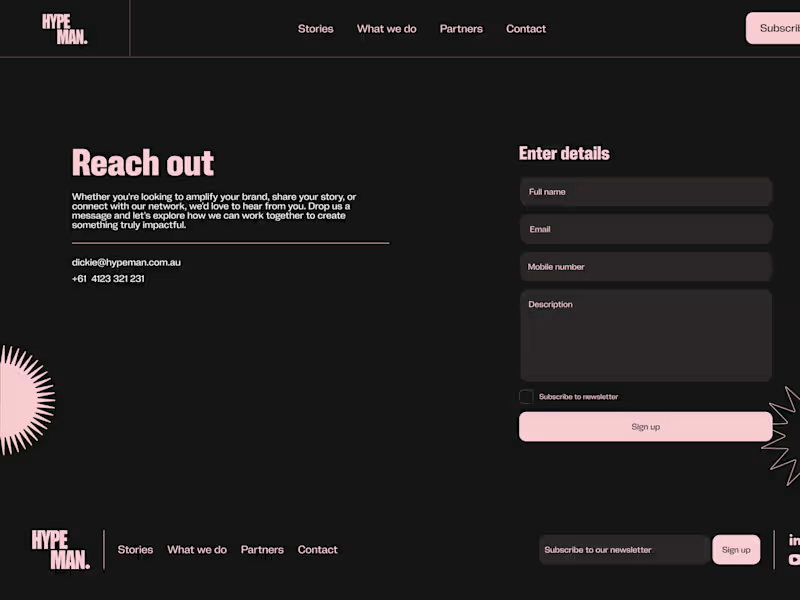
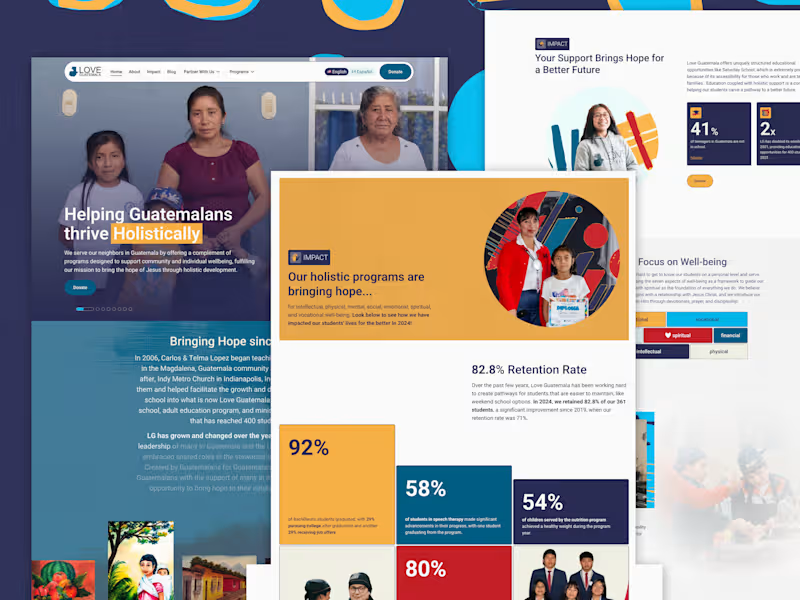
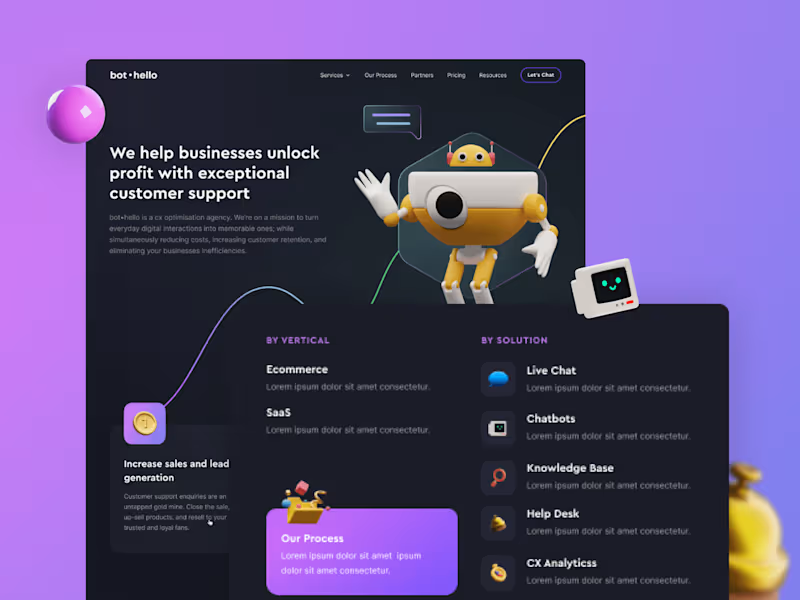
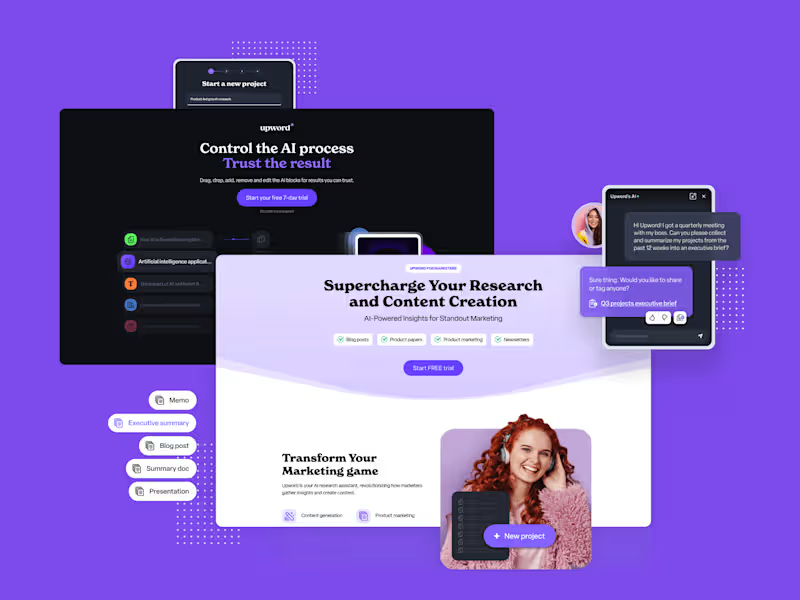
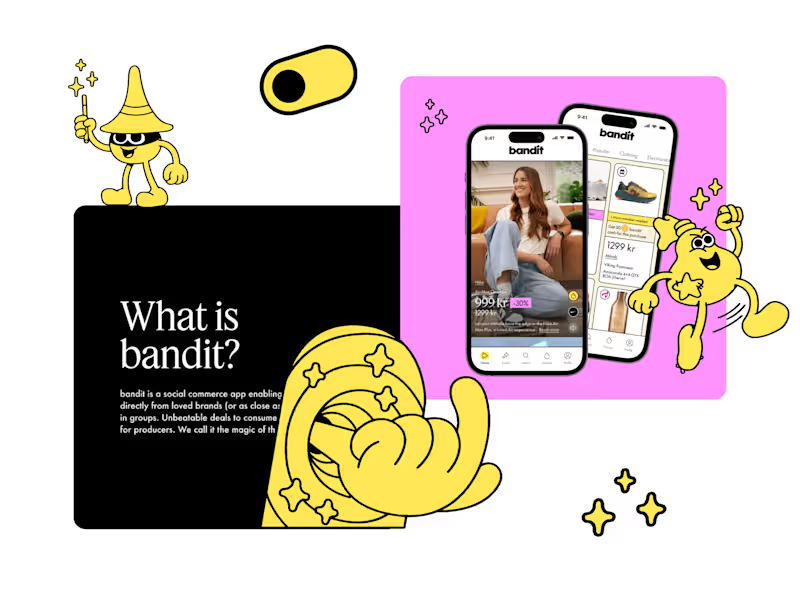
Check if the developer has completed similar projects before. Look for portfolios that show their work with Webflow. Past experience in web design and development is also a good sign.
How can I ensure the Webflow developer understands my brand?
Share your brand's mission and style with the developer. Provide examples of websites or designs that you like. Clear communication helps ensure the developer captures your brand vision.
What deliverables should I expect from my Webflow project?
Expect the developer to deliver a fully functional website. You should get all the design files and any necessary documentation. They should also provide instructions on how to update your site.
How can I set a timeline for my Webflow project?
First, decide on your launch date. Discuss this timing with your developer. Together, you can set milestones to keep the project on track.
What tools does a Webflow developer use to build my site?
Webflow itself is a main tool for designers and developers. They may also use graphic design programs like Sketch or Figma. Knowing this helps you understand their workflow.
What should I do if I need changes during the project?
Discuss possible changes with your developer. Set up a process for handling adjustments before starting. This helps the project run smoothly without big delays.
How can I communicate effectively with my Webflow developer?
Choose a communication platform that works for both of you. Regular check-ins can keep things moving smoothly. Being clear and open helps avoid misunderstandings.
What should I review in my Webflow project before launch?
Check the website for any typos or broken links. Test it on different devices and browsers. Ensure everything works as you imagined before it goes live.
How do I ensure ongoing support for my Webflow site?
Discuss support options with your developer after the project ends. Make sure you’re clear on how to handle updates. This way, you have someone to rely on for future needs.
Who is Contra for?
Contra is designed for both freelancers (referred to as "independents") and clients. Freelancers can showcase their work, connect with clients, and manage projects commission-free. Clients can discover and hire top freelance talent for their projects.
What is the vision of Contra?
Contra aims to revolutionize the world of work by providing an all-in-one platform that empowers freelancers and clients to connect and collaborate seamlessly, eliminating traditional barriers and commission fees.