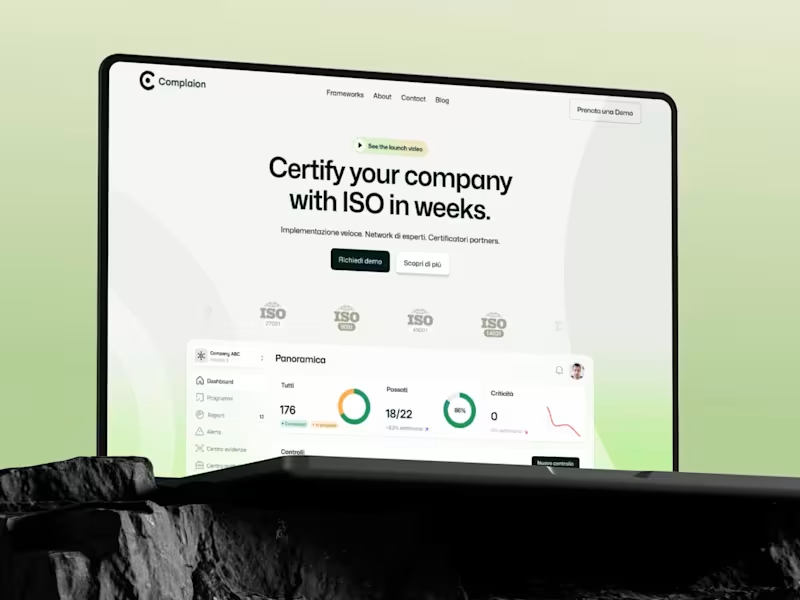
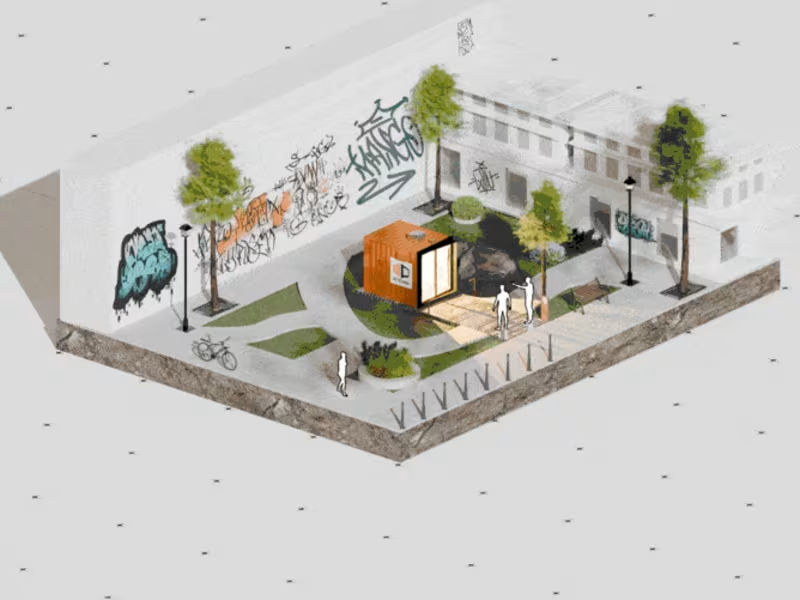
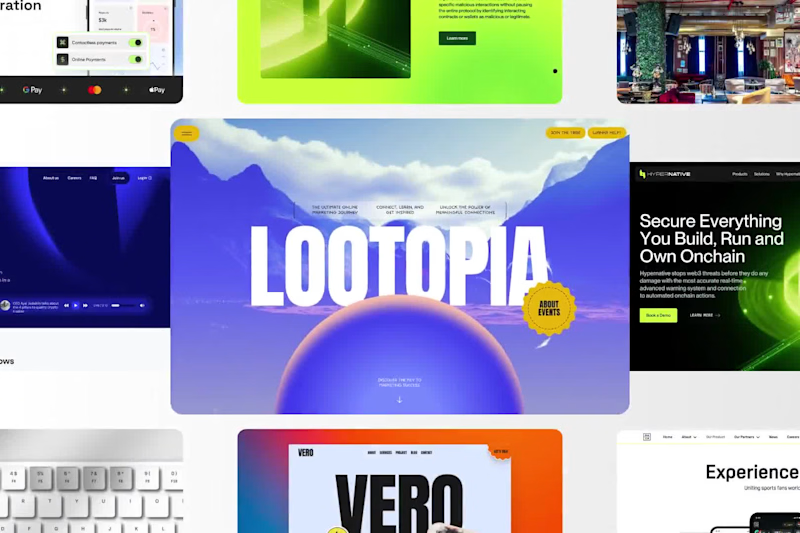
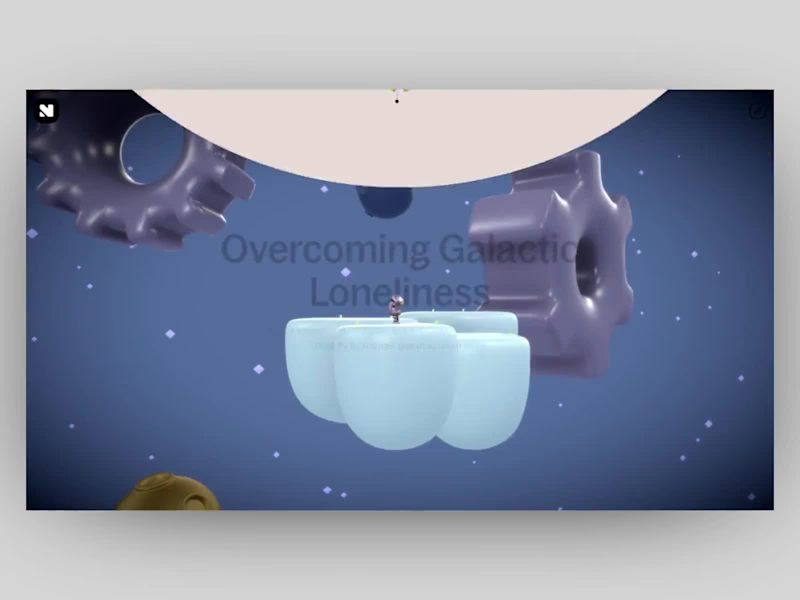
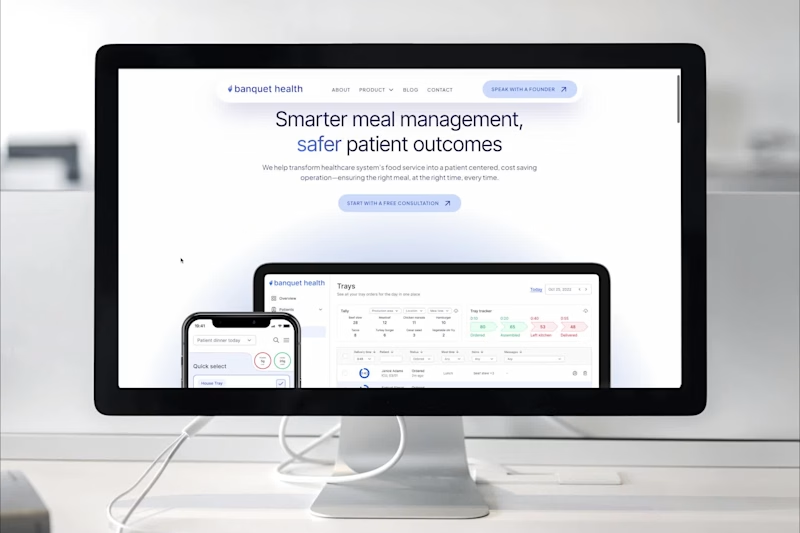
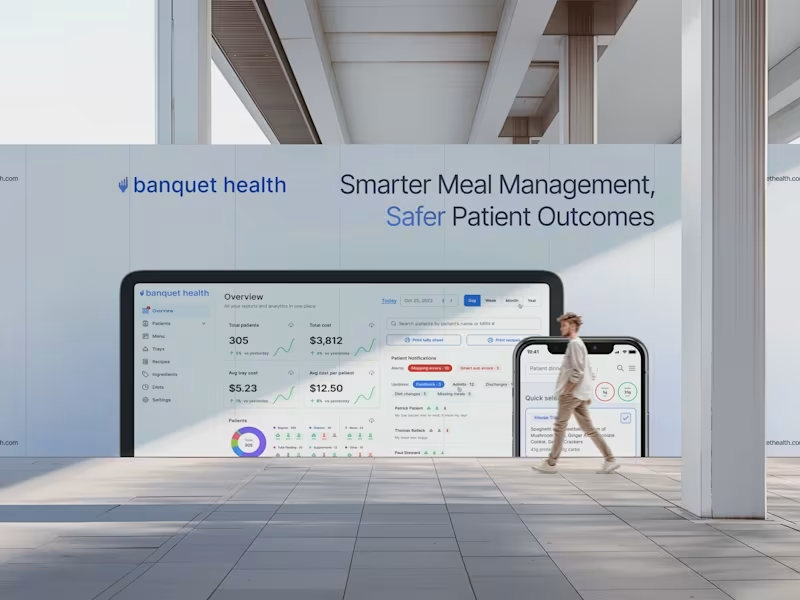
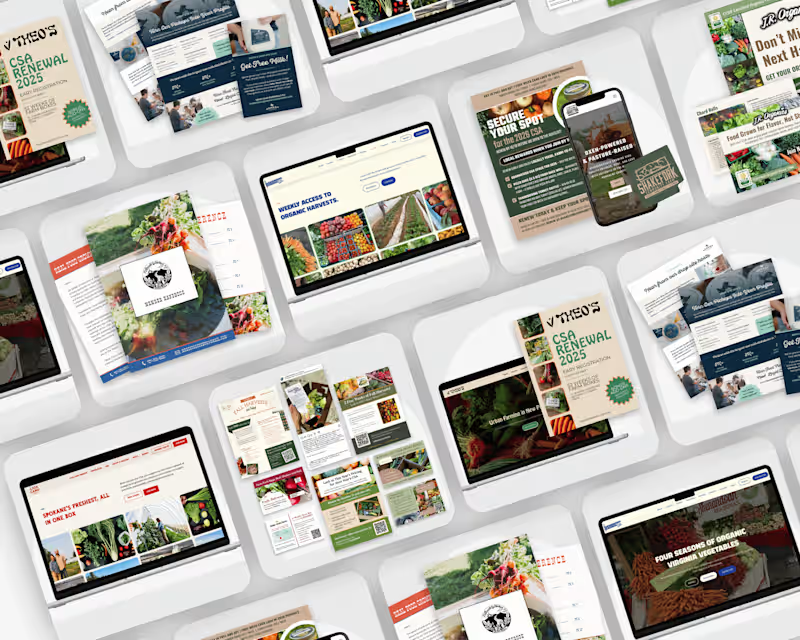
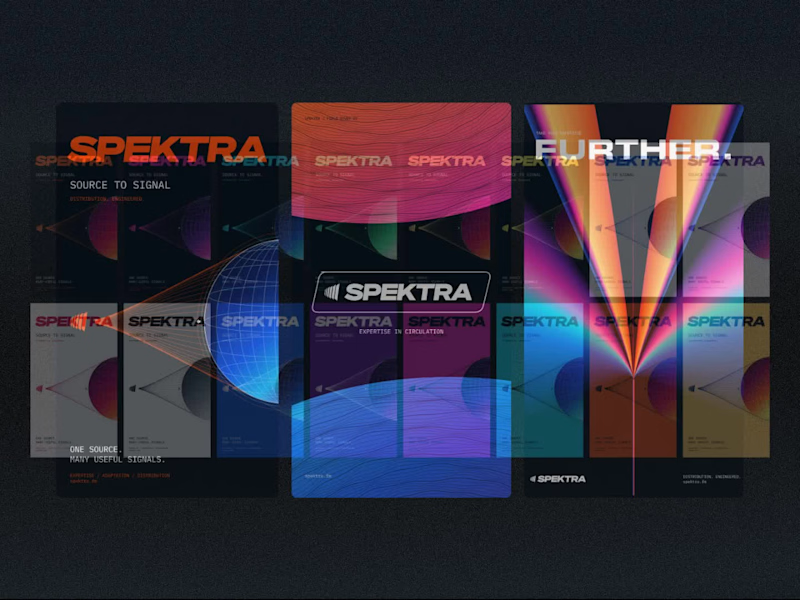
What should I check in a freelancer's portfolio?
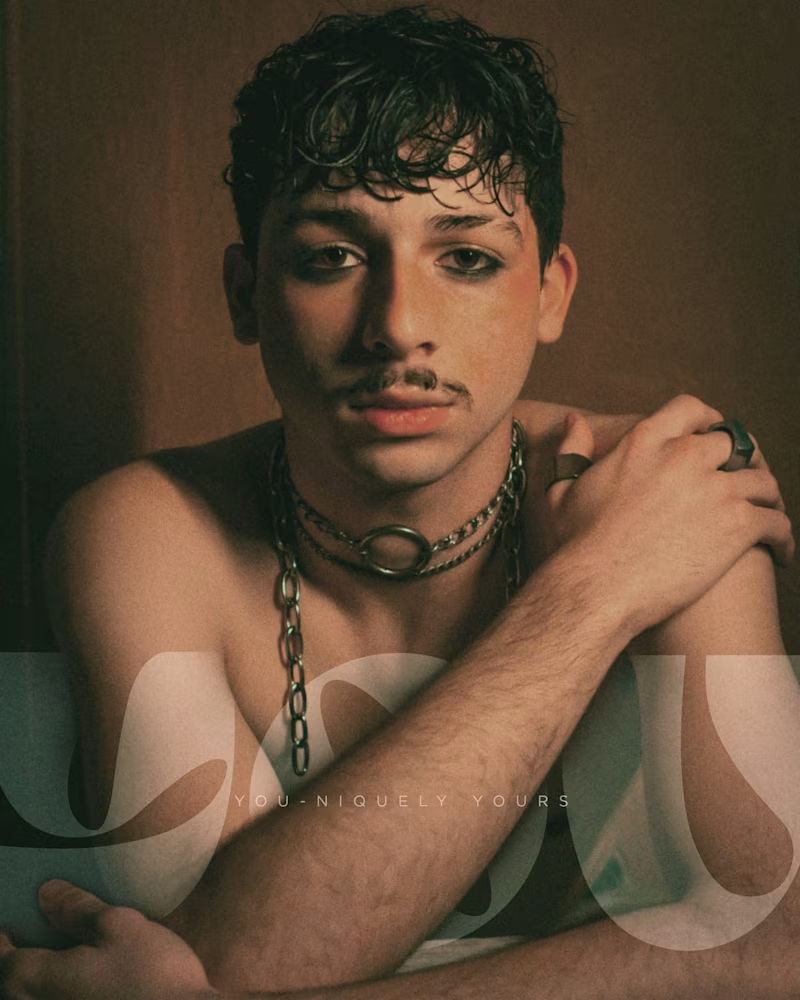
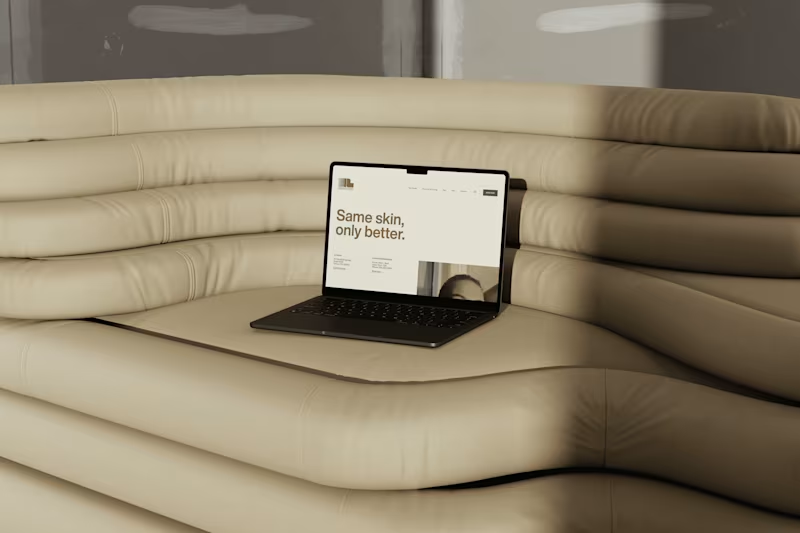
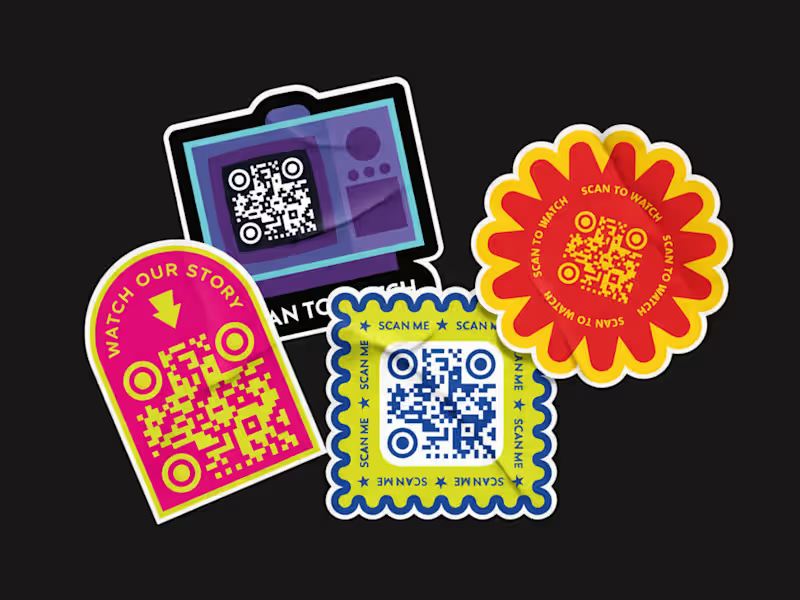
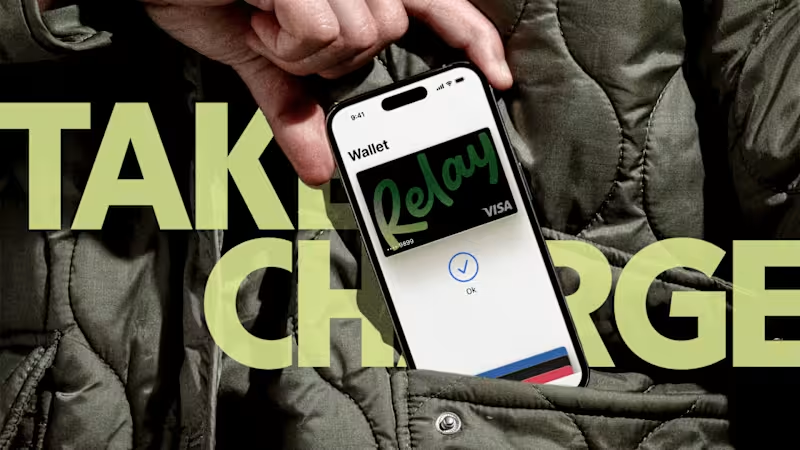
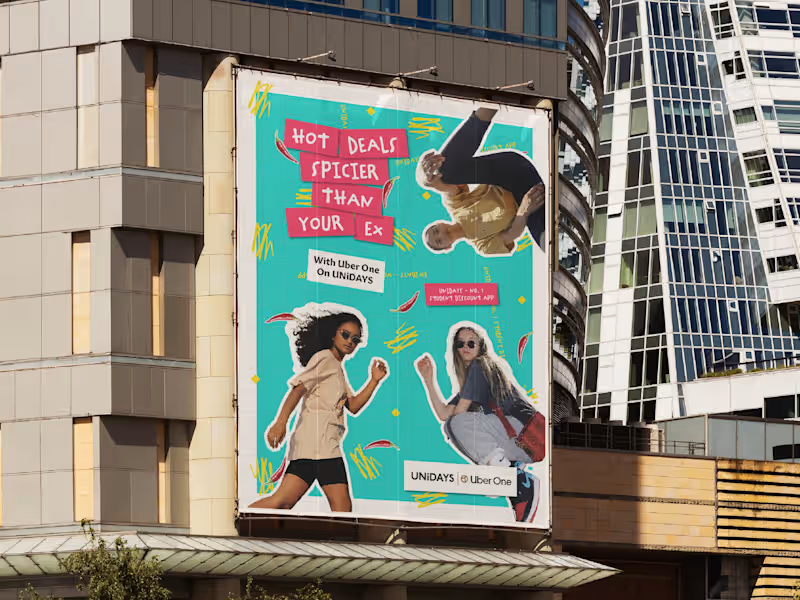
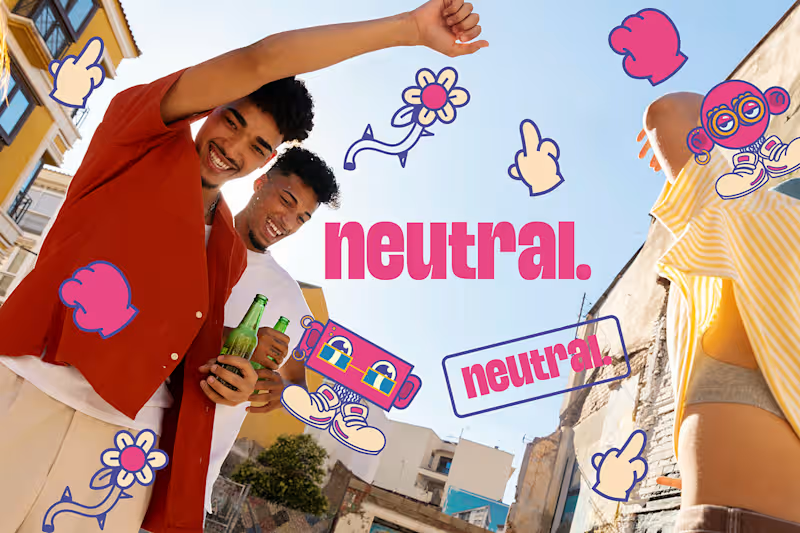
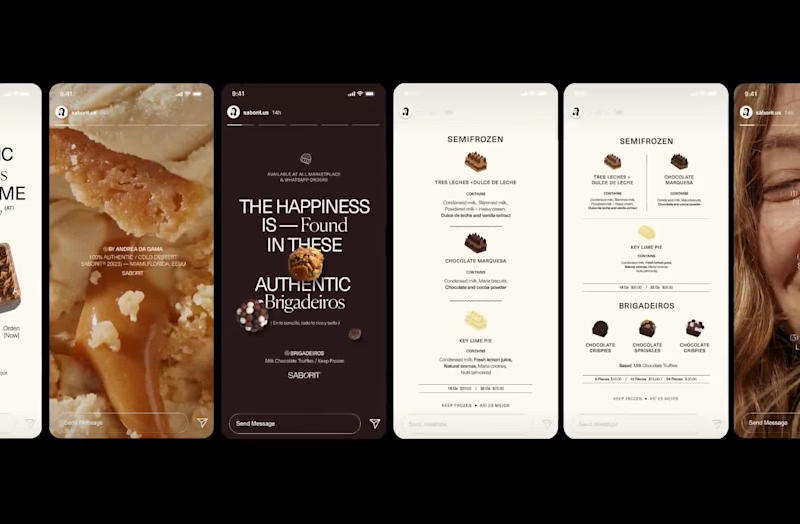
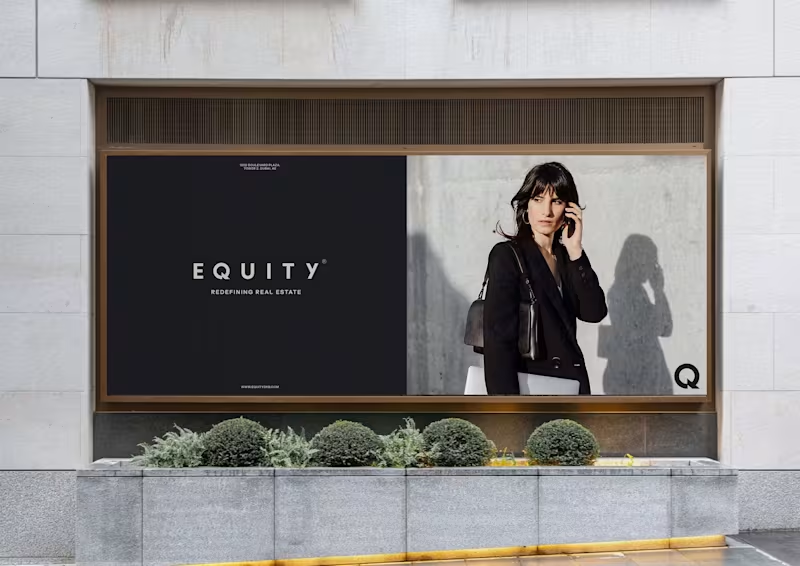
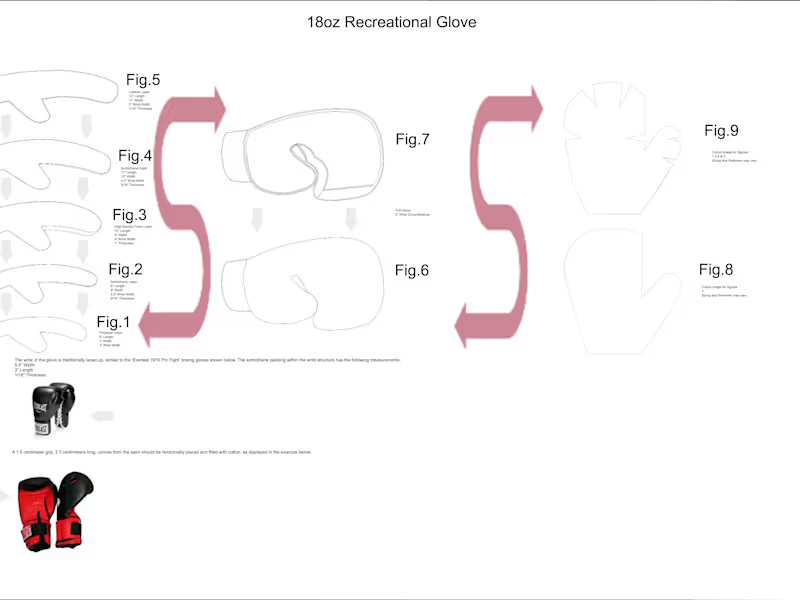
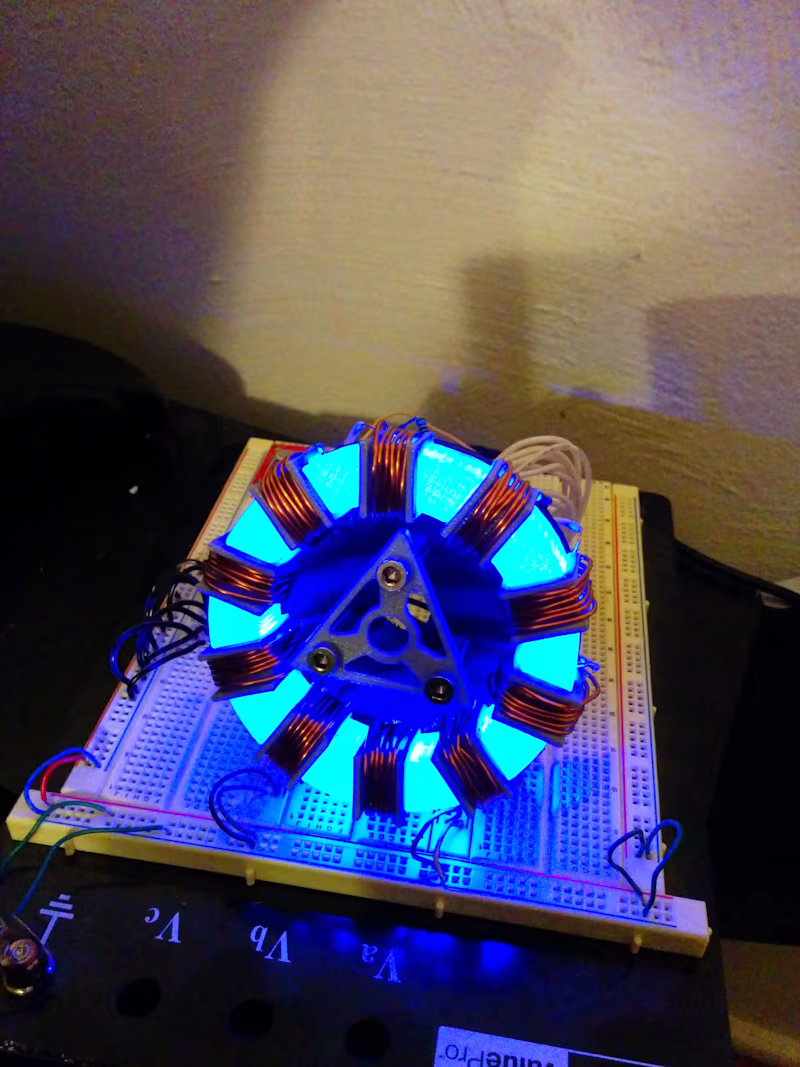
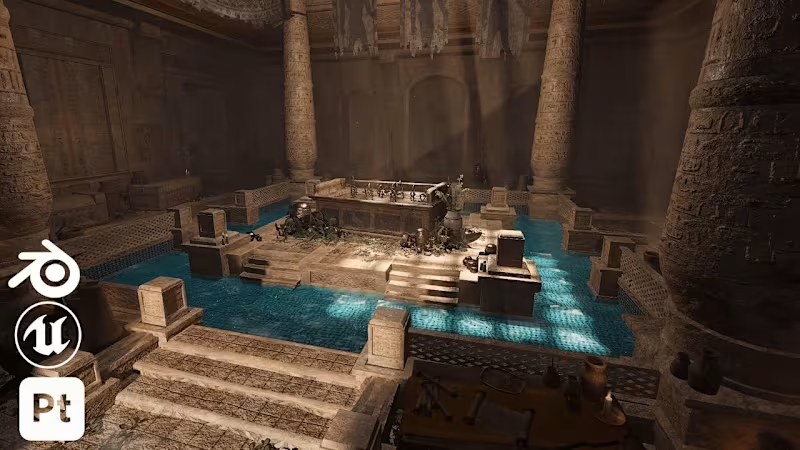
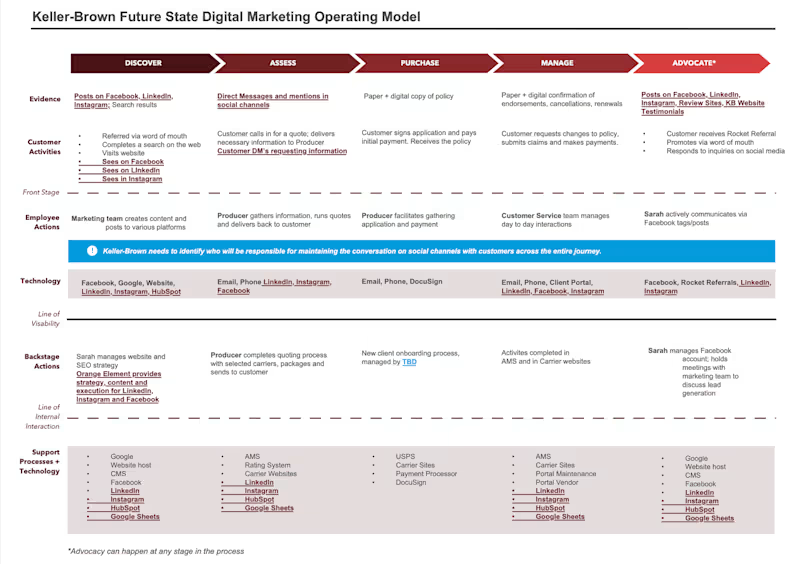
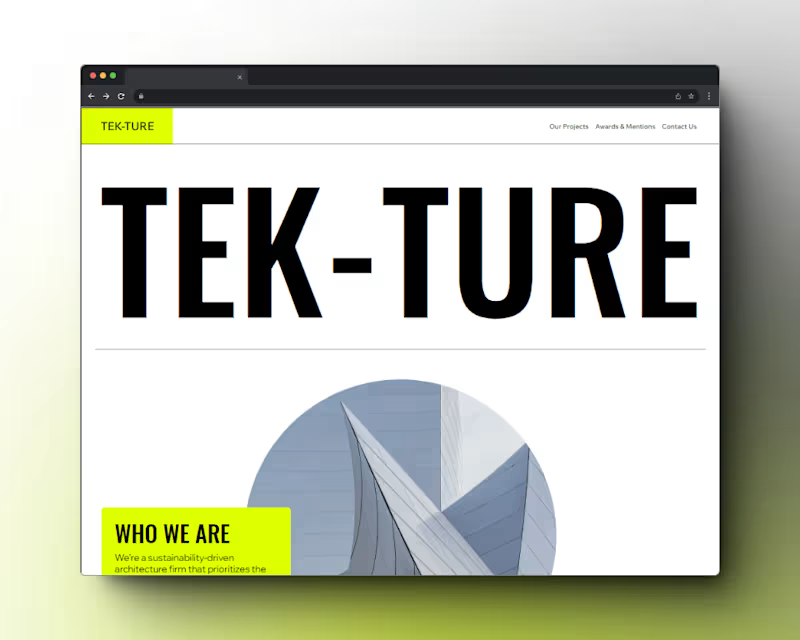
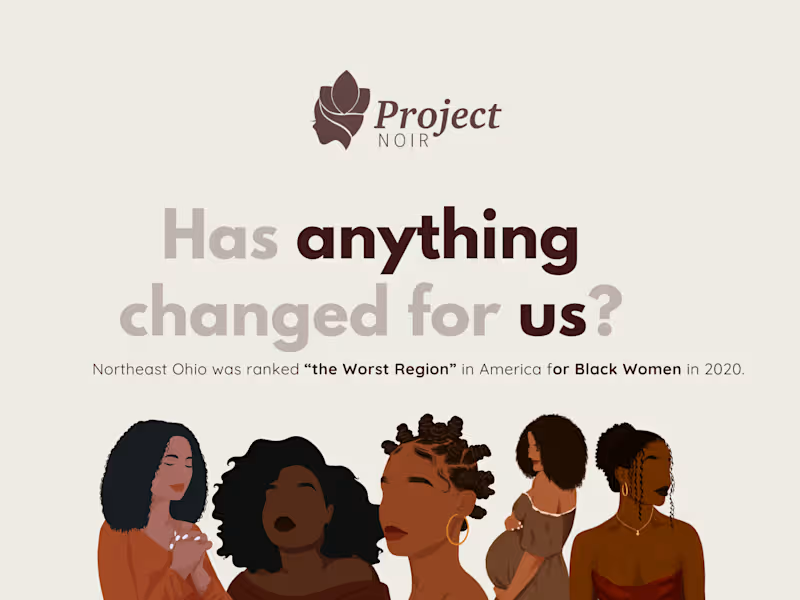
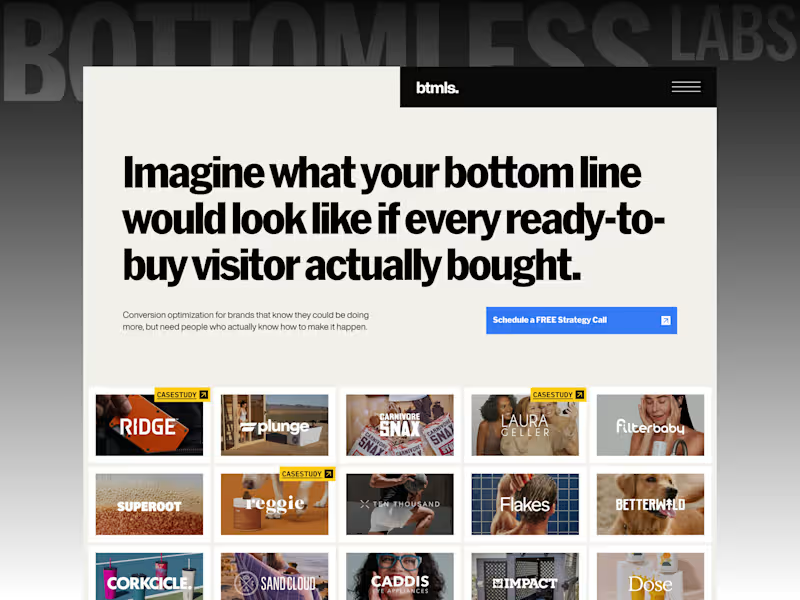
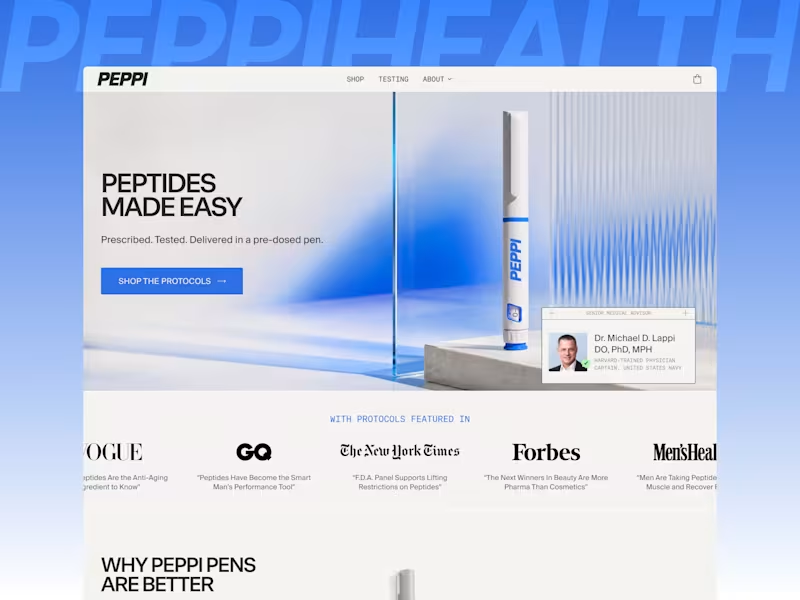
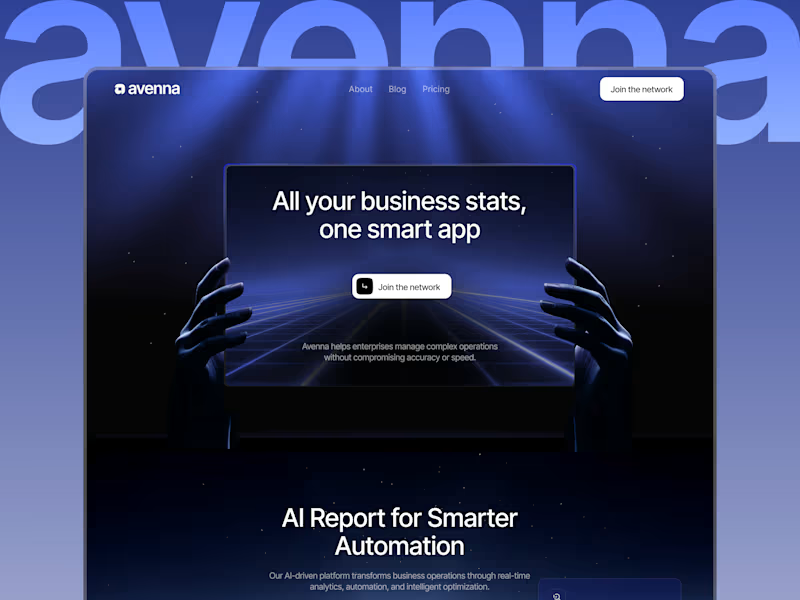
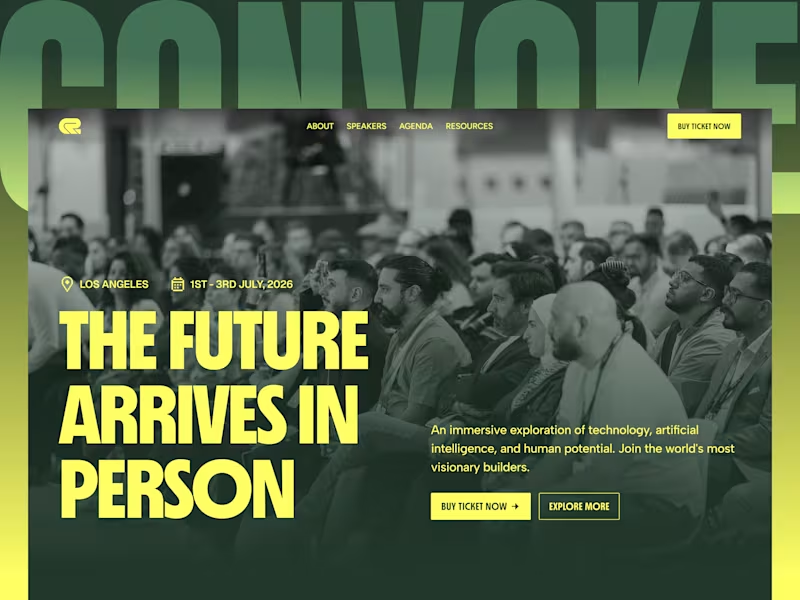
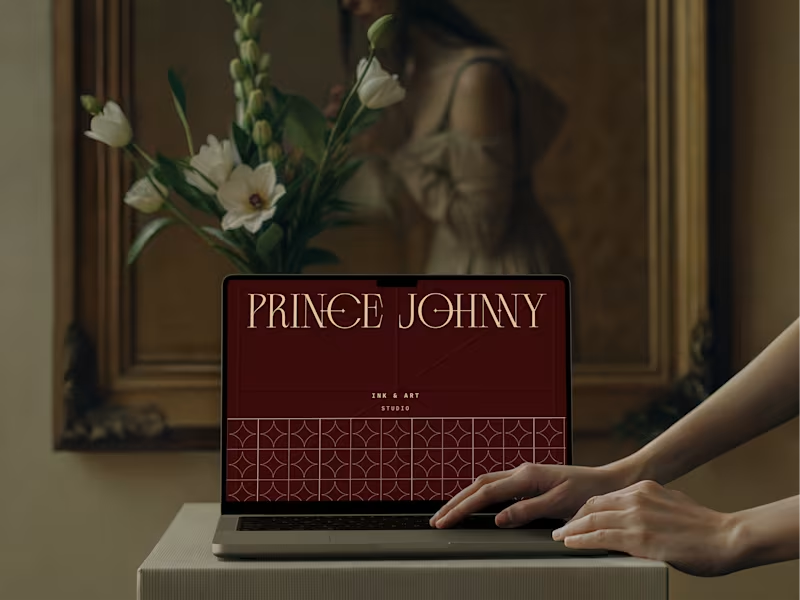
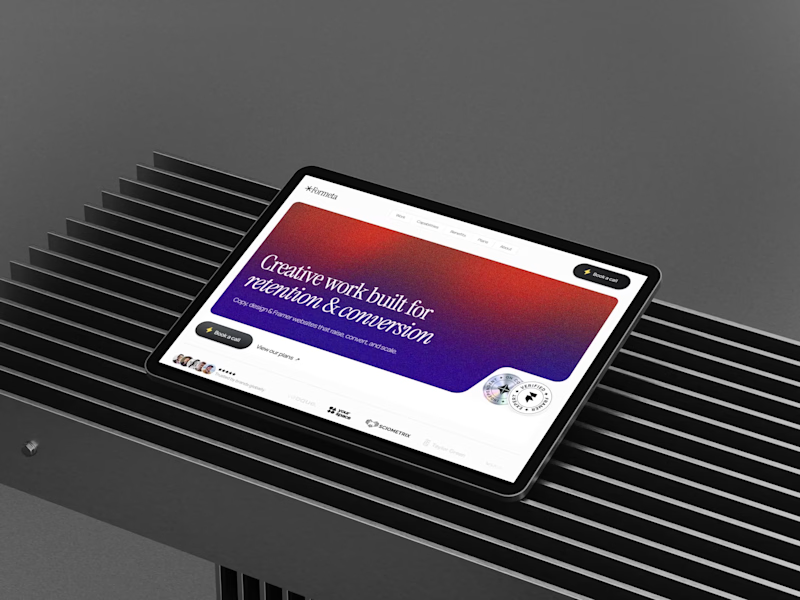
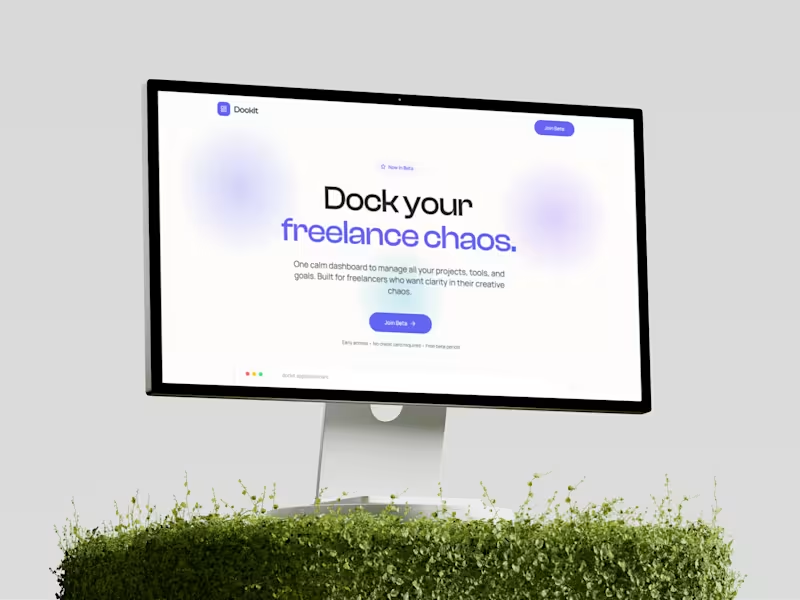
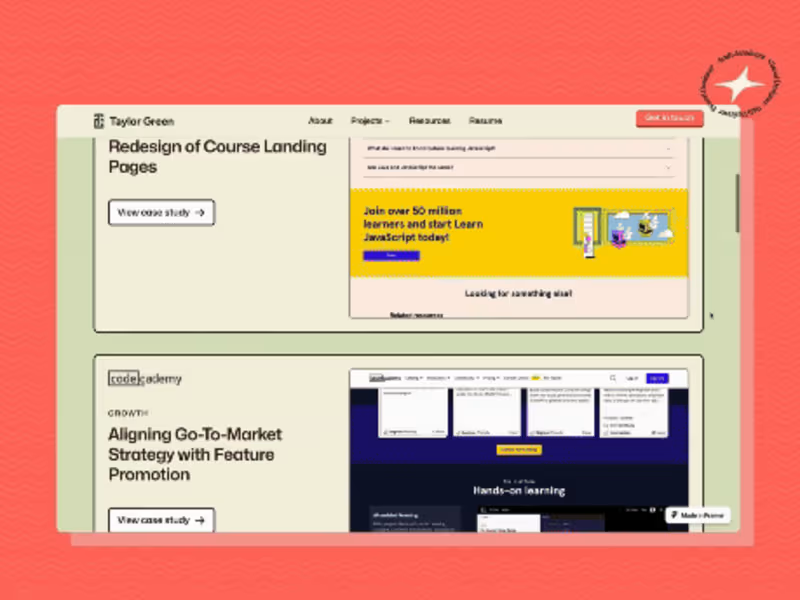
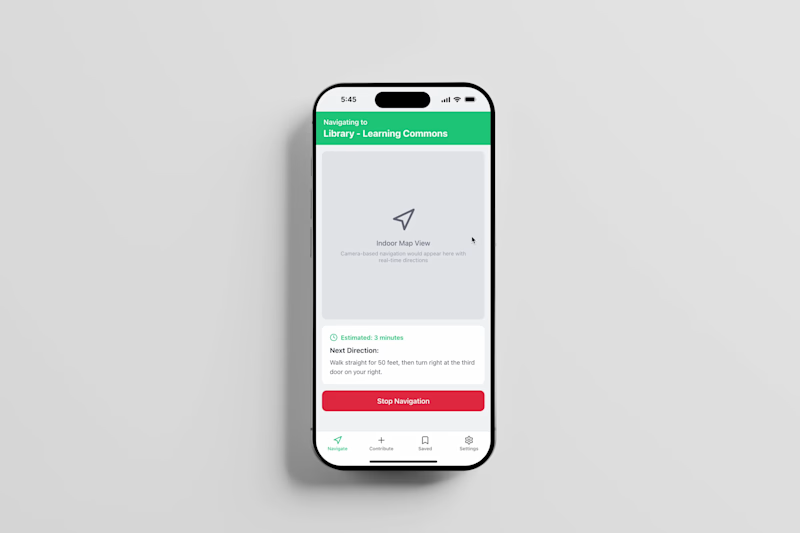
Look for past work similar to what you need. Check if the designs, videos, or websites look good and work well. Make sure their style matches what you want for your project.
How do I define clear project goals?
Write down what you need the freelancer to do. Be specific about the type of design or video you want. Make sure the freelancer understands what success looks like for your project.
How can I ensure the freelancer understands the brand?
Share details about your brand and style. Provide examples of past work or mood boards. Make it clear how you want the final product to fit your brand's image.
What is the best way to communicate effectively?
Choose a way to talk that works best for everyone, like emails or calls. Schedule regular check-ins to talk about progress. Keep feedback simple and clear so changes are easy to make.
How do I set a realistic timeline for the project?
Discuss how long each task should take with the freelancer. Consider how urgent your project is and be flexible if you can. Make sure there's enough time for reviews and changes.
How can I ensure quality in the deliverables?
Ask for drafts or samples along the way. Give feedback to help adjust the work before it's done. This way, the final product will match what you want.
How can I clarify the scope of the project?
List out each task that needs doing. Make it clear how they connect to Adobe Suite tools. Write everything down to avoid confusion later on.
What should we agree on before starting?
Decide on the work that needs doing and timelines. Know how often you will check in and what needs review. Agree on what the final product should include.
How do I get started with the freelancer?
Have a kickoff meeting to start the project. Share all the important information and goals. Make sure everyone is clear on where to begin.
Who is Contra for?
Contra is designed for both freelancers (referred to as "independents") and clients. Freelancers can showcase their work, connect with clients, and manage projects commission-free. Clients can discover and hire top freelance talent for their projects.
What is the vision of Contra?
Contra aims to revolutionize the world of work by providing an all-in-one platform that empowers freelancers and clients to connect and collaborate seamlessly, eliminating traditional barriers and commission fees.